
 15
15presentation
Flying Saucer History Lesson Deck
Build an engaging World UFO Day session with this flying saucer history lesson deck, featuring retro green-and-brown slides for PowerPoint and Google Slides.
Google SlidesPowerPoint
presentation · English
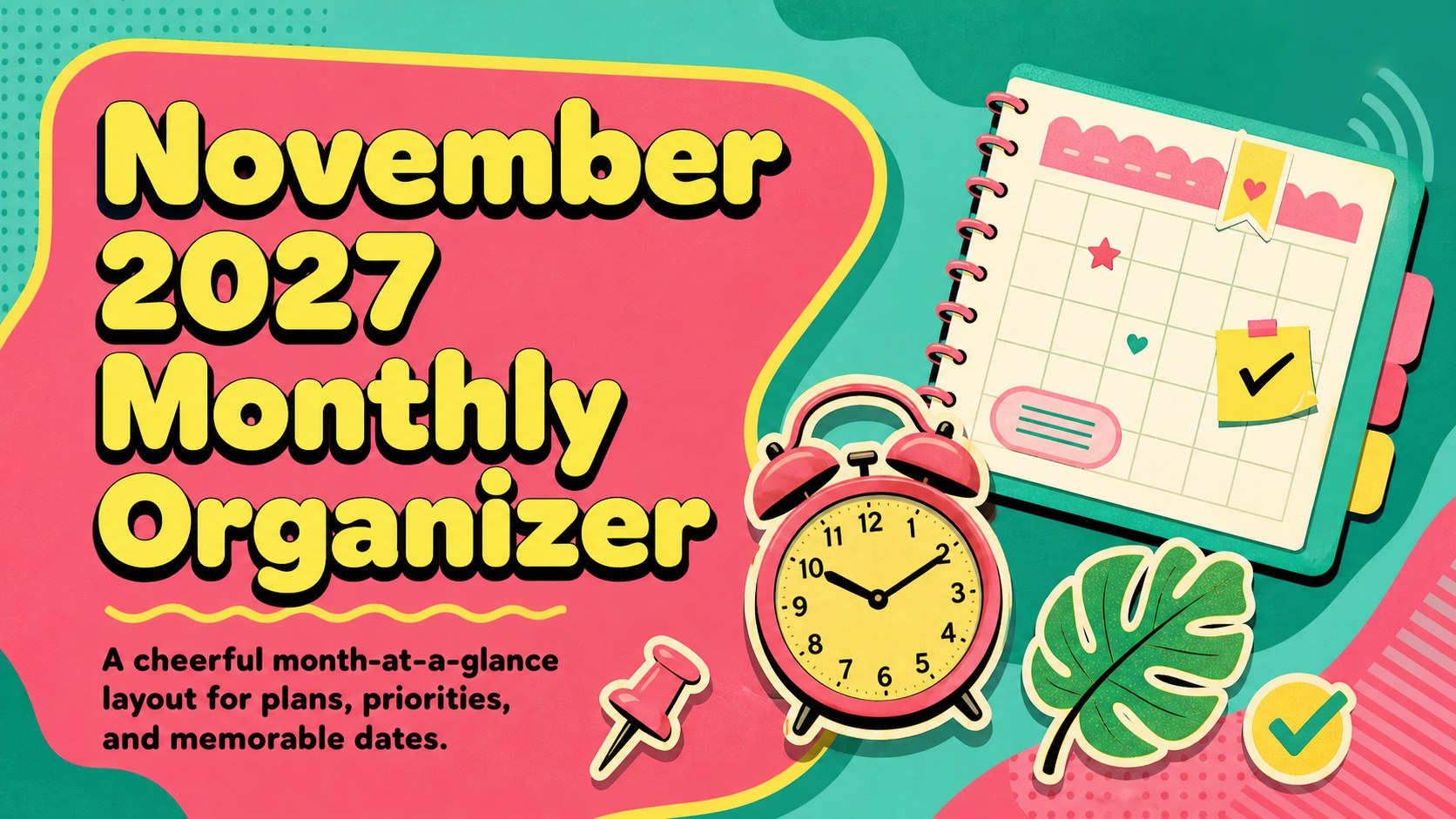
Plan school, work, and family commitments with a November 2027 monthly organizer featuring editable date blocks for PowerPoint and Google Slides.
Design notes
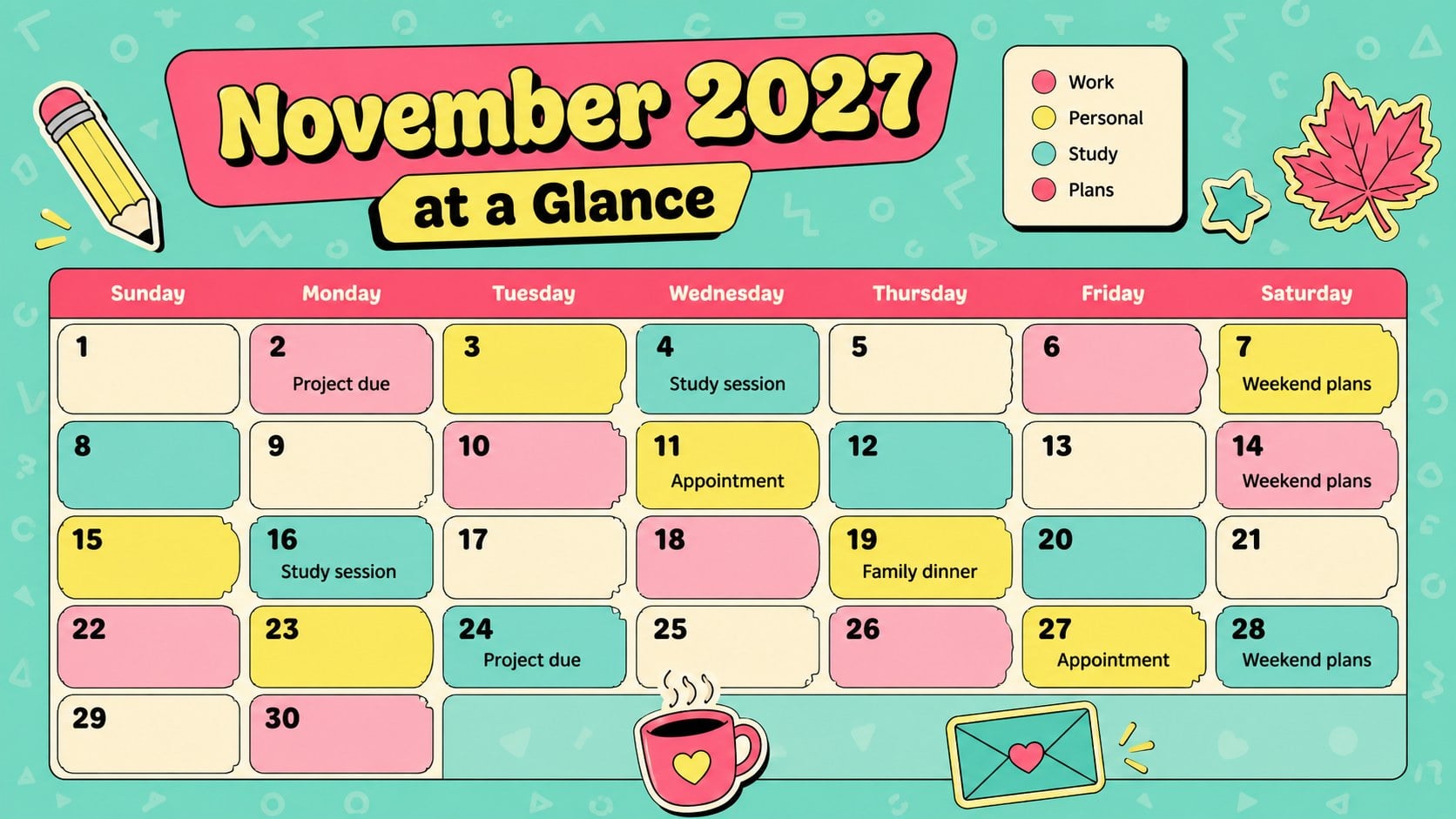
The November 2027 monthly organizer turns a full schedule into a colorful, easy-to-scan plan. Playful sticker-inspired graphics, chunky retro lettering, and vivid pink, red, and green accents give the design an upbeat personality while keeping every date readable. Use this editable November 2027 calendar slides template to organize appointments, deadlines, celebrations, errands, study sessions, and personal goals in one clear monthly view.
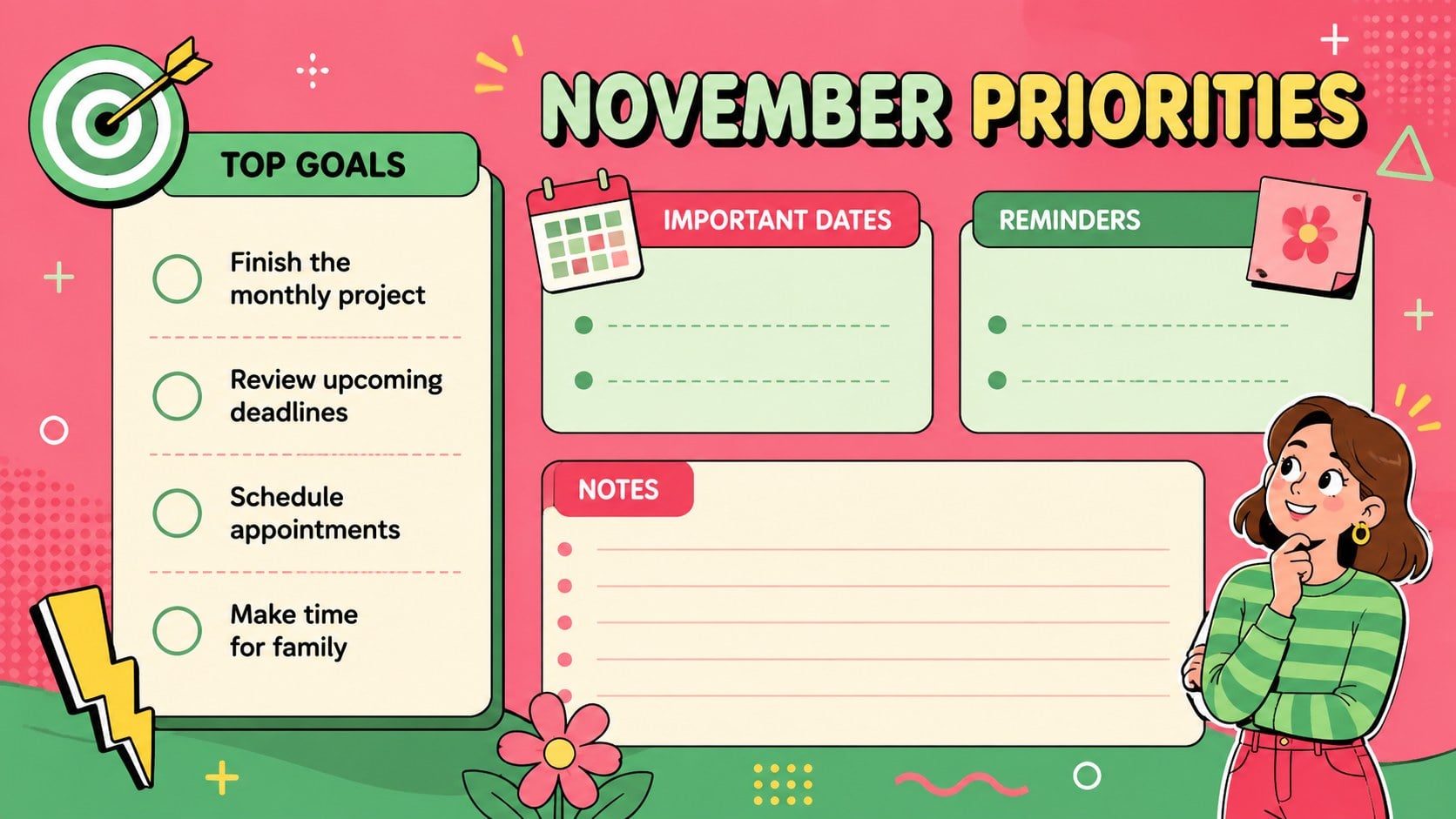
Inside, you will find a complete November calendar, a focused priorities page, and a flexible notes layout for reminders and upcoming tasks. Date blocks, headings, labels, colors, and decorative elements can be adjusted in PowerPoint or Google Slides. The layouts can also be exported when you need a printable November schedule template for a desk, refrigerator, classroom wall, or planning binder.
This colorful monthly planning presentation suits students balancing assignments, families coordinating activities, professionals tracking meetings, and individuals building better routines. It also works well as a family appointment calendar for November or a visual planning tool for clubs and community groups. Add your own events, highlight important days with color coding, and adapt the planning sections to fit personal, academic, or workplace priorities.
Perfect for: family activity scheduling; student assignment planning; work appointment tracking; personal goal organization; November event coordination.
Frequently asked questions
Can I edit every date in the November calendar? Yes. Each date block, event label, heading, and planning note can be changed to match your schedule. You can also duplicate labels or remove decorative elements when you need more writing space.
Practical details
Yes. Each date block, event label, heading, and planning note can be changed to match your schedule. You can also duplicate labels or remove decorative elements when you need more writing space.
The template is designed for Microsoft PowerPoint and Google Slides. Both platforms let you update the text, rearrange elements, and personalize the color coding.
Yes. After adding your plans, export the finished slide as a PDF or print it directly from your presentation software. Check the printer scaling settings to preserve the complete layout.
Select the date blocks, labels, or shapes and assign a color to each type of commitment. For example, use green for work, pink for personal plans, and red for deadlines or important events.
Keep exploring
15Build an engaging World UFO Day session with this flying saucer history lesson deck, featuring retro green-and-brown slides for PowerPoint and Google Slides.
 15
15Plan a lively animal-learning journey with this jungle zoo adventure lesson deck, ready to customize in PowerPoint and Google Slides for young learners.
 16
16Turn environmental research into a clear story with a Watercolor Ecology Presentation Theme for PowerPoint and Google Slides in calming green and blue.
 16
16Build focused fashion, literature, and humanities presentations with the Red Triangle Editorial Theme, editable in PowerPoint and Google Slides.
 15
15Turn streaming stats, favorite tracks, and concert highlights into a bold annual listening recap slide deck for PowerPoint and Google Slides.
 15
15Turn highlights, milestones, and favorite moments into a colorful year in review slide deck with bold 3D graphics for PowerPoint and Google Slides.
 3
3Build a credible endorsement with Standout Colleague Recommendation Letter Slides, featuring colorful prompts for skills, achievements, and team impact.
 4
4Build clear beginner sessions with an ice hockey fundamentals training deck for coaches, PE teachers, and clubs, ready for PowerPoint and Google Slides.