
 15
15presentation
Flying Saucer History Lesson Deck
Build an engaging World UFO Day session with this flying saucer history lesson deck, featuring retro green-and-brown slides for PowerPoint and Google Slides.
Google SlidesPowerPoint
presentation · English
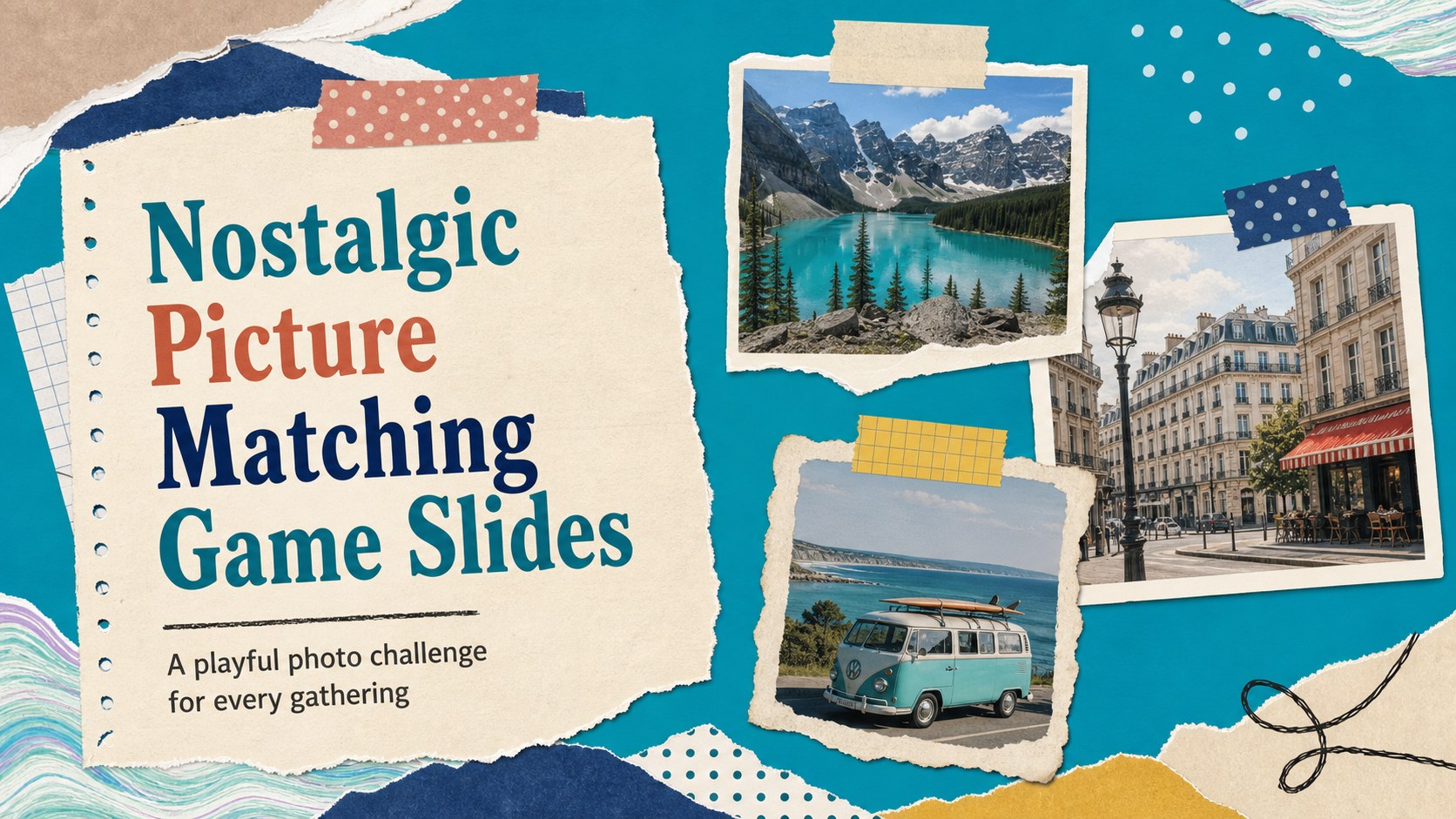
Build a nostalgic picture matching game slides deck for reunions, lessons, or parties with colorful scrapbook layouts editable in PowerPoint and Google…
Design notes
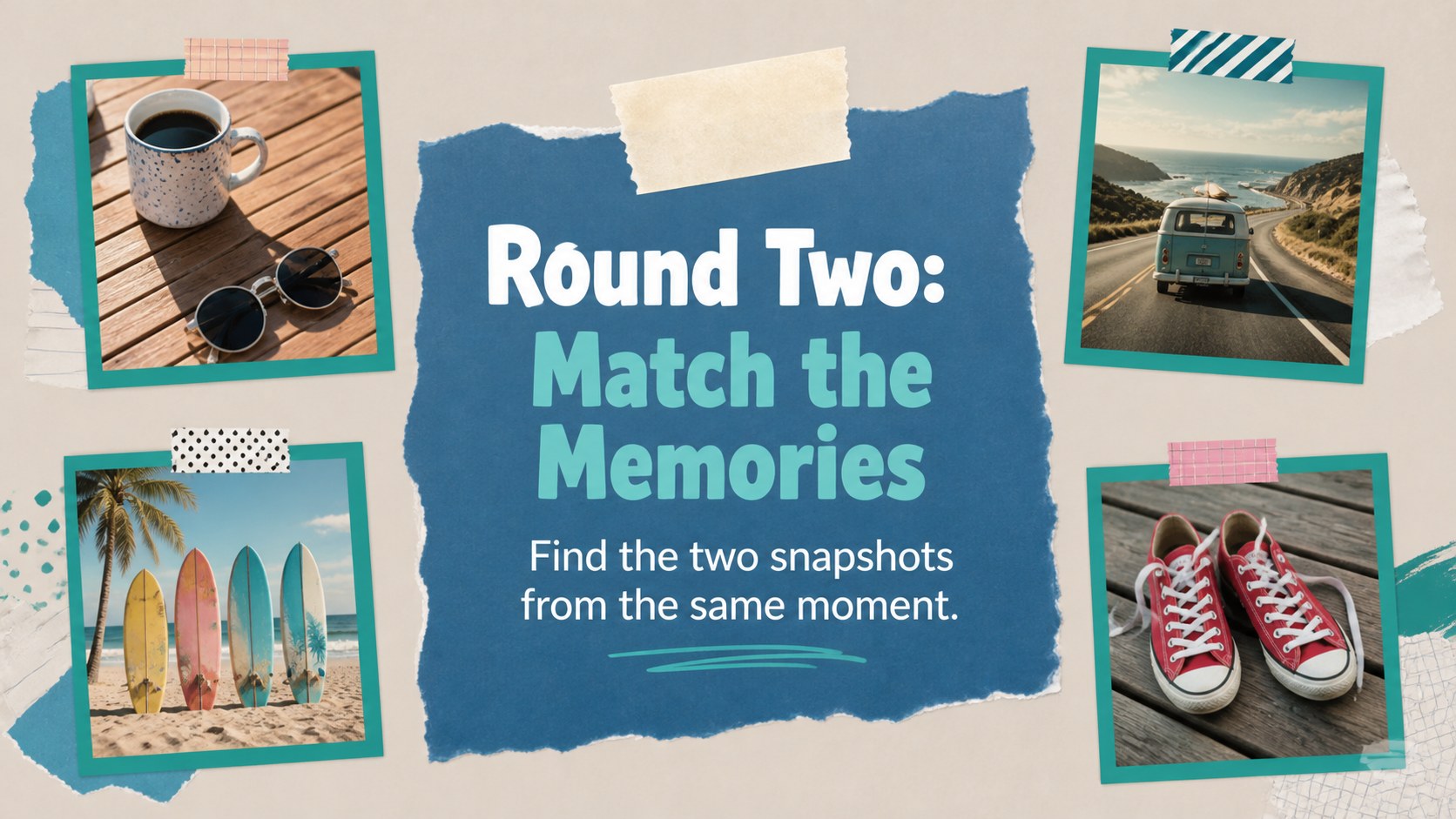
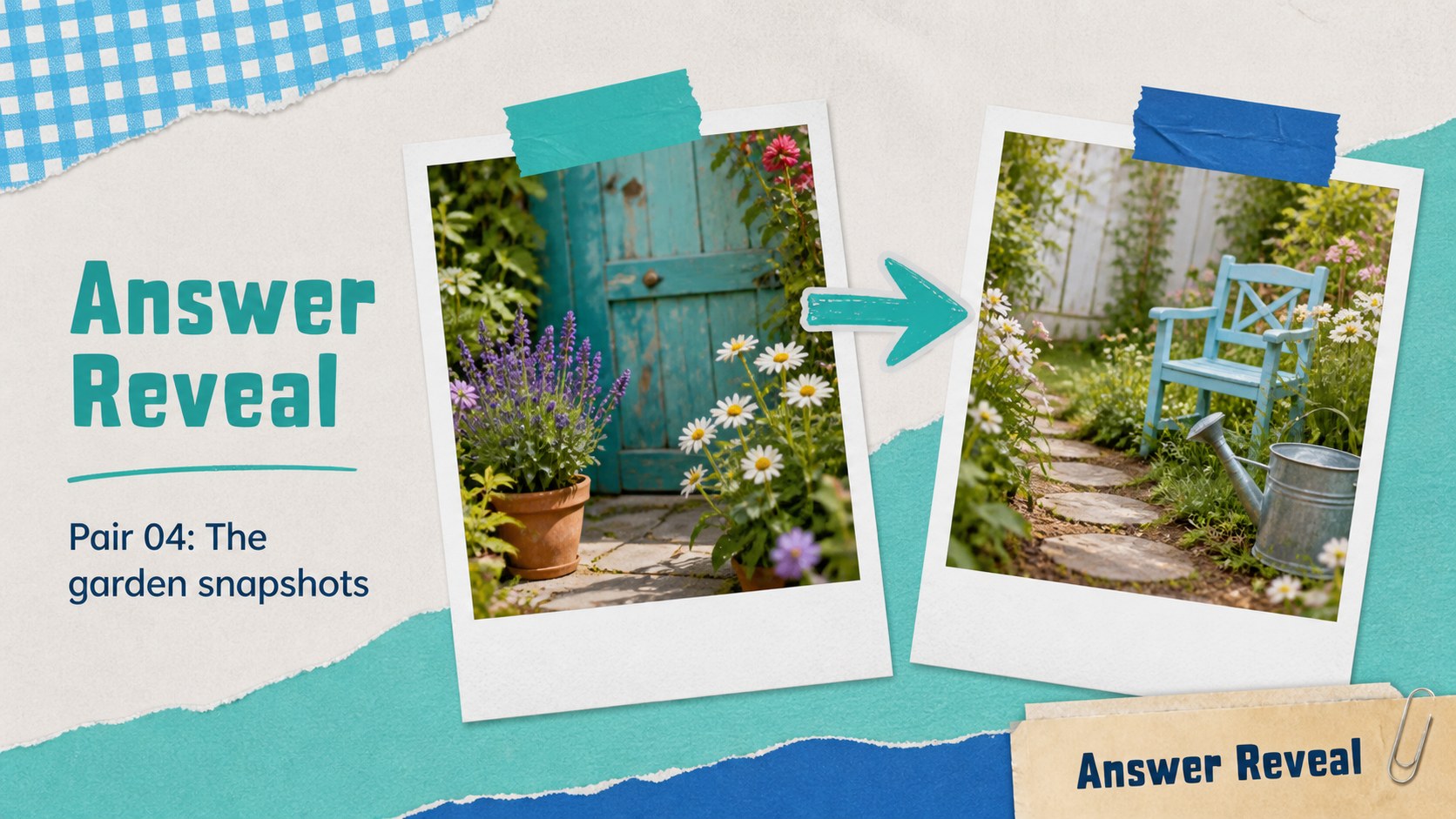
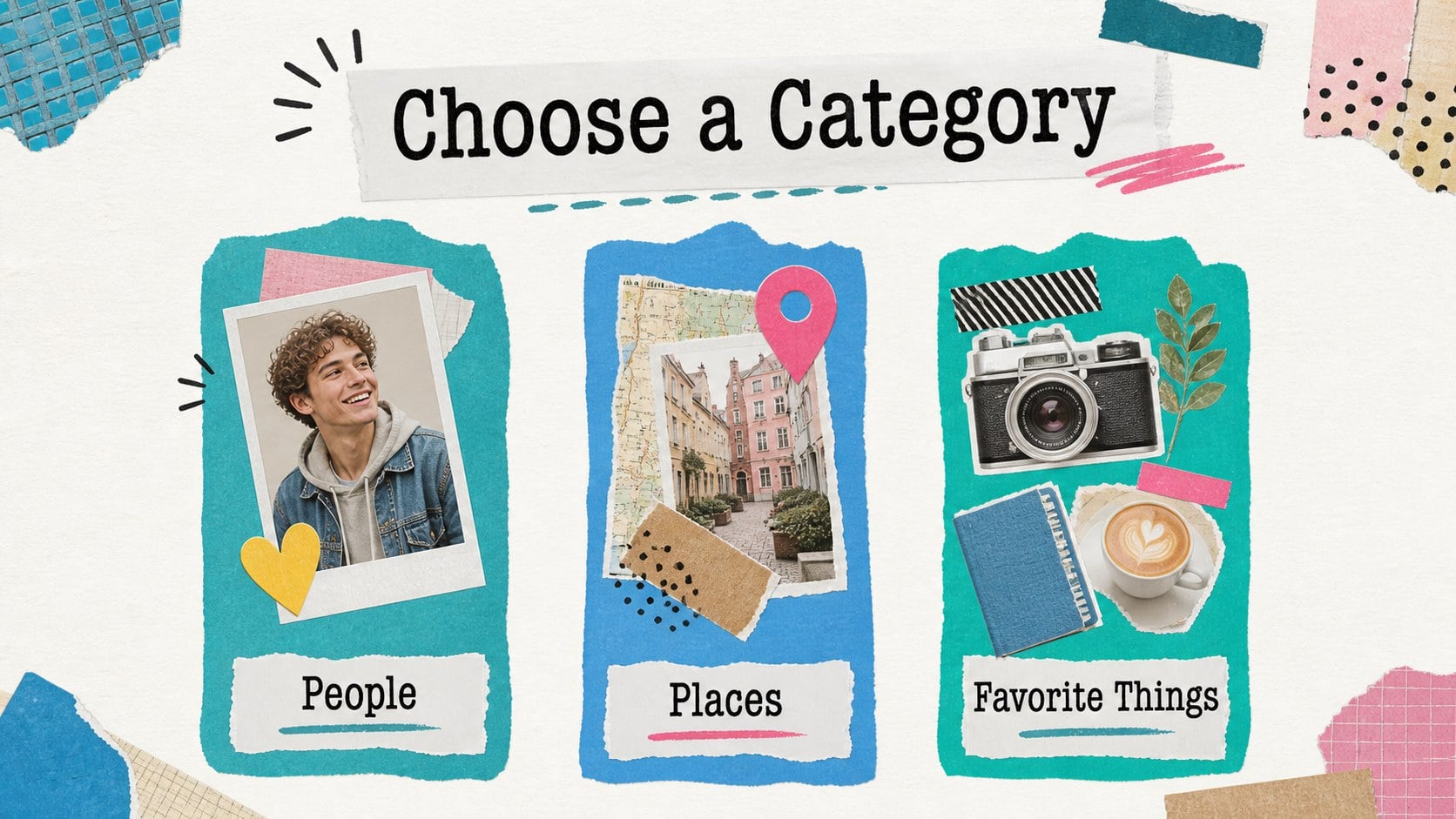
Nostalgic picture matching game slides bring a hands-on activity to reunions, classroom warm-ups, birthday parties, and team socials. Add photos, clues, icons, or themed objects to create a reveal-and-match experience that encourages conversation and friendly competition. The colorful scrapbook aesthetic combines teal, blue, paper textures, collage details, and cheerful accents while keeping the content easy to follow on screen.
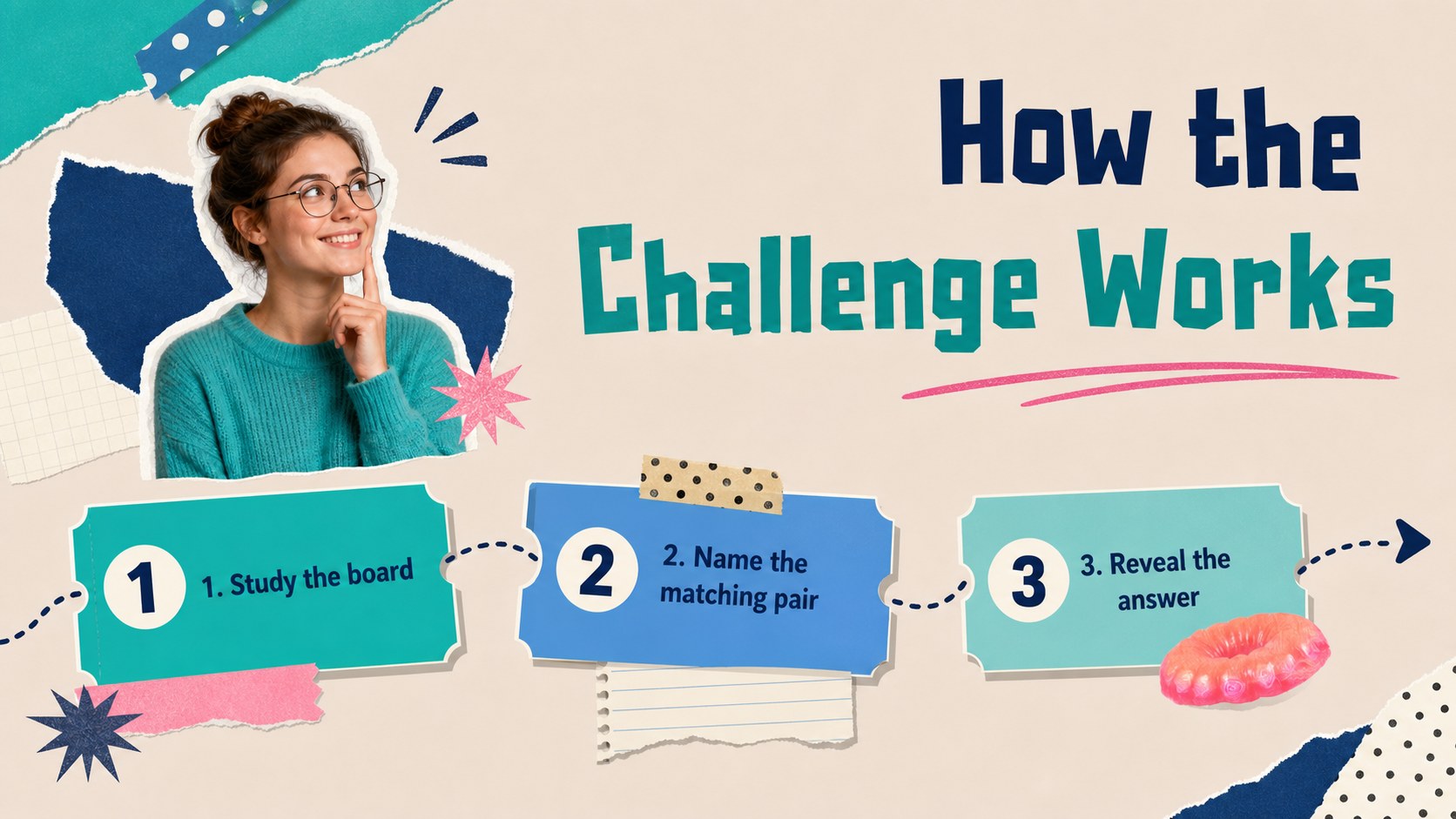
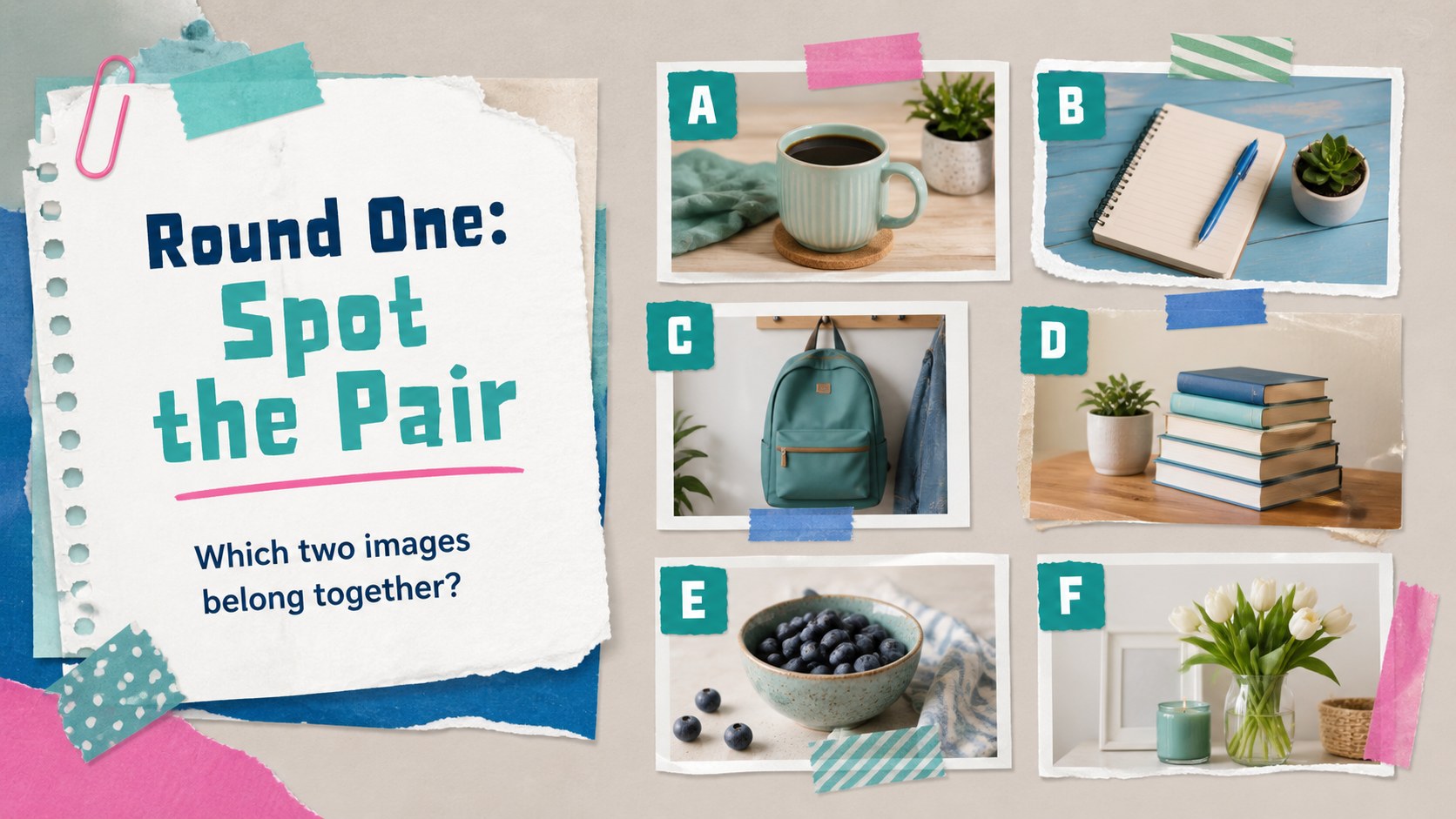
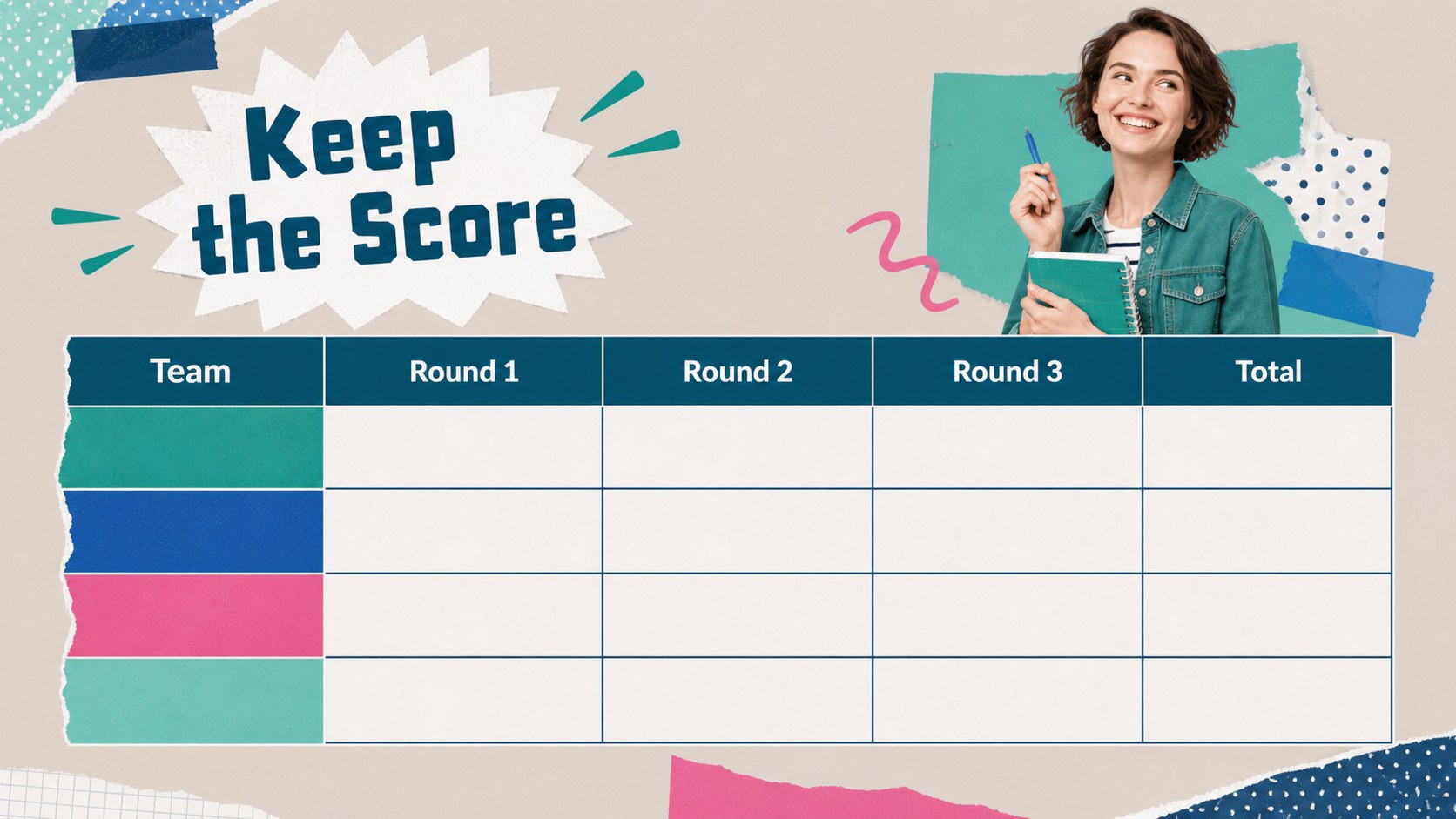
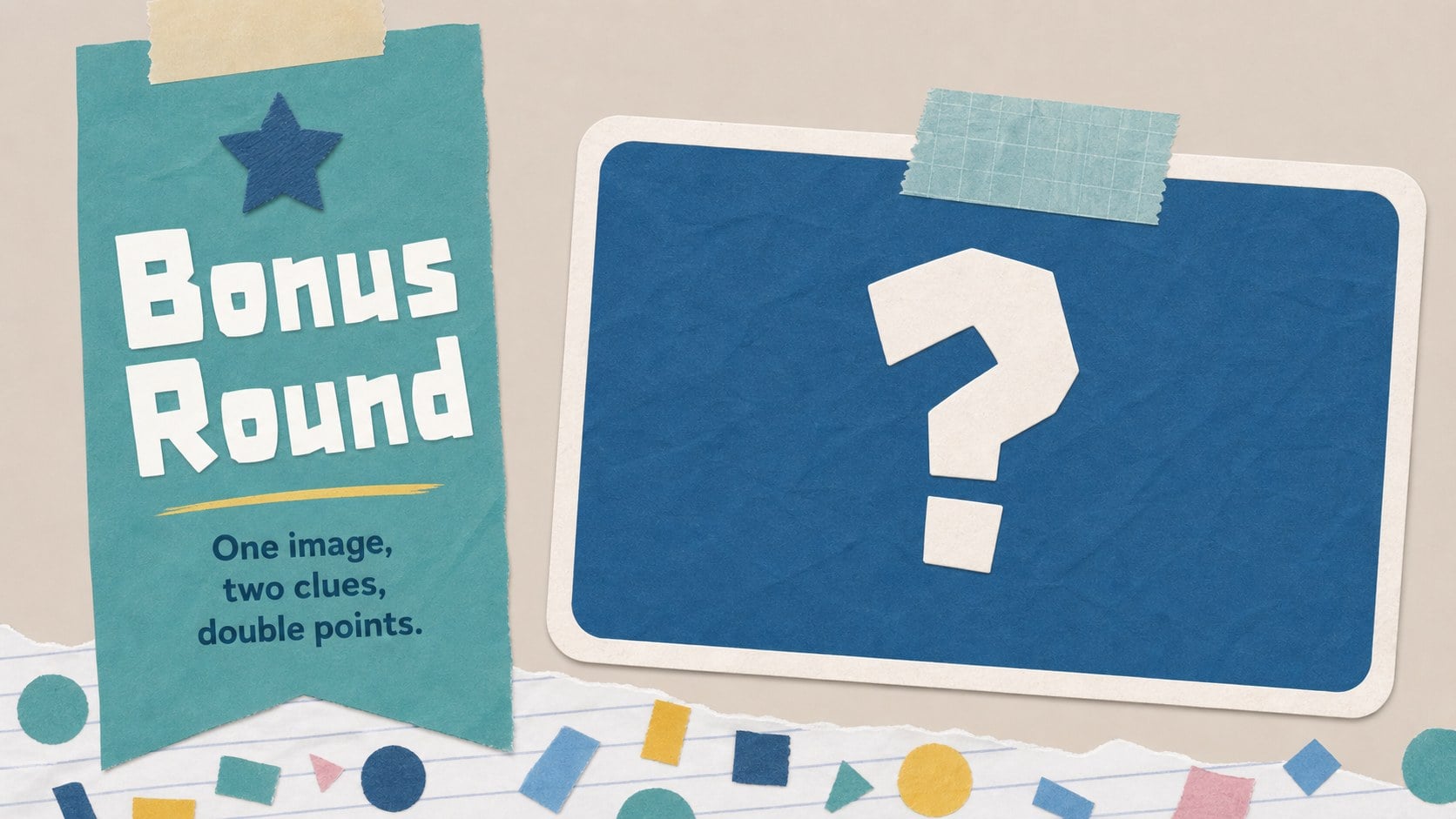
Inside, you’ll find more than 25 editable layouts for introductions, instructions, image grids, question rounds, answer reveals, scorekeeping, bonus challenges, and a closing recap. Use the printable photo memory game presentation format for a projected event, or adapt the slides into a classroom picture quiz template with simpler prompts and learning-focused categories. PowerPoint and Google Slides compatibility makes it practical to edit text, replace images, adjust colors, and prepare a version for sharing or presenting.
This deck suits teachers, hosts, family organizers, event planners, and anyone building a low-prep interactive activity. Mix personal photographs with illustrations or stock images, keep the rules short, and use the visual rhythm of the slides to maintain energy from the first round to the final reveal.
Perfect for: family reunion photo challenge; classroom icebreaker activity; birthday party matching game; team social quiz; community event entertainment.
Frequently asked questions
Can I edit these slides in PowerPoint? Yes. The template can be opened and customized in PowerPoint. Replace photos, rewrite clues, edit answer reveals, and adjust the color treatment to fit your event.
Practical details
Yes. The template can be opened and customized in PowerPoint. Replace photos, rewrite clues, edit answer reveals, and adjust the color treatment to fit your event.
Yes, it is compatible with Google Slides as well as PowerPoint. Upload or open the presentation in Google Drive, then update the text and images directly in your browser.
Use family photographs, classroom vocabulary images, travel snapshots, team member portraits, or themed objects. Duplicate the image-grid and reveal layouts to create as many rounds as your audience needs.
You can customize the editable text, fonts, backgrounds, shapes, and accent colors. Keep the teal and blue palette for the original nostalgic feel, or adapt the accents to match your event.
Keep exploring
15Build an engaging World UFO Day session with this flying saucer history lesson deck, featuring retro green-and-brown slides for PowerPoint and Google Slides.
 15
15Plan a lively animal-learning journey with this jungle zoo adventure lesson deck, ready to customize in PowerPoint and Google Slides for young learners.
 16
16Turn environmental research into a clear story with a Watercolor Ecology Presentation Theme for PowerPoint and Google Slides in calming green and blue.
 16
16Build focused fashion, literature, and humanities presentations with the Red Triangle Editorial Theme, editable in PowerPoint and Google Slides.
 15
15Turn streaming stats, favorite tracks, and concert highlights into a bold annual listening recap slide deck for PowerPoint and Google Slides.
 15
15Turn highlights, milestones, and favorite moments into a colorful year in review slide deck with bold 3D graphics for PowerPoint and Google Slides.
 3
3Build a credible endorsement with Standout Colleague Recommendation Letter Slides, featuring colorful prompts for skills, achievements, and team impact.
 4
4Build clear beginner sessions with an ice hockey fundamentals training deck for coaches, PE teachers, and clubs, ready for PowerPoint and Google Slides.