
 15
15presentation
Flying Saucer History Lesson Deck
Build an engaging World UFO Day session with this flying saucer history lesson deck, featuring retro green-and-brown slides for PowerPoint and Google Slides.
Google SlidesPowerPoint
presentation · English
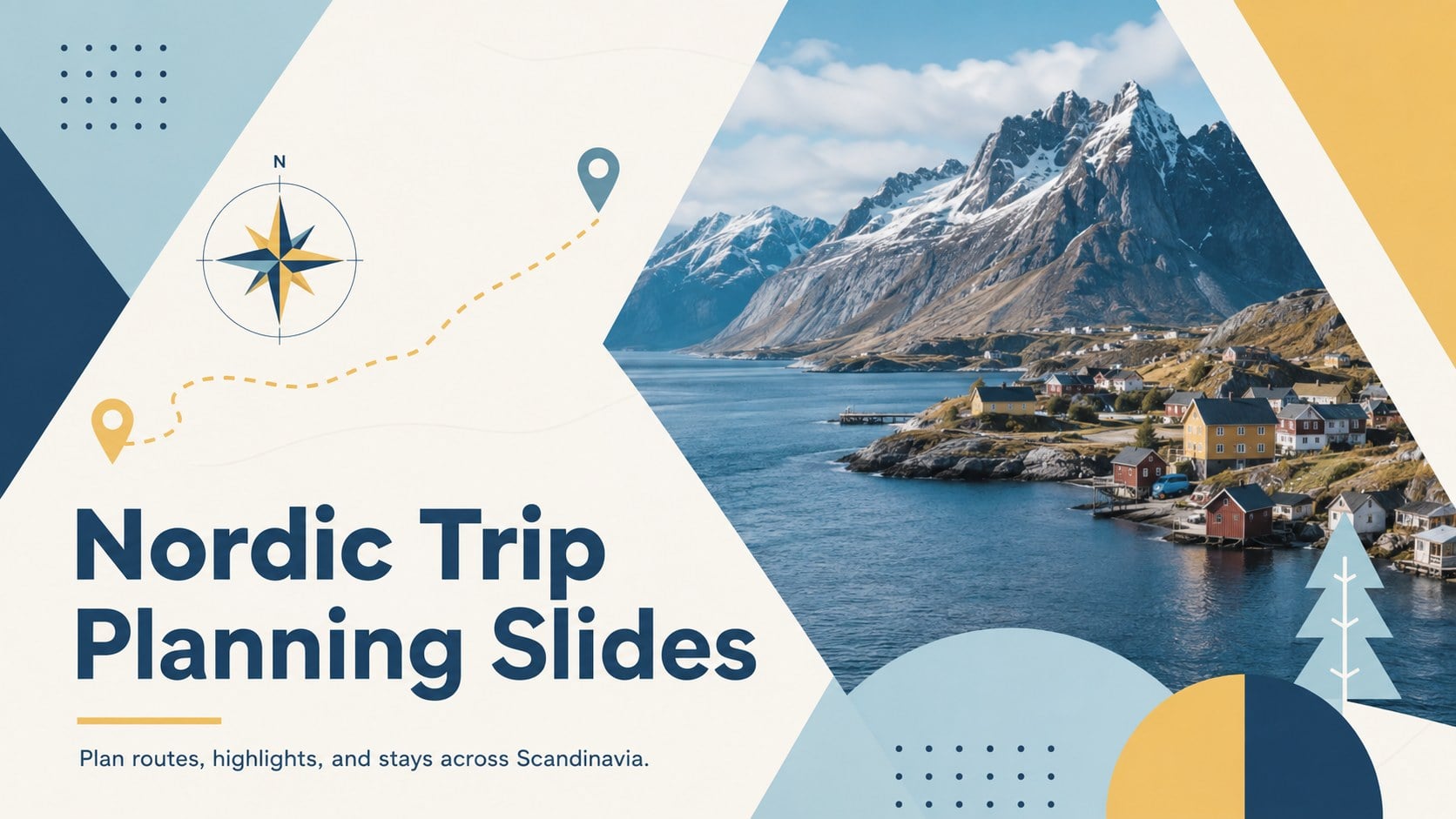
Map routes, stays, and standout experiences with Nordic trip planning slides in a crisp blue and yellow geometric style for PowerPoint and Google Slides.
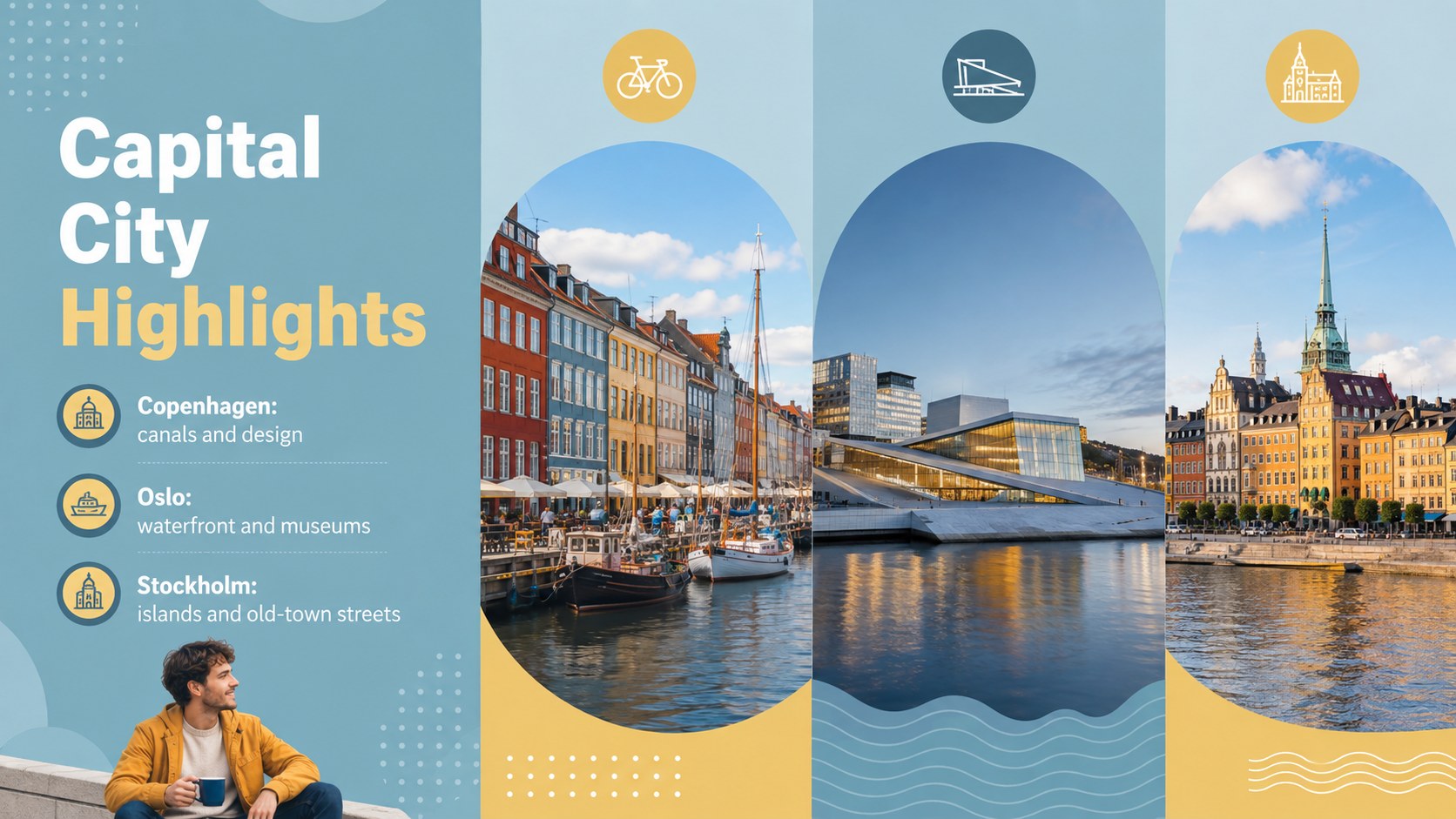
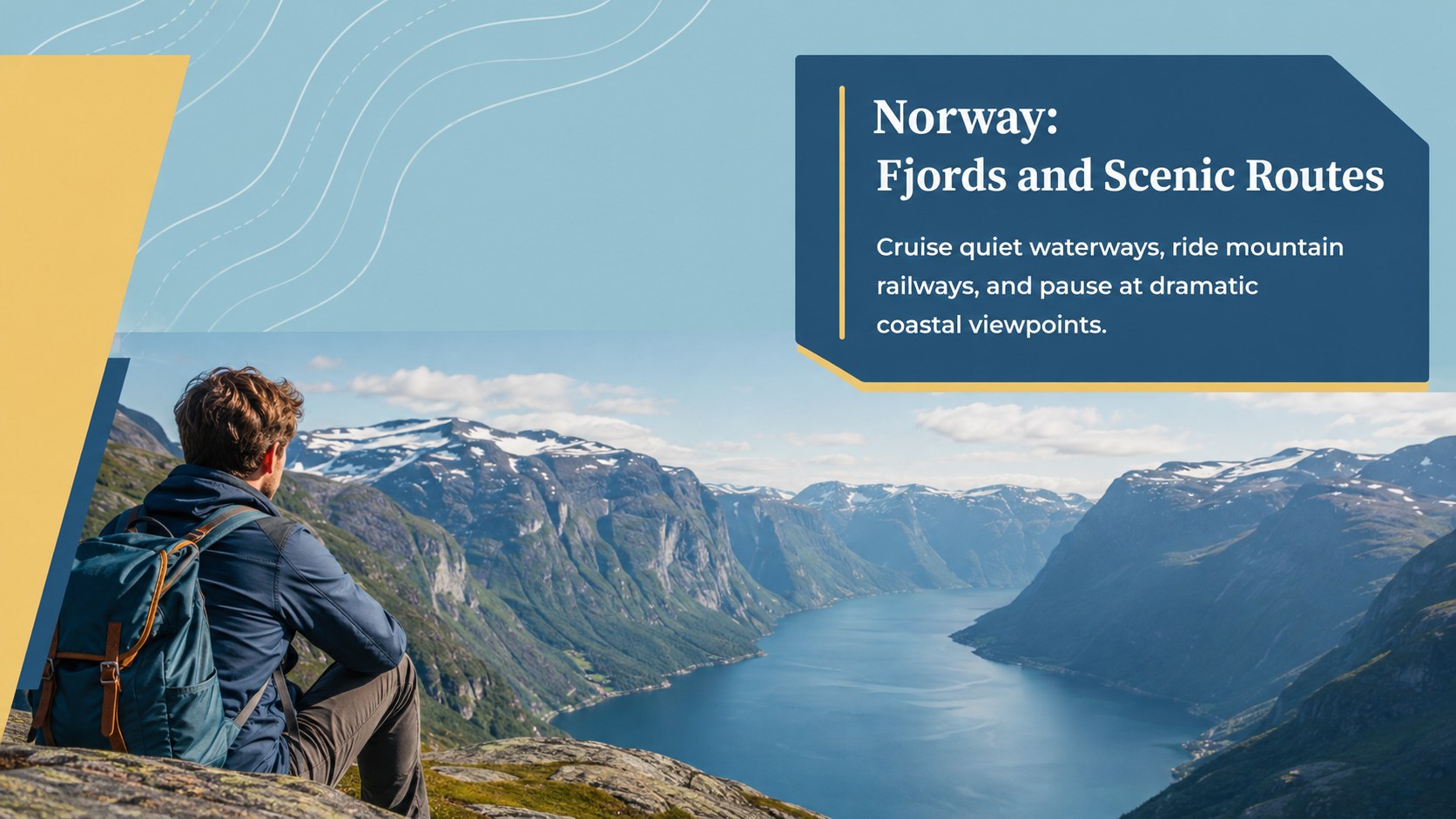
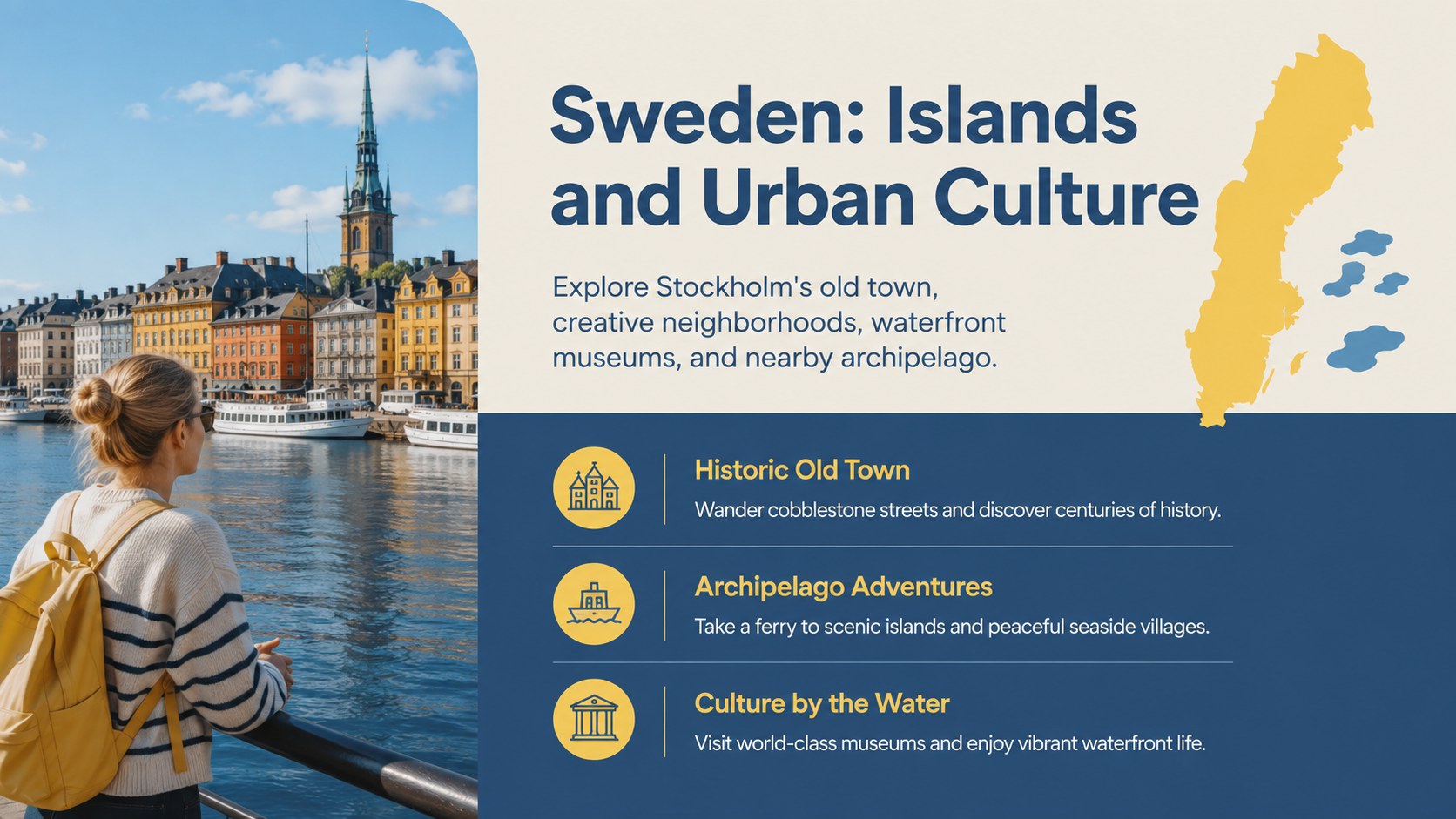
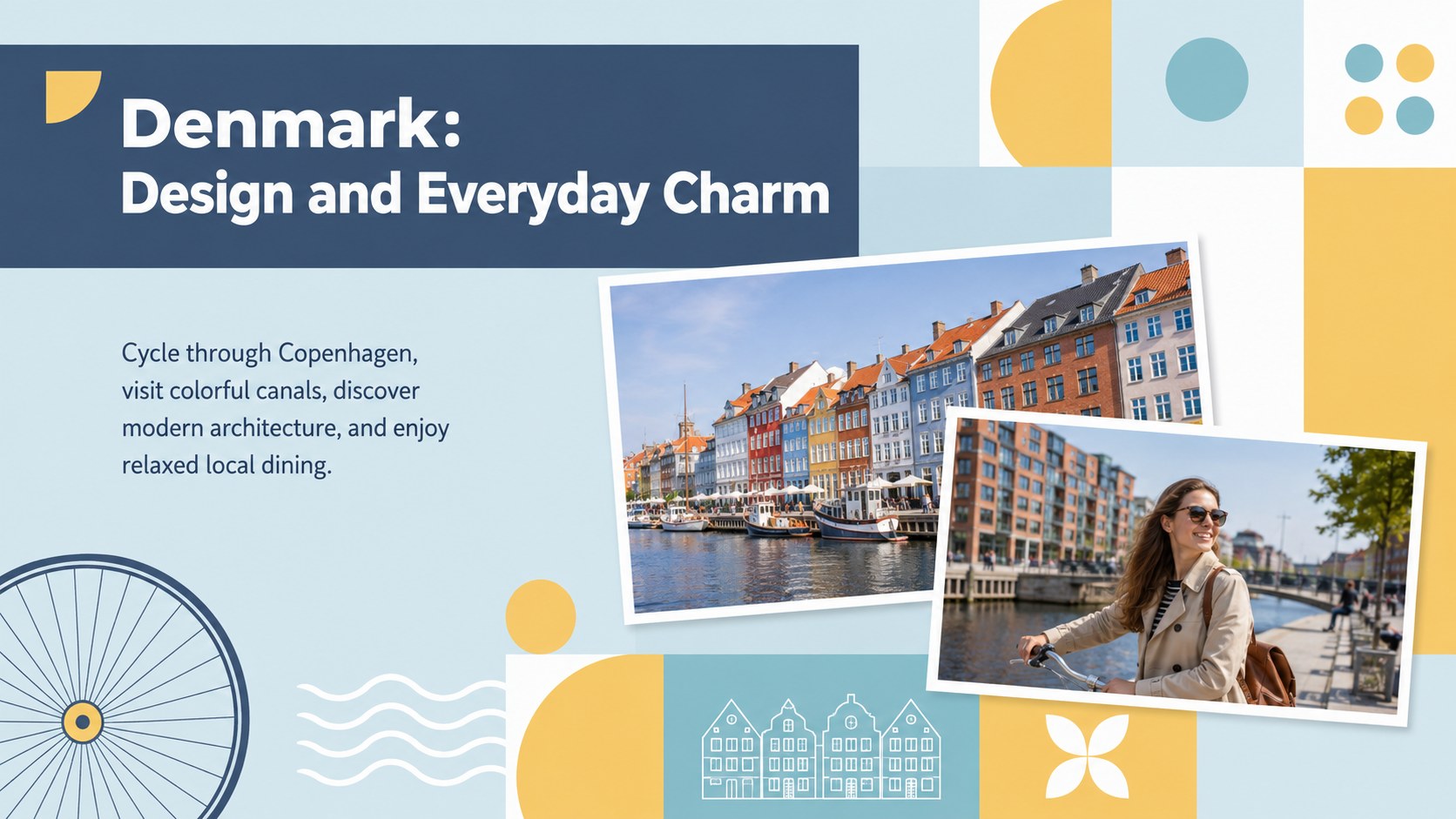
Design notes
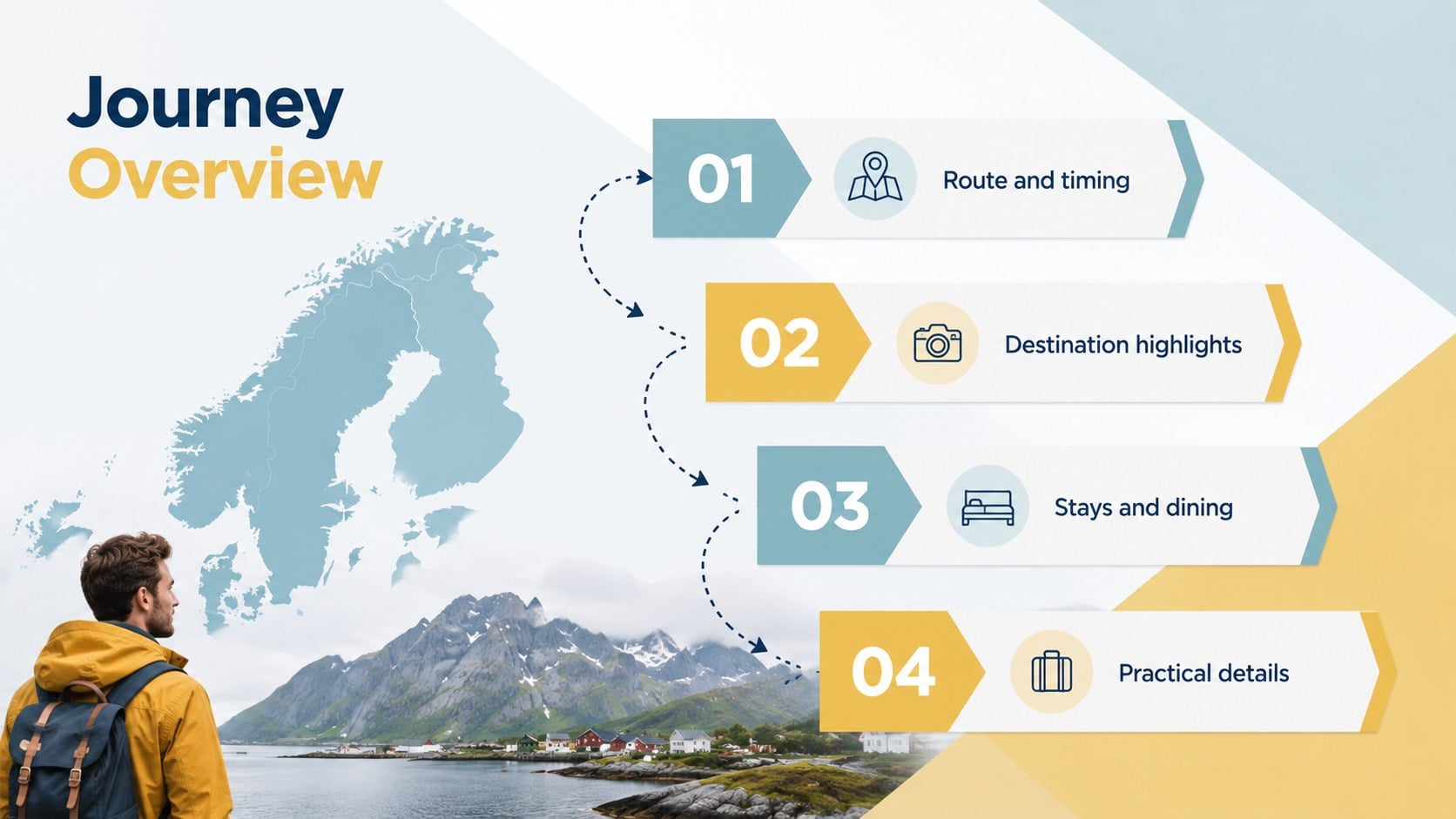
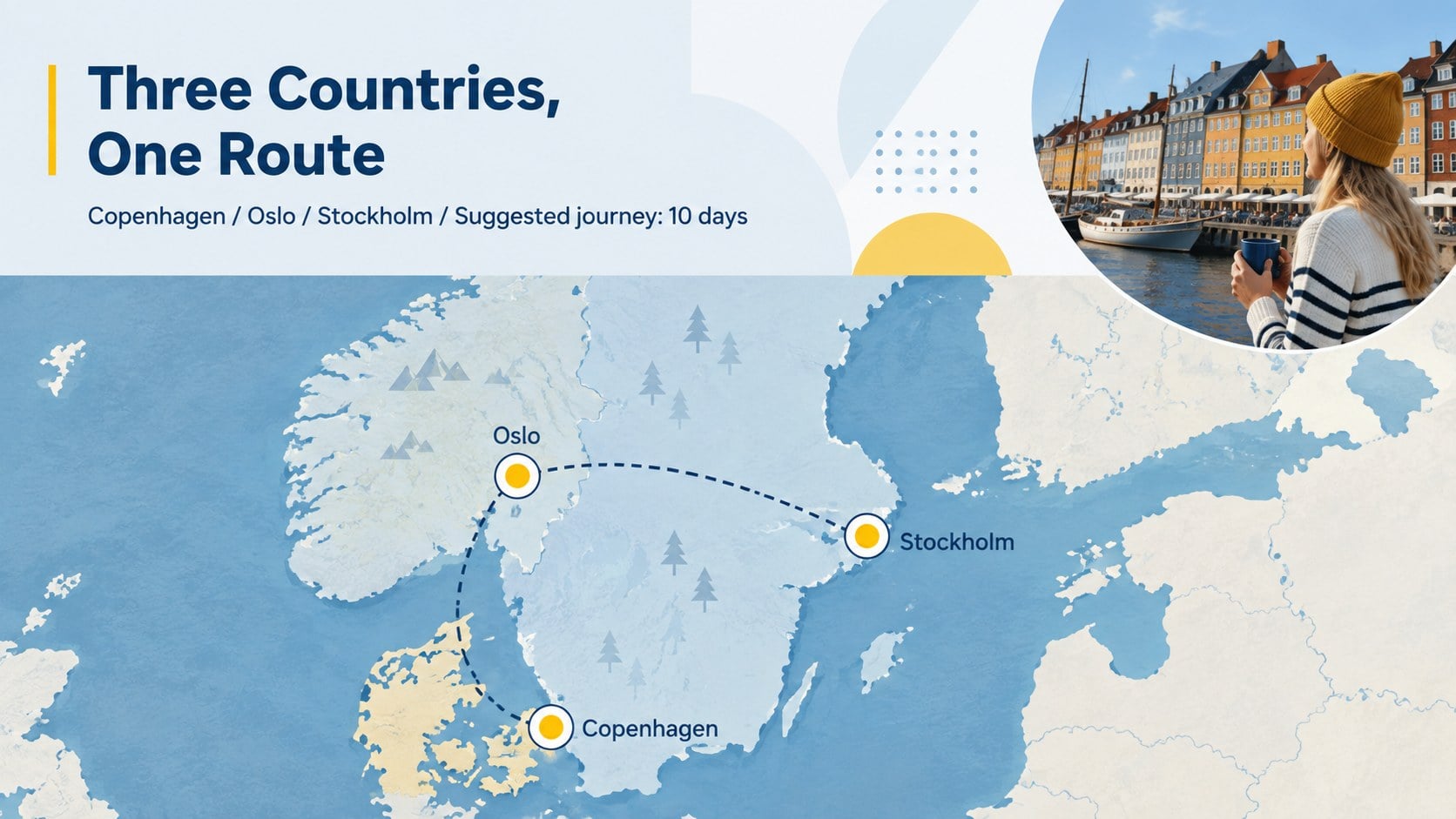
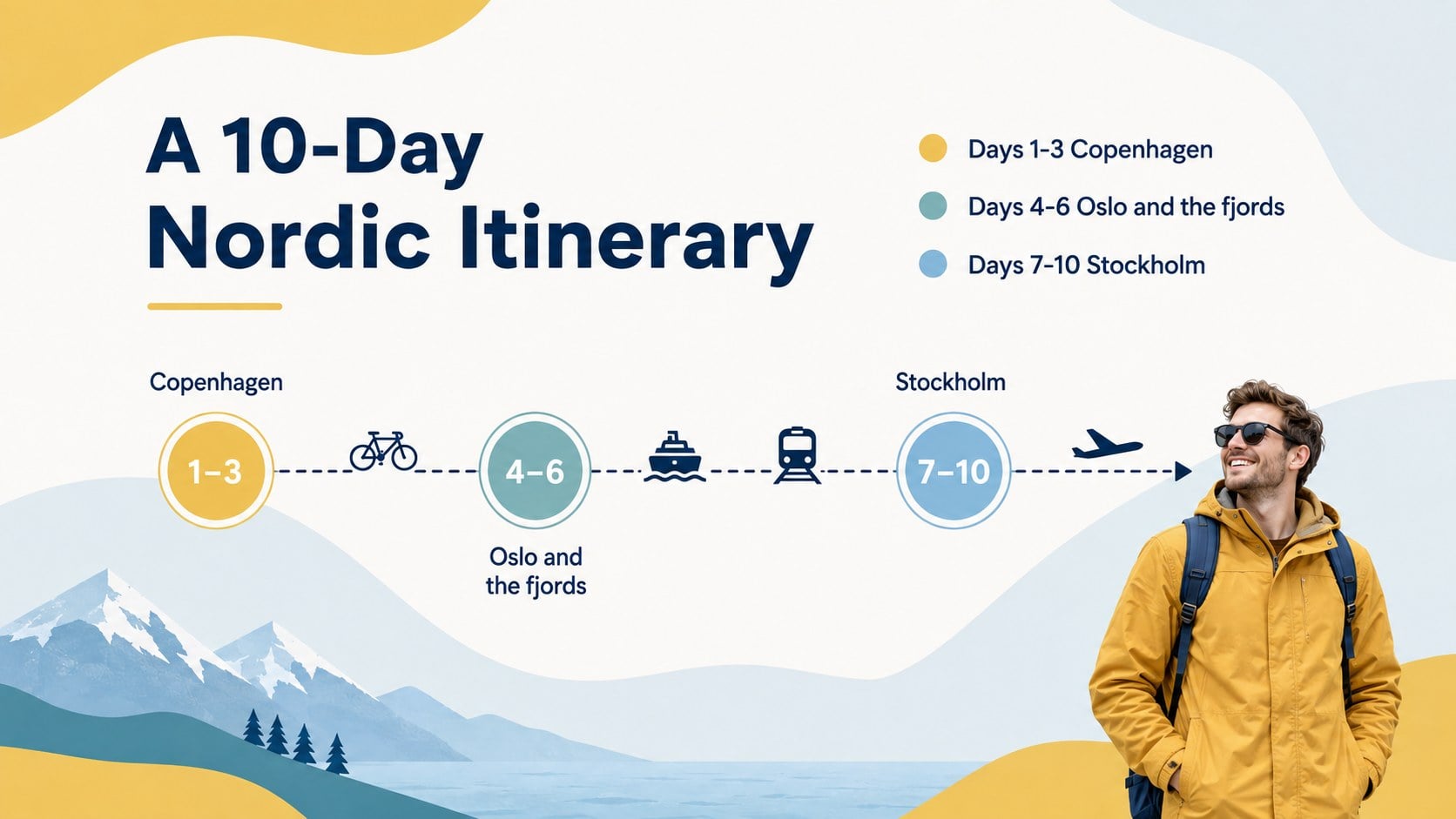
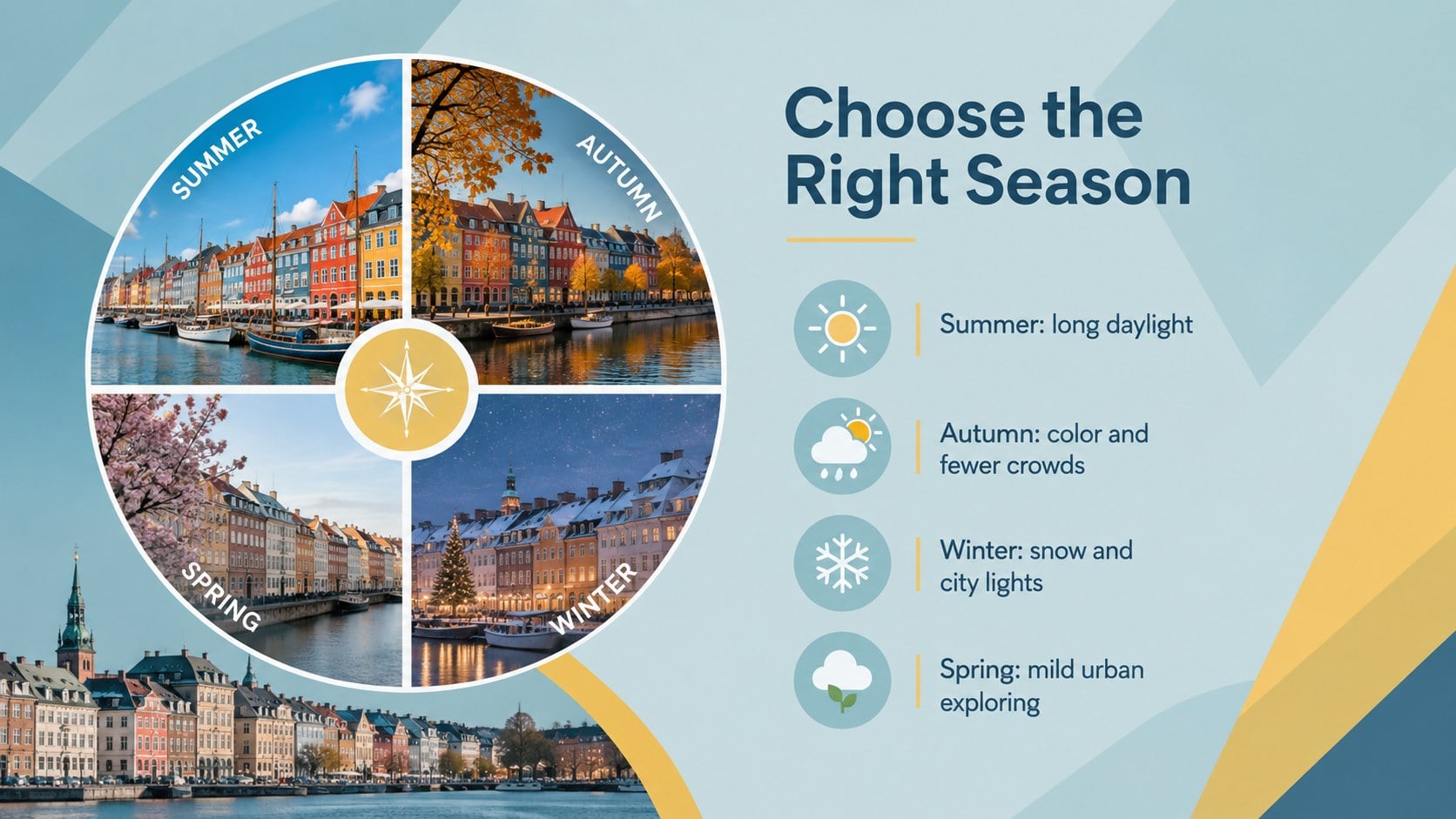
These Nordic trip planning slides offer a structured, visually engaging way to introduce Scandinavian destinations, build itineraries, and showcase memorable experiences. Crisp geometric shapes, cool blue fields, and lively yellow accents create a modern travel aesthetic while keeping practical information easy to scan.
Inside, you will find adaptable layouts for regional maps, daily routes, city highlights, accommodation ideas, local cuisine, cultural notes, seasonal activities, travel packages, and booking reminders. Use the deck as a Scandinavian itinerary presentation template for client proposals, group tours, travel planning sessions, or destination campaigns. It also works as a Nordic tourism marketing presentation when you need to pair persuasive messaging with clear schedules and location details.
The balanced layouts accommodate photography, icons, short descriptions, timelines, comparison tables, and pricing information without making slides feel crowded. Cabin and Montserrat typography complements the geometric design, while the blue and yellow travel slideshow palette can be adjusted to match an agency, hotel, tourism board, or personal project.
Designed for travel consultants, hospitality teams, destination marketers, educators, and independent travelers, the presentation is fully editable in PowerPoint and Google Slides. Replace sample text, add destination photography, revise colors, and reorganize sections to create a focused journey through Denmark, Norway, Sweden, or a wider Nordic route.
Perfect for: Scandinavian tour package proposal; Nordic vacation itinerary; Destination marketing campaign; Travel agency client briefing; Hospitality partner presentation.
Frequently asked questions
Practical details
The slides are designed for PowerPoint and Google Slides. Layouts, text, colors, and images remain editable on both platforms.
Yes. Replace the sample destinations with your own stops, then edit maps, schedules, photographs, and activity descriptions for Denmark, Norway, Sweden, or a combined route.
Update the blue and yellow palette with your brand colors, apply approved fonts, and add your own photography. Master layouts can also be adjusted for consistent headings, footers, and image treatments.
Yes. The layouts support package summaries, accommodation comparisons, route details, pricing, inclusions, and calls to action. Remove any sections you do not need before presenting or sharing the deck.
Keep exploring
15Build an engaging World UFO Day session with this flying saucer history lesson deck, featuring retro green-and-brown slides for PowerPoint and Google Slides.
 15
15Plan a lively animal-learning journey with this jungle zoo adventure lesson deck, ready to customize in PowerPoint and Google Slides for young learners.
 16
16Turn environmental research into a clear story with a Watercolor Ecology Presentation Theme for PowerPoint and Google Slides in calming green and blue.
 16
16Build focused fashion, literature, and humanities presentations with the Red Triangle Editorial Theme, editable in PowerPoint and Google Slides.
 15
15Turn streaming stats, favorite tracks, and concert highlights into a bold annual listening recap slide deck for PowerPoint and Google Slides.
 15
15Turn highlights, milestones, and favorite moments into a colorful year in review slide deck with bold 3D graphics for PowerPoint and Google Slides.
 3
3Build a credible endorsement with Standout Colleague Recommendation Letter Slides, featuring colorful prompts for skills, achievements, and team impact.
 4
4Build clear beginner sessions with an ice hockey fundamentals training deck for coaches, PE teachers, and clubs, ready for PowerPoint and Google Slides.