
 15
15presentation
Flying Saucer History Lesson Deck
Build an engaging World UFO Day session with this flying saucer history lesson deck, featuring retro green-and-brown slides for PowerPoint and Google Slides.
Google SlidesPowerPoint
presentation · English
Turn program results, funding updates, and priorities into clear nonprofit impact briefing slides for board reviews in PowerPoint or Google Slides.
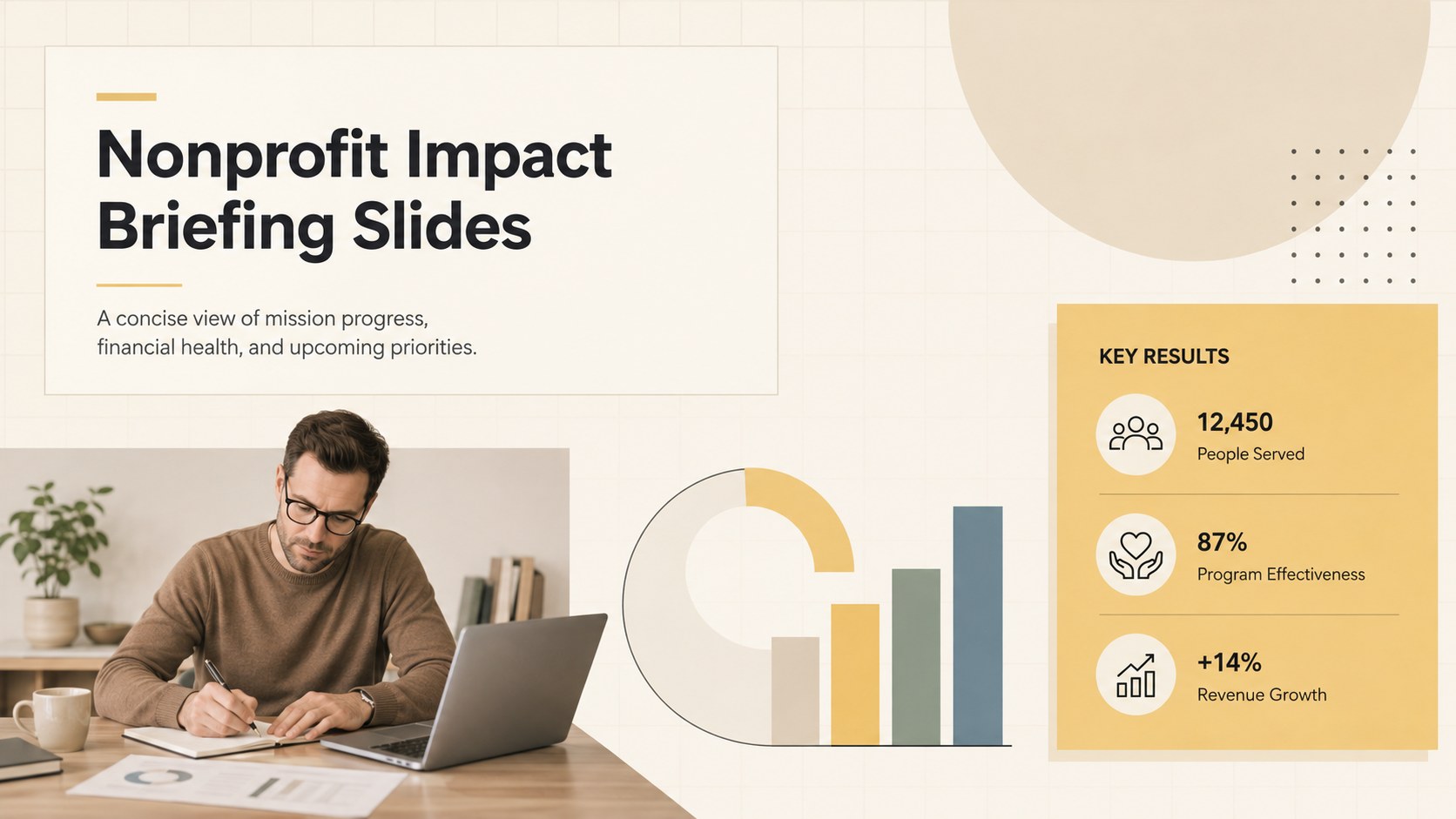
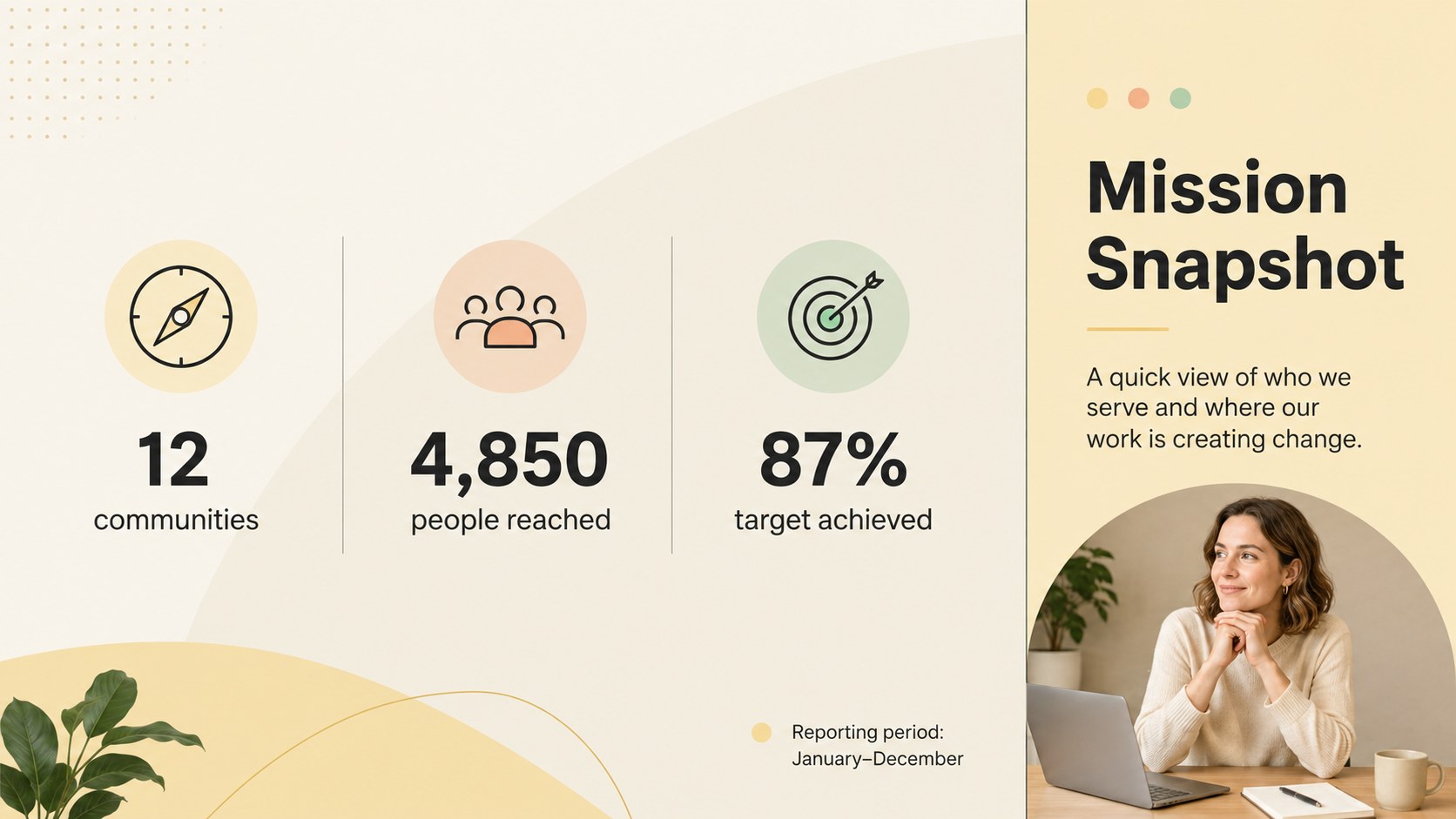
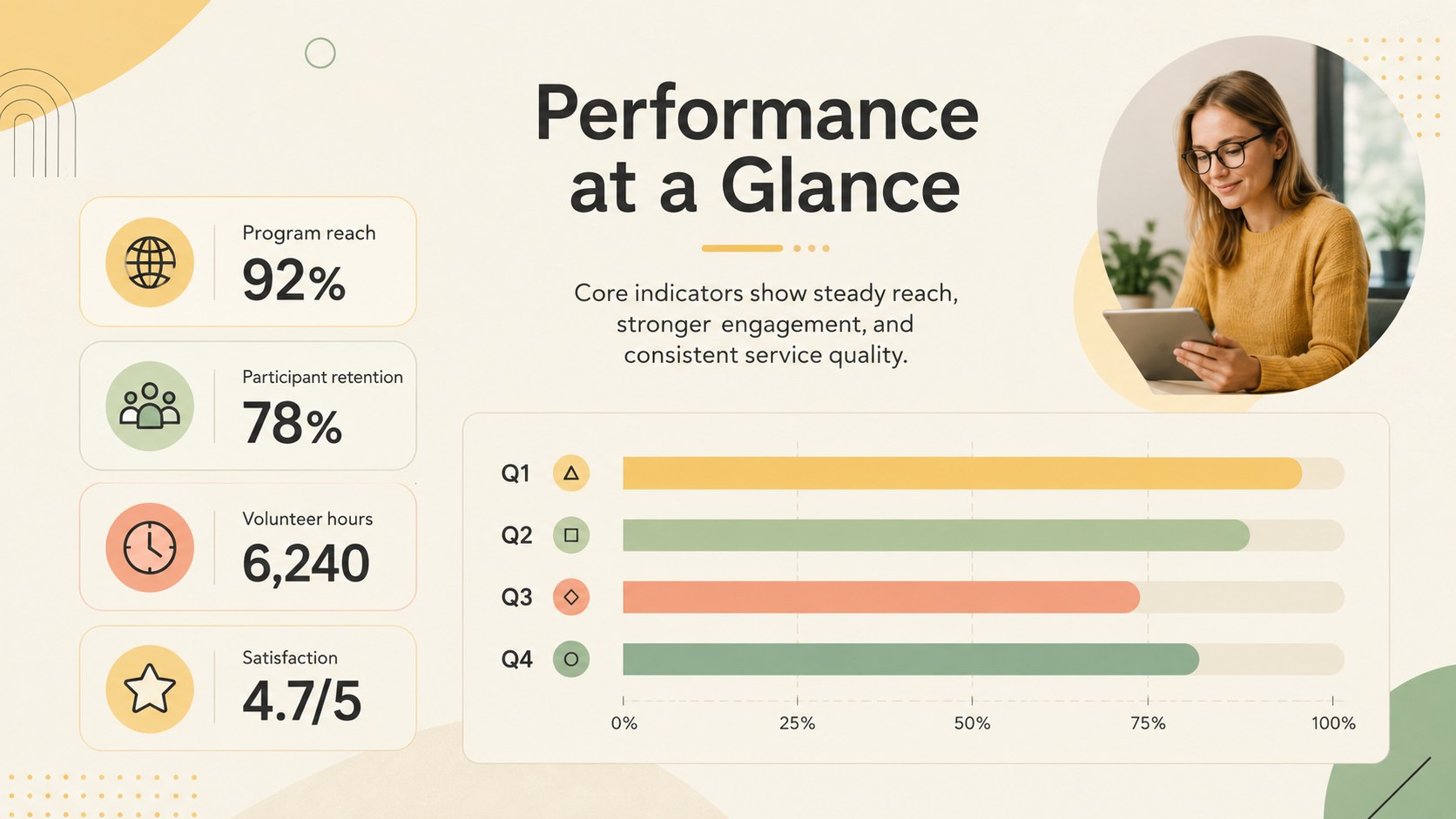
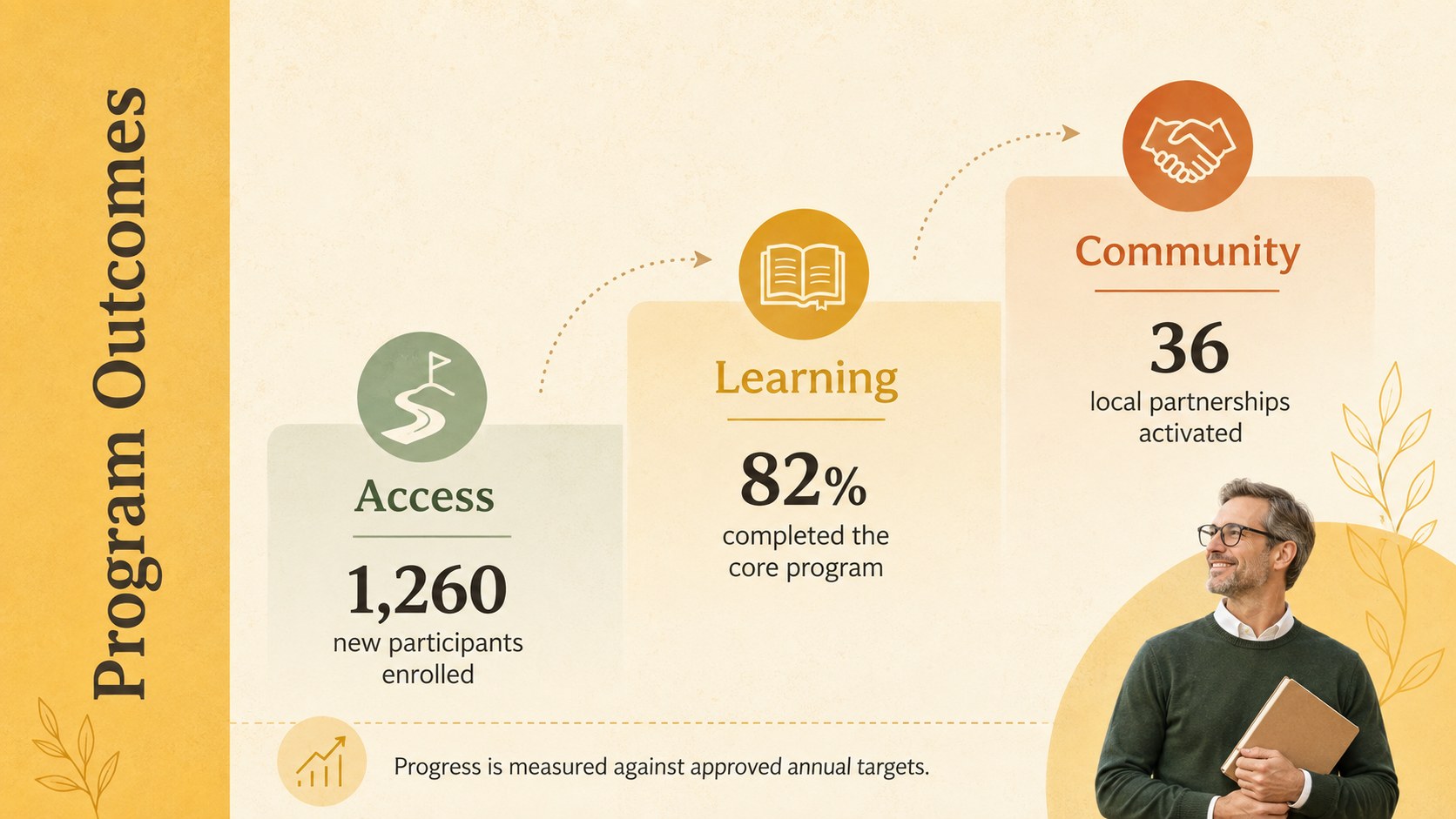
Design notes
Nonprofit impact briefing slides help leaders turn program data, financial updates, and organizational priorities into a focused visual narrative. Designed with warm beige and yellow tones, crisp typography, and restrained multicolor accents, this presentation offers a professional format for sharing results without overwhelming the audience. Every layout can be edited in PowerPoint or Google Slides to reflect your organization’s programs, metrics, and visual identity.
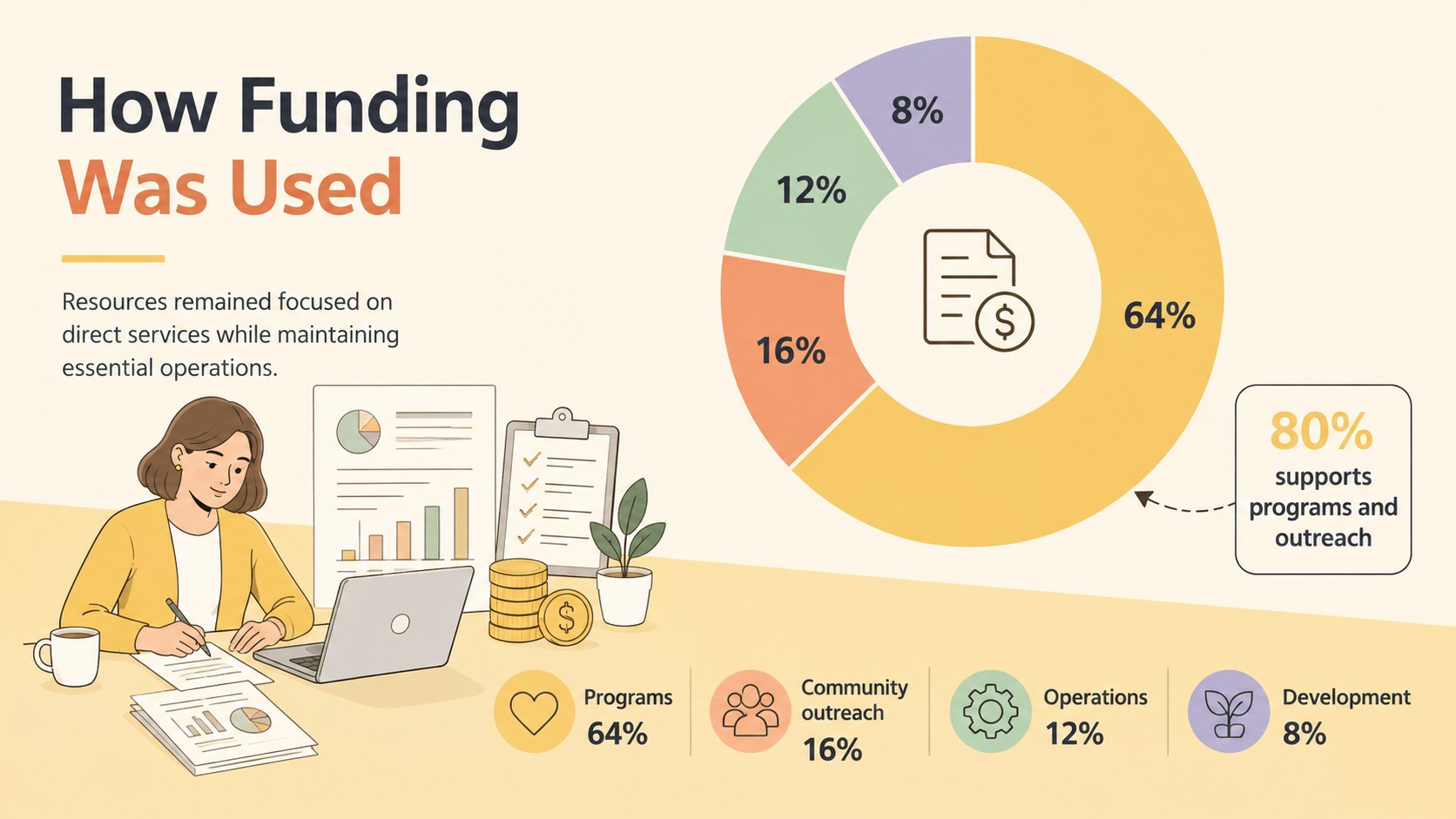
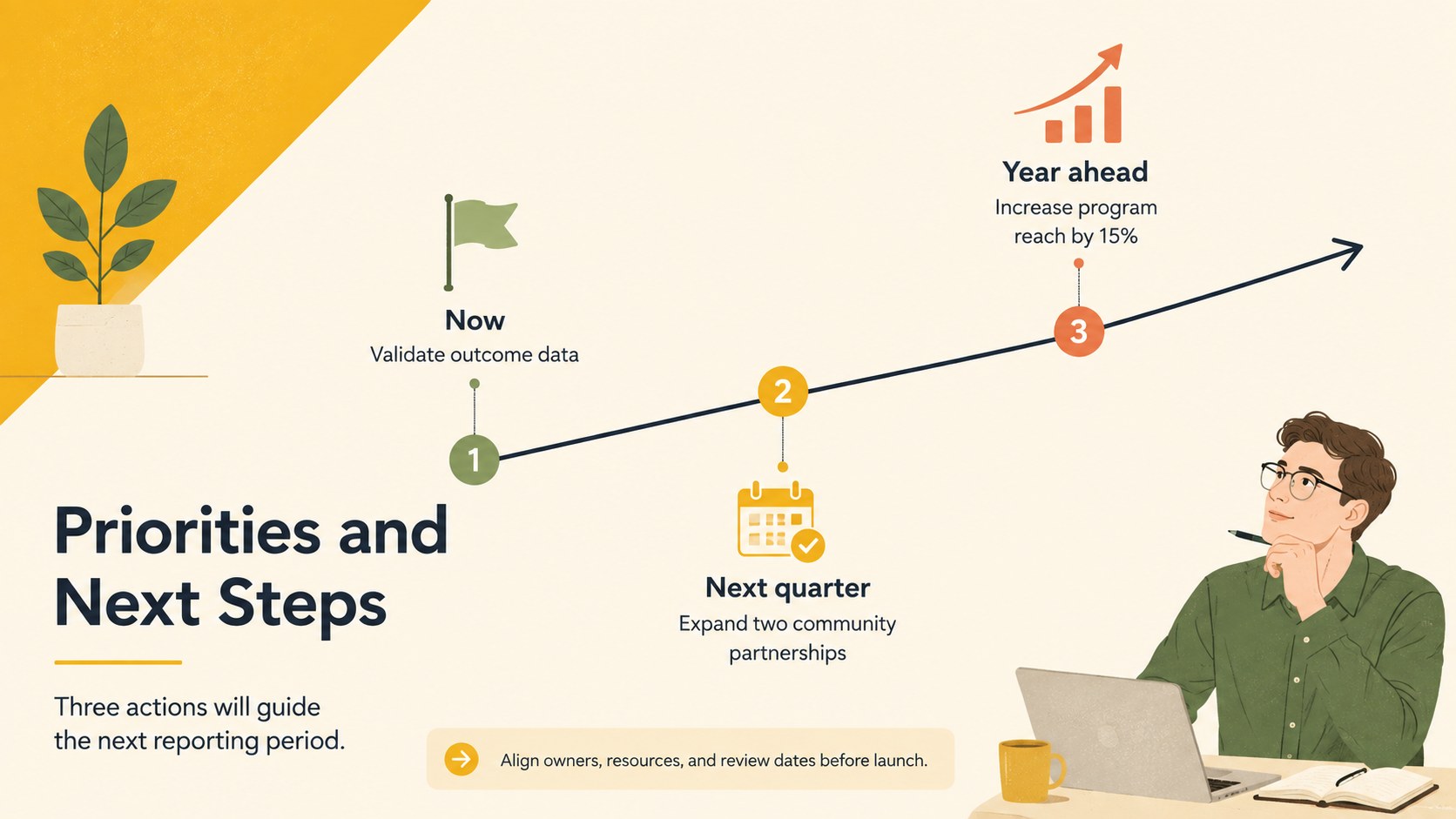
The six-slide collection includes a cover, mission snapshot, performance dashboard, program outcomes overview, funding allocation page, and next-steps timeline. Use the structured charts, bold figures, short text blocks, and simple infographic elements to build a nonprofit board report presentation or a concise charity impact report template. The layouts provide enough flexibility for quantitative results, community stories, budget summaries, and strategic recommendations.
This deck is suited to executive directors, program managers, development teams, trustees, and consultants preparing leadership briefings. It also works well for donor update presentation slides, grant review meetings, annual reporting, and internal planning sessions. Adjust the colors, type, icons, and data displays while retaining the clean minimalist system, then present directly or export the completed slides for distribution to stakeholders.
Perfect for: nonprofit board meeting; donor impact update; grant outcomes review; annual program report; leadership strategy briefing.
Frequently asked questions
Can I edit these slides in PowerPoint and Google Slides? Yes. All text, colors, shapes, charts, and layout elements can be adjusted in PowerPoint or Google Slides. You can also duplicate individual pages to expand the briefing.
Practical details
Yes. All text, colors, shapes, charts, and layout elements can be adjusted in PowerPoint or Google Slides. You can also duplicate individual pages to expand the briefing.
Replace the sample metrics and copy with your organization’s results, then apply your approved fonts, colors, and logo. Keep the short text blocks and visual hierarchy intact for a clear executive-level presentation.
Gather current program outcomes, funding figures, key performance indicators, and priorities for the next reporting period. A few verified statistics and concise recommendations are usually enough to complete the six core slides.
Yes. The outcome, funding, and timeline layouts can support donor updates or grant review presentations. Adapt the language and metrics to match the reporting requirements of each audience.
Keep exploring
15Build an engaging World UFO Day session with this flying saucer history lesson deck, featuring retro green-and-brown slides for PowerPoint and Google Slides.
 15
15Plan a lively animal-learning journey with this jungle zoo adventure lesson deck, ready to customize in PowerPoint and Google Slides for young learners.
 16
16Turn environmental research into a clear story with a Watercolor Ecology Presentation Theme for PowerPoint and Google Slides in calming green and blue.
 16
16Build focused fashion, literature, and humanities presentations with the Red Triangle Editorial Theme, editable in PowerPoint and Google Slides.
 15
15Turn streaming stats, favorite tracks, and concert highlights into a bold annual listening recap slide deck for PowerPoint and Google Slides.
 15
15Turn highlights, milestones, and favorite moments into a colorful year in review slide deck with bold 3D graphics for PowerPoint and Google Slides.
 3
3Build a credible endorsement with Standout Colleague Recommendation Letter Slides, featuring colorful prompts for skills, achievements, and team impact.
 4
4Build clear beginner sessions with an ice hockey fundamentals training deck for coaches, PE teachers, and clubs, ready for PowerPoint and Google Slides.