
 15
15presentation
Flying Saucer History Lesson Deck
Build an engaging World UFO Day session with this flying saucer history lesson deck, featuring retro green-and-brown slides for PowerPoint and Google Slides.
Google SlidesPowerPoint
presentation · English
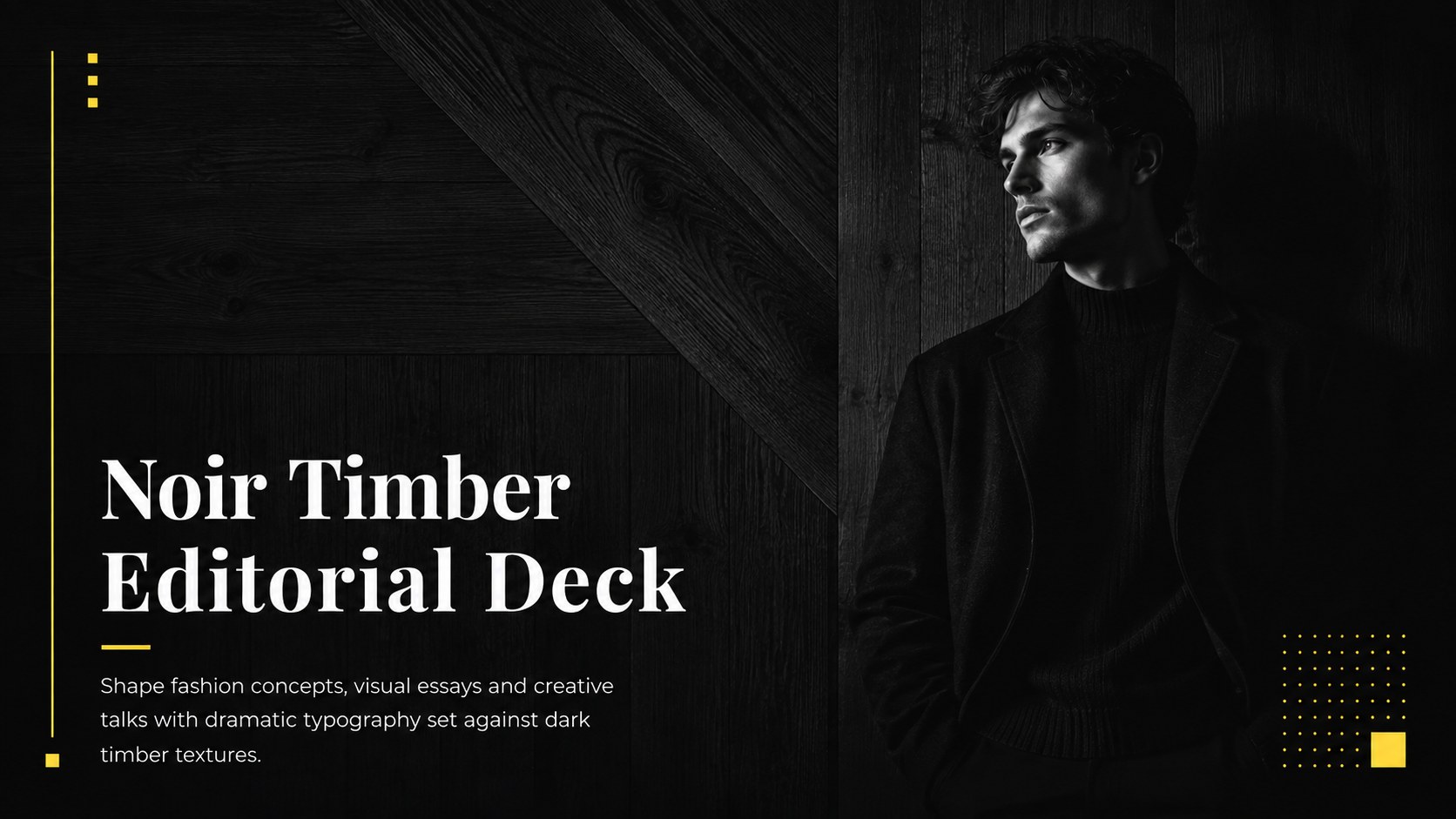
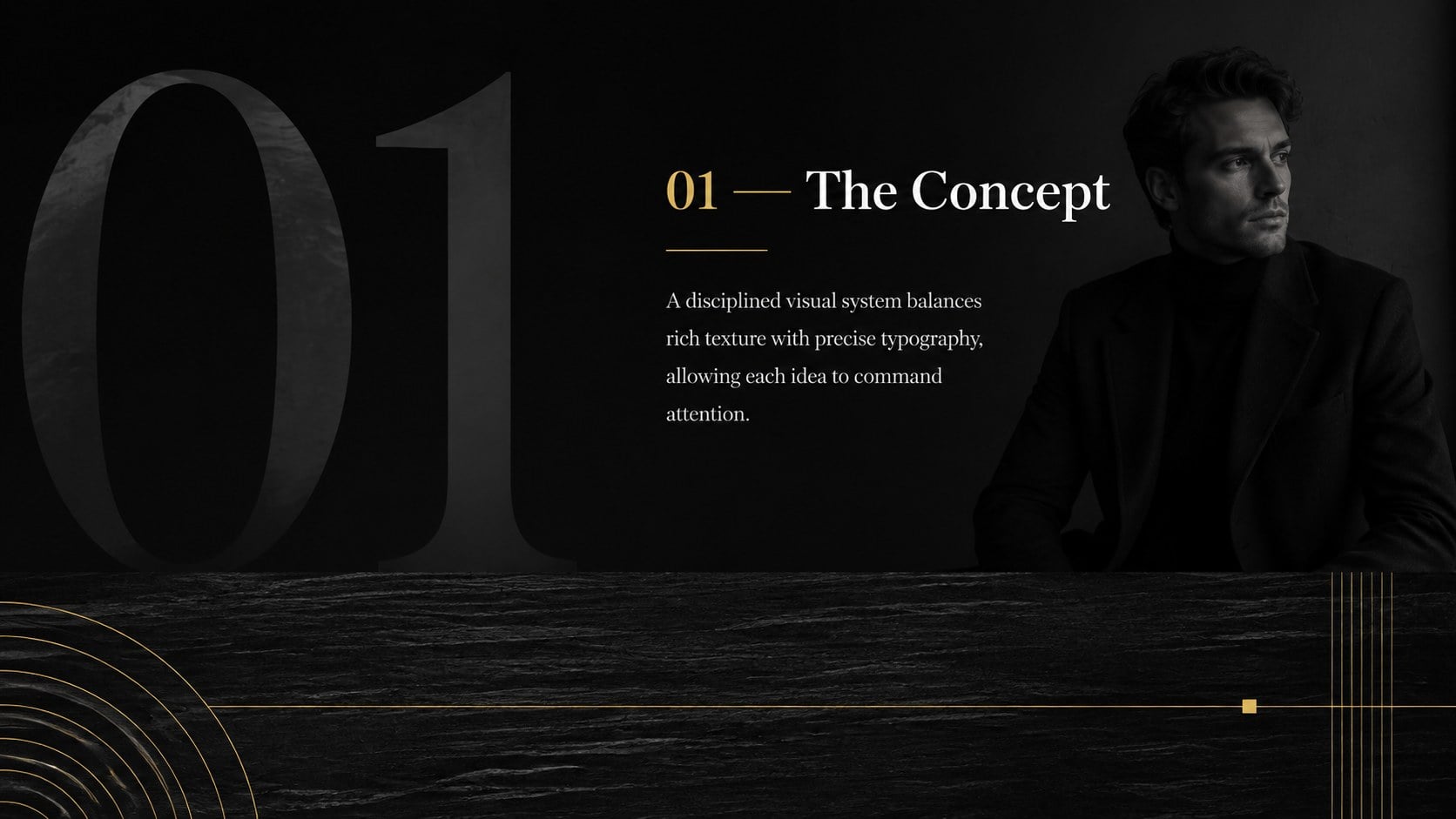
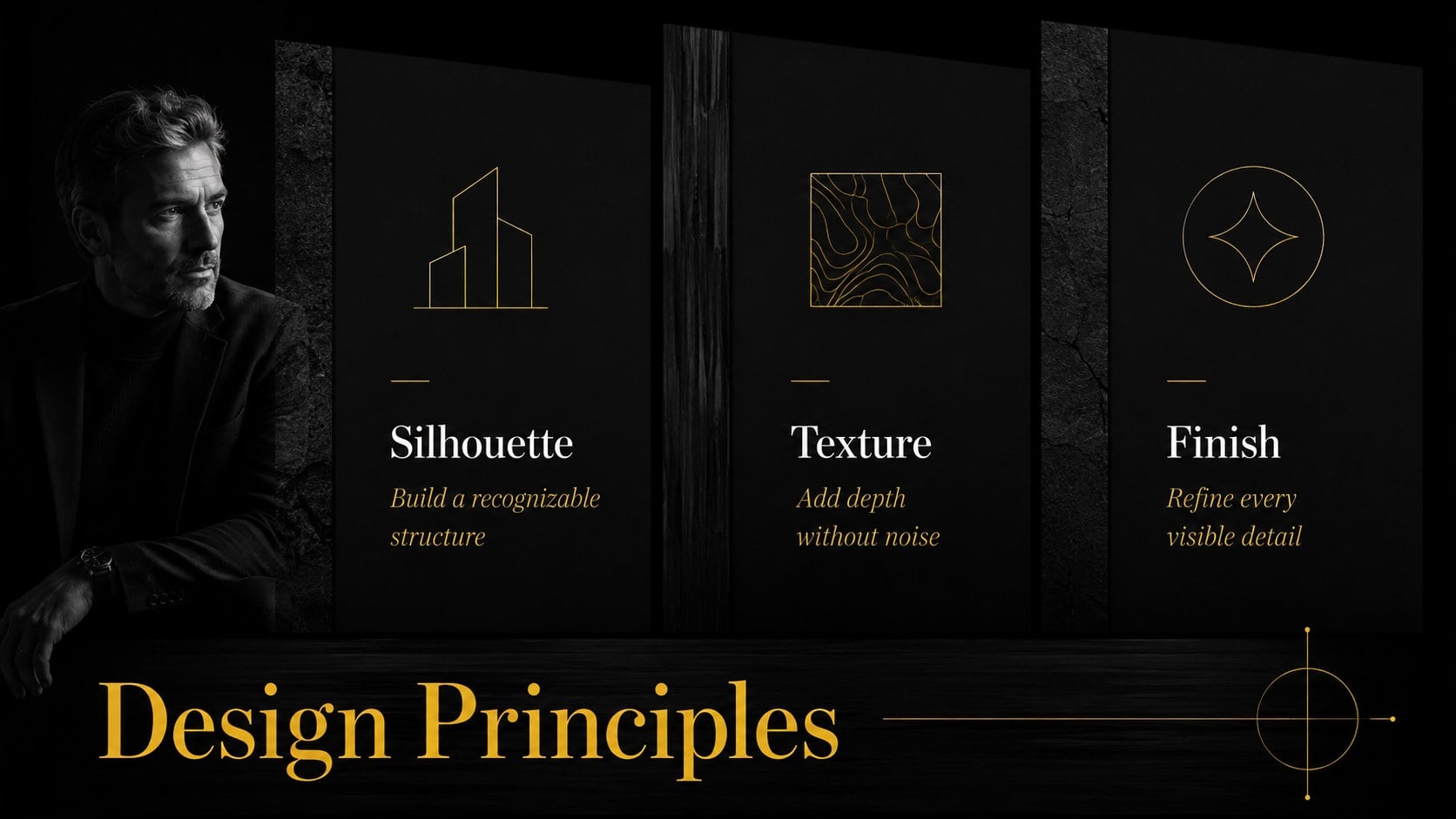
Create polished fashion stories and lectures with this noir timber editorial deck, pairing rich black textures, elegant type and a flexible accent color.
Design notes
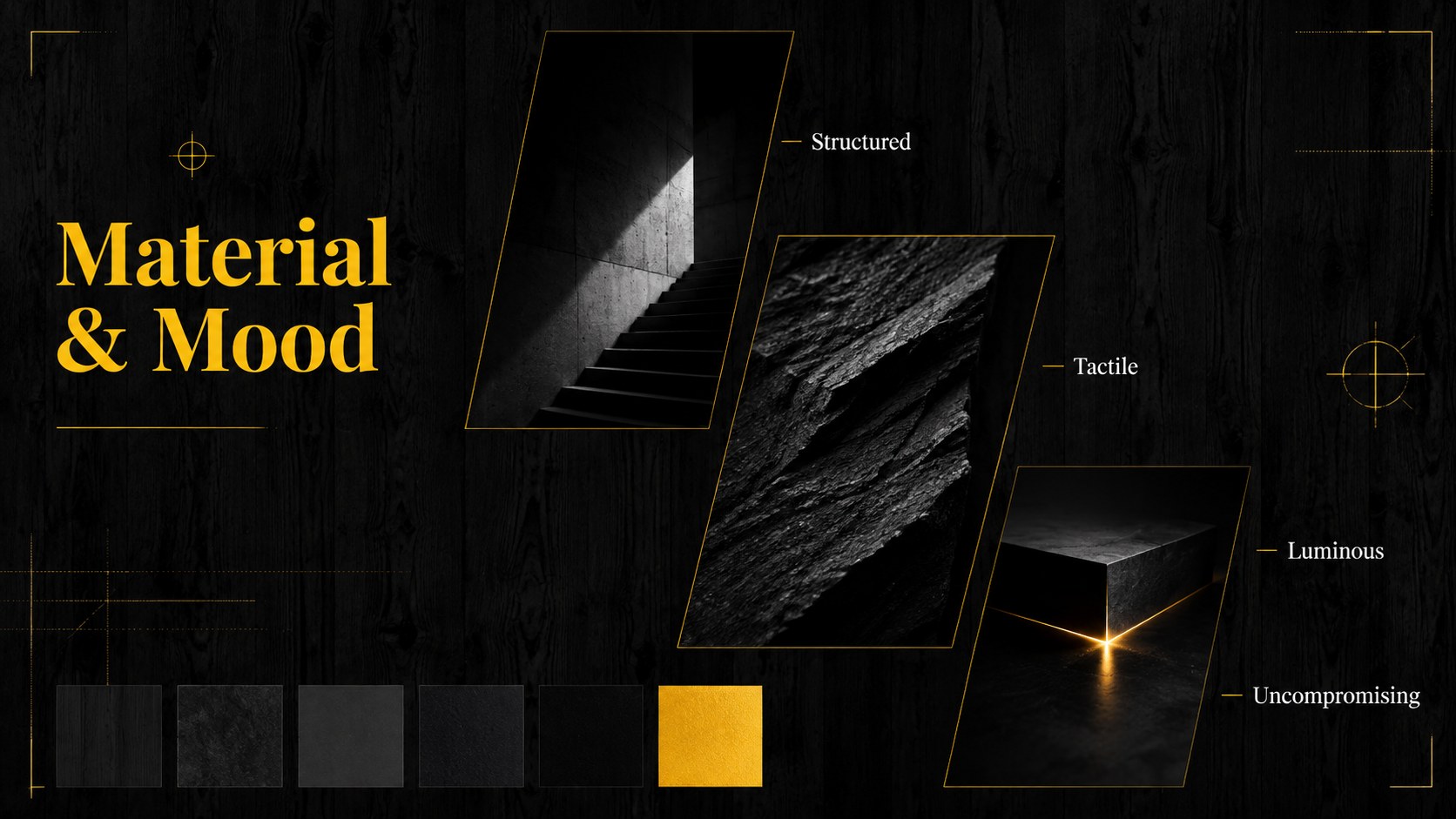
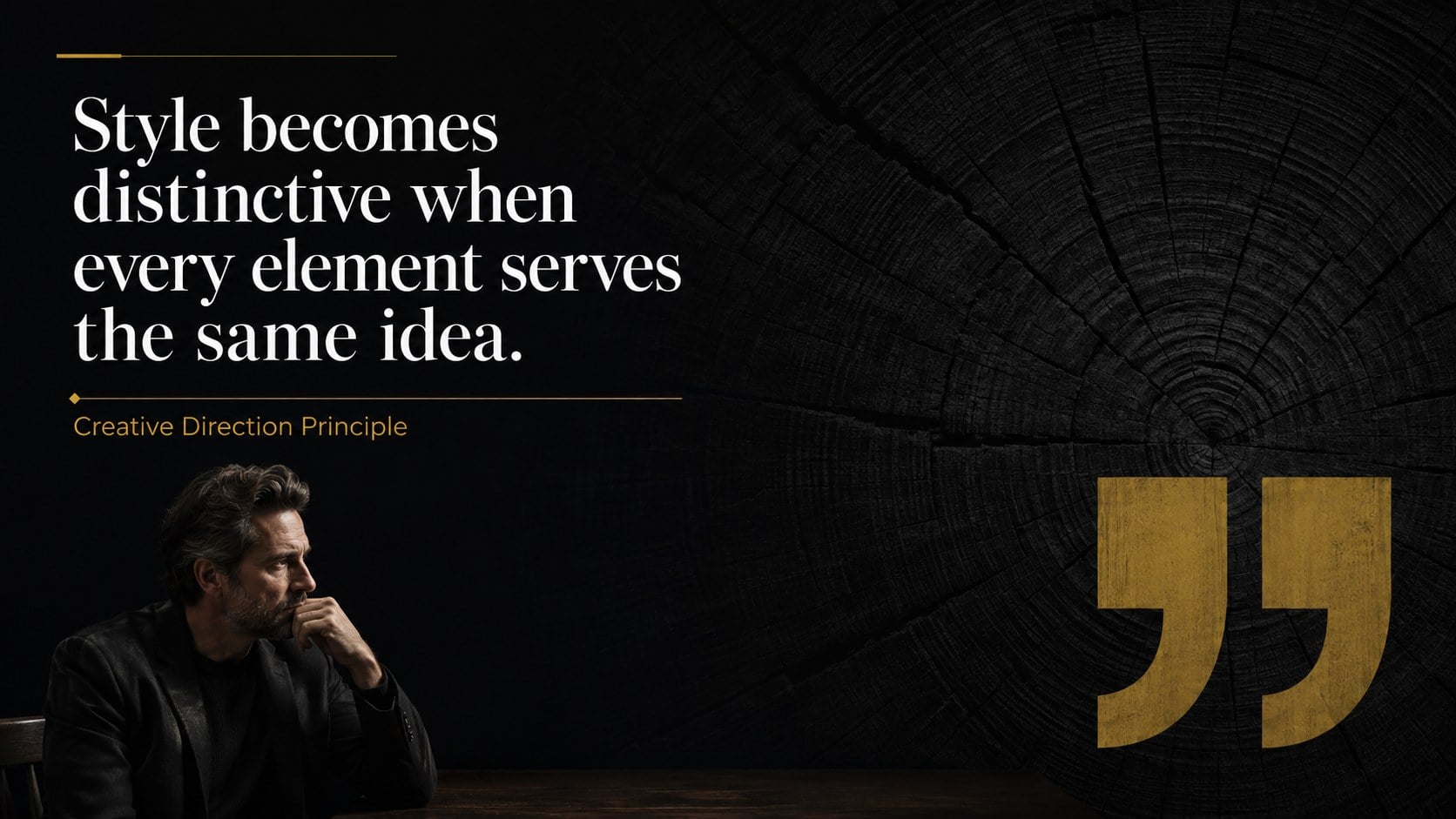
The Noir Timber Editorial Deck gives visual storytelling a refined, dramatic setting. Deep black surfaces, subtle wood grain and high-contrast typography create a confident atmosphere without distracting from the message. Use the restrained accent color to guide attention, organize ideas or align the presentation with an existing identity.
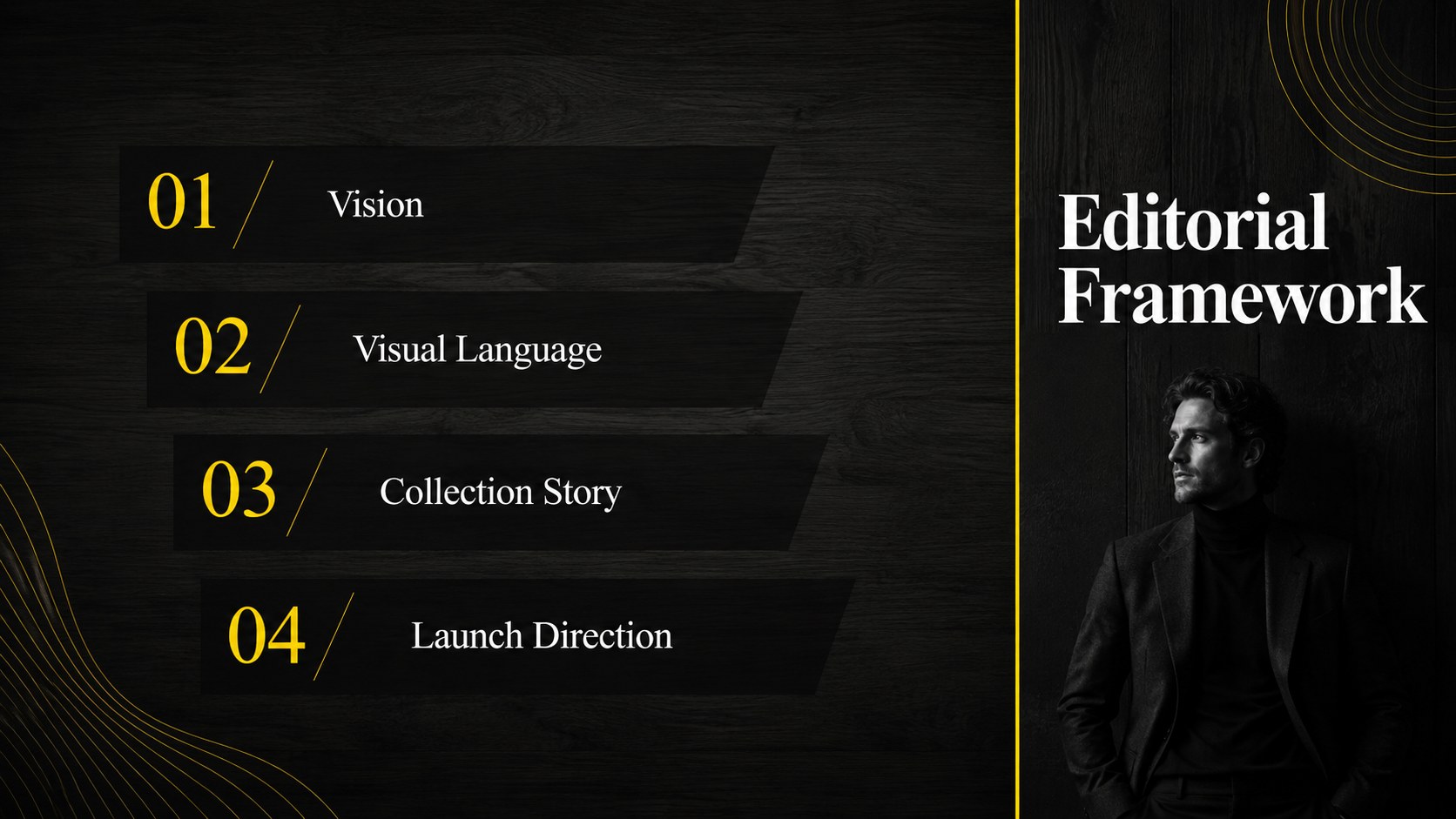
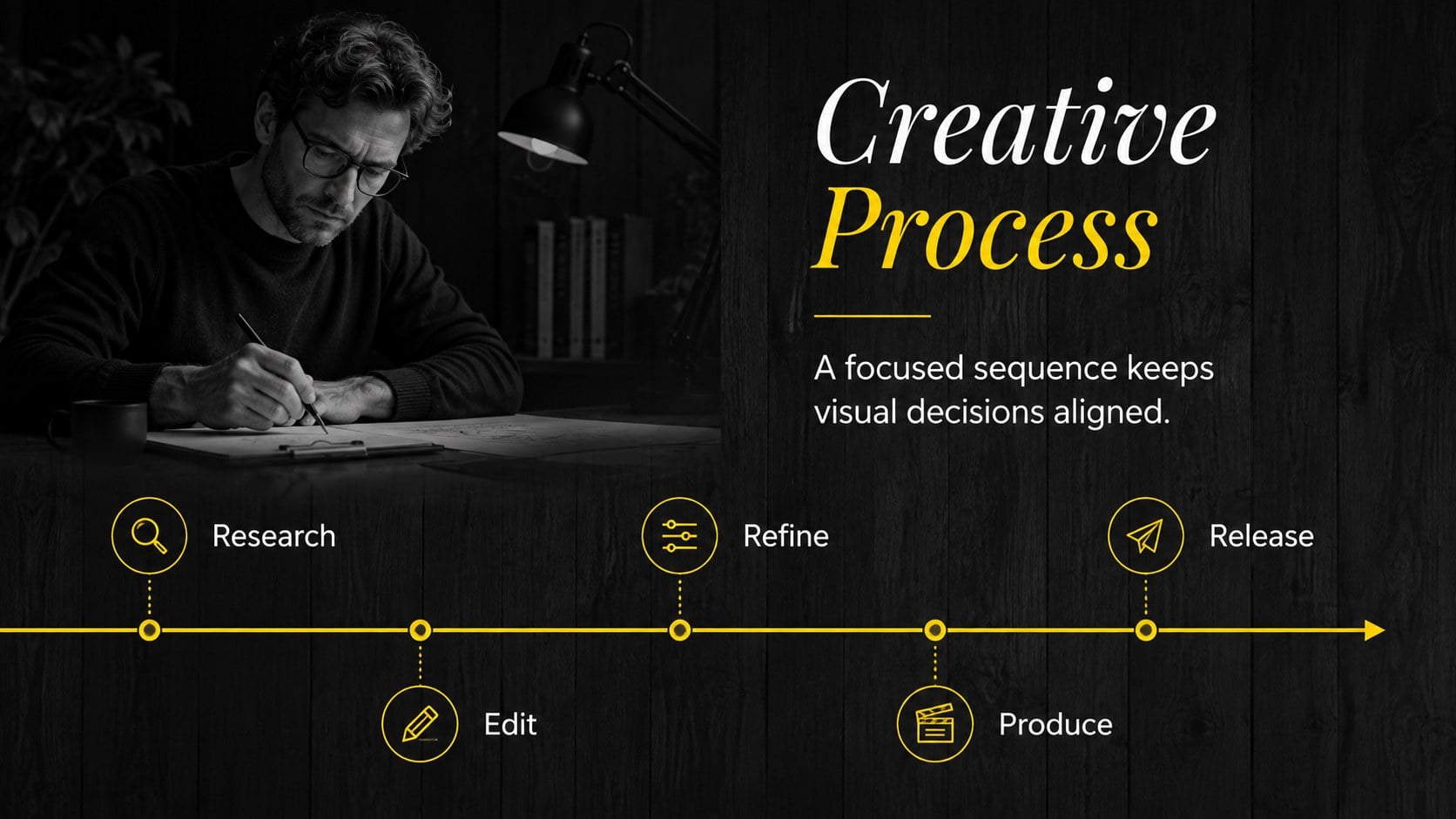
This dark editorial presentation template includes 16 coordinated layouts for opening statements, agendas, image-led narratives, quotations, comparisons, timelines, charts and closing messages. Every page is fully editable, so you can replace photographs, rewrite headings, recolor highlights and rearrange content. The widescreen format supports polished delivery on modern displays, while clear hierarchy helps both concise pitches and longer talks remain easy to follow.
Designed as a black fashion pitch deck and a flexible set of luxury brand moodboard slides, it works especially well for fashion direction, photography portfolios, design lectures, premium product concepts and cultural presentations. Editors, art directors, students, educators and creative teams can adapt the layouts in PowerPoint or Google Slides. Tables, data graphics, image frames and reusable icons provide enough variety for a complete narrative while maintaining the same elegant visual system from cover to conclusion.
Perfect for: fashion collection pitch; creative lecture; photography portfolio review; luxury brand concept; editorial campaign proposal; art direction moodboard.
Frequently asked questions
Can I edit the colors and wood textures? Yes. The accent color, text, image frames and background elements can be adjusted in PowerPoint or Google Slides. For the strongest visual consistency, retain the black base and use one contrasting highlight color.
Practical details
Yes. The accent color, text, image frames and background elements can be adjusted in PowerPoint or Google Slides. For the strongest visual consistency, retain the black base and use one contrasting highlight color.
The deck is designed for Microsoft PowerPoint and Google Slides. It uses a 16:9 widescreen layout suitable for projectors, monitors and exported PDF files.
Yes. Image areas are intended for straightforward photo replacement and cropping. High-contrast fashion, architecture, product or editorial photography will suit the dark visual system particularly well.
Yes. It includes layouts for charts, comparisons, timelines, statistics and tables alongside image-focused pages. Simplifying labels and using the accent color selectively will keep detailed information legible.
Keep exploring
15Build an engaging World UFO Day session with this flying saucer history lesson deck, featuring retro green-and-brown slides for PowerPoint and Google Slides.
 15
15Plan a lively animal-learning journey with this jungle zoo adventure lesson deck, ready to customize in PowerPoint and Google Slides for young learners.
 16
16Turn environmental research into a clear story with a Watercolor Ecology Presentation Theme for PowerPoint and Google Slides in calming green and blue.
 16
16Build focused fashion, literature, and humanities presentations with the Red Triangle Editorial Theme, editable in PowerPoint and Google Slides.
 15
15Turn streaming stats, favorite tracks, and concert highlights into a bold annual listening recap slide deck for PowerPoint and Google Slides.
 15
15Turn highlights, milestones, and favorite moments into a colorful year in review slide deck with bold 3D graphics for PowerPoint and Google Slides.
 3
3Build a credible endorsement with Standout Colleague Recommendation Letter Slides, featuring colorful prompts for skills, achievements, and team impact.
 4
4Build clear beginner sessions with an ice hockey fundamentals training deck for coaches, PE teachers, and clubs, ready for PowerPoint and Google Slides.