
 15
15presentation
Flying Saucer History Lesson Deck
Build an engaging World UFO Day session with this flying saucer history lesson deck, featuring retro green-and-brown slides for PowerPoint and Google Slides.
Google SlidesPowerPoint
presentation · English
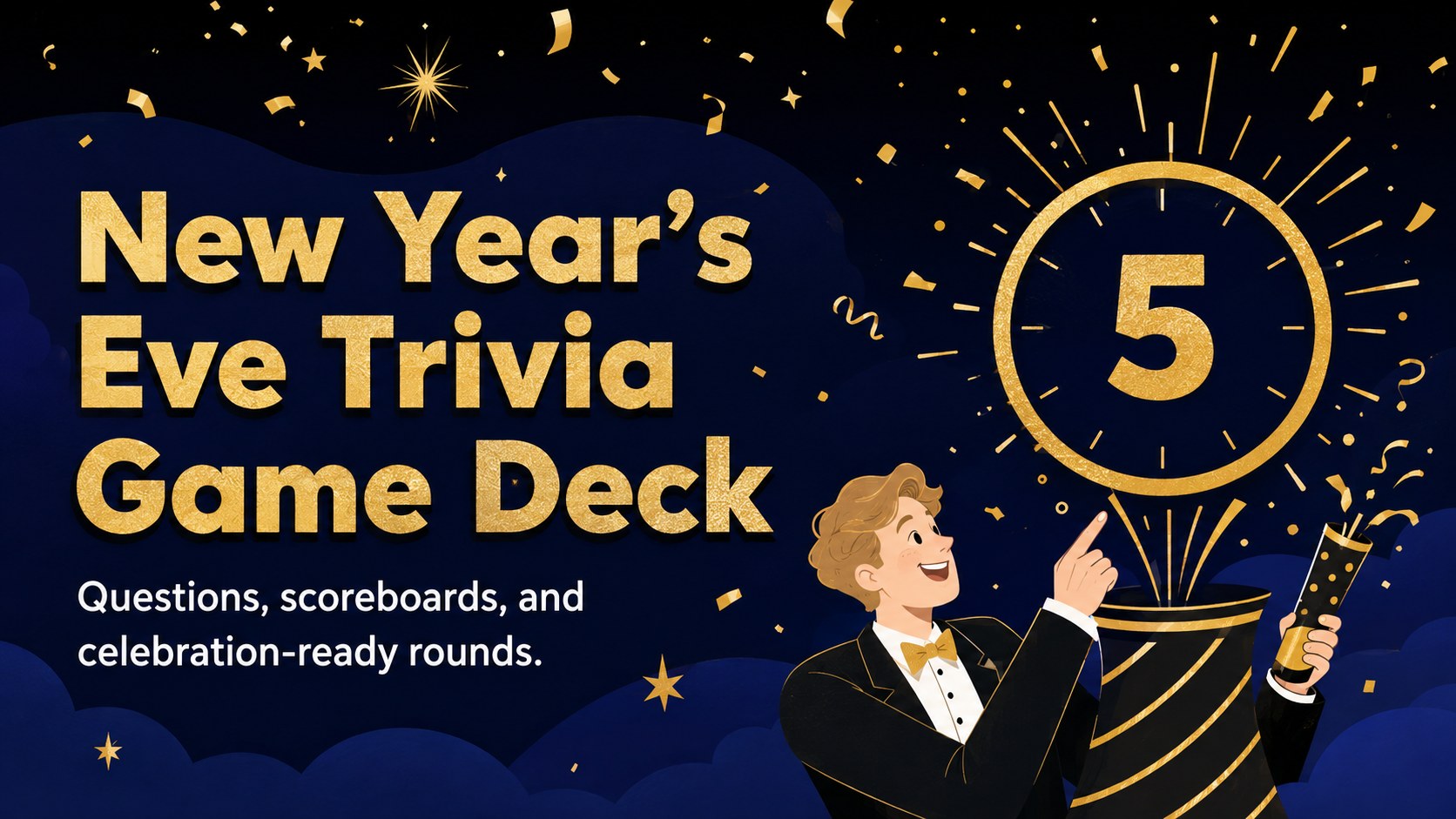
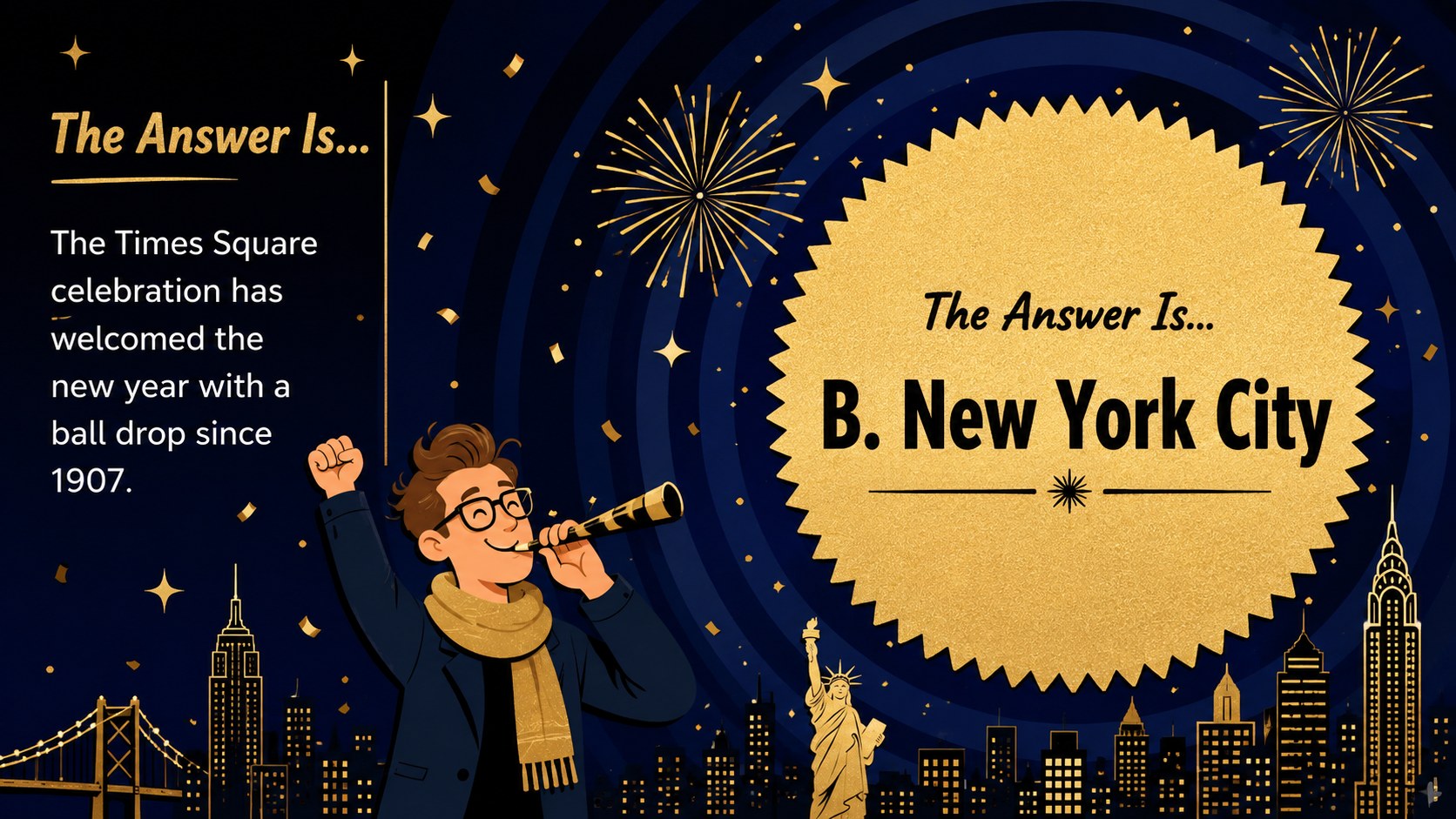
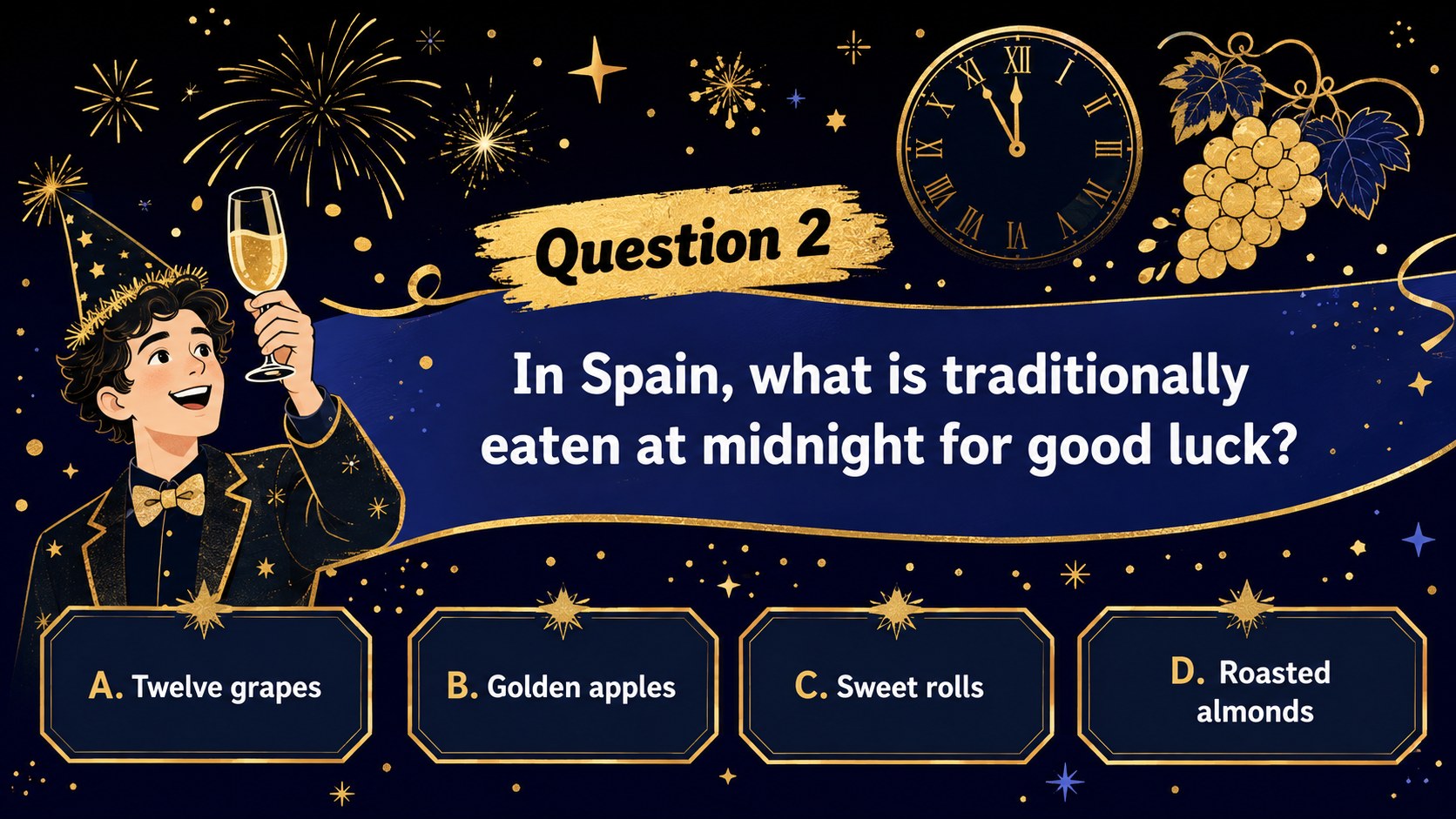
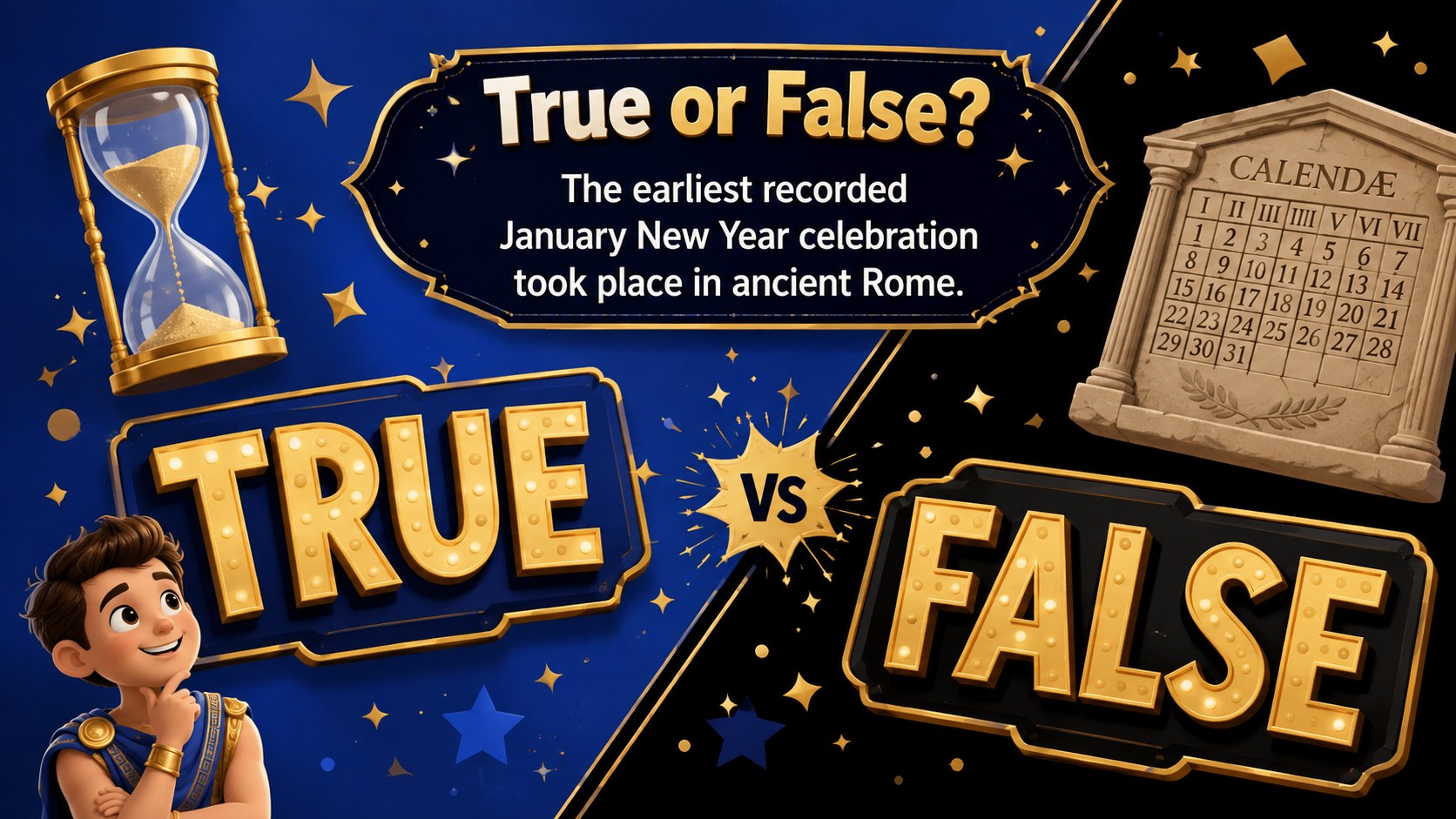
Bring instant energy to any countdown with a New Year's Eve trivia game deck in playful black, blue, and gold for PowerPoint and Google Slides.
Design notes
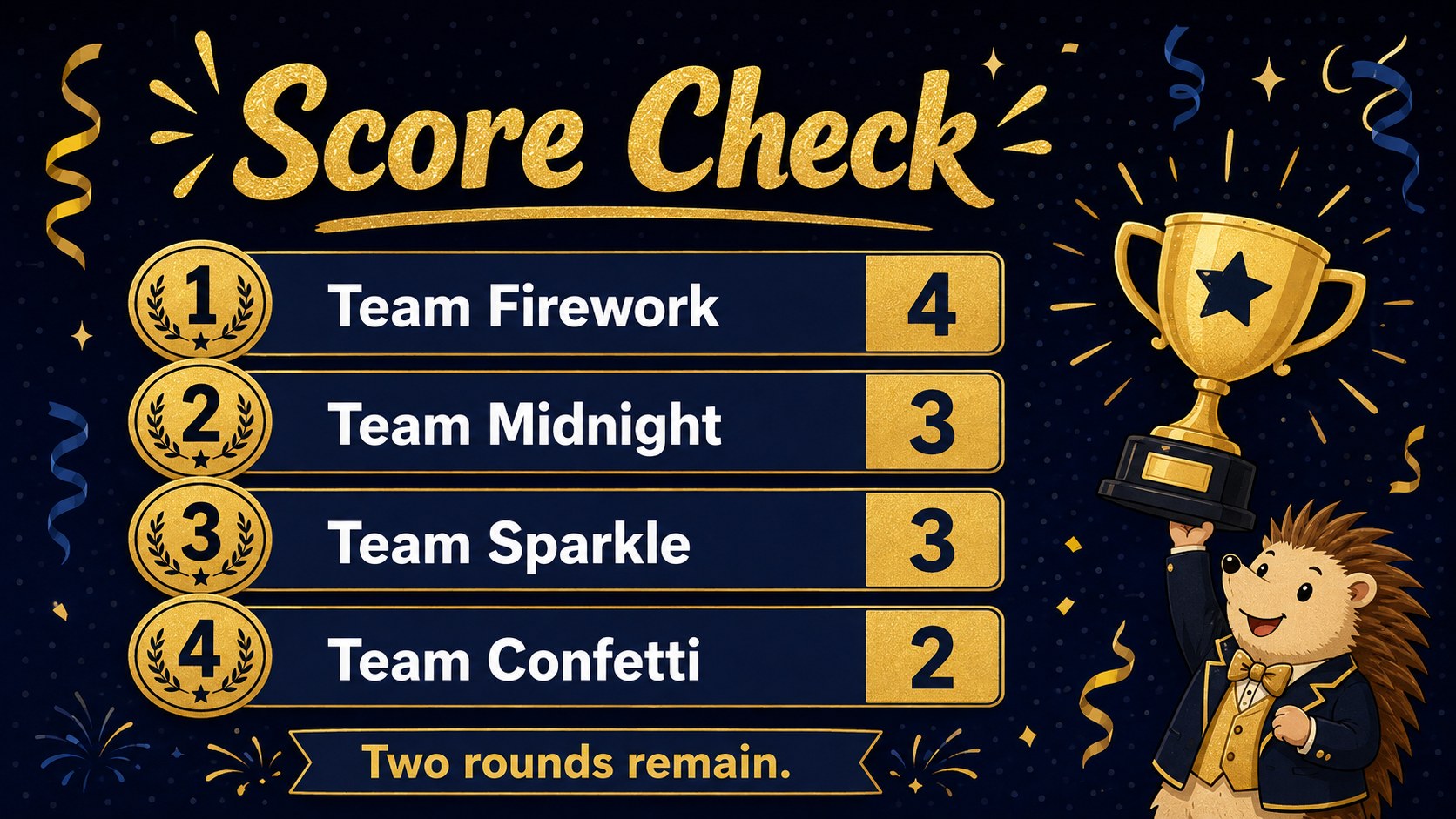
The New Year's Eve trivia game deck turns a year-end gathering into a polished, easy-to-host competition. Its playful illustrated style combines deep black backgrounds, vibrant blue accents, and sparkling gold details for a festive look that remains clear on projectors and shared screens. Use it as an interactive countdown quiz presentation for friends, students, customers, or colleagues.
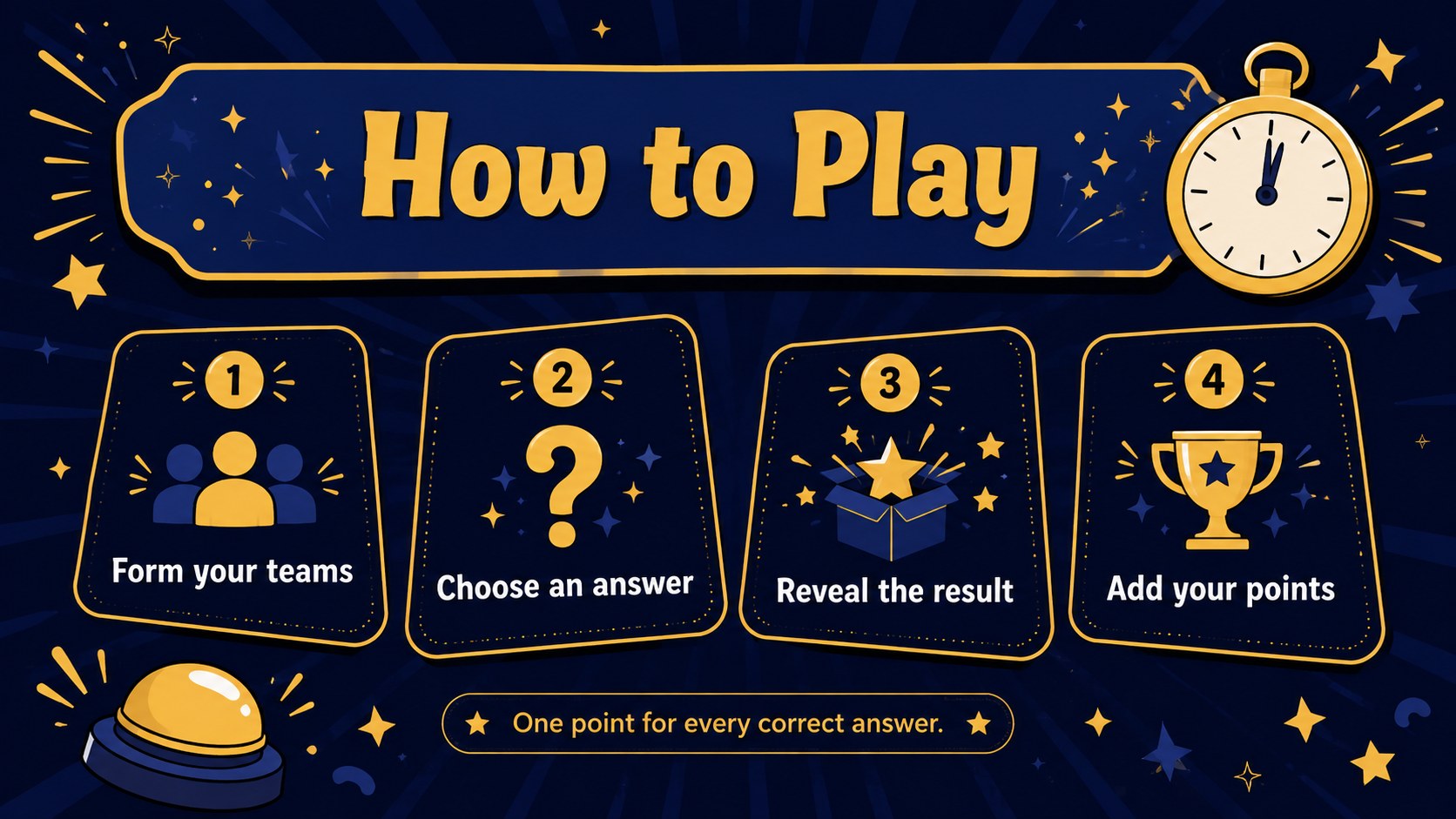
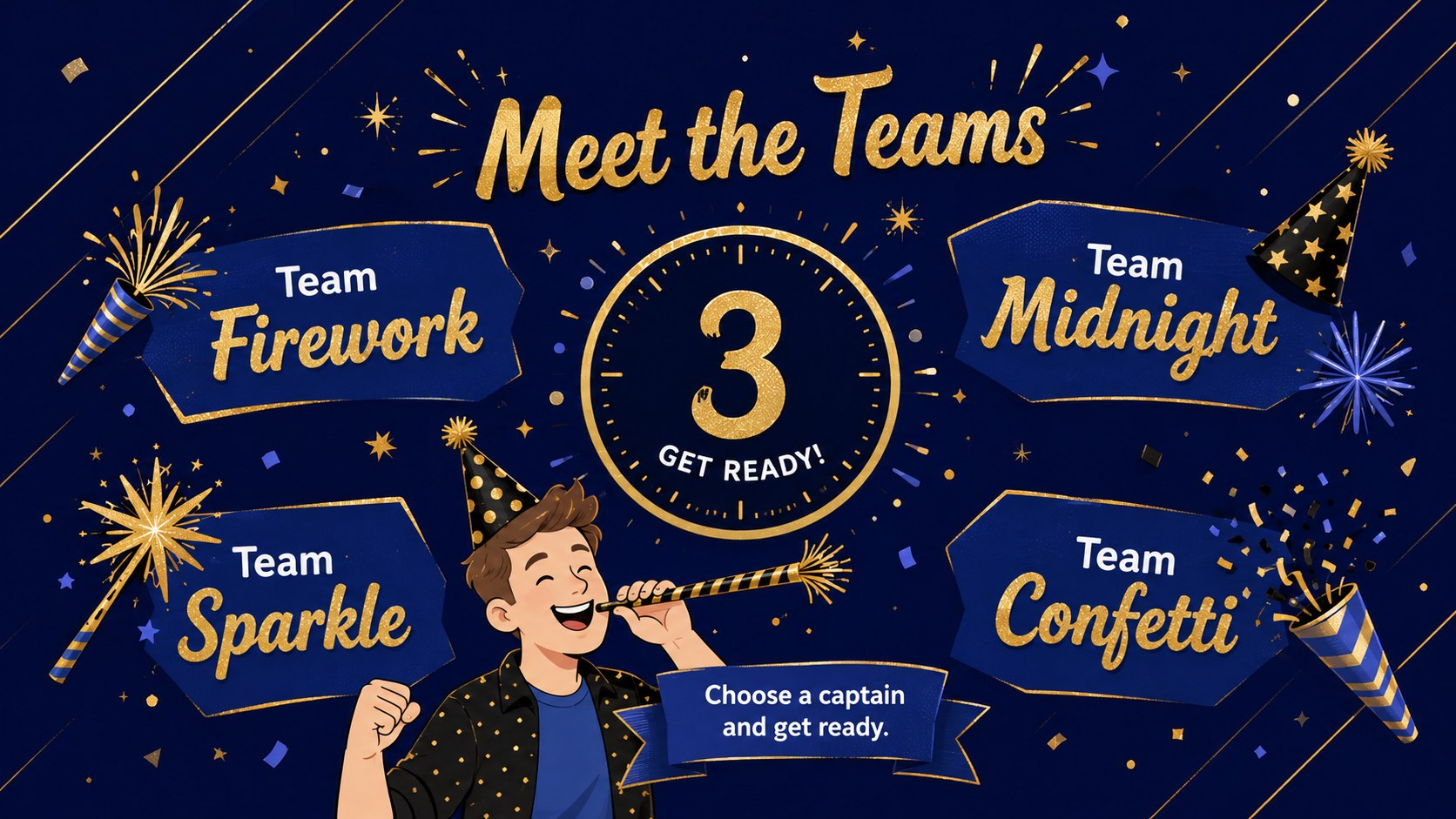
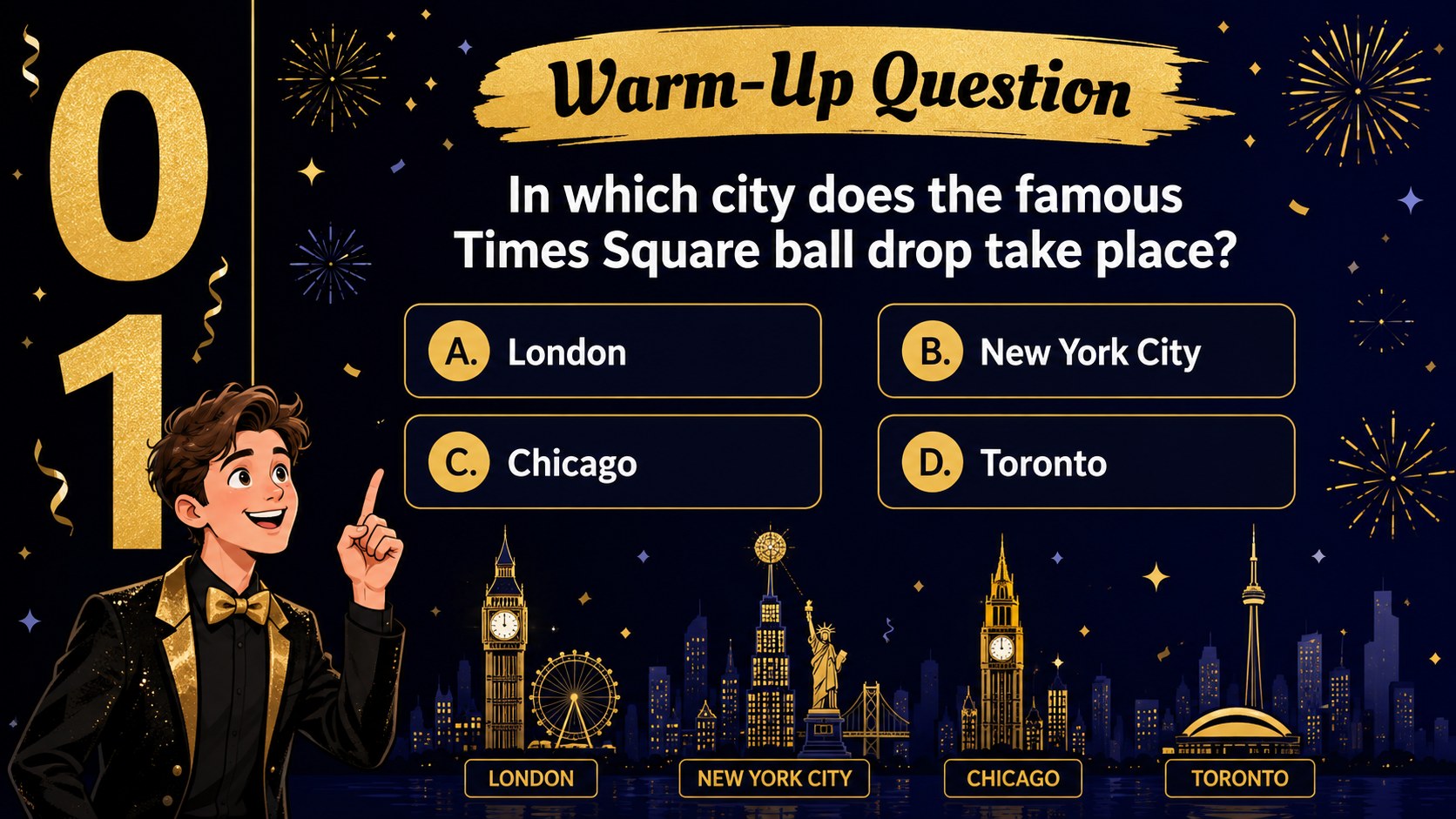
Inside, you will find a welcoming cover, game instructions, team setup, themed question rounds, multiple-choice layouts, answer reveals, scoreboards, a tie-breaker, and a winner announcement. More than 25 editable slide layouts give you room to add custom questions, images, charts, lists, and timelines. Built-in transitions and animation-ready elements help each reveal feel engaging without distracting from the game. All wording, colors, fonts, and decorative elements can be adjusted in PowerPoint or Google Slides.
This blue and gold holiday game slides collection works well for an office countdown party game, a family New Year's Eve quiz, a classroom year-end trivia activity, or a seasonal customer event. Hosts can shorten the deck for a quick icebreaker or expand it into several rounds for a full evening program. The reusable layouts also make it simple to refresh questions for future celebrations while keeping a consistent visual identity.
Perfect for: family New Year's Eve quiz; office countdown party game; classroom year-end activity; holiday customer event; community celebration trivia.
Frequently asked questions
Can I edit the questions and answers? Yes. Replace the sample wording with your own questions, answer choices, hints, and explanations directly in PowerPoint or Google Slides. You can also duplicate question layouts to create additional rounds.
Practical details
Yes. Replace the sample wording with your own questions, answer choices, hints, and explanations directly in PowerPoint or Google Slides. You can also duplicate question layouts to create additional rounds.
The deck is designed for Microsoft PowerPoint and Google Slides. Animation behavior can vary slightly between the two platforms, so review the presentation in slideshow mode before hosting.
Yes. Change the black, blue, and gold palette, update fonts, move decorative elements, and replace illustrations to match your event. Keep strong contrast between the question text and background for easy viewing.
Add team names to the setup slide and update the scoreboard after each round. For larger groups, duplicate score rows or assign one person to record points while another host presents the questions.
Keep exploring
15Build an engaging World UFO Day session with this flying saucer history lesson deck, featuring retro green-and-brown slides for PowerPoint and Google Slides.
 15
15Plan a lively animal-learning journey with this jungle zoo adventure lesson deck, ready to customize in PowerPoint and Google Slides for young learners.
 16
16Turn environmental research into a clear story with a Watercolor Ecology Presentation Theme for PowerPoint and Google Slides in calming green and blue.
 16
16Build focused fashion, literature, and humanities presentations with the Red Triangle Editorial Theme, editable in PowerPoint and Google Slides.
 15
15Turn streaming stats, favorite tracks, and concert highlights into a bold annual listening recap slide deck for PowerPoint and Google Slides.
 15
15Turn highlights, milestones, and favorite moments into a colorful year in review slide deck with bold 3D graphics for PowerPoint and Google Slides.
 3
3Build a credible endorsement with Standout Colleague Recommendation Letter Slides, featuring colorful prompts for skills, achievements, and team impact.
 4
4Build clear beginner sessions with an ice hockey fundamentals training deck for coaches, PE teachers, and clubs, ready for PowerPoint and Google Slides.