
 15
15presentation
Flying Saucer History Lesson Deck
Build an engaging World UFO Day session with this flying saucer history lesson deck, featuring retro green-and-brown slides for PowerPoint and Google Slides.
Google SlidesPowerPoint
presentation · English
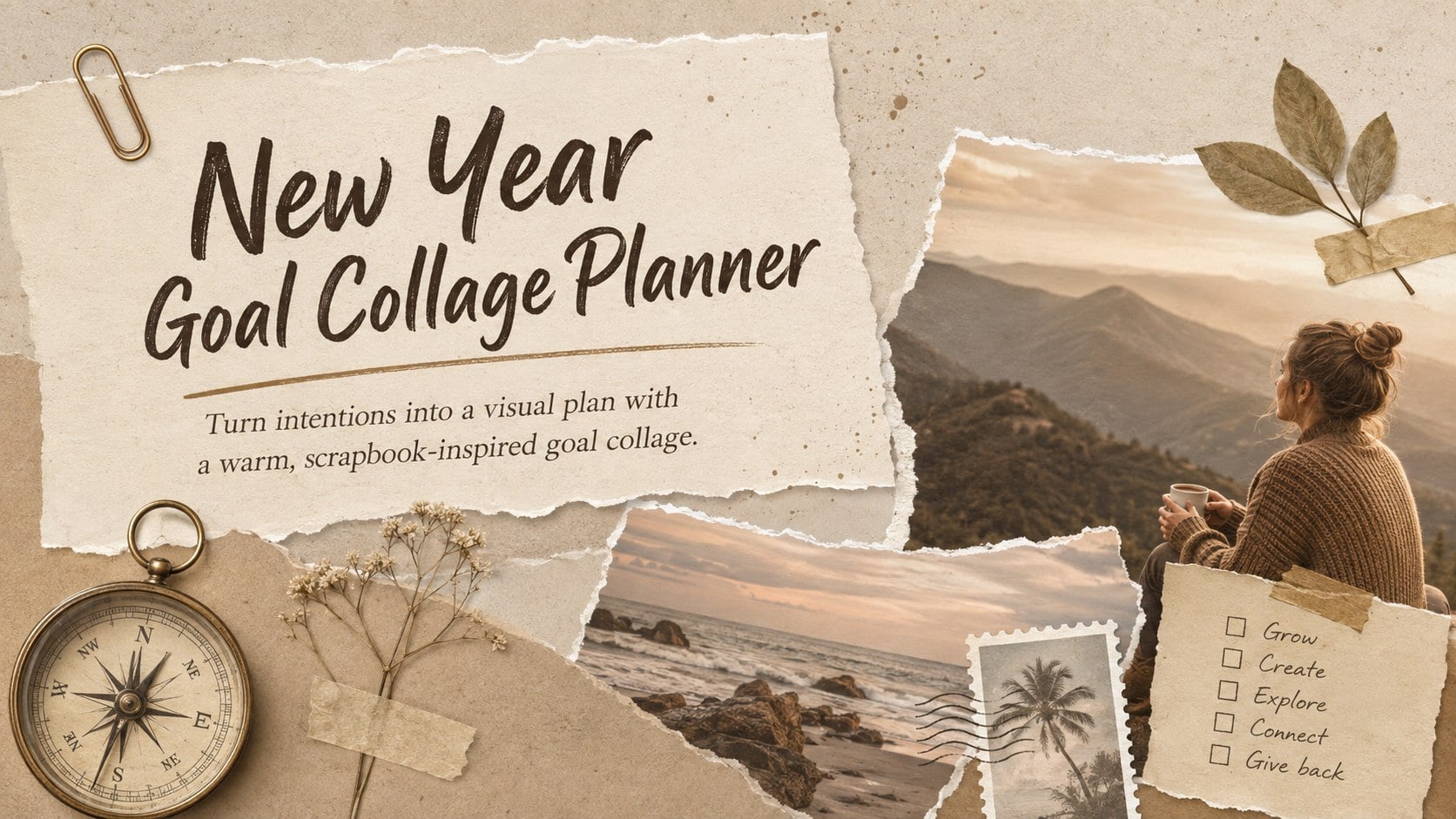
Build a focused year with the New Year Goal Collage Planner, a warm beige scrapbook deck for mapping priorities, habits, milestones, and inspiration.

Design notes
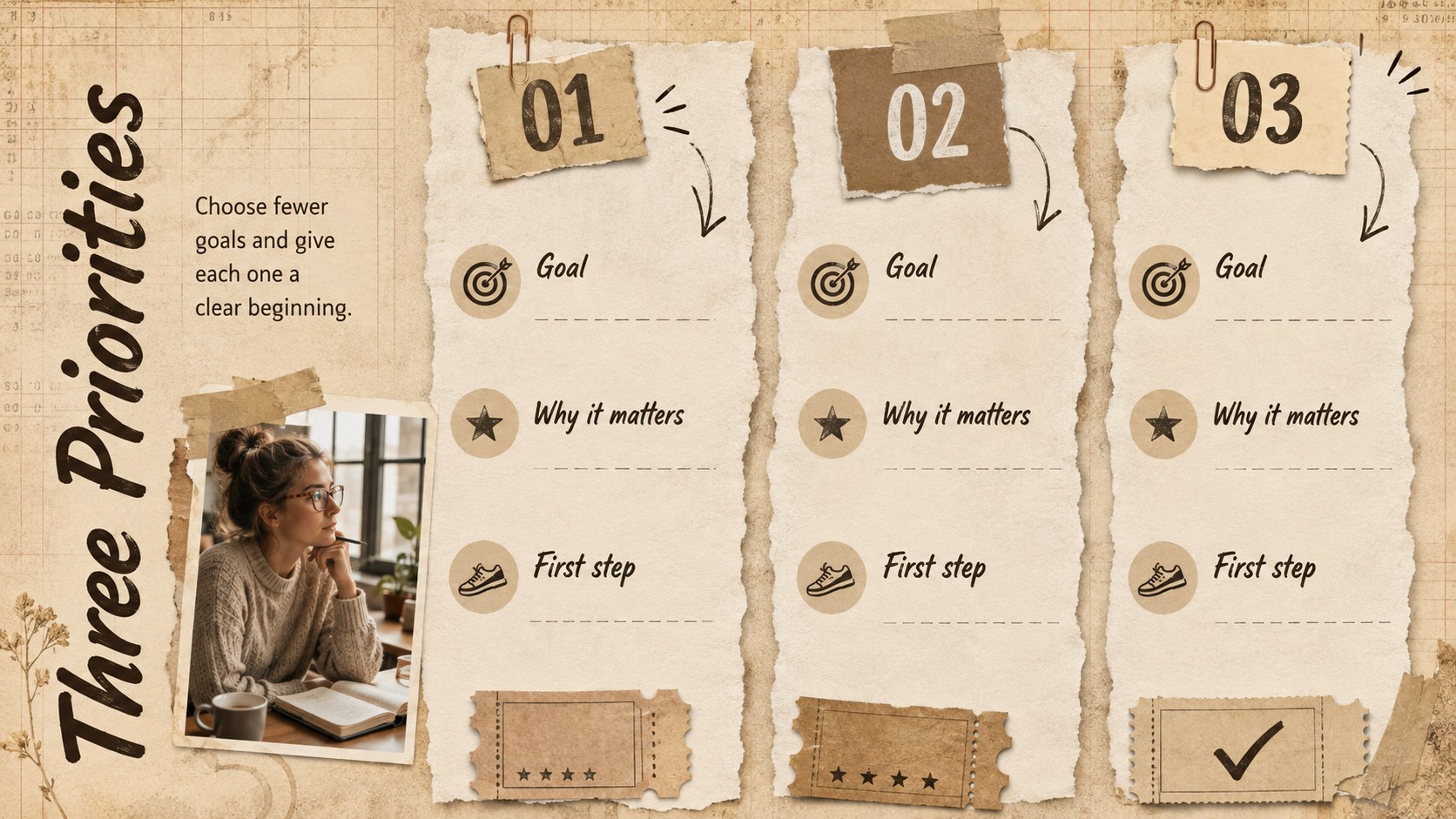
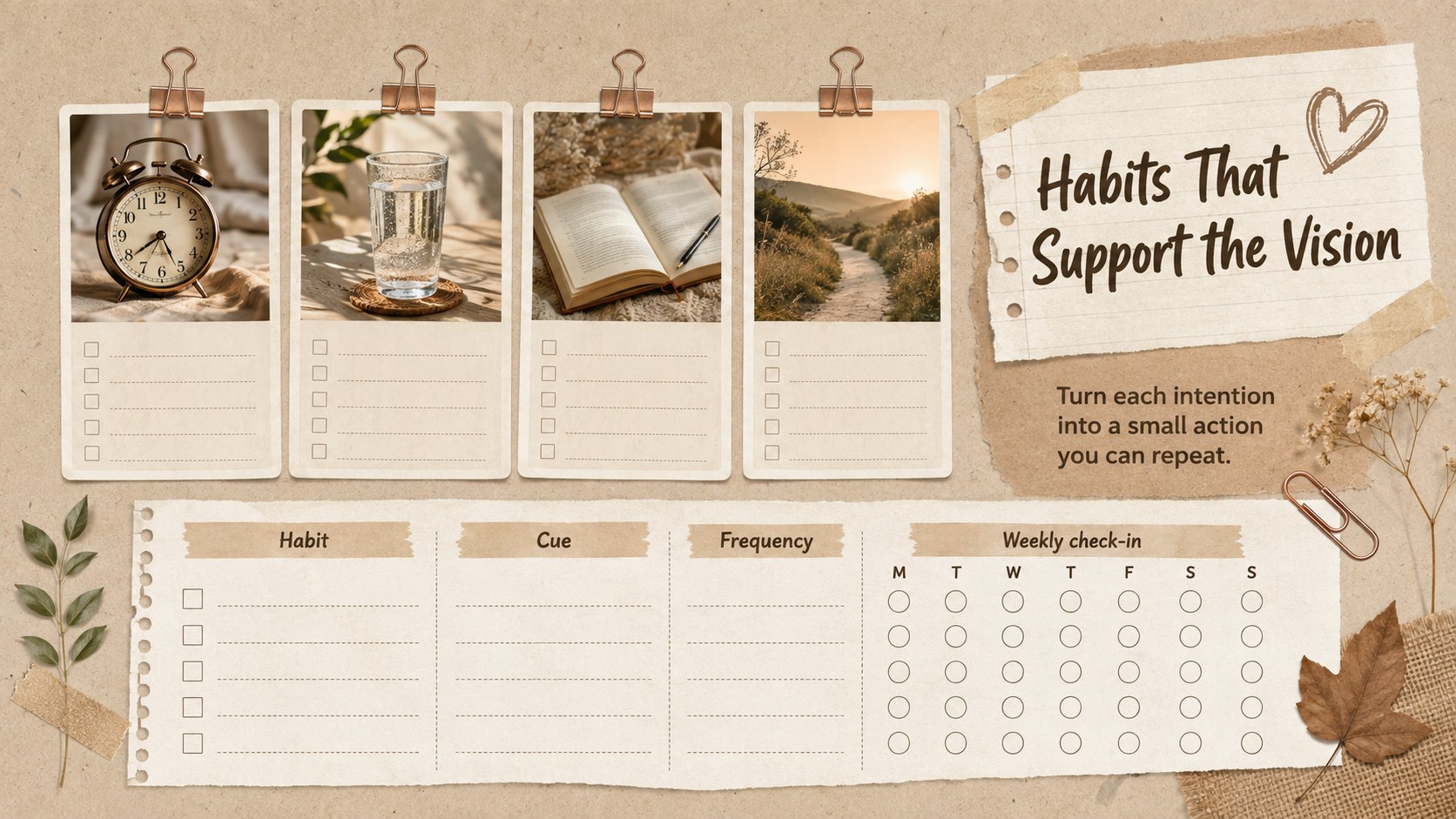
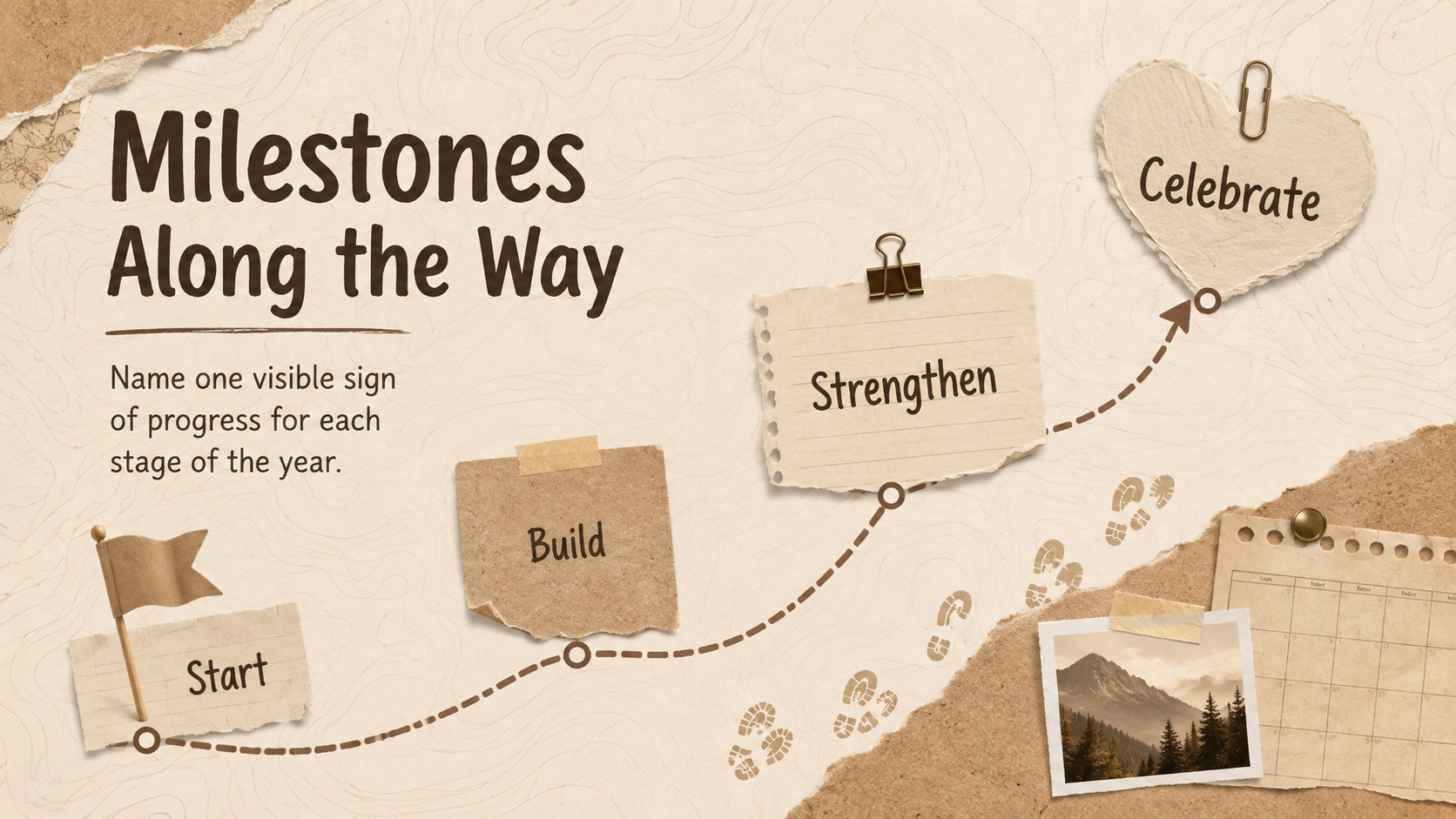
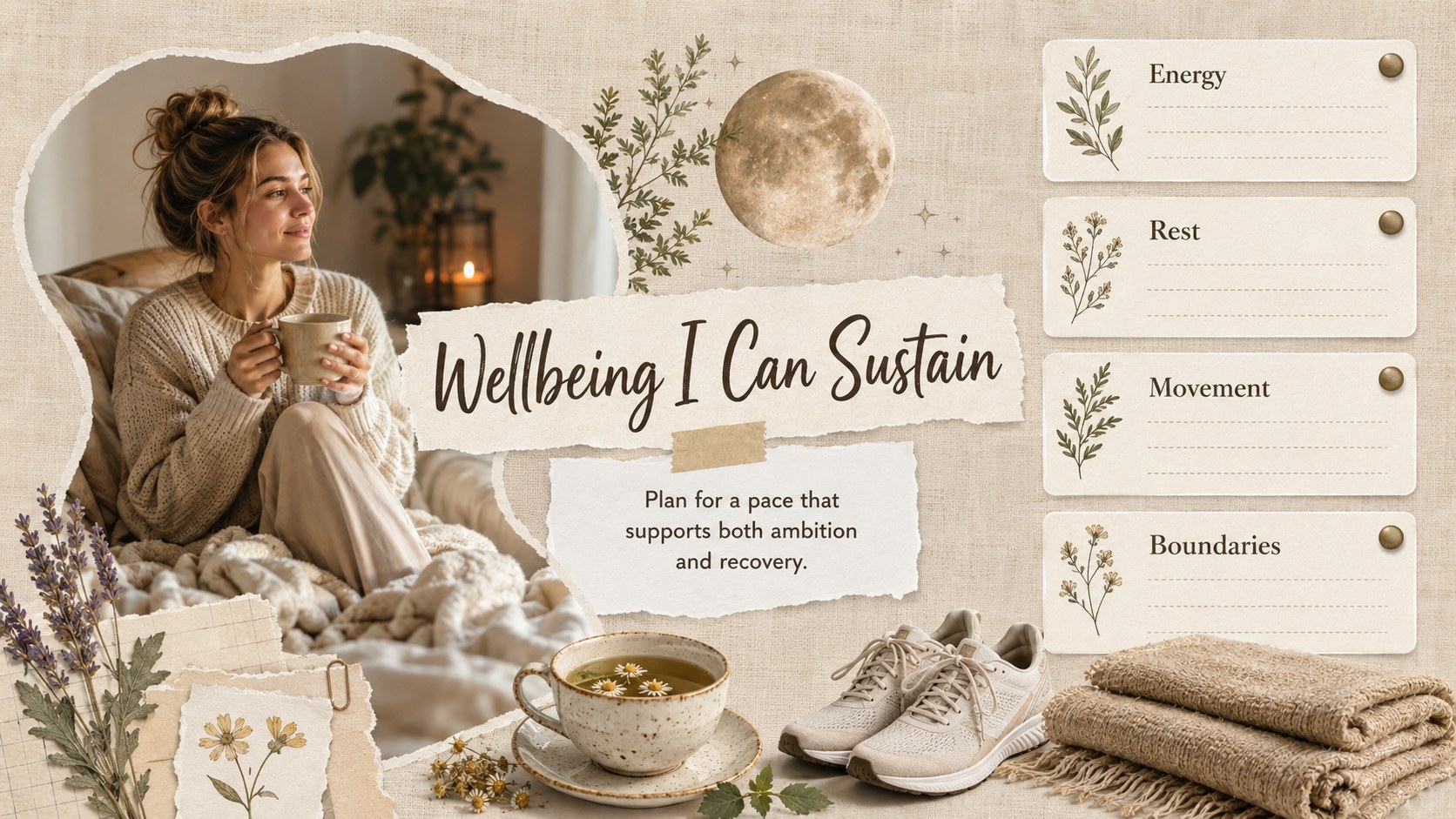
The New Year Goal Collage Planner turns broad resolutions into a personal visual roadmap. Its warm brown and beige palette, layered paper textures, photo spaces, and journal-inspired details create an inviting setting for defining what matters in the months ahead. Use the deck to connect meaningful images with practical goals instead of collecting inspiration without a plan.
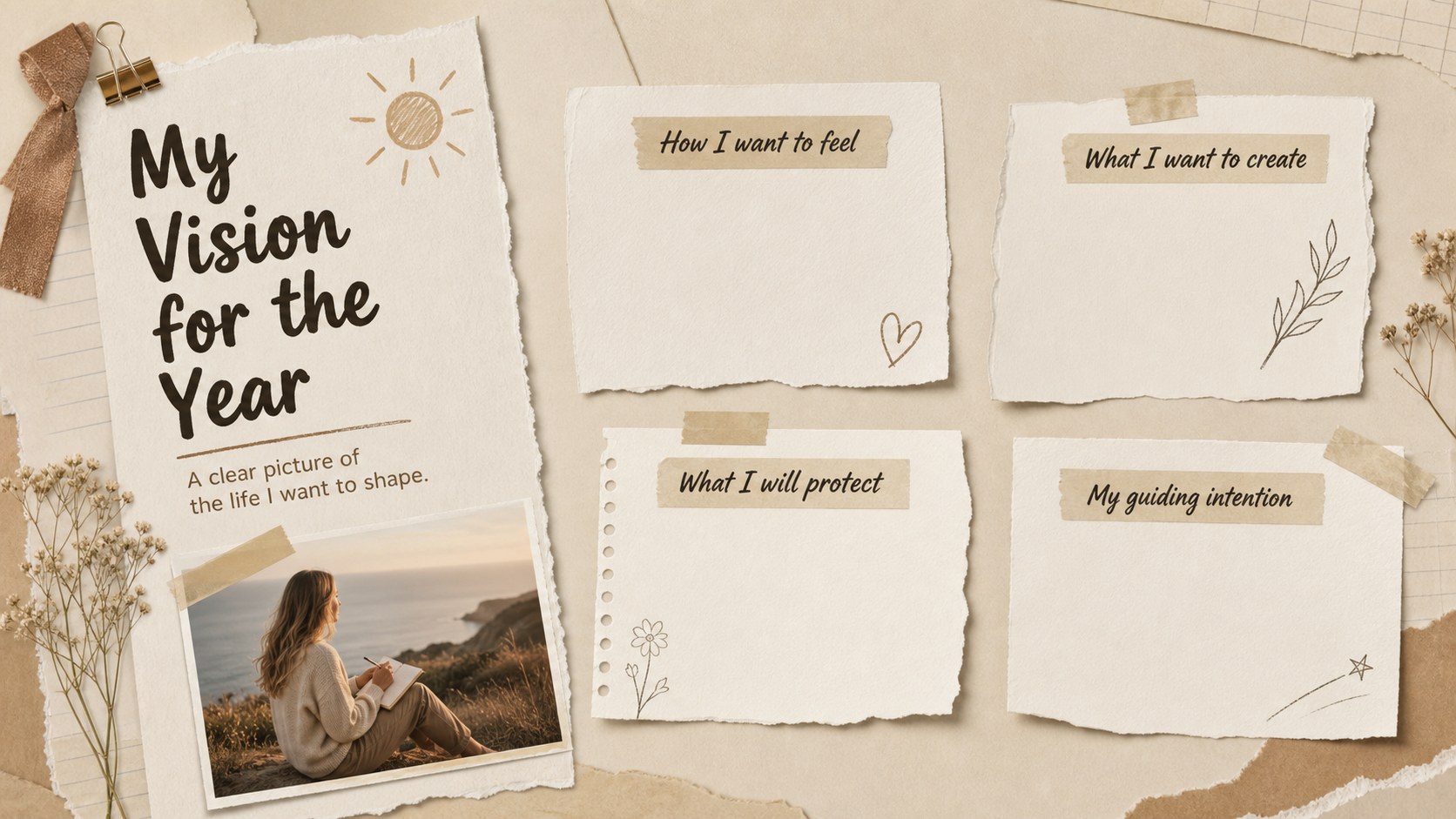
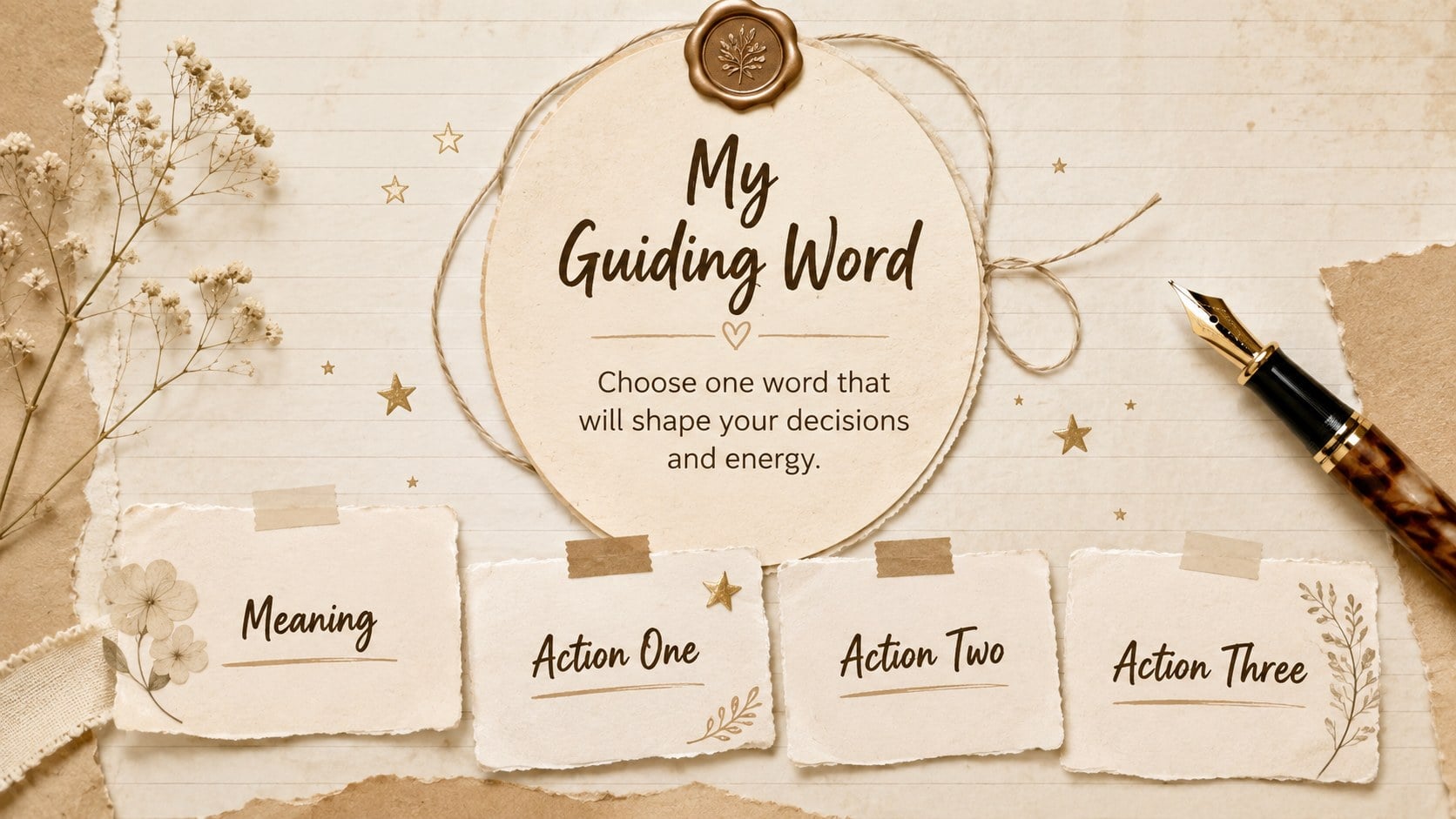
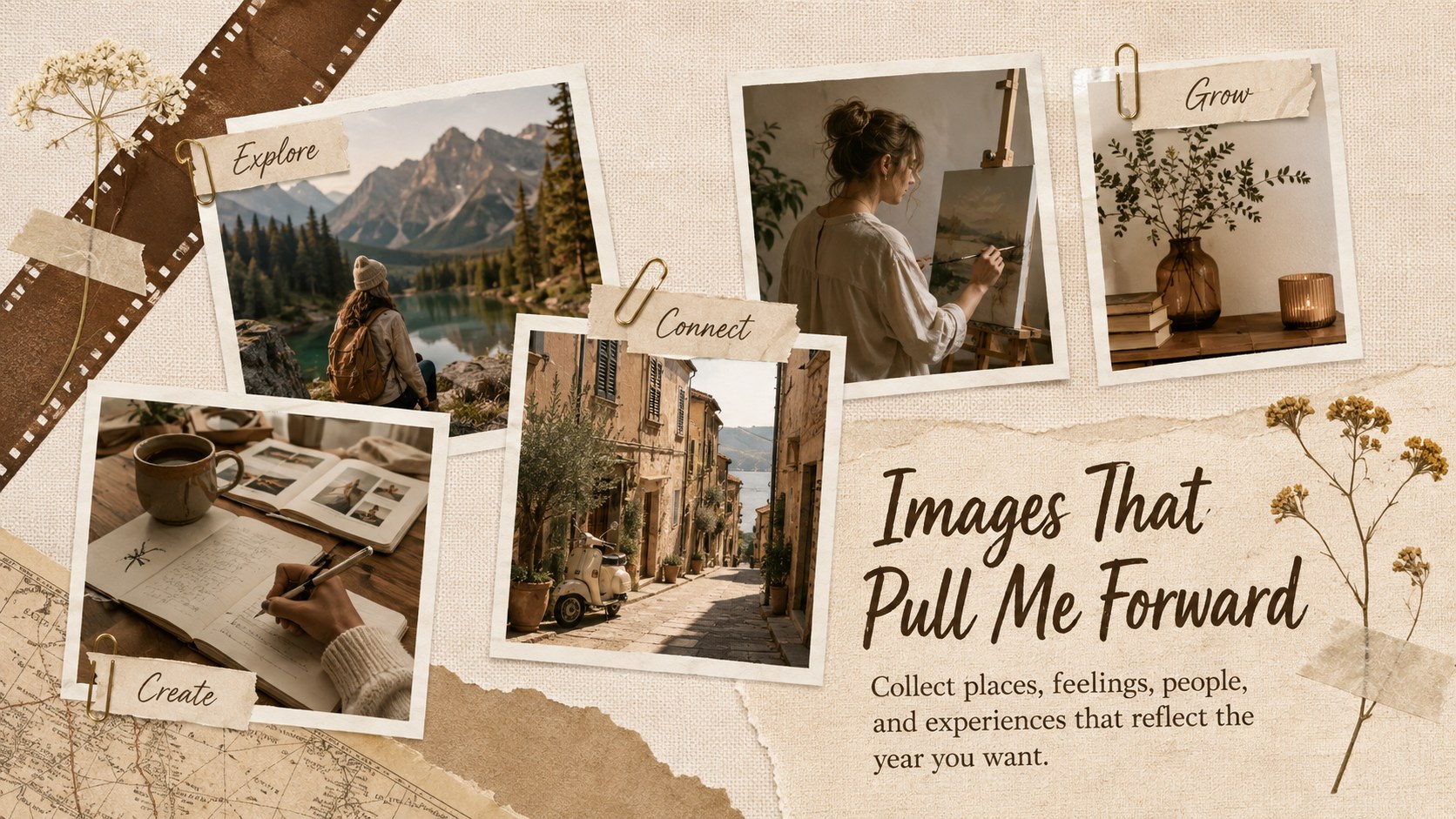
This beige scrapbook goal setting template includes 15 widescreen slides for a yearly vision, guiding word, life priorities, inspiration gallery, habits, milestones, wellbeing, career development, relationships, travel, monthly planning, and progress reflection. Editable text boxes, image frames, shapes, and simple planning layouts make it easy to build a cohesive collage using your own photographs, quotations, and objectives. The slides can also serve as an editable annual intention board presentation for workshops or coaching sessions.
Designed for students, professionals, families, coaches, and personal development groups, the planner supports both private reflection and collaborative goal-setting activities. It works in PowerPoint and Google Slides, so colors, typography, photos, and page order can be adapted to individual needs. Whether you are hosting a January planning workshop, preparing vision board slides for personal growth, or reviewing goals each quarter, this deck keeps aspirations visible, organized, and connected to achievable next steps.
Perfect for: January goal-setting workshop; personal annual planning; student reflection activity; life coaching session; family vision board night; quarterly goal review.
Frequently asked questions
Can I edit this planner in PowerPoint and Google Slides? Yes. All slide text, colors, shapes, and image placeholders can be edited in PowerPoint or Google Slides. Some fonts may be substituted automatically if they are not installed on your device.
Practical details
Yes. All slide text, colors, shapes, and image placeholders can be edited in PowerPoint or Google Slides. Some fonts may be substituted automatically if they are not installed on your device.
Replace the sample images with personal photos, magazine-style imagery, quotations, and symbols connected to your priorities. You can also adjust the beige and brown palette while keeping consistent typography and paper textures.
Yes. The prompts cover priorities, habits, milestones, and reflection, making the deck suitable for classroom, coaching, workplace, or community sessions. Duplicate individual planning slides when participants need more writing space.
No. The wording is intentionally flexible, so the planner can be reused for any new year or twelve-month planning cycle. Add specific dates to the milestone and monthly rhythm slides as needed.
Keep exploring
15Build an engaging World UFO Day session with this flying saucer history lesson deck, featuring retro green-and-brown slides for PowerPoint and Google Slides.
 15
15Plan a lively animal-learning journey with this jungle zoo adventure lesson deck, ready to customize in PowerPoint and Google Slides for young learners.
 16
16Turn environmental research into a clear story with a Watercolor Ecology Presentation Theme for PowerPoint and Google Slides in calming green and blue.
 16
16Build focused fashion, literature, and humanities presentations with the Red Triangle Editorial Theme, editable in PowerPoint and Google Slides.
 15
15Turn streaming stats, favorite tracks, and concert highlights into a bold annual listening recap slide deck for PowerPoint and Google Slides.
 15
15Turn highlights, milestones, and favorite moments into a colorful year in review slide deck with bold 3D graphics for PowerPoint and Google Slides.
 3
3Build a credible endorsement with Standout Colleague Recommendation Letter Slides, featuring colorful prompts for skills, achievements, and team impact.
 4
4Build clear beginner sessions with an ice hockey fundamentals training deck for coaches, PE teachers, and clubs, ready for PowerPoint and Google Slides.