
 15
15presentation
Flying Saucer History Lesson Deck
Build an engaging World UFO Day session with this flying saucer history lesson deck, featuring retro green-and-brown slides for PowerPoint and Google Slides.
Google SlidesPowerPoint
presentation · English
Welcome new helpers with a new volunteer orientation presentation in warm orange and beige, built for explaining roles, policies, training, and next steps.
Design notes
Make every first day feel organized and welcoming with this new volunteer orientation presentation. Its restrained orange-and-beige palette, clean typography, and elegant line accents create an approachable setting for sharing practical information. Every layout is fully editable in PowerPoint and Google Slides, making it easy to adapt the deck to your organization, event, or local program.
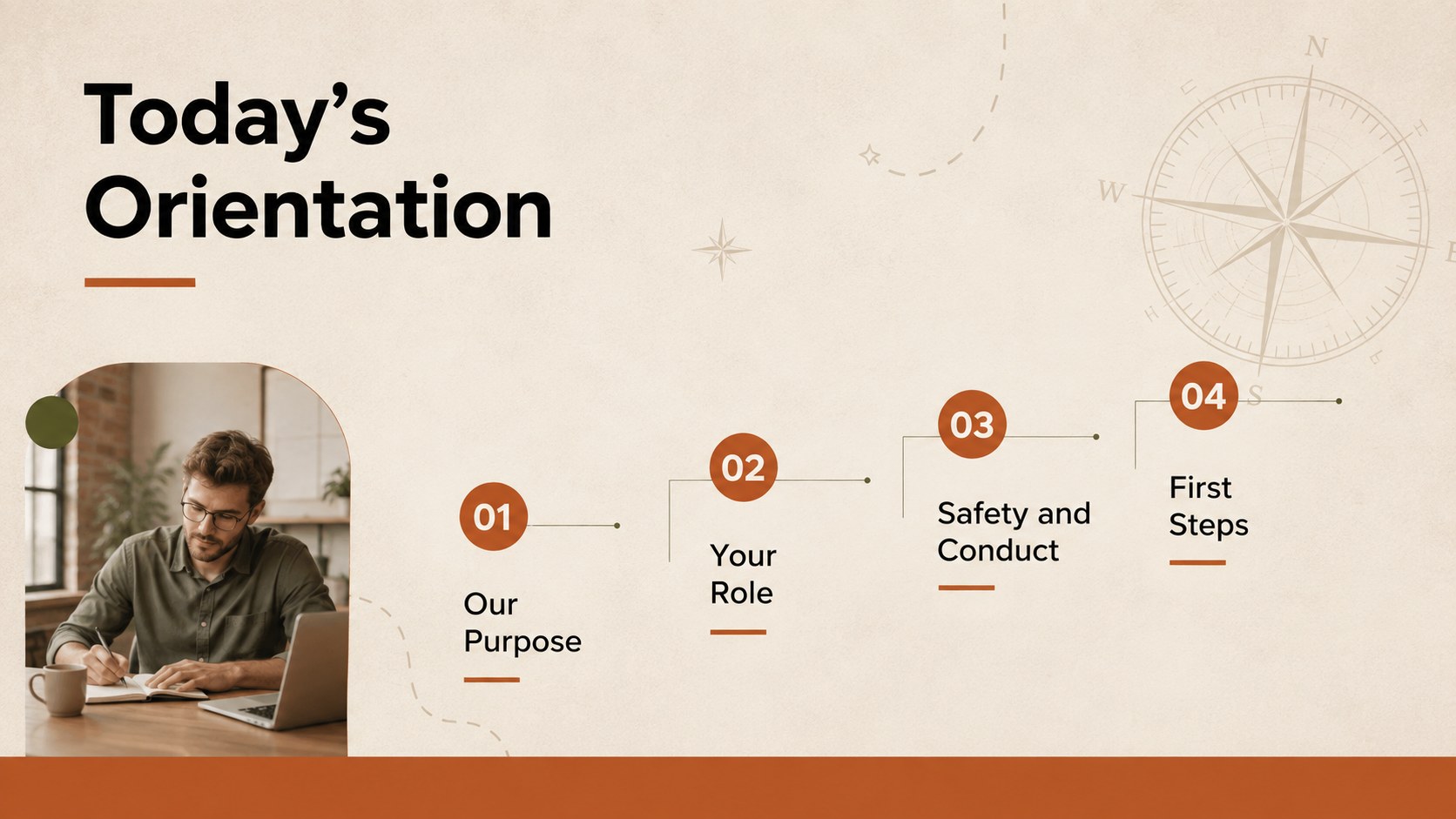
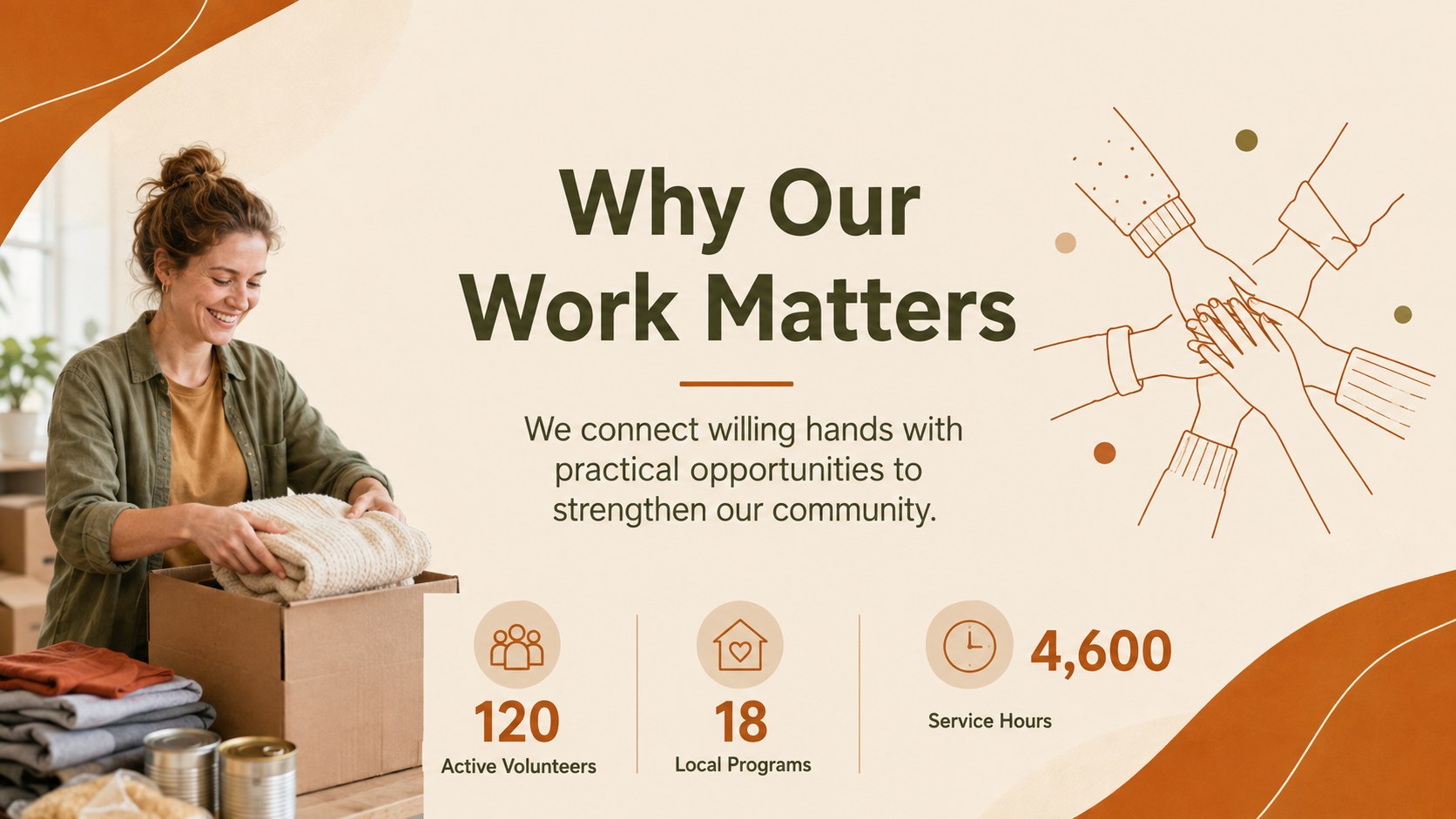
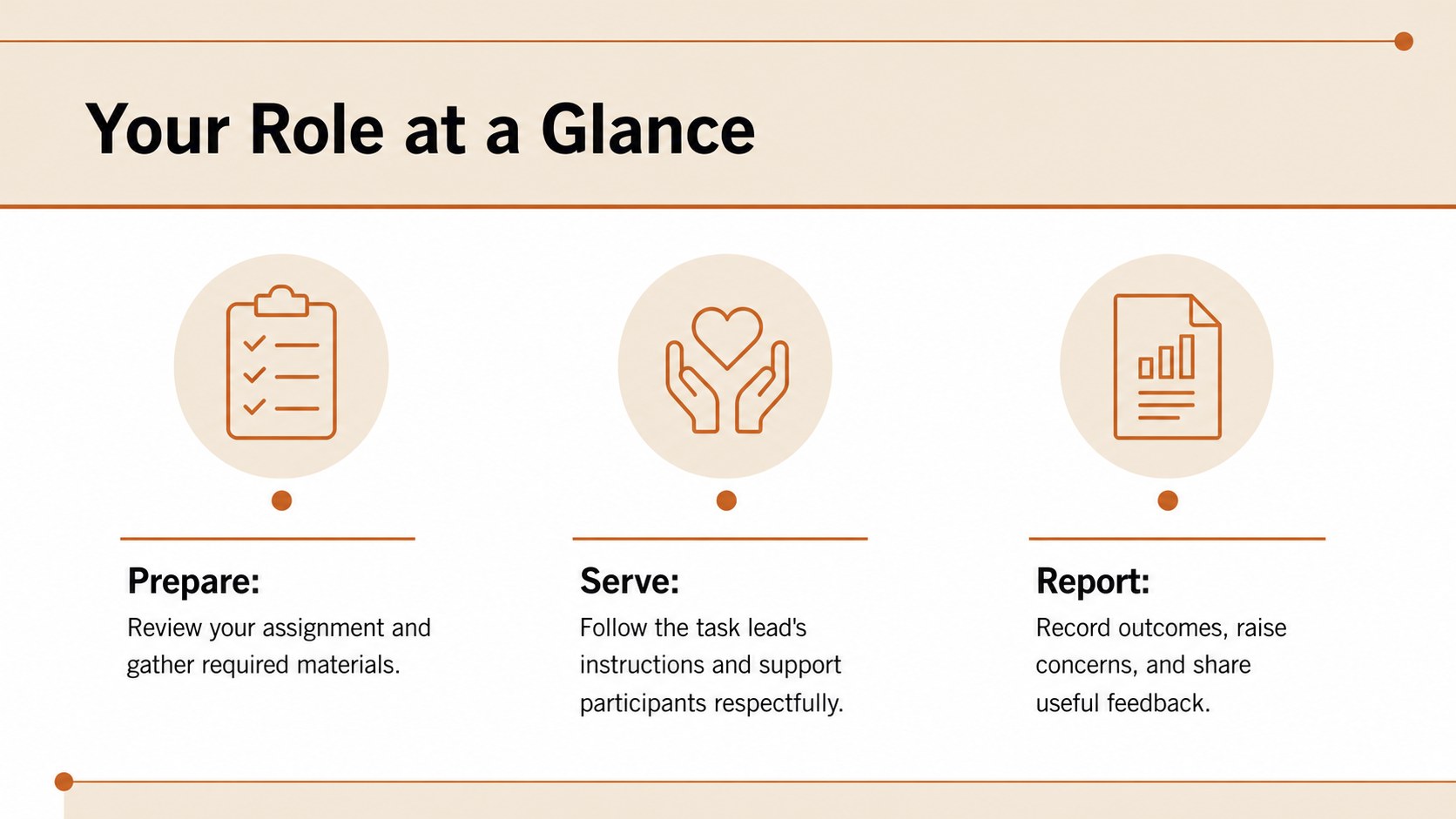
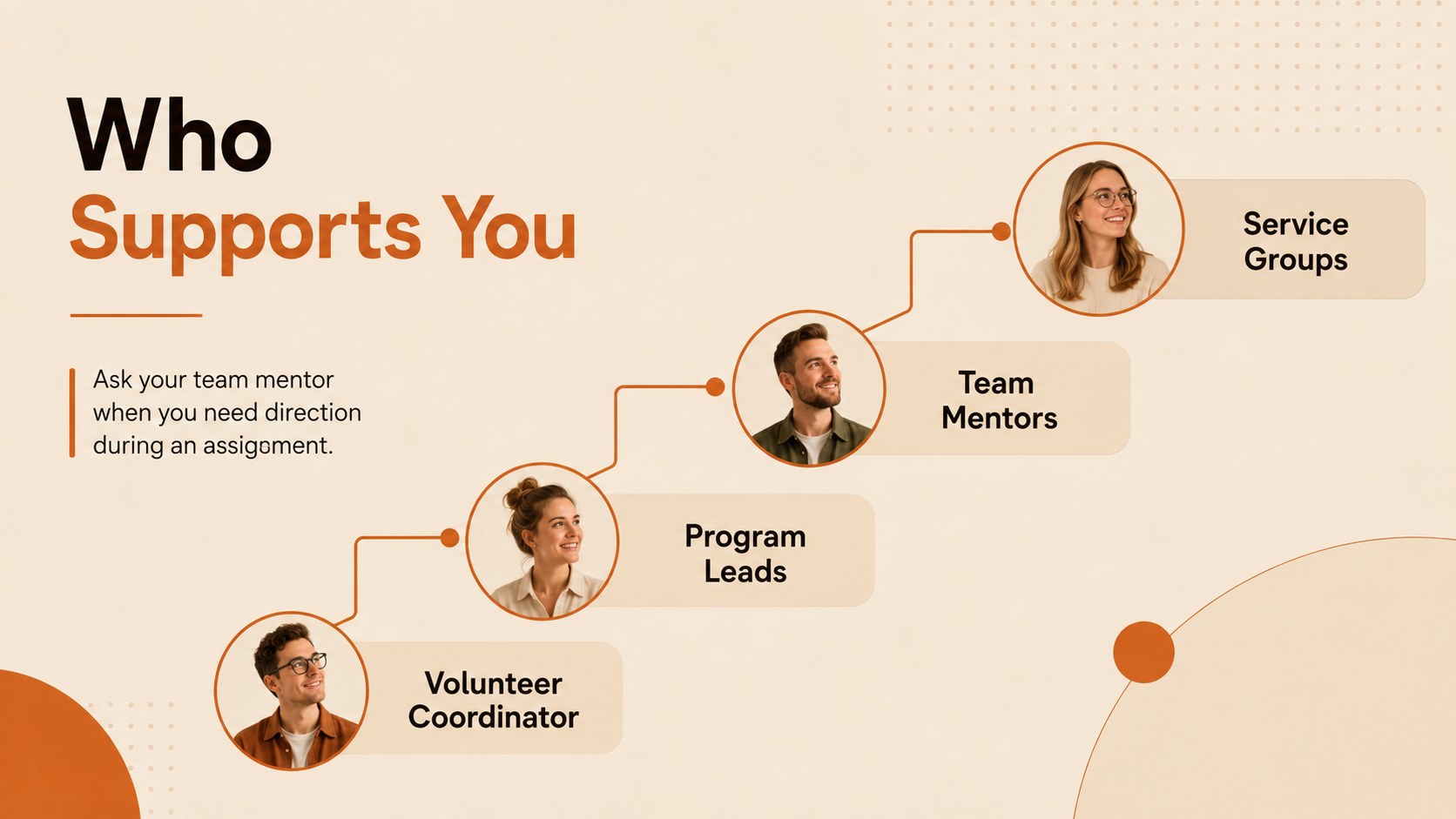
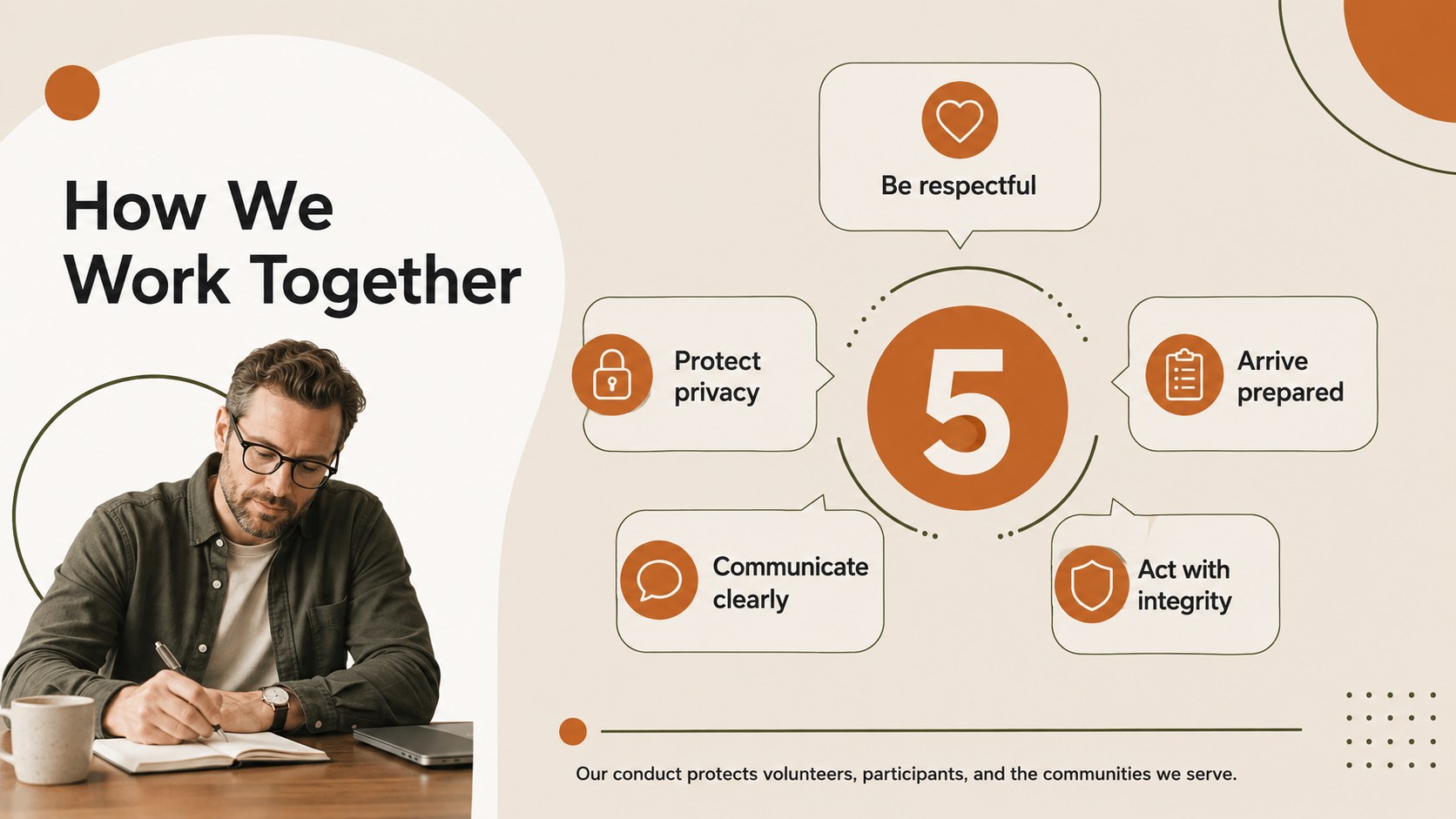
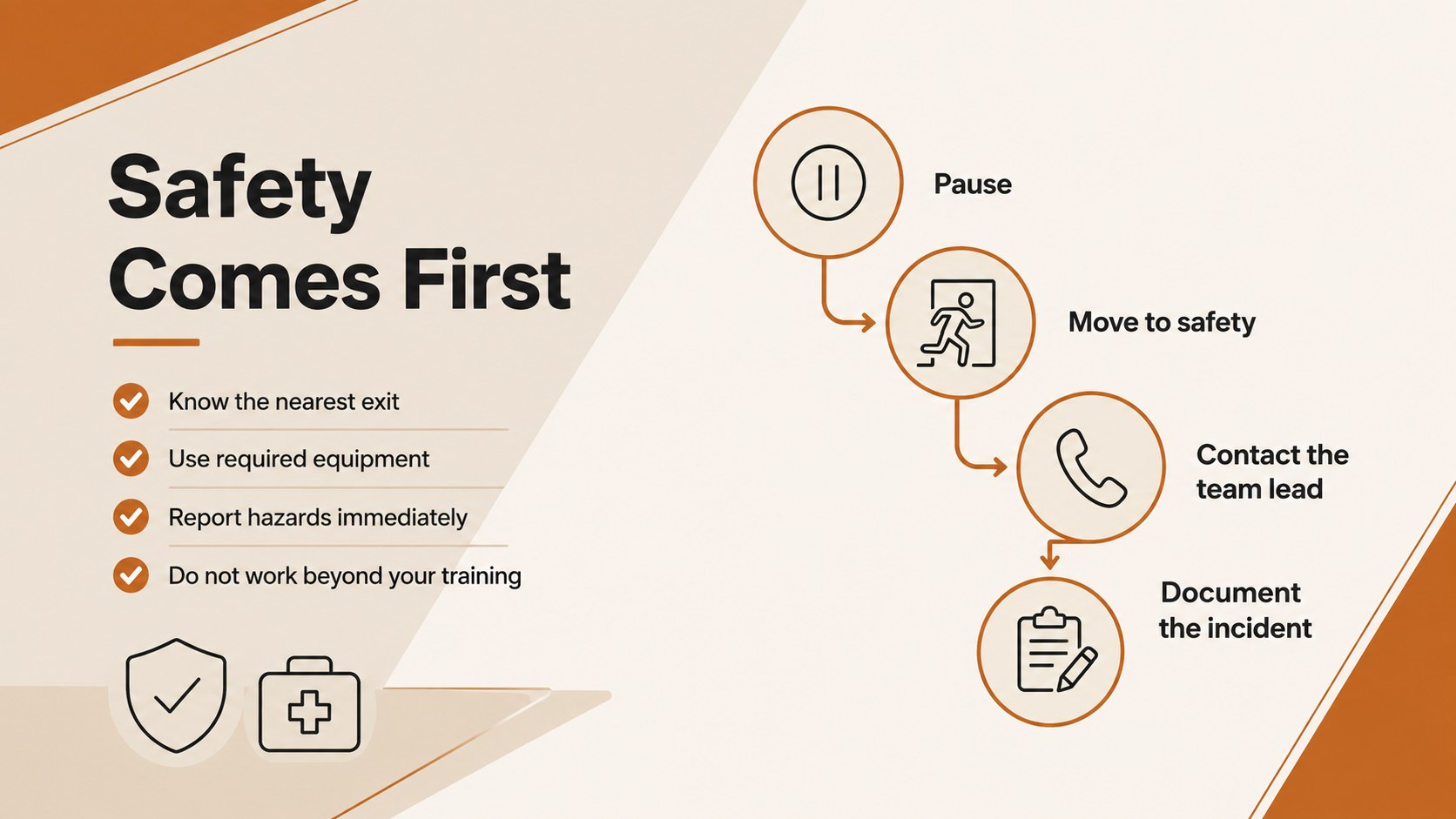
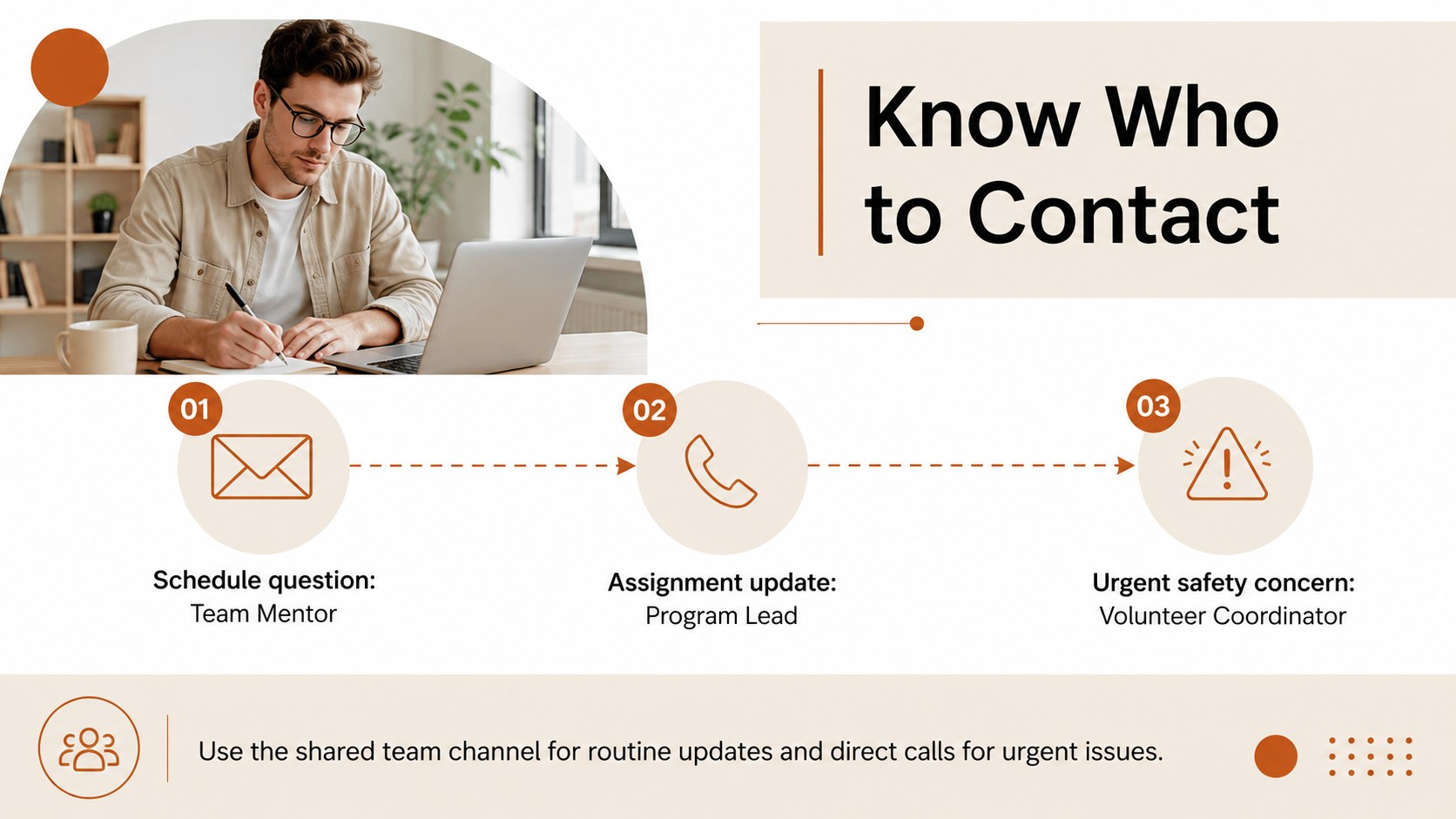
The presentation includes layouts for your welcome message, mission, team introductions, volunteer roles, conduct standards, safety procedures, schedules, communication channels, and first-week priorities. Use the volunteer roles and responsibilities slides to clarify who handles each task, or customize the volunteer safety briefing template with location-specific instructions and emergency contacts. Checklists, timelines, process diagrams, and contact pages help turn detailed guidance into information that recruits can quickly understand and revisit.
This nonprofit volunteer orientation deck suits charities, community groups, schools, cultural organizations, food banks, environmental initiatives, and event coordinators. It works equally well for a live induction session, a remote training call, or a self-guided welcome resource. Replace the sample wording, adjust the section order, add your own photos, and apply your organization's logo before presenting. The minimal visual system keeps attention on expectations and next steps while still giving new team members a warm introduction to the people and purpose behind the work.
Perfect for: nonprofit volunteer induction; community event staff briefing; school volunteer welcome session; charity safety training; remote volunteer orientation.
Frequently asked questions
Can I edit this volunteer orientation presentation? Yes. All headings, body copy, colors, diagrams, and image areas can be customized to reflect your organization and volunteer program.
Practical details
Yes. All headings, body copy, colors, diagrams, and image areas can be customized to reflect your organization and volunteer program.
The template is designed for Microsoft PowerPoint and Google Slides. Upload or open the appropriate file, then edit and present it using your preferred platform.
Duplicate the role, schedule, and checklist layouts for each volunteer group. Replace the sample responsibilities, contacts, safety notes, and first-day tasks with information specific to each assignment.
Yes. Present it during a video meeting or share an exported PDF as a self-guided resource, adding links to forms, policies, training materials, and contact details where needed.
Keep exploring
15Build an engaging World UFO Day session with this flying saucer history lesson deck, featuring retro green-and-brown slides for PowerPoint and Google Slides.
 15
15Plan a lively animal-learning journey with this jungle zoo adventure lesson deck, ready to customize in PowerPoint and Google Slides for young learners.
 16
16Turn environmental research into a clear story with a Watercolor Ecology Presentation Theme for PowerPoint and Google Slides in calming green and blue.
 16
16Build focused fashion, literature, and humanities presentations with the Red Triangle Editorial Theme, editable in PowerPoint and Google Slides.
 15
15Turn streaming stats, favorite tracks, and concert highlights into a bold annual listening recap slide deck for PowerPoint and Google Slides.
 15
15Turn highlights, milestones, and favorite moments into a colorful year in review slide deck with bold 3D graphics for PowerPoint and Google Slides.
 3
3Build a credible endorsement with Standout Colleague Recommendation Letter Slides, featuring colorful prompts for skills, achievements, and team impact.
 4
4Build clear beginner sessions with an ice hockey fundamentals training deck for coaches, PE teachers, and clubs, ready for PowerPoint and Google Slides.