
 15
15presentation
Flying Saucer History Lesson Deck
Build an engaging World UFO Day session with this flying saucer history lesson deck, featuring retro green-and-brown slides for PowerPoint and Google Slides.
Google SlidesPowerPoint
presentation · English
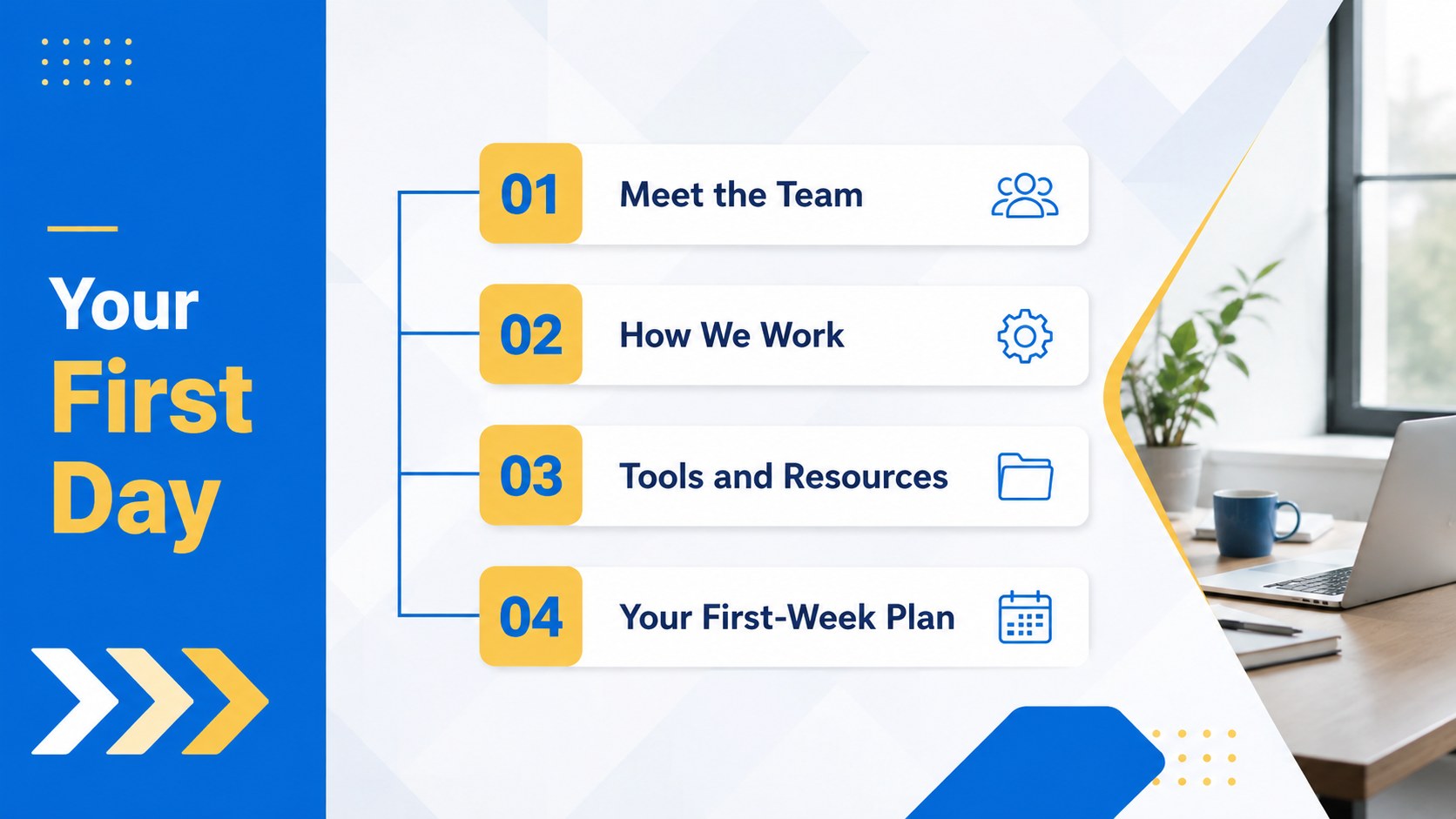
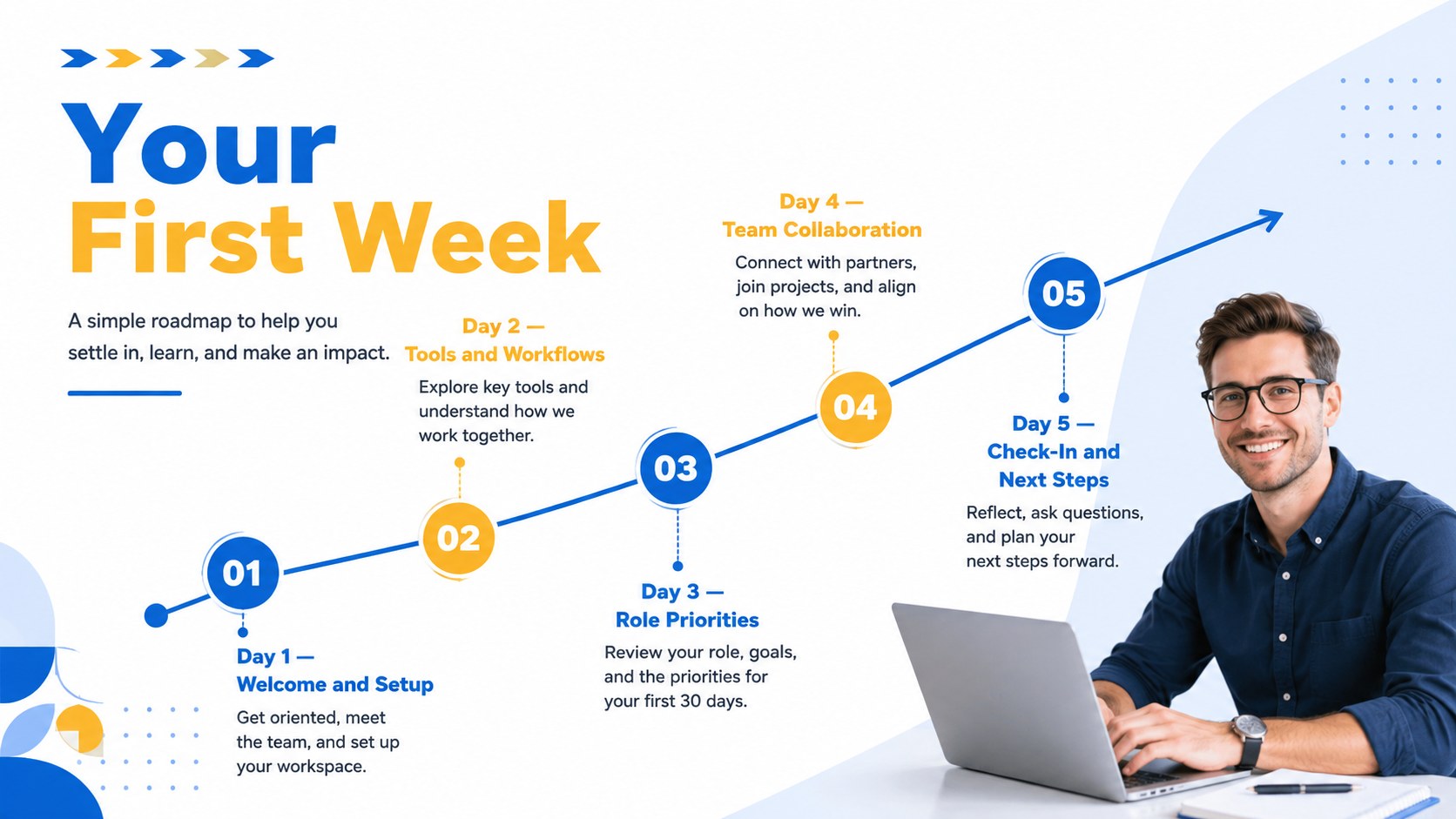
Build a polished first-day introduction with this New Hire Welcome Deck, using blue-and-yellow geometric slides for PowerPoint and Google Slides.


Design notes
The New Hire Welcome Deck helps HR leaders, managers, and team coordinators create a confident introduction for every new colleague. Its modern blue-and-yellow palette, crisp geometric shapes, and restrained business styling establish a friendly yet professional atmosphere. Use it as a new employee onboarding presentation for in-person welcomes, remote orientations, or growing departments.
The deck includes 18 editable 16:9 slides for presenting the team, explaining roles, outlining the first-week schedule, sharing communication channels, and clarifying workplace expectations. Flexible layouts support employee profiles, photo frames, timelines, process diagrams, charts, contact details, and meeting agendas. Subtle animations and transitions can add structure without distracting from essential information. Every color, font, shape, image, and text block can be adjusted to reflect your organization.
Designed for PowerPoint and Google Slides, this first day orientation slide deck is practical for people operations teams, department heads, project managers, and small business owners. It can also serve as a team introduction presentation template for internal transfers, cross-functional kickoffs, office tours, and welcome events. Add your logo, replace the sample profiles, tailor the agenda, and include the resources each new starter needs. The result is an organized, approachable welcome experience that gives employees a clear sense of who they will work with, what happens next, and where to find support.
Perfect for: new employee orientation; remote team welcome; department introduction meeting; first-week schedule briefing; cross-functional project kickoff.
Frequently asked questions
Which presentation platforms support this deck? The slides are designed for PowerPoint and Google Slides. Layouts, text, colors, and images remain editable in both platforms.
Practical details
The slides are designed for PowerPoint and Google Slides. Layouts, text, colors, and images remain editable in both platforms.
Yes. Replace the sample content with your logo, brand colors, employee photos, role descriptions, schedules, and contact details. You can also duplicate, reorder, or remove slides.
Start with a welcome message, team introductions, company or department context, first-week priorities, communication channels, and key contacts. Add only the policies and resources the employee needs immediately.
Yes. Adapt the agenda for video meetings, add collaboration links, list virtual communication norms, and include remote support contacts. The deck can be presented live or shared for self-guided review.
Keep exploring
15Build an engaging World UFO Day session with this flying saucer history lesson deck, featuring retro green-and-brown slides for PowerPoint and Google Slides.
 15
15Plan a lively animal-learning journey with this jungle zoo adventure lesson deck, ready to customize in PowerPoint and Google Slides for young learners.
 16
16Turn environmental research into a clear story with a Watercolor Ecology Presentation Theme for PowerPoint and Google Slides in calming green and blue.
 16
16Build focused fashion, literature, and humanities presentations with the Red Triangle Editorial Theme, editable in PowerPoint and Google Slides.
 15
15Turn streaming stats, favorite tracks, and concert highlights into a bold annual listening recap slide deck for PowerPoint and Google Slides.
 15
15Turn highlights, milestones, and favorite moments into a colorful year in review slide deck with bold 3D graphics for PowerPoint and Google Slides.
 3
3Build a credible endorsement with Standout Colleague Recommendation Letter Slides, featuring colorful prompts for skills, achievements, and team impact.
 4
4Build clear beginner sessions with an ice hockey fundamentals training deck for coaches, PE teachers, and clubs, ready for PowerPoint and Google Slides.