
 15
15presentation
Flying Saucer History Lesson Deck
Build an engaging World UFO Day session with this flying saucer history lesson deck, featuring retro green-and-brown slides for PowerPoint and Google Slides.
Google SlidesPowerPoint
presentation · English
Help every newcomer start confidently with a New Hire Welcome Checklist Deck, featuring cheerful yellow visuals for PowerPoint and Google Slides.
Design notes
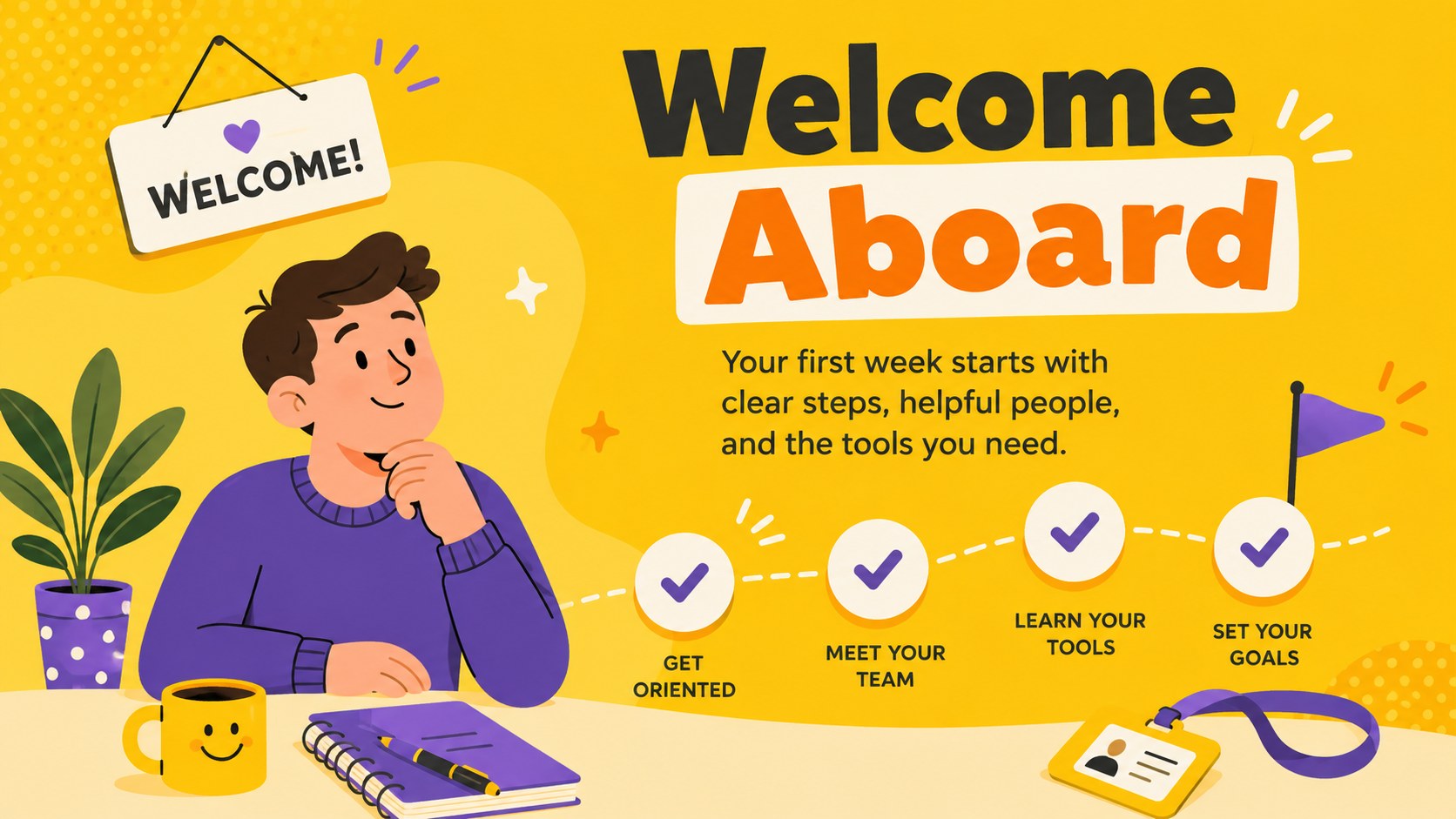
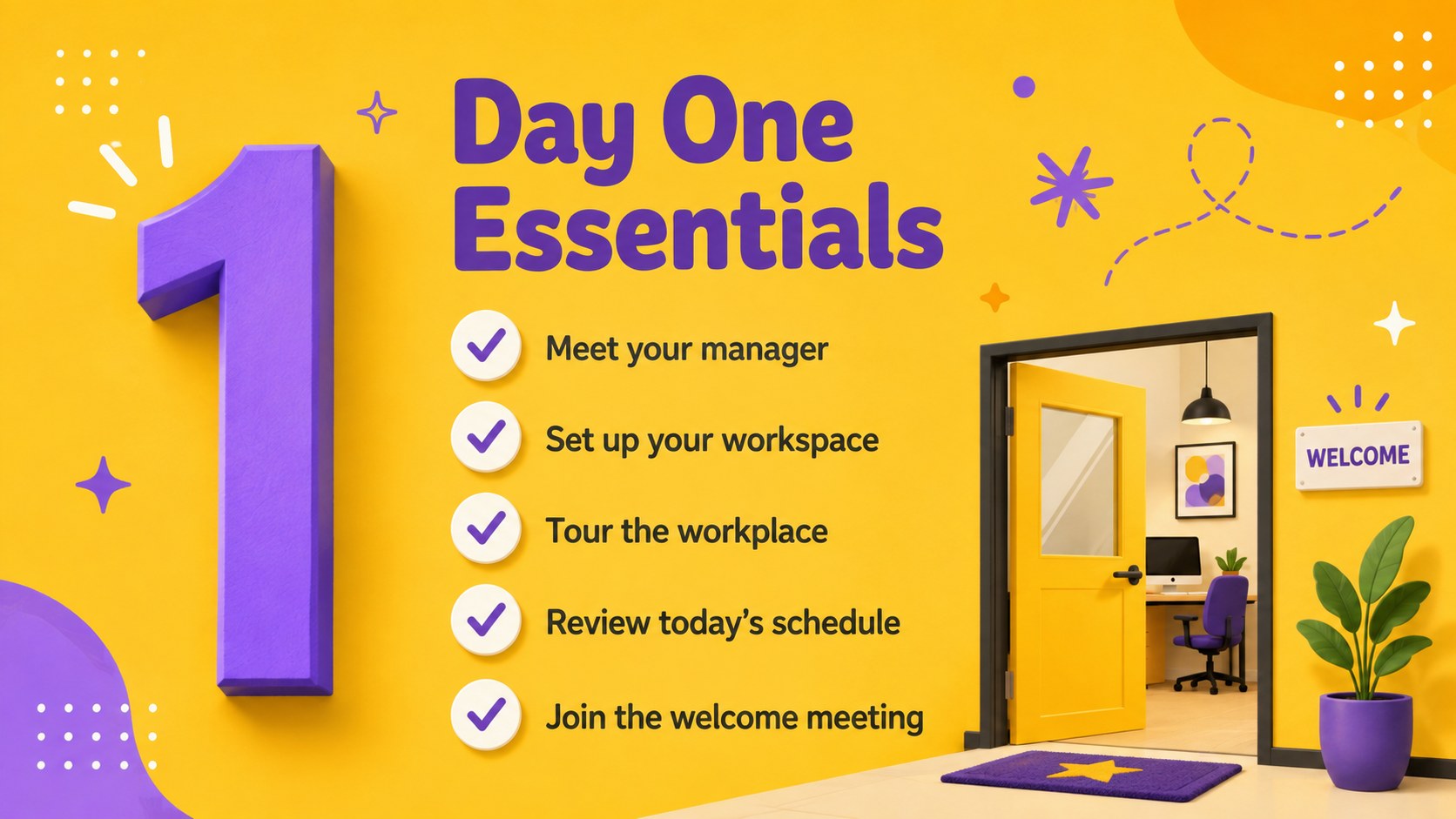
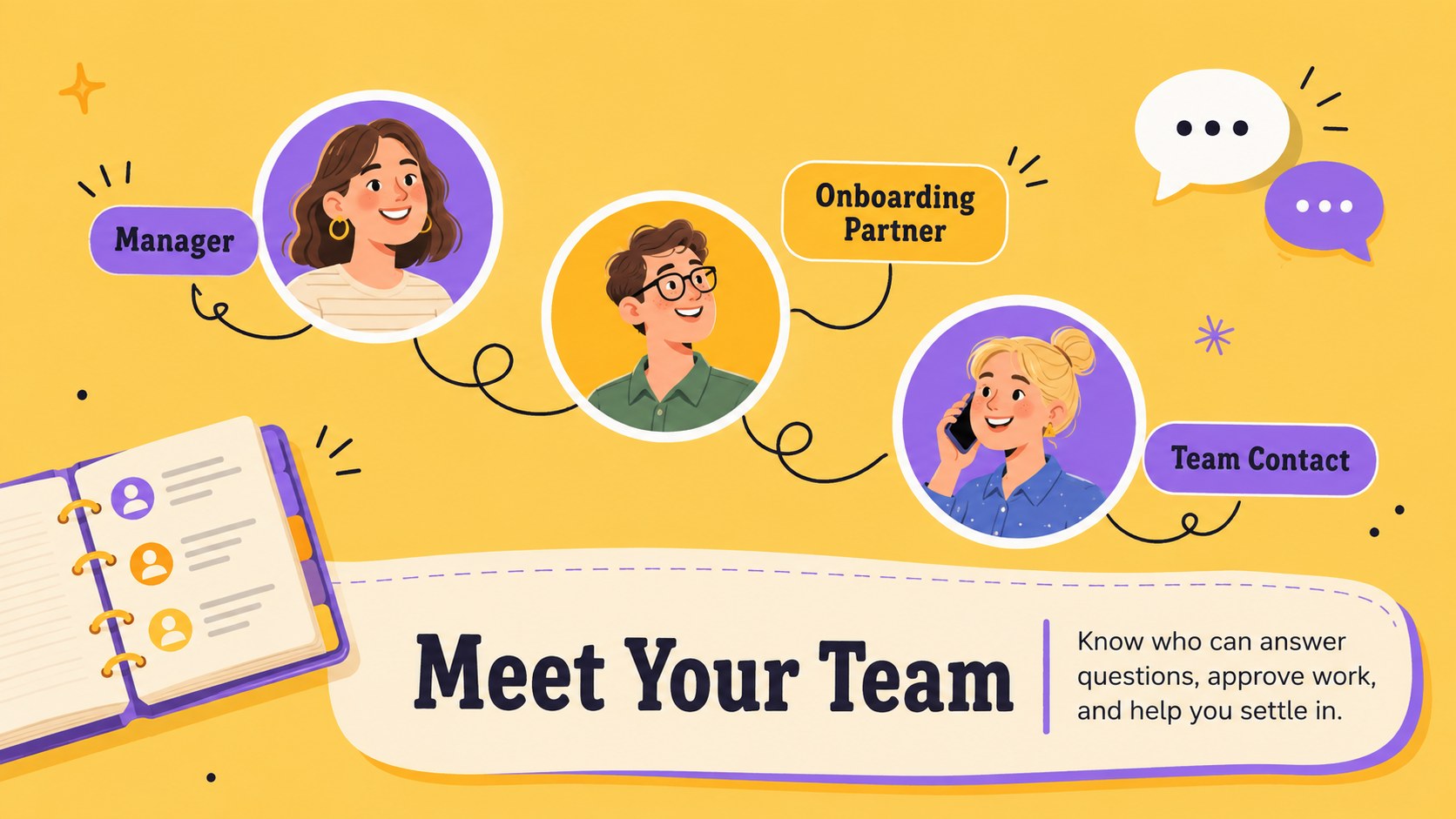
The New Hire Welcome Checklist Deck helps HR teams and managers turn a busy onboarding process into a friendly, organized experience. Cheerful yellow backgrounds, playful illustrations, and accessible infographic layouts create an upbeat tone while keeping every responsibility clear. Use it as a first week onboarding presentation for office, hybrid, or remote employees in PowerPoint or Google Slides.
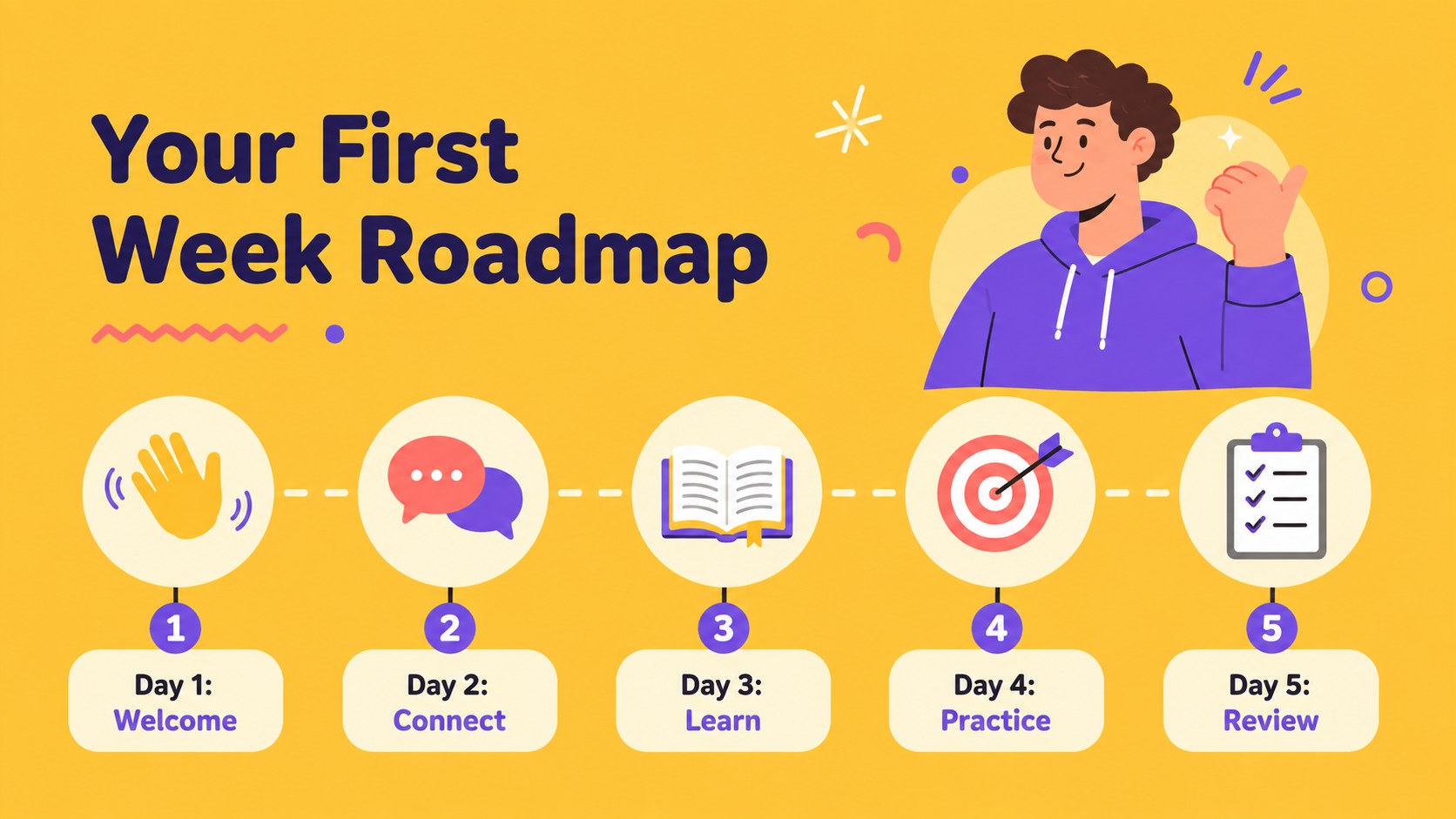
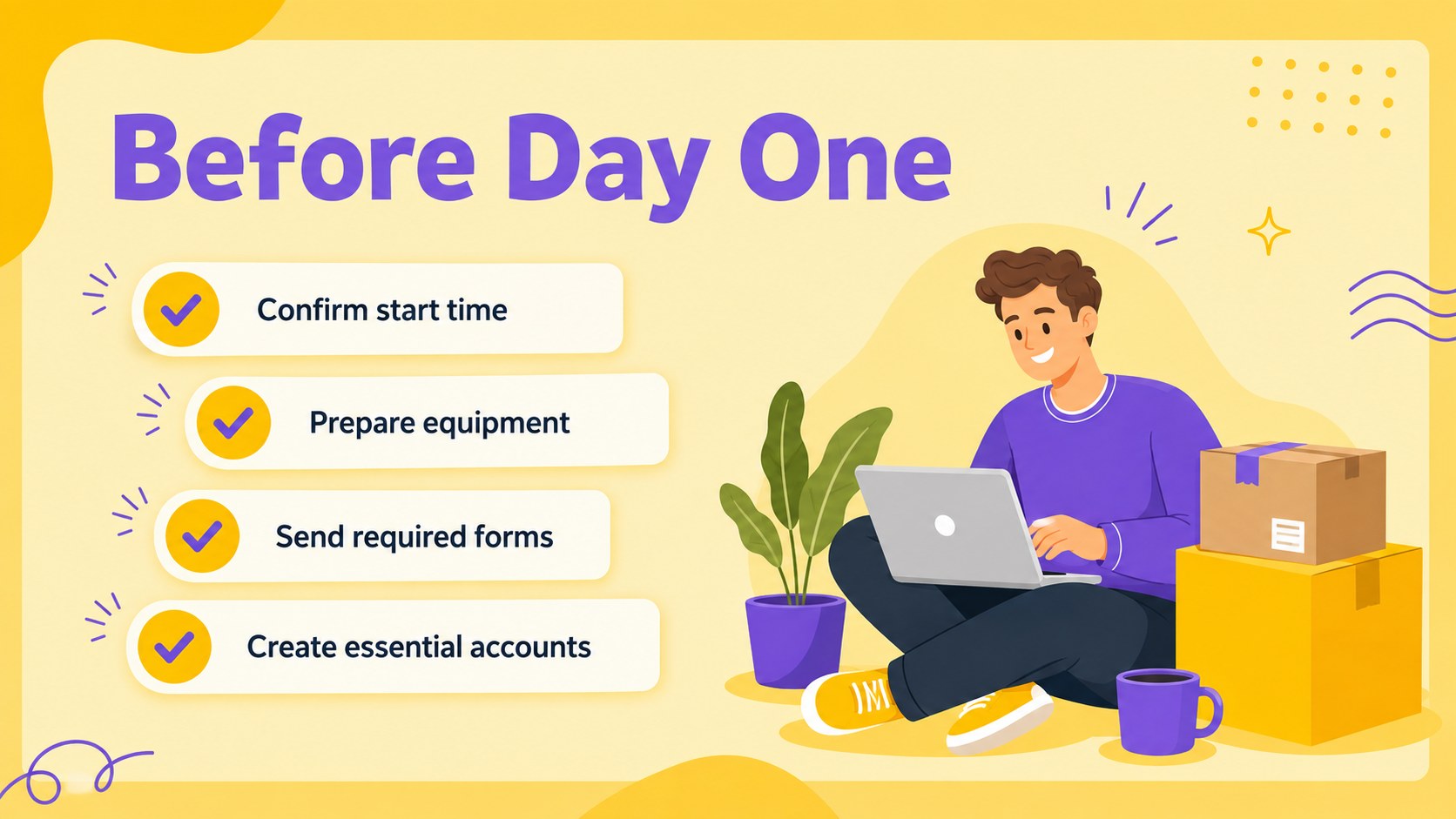
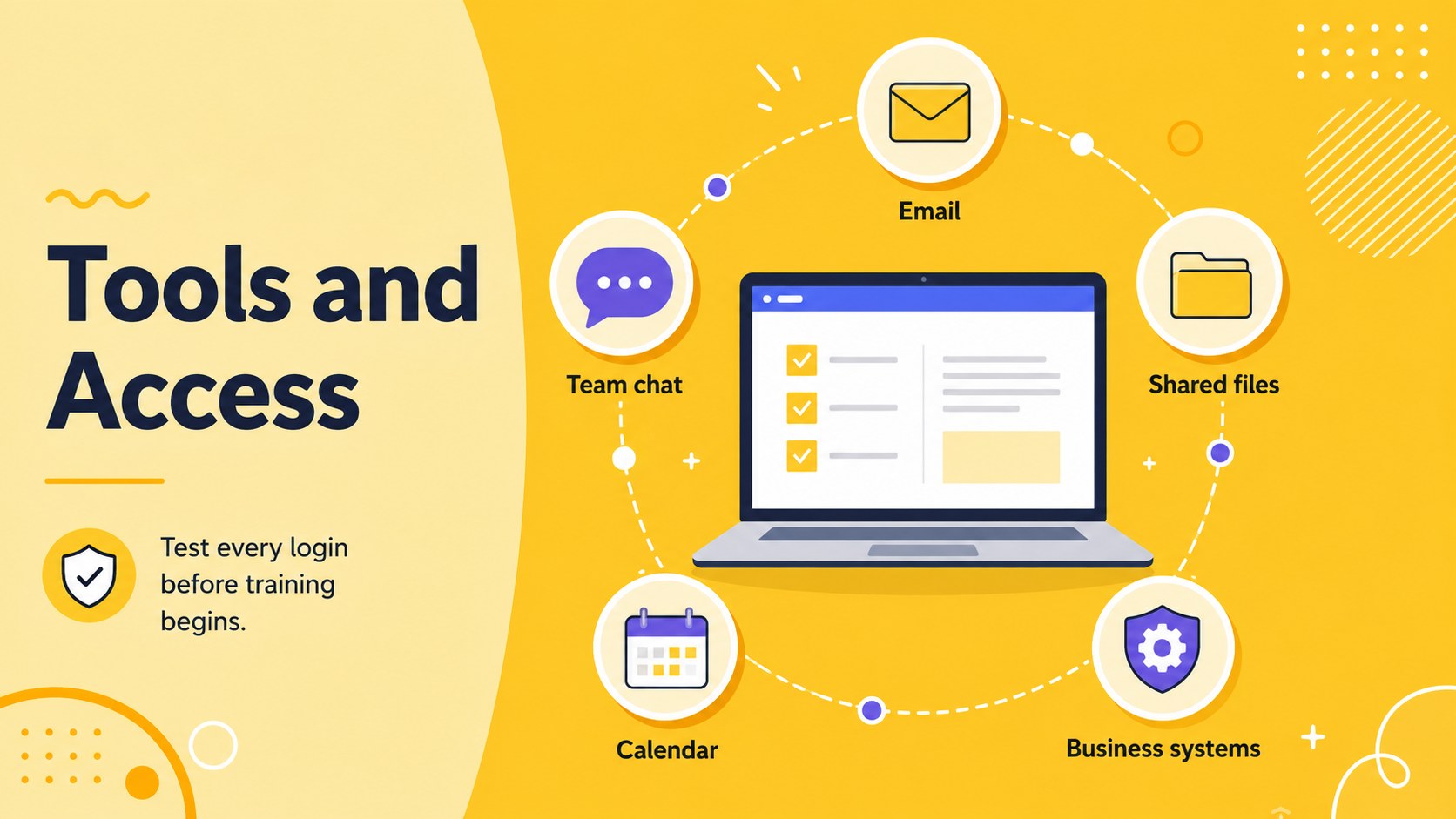
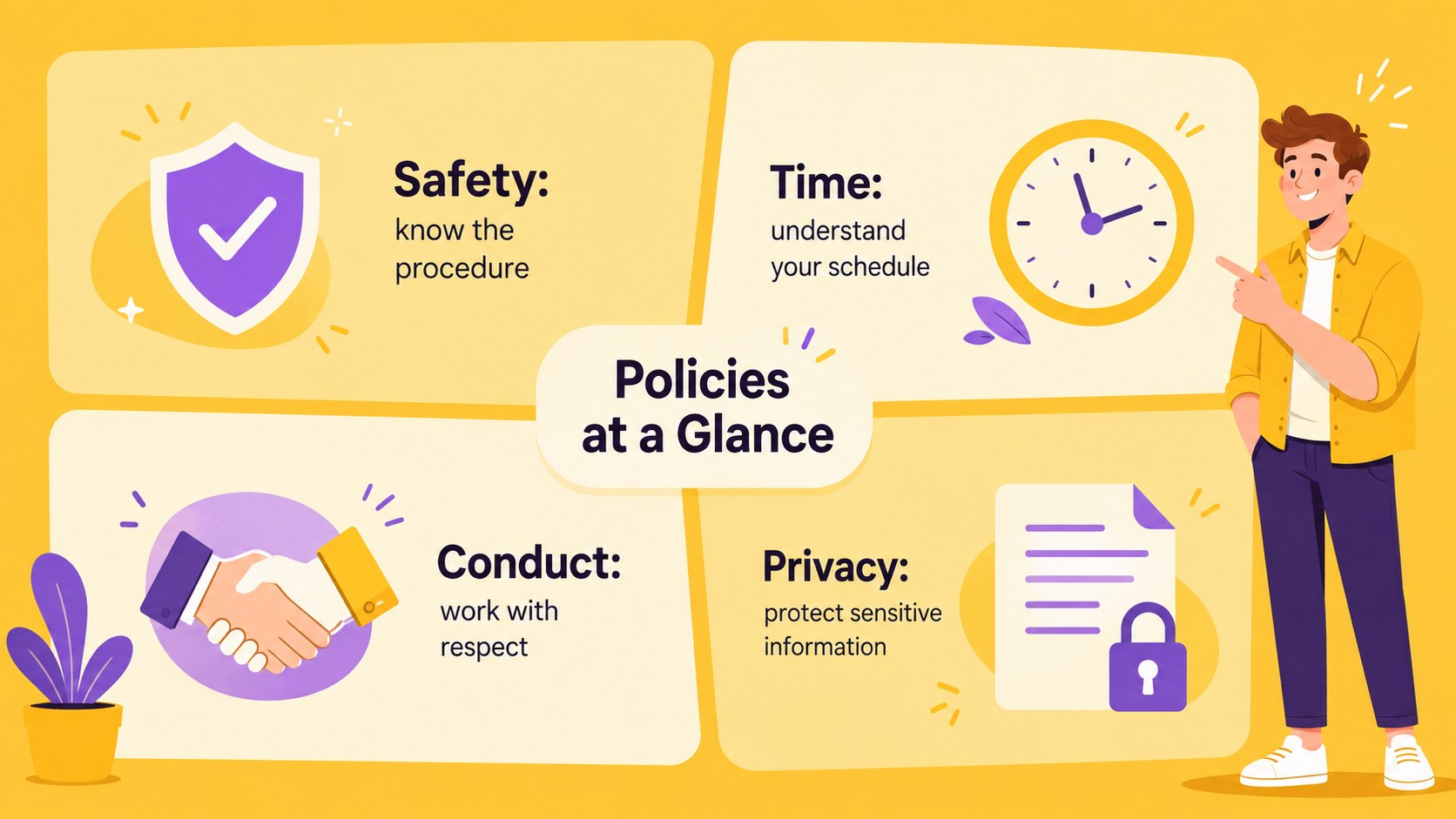
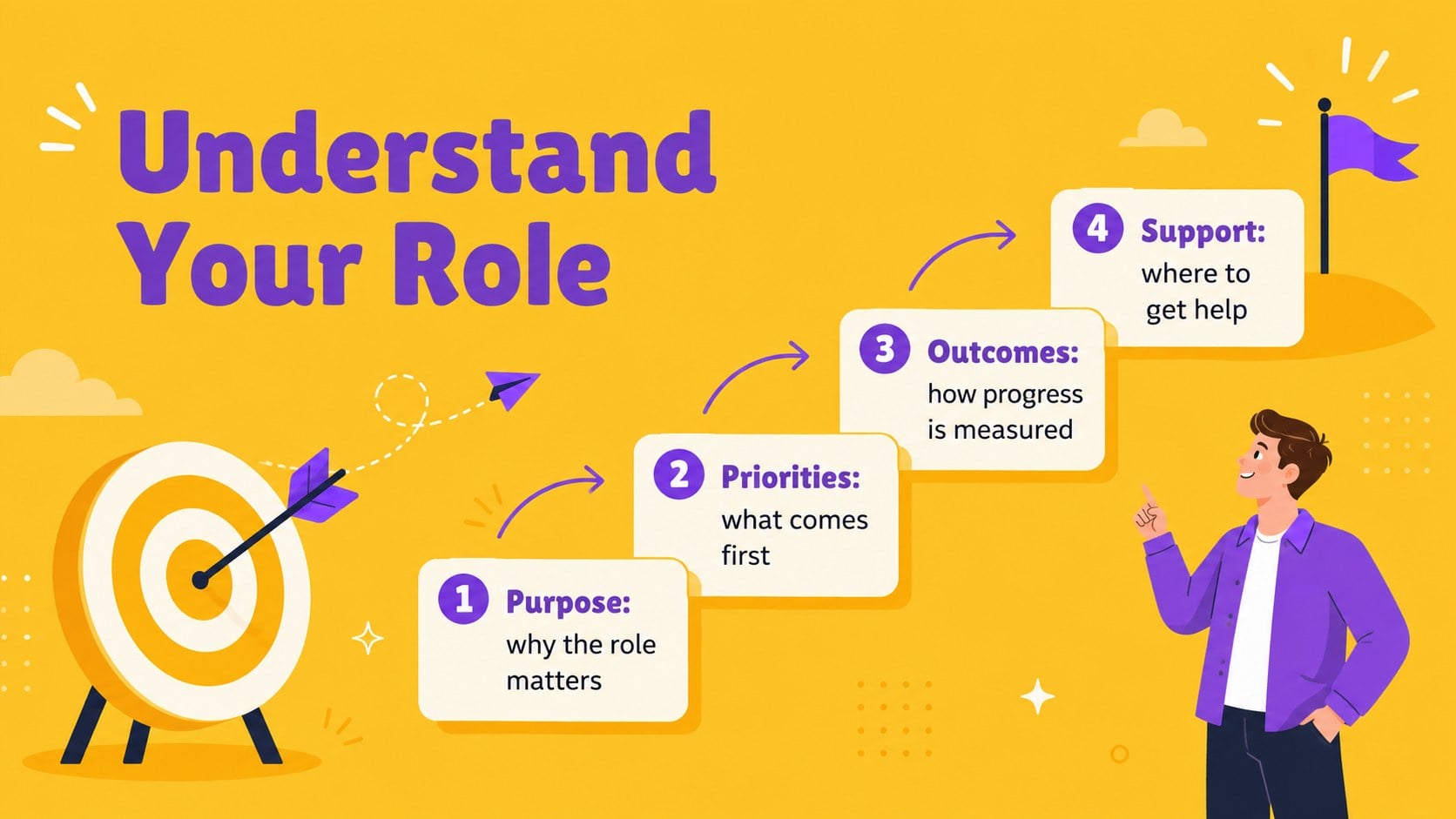
The 16-slide deck covers pre-arrival preparation, day-one essentials, introductions, workplace policies, account access, role expectations, learning goals, and manager check-ins. It also includes a new employee welcome checklist, a 30-60-90-day timeline, a paperwork tracker, and a simple progress dashboard. Charts, timelines, task lists, and status indicators help presenters explain what happens next without overwhelming new team members.
This presentation is designed for human resources professionals, department leaders, recruiters, people operations teams, and small-business owners. Customize the wording, colors, illustrations, and checklist items to reflect your organization’s workflow. The layouts can support a live welcome session, an employee self-guided resource, or an HR induction process deck shared before the start date. Its cute illustrative style keeps the experience warm and memorable, while the structured content helps every new hire understand their tools, contacts, goals, and early priorities.
Perfect for: new employee welcome session; first-week onboarding briefing; remote hire induction; manager onboarding review; HR process workshop.
Frequently asked questions
Can I edit every checklist item? Yes. You can replace tasks, dates, names, status labels, and supporting notes to match your internal onboarding process. The layouts are designed to accommodate both short action items and more detailed instructions.
Practical details
Yes. You can replace tasks, dates, names, status labels, and supporting notes to match your internal onboarding process. The layouts are designed to accommodate both short action items and more detailed instructions.
The deck is designed for Microsoft PowerPoint and Google Slides. Text, shapes, colors, and standard layout elements can be edited in either platform.
Yes. Update the yellow palette, typography, illustrations, and section labels to reflect your employer brand. You can also add a company logo to your working copy where appropriate.
Yes. Adapt the access, communication, meeting, and equipment slides for distributed employees. The deck can be presented live or shared as a self-guided onboarding reference.
Keep exploring
15Build an engaging World UFO Day session with this flying saucer history lesson deck, featuring retro green-and-brown slides for PowerPoint and Google Slides.
 15
15Plan a lively animal-learning journey with this jungle zoo adventure lesson deck, ready to customize in PowerPoint and Google Slides for young learners.
 16
16Turn environmental research into a clear story with a Watercolor Ecology Presentation Theme for PowerPoint and Google Slides in calming green and blue.
 16
16Build focused fashion, literature, and humanities presentations with the Red Triangle Editorial Theme, editable in PowerPoint and Google Slides.
 15
15Turn streaming stats, favorite tracks, and concert highlights into a bold annual listening recap slide deck for PowerPoint and Google Slides.
 15
15Turn highlights, milestones, and favorite moments into a colorful year in review slide deck with bold 3D graphics for PowerPoint and Google Slides.
 3
3Build a credible endorsement with Standout Colleague Recommendation Letter Slides, featuring colorful prompts for skills, achievements, and team impact.
 4
4Build clear beginner sessions with an ice hockey fundamentals training deck for coaches, PE teachers, and clubs, ready for PowerPoint and Google Slides.