
 15
15presentation
Flying Saucer History Lesson Deck
Build an engaging World UFO Day session with this flying saucer history lesson deck, featuring retro green-and-brown slides for PowerPoint and Google Slides.
Google SlidesPowerPoint
presentation · English
Build clearer handoffs with a New Hire Journey Mapping Whiteboard for PowerPoint and Google Slides, featuring editable orange and purple process visuals.
Design notes
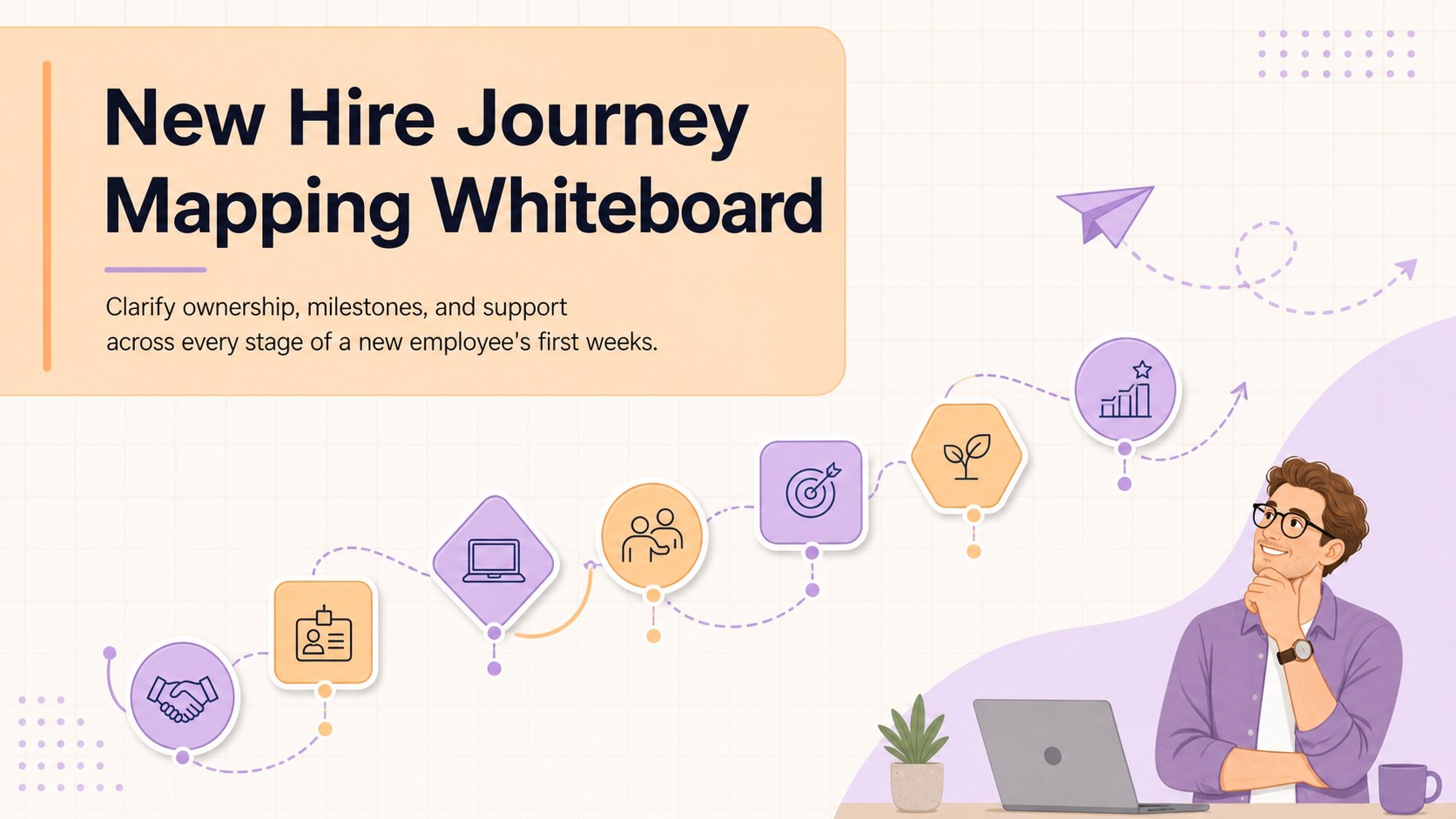
A New Hire Journey Mapping Whiteboard turns a complex orientation program into a clear, shared visual plan. Designed in a lively pastel orange and purple palette, it helps HR teams connect milestones, people, resources, and decisions without losing sight of the employee experience. Use it as a visual onboarding workflow for HR meetings, manager briefings, or collaborative planning sessions in PowerPoint and Google Slides.
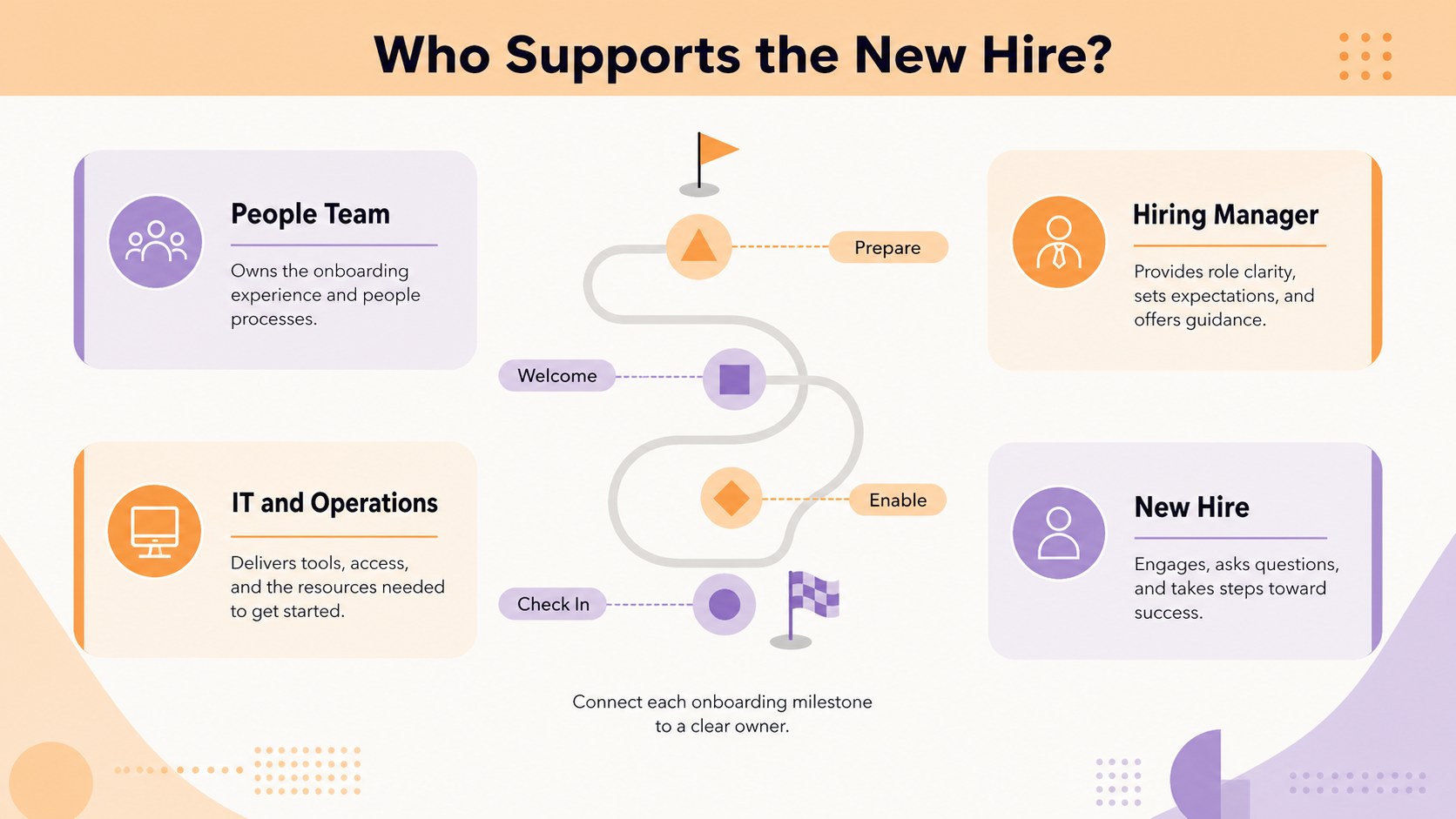
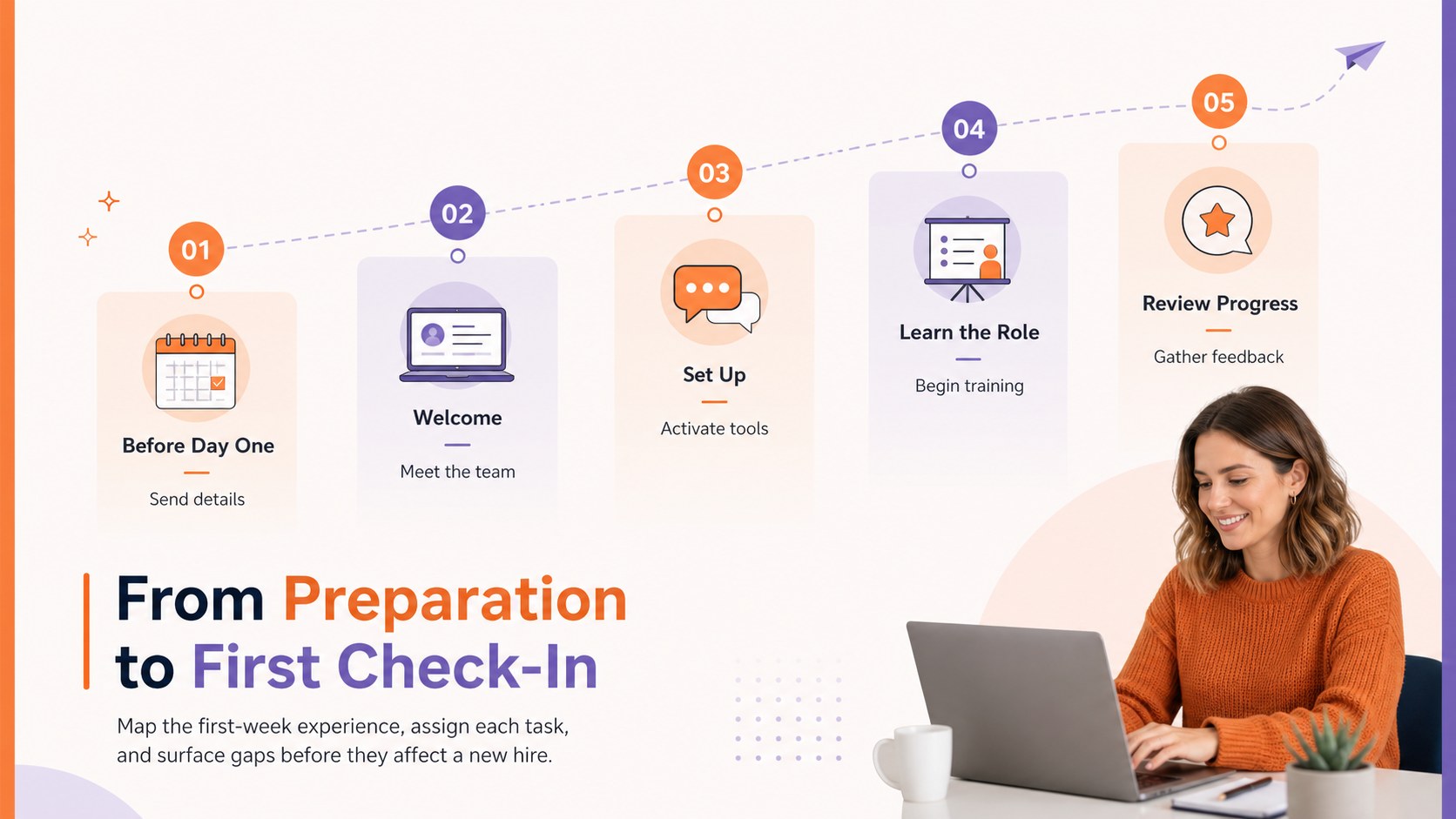
The three-slide set includes a cover, an onboarding stakeholder handoff diagram, and a structured journey map for the first stages of employment. Editable nodes, connectors, labels, and callouts make it easy to assign responsibilities, highlight dependencies, and show where new hires need information or support. Rearrange the flow to reflect department-specific steps, remote onboarding, compliance requirements, or role-based training.
This template is built for HR professionals, people operations teams, hiring managers, department leads, and workplace trainers. It can support a team onboarding responsibility map, an employee first week process map, or a broader orientation workshop. Present the completed journey during planning sessions, share it with stakeholders for review, or adapt individual sections into practical checklists. The approachable colors keep the material welcoming, while the organized diagram structure makes accountability and next actions easy to scan.
Perfect for: new employee orientation planning; onboarding stakeholder workshop; first-week workflow review; remote hire journey mapping; manager responsibility briefing.
Frequently asked questions
Can I edit the onboarding stages and connections? Yes. Update the labels, move diagram nodes, adjust connectors, and add or remove milestones to match your organization's process. Colors and typography can also be customized.
Practical details
Yes. Update the labels, move diagram nodes, adjust connectors, and add or remove milestones to match your organization's process. Colors and typography can also be customized.
The template is designed for PowerPoint and Google Slides. Both platforms support editing the slide text, shapes, colors, and diagram structure.
Yes. Replace office-based steps with virtual introductions, equipment delivery, account setup, online training, and scheduled check-ins. The journey can be reorganized around any location or working model.
Yes. Duplicate and relabel sections for sales, operations, engineering, support, or other teams. Department owners can customize tasks while retaining a consistent company-wide onboarding framework.
Keep exploring
15Build an engaging World UFO Day session with this flying saucer history lesson deck, featuring retro green-and-brown slides for PowerPoint and Google Slides.
 15
15Plan a lively animal-learning journey with this jungle zoo adventure lesson deck, ready to customize in PowerPoint and Google Slides for young learners.
 16
16Turn environmental research into a clear story with a Watercolor Ecology Presentation Theme for PowerPoint and Google Slides in calming green and blue.
 16
16Build focused fashion, literature, and humanities presentations with the Red Triangle Editorial Theme, editable in PowerPoint and Google Slides.
 15
15Turn streaming stats, favorite tracks, and concert highlights into a bold annual listening recap slide deck for PowerPoint and Google Slides.
 15
15Turn highlights, milestones, and favorite moments into a colorful year in review slide deck with bold 3D graphics for PowerPoint and Google Slides.
 3
3Build a credible endorsement with Standout Colleague Recommendation Letter Slides, featuring colorful prompts for skills, achievements, and team impact.
 4
4Build clear beginner sessions with an ice hockey fundamentals training deck for coaches, PE teachers, and clubs, ready for PowerPoint and Google Slides.