
 15
15presentation
Flying Saucer History Lesson Deck
Build an engaging World UFO Day session with this flying saucer history lesson deck, featuring retro green-and-brown slides for PowerPoint and Google Slides.
Google SlidesPowerPoint
presentation · English
Explain brain, spinal cord, and nerve functions with a neural pathways anatomy deck featuring editable green-grey visuals for PowerPoint and Google Slides.
Design notes
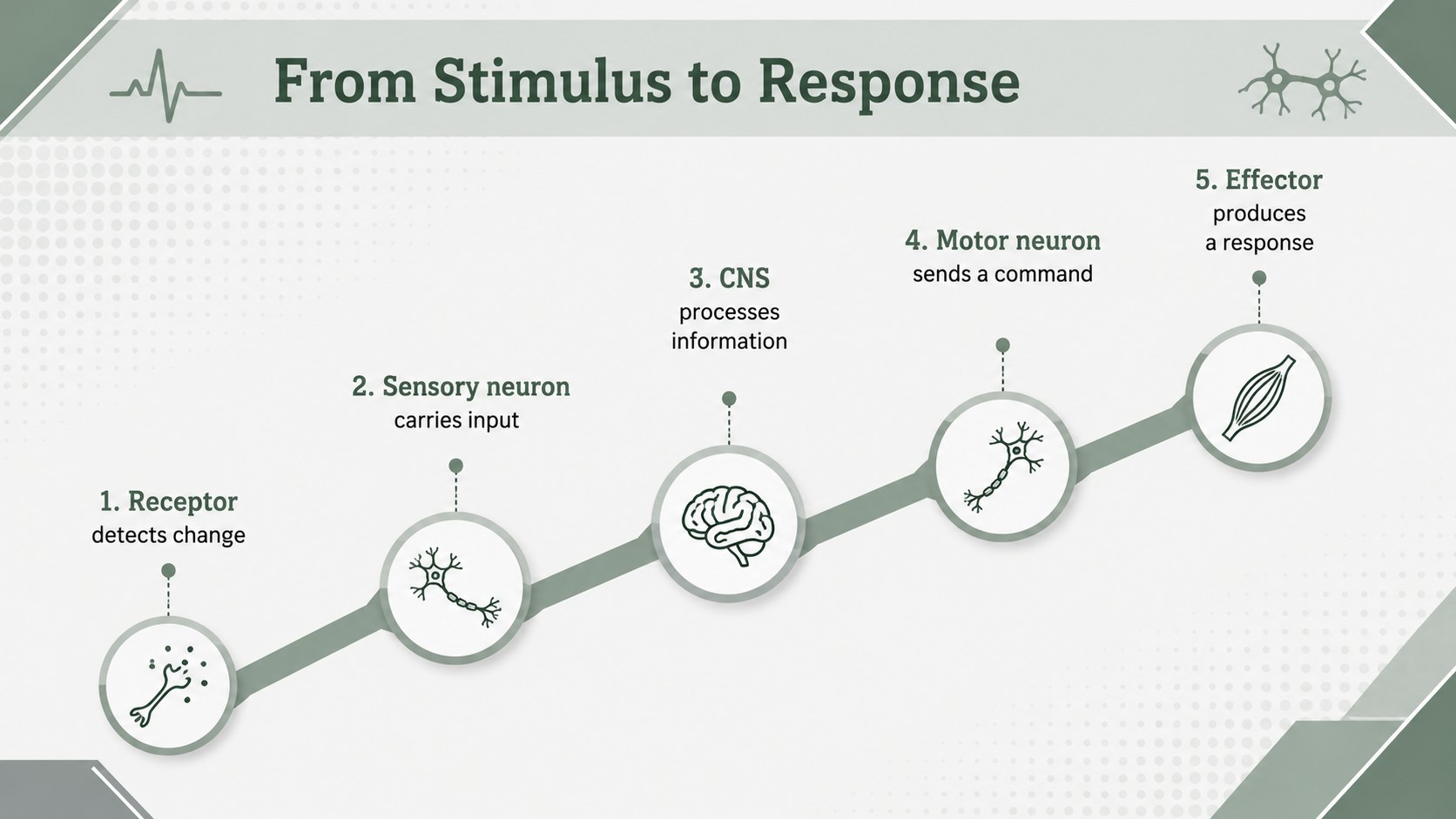
Turn detailed neuroanatomy into a structured visual lesson with this Neural Pathways Anatomy Deck. Calm green and grey tones, crisp geometric forms, and spacious layouts help audiences follow connections between the brain, spinal cord, peripheral nerves, and sensory systems without unnecessary visual clutter.
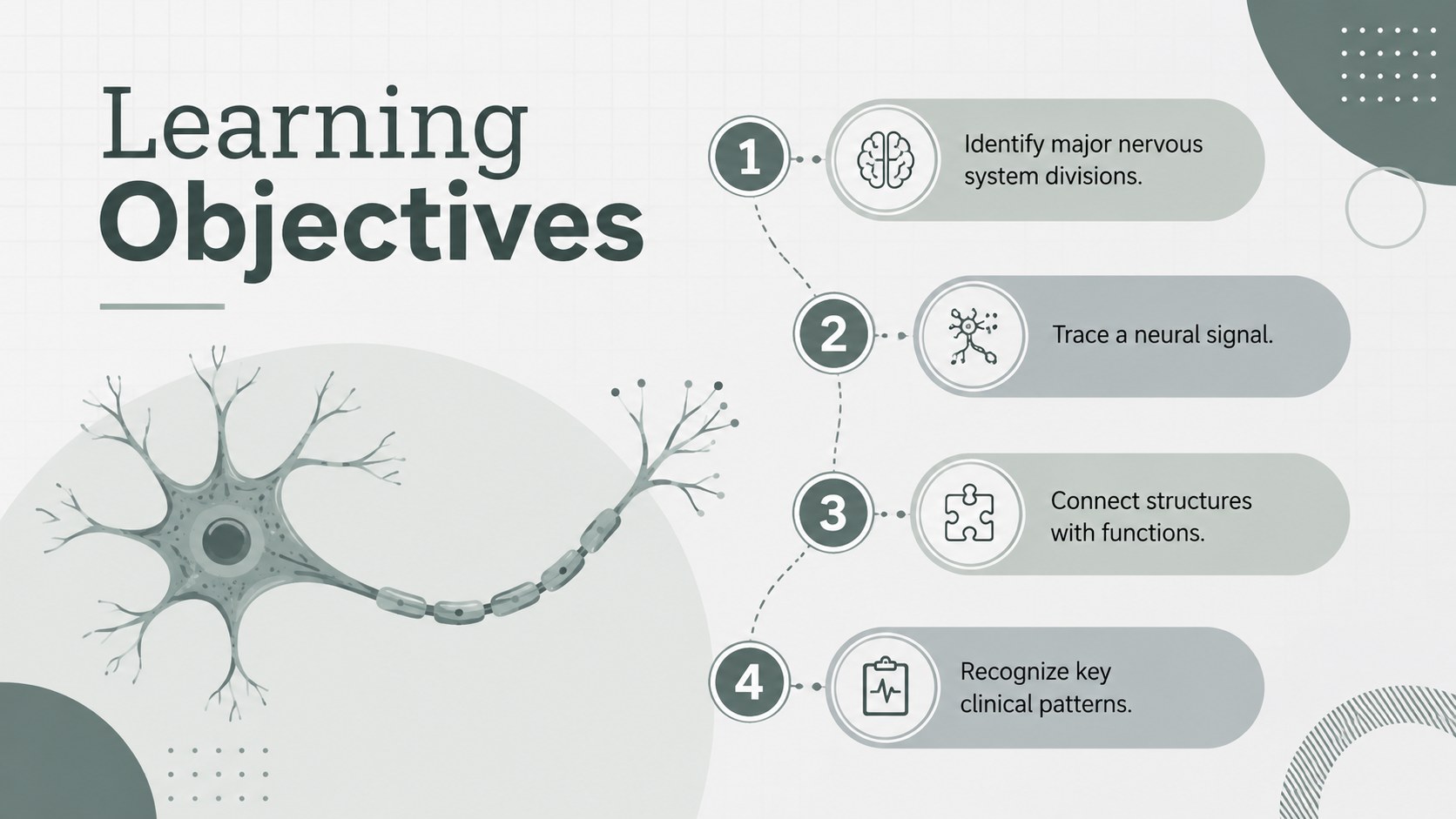
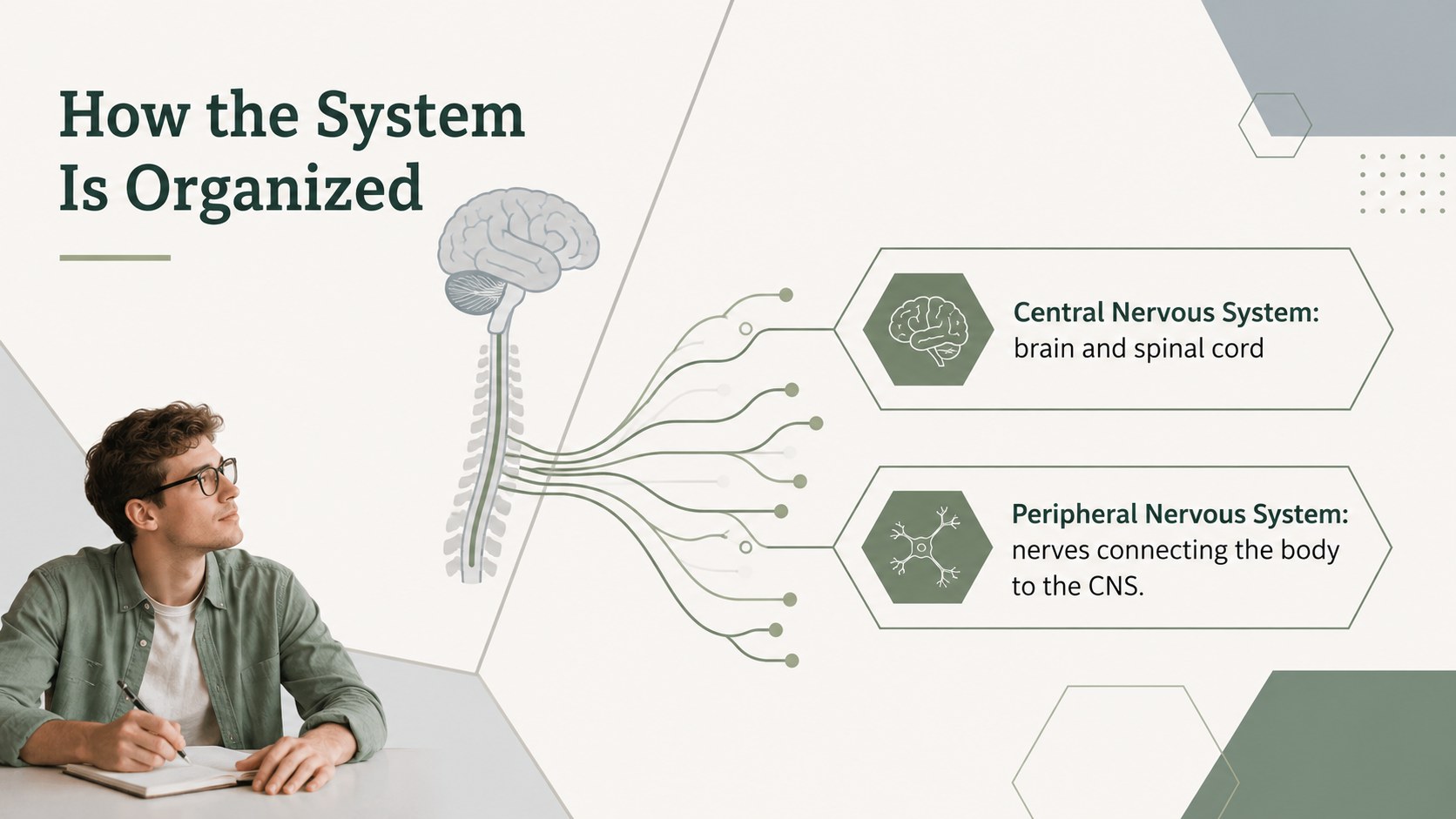
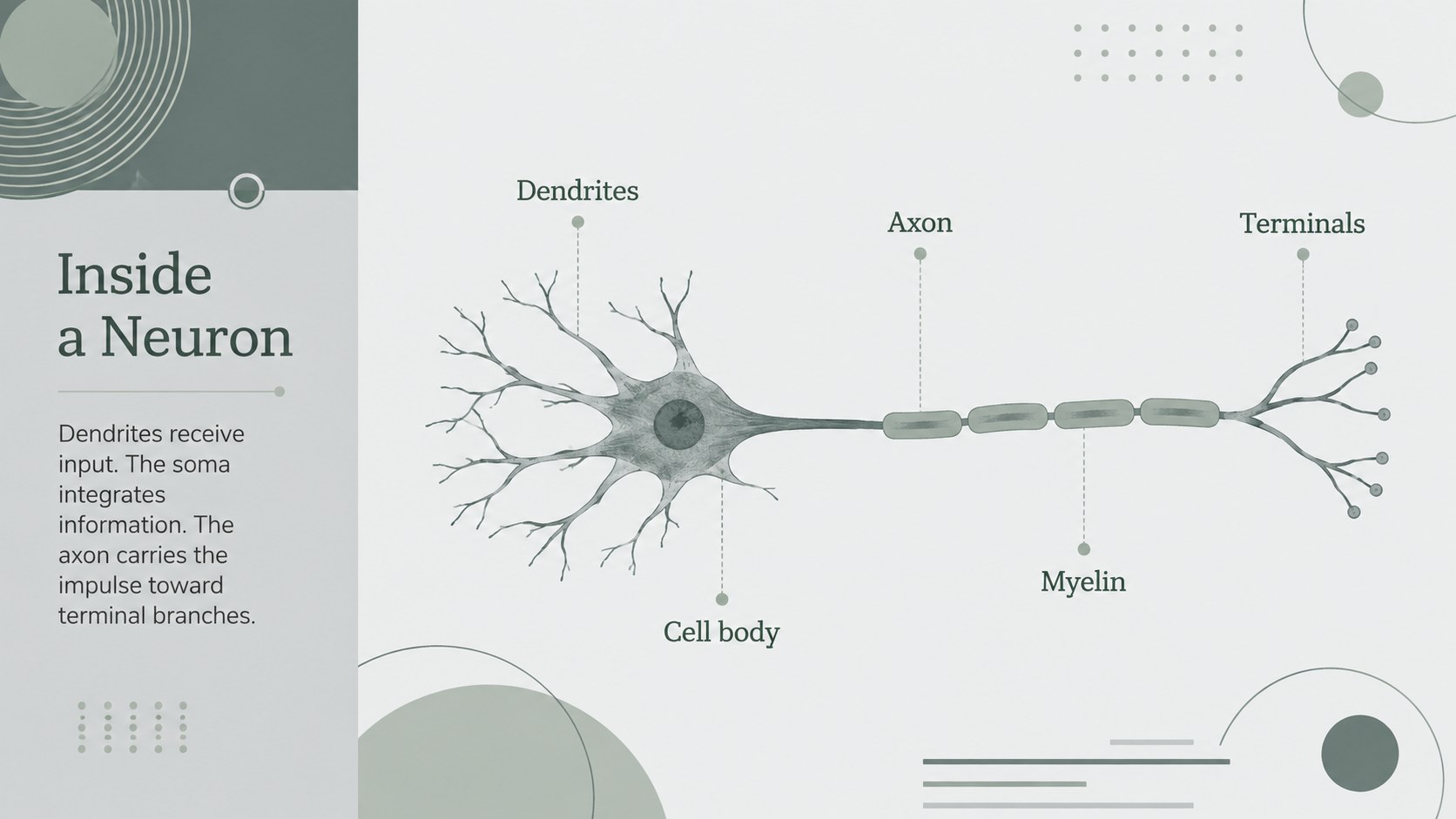
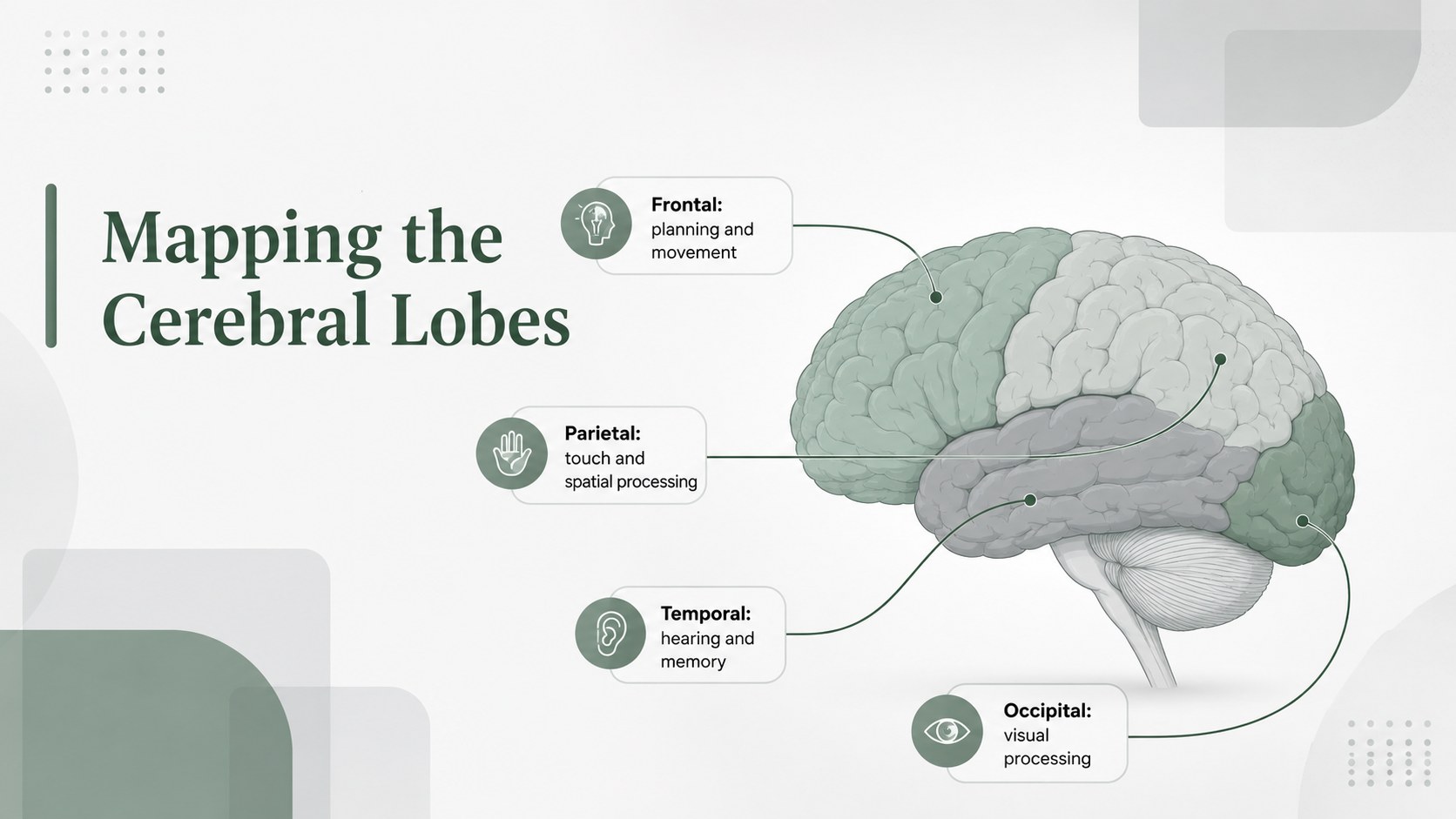
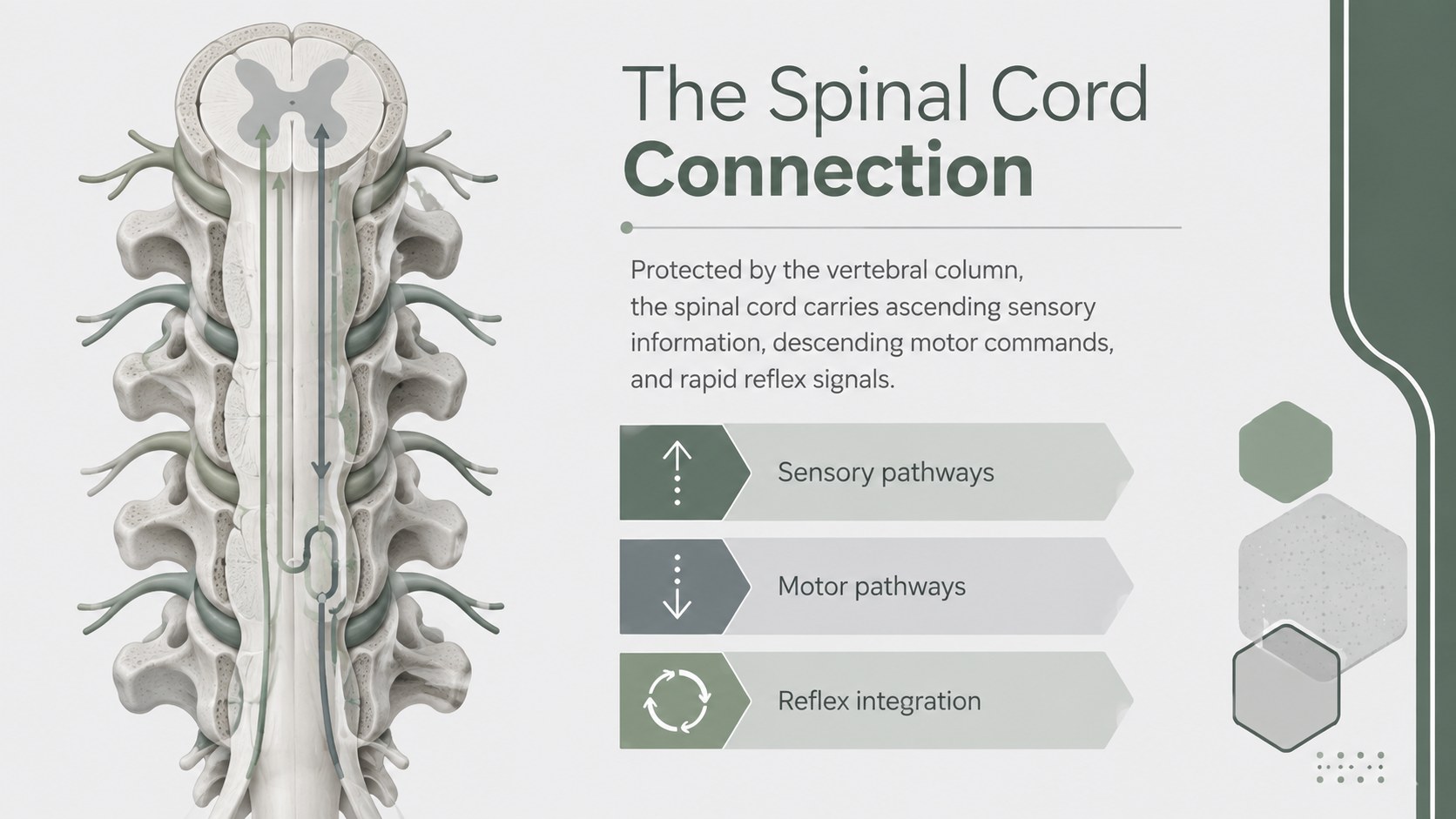
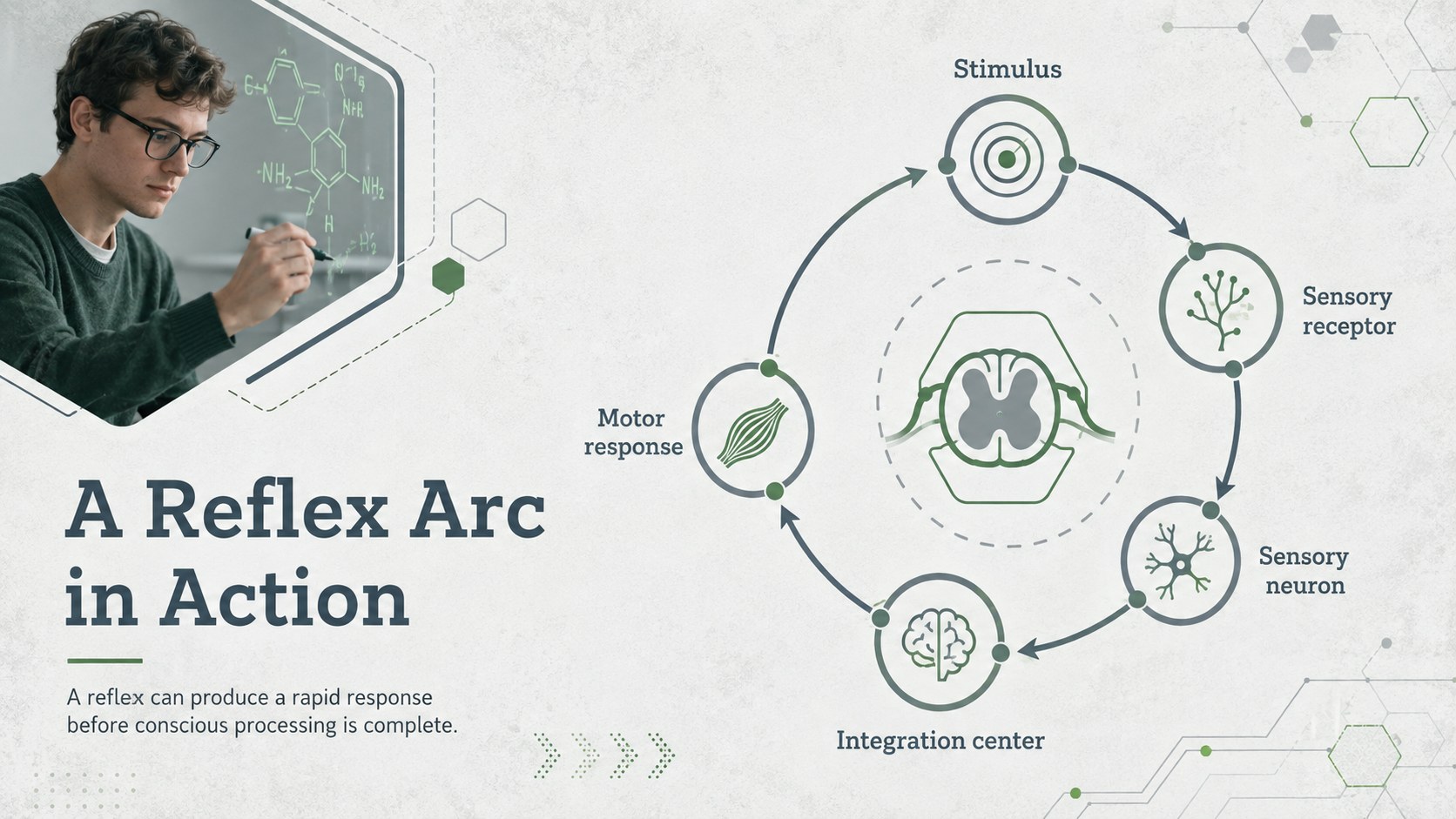
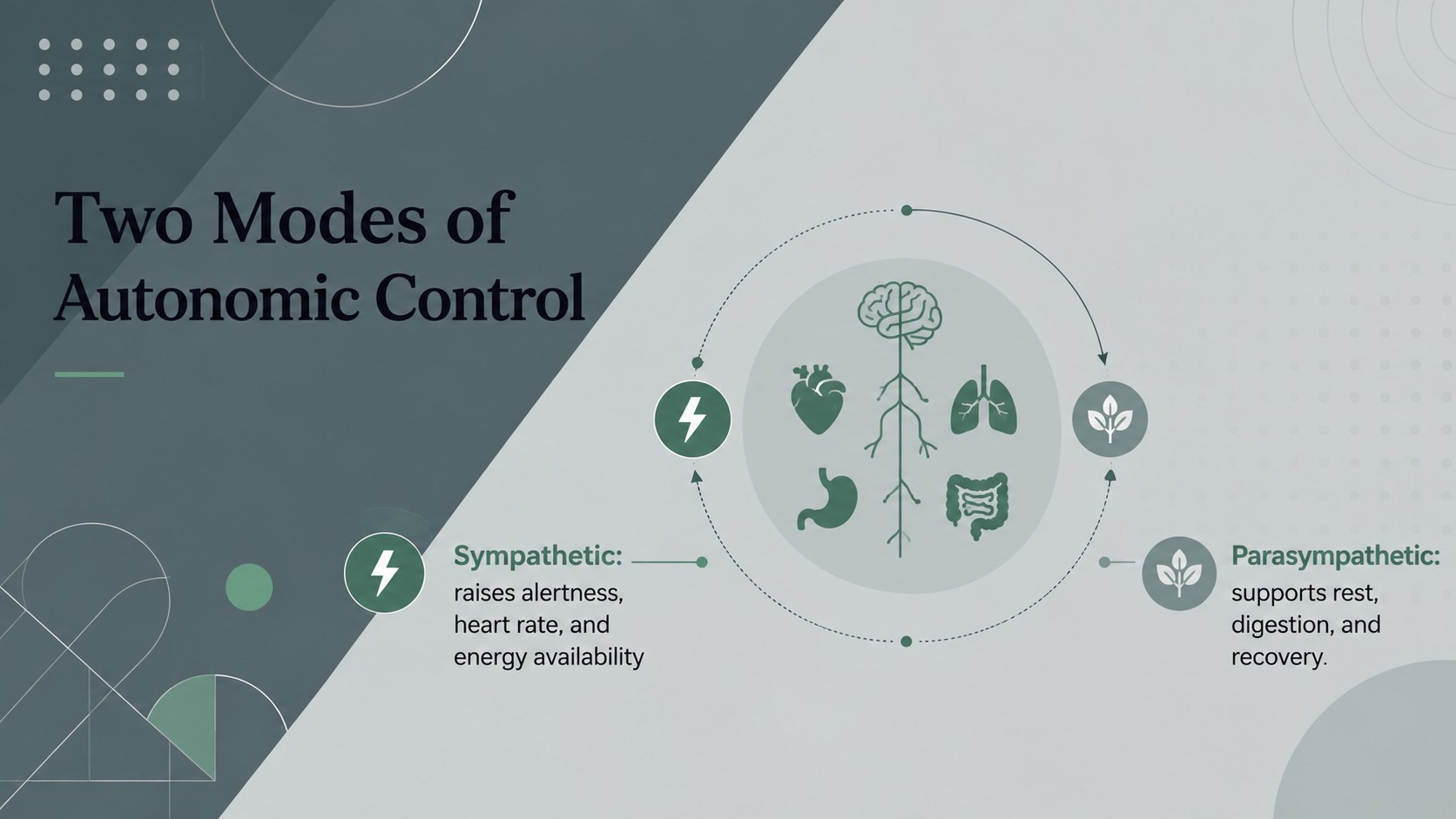
The deck includes layouts for learning objectives, nervous system organization, neuron structure, signal transmission, reflex arcs, brain regions, spinal anatomy, autonomic functions, common disorders, clinical observations, comparison tables, and knowledge checks. Use the central and peripheral nervous system slides as a complete teaching sequence or select individual layouts for a shorter presentation. Diagrams, labels, charts, timelines, and text areas can be adapted to different levels of technical detail.
Created as an anatomy presentation for health professionals, educators, university instructors, nursing trainers, and science students, the template works well for lectures, seminars, revision sessions, clinical briefings, and team discussions. It can also support a brain spinal cord and nerves lesson for advanced secondary or introductory college courses.
Every slide is editable in PowerPoint and Google Slides. Replace the sample wording, adjust diagrams, add research findings, and apply your own institutional details while retaining the restrained geometric design. The 16:9 format is ready for classroom displays, conference screens, online teaching, and exported handouts.
Perfect for: university neuroanatomy lecture; nursing education seminar; clinical staff training; secondary science lesson; medical research briefing.
Frequently asked questions
Practical details
The template is designed for PowerPoint and Google Slides. Core layouts, text, shapes, and color treatments remain editable in both platforms.
Yes. Replace technical terminology, shorten explanations, or add detailed clinical notes to match secondary, university, or professional audiences.
The geometric diagrams, labels, shapes, and green-grey palette can be edited. You can also apply institutional colors while preserving sufficient contrast for projection.
Yes. The 16:9 slides work for classroom screens and virtual sessions, and they can be exported as PDF handouts for review or distribution.
Keep exploring
15Build an engaging World UFO Day session with this flying saucer history lesson deck, featuring retro green-and-brown slides for PowerPoint and Google Slides.
 15
15Plan a lively animal-learning journey with this jungle zoo adventure lesson deck, ready to customize in PowerPoint and Google Slides for young learners.
 16
16Turn environmental research into a clear story with a Watercolor Ecology Presentation Theme for PowerPoint and Google Slides in calming green and blue.
 16
16Build focused fashion, literature, and humanities presentations with the Red Triangle Editorial Theme, editable in PowerPoint and Google Slides.
 15
15Turn streaming stats, favorite tracks, and concert highlights into a bold annual listening recap slide deck for PowerPoint and Google Slides.
 15
15Turn highlights, milestones, and favorite moments into a colorful year in review slide deck with bold 3D graphics for PowerPoint and Google Slides.
 3
3Build a credible endorsement with Standout Colleague Recommendation Letter Slides, featuring colorful prompts for skills, achievements, and team impact.
 4
4Build clear beginner sessions with an ice hockey fundamentals training deck for coaches, PE teachers, and clubs, ready for PowerPoint and Google Slides.