
 15
15presentation
Flying Saucer History Lesson Deck
Build an engaging World UFO Day session with this flying saucer history lesson deck, featuring retro green-and-brown slides for PowerPoint and Google Slides.
Google SlidesPowerPoint
presentation · English
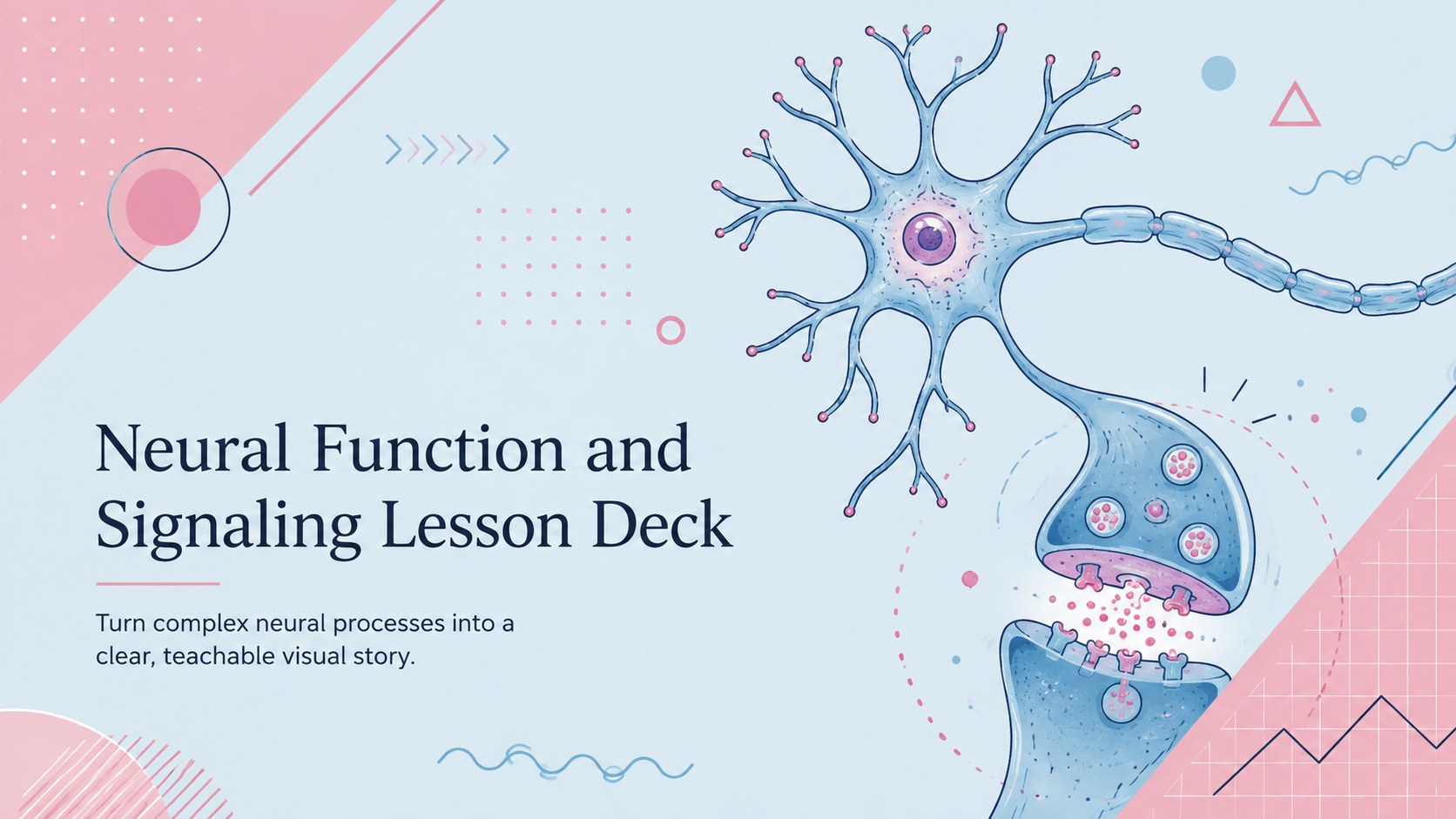
Teach complex pathways clearly with a neural function and signaling lesson deck featuring editable pink-and-blue visuals for PowerPoint and Google Slides.
Design notes
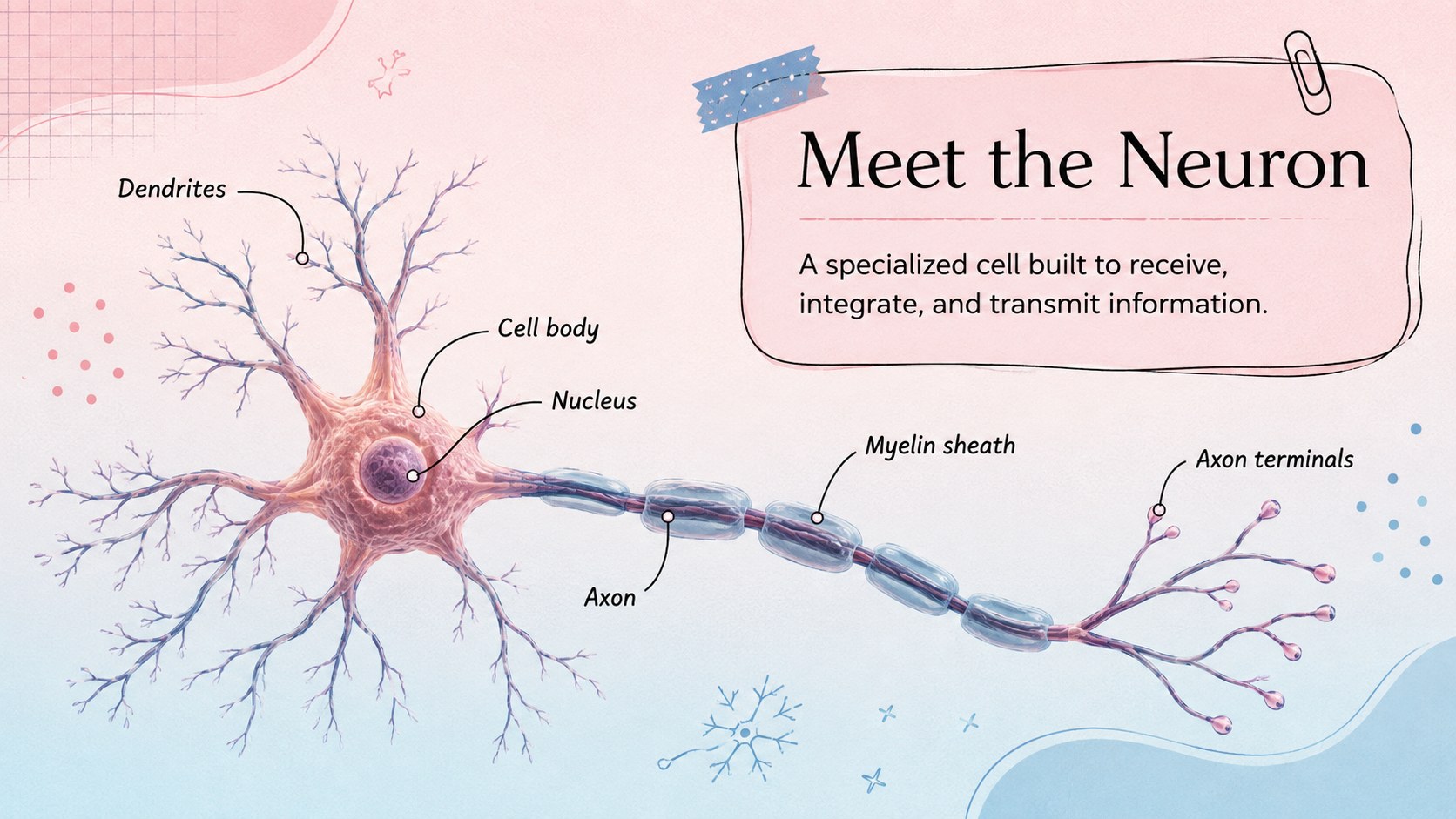
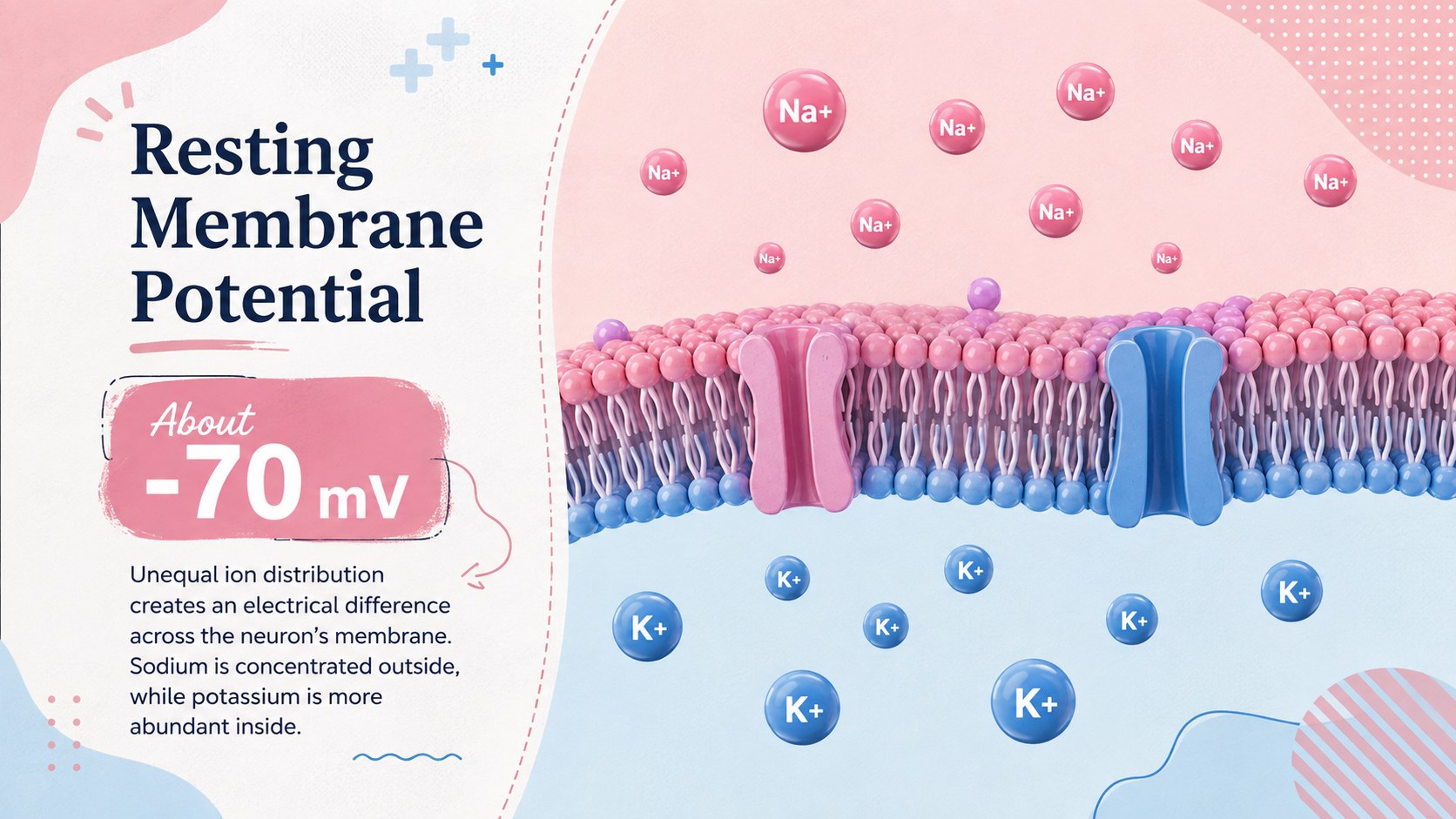
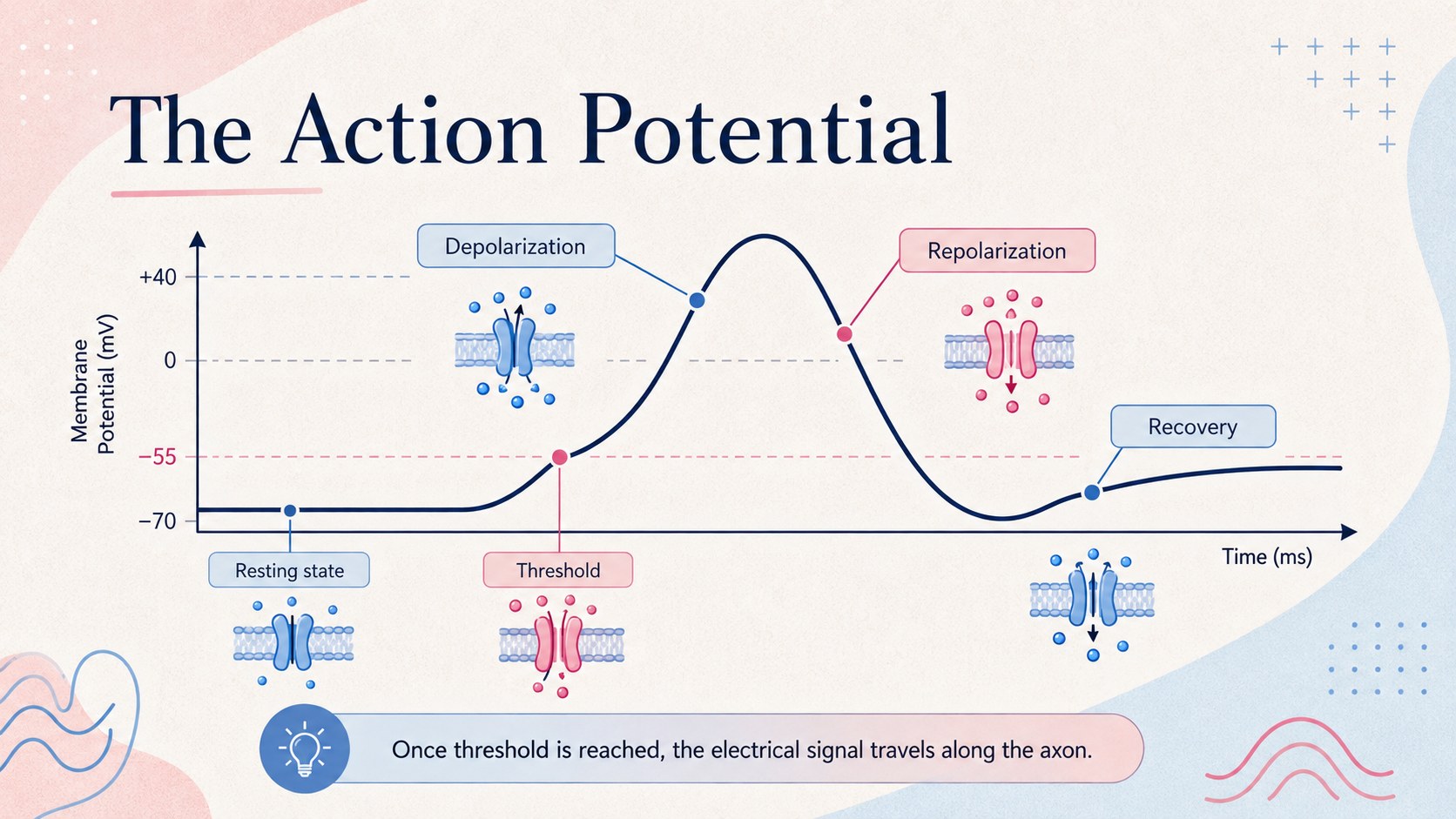
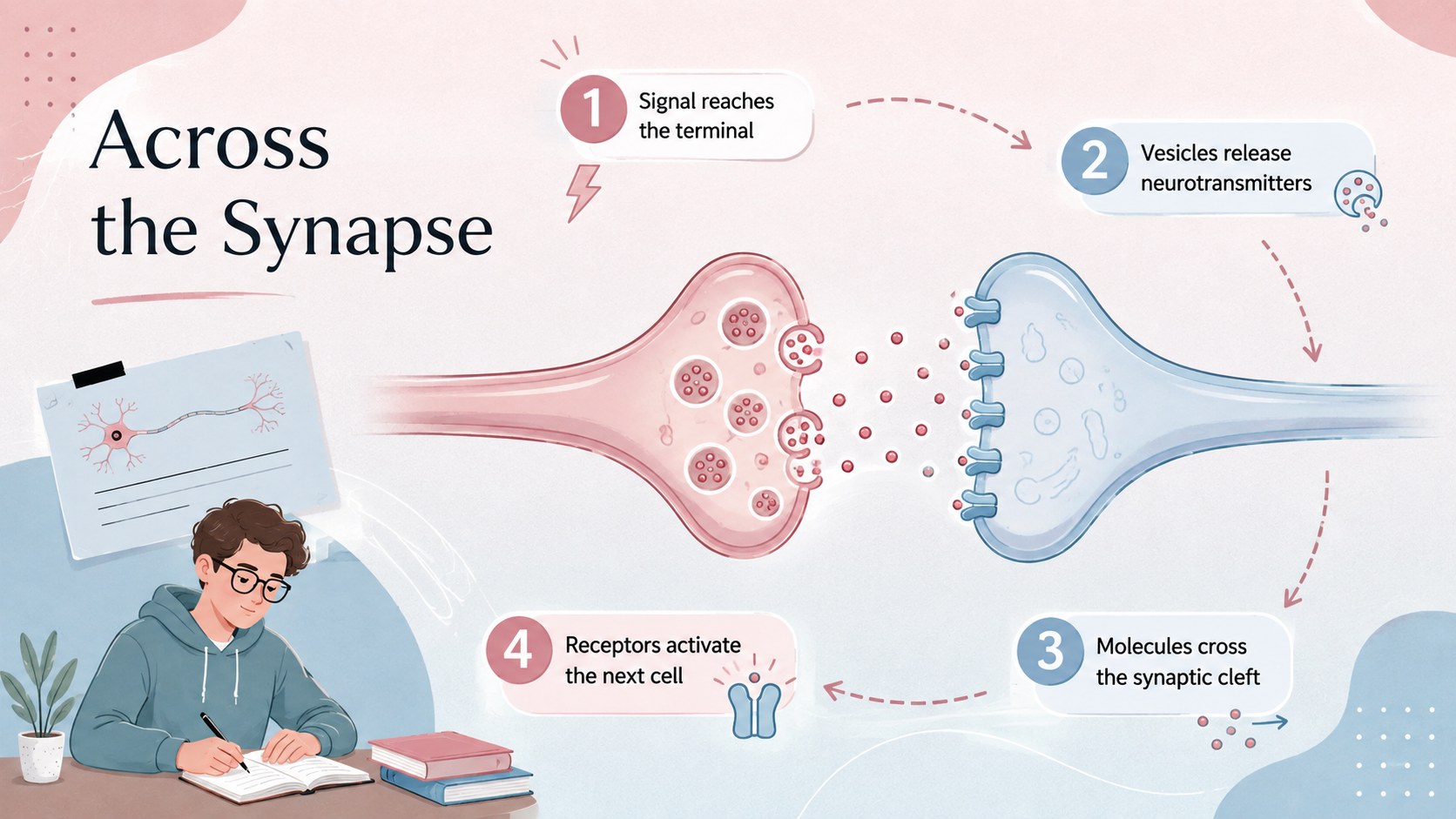
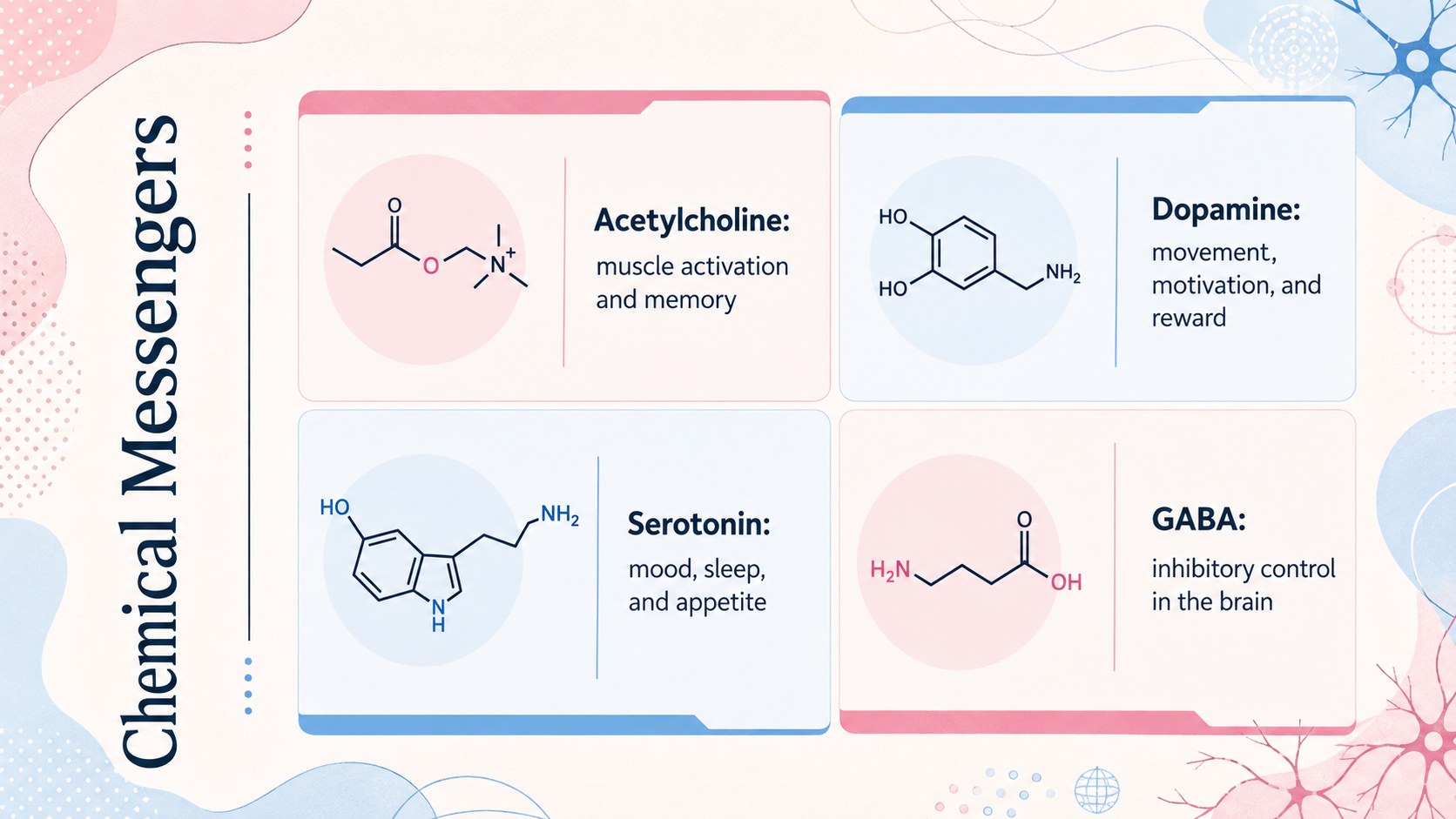
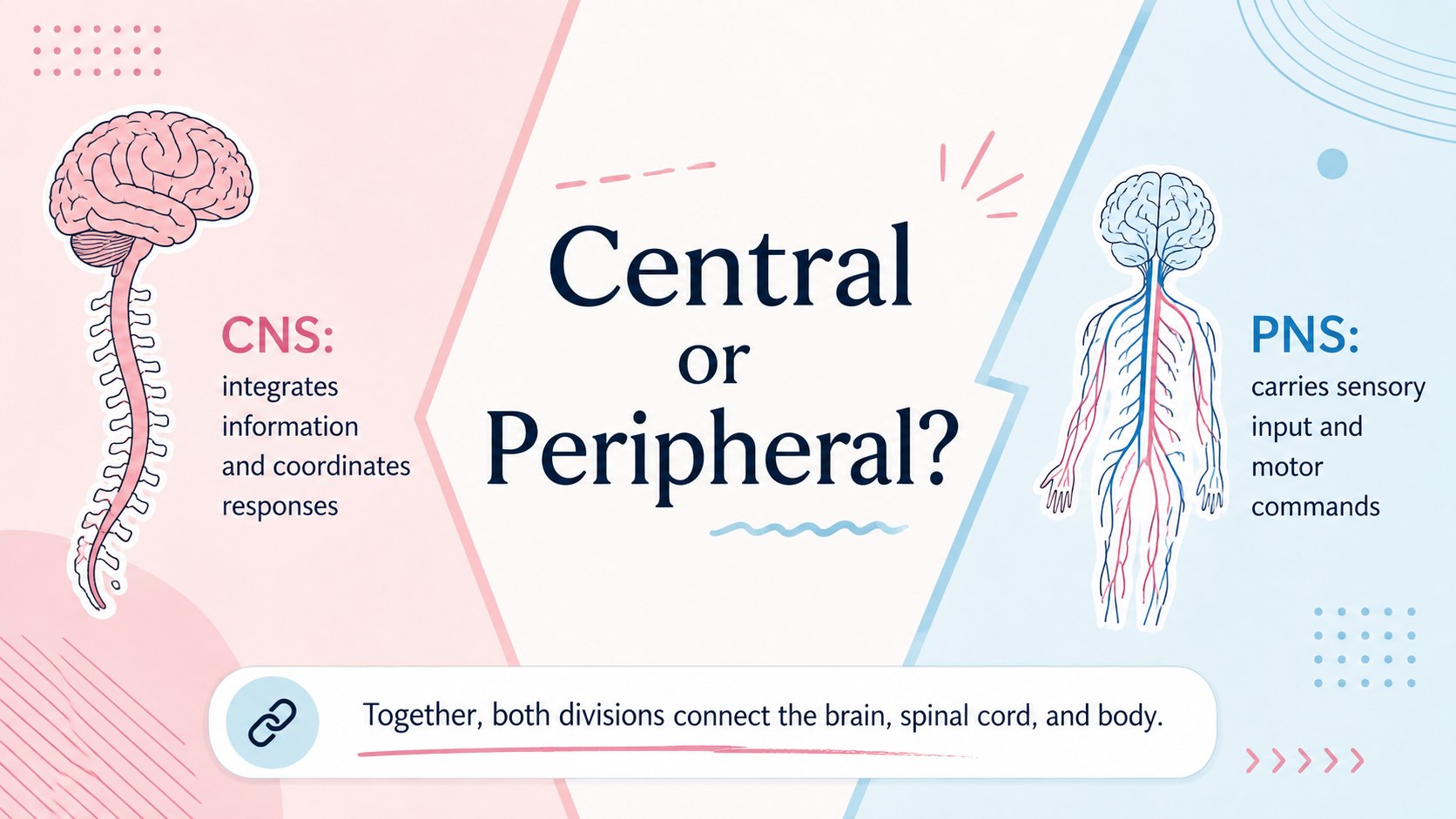
Make challenging biology concepts easier to explain with this neural function and signaling lesson deck. Its modern pink-and-blue visual system combines concise notes, original scientific illustrations, diagrams, and comparison layouts, giving educators a polished framework for presenting how the nervous system receives, processes, and communicates information.
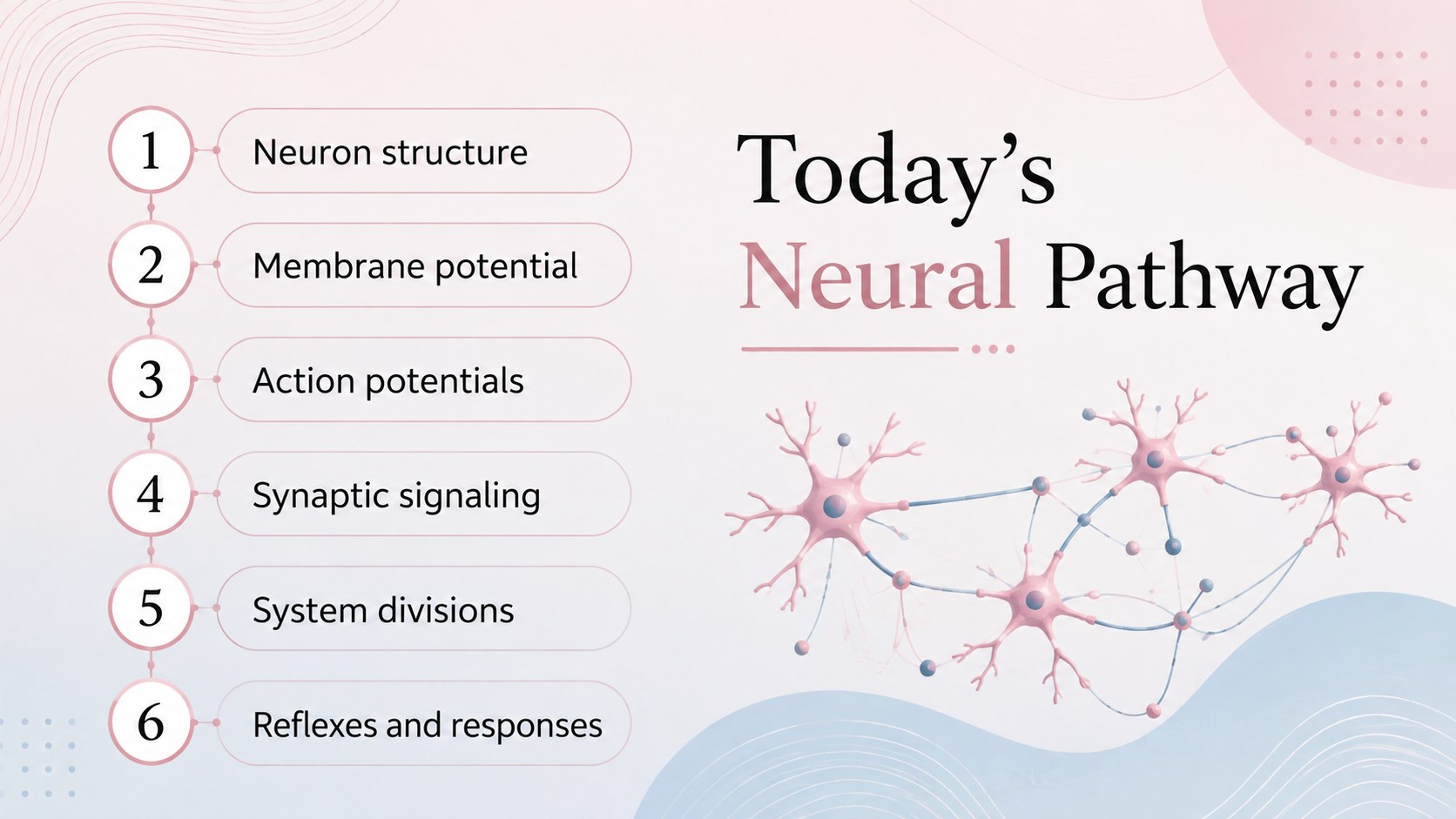
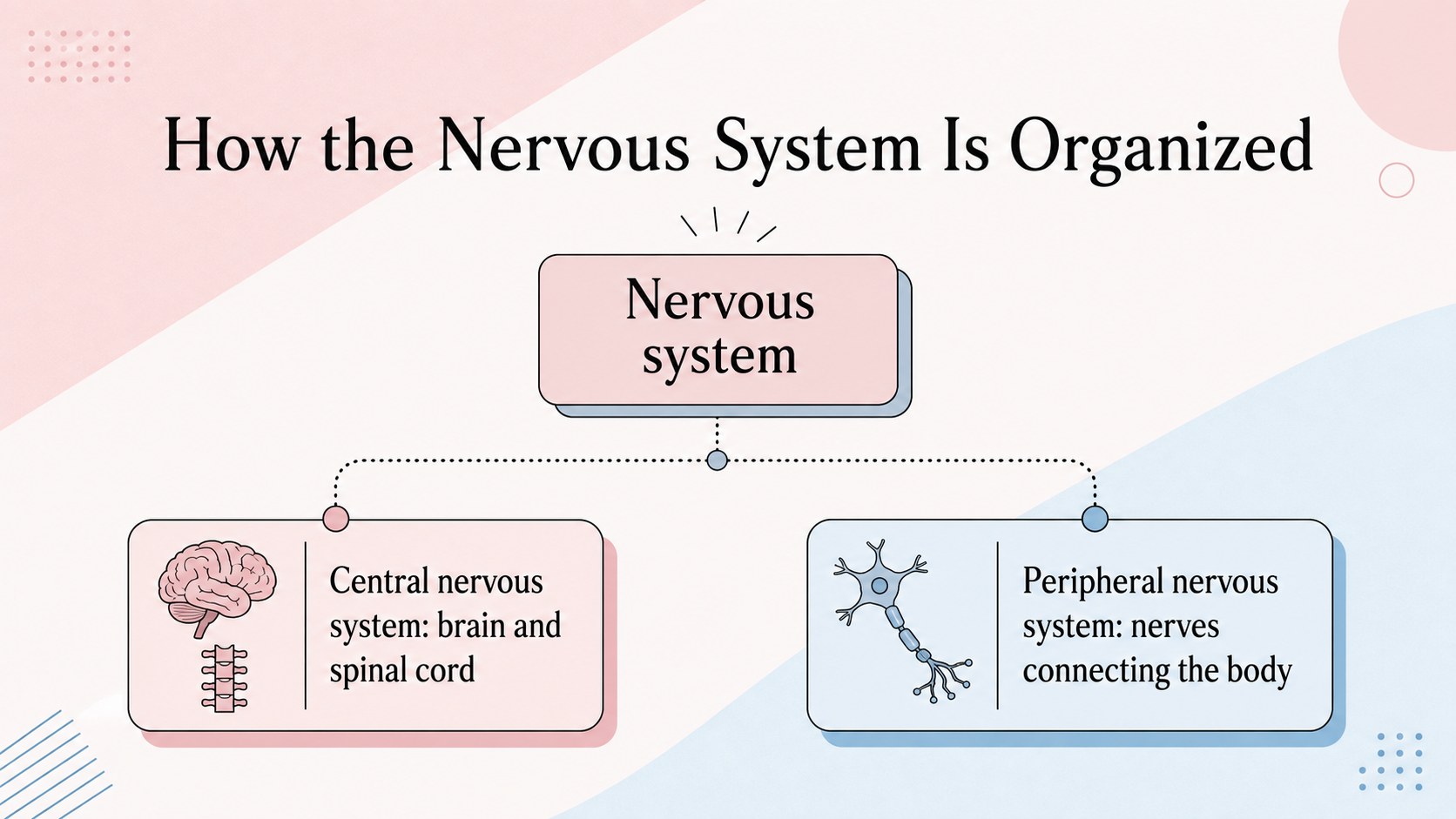
The deck covers neuron anatomy, resting membrane potential, action potentials, synaptic transmission, neurotransmitters, reflex pathways, and the major divisions of the nervous system. It also includes an agenda, process diagrams, comparison tables, a recap activity, and discussion prompts. Use it as a nervous system physiology lesson template, adapt it into a neuron signaling PowerPoint presentation, or deliver it as an action potential Google Slides deck. Every slide is designed for a 16:9 screen and can be edited to match your terminology, teaching sequence, and course level.
This presentation is suited to secondary science teachers, college instructors, nursing educators, health professionals, tutors, and students preparing seminar projects. The organized layouts support classroom lectures, revision sessions, anatomy workshops, clinical introductions, and independent study. Customize the text, colors, diagrams, and examples in PowerPoint or Google Slides while retaining the energetic modern-notes style and its balanced pink-and-blue palette.
Perfect for: secondary biology lesson; nursing physiology lecture; neuroscience revision session; health sciences workshop; student seminar presentation.
Frequently asked questions
Can I edit the diagrams and lesson text? Yes. The labels, explanations, shapes, colors, and diagram elements can be adjusted to suit your curriculum and preferred terminology. You can also duplicate or reorder slides for a shorter or more detailed lesson.
Practical details
Yes. The labels, explanations, shapes, colors, and diagram elements can be adjusted to suit your curriculum and preferred terminology. You can also duplicate or reorder slides for a shorter or more detailed lesson.
The deck is designed for PowerPoint and Google Slides. Both platforms support editing, presenting, and sharing the 16:9 slide layouts.
Yes. Simplify the definitions and diagrams for introductory biology, or add detailed ion-channel, neurotransmitter, and clinical information for advanced health science learners.
Replace the sample text, adjust the pink-and-blue color balance, and update fonts or illustrations within PowerPoint or Google Slides. Keep strong contrast between labels and backgrounds so scientific diagrams remain easy to read.
Keep exploring
15Build an engaging World UFO Day session with this flying saucer history lesson deck, featuring retro green-and-brown slides for PowerPoint and Google Slides.
 15
15Plan a lively animal-learning journey with this jungle zoo adventure lesson deck, ready to customize in PowerPoint and Google Slides for young learners.
 16
16Turn environmental research into a clear story with a Watercolor Ecology Presentation Theme for PowerPoint and Google Slides in calming green and blue.
 16
16Build focused fashion, literature, and humanities presentations with the Red Triangle Editorial Theme, editable in PowerPoint and Google Slides.
 15
15Turn streaming stats, favorite tracks, and concert highlights into a bold annual listening recap slide deck for PowerPoint and Google Slides.
 15
15Turn highlights, milestones, and favorite moments into a colorful year in review slide deck with bold 3D graphics for PowerPoint and Google Slides.
 3
3Build a credible endorsement with Standout Colleague Recommendation Letter Slides, featuring colorful prompts for skills, achievements, and team impact.
 4
4Build clear beginner sessions with an ice hockey fundamentals training deck for coaches, PE teachers, and clubs, ready for PowerPoint and Google Slides.