
 15
15presentation
Flying Saucer History Lesson Deck
Build an engaging World UFO Day session with this flying saucer history lesson deck, featuring retro green-and-brown slides for PowerPoint and Google Slides.
Google SlidesPowerPoint
presentation · English
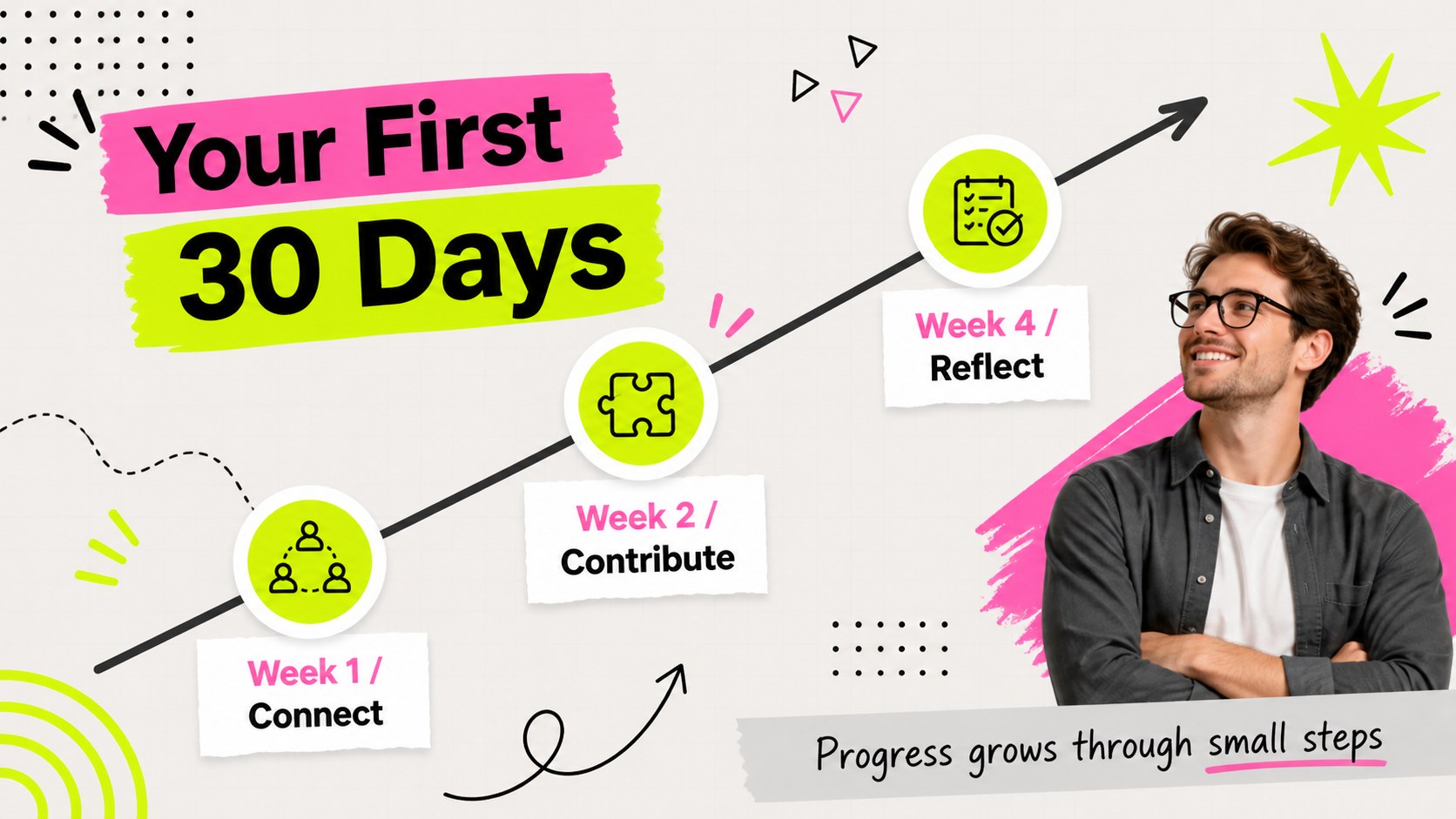
Build a welcoming first-week experience with a neon team onboarding deck for introductions, roles, rituals, goals and connection in PowerPoint or Google…
Design notes
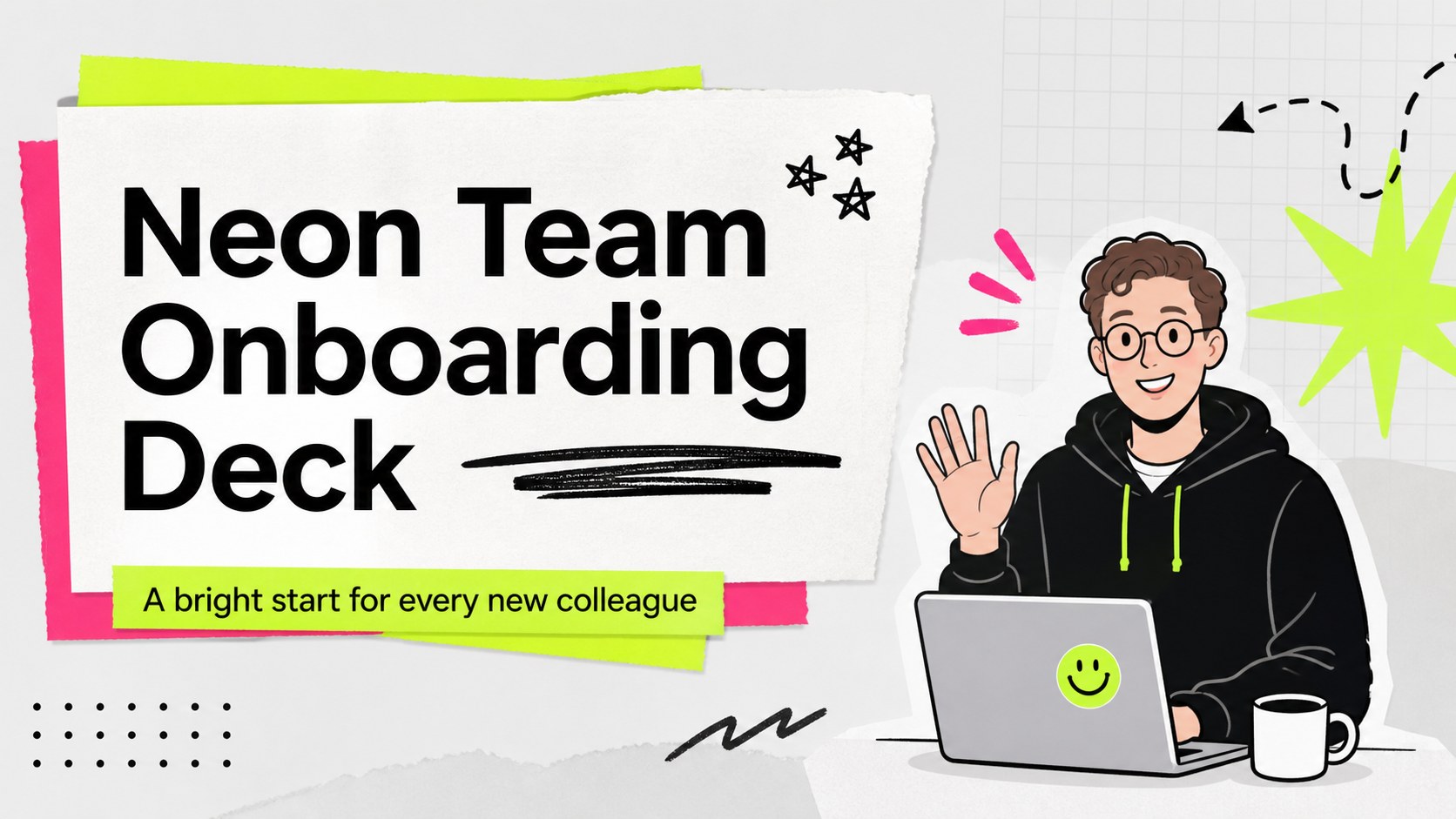
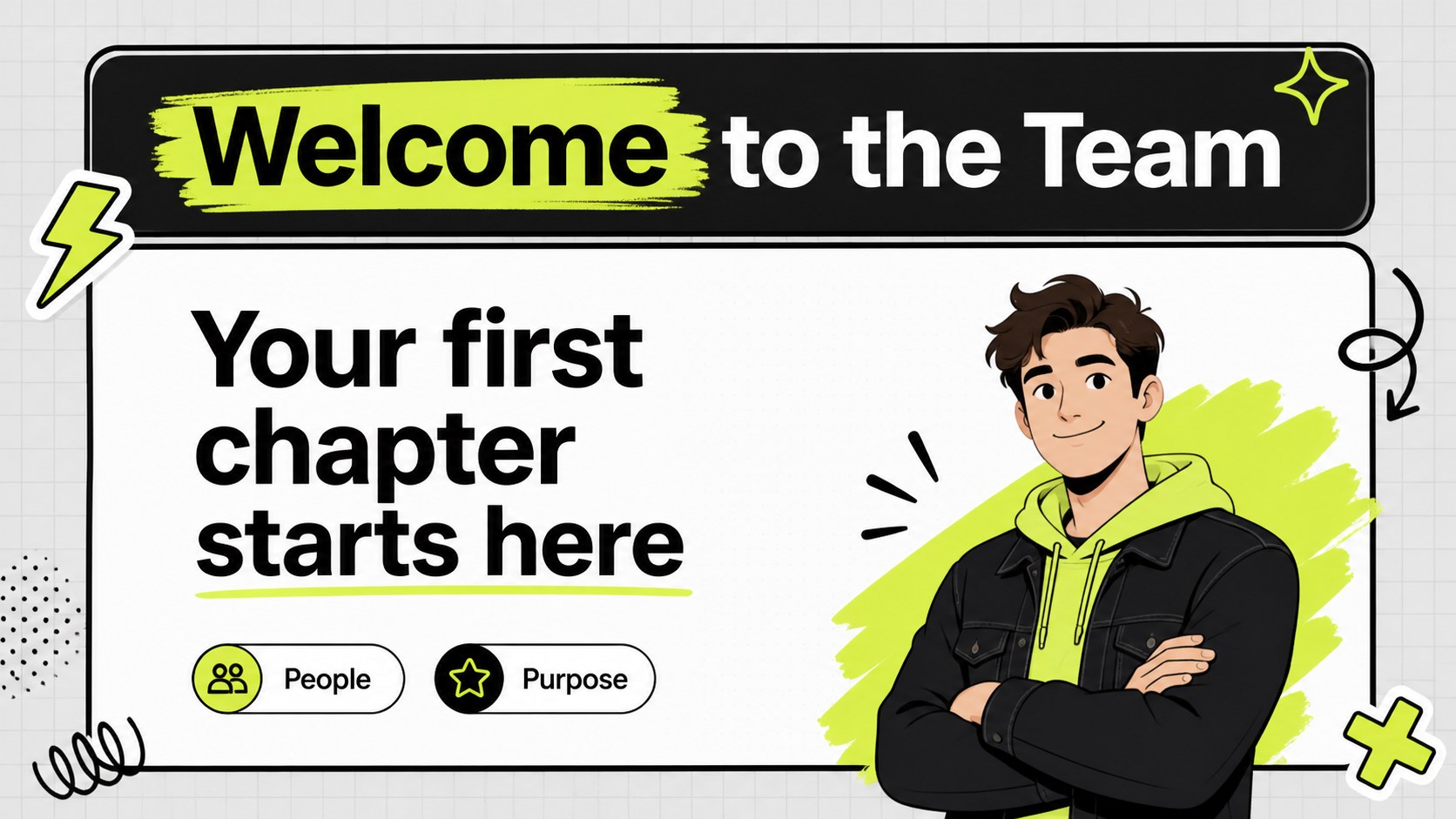
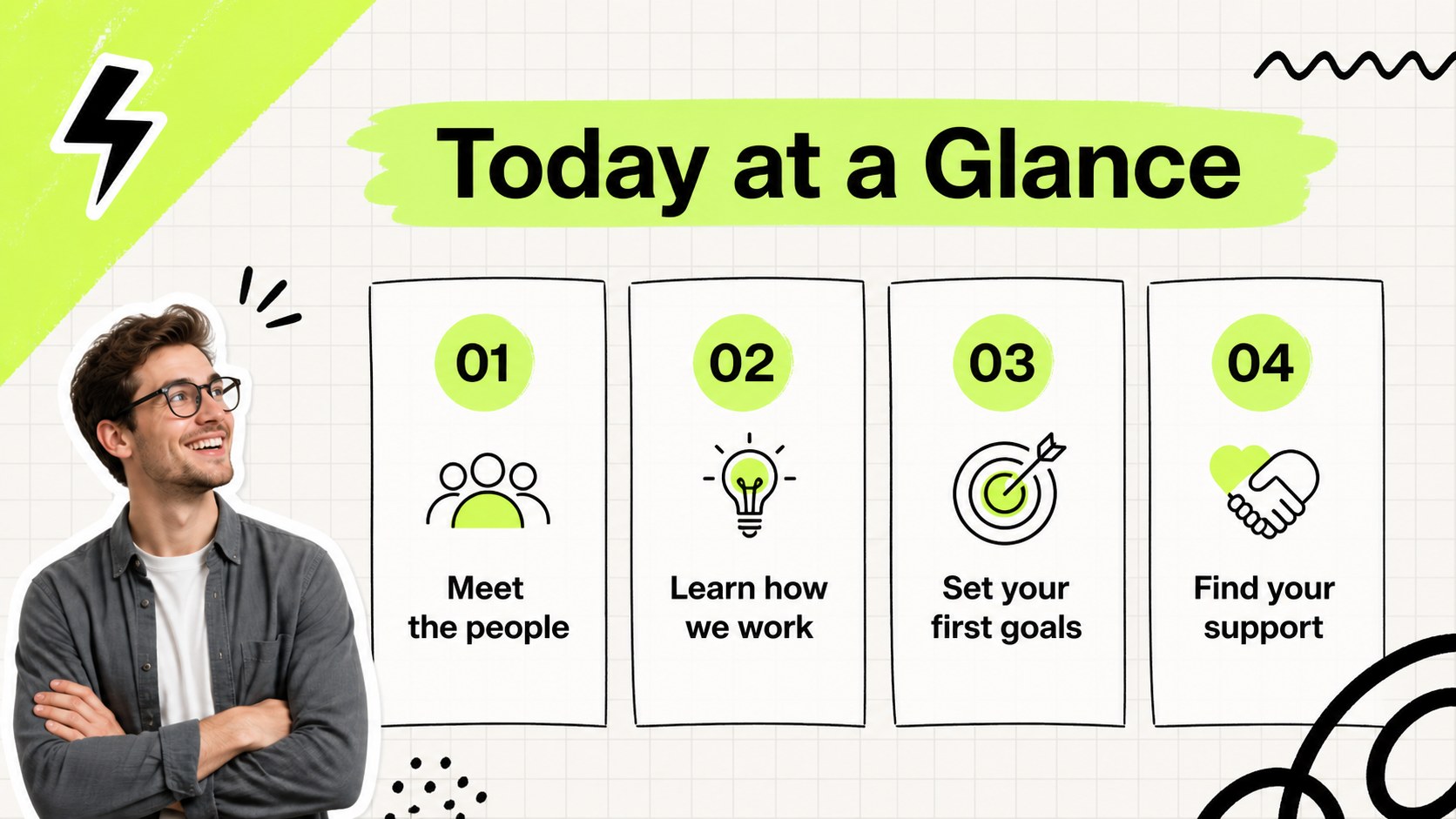
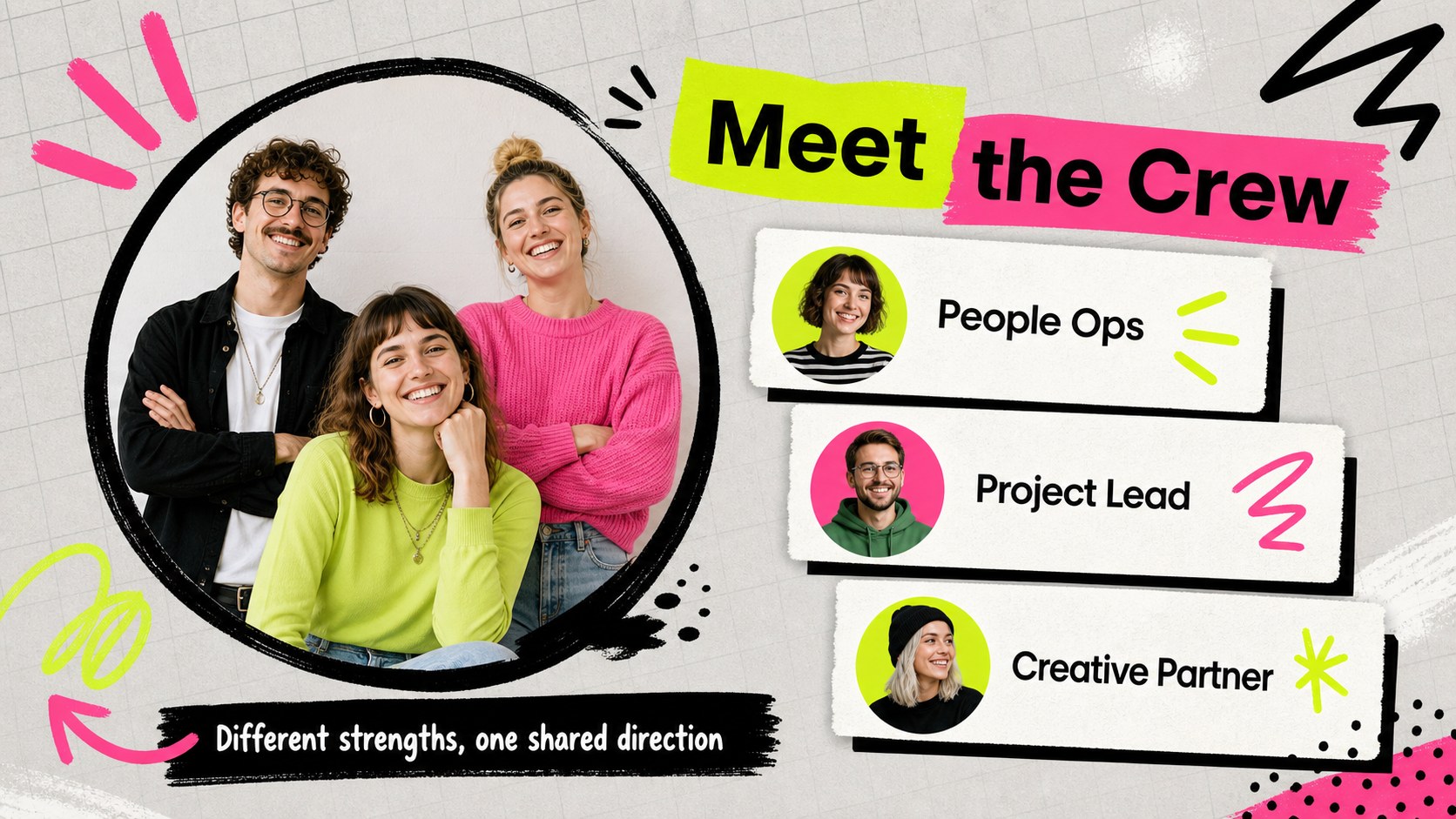
Help new colleagues feel oriented and included from their first meeting with this neon team onboarding deck. The design combines a soft gray foundation, vivid neon accents, doodle-like details and playful scrapbook composition to make practical information easier to scan. Use it for a welcome session, department introduction or recurring team kickoff in PowerPoint or Google Slides.
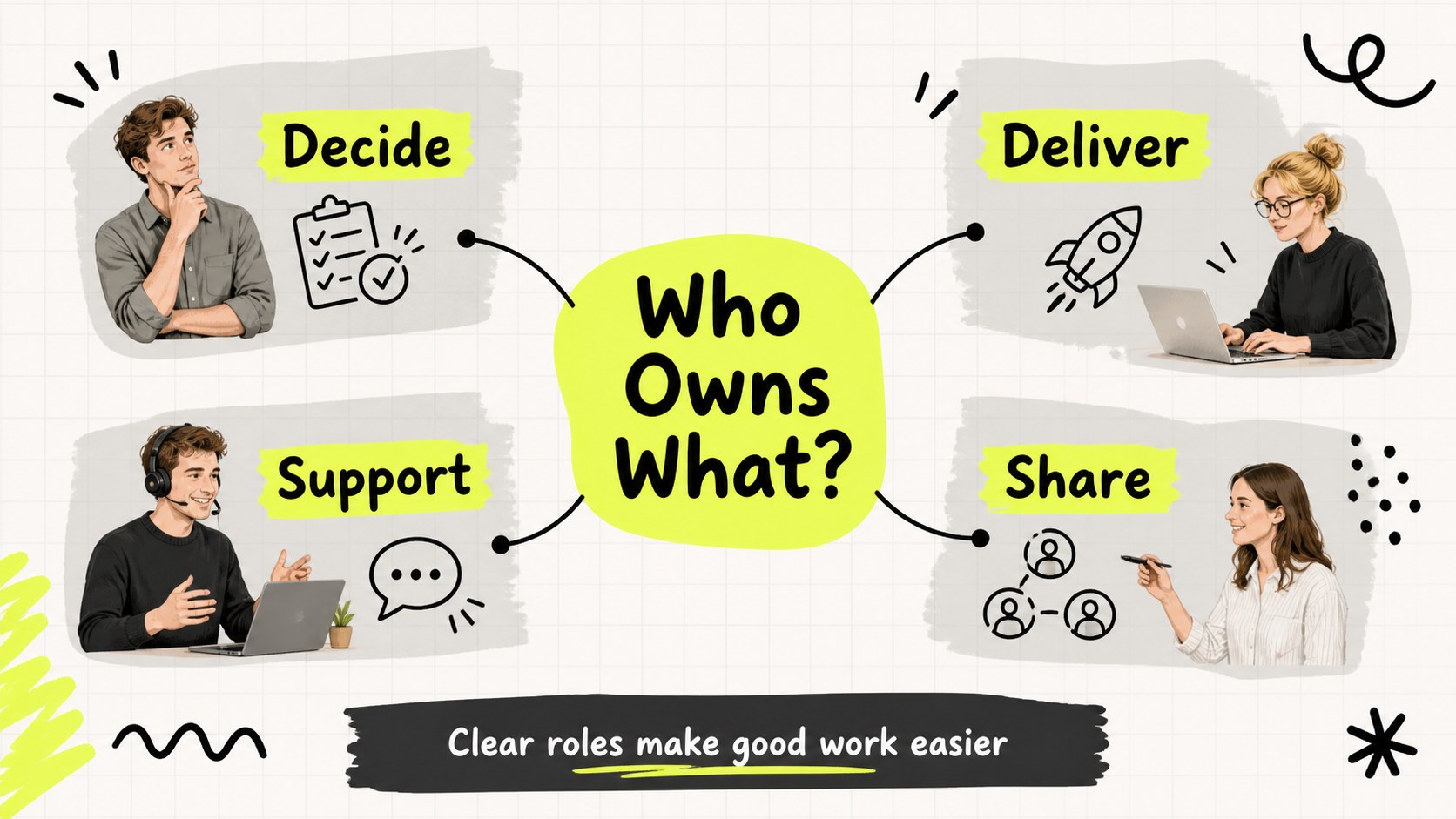
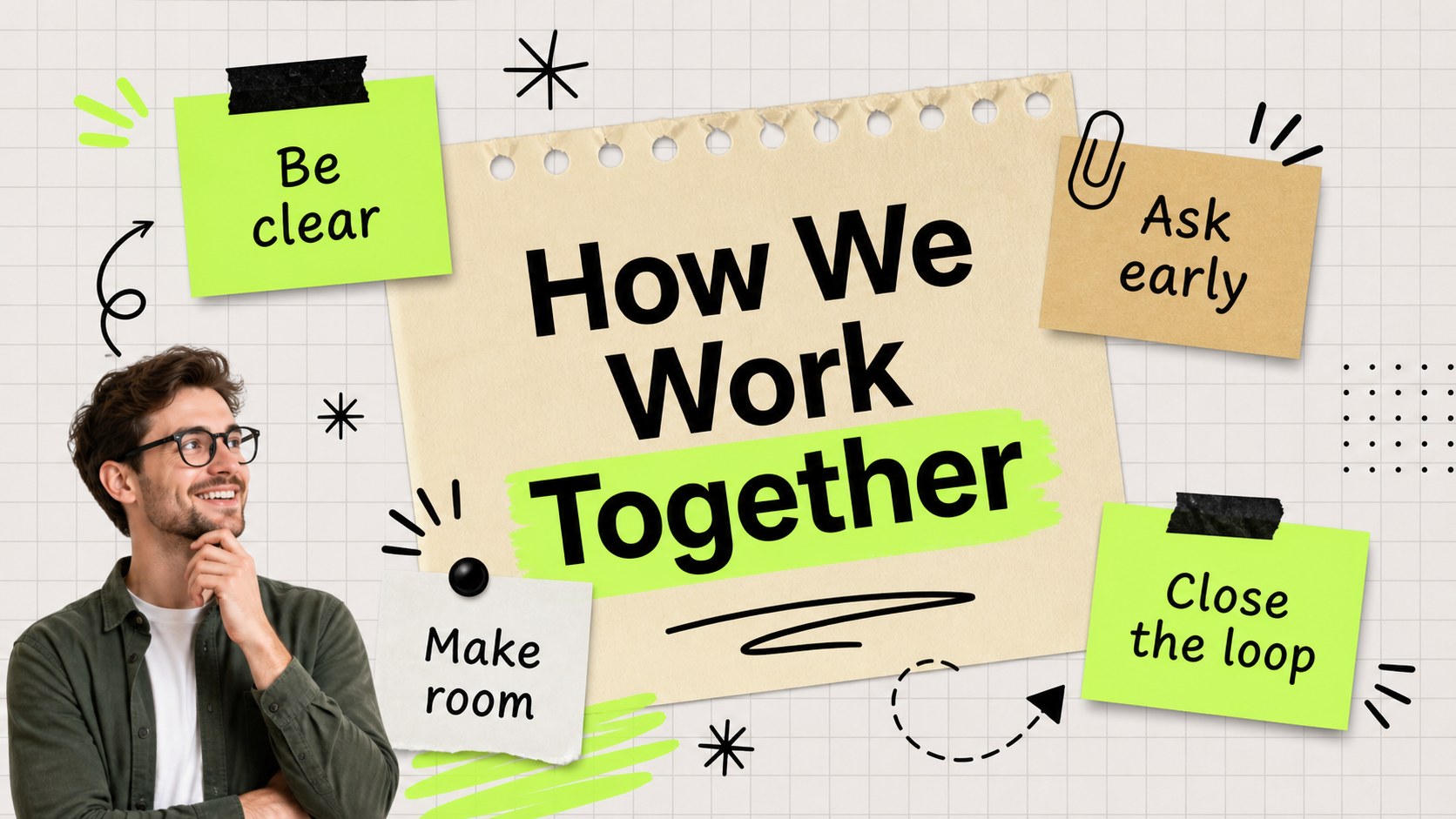
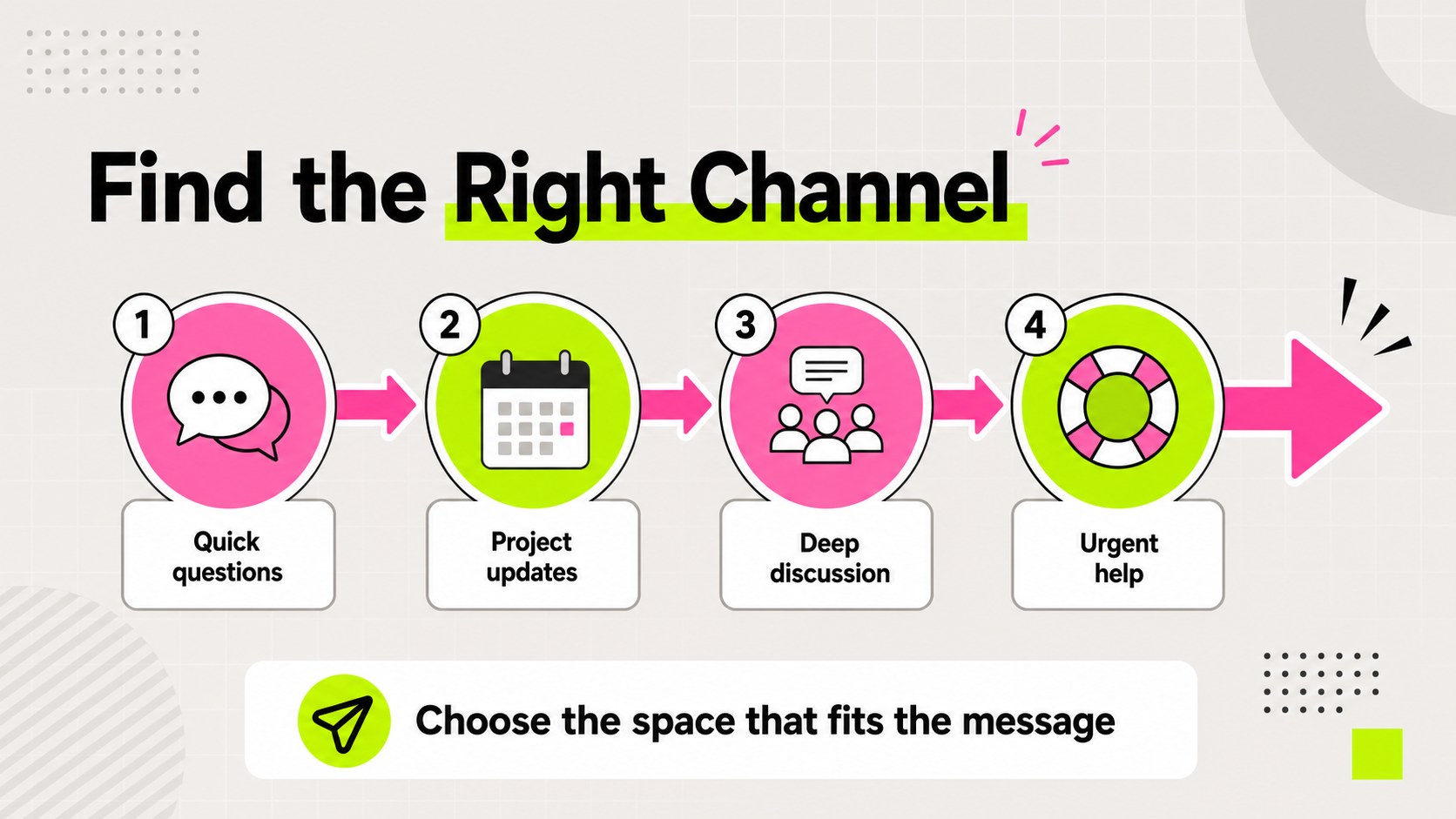
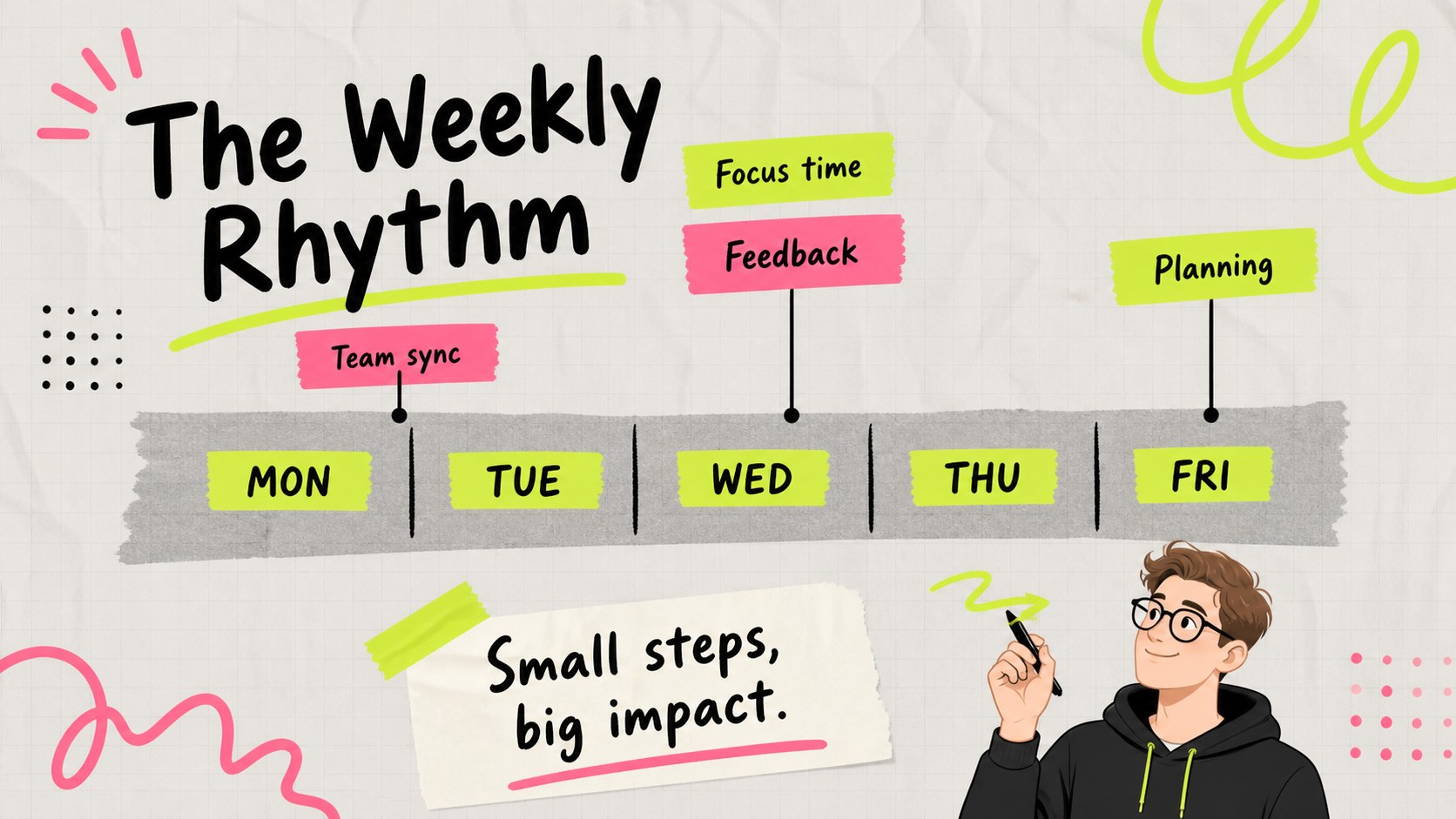
The 15-slide layout includes a title page, welcome message, agenda, team snapshot, role map, working agreements, communication channels, weekly rhythm, onboarding timeline, tools overview, first-month goals, support contacts, culture prompts, progress check-in and closing slide. Editable text areas, charts, frames, lines and shapes let you adapt the presentation to a startup, agency, nonprofit or established company. Harmattan is used throughout, with gray, white and bright accent colors defining the visual system.
This deck is designed for HR teams, managers, founders, team leads and project coordinators who want a polished new hire orientation without a formal or corporate-heavy look. Add portraits, department details, milestones and links to internal resources to create a more personal welcome. The structure also works for remote onboarding, cross-functional introductions and quarterly team resets.
Perfect for: new hire orientation; remote team welcome meeting; department introduction; startup onboarding session; cross-functional team kickoff.
Frequently asked questions
Can I edit this deck in PowerPoint? Yes. The presentation is designed for PowerPoint and includes editable text, shapes, charts and layout elements. Replace the sample content with your team details, links and onboarding milestones.
Practical details
Yes. The presentation is designed for PowerPoint and includes editable text, shapes, charts and layout elements. Replace the sample content with your team details, links and onboarding milestones.
Yes, you can open and adapt the presentation in Google Slides. Review fonts and spacing after import, then update the colors, images and text to match your organization.
Yes. The accent colors, background tones and editable graphic elements can be adjusted to suit your brand or department. Keep one or two bright accents for the intended energetic scrapbook effect.
Add team roles, communication channels, recurring meetings, tools, first-month goals and support contacts. You can also include a short culture prompt or check-in slide to encourage conversation during the welcome session.
Keep exploring
15Build an engaging World UFO Day session with this flying saucer history lesson deck, featuring retro green-and-brown slides for PowerPoint and Google Slides.
 15
15Plan a lively animal-learning journey with this jungle zoo adventure lesson deck, ready to customize in PowerPoint and Google Slides for young learners.
 16
16Turn environmental research into a clear story with a Watercolor Ecology Presentation Theme for PowerPoint and Google Slides in calming green and blue.
 16
16Build focused fashion, literature, and humanities presentations with the Red Triangle Editorial Theme, editable in PowerPoint and Google Slides.
 15
15Turn streaming stats, favorite tracks, and concert highlights into a bold annual listening recap slide deck for PowerPoint and Google Slides.
 15
15Turn highlights, milestones, and favorite moments into a colorful year in review slide deck with bold 3D graphics for PowerPoint and Google Slides.
 3
3Build a credible endorsement with Standout Colleague Recommendation Letter Slides, featuring colorful prompts for skills, achievements, and team impact.
 4
4Build clear beginner sessions with an ice hockey fundamentals training deck for coaches, PE teachers, and clubs, ready for PowerPoint and Google Slides.