
 15
15presentation
Flying Saucer History Lesson Deck
Build an engaging World UFO Day session with this flying saucer history lesson deck, featuring retro green-and-brown slides for PowerPoint and Google Slides.
Google SlidesPowerPoint
presentation · English
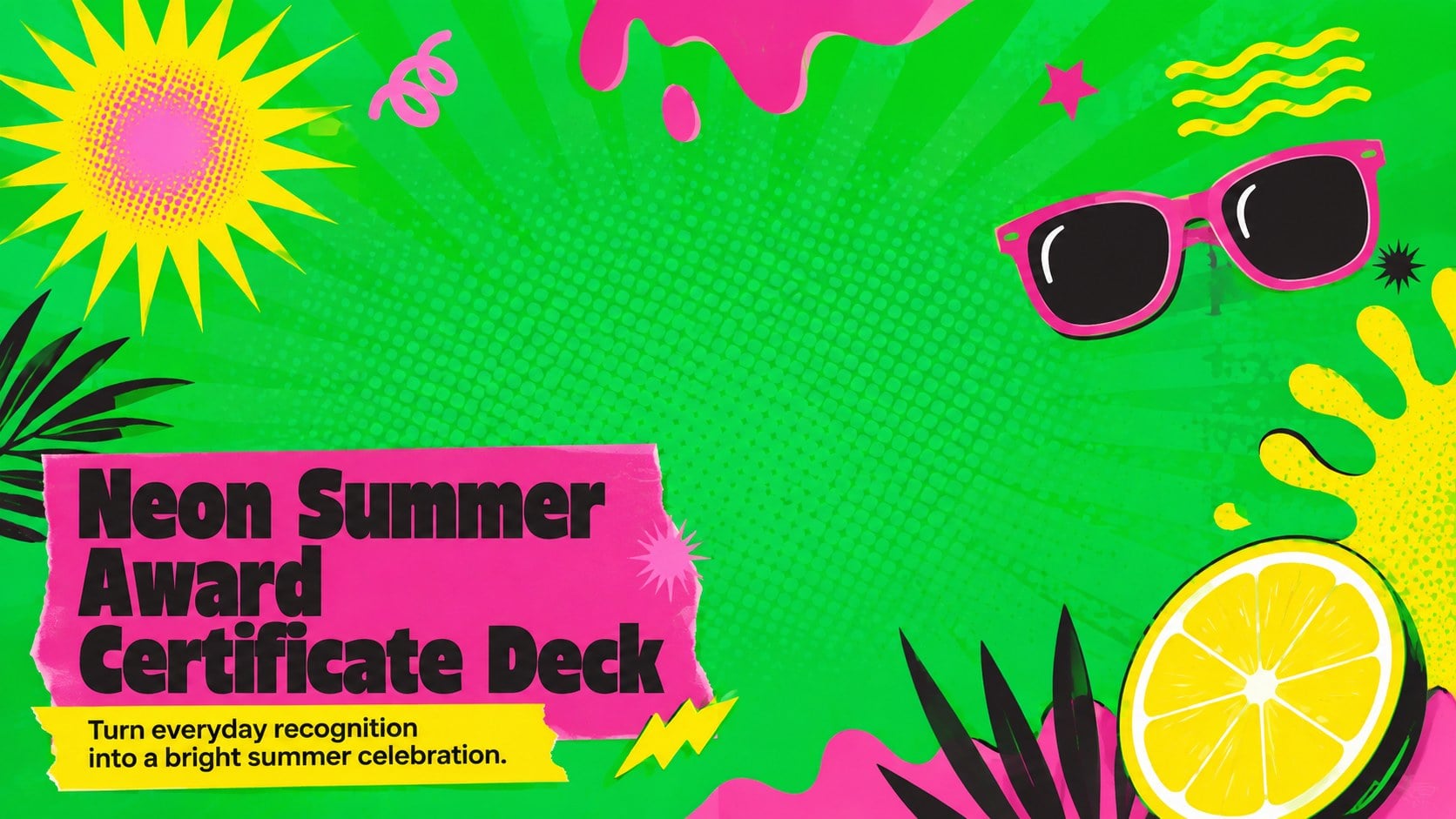
Create memorable recognition moments with a neon summer award certificate deck, featuring editable designs for schools, camps, teams, and workplace events.


Design notes
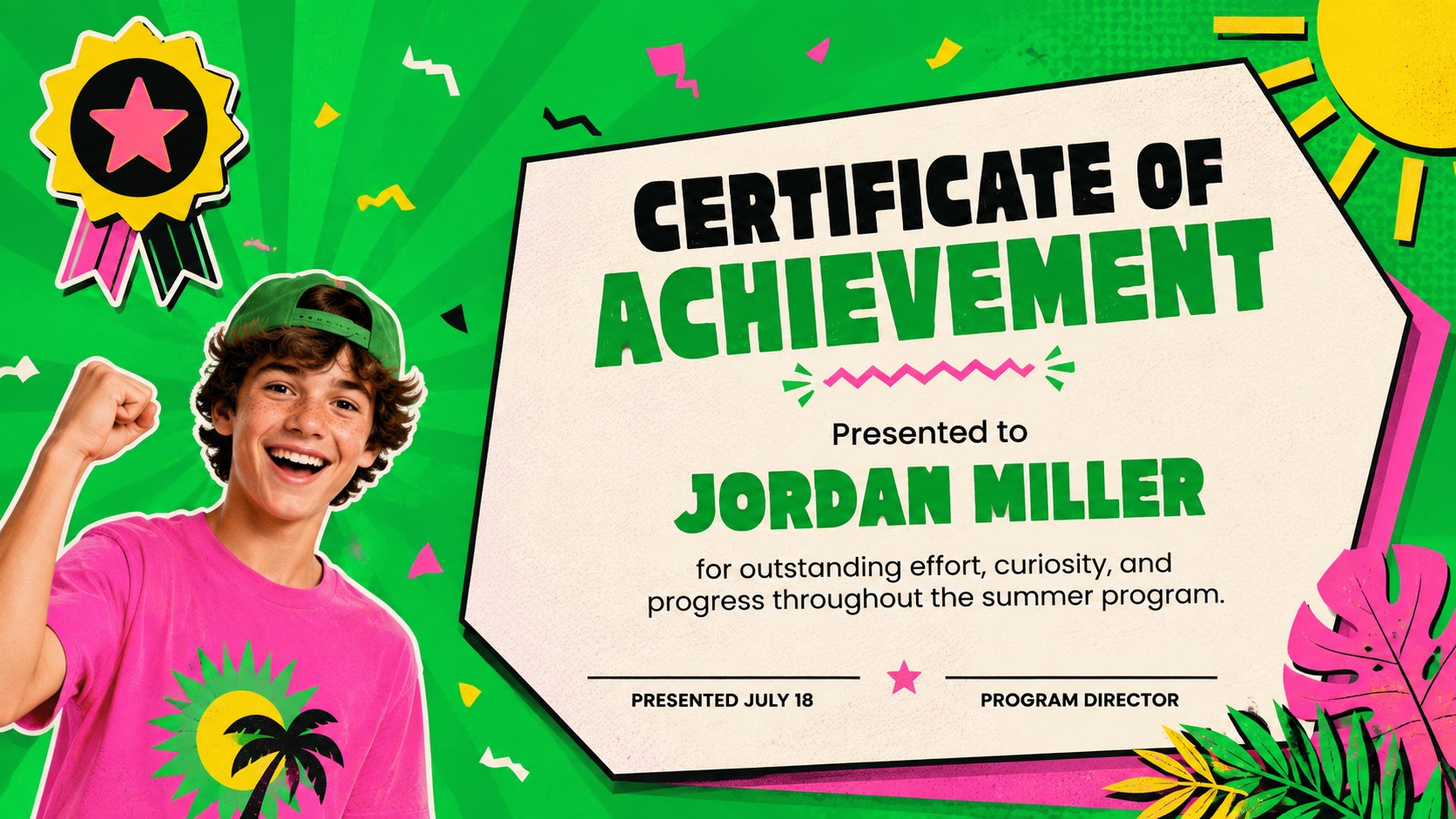
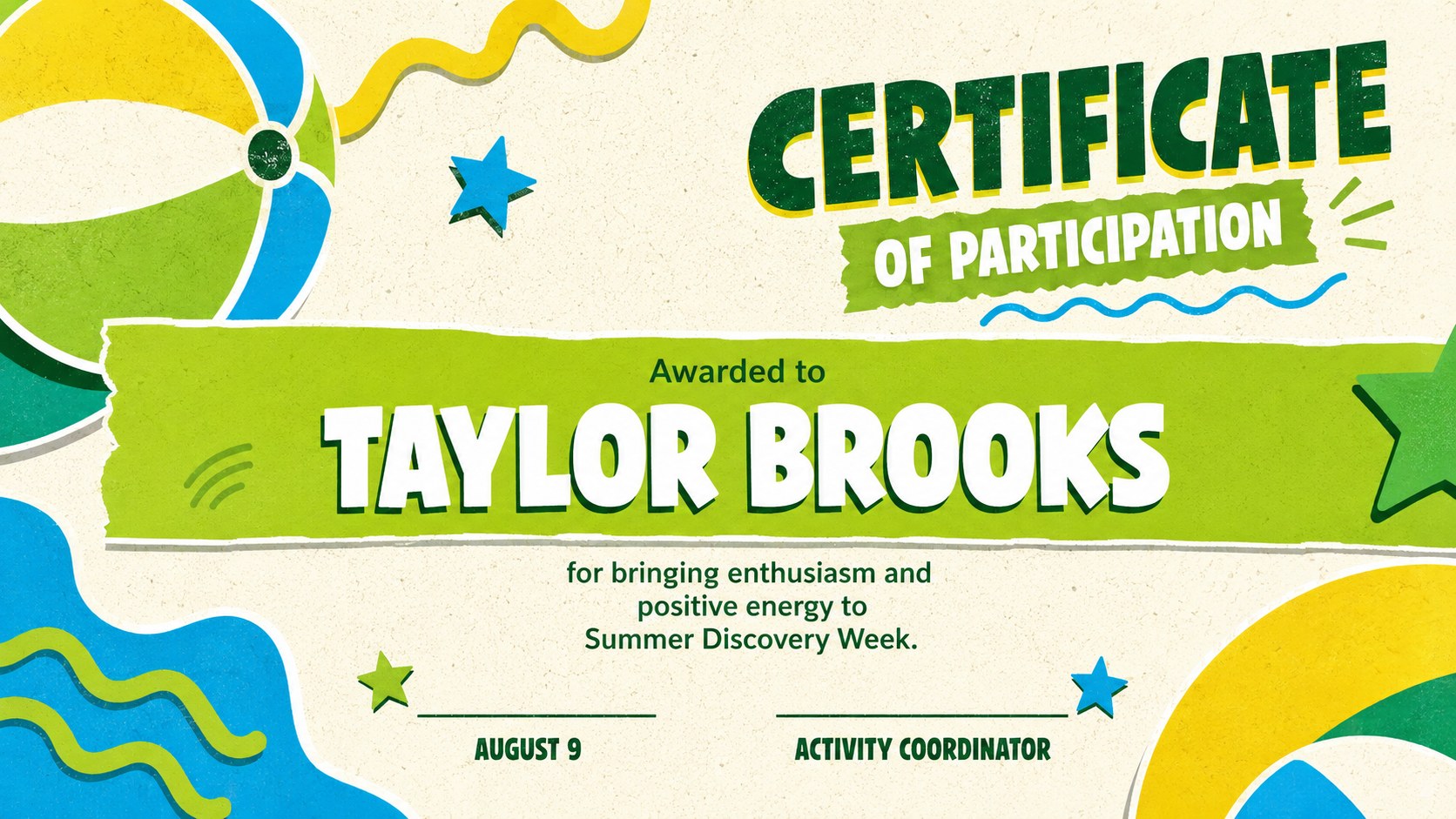
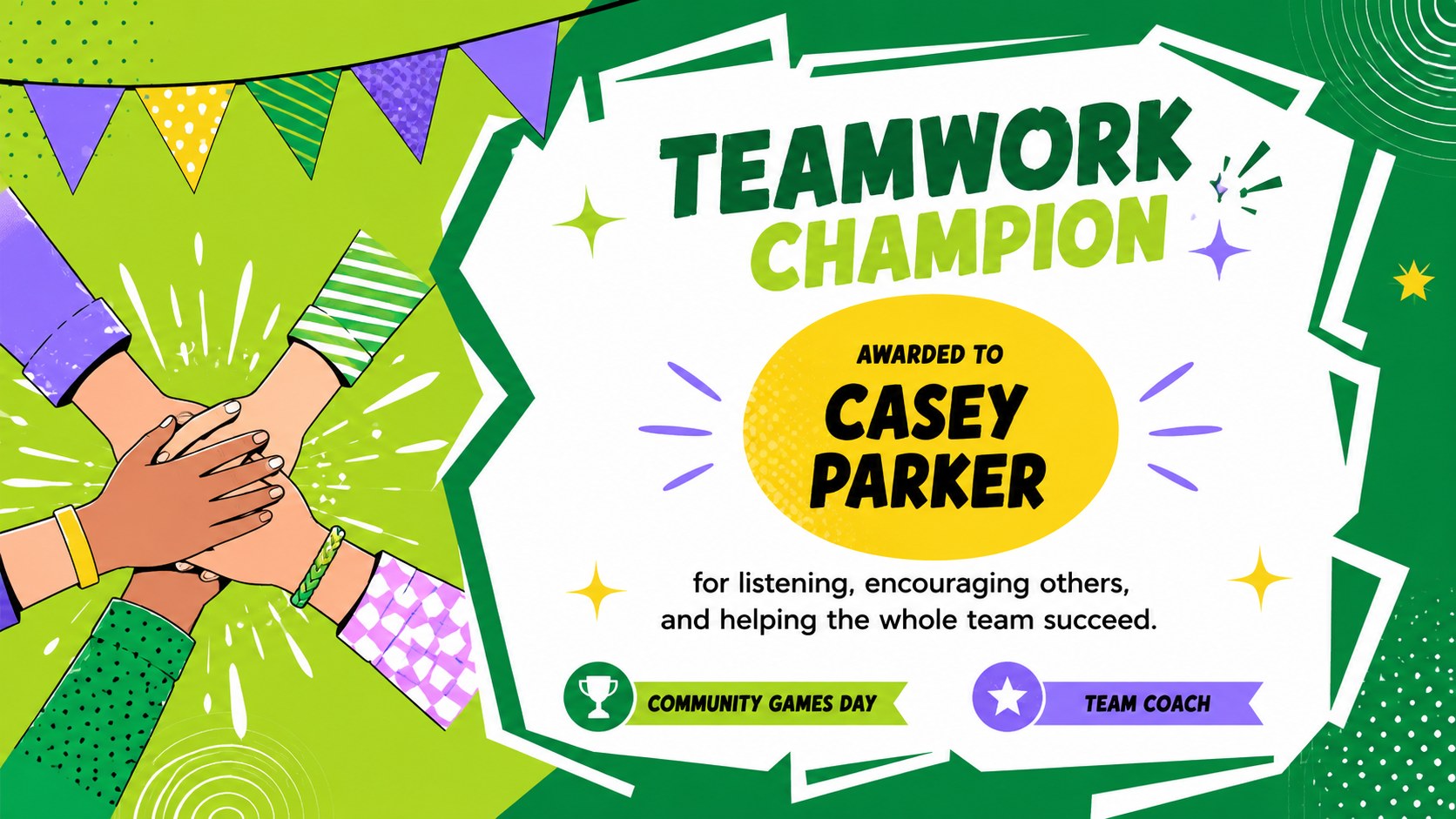
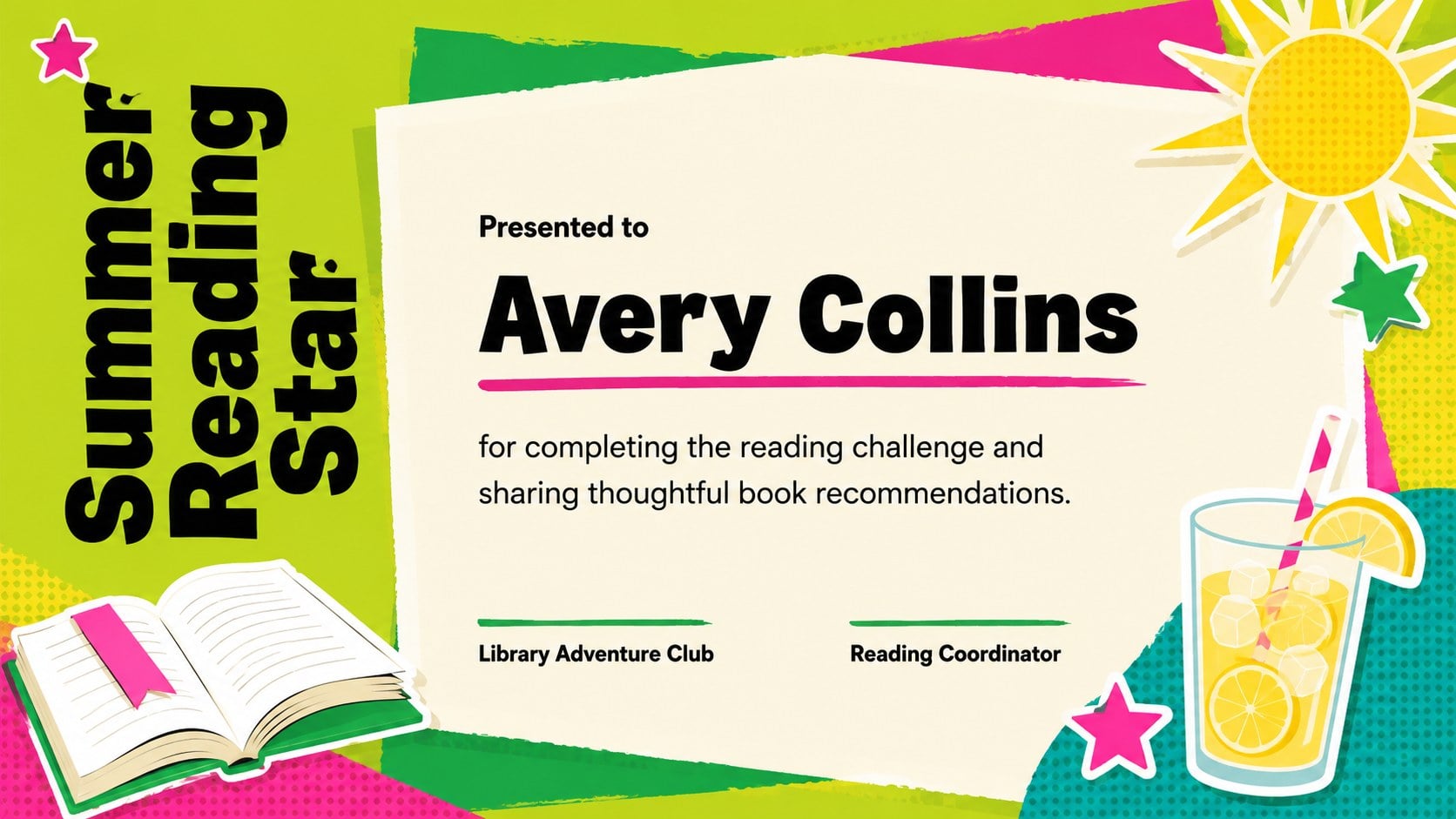
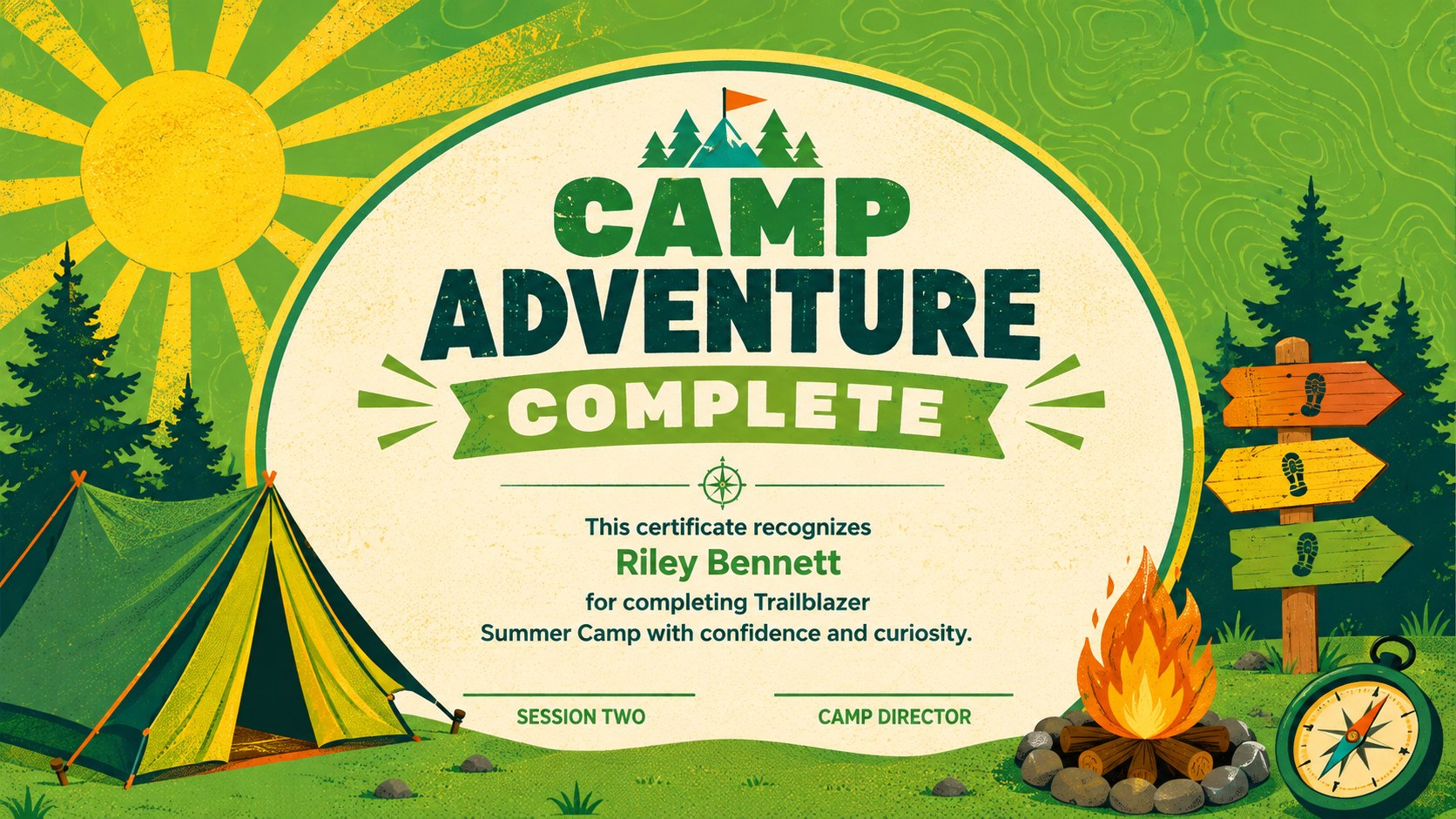
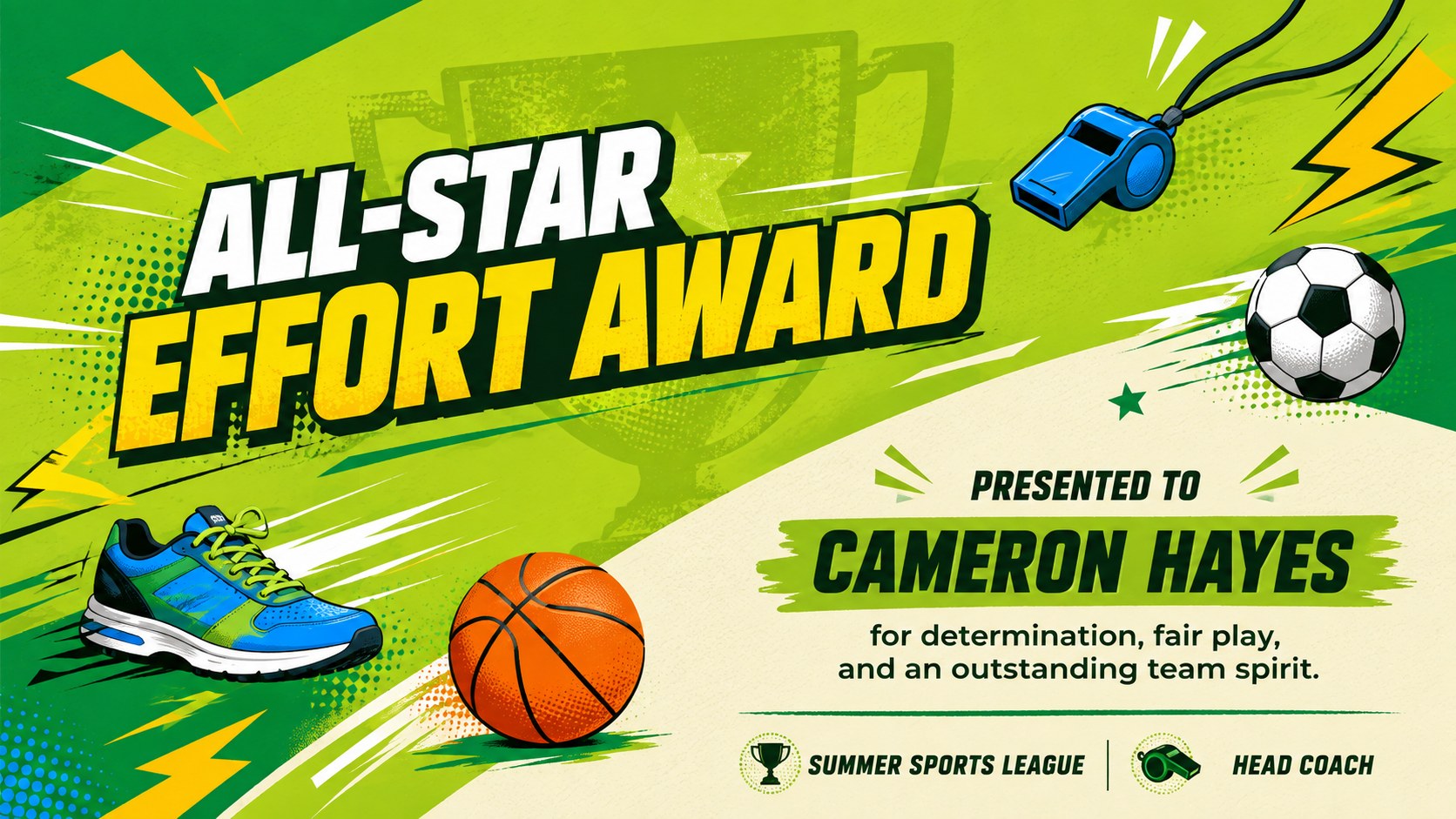
Make recognition feel fresh and festive with this neon summer award certificate deck. Vivid green backgrounds, punchy pop-art accents, and playful seasonal graphics give every award an upbeat look while leaving plenty of room for names, achievements, dates, and signatures. Each layout balances bold personality with clear, readable certificate details.
The collection includes editable summer certificate templates for achievement, participation, creativity, teamwork, volunteering, reading, sports, and course completion. You will also find summer camp completion certificates and team appreciation award templates suitable for groups of different ages. Coordinated typography and reusable design elements make it easy to create a consistent award series without making every recipient's certificate look identical.
Designed for teachers, camp coordinators, coaches, club leaders, youth program organizers, and workplace teams, these slides can support classroom celebrations, camp closing ceremonies, community events, staff recognition, and informal award presentations. Customize the wording, recipient details, colors, and decorative graphics in PowerPoint or Google Slides. Present the certificates on screen, share them digitally, or export individual pages for printing. The lively summer palette works especially well for relaxed events where formal parchment styling would feel too traditional.
Perfect for: summer camp closing ceremony; classroom achievement awards; youth club recognition; team appreciation event; sports program celebration; volunteer thank-you awards.
Frequently asked questions
Can I edit the recipient names and award wording? Yes. All names, award titles, dates, descriptions, and signature lines can be edited in PowerPoint or Google Slides. Duplicate any layout when you need multiple certificates in the same style.
Practical details
Yes. All names, award titles, dates, descriptions, and signature lines can be edited in PowerPoint or Google Slides. Duplicate any layout when you need multiple certificates in the same style.
Yes. Export completed certificate slides as PDF files and print them in landscape orientation. Check your printer settings and use a borderless option when available to preserve the full background design.
Select the backgrounds, shapes, and decorative accents to replace their fill colors. Keep strong contrast between the certificate text and the brighter pop-art elements so names and achievements remain easy to read.
The deck is designed for PowerPoint and Google Slides. Fonts, spacing, and image placement should be reviewed after importing to account for minor differences between the two platforms.
Keep exploring
15Build an engaging World UFO Day session with this flying saucer history lesson deck, featuring retro green-and-brown slides for PowerPoint and Google Slides.
 15
15Plan a lively animal-learning journey with this jungle zoo adventure lesson deck, ready to customize in PowerPoint and Google Slides for young learners.
 16
16Turn environmental research into a clear story with a Watercolor Ecology Presentation Theme for PowerPoint and Google Slides in calming green and blue.
 16
16Build focused fashion, literature, and humanities presentations with the Red Triangle Editorial Theme, editable in PowerPoint and Google Slides.
 15
15Turn streaming stats, favorite tracks, and concert highlights into a bold annual listening recap slide deck for PowerPoint and Google Slides.
 15
15Turn highlights, milestones, and favorite moments into a colorful year in review slide deck with bold 3D graphics for PowerPoint and Google Slides.
 3
3Build a credible endorsement with Standout Colleague Recommendation Letter Slides, featuring colorful prompts for skills, achievements, and team impact.
 4
4Build clear beginner sessions with an ice hockey fundamentals training deck for coaches, PE teachers, and clubs, ready for PowerPoint and Google Slides.