
 15
15presentation
Flying Saucer History Lesson Deck
Build an engaging World UFO Day session with this flying saucer history lesson deck, featuring retro green-and-brown slides for PowerPoint and Google Slides.
Google SlidesPowerPoint
presentation · English
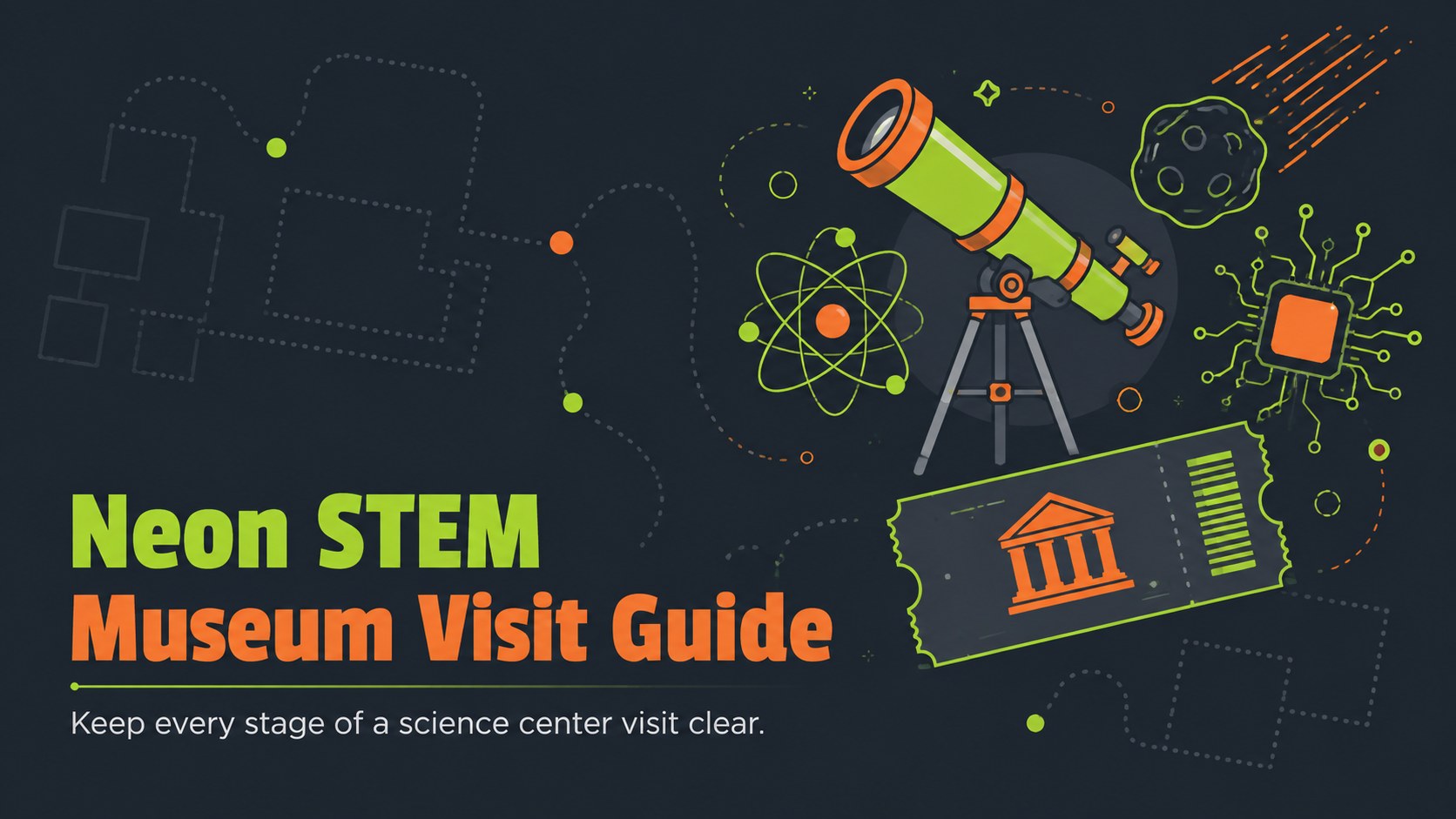
Organize routes, exhibit notes, safety reminders, and student reflections with this Neon STEM Museum Visit Guide for PowerPoint and Google Slides.
Design notes
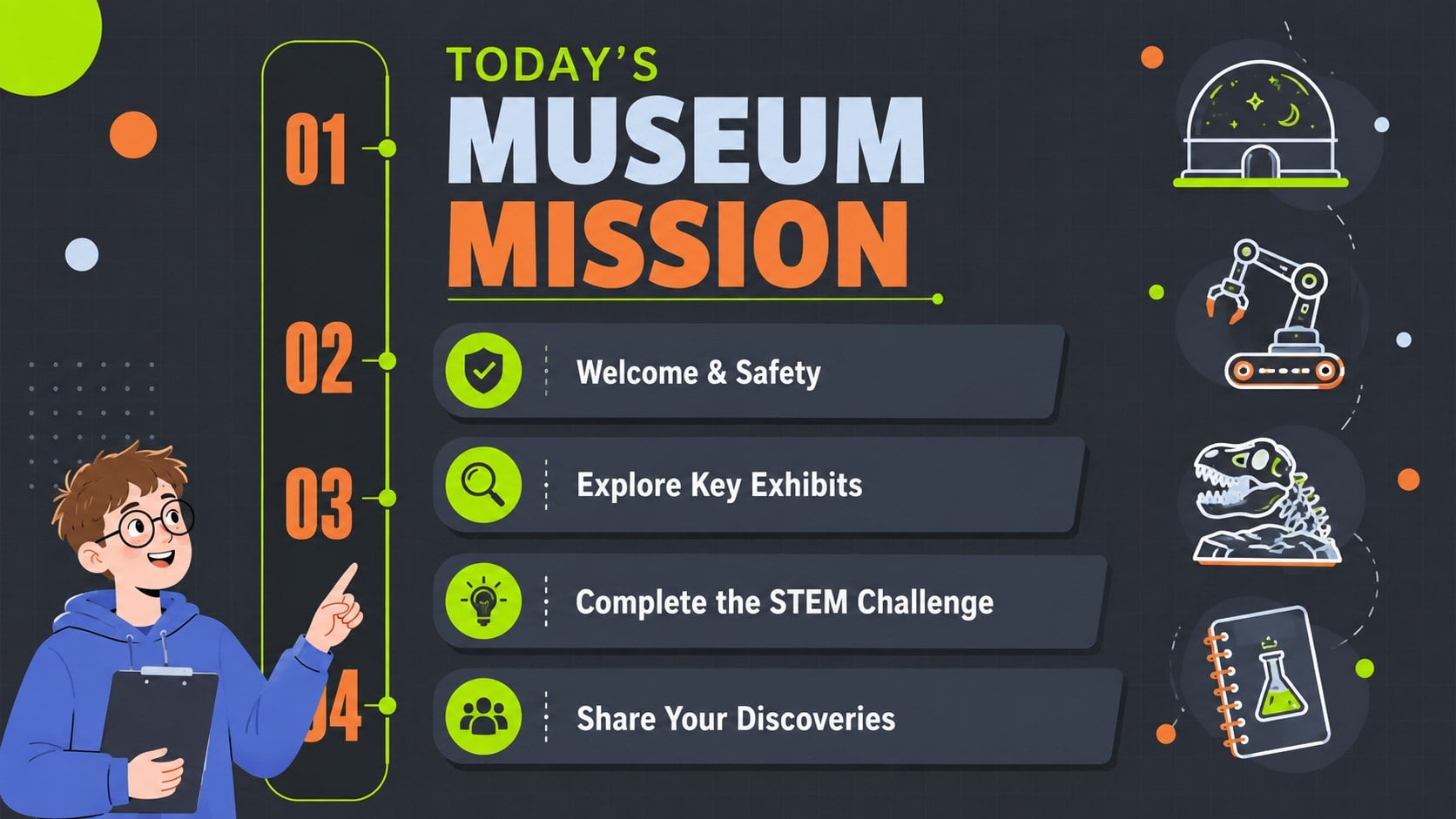
Turn a class trip into a focused learning experience with the Neon STEM Museum Visit Guide. Its dark gray backdrop, electric green highlights, vivid orange accents, and playful scientific illustrations create an energetic setting for introducing exhibits, explaining expectations, and building excitement before students arrive. The high-contrast design also keeps instructions readable in classrooms and auditoriums.
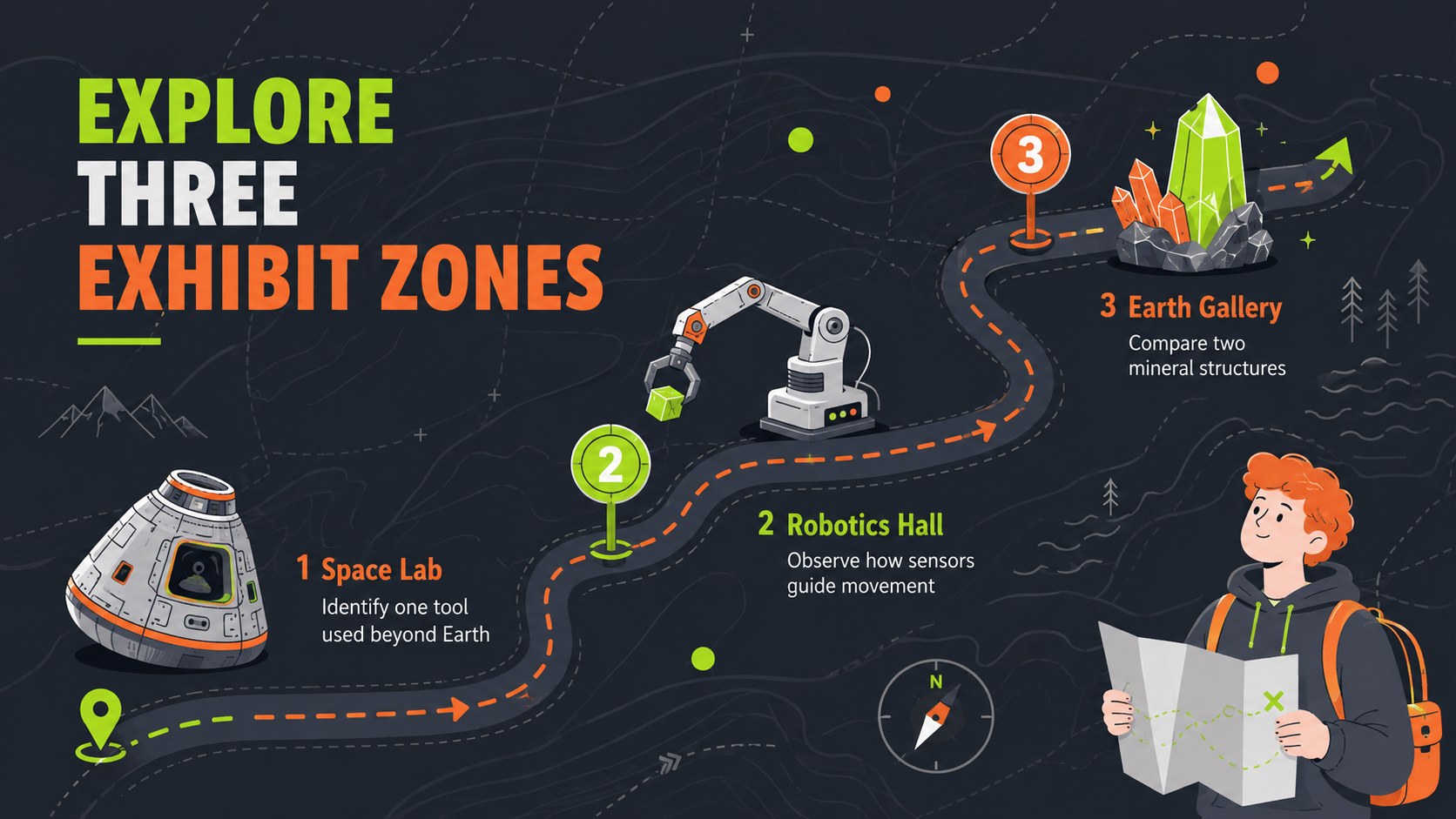
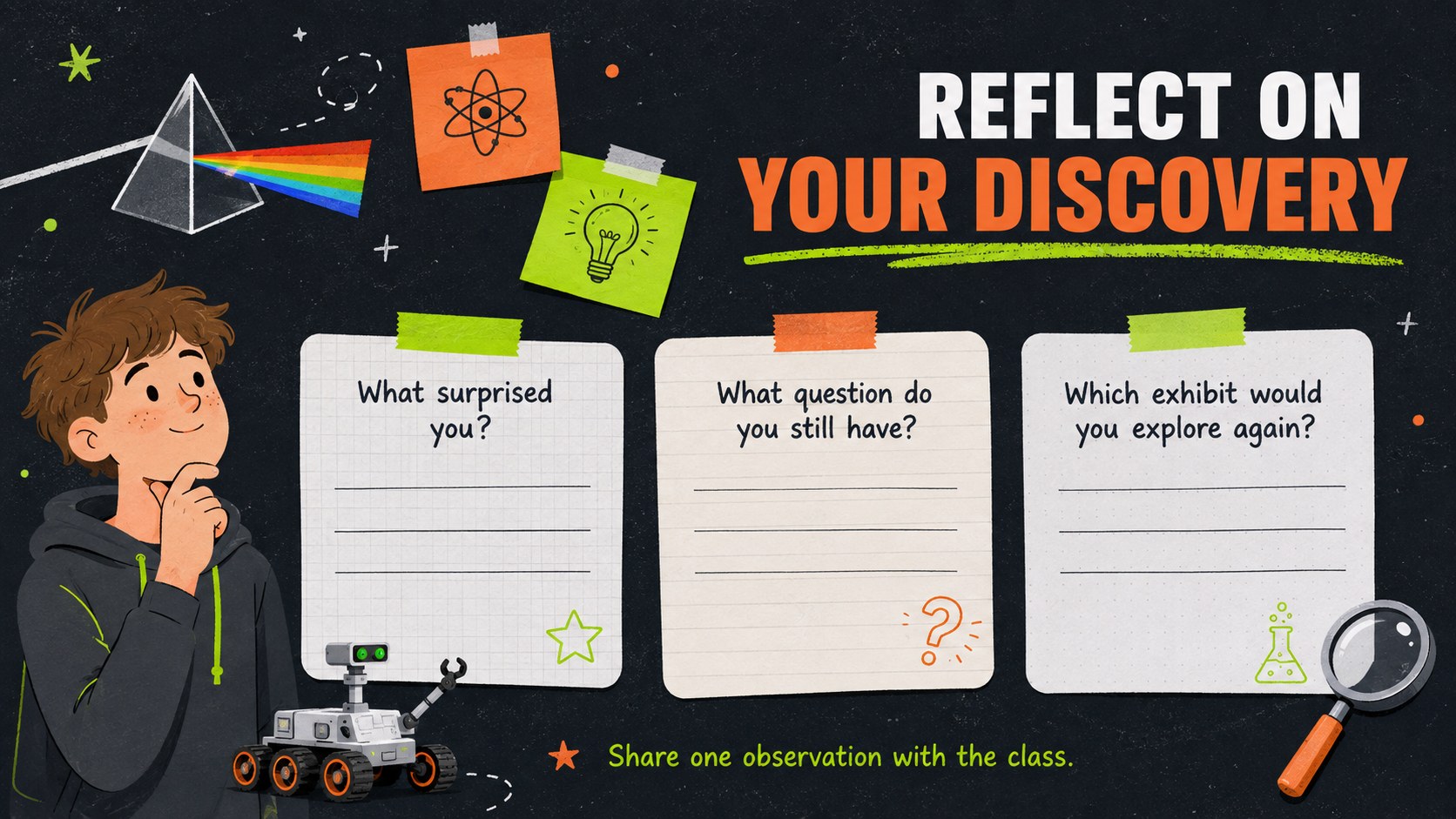
This editable science museum trip slide set includes layouts for a visit overview, learning goals, schedules, museum routes, featured exhibits, experiment notes, safety reminders, quizzes, and post-visit reflections. Teachers can adapt the structure into a science museum safety briefing or a virtual science center tour without rebuilding the presentation. Charts, image frames, diagrams, icons, and section dividers provide flexible ways to organize information while maintaining a consistent visual system.
Designed for elementary and middle school teachers, student presenters, science clubs, and homeschool groups, this class museum visit presentation works in both PowerPoint and Google Slides. Replace the sample wording, adjust the accent colors, add photographs of specific exhibits, or simplify individual pages for younger learners. More than 25 ready-to-edit slides support pre-trip preparation, guided activities, and follow-up discussion. The template is free, fully customizable, and suitable for digital presenting or printing as student handouts and museum activity sheets.
Perfect for: pre-trip classroom briefing; science museum route overview; virtual science center tour; museum exhibit lesson; student reflection session; science club excursion.
Frequently asked questions
Can I edit the museum route and exhibit details? Yes. Replace the sample locations, times, exhibit names, and instructions with information for your chosen museum. You can also add photographs, maps, or links supplied by the venue.
Practical details
Yes. Replace the sample locations, times, exhibit names, and instructions with information for your chosen museum. You can also add photographs, maps, or links supplied by the venue.
The template is designed for PowerPoint and Google Slides. Fonts, text boxes, colors, illustrations, and standard layout elements can be edited in either platform.
Yes. Shorten the instructions and emphasize visual activities for younger students, or add research questions and detailed exhibit notes for older learners. The modular layouts make it easy to remove pages that are not relevant.
Yes. Replace route information with links, screenshots, or a sequence of online exhibits. The quiz, observation, and reflection layouts work for both in-person and virtual experiences.
Keep exploring
15Build an engaging World UFO Day session with this flying saucer history lesson deck, featuring retro green-and-brown slides for PowerPoint and Google Slides.
 15
15Plan a lively animal-learning journey with this jungle zoo adventure lesson deck, ready to customize in PowerPoint and Google Slides for young learners.
 16
16Turn environmental research into a clear story with a Watercolor Ecology Presentation Theme for PowerPoint and Google Slides in calming green and blue.
 16
16Build focused fashion, literature, and humanities presentations with the Red Triangle Editorial Theme, editable in PowerPoint and Google Slides.
 15
15Turn streaming stats, favorite tracks, and concert highlights into a bold annual listening recap slide deck for PowerPoint and Google Slides.
 15
15Turn highlights, milestones, and favorite moments into a colorful year in review slide deck with bold 3D graphics for PowerPoint and Google Slides.
 3
3Build a credible endorsement with Standout Colleague Recommendation Letter Slides, featuring colorful prompts for skills, achievements, and team impact.
 4
4Build clear beginner sessions with an ice hockey fundamentals training deck for coaches, PE teachers, and clubs, ready for PowerPoint and Google Slides.