
 15
15presentation
Flying Saucer History Lesson Deck
Build an engaging World UFO Day session with this flying saucer history lesson deck, featuring retro green-and-brown slides for PowerPoint and Google Slides.
Google SlidesPowerPoint
presentation · English
Run a neon school survey showdown with editable red and orange game slides for classroom icebreakers, family events, and lively team competitions.
Design notes
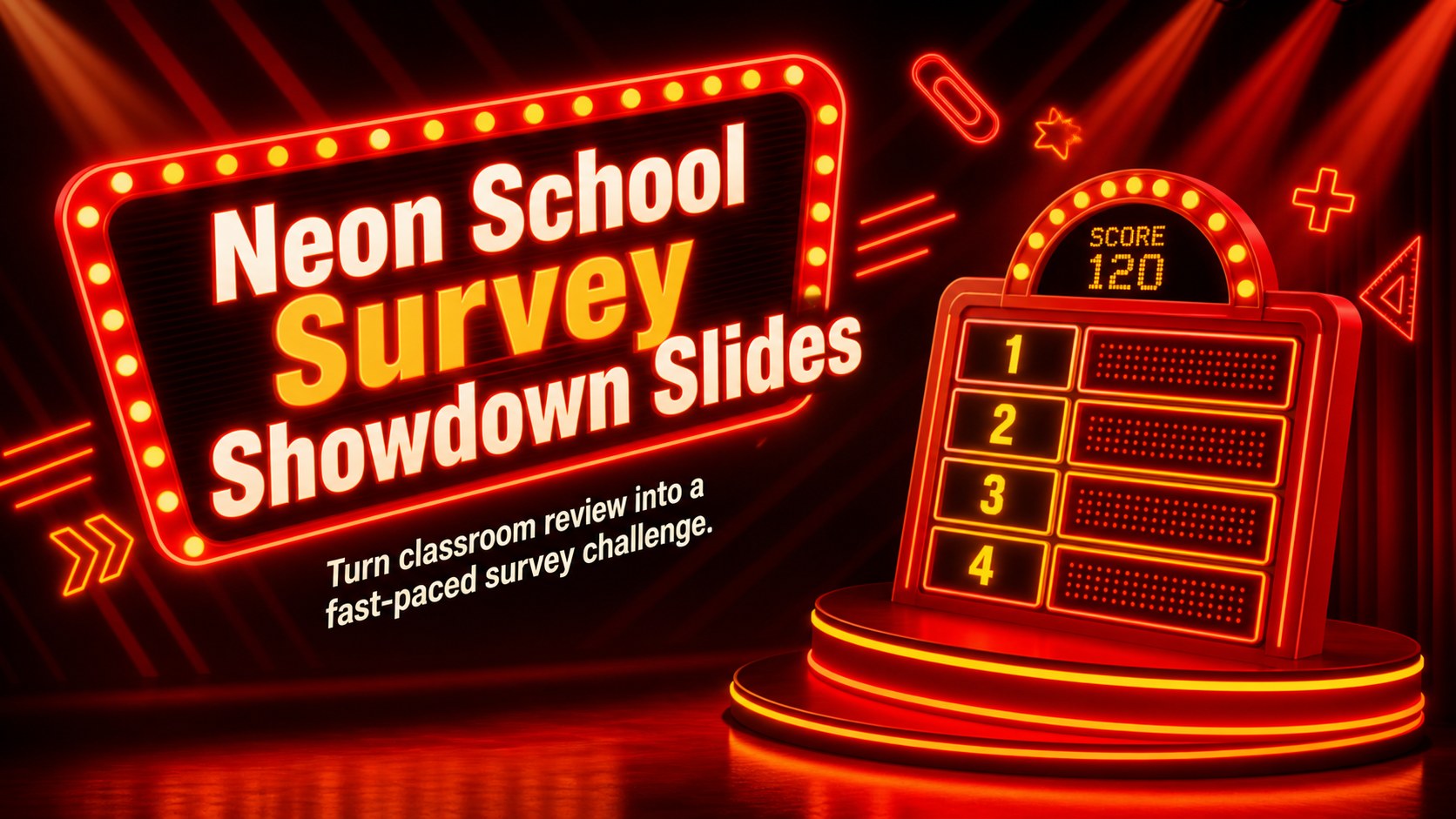
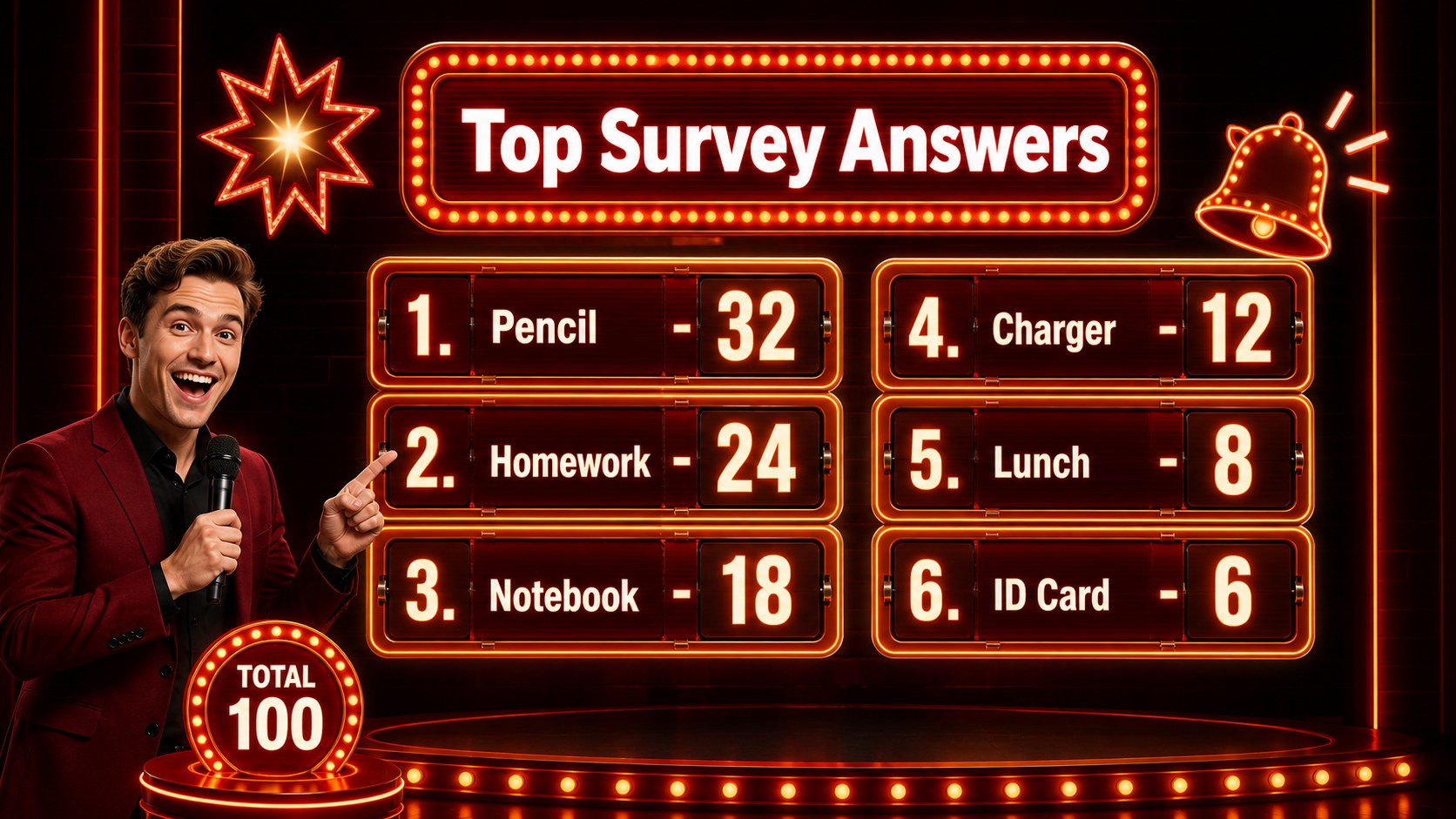
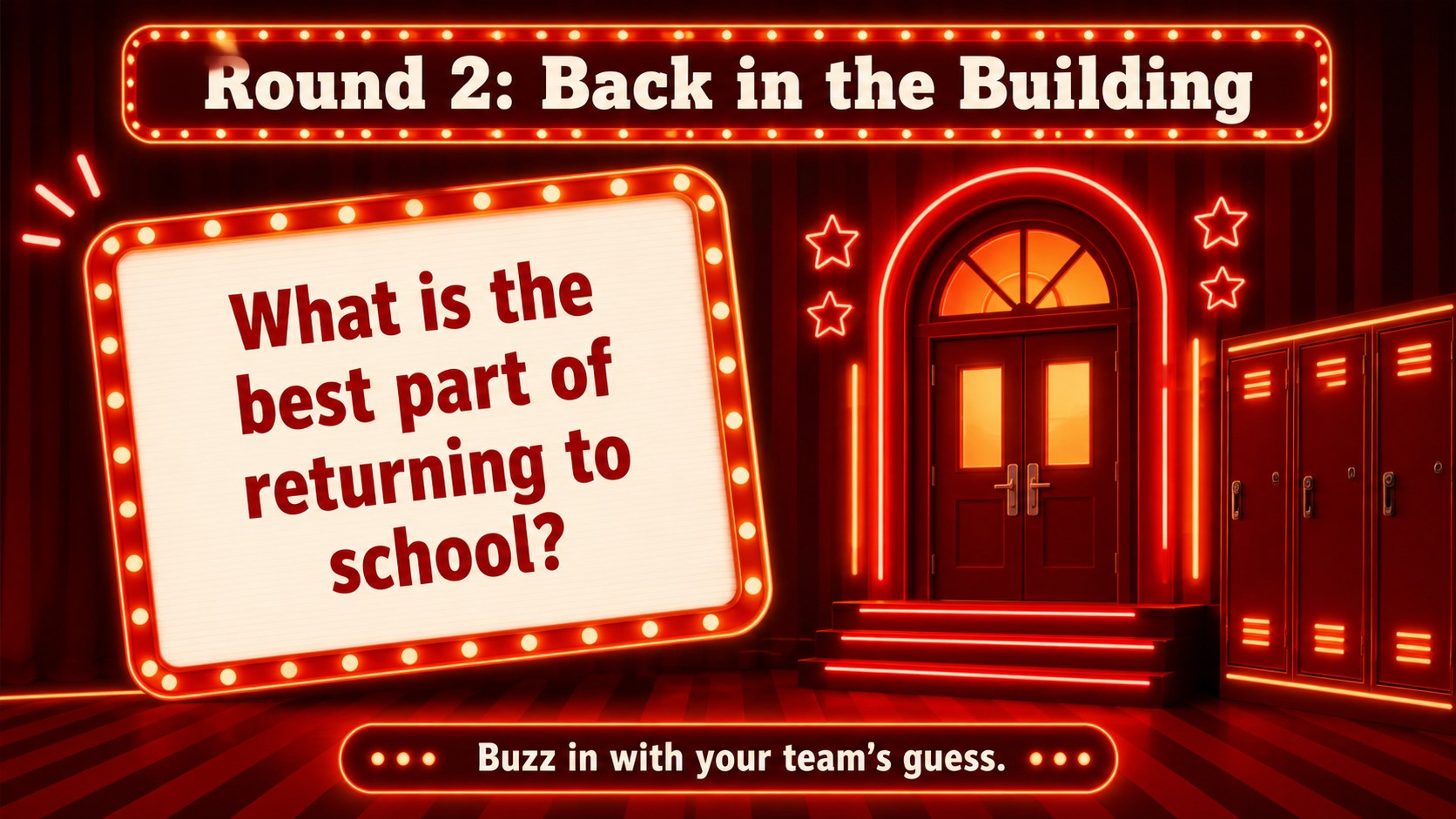
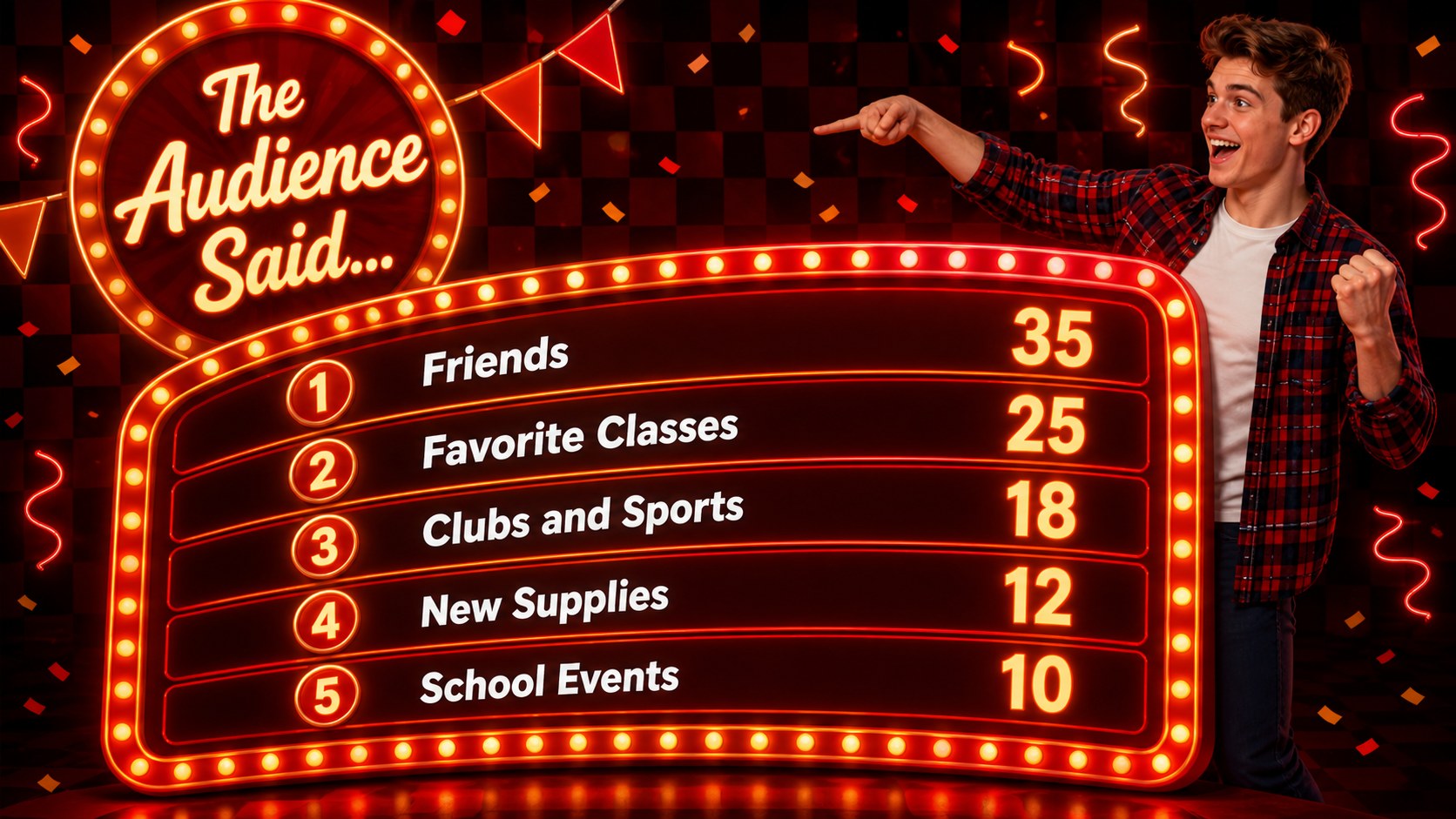
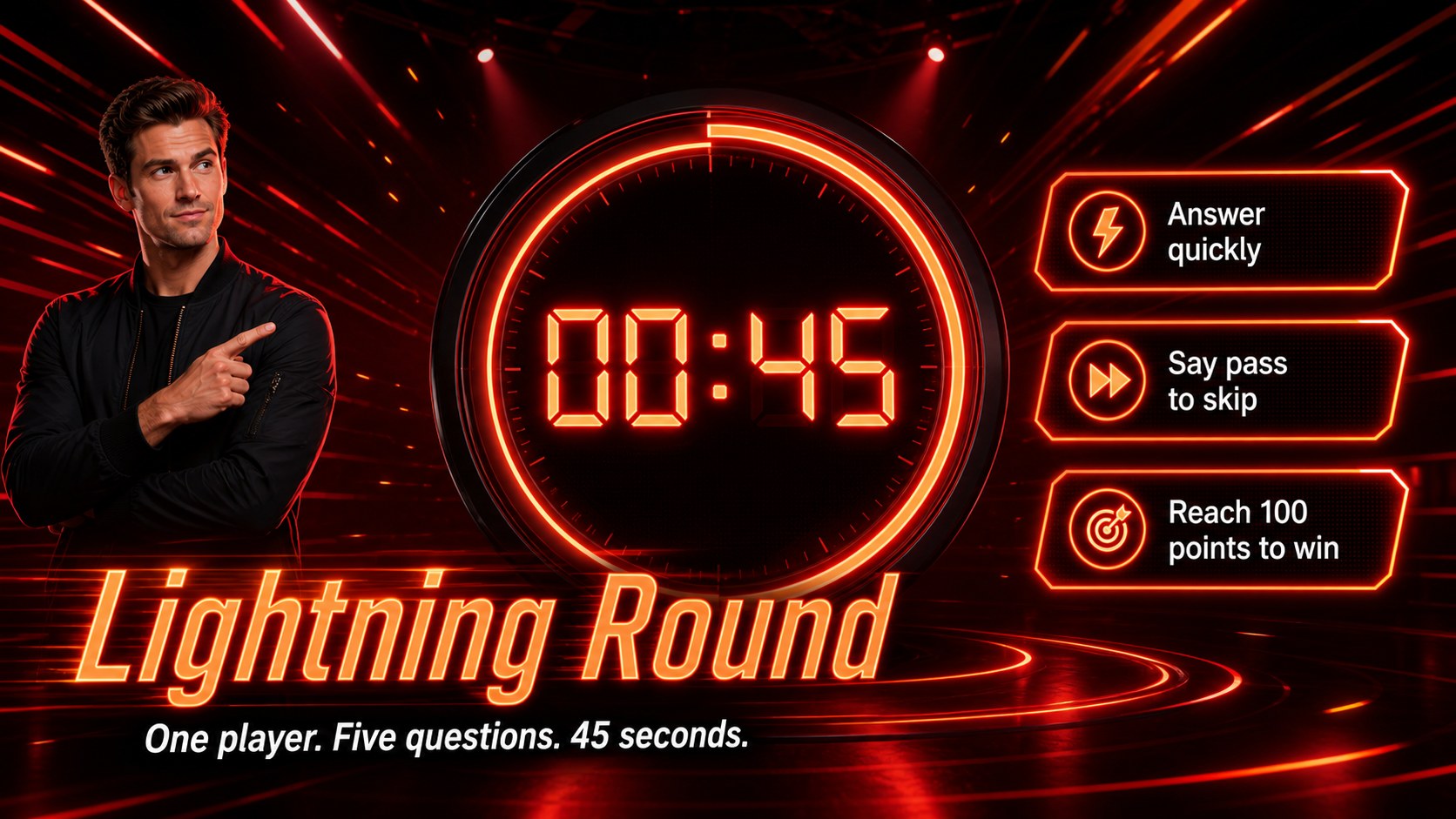
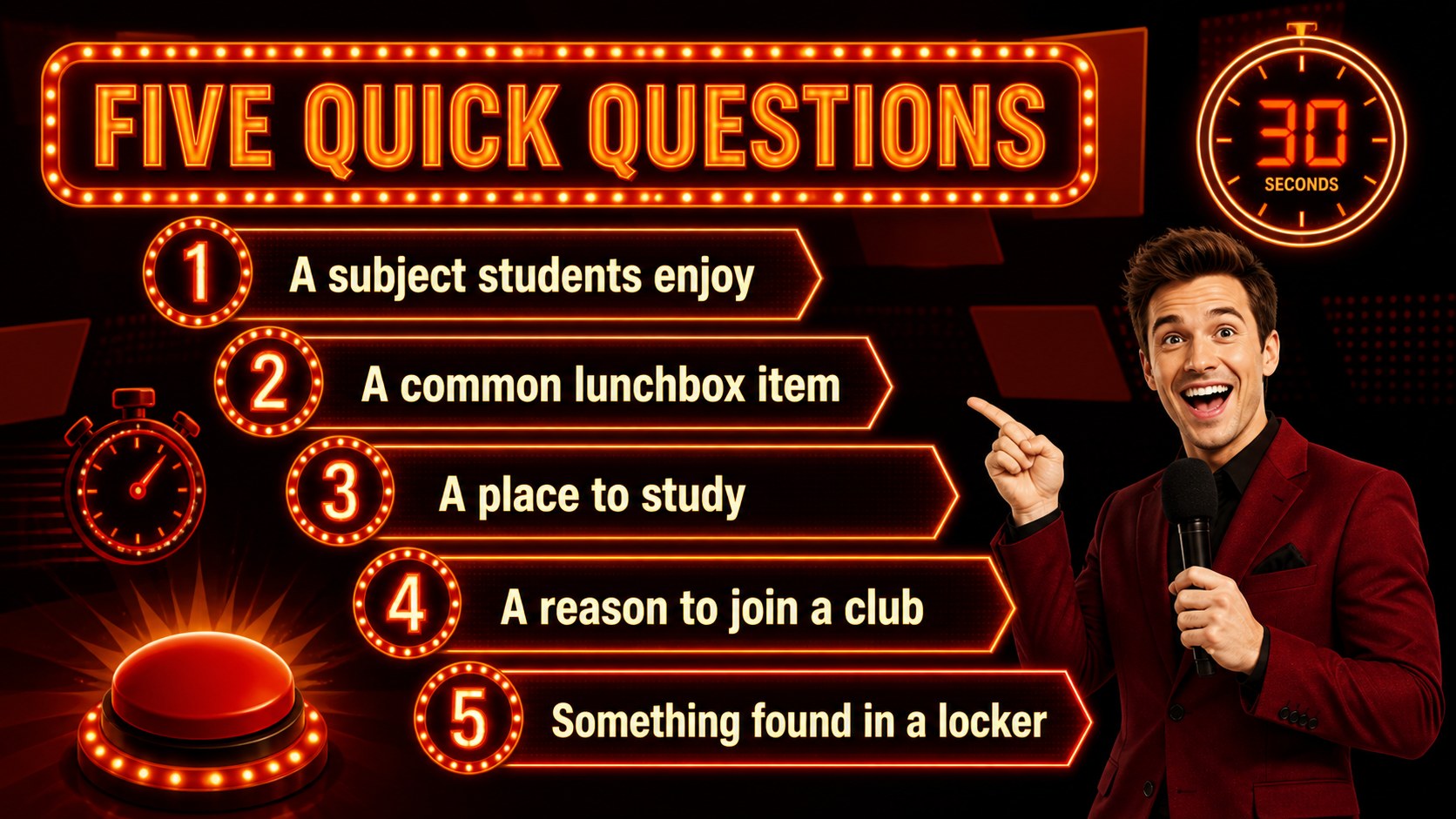
Bring quick thinking, teamwork, and friendly competition into the room with this neon school survey showdown. Designed around bold red and orange colors with a classic neon game-show atmosphere, the deck gives hosts an energetic way to test popular opinions, review classroom topics, or break the ice with a new group.
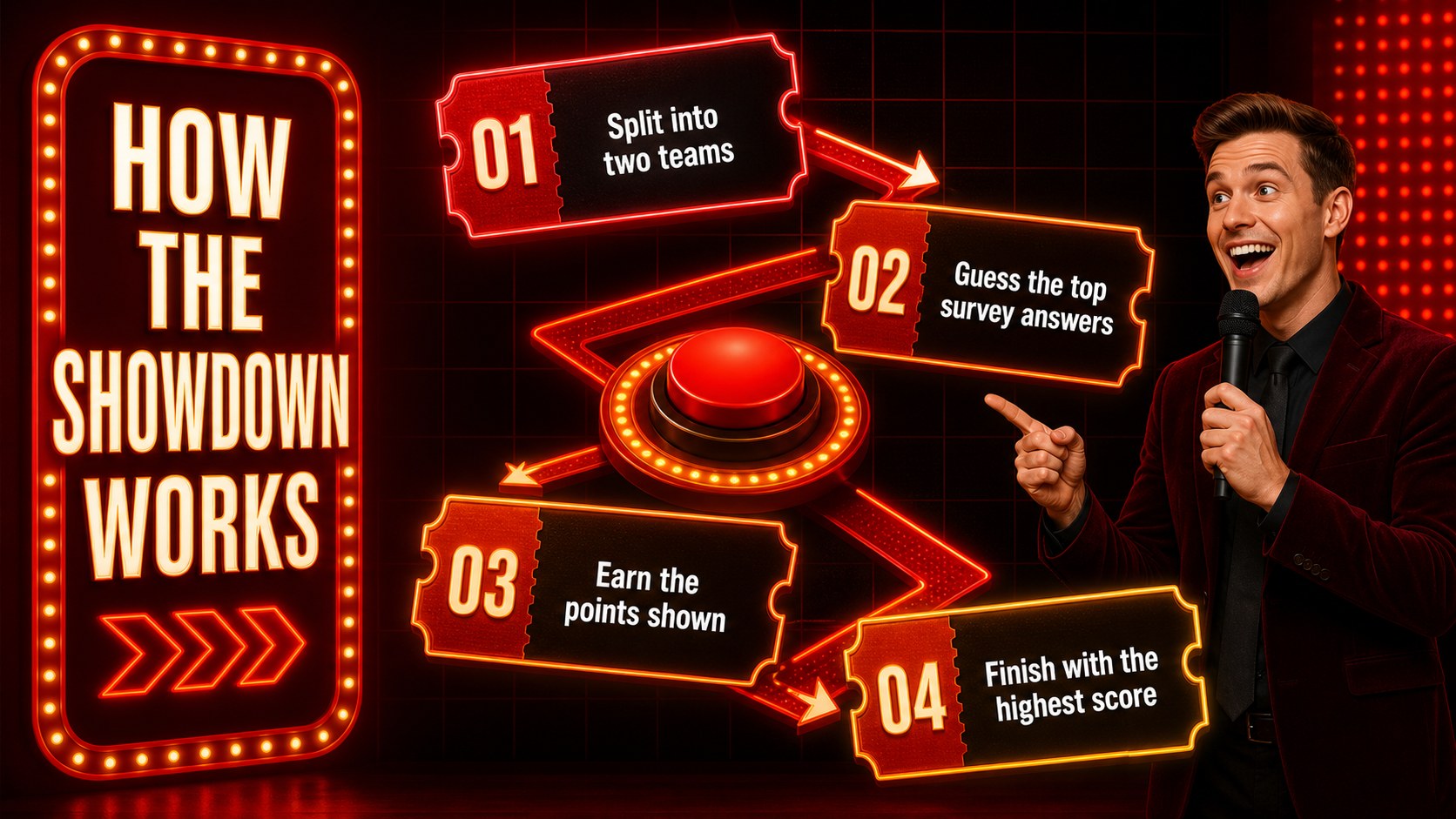
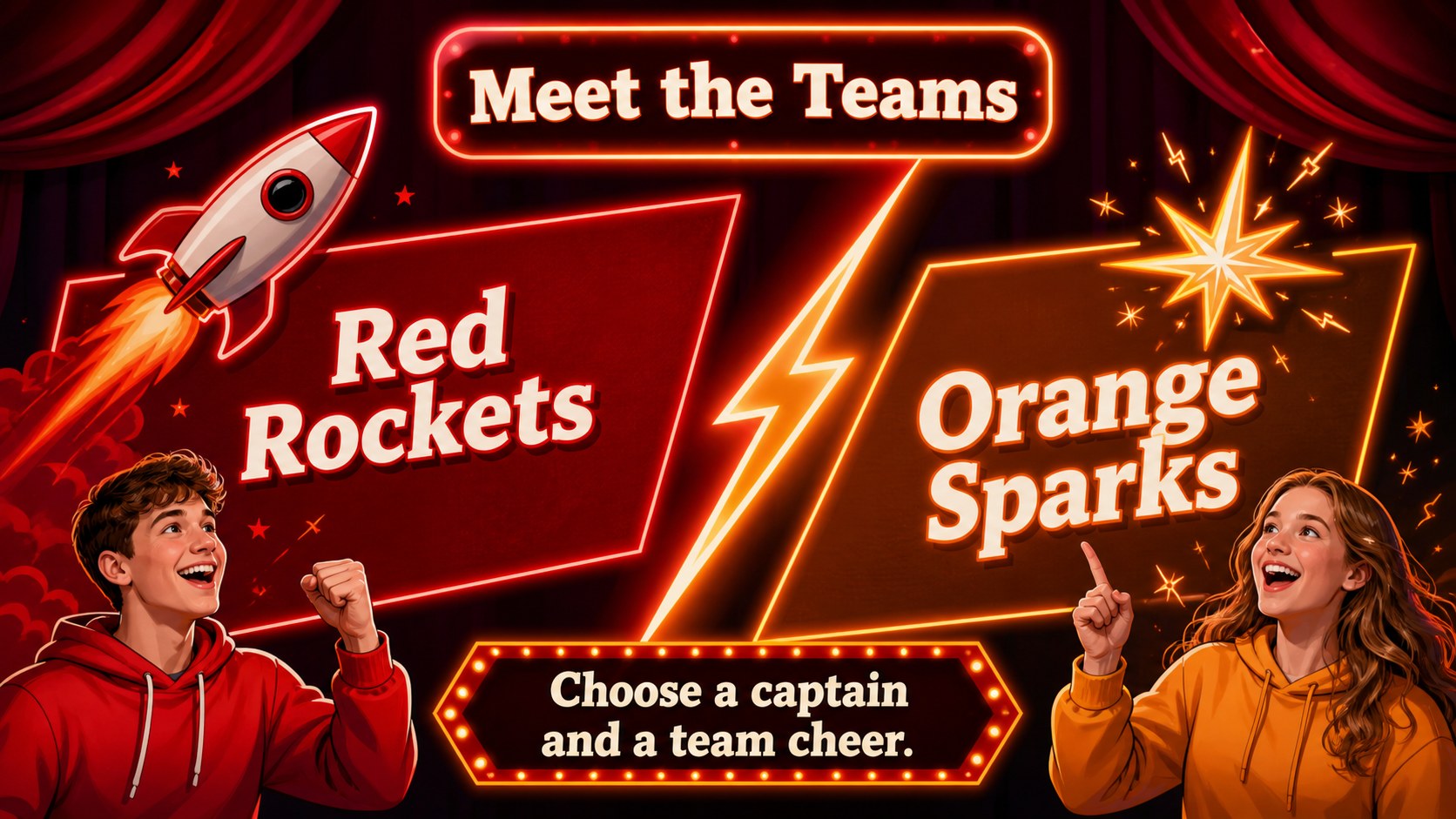
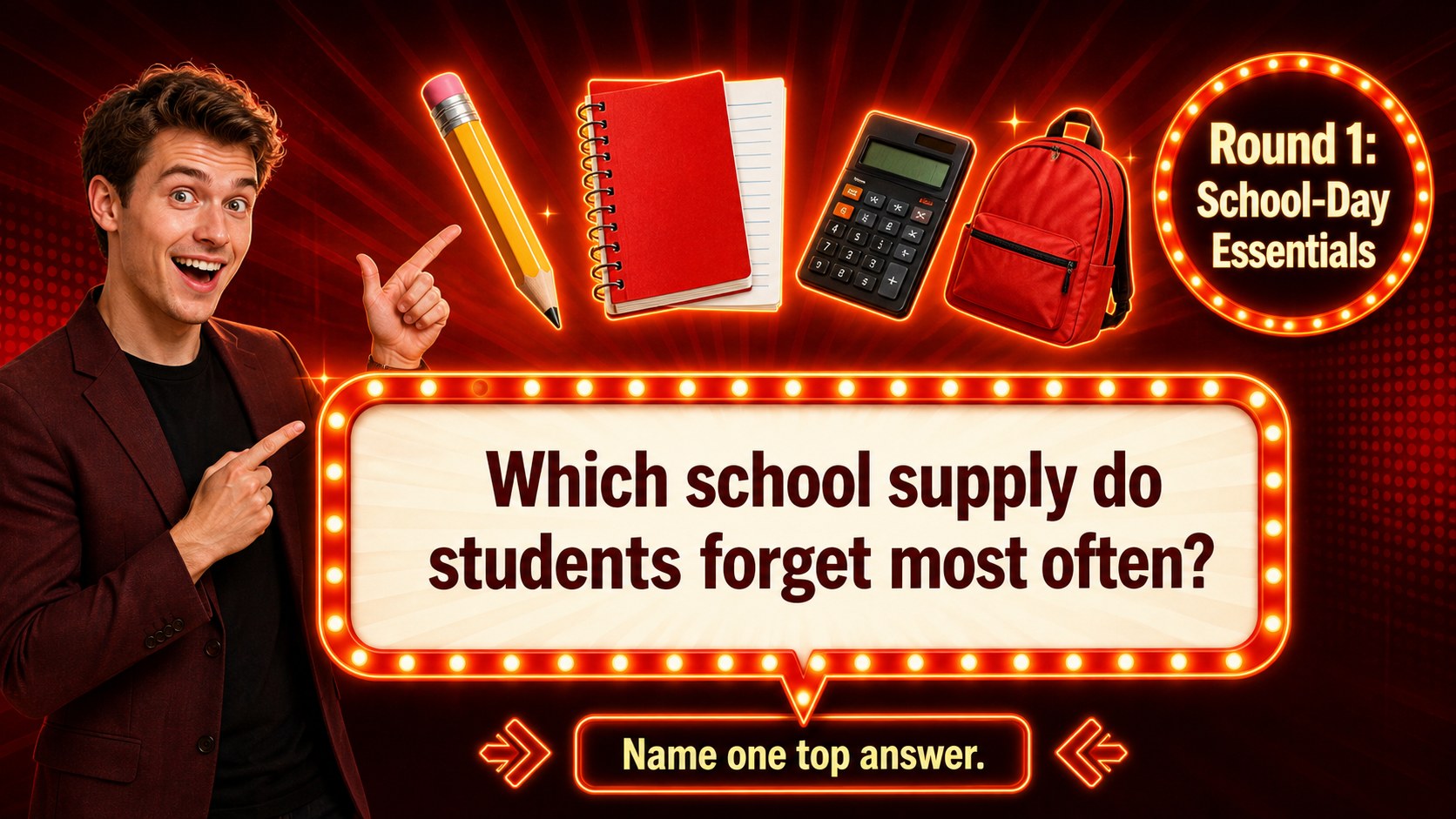
Inside, you will find 15 editable 16:9 layouts covering game instructions, team introductions, survey questions, answer reveals, score tracking, a lightning round, a tie-breaker, and a winner announcement. Use the ready-made structure as classroom survey game slides, or replace every question and response with material from your own lesson, event, or training session. Clear content areas help participants follow the action while dramatic reveal screens keep each round moving.
This editable school quiz presentation works well for teachers planning welcome-week activities, parents organizing family game nights, student leaders hosting club events, and facilitators seeking a team building classroom game. Customize the wording, colors, point values, and decorative graphics, then present there or export the finished deck for PowerPoint or Google Slides. The flexible format supports general knowledge, school-life polls, subject reviews, orientation prompts, and audience-specific survey questions without changing the cohesive retro-neon style.
Perfect for: classroom welcome-week icebreaker; student orientation activity; family game night; lesson review competition; school club social; teacher team-building session.
Frequently asked questions
Can I replace the survey questions and answers? Yes. Every question, answer, score, and instruction can be edited to match your lesson, audience, or event. You can also duplicate round layouts when you need a longer game.
Practical details
Yes. Every question, answer, score, and instruction can be edited to match your lesson, audience, or event. You can also duplicate round layouts when you need a longer game.
The template is designed for editing and can be exported as a PowerPoint file. You can also save an editable version to Google Drive for use with Google Slides.
Yes. Change the red and orange palette, fonts, backgrounds, icons, and decorative lighting effects in the editor. Keep strong contrast between the text and dark background so questions remain easy to read.
Enter your chosen point values on the scoreboard before presenting. Reveal answers one at a time by advancing through the prepared layouts or by applying simple page animations.
Keep exploring
15Build an engaging World UFO Day session with this flying saucer history lesson deck, featuring retro green-and-brown slides for PowerPoint and Google Slides.
 15
15Plan a lively animal-learning journey with this jungle zoo adventure lesson deck, ready to customize in PowerPoint and Google Slides for young learners.
 16
16Turn environmental research into a clear story with a Watercolor Ecology Presentation Theme for PowerPoint and Google Slides in calming green and blue.
 16
16Build focused fashion, literature, and humanities presentations with the Red Triangle Editorial Theme, editable in PowerPoint and Google Slides.
 15
15Turn streaming stats, favorite tracks, and concert highlights into a bold annual listening recap slide deck for PowerPoint and Google Slides.
 15
15Turn highlights, milestones, and favorite moments into a colorful year in review slide deck with bold 3D graphics for PowerPoint and Google Slides.
 3
3Build a credible endorsement with Standout Colleague Recommendation Letter Slides, featuring colorful prompts for skills, achievements, and team impact.
 4
4Build clear beginner sessions with an ice hockey fundamentals training deck for coaches, PE teachers, and clubs, ready for PowerPoint and Google Slides.