
 15
15presentation
Flying Saucer History Lesson Deck
Build an engaging World UFO Day session with this flying saucer history lesson deck, featuring retro green-and-brown slides for PowerPoint and Google Slides.
Google SlidesPowerPoint
presentation · English
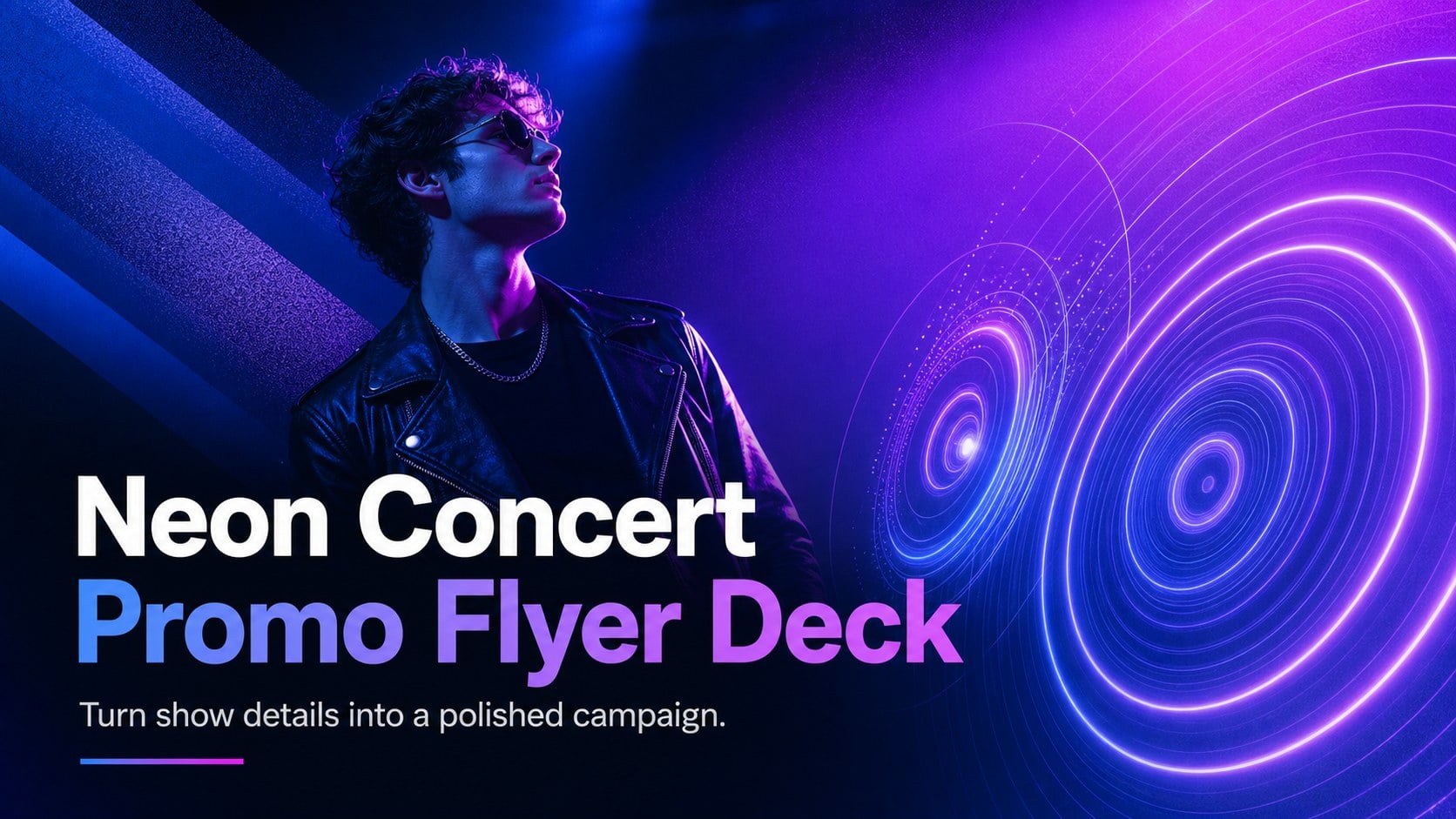
Build a complete event campaign with the Neon Concert Promo Flyer Deck, featuring editable blue-purple layouts for PowerPoint and Google Slides.
Design notes
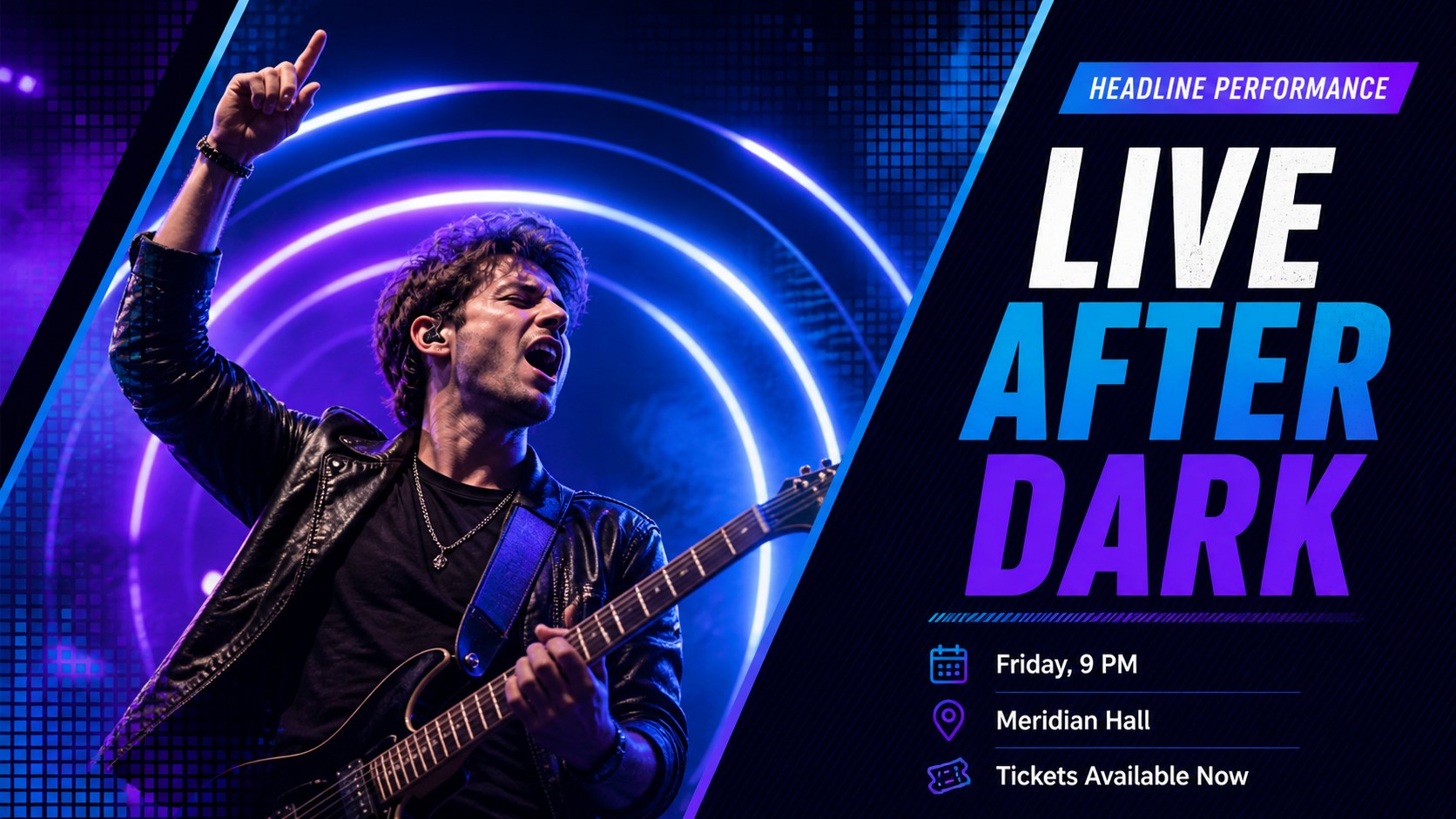
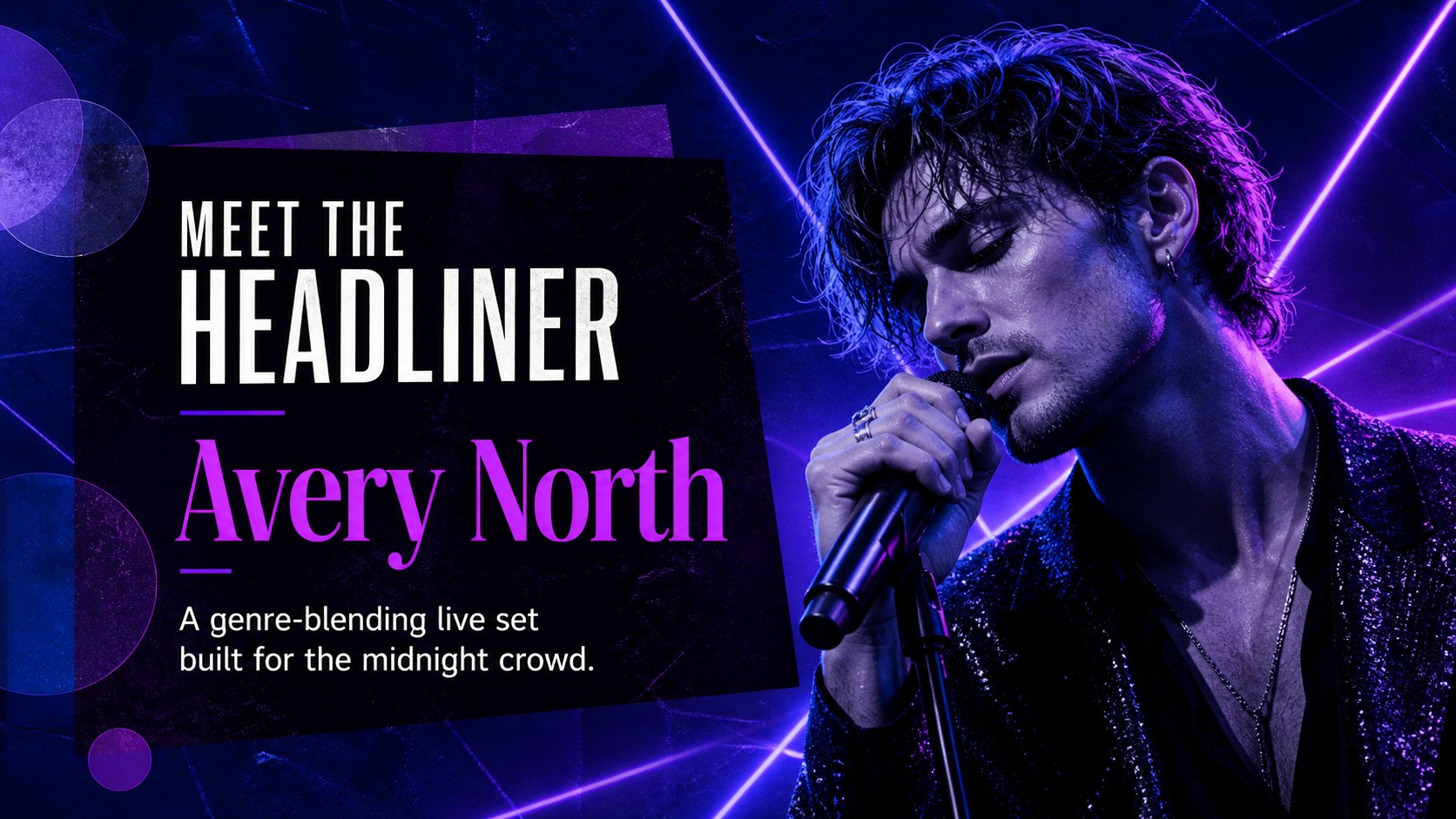
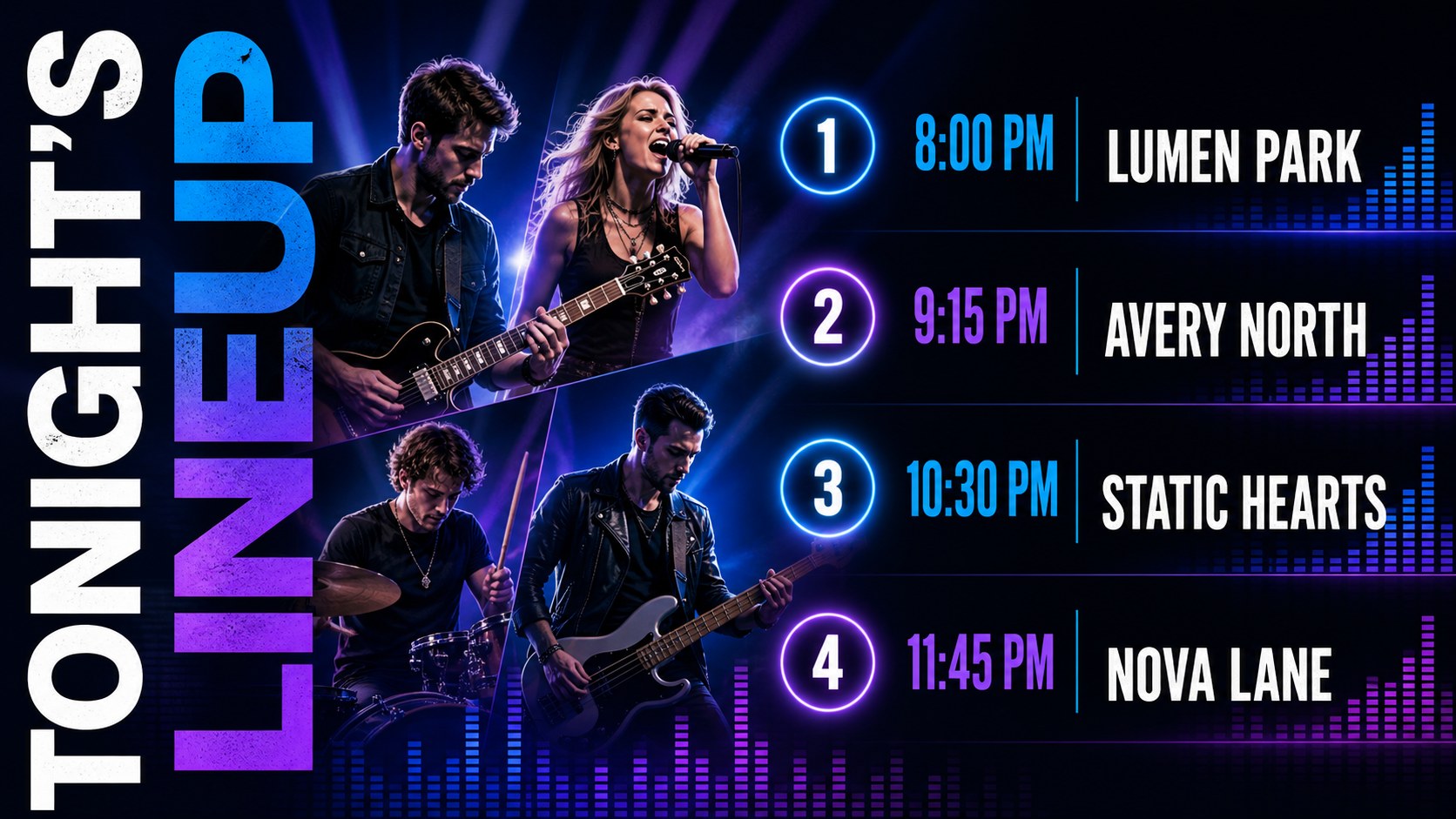
Bring late-night energy to your next announcement with the Neon Concert Promo Flyer Deck. Its vivid blue and purple palette, sharp typography, glowing accents, and modern geometric details create a confident look for concerts, DJ sets, club nights, festivals, and album events. Each layout keeps essential information clear while giving performers and event visuals room to make an impact.
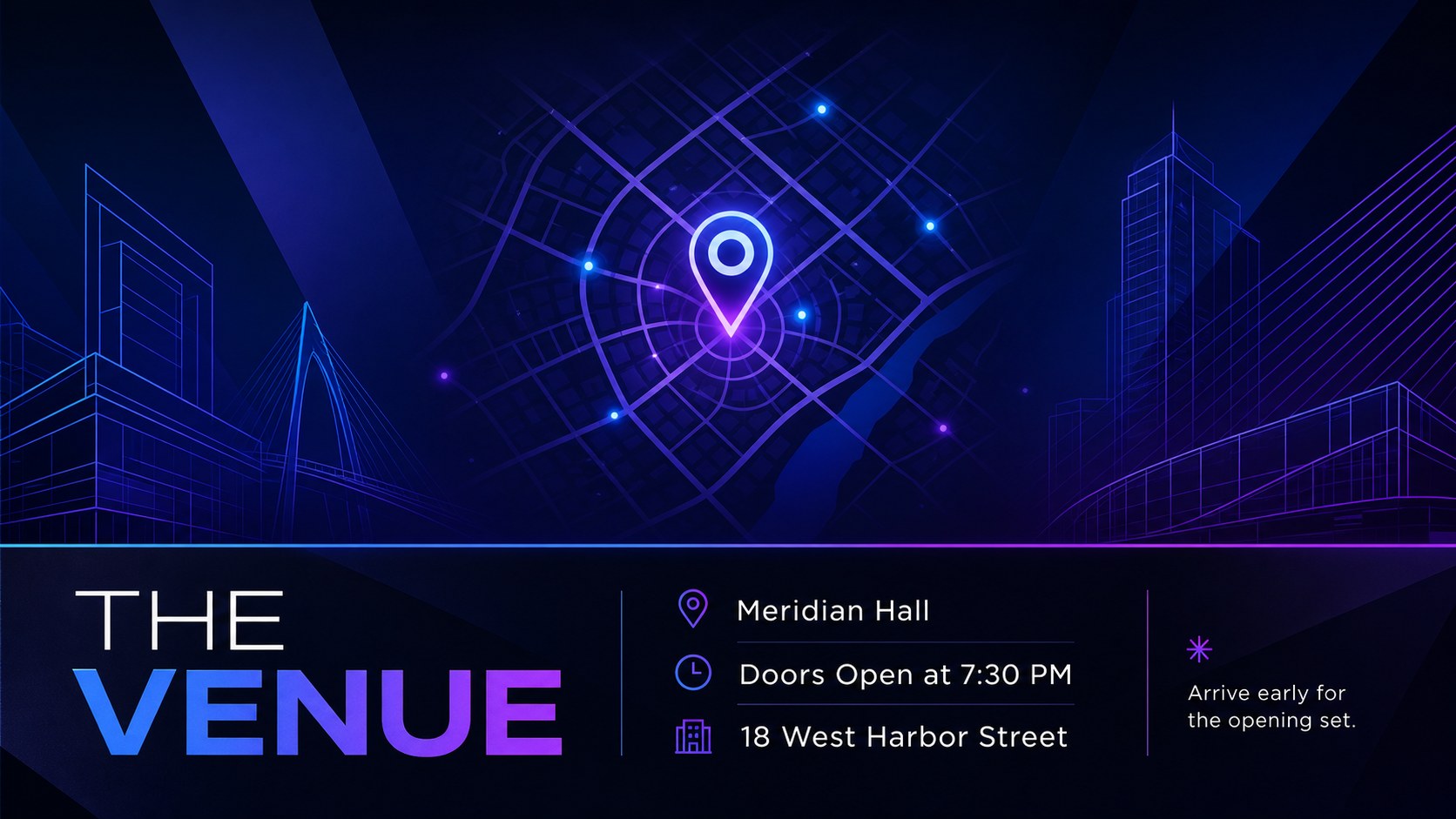
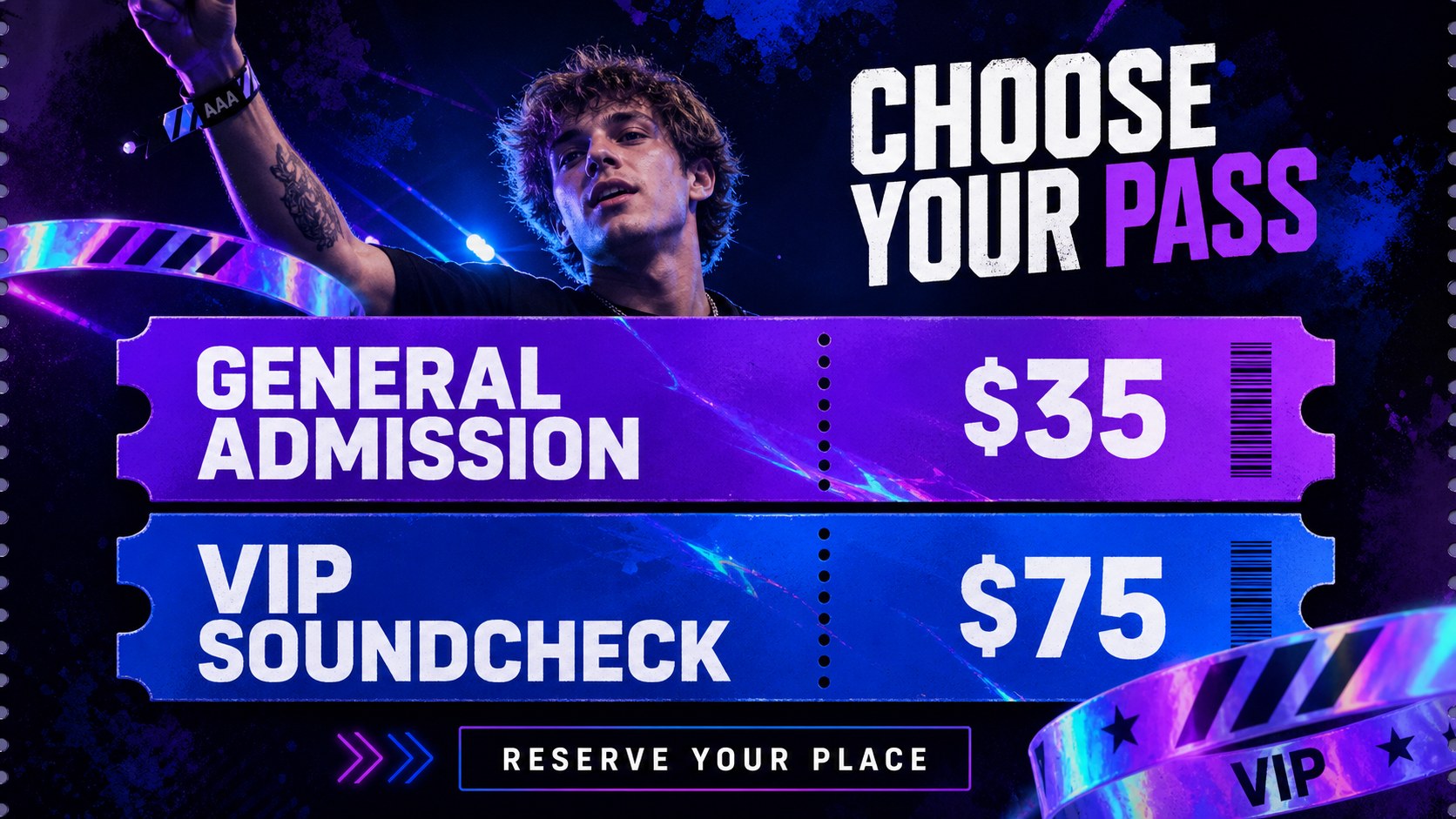
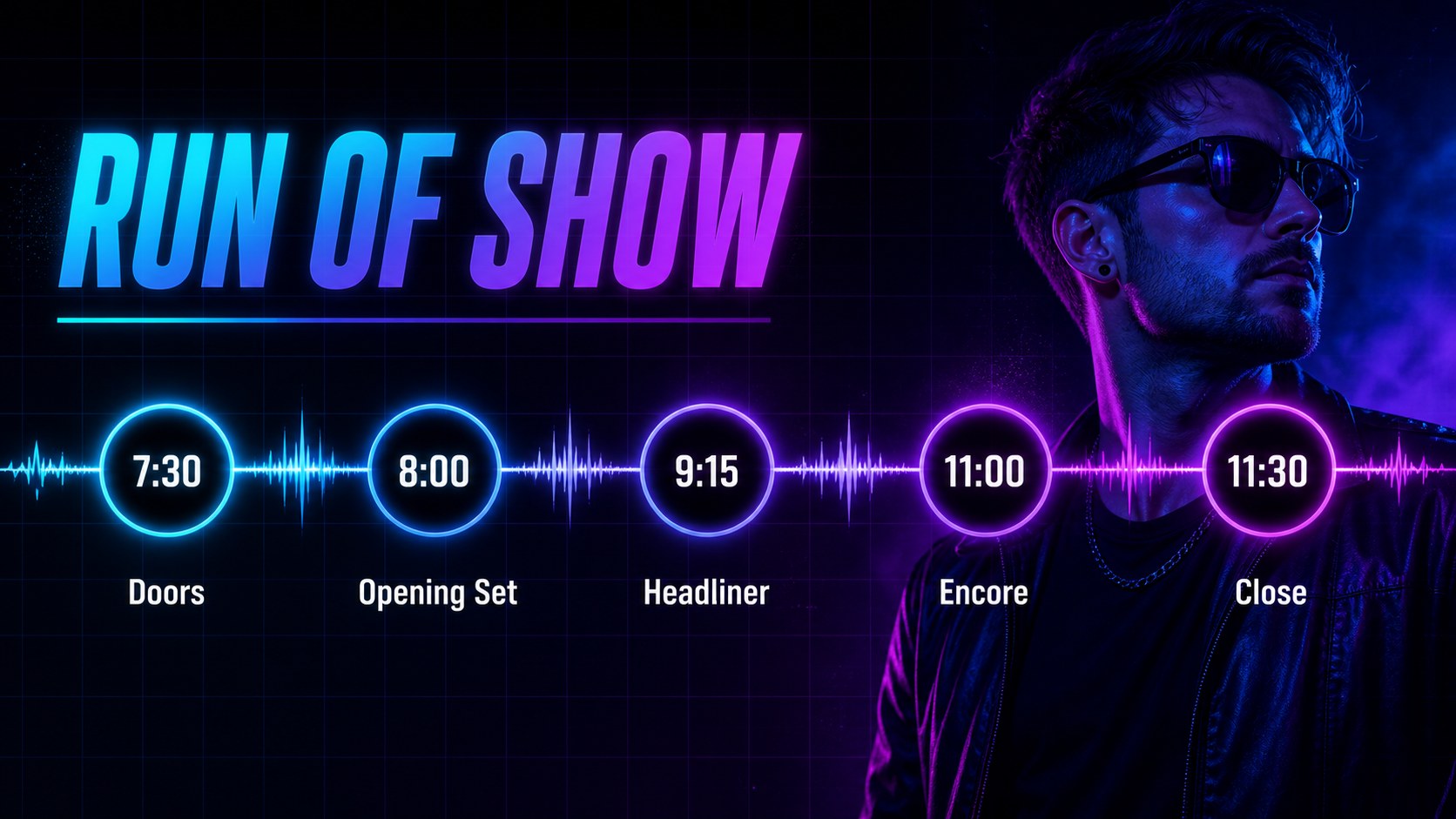
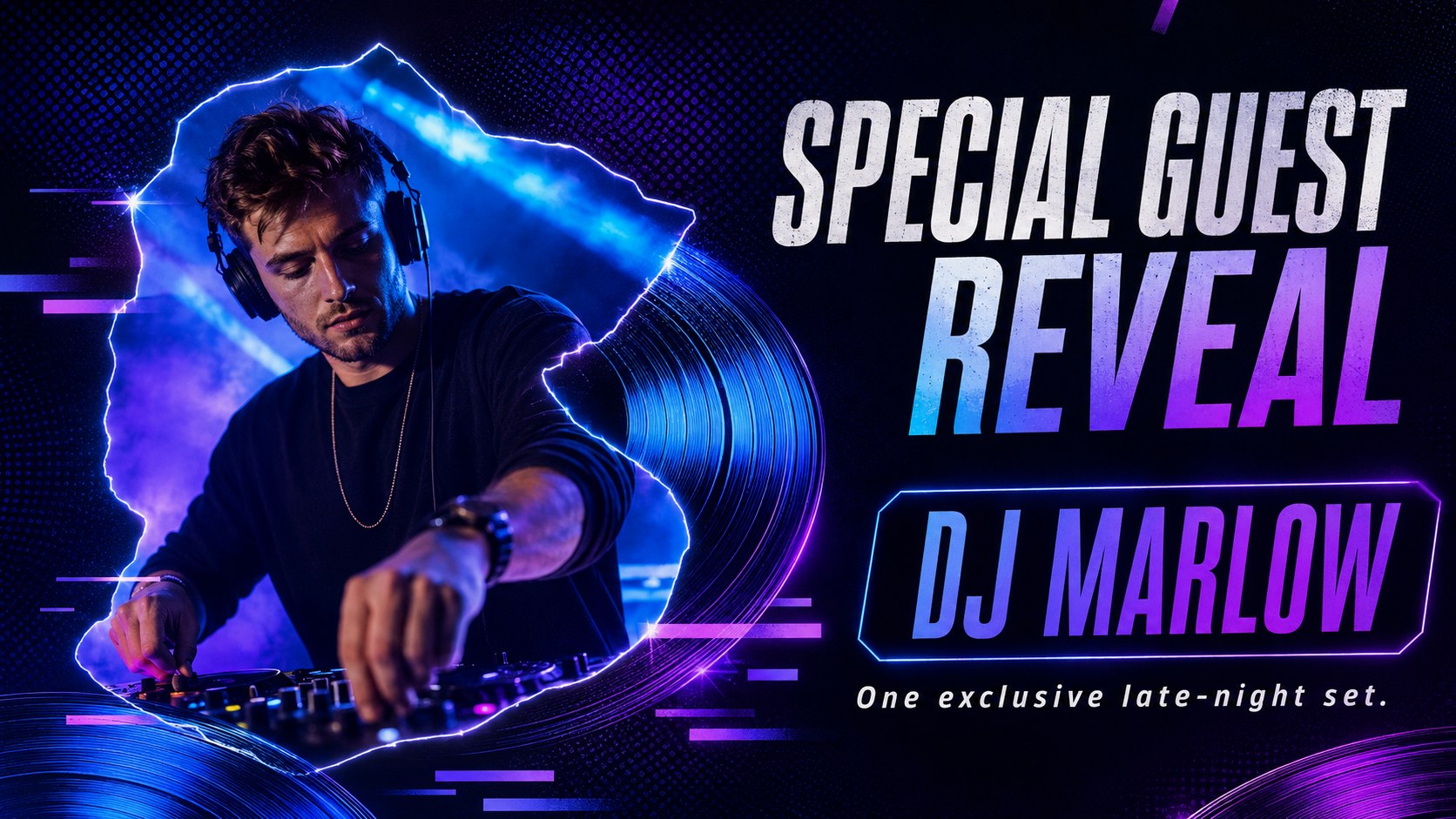
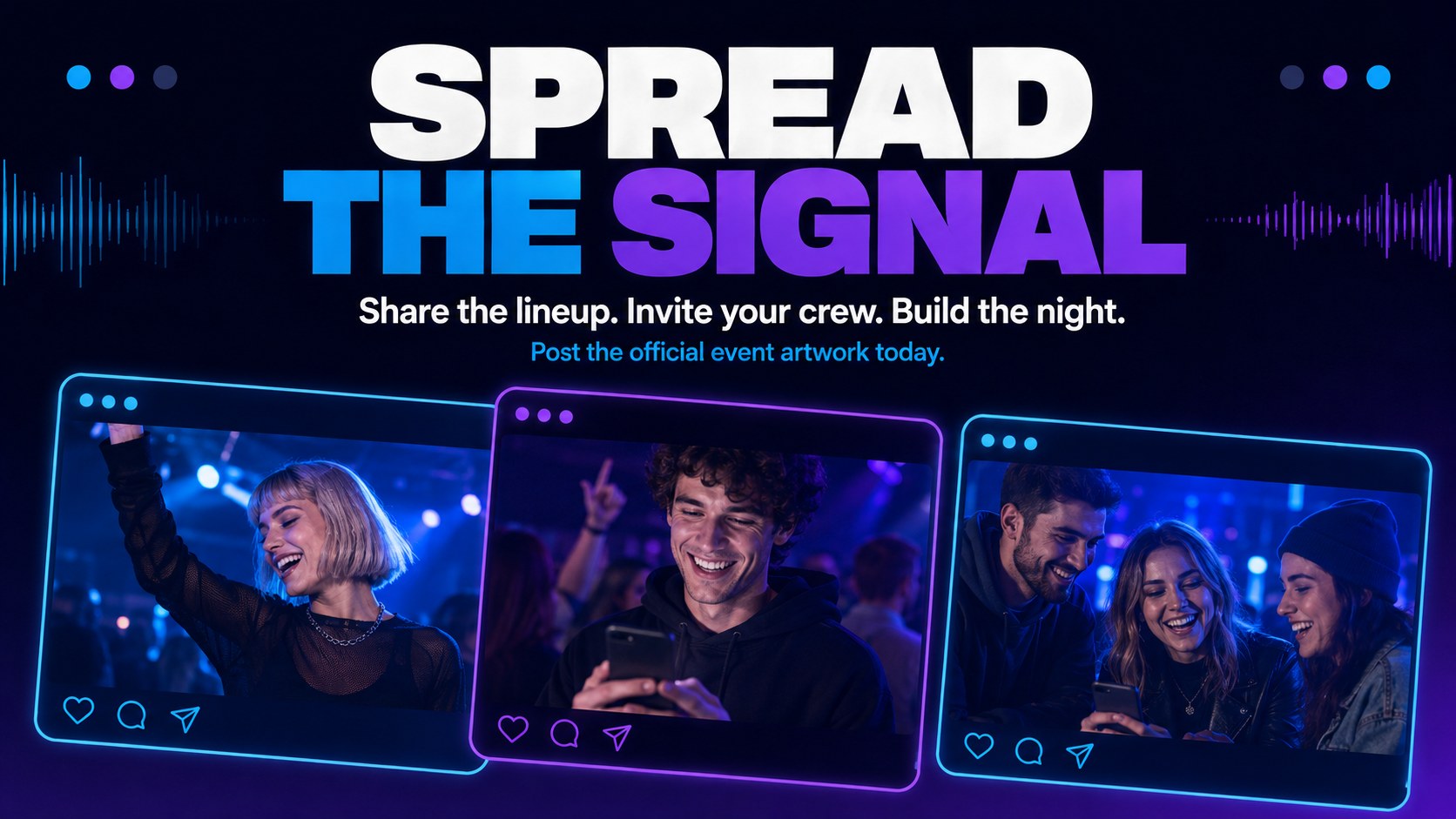
Inside, you will find 11 coordinated designs covering the main announcement, artist spotlight, lineup reveal, venue details, ticket information, schedule, special guests, social promotion, countdown, final reminder, and closing call to action. Use the set as an editable live music event slides collection or adapt individual pages into digital posters and widescreen venue displays. The varied compositions make this a practical blue and purple concert flyer template for building a connected campaign rather than a single isolated graphic.
The deck is designed for bands, independent artists, DJs, venue teams, festival organizers, student groups, and entertainment marketers. Text, colors, photos, shapes, and event details can be customized in PowerPoint or Google Slides. Whether you need a nightclub gig promotion deck, a launch announcement, or a recurring concert series kit, the visual system makes it easy to maintain a recognizable style from the first teaser through the final ticket reminder.
Perfect for: concert lineup announcement; DJ club night promotion; music festival campaign; band tour date reveal; venue event advertising; album release party.
Frequently asked questions
Can I edit the event information and artist names? Yes. Replace the sample headlines, lineup details, dates, venue information, prices, and calls to action with your own content. Text styling and placement can also be adjusted to fit short or long event names.
Practical details
Yes. Replace the sample headlines, lineup details, dates, venue information, prices, and calls to action with your own content. Text styling and placement can also be adjusted to fit short or long event names.
The template is designed for PowerPoint and Google Slides. Both platforms allow you to edit the text, colors, images, shapes, and slide order.
Yes. You can recolor the backgrounds, neon accents, typography, and decorative shapes to match an artist or venue identity. Keep strong contrast between the event details and background for reliable readability.
Yes. Individual slides can be exported as images or PDFs for venue screens, online announcements, and social promotion. Review the dimensions required by each channel before publishing.
Keep exploring
15Build an engaging World UFO Day session with this flying saucer history lesson deck, featuring retro green-and-brown slides for PowerPoint and Google Slides.
 15
15Plan a lively animal-learning journey with this jungle zoo adventure lesson deck, ready to customize in PowerPoint and Google Slides for young learners.
 16
16Turn environmental research into a clear story with a Watercolor Ecology Presentation Theme for PowerPoint and Google Slides in calming green and blue.
 16
16Build focused fashion, literature, and humanities presentations with the Red Triangle Editorial Theme, editable in PowerPoint and Google Slides.
 15
15Turn streaming stats, favorite tracks, and concert highlights into a bold annual listening recap slide deck for PowerPoint and Google Slides.
 15
15Turn highlights, milestones, and favorite moments into a colorful year in review slide deck with bold 3D graphics for PowerPoint and Google Slides.
 3
3Build a credible endorsement with Standout Colleague Recommendation Letter Slides, featuring colorful prompts for skills, achievements, and team impact.
 4
4Build clear beginner sessions with an ice hockey fundamentals training deck for coaches, PE teachers, and clubs, ready for PowerPoint and Google Slides.