
 15
15presentation
Flying Saucer History Lesson Deck
Build an engaging World UFO Day session with this flying saucer history lesson deck, featuring retro green-and-brown slides for PowerPoint and Google Slides.
Google SlidesPowerPoint
presentation · English
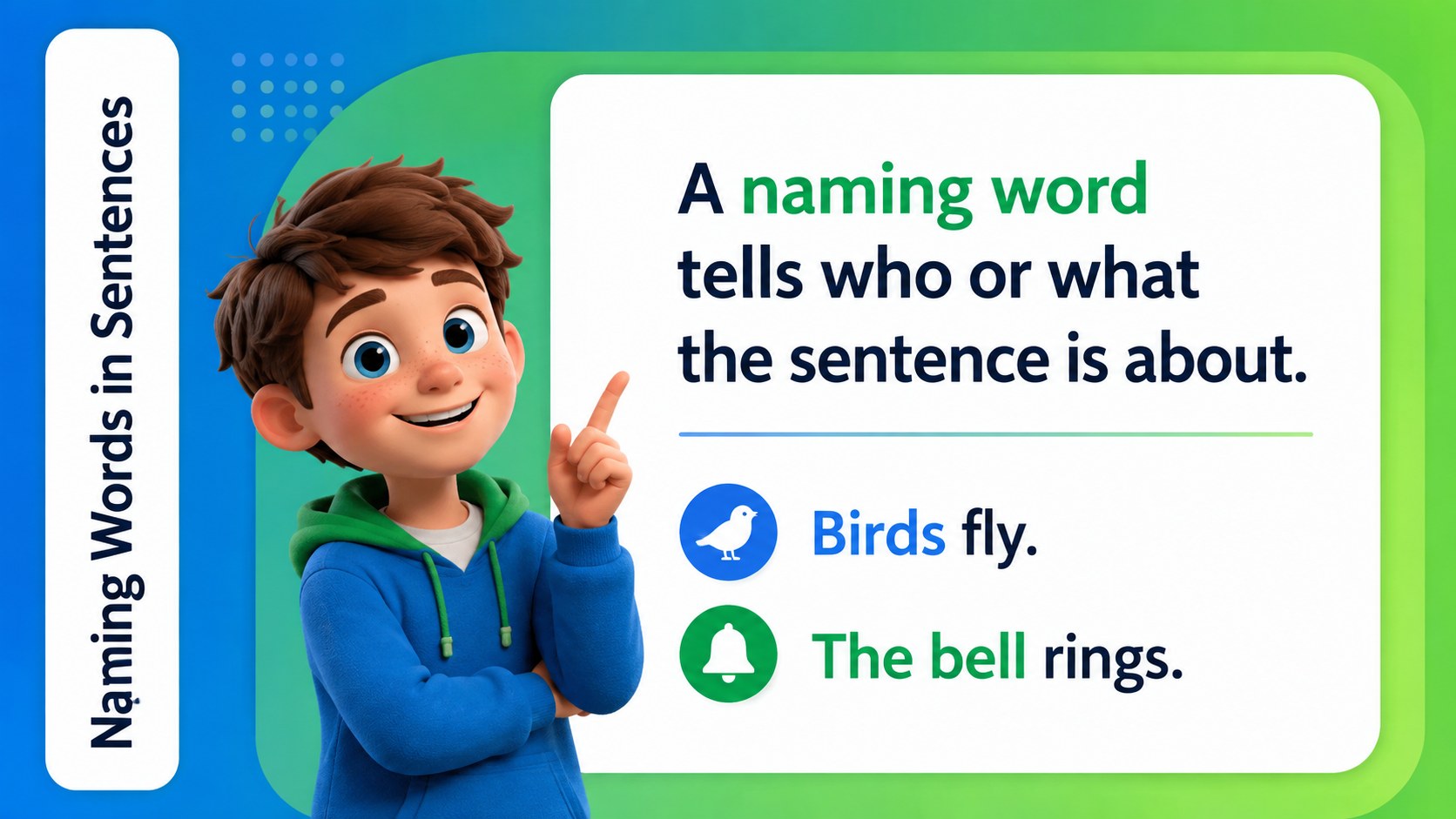
Build a first grade naming words lesson with lively green-and-blue 3D visuals, practice activities, and editable PowerPoint and Google Slides resources.
Design notes
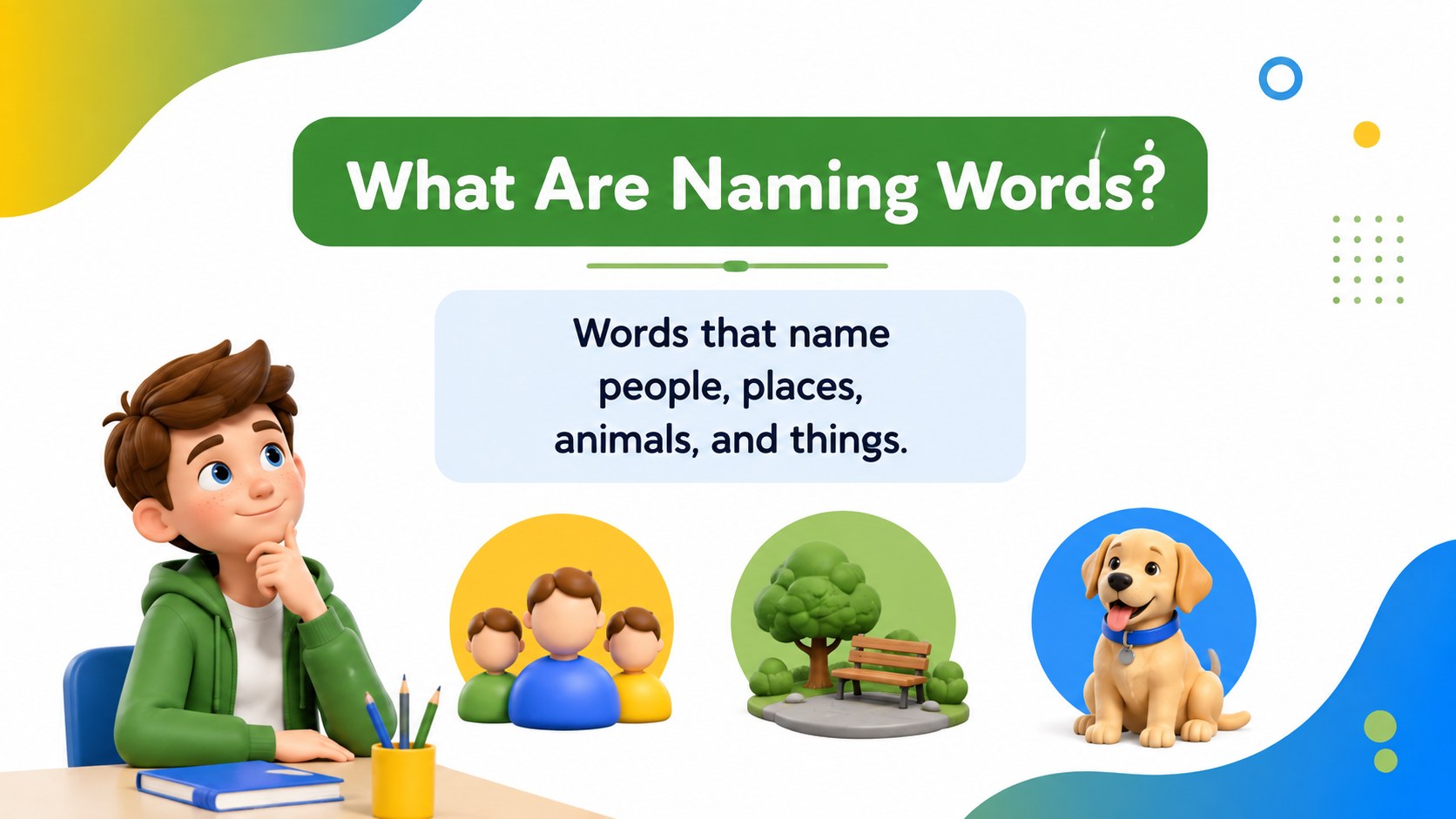
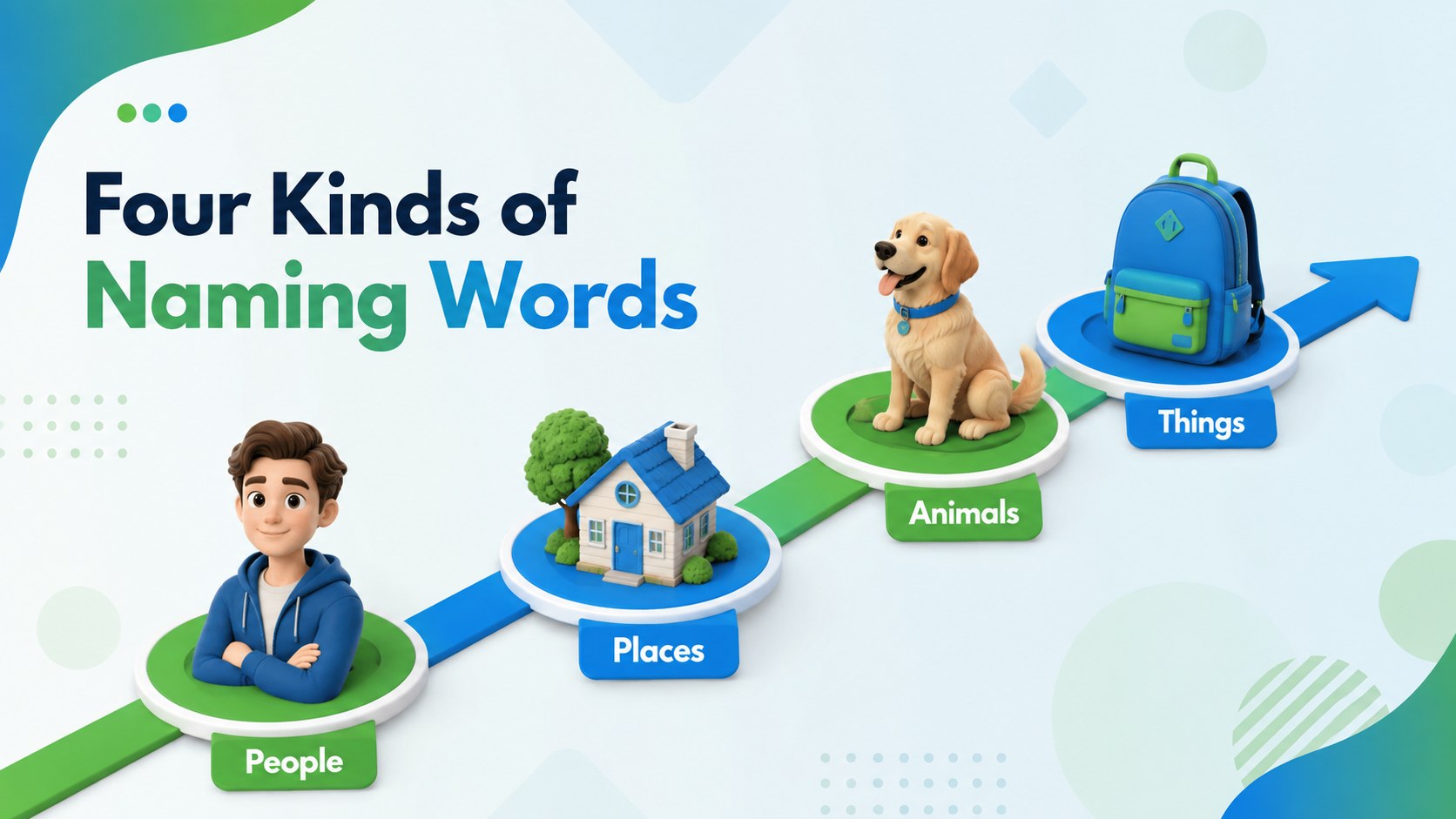
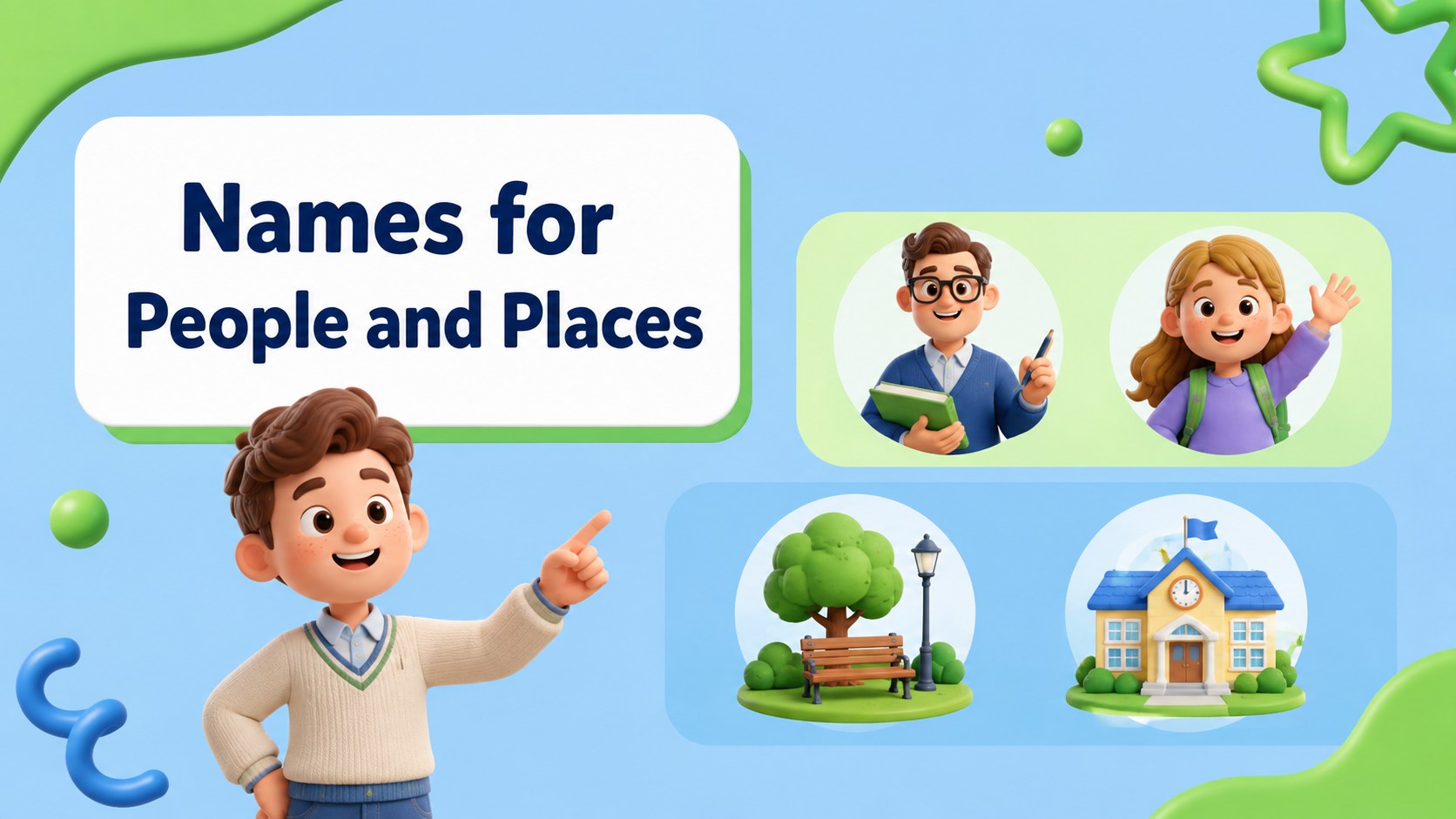
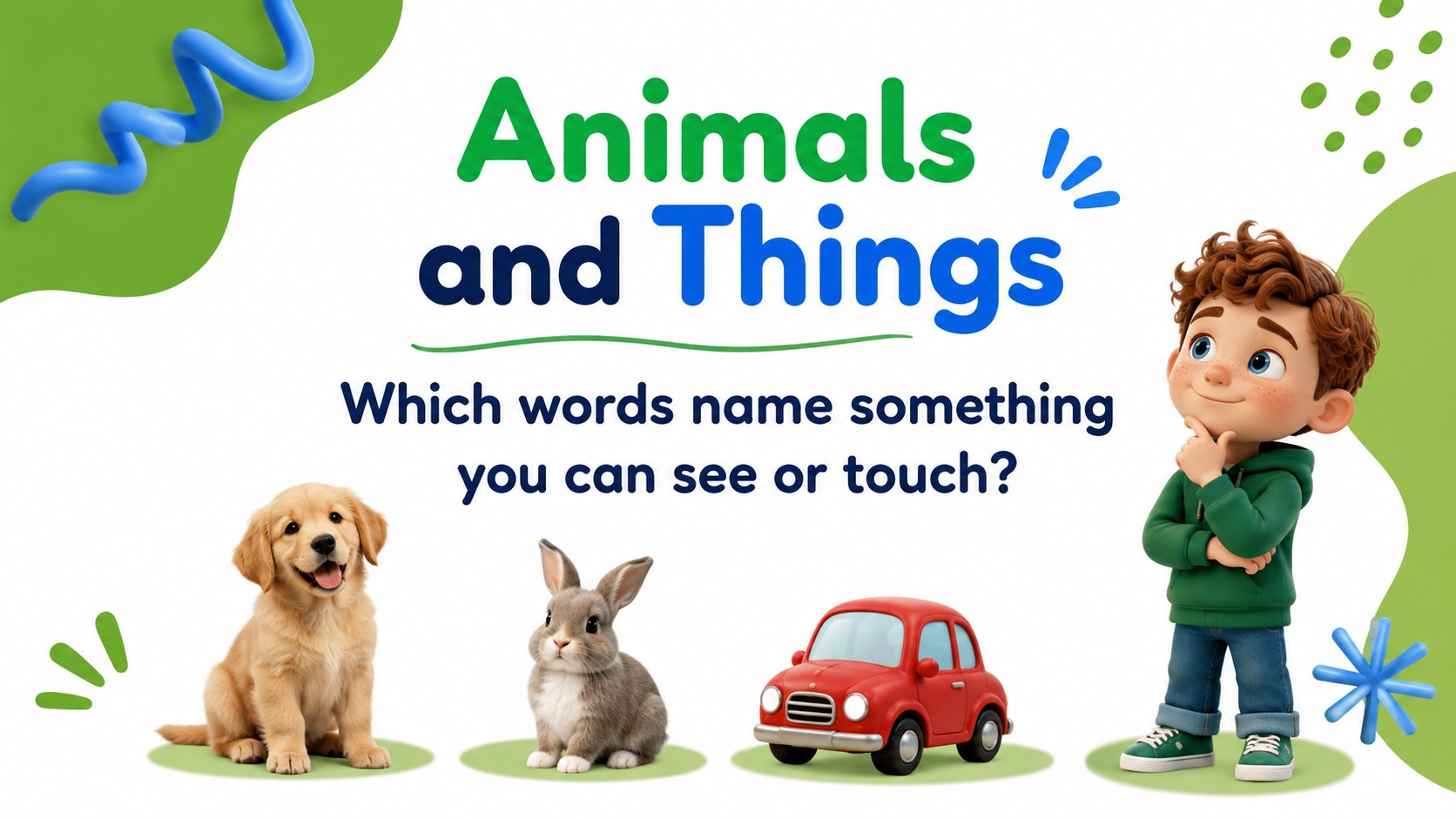
Make language instruction more active with this first grade naming words lesson, created for young learners who are beginning to identify nouns in everyday speech. Its bright green-and-blue palette, playful 3D objects, and spacious layouts give teachers a friendly way to introduce people, places, animals, and things without overwhelming the class.
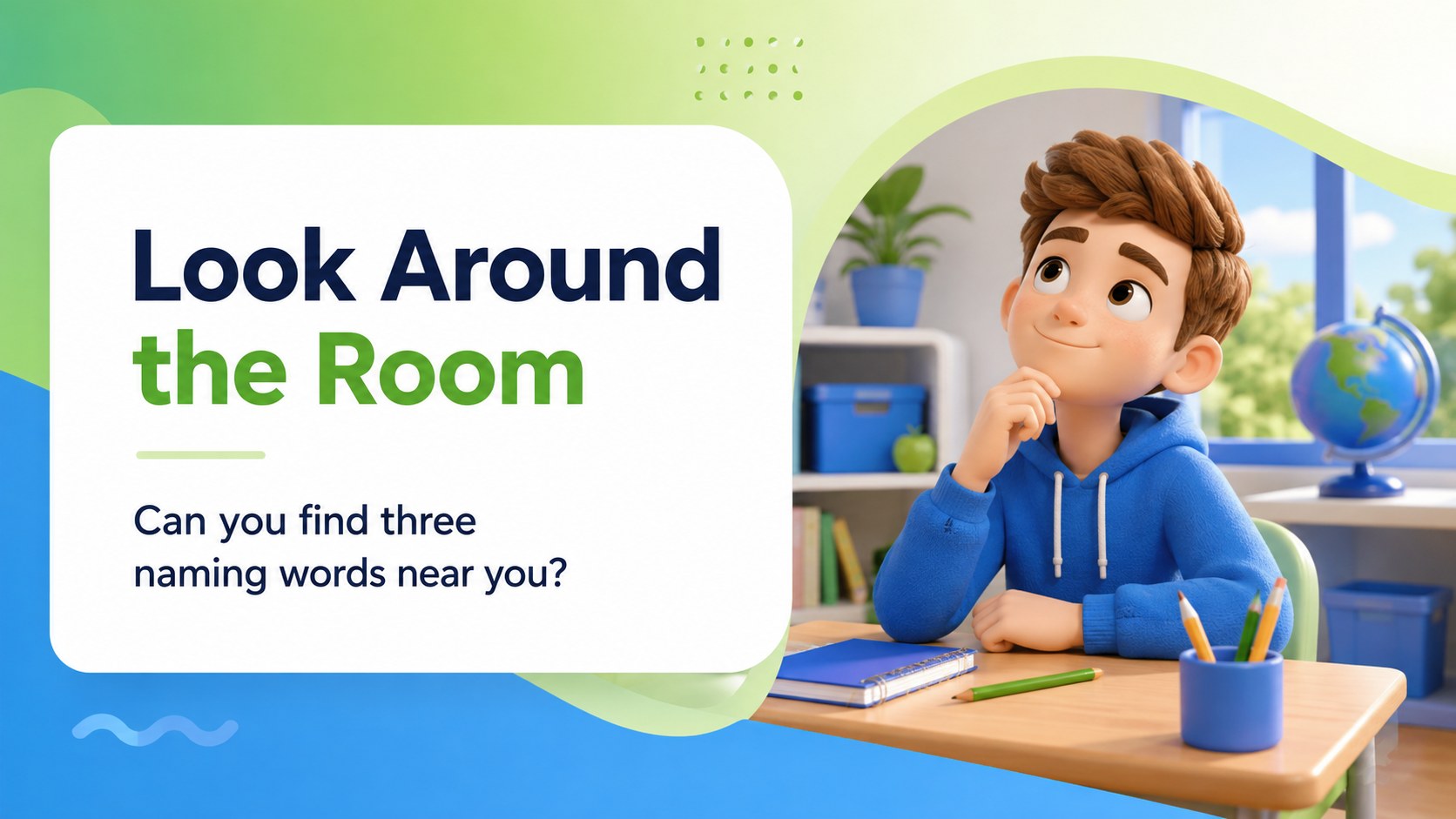
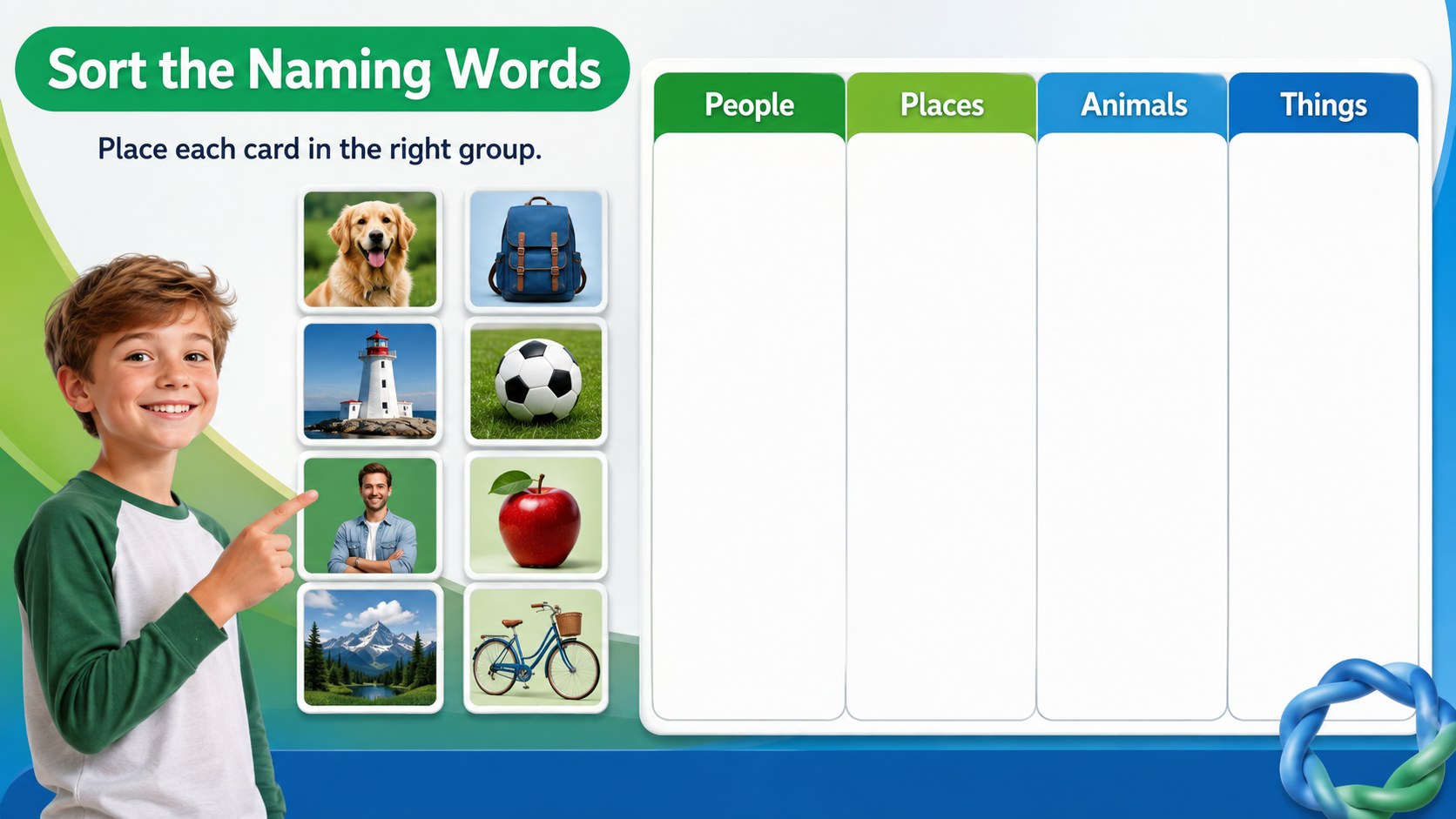
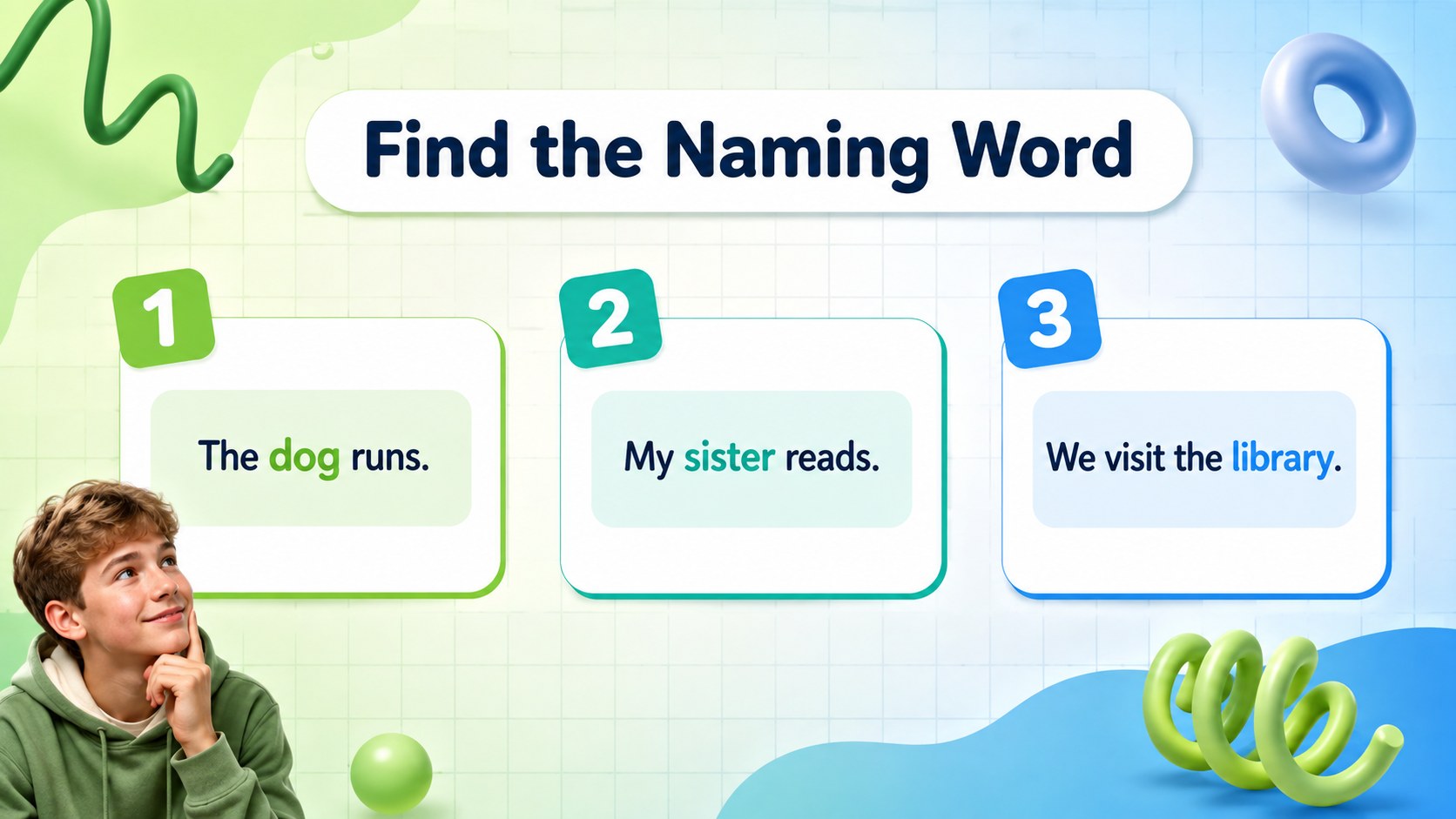
Inside, you will find an opening lesson sequence, visual examples, sorting activities, guided questions, and independent practice. The slides can support a whole-class presentation, a small-group literacy station, or a quick review before an assessment. Short prompts and familiar examples help students connect grammar concepts to the world around them, while the editable layouts make it easy to replace examples with vocabulary from your own classroom.
This first grade grammar activity deck is designed for elementary teachers, homeschool educators, tutors, and literacy specialists. Use it as an editable nouns lesson for young learners in PowerPoint or Google Slides, then adapt the wording, images, and pacing to match your teaching plan. The 16:9 format works well on classroom displays, interactive boards, and remote lessons.
Perfect for: whole-class grammar lesson; small-group literacy station; homeschool language arts activity; interactive whiteboard review; tutor-led noun practice.
Frequently asked questions
Can I edit the examples and activities? Yes. Text, colors, shapes, and visual elements can be adjusted to fit your lesson. Replace the sample words with vocabulary from your reading unit or classroom environment.
Practical details
Yes. Text, colors, shapes, and visual elements can be adjusted to fit your lesson. Replace the sample words with vocabulary from your reading unit or classroom environment.
The template is designed for PowerPoint and Google Slides. Both options support editing the lesson content and presenting it in a 16:9 classroom format.
Yes. The deck introduces naming words through familiar categories such as people, places, animals, and objects. Visual examples and short practice tasks make the concept accessible to beginning learners.
Yes. Present the slides during a live online lesson or share selected pages for independent practice. The clear layouts are suitable for screen sharing and digital classroom activities.
Keep exploring
15Build an engaging World UFO Day session with this flying saucer history lesson deck, featuring retro green-and-brown slides for PowerPoint and Google Slides.
 15
15Plan a lively animal-learning journey with this jungle zoo adventure lesson deck, ready to customize in PowerPoint and Google Slides for young learners.
 16
16Turn environmental research into a clear story with a Watercolor Ecology Presentation Theme for PowerPoint and Google Slides in calming green and blue.
 16
16Build focused fashion, literature, and humanities presentations with the Red Triangle Editorial Theme, editable in PowerPoint and Google Slides.
 15
15Turn streaming stats, favorite tracks, and concert highlights into a bold annual listening recap slide deck for PowerPoint and Google Slides.
 15
15Turn highlights, milestones, and favorite moments into a colorful year in review slide deck with bold 3D graphics for PowerPoint and Google Slides.
 3
3Build a credible endorsement with Standout Colleague Recommendation Letter Slides, featuring colorful prompts for skills, achievements, and team impact.
 4
4Build clear beginner sessions with an ice hockey fundamentals training deck for coaches, PE teachers, and clubs, ready for PowerPoint and Google Slides.