
 15
15presentation
Flying Saucer History Lesson Deck
Build an engaging World UFO Day session with this flying saucer history lesson deck, featuring retro green-and-brown slides for PowerPoint and Google Slides.
Google SlidesPowerPoint
presentation · English
Teach ratios through visual models with multiplication scaling lesson slides for grades 6-8, editable in PowerPoint and Google Slides.
Design notes
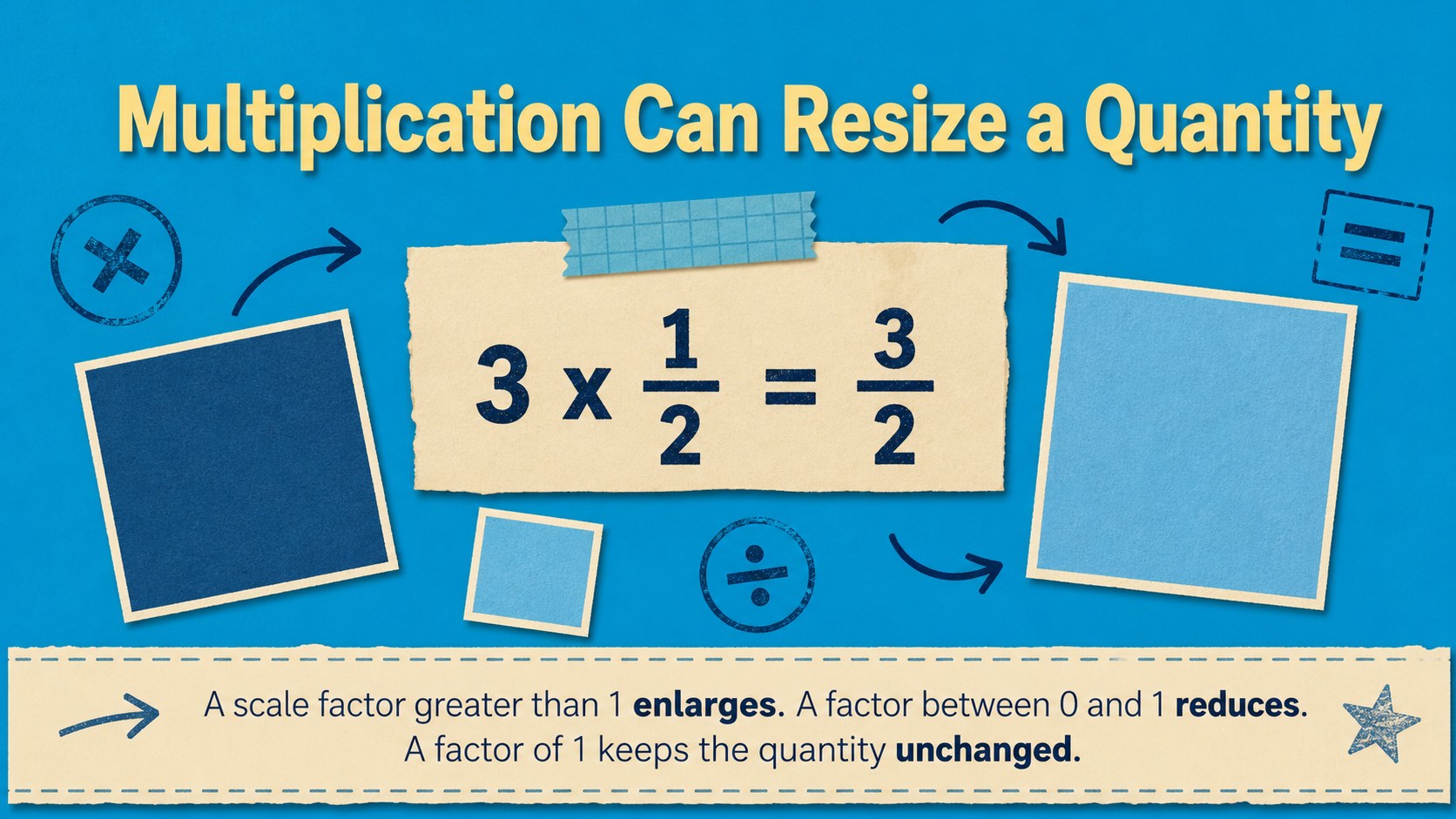
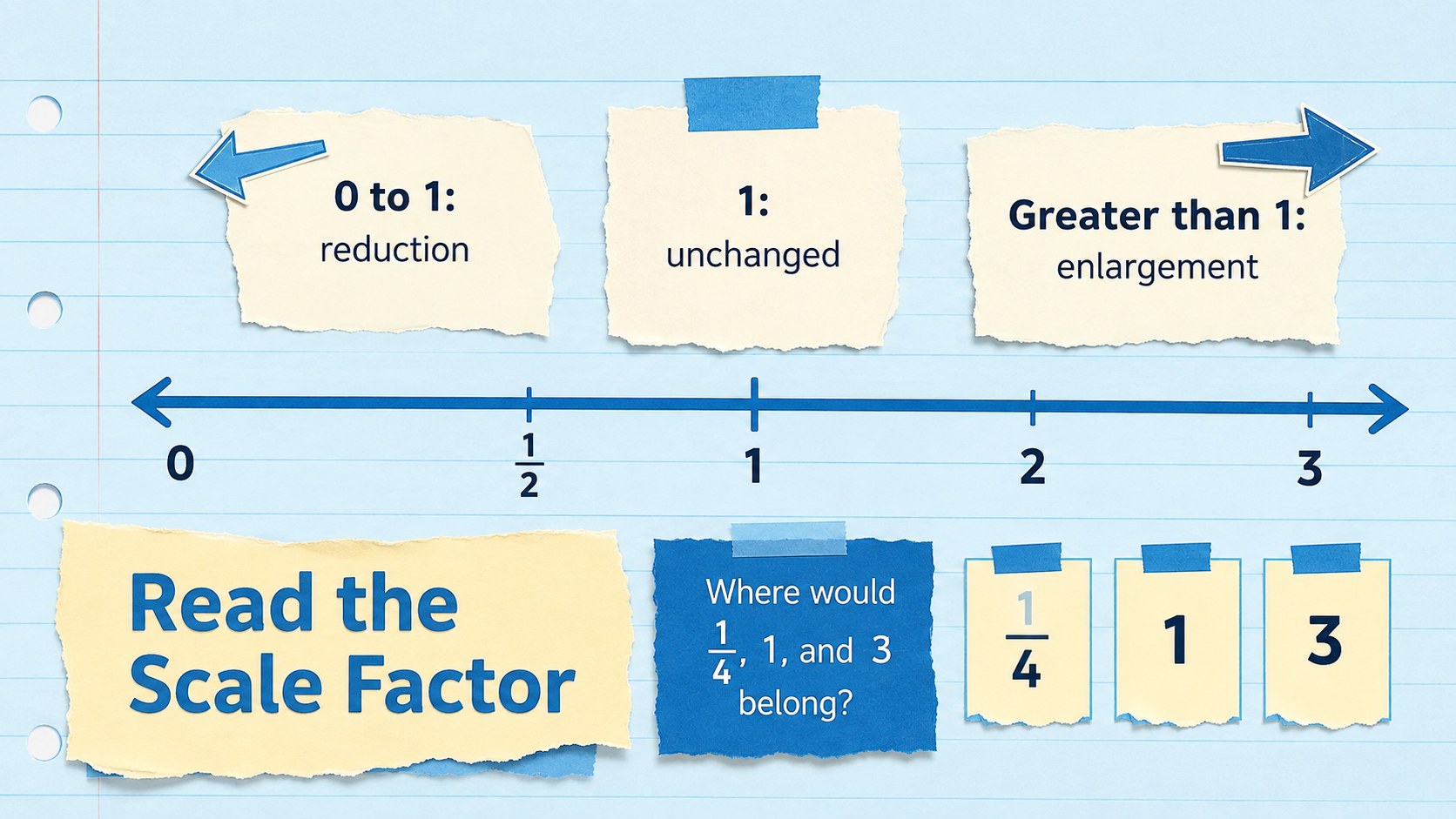
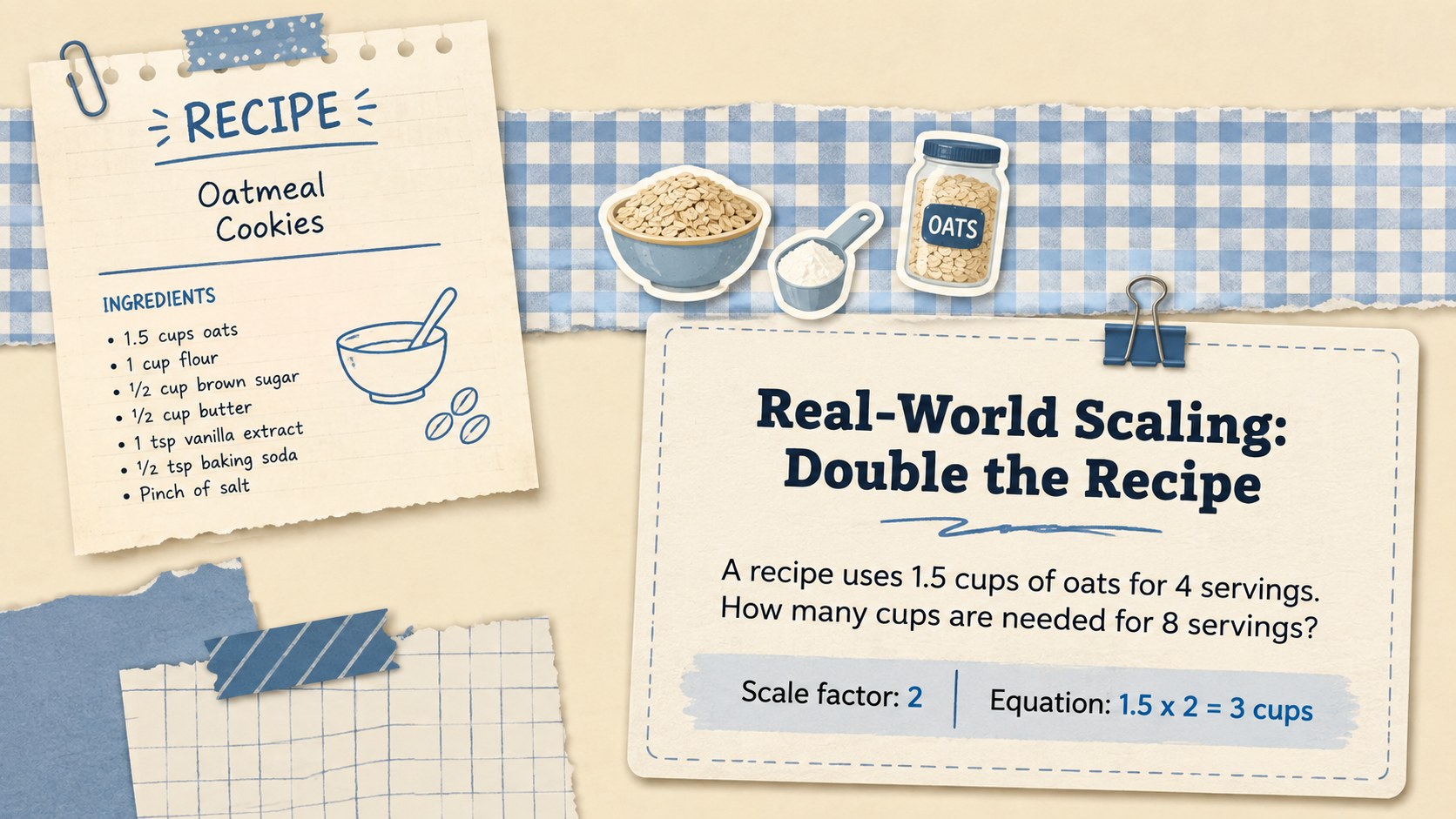
Make proportional reasoning easier to see with these multiplication scaling lesson slides for grades 6-8. The blue-and-beige scrapbook design combines paper textures, hand-drawn accents, and organized visual models to help students understand how multiplication changes the size of a quantity. Every layout is editable in PowerPoint and Google Slides, giving teachers a flexible foundation for class instruction.
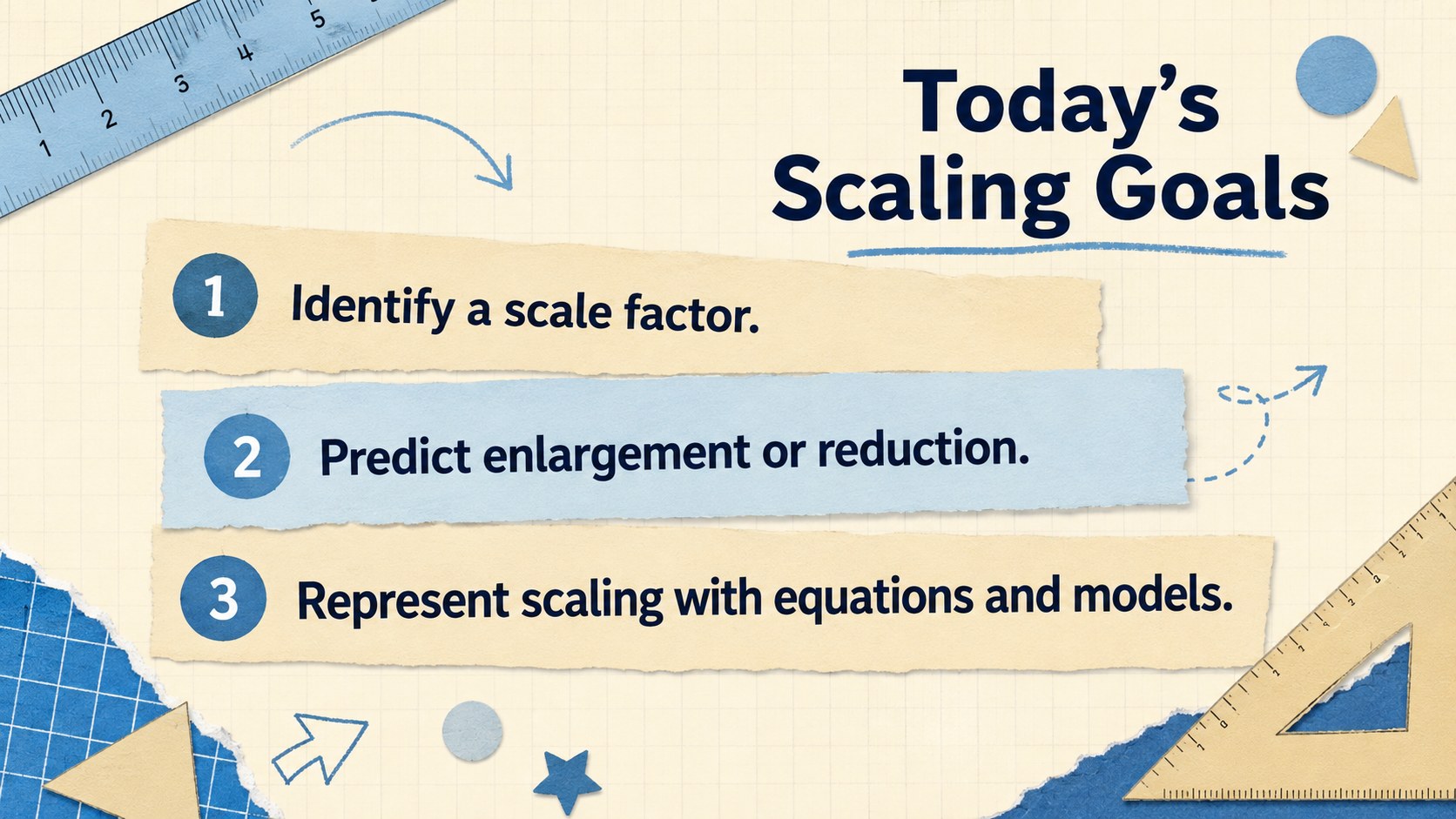
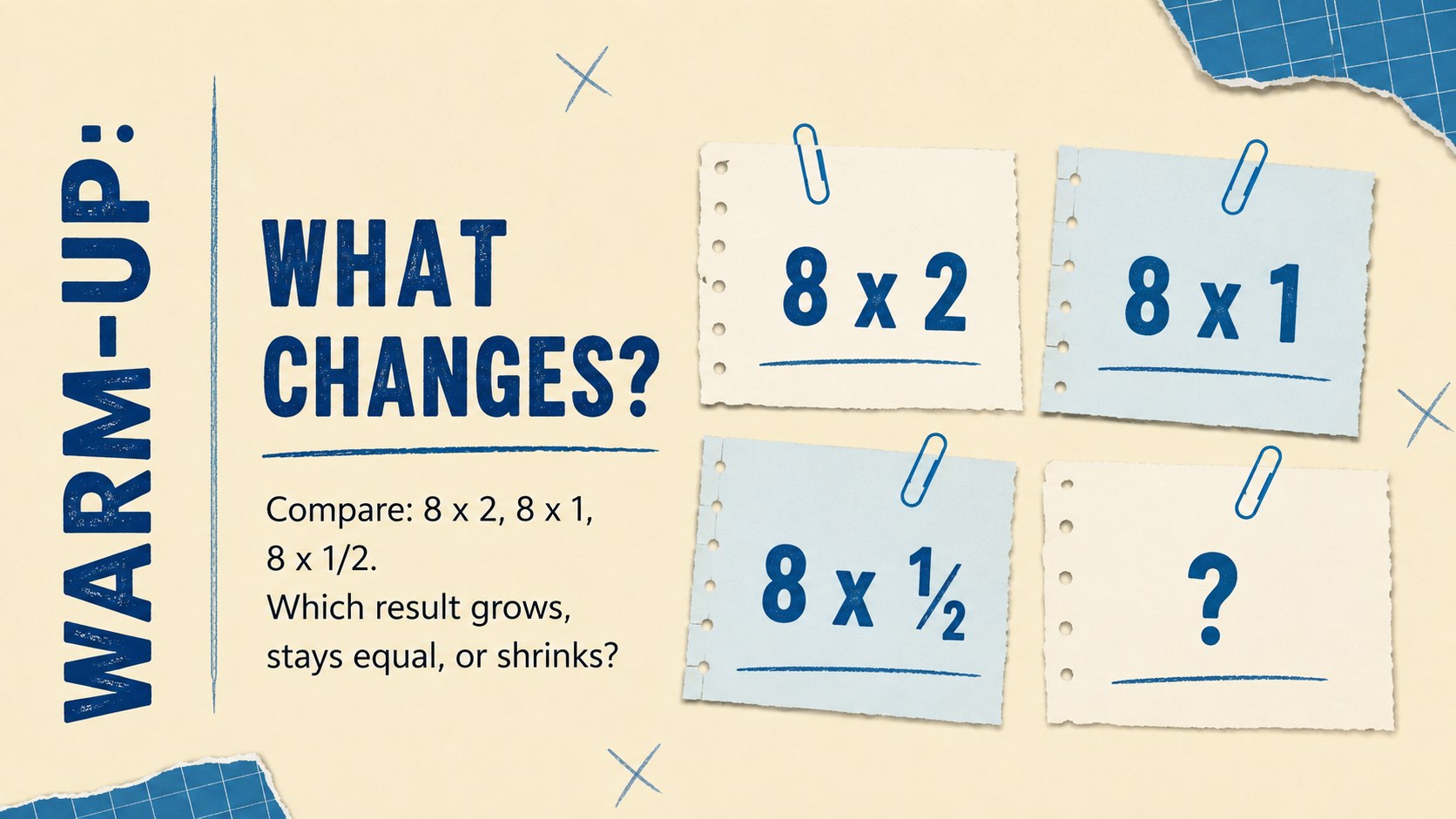
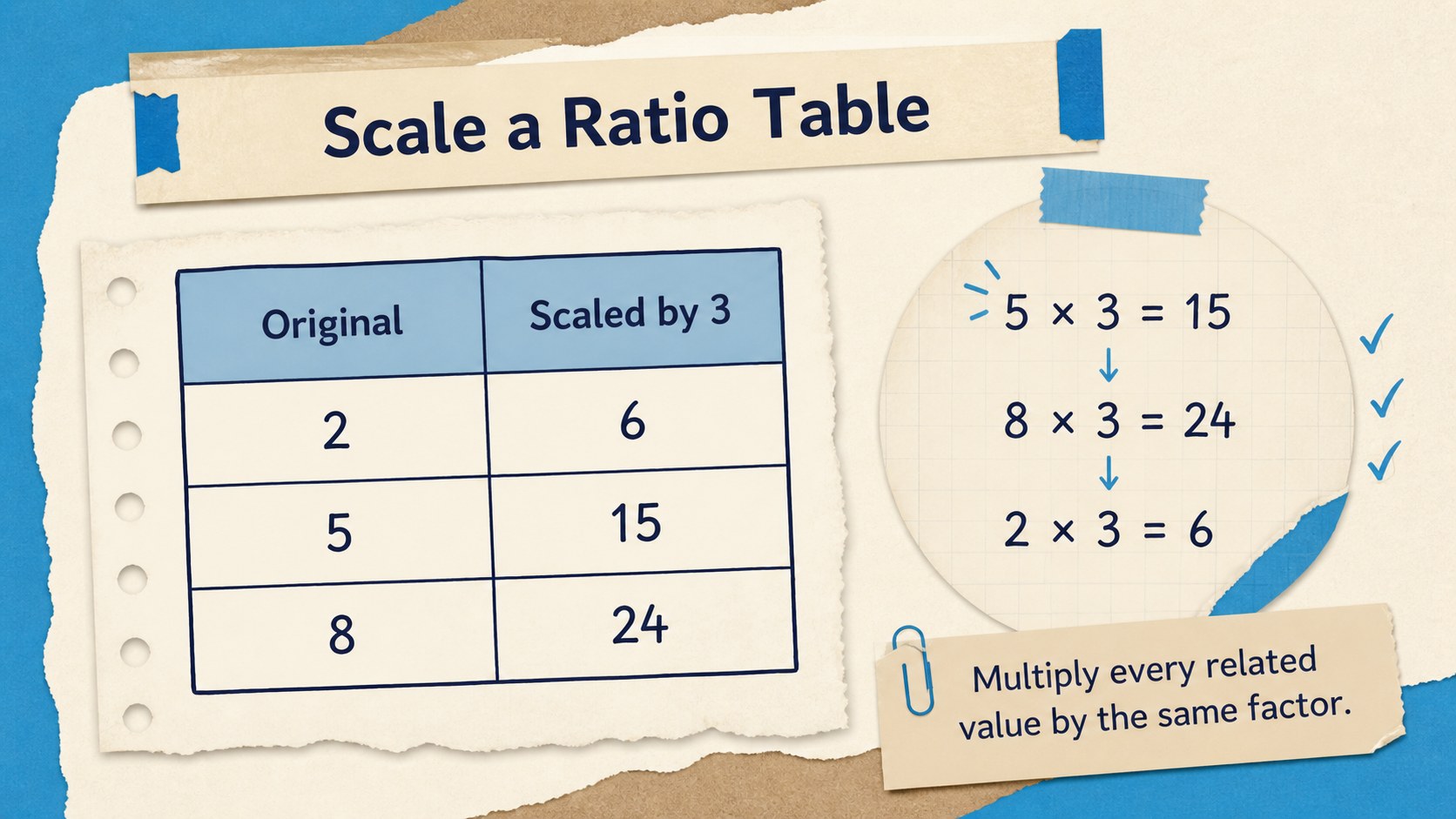
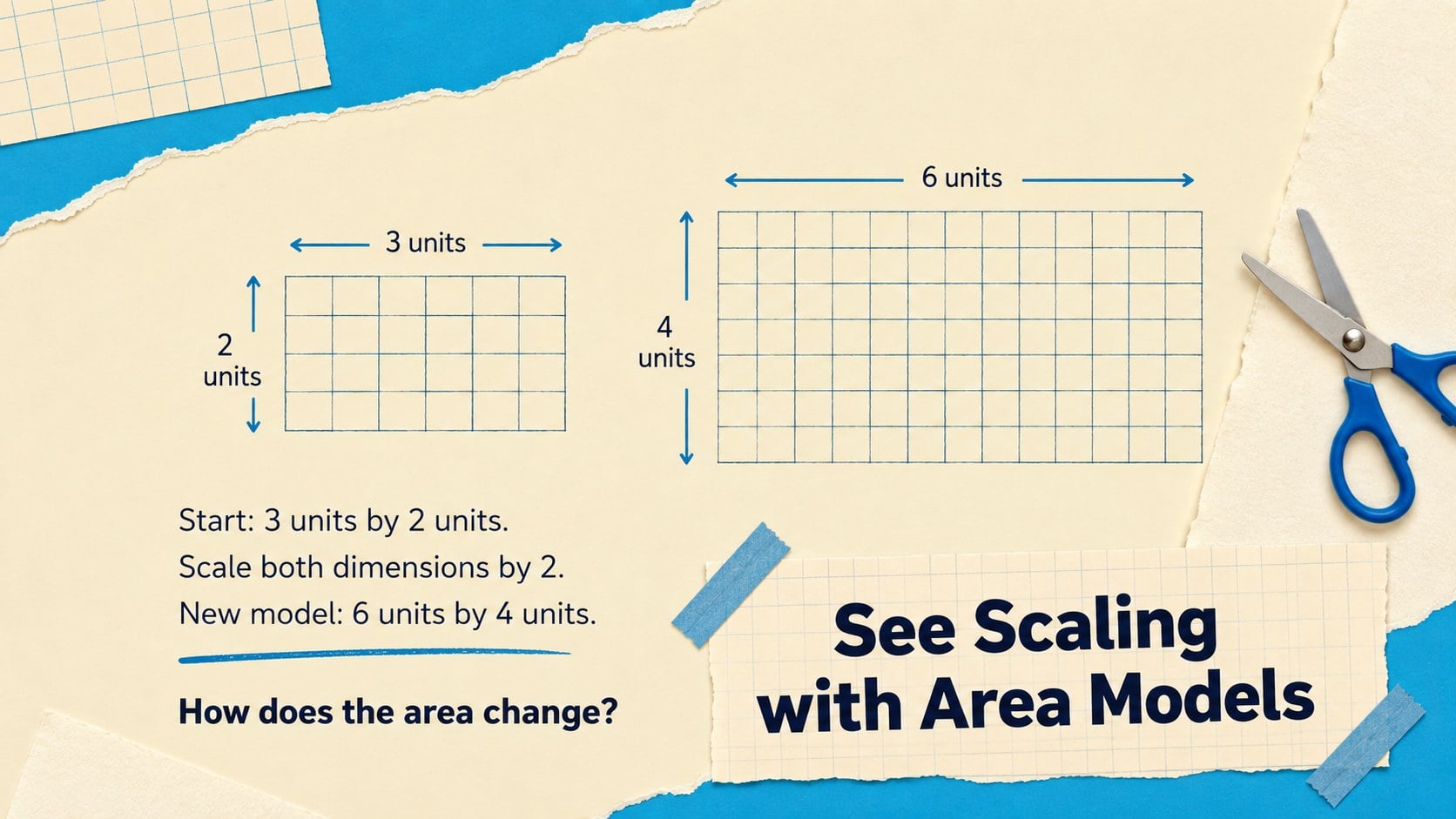
The deck includes learning goals, a prior-knowledge warm-up, scale factor explanations, number lines, ratio tables, area models, guided examples, real-world problems, independent practice, error analysis, and an exit ticket. Use the visual scale factor activities for grade 6 as an introduction, or adapt the examples for more advanced middle school groups. Clear prompts and worked examples support a step-by-step multiplication scaling lesson without overwhelming learners.
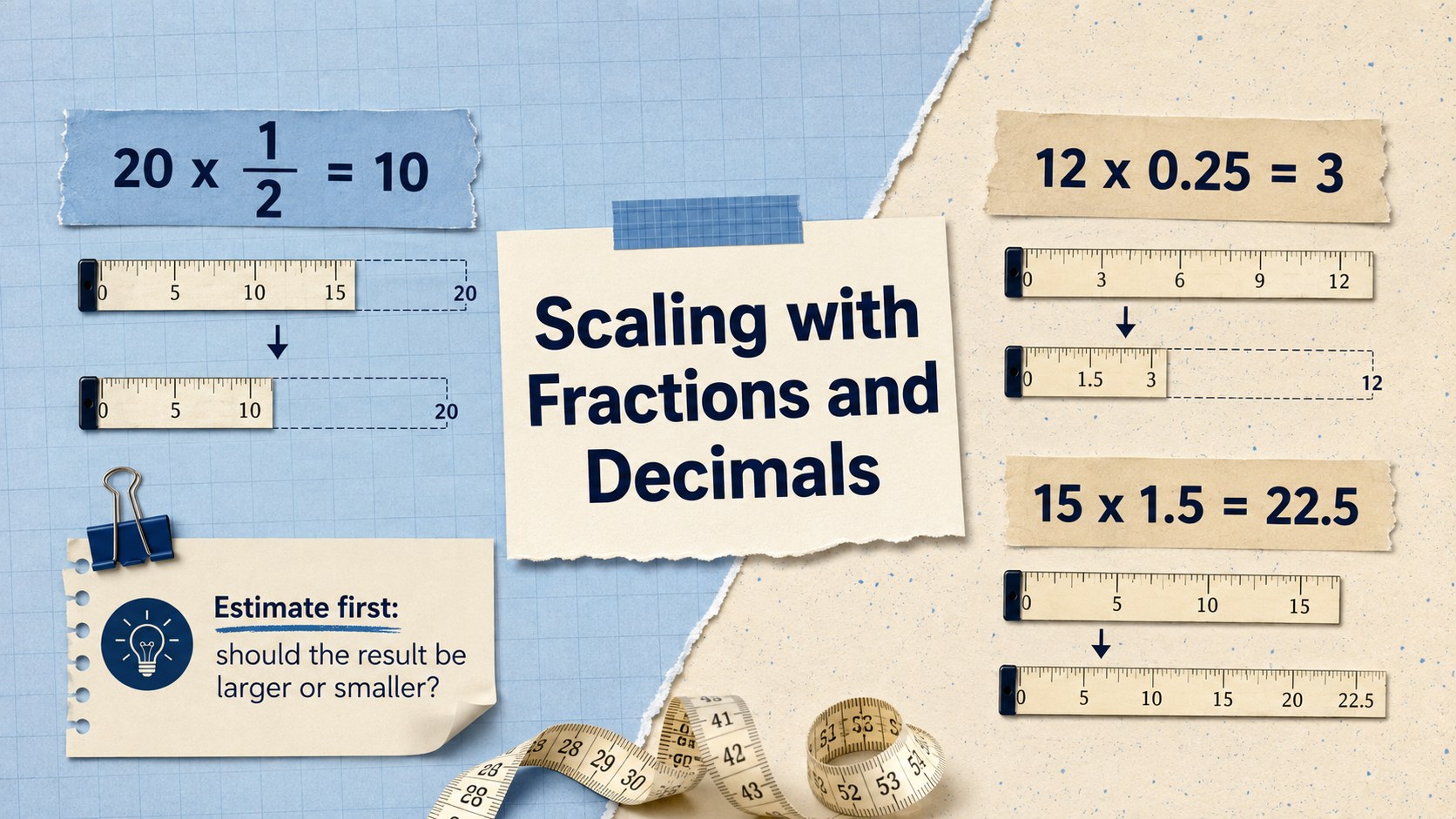
Designed for math teachers, tutors, intervention specialists, and homeschool educators, the slides work well for whole-class teaching, small-group support, homework review, or remote learning. Educators can replace values, rewrite questions, move illustrations, and adjust colors while preserving the cohesive scrapbook style. The included teaching proportional resizing with models activities connect abstract calculations to recipes, maps, and geometric figures, helping students explain whether multiplication produces an enlargement, a reduction, or no change. Finish with a short assessment to identify misconceptions and plan the next lesson.
Perfect for: whole-class scale factor lesson; small-group math intervention; proportional reasoning review; guided multiplication practice; remote middle school instruction.
Frequently asked questions
Can I edit the examples and practice questions? Yes. You can replace numbers, rewrite directions, move visual models, and add your own problems. The layouts are designed to remain organized while you customize the lesson.
Practical details
Yes. You can replace numbers, rewrite directions, move visual models, and add your own problems. The layouts are designed to remain organized while you customize the lesson.
The deck is compatible with PowerPoint and Google Slides. Fonts or spacing may vary slightly between platforms, so review the slides before presenting.
Yes. Simplify the values and models for introductory learners, or add fractions, decimals, and multi-step applications for advanced groups. The sequence can also be shortened for review sessions.
Change the theme colors, paper textures, illustrations, and accent shapes directly in your presentation editor. Keep strong contrast between text and backgrounds to preserve classroom readability.
Keep exploring
15Build an engaging World UFO Day session with this flying saucer history lesson deck, featuring retro green-and-brown slides for PowerPoint and Google Slides.
 15
15Plan a lively animal-learning journey with this jungle zoo adventure lesson deck, ready to customize in PowerPoint and Google Slides for young learners.
 16
16Turn environmental research into a clear story with a Watercolor Ecology Presentation Theme for PowerPoint and Google Slides in calming green and blue.
 16
16Build focused fashion, literature, and humanities presentations with the Red Triangle Editorial Theme, editable in PowerPoint and Google Slides.
 15
15Turn streaming stats, favorite tracks, and concert highlights into a bold annual listening recap slide deck for PowerPoint and Google Slides.
 15
15Turn highlights, milestones, and favorite moments into a colorful year in review slide deck with bold 3D graphics for PowerPoint and Google Slides.
 3
3Build a credible endorsement with Standout Colleague Recommendation Letter Slides, featuring colorful prompts for skills, achievements, and team impact.
 4
4Build clear beginner sessions with an ice hockey fundamentals training deck for coaches, PE teachers, and clubs, ready for PowerPoint and Google Slides.