
 15
15presentation
Flying Saucer History Lesson Deck
Build an engaging World UFO Day session with this flying saucer history lesson deck, featuring retro green-and-brown slides for PowerPoint and Google Slides.
Google SlidesPowerPoint
presentation · English
Turn complex workplace choices into clear conversations with Moral Decision-Making Infographic Slides for PowerPoint and Google Slides, ready to edit.
Design notes
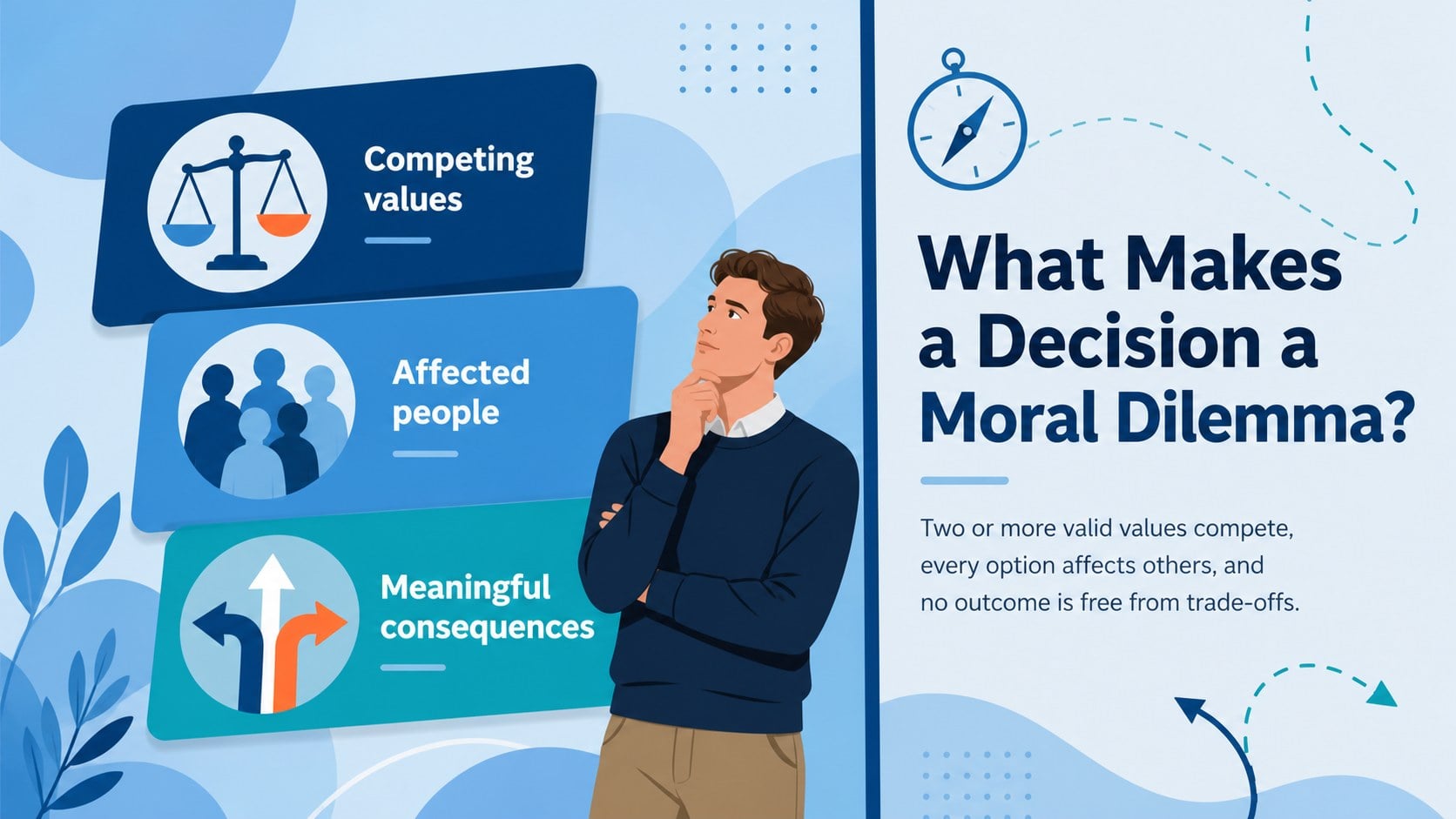
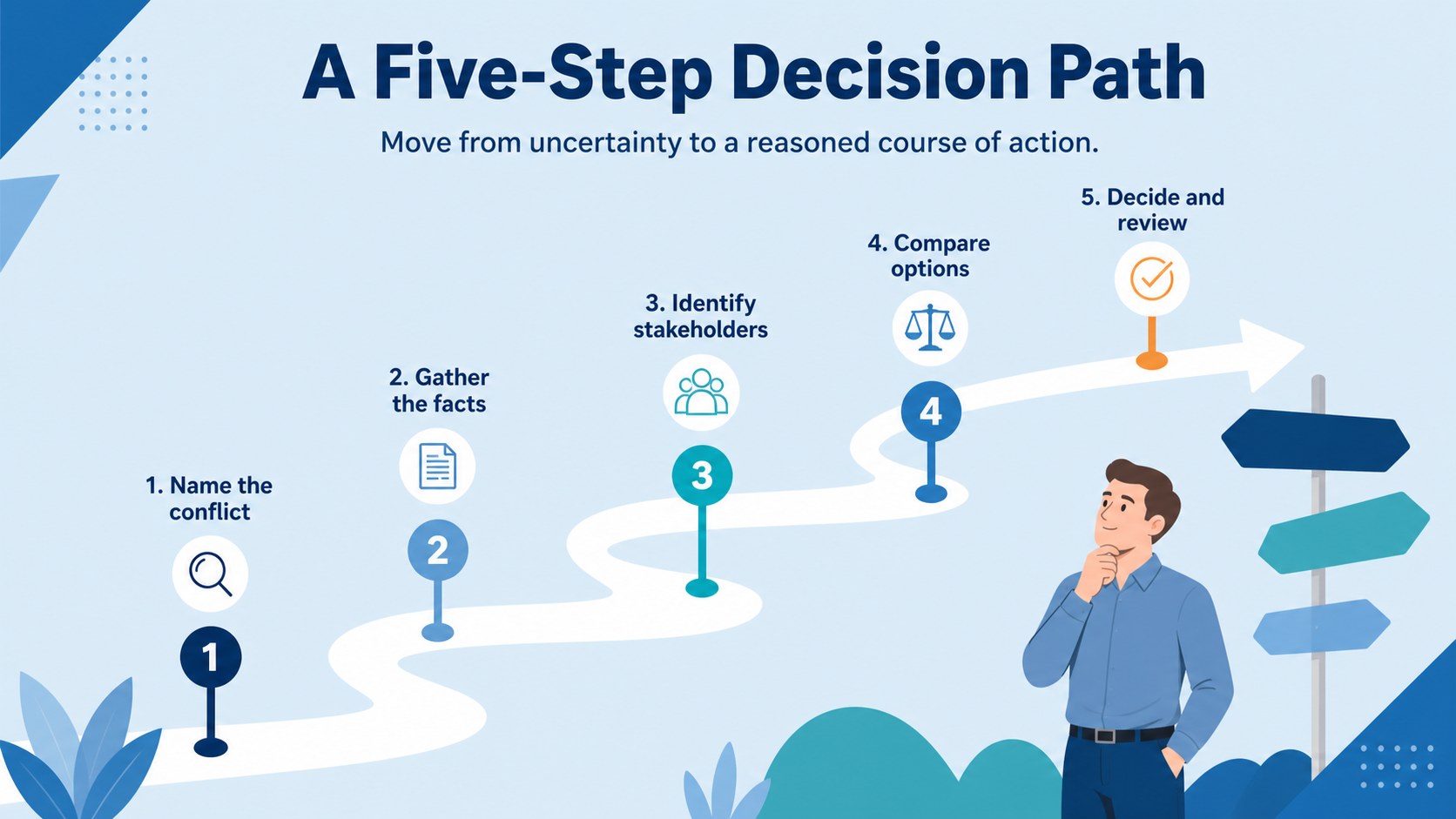
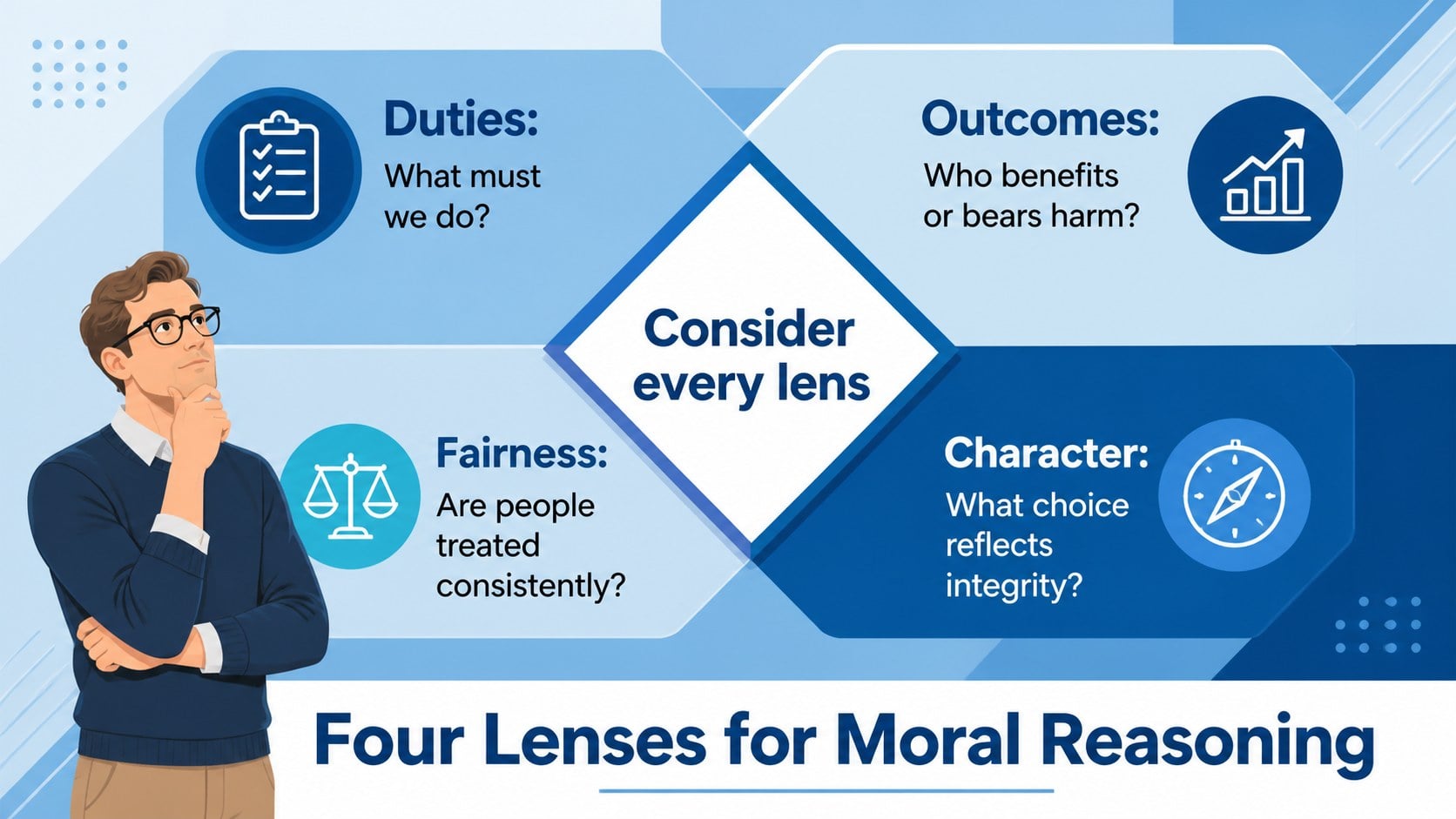
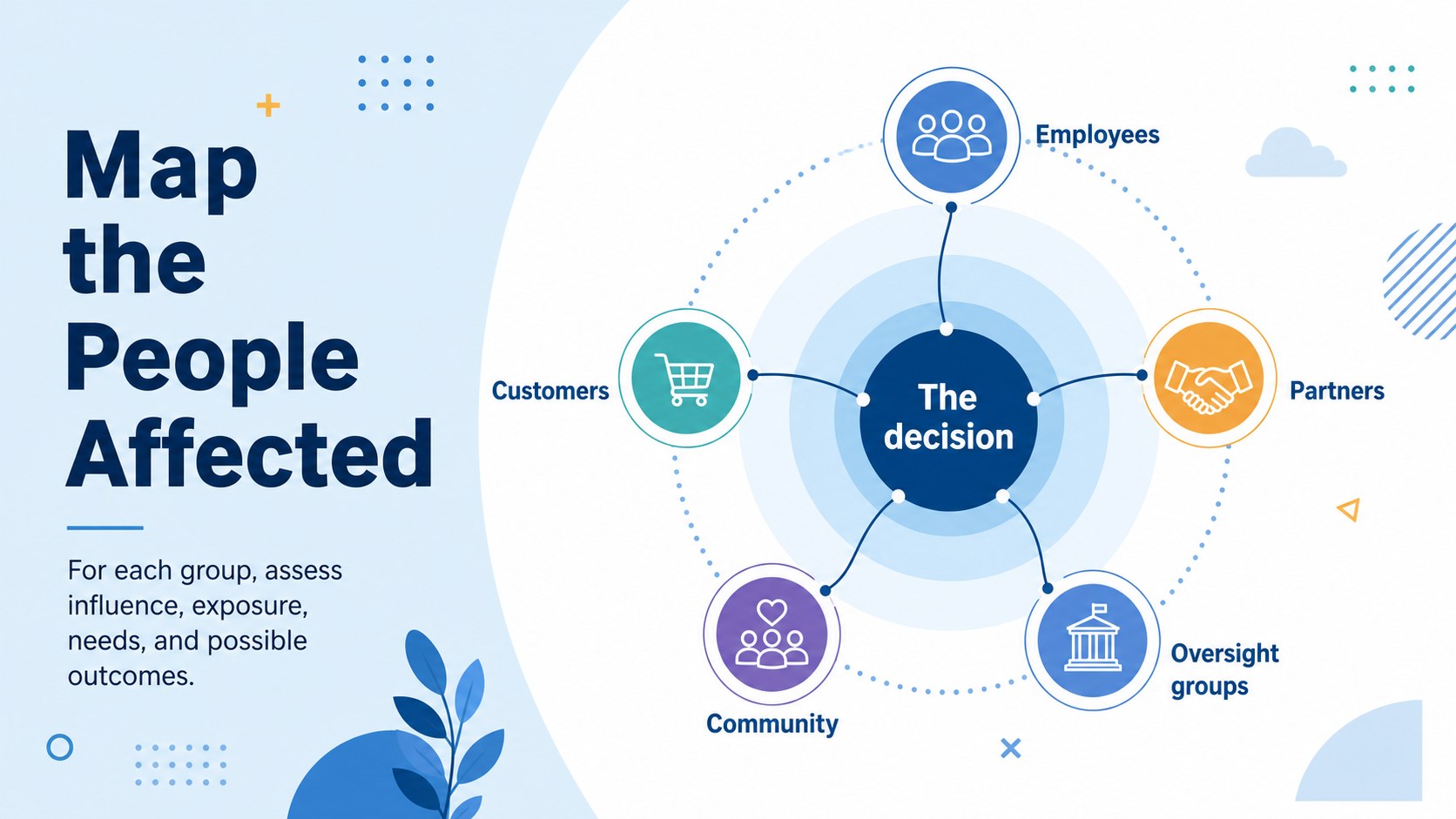
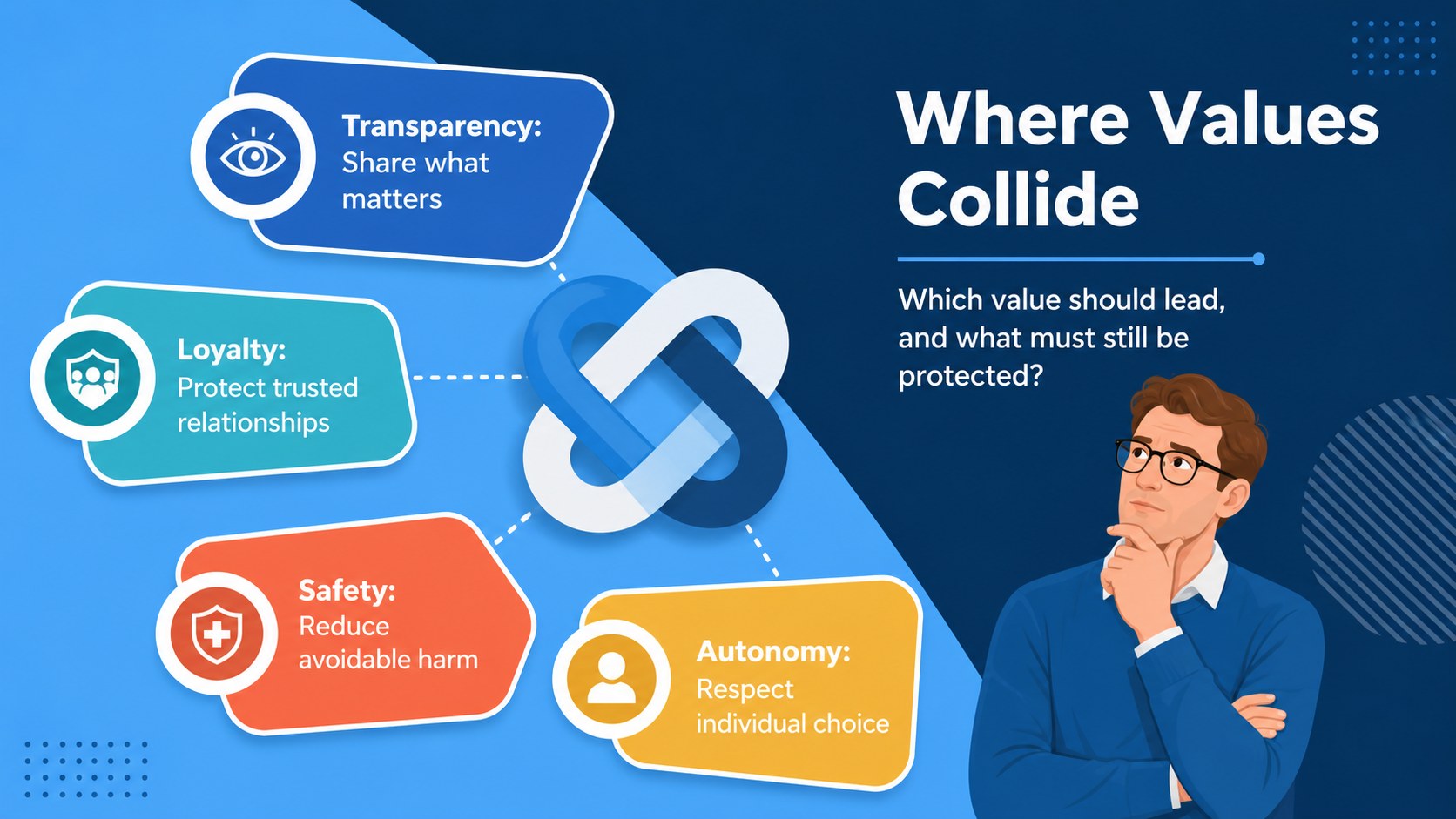
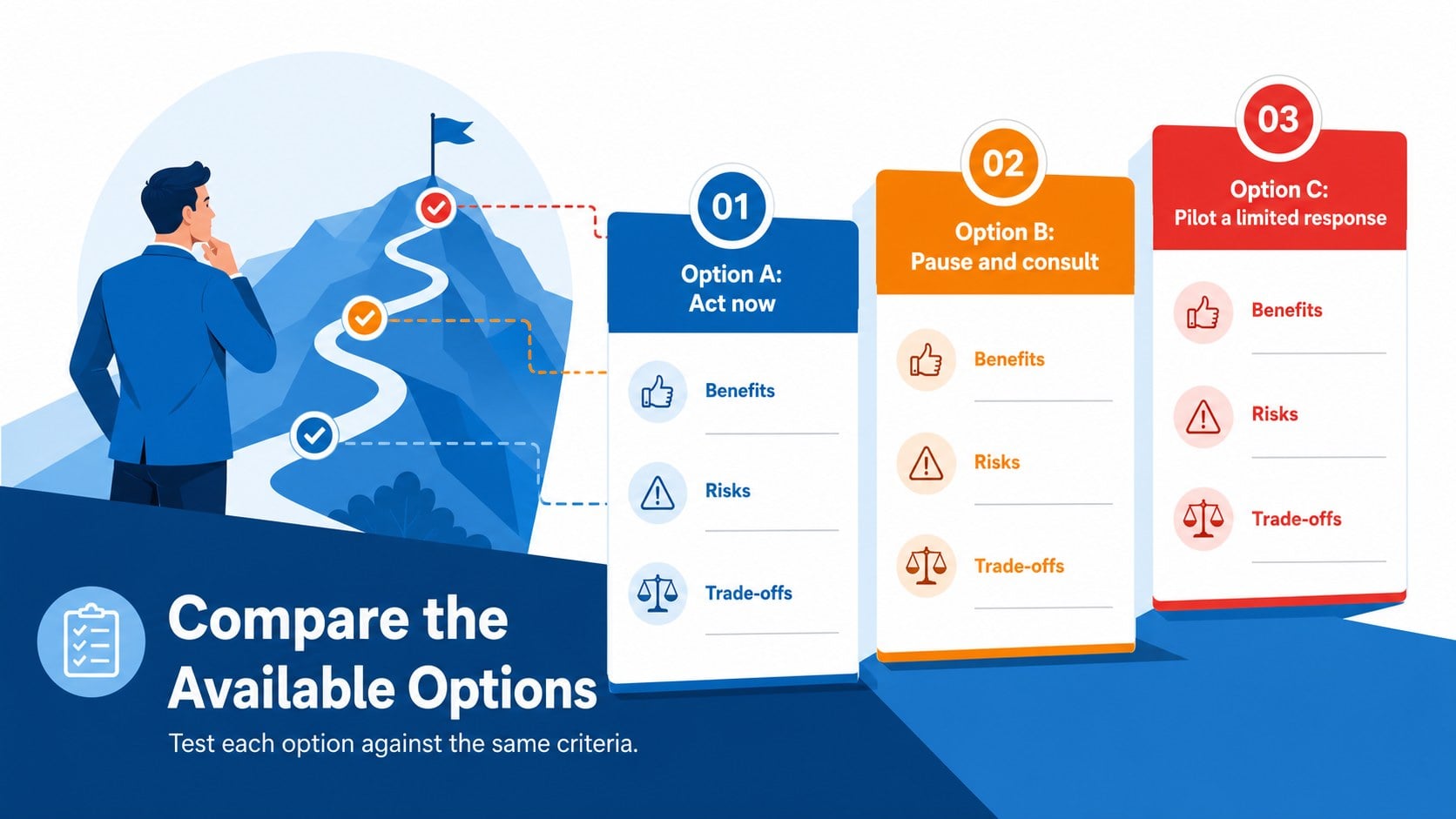
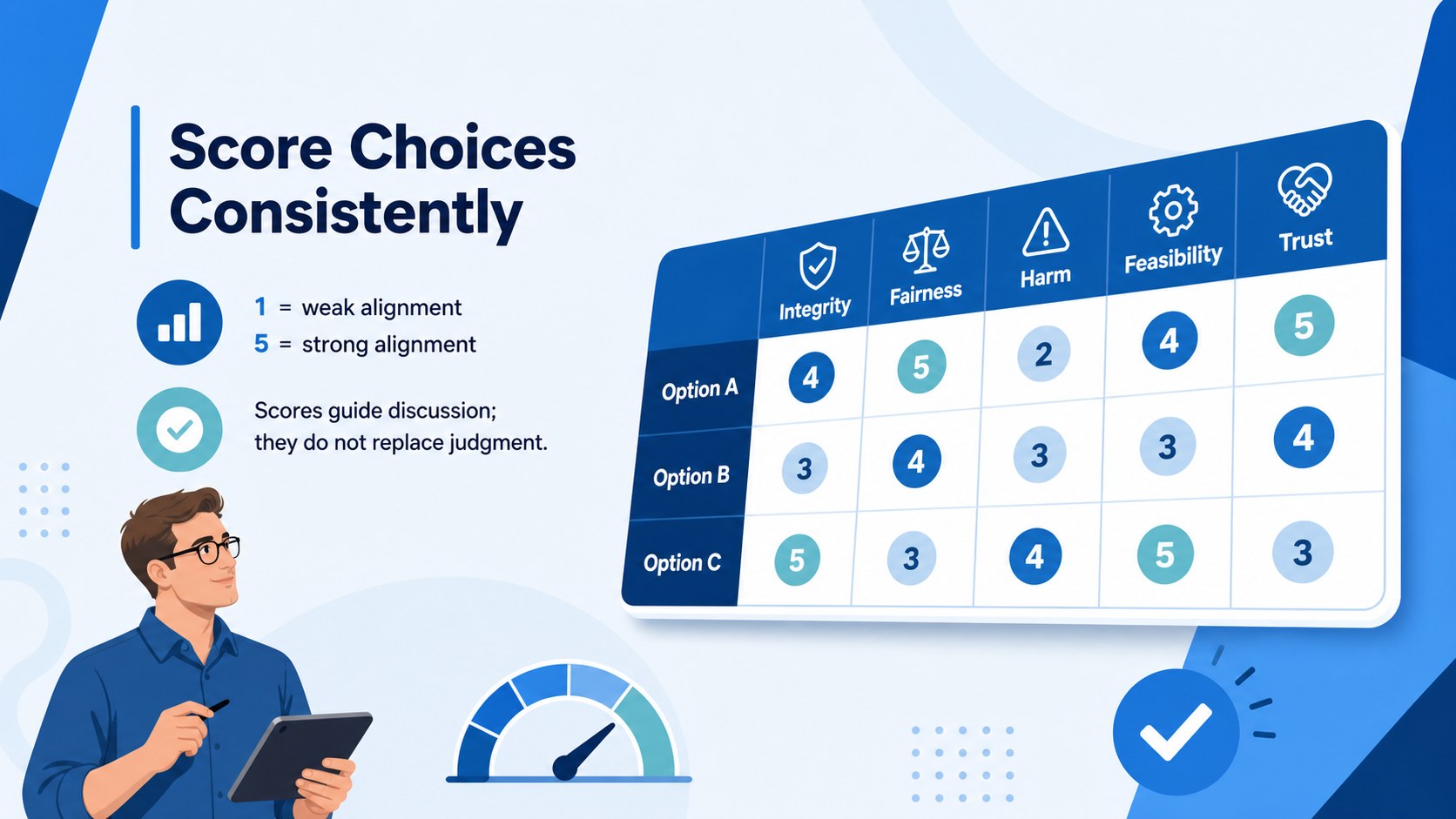
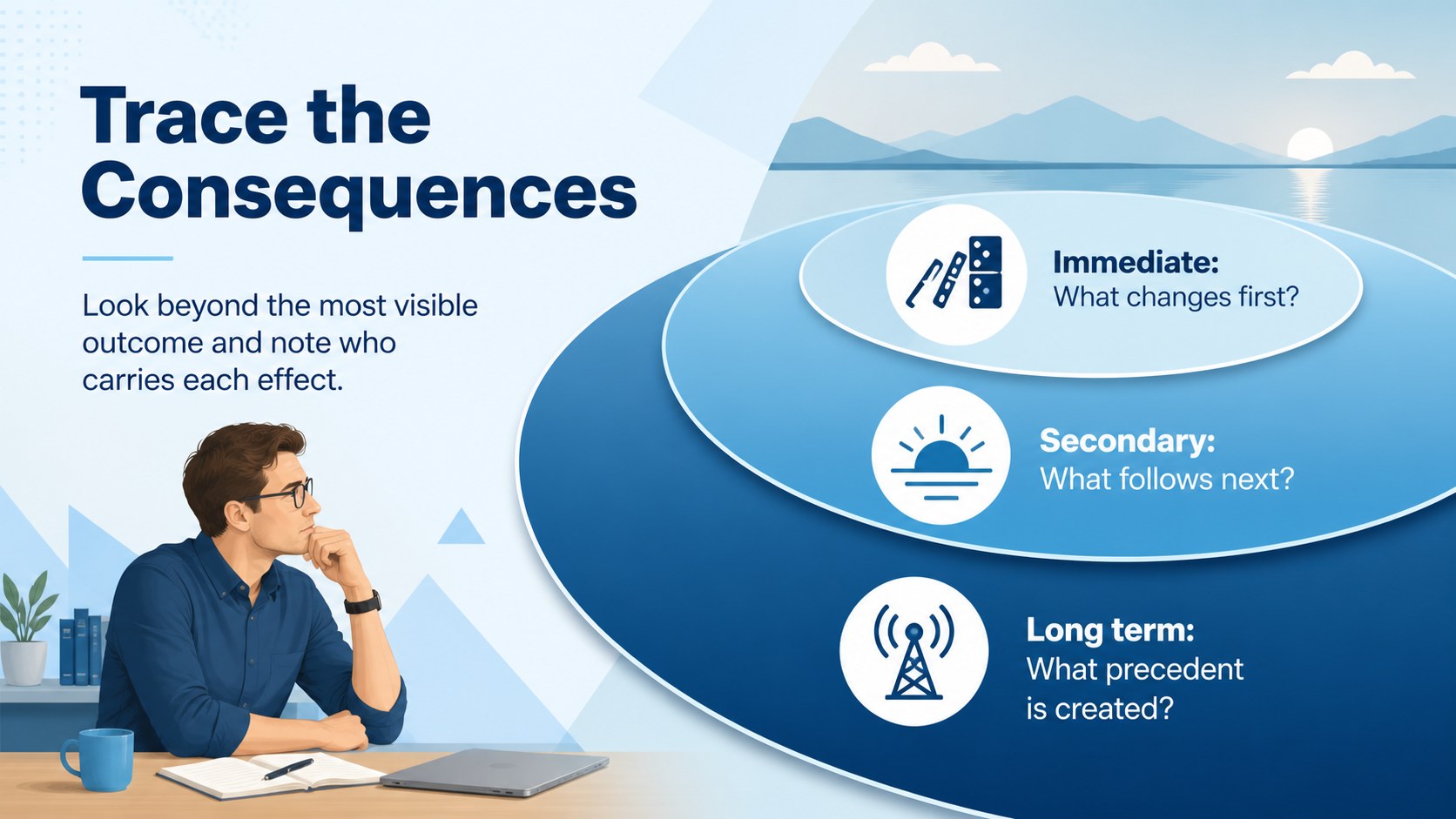
Moral Decision-Making Infographic Slides help facilitators turn complicated questions into focused, productive conversations. Designed for PowerPoint and Google Slides, this blue illustrated deck presents ethical choices through clear diagrams, comparison layouts, process maps, and stakeholder views. Use it to explain how values, duties, risks, and likely outcomes can shape a responsible decision.
The deck includes 14 editable 16:9 layouts for defining a dilemma, comparing alternatives, mapping affected groups, reviewing consequences, scoring options, and documenting a final course of action. A practical workplace ethics decision framework supports consistent analysis, while the moral reasoning infographic template makes abstract principles easier to scan. Colors, fonts, labels, shapes, and visual elements can be adjusted to fit your organization or lesson plan.
These business ethics workshop slides suit managers, compliance teams, human resources professionals, consultants, educators, and students. Apply them during leadership training, professional conduct sessions, classroom debates, policy reviews, or team meetings where several valid priorities compete. The simple geometric illustrations and colorful blue palette keep serious material approachable without weakening its professional tone.
Perfect for: workplace ethics workshop; leadership decision training; compliance team discussion; classroom moral debate; policy review meeting; stakeholder impact assessment.
Frequently asked questions
Can I edit every infographic in this deck? Yes. You can change the text, colors, fonts, shapes, icons, and diagram labels to match your scenario. Individual elements can also be moved, duplicated, or removed.
Practical details
Yes. You can change the text, colors, fonts, shapes, icons, and diagram labels to match your scenario. Individual elements can also be moved, duplicated, or removed.
The slides are designed for Microsoft PowerPoint and Google Slides. Both platforms support editing, presenting, and collaboration with the deck.
Replace the sample labels with your competing values, available options, affected stakeholders, and expected consequences. Then adjust the scoring and process diagrams to reflect the decision criteria used by your team.
Yes. The layouts are intended for workplace workshops, leadership programs, compliance discussions, and professional conduct training. They can also be simplified for classroom lessons and student debates.
Keep exploring
15Build an engaging World UFO Day session with this flying saucer history lesson deck, featuring retro green-and-brown slides for PowerPoint and Google Slides.
 15
15Plan a lively animal-learning journey with this jungle zoo adventure lesson deck, ready to customize in PowerPoint and Google Slides for young learners.
 16
16Turn environmental research into a clear story with a Watercolor Ecology Presentation Theme for PowerPoint and Google Slides in calming green and blue.
 16
16Build focused fashion, literature, and humanities presentations with the Red Triangle Editorial Theme, editable in PowerPoint and Google Slides.
 15
15Turn streaming stats, favorite tracks, and concert highlights into a bold annual listening recap slide deck for PowerPoint and Google Slides.
 15
15Turn highlights, milestones, and favorite moments into a colorful year in review slide deck with bold 3D graphics for PowerPoint and Google Slides.
 3
3Build a credible endorsement with Standout Colleague Recommendation Letter Slides, featuring colorful prompts for skills, achievements, and team impact.
 4
4Build clear beginner sessions with an ice hockey fundamentals training deck for coaches, PE teachers, and clubs, ready for PowerPoint and Google Slides.