
 15
15presentation
Flying Saucer History Lesson Deck
Build an engaging World UFO Day session with this flying saucer history lesson deck, featuring retro green-and-brown slides for PowerPoint and Google Slides.
Google SlidesPowerPoint
presentation · English
Build a playful Moo Deng tropical presentation with green collage slides for classroom stories, wildlife talks, creative lessons, and memorable visual…
Design notes
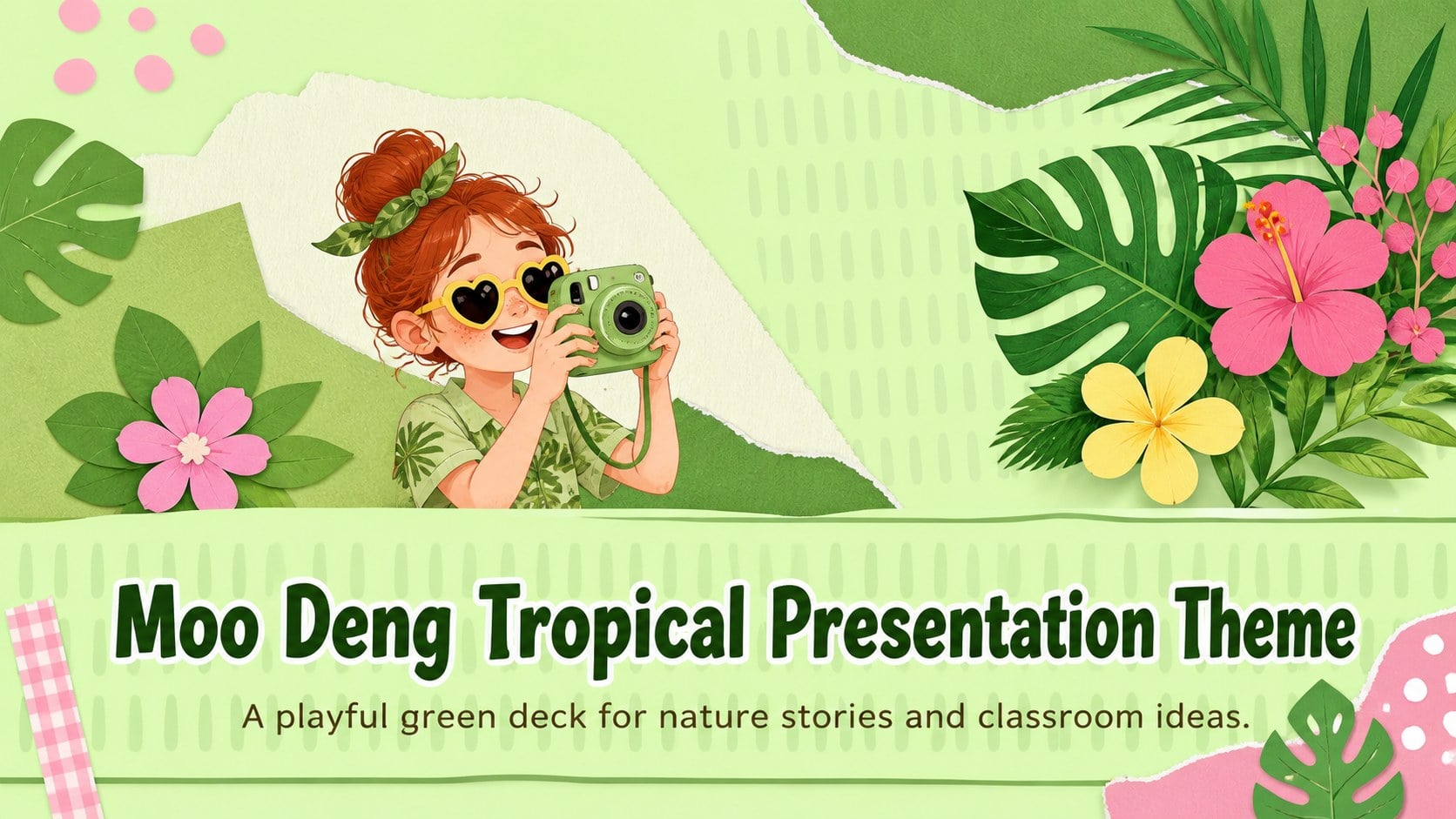
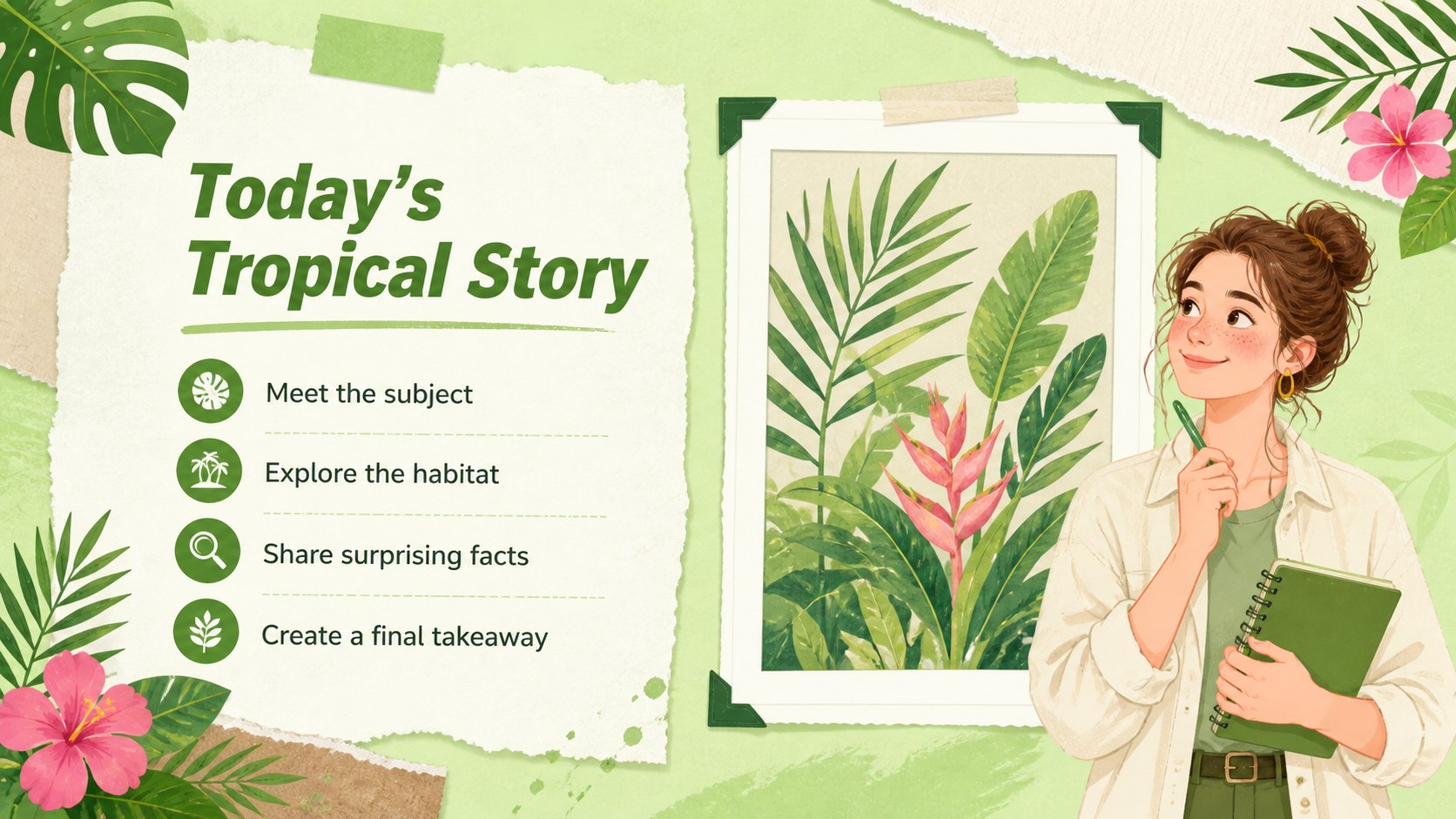
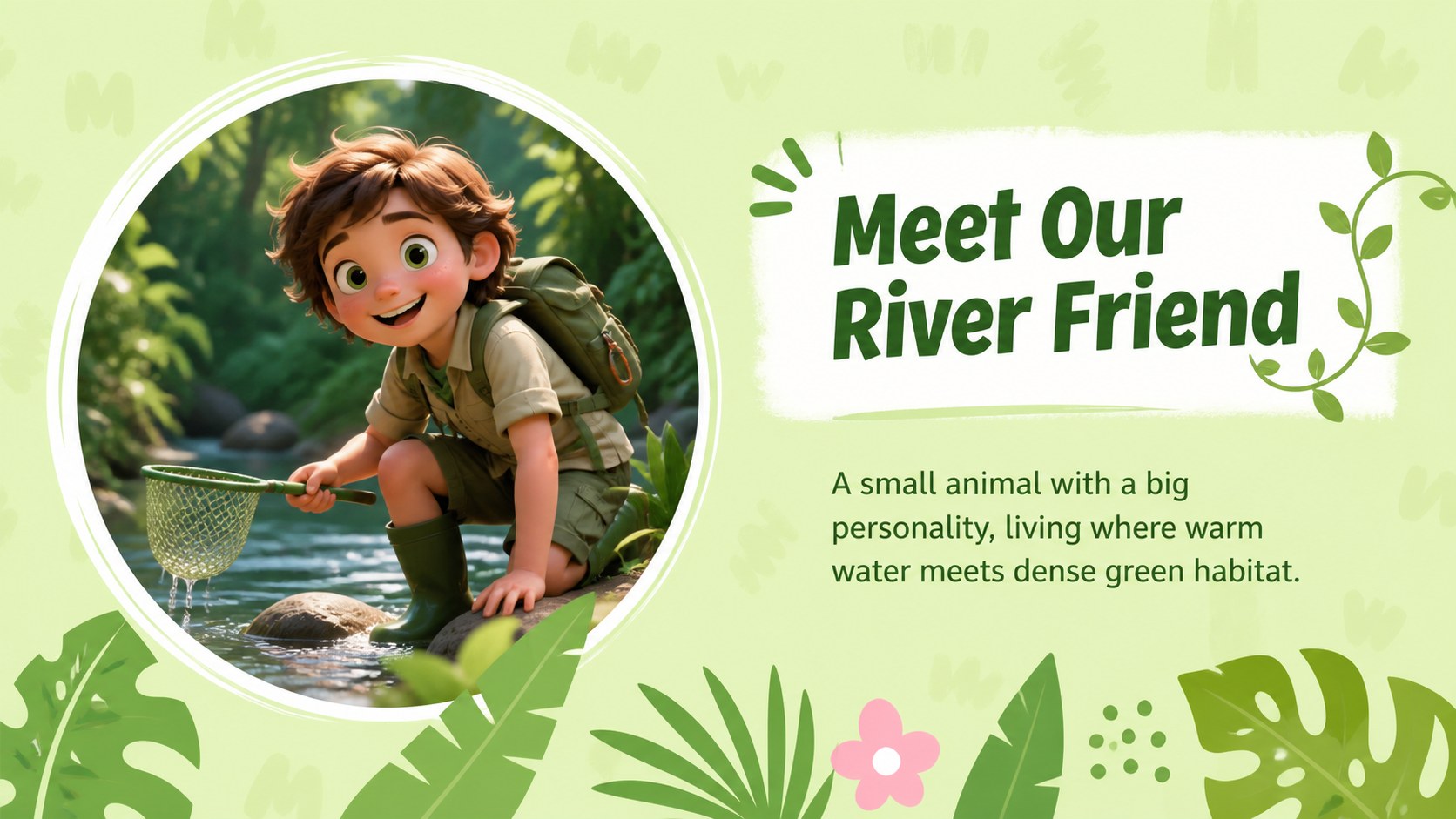
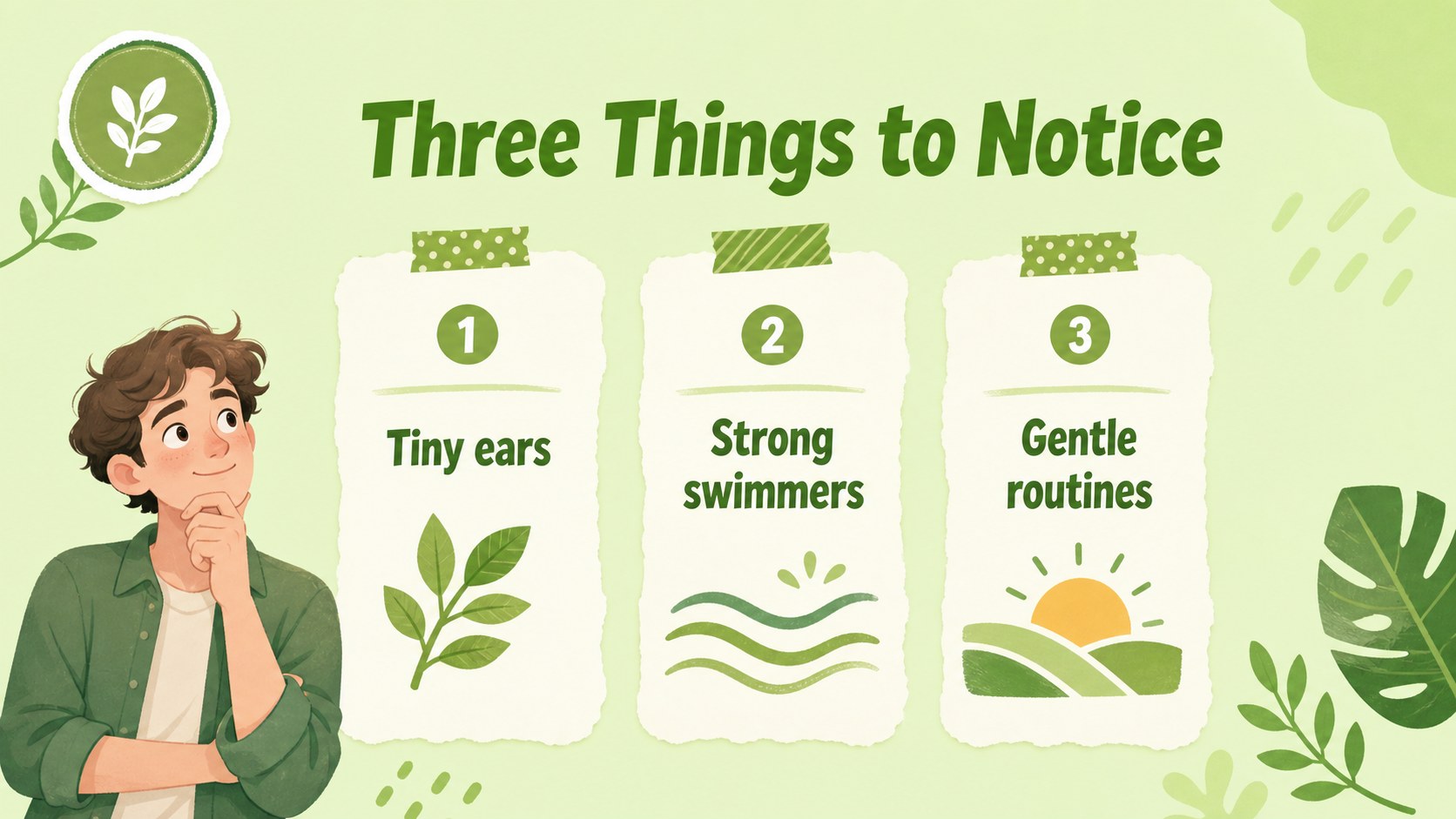
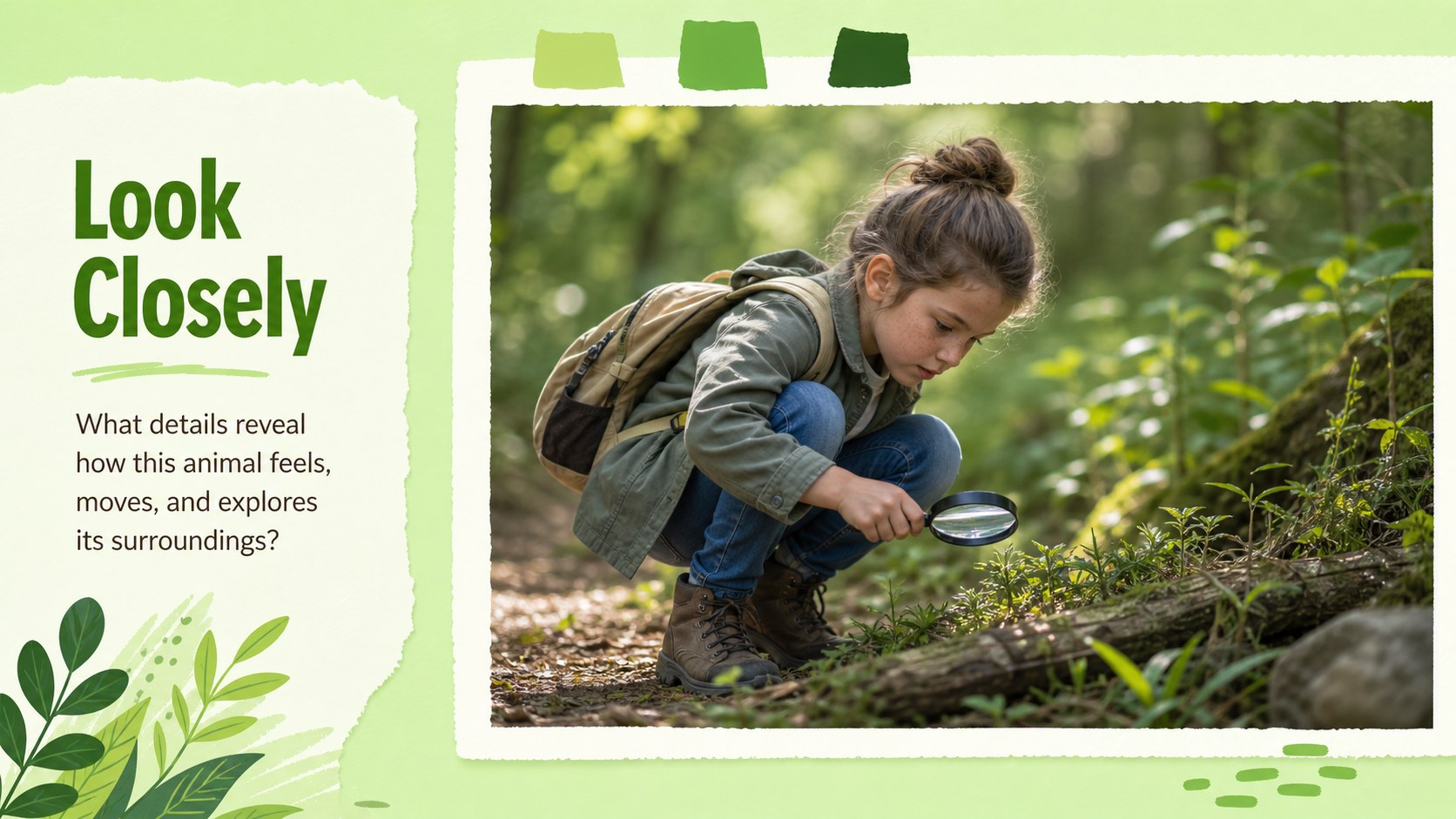
Create an engaging Moo Deng tropical presentation for wildlife stories, classroom activities, creative lessons, or playful personal projects. This green collage theme combines cheerful hippo-inspired imagery, tropical foliage, paper textures, and bold display lettering to give everyday ideas a lively visual setting.
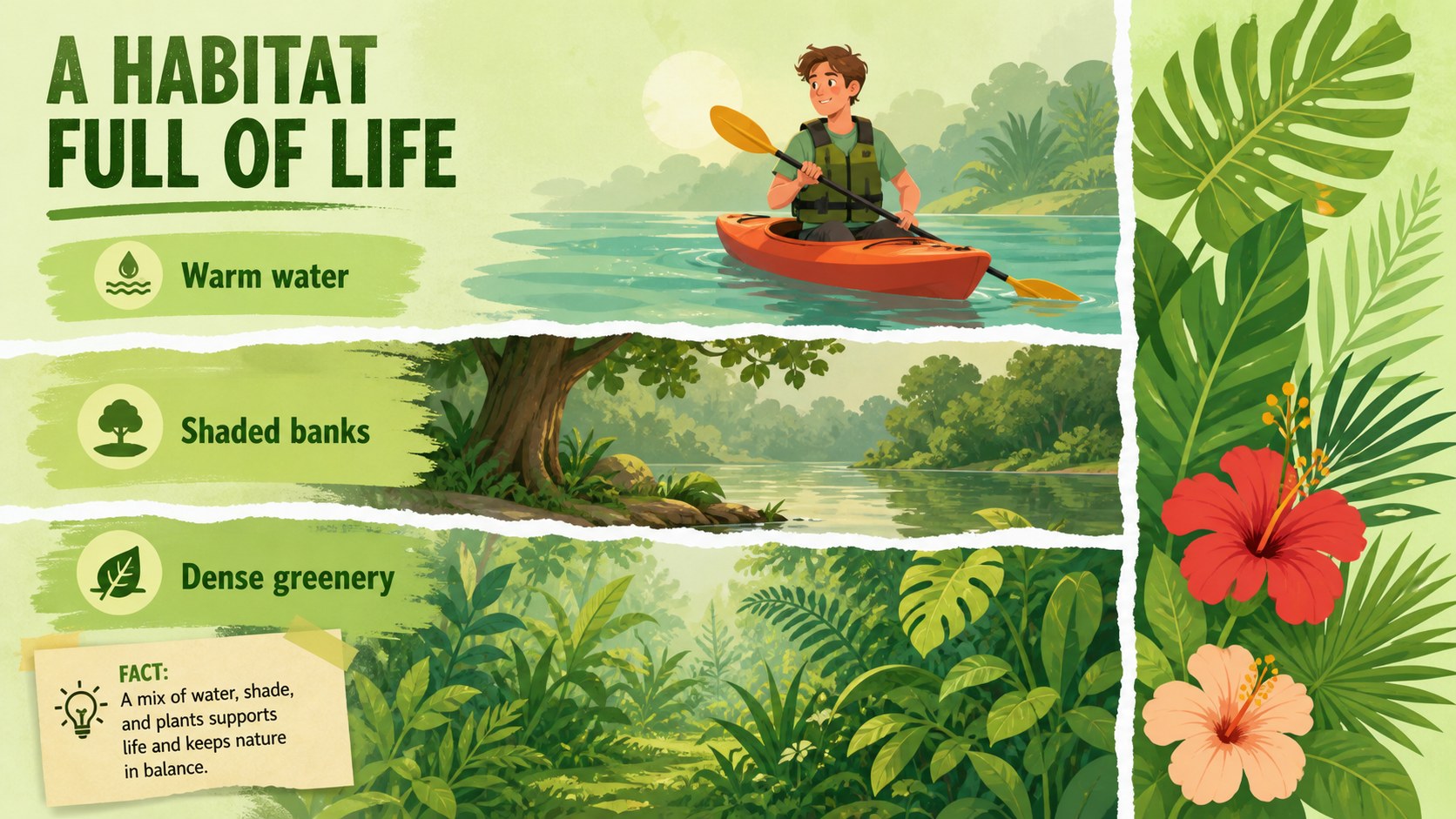
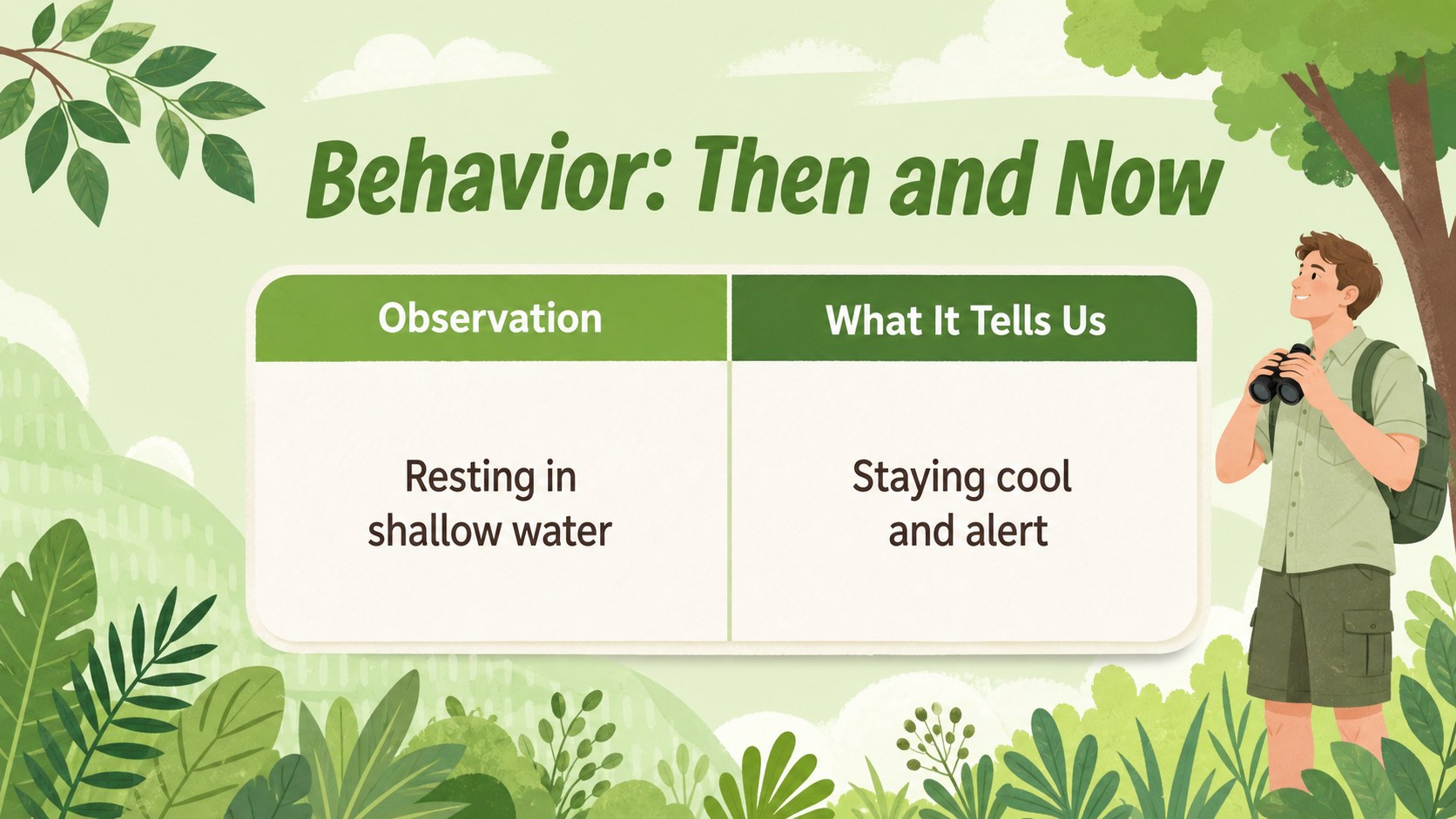
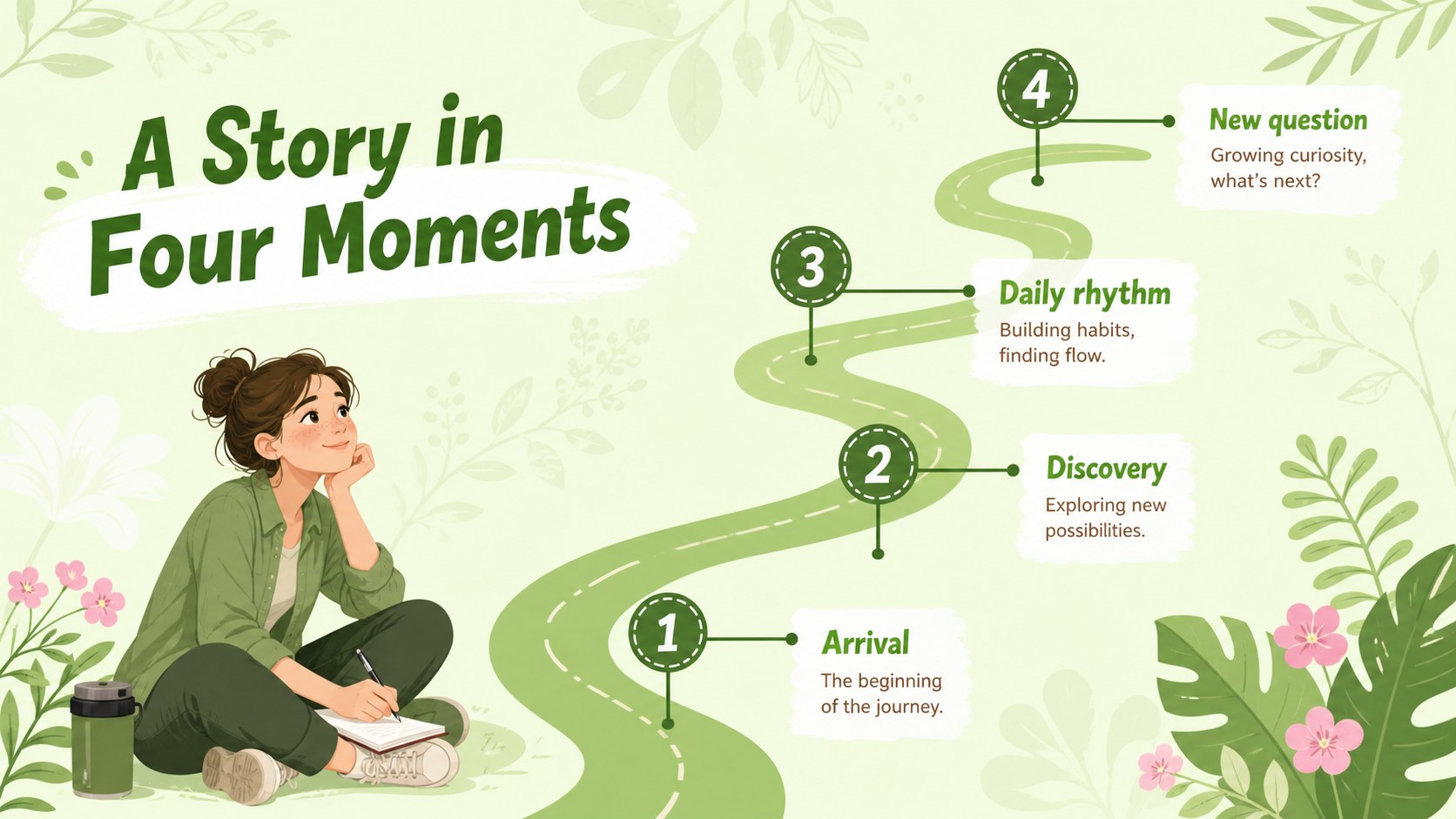
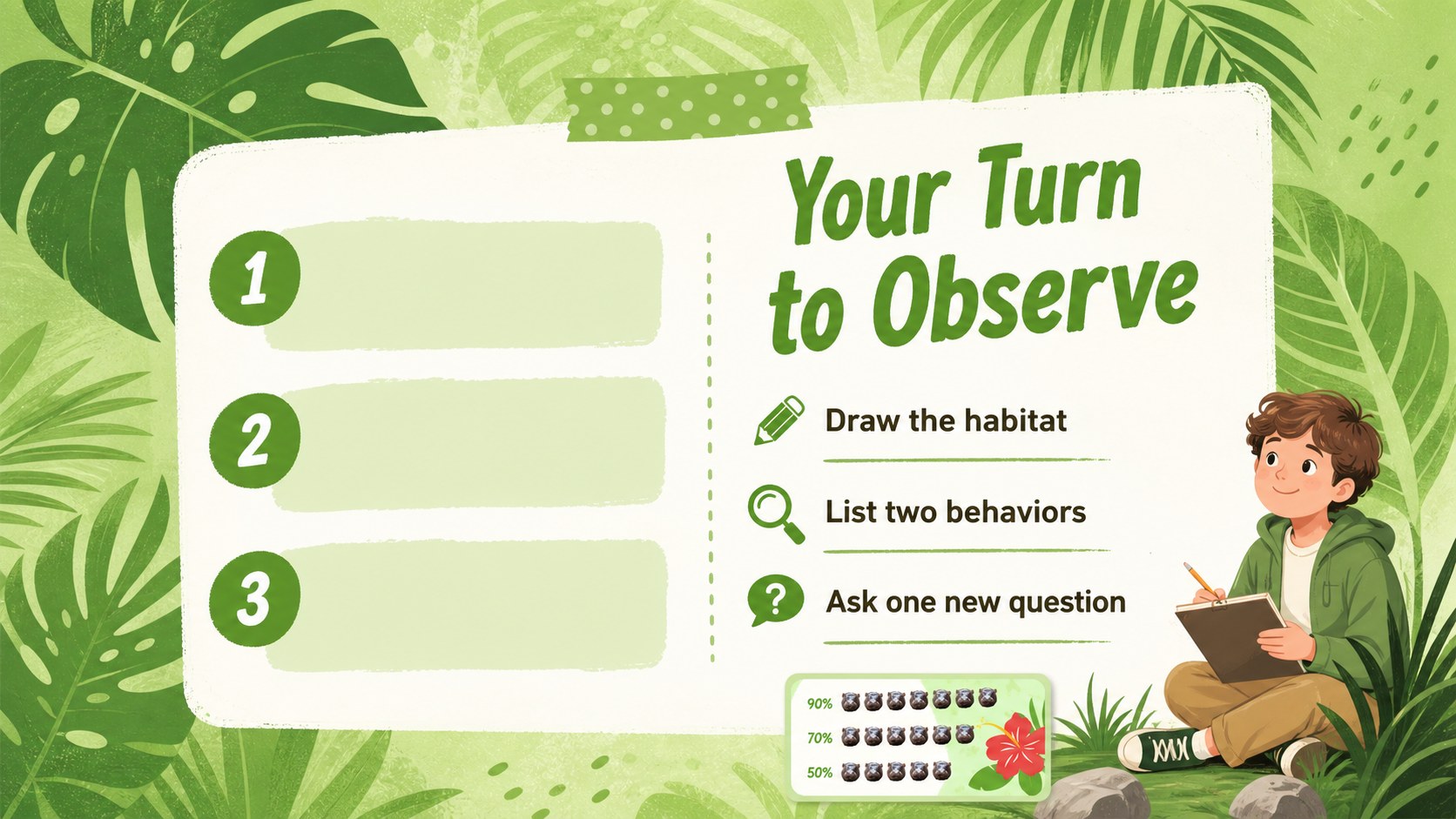
The deck includes 15 editable 16:9 slides for introductions, agendas, fact summaries, image-led storytelling, comparison layouts, timelines, activity prompts, and closing messages. Green remains the central color, supported by bright botanical accents and illustrated paper elements that keep the mood friendly without overwhelming your content. Each layout is designed to help educators, students, children’s content creators, and creative teams present information with warmth and personality.
Use the template in PowerPoint or Google Slides, then adjust the text, colors, images, charts, and decorative elements to match your project. It works especially well for a wildlife education slideshow, a tropical animal lesson, a children’s story outline, or a nature-themed workshop. The visual system makes it easy to combine short facts with playful graphics while keeping the presentation organized and easy to follow.
Perfect for: wildlife education slideshow; tropical animal lesson; children's story outline; nature-themed workshop; zoo visitor presentation.
Frequently asked questions
Can I edit this template in PowerPoint? Yes. The slides are designed for PowerPoint and can be edited with your own text, images, colors, shapes, and charts. The layouts use standard presentation elements for straightforward customization.
Practical details
Yes. The slides are designed for PowerPoint and can be edited with your own text, images, colors, shapes, and charts. The layouts use standard presentation elements for straightforward customization.
Yes, you can use the presentation in Google Slides. Replace the sample wording, adjust the layouts, and update the visual elements directly in your browser.
The style suits wildlife facts, animal behavior lessons, children’s storytelling, classroom activities, and nature workshops. Short text blocks and visual examples work especially well with the collage-inspired layouts.
Yes. The green palette and tropical accents can be adapted to fit your subject or school branding. You can also rearrange decorative elements and replace the illustrations with project-specific visuals.
Keep exploring
15Build an engaging World UFO Day session with this flying saucer history lesson deck, featuring retro green-and-brown slides for PowerPoint and Google Slides.
 15
15Plan a lively animal-learning journey with this jungle zoo adventure lesson deck, ready to customize in PowerPoint and Google Slides for young learners.
 16
16Turn environmental research into a clear story with a Watercolor Ecology Presentation Theme for PowerPoint and Google Slides in calming green and blue.
 16
16Build focused fashion, literature, and humanities presentations with the Red Triangle Editorial Theme, editable in PowerPoint and Google Slides.
 15
15Turn streaming stats, favorite tracks, and concert highlights into a bold annual listening recap slide deck for PowerPoint and Google Slides.
 15
15Turn highlights, milestones, and favorite moments into a colorful year in review slide deck with bold 3D graphics for PowerPoint and Google Slides.
 3
3Build a credible endorsement with Standout Colleague Recommendation Letter Slides, featuring colorful prompts for skills, achievements, and team impact.
 4
4Build clear beginner sessions with an ice hockey fundamentals training deck for coaches, PE teachers, and clubs, ready for PowerPoint and Google Slides.