
 15
15presentation
Flying Saucer History Lesson Deck
Build an engaging World UFO Day session with this flying saucer history lesson deck, featuring retro green-and-brown slides for PowerPoint and Google Slides.
Google SlidesPowerPoint
presentation · English
Turn recurring updates into focused decisions with a monthly operations performance briefing in crisp orange and grey for PowerPoint and Google Slides.

Design notes
The Monthly Operations Performance Briefing turns recurring business updates into a focused narrative for leaders and stakeholders. Its restrained orange and grey design creates clear visual hierarchy while keeping attention on results, risks, and decisions. Use this monthly KPI presentation template to connect performance data with practical actions instead of presenting disconnected figures.
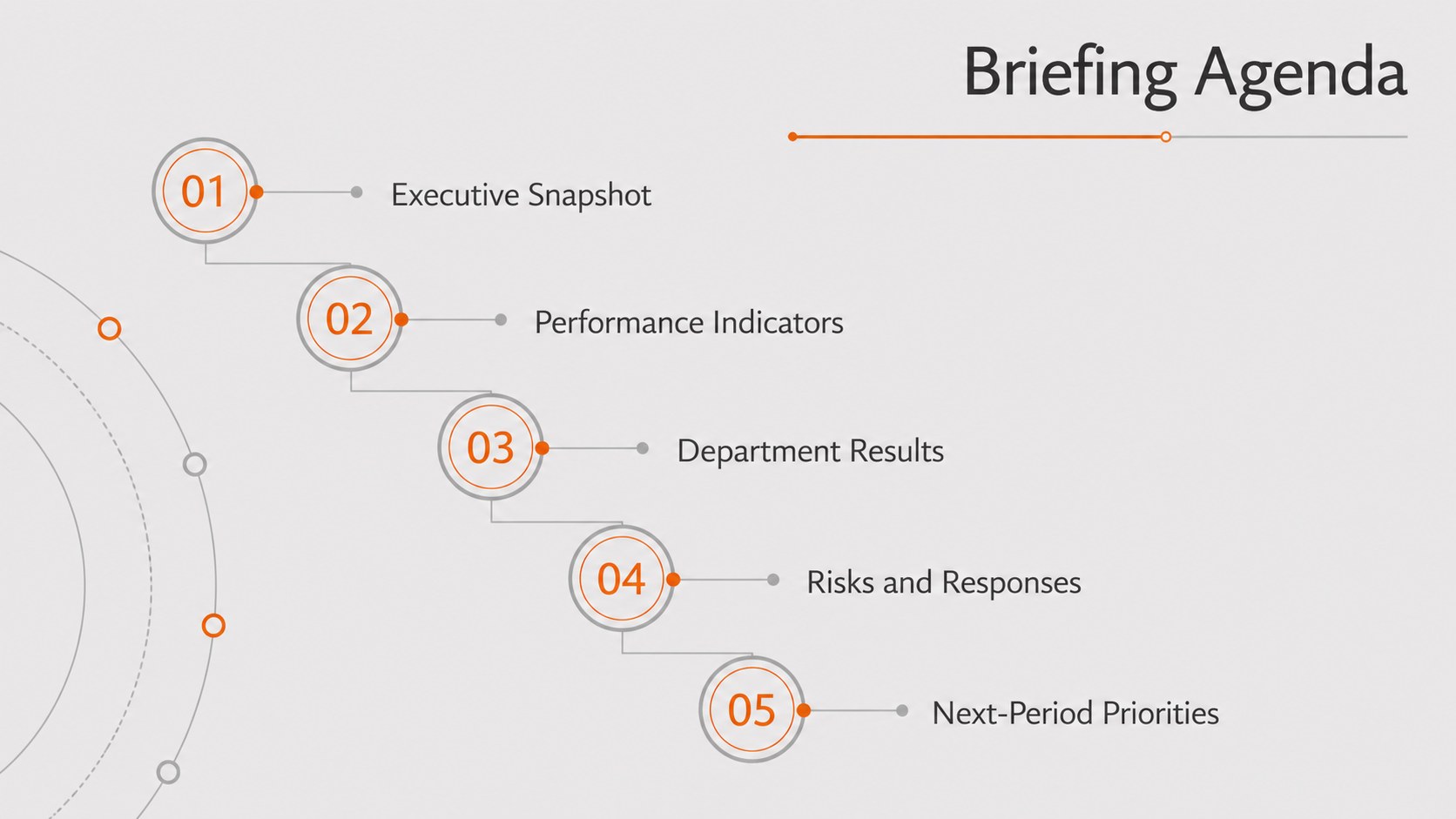
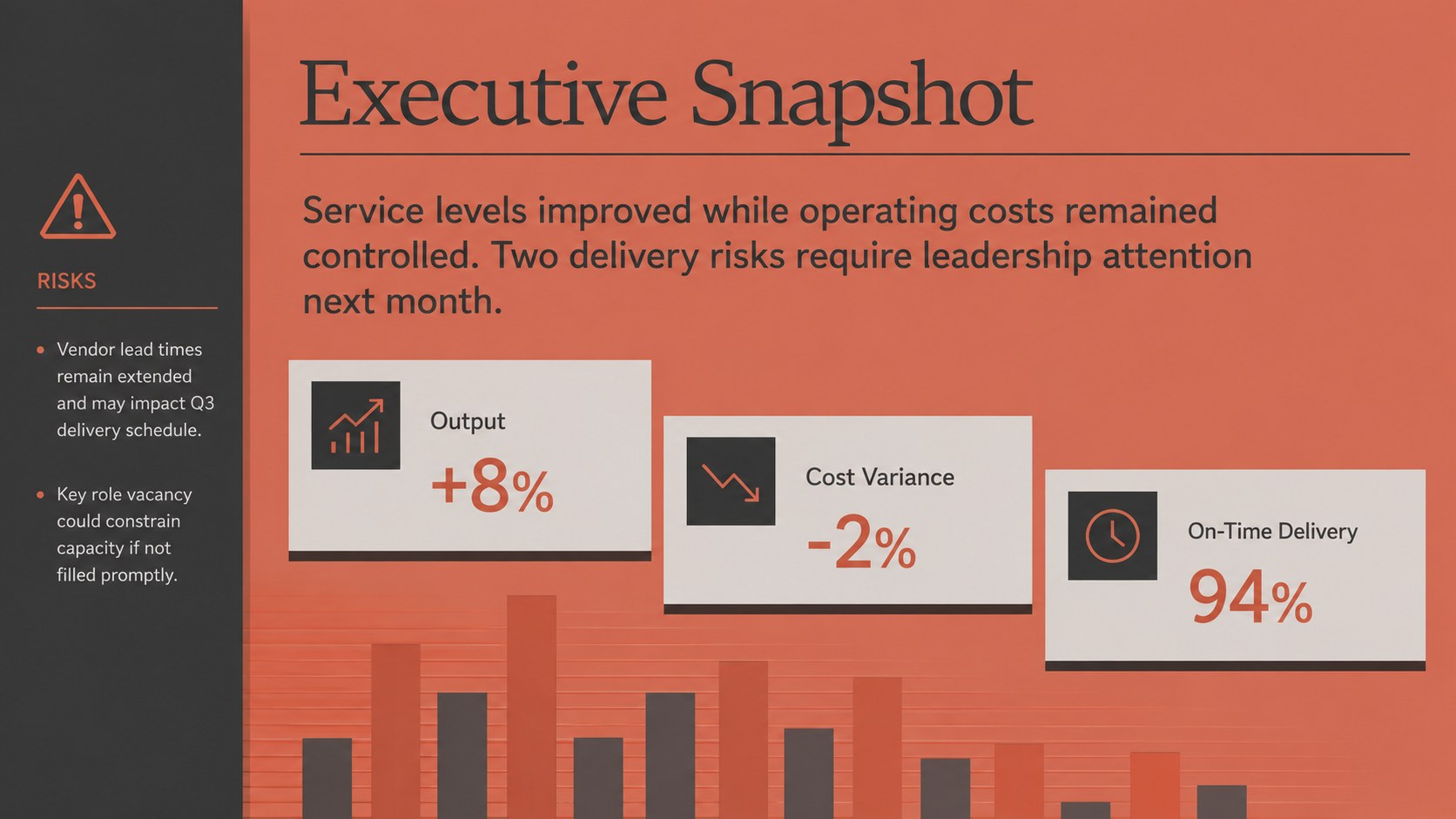
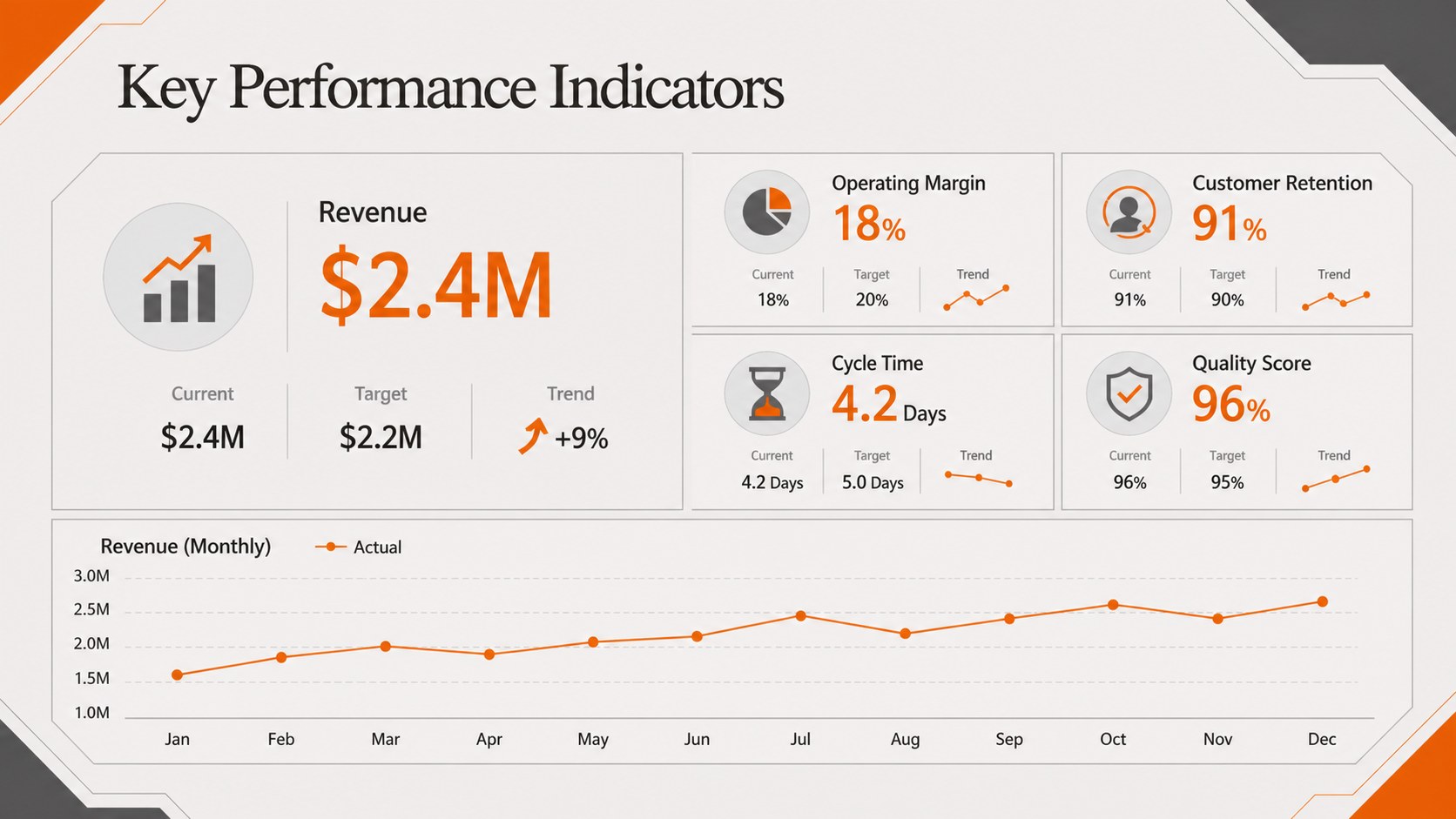
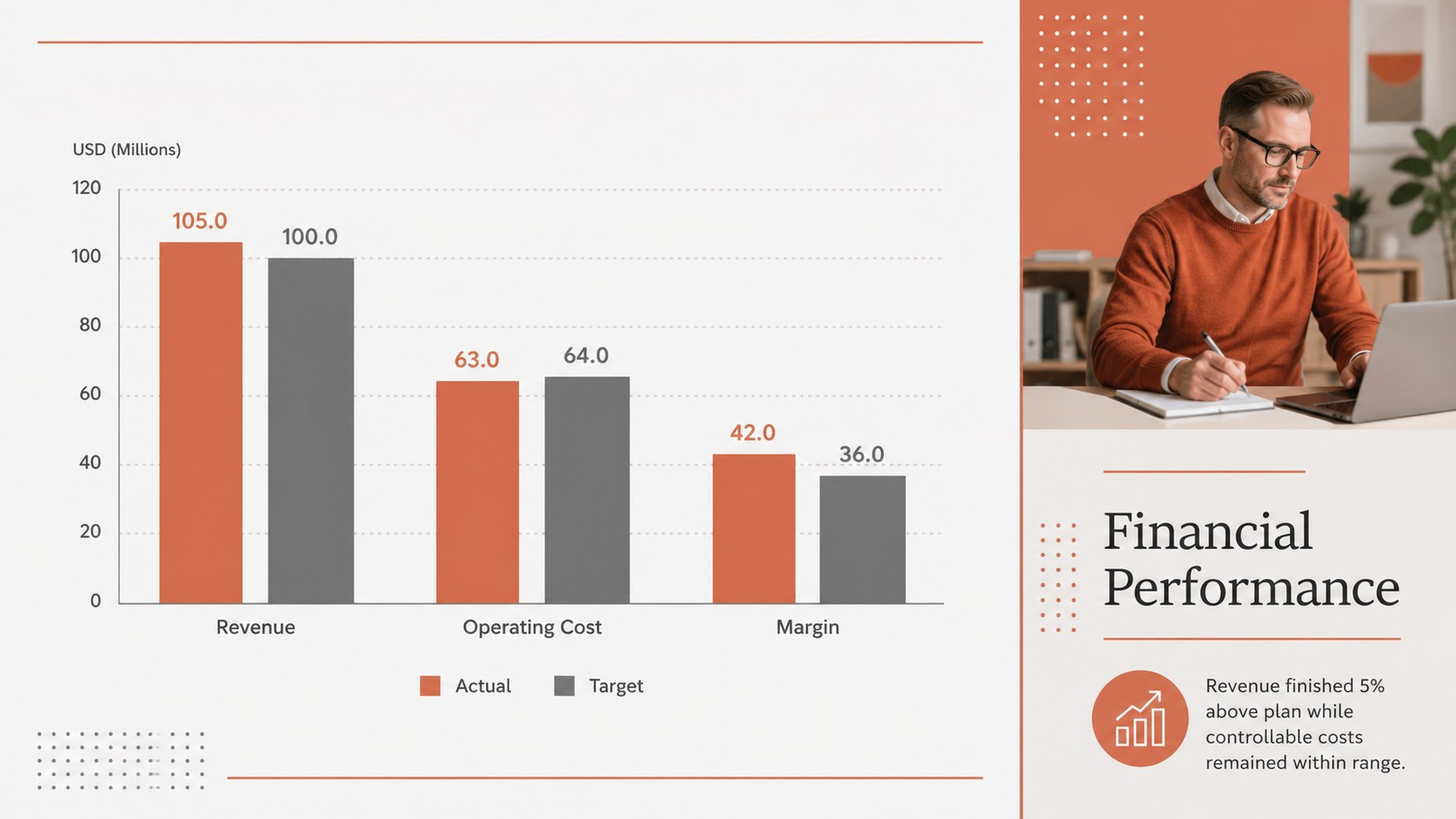
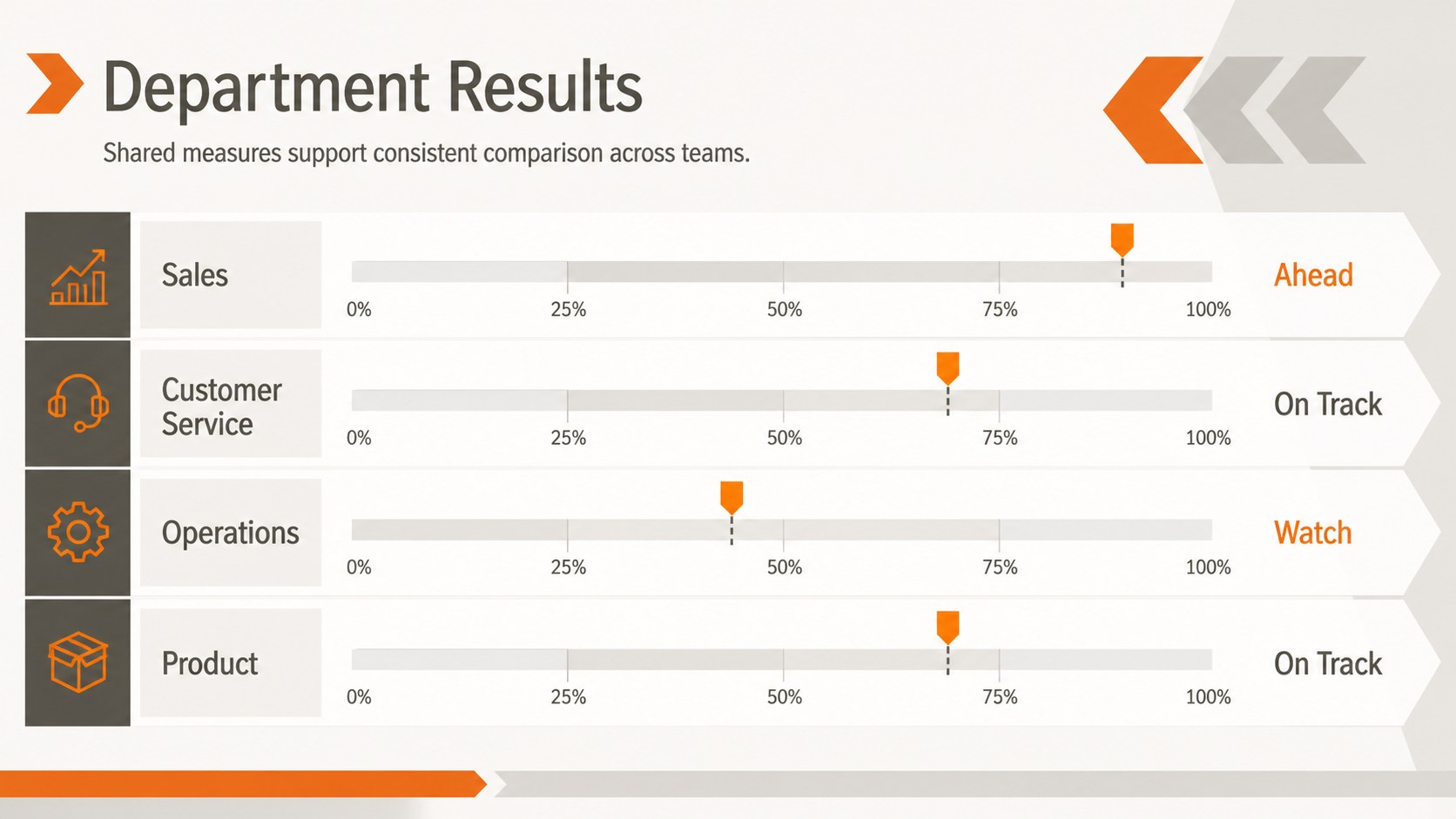
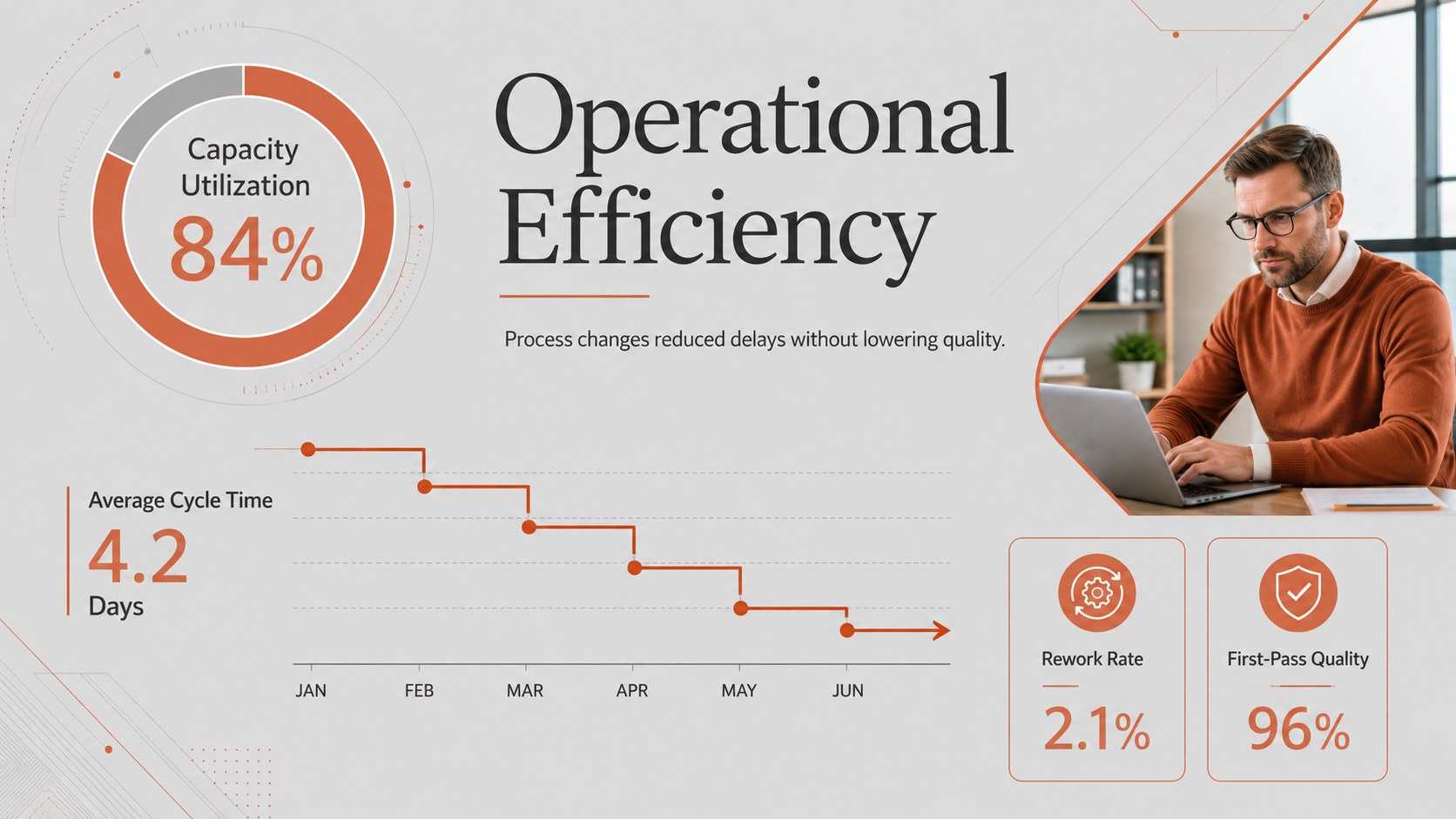
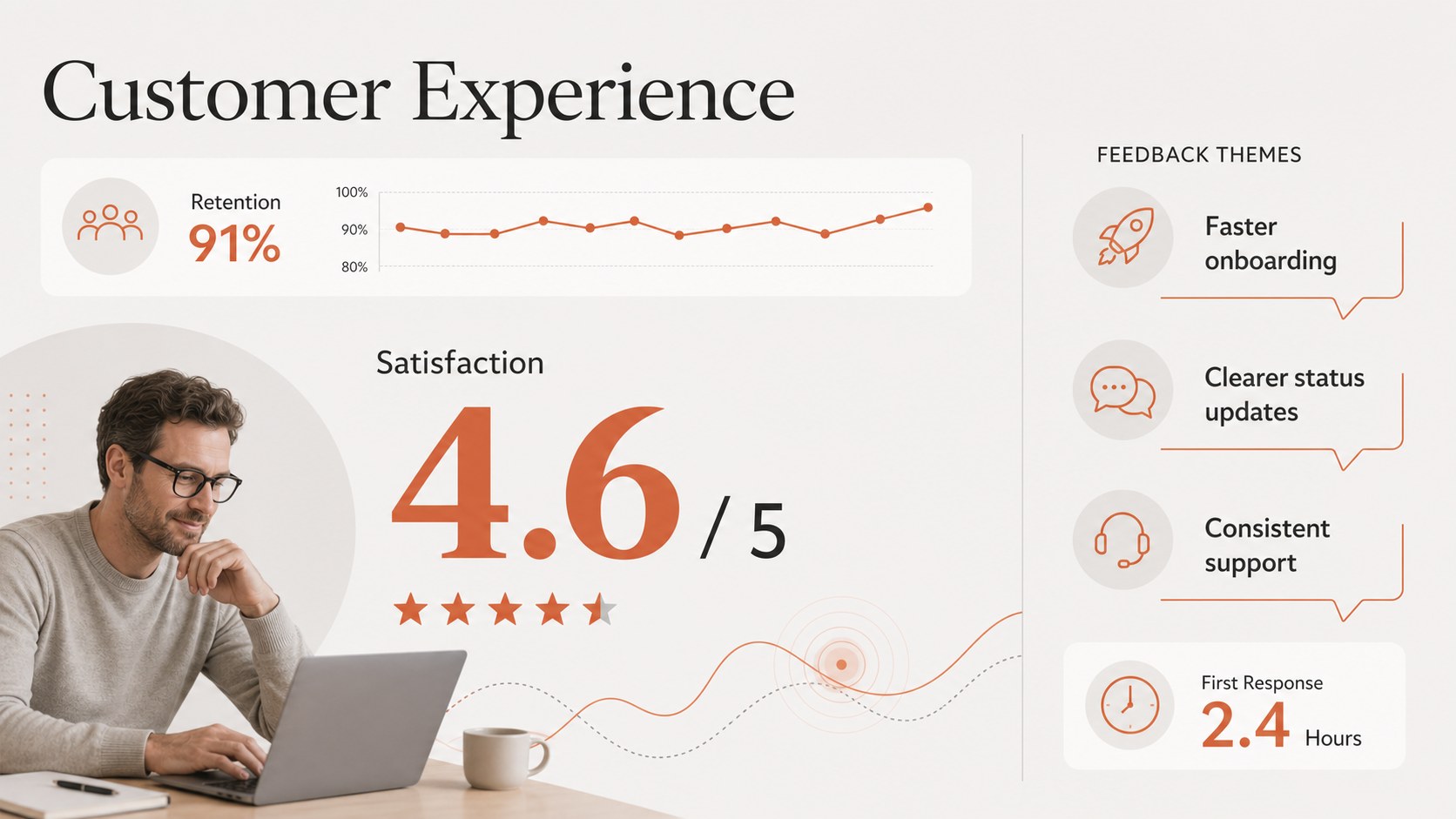
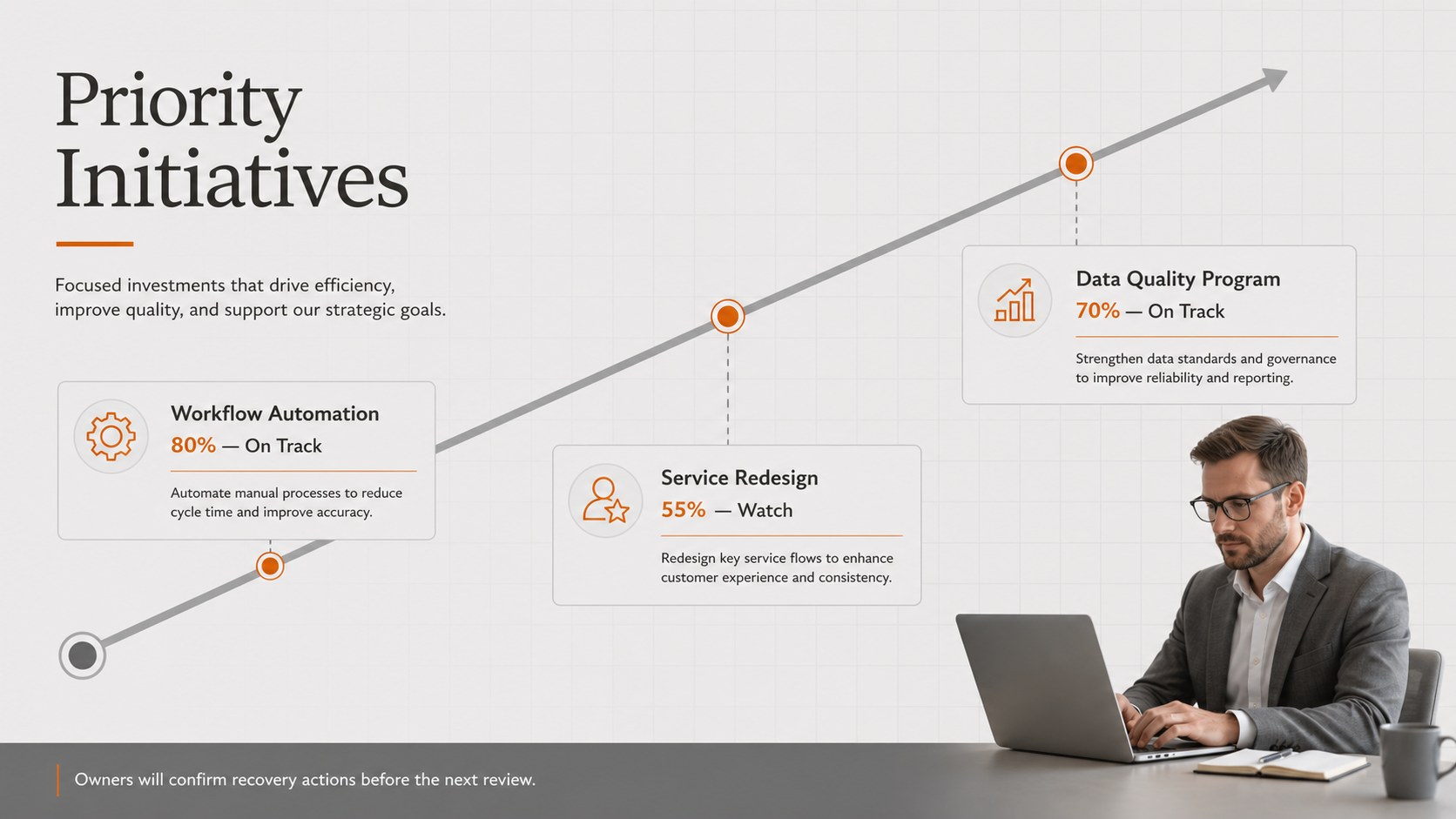
Inside, you will find layouts for an executive summary, reporting agenda, KPI dashboard, financial overview, departmental results, project status, customer trends, operational risks, and upcoming priorities. Timelines, comparison charts, metric callouts, and action tables make the deck suitable for both quantitative reporting and concise commentary. Every 16:9 slide can be edited in PowerPoint or Google Slides, including colors, typography, charts, shapes, and text.
These leadership performance review slides are designed for operations managers, department heads, analysts, program leads, and executive teams. They work well for monthly business reviews, board updates, cross-functional meetings, and remote leadership briefings. The orange grey business report deck can be adapted to manufacturing, professional services, technology, retail, or nonprofit operations. Add your own data, assign owners to follow-up actions, and close each meeting with a clear view of the next reporting period.
Perfect for: monthly business review; executive operations update; department KPI meeting; board performance briefing; cross-functional progress review.
Frequently asked questions
Can I edit the charts and KPI values? Yes. Replace the sample values with your own metrics and adjust chart labels, colors, shapes, and comparison periods to match your reporting process.
Practical details
Yes. Replace the sample values with your own metrics and adjust chart labels, colors, shapes, and comparison periods to match your reporting process.
The deck is designed for PowerPoint and Google Slides. Some fonts or transitions may render slightly differently between platforms, so review the final presentation before sharing it.
Duplicate the department results layout and assign each copy to a business unit or team. Keep the same KPI structure across sections to make performance comparisons easier for leadership.
Yes. Update the theme colors to reflect your organization while preserving strong contrast between headings, data, and background elements.
Keep exploring
15Build an engaging World UFO Day session with this flying saucer history lesson deck, featuring retro green-and-brown slides for PowerPoint and Google Slides.
 15
15Plan a lively animal-learning journey with this jungle zoo adventure lesson deck, ready to customize in PowerPoint and Google Slides for young learners.
 16
16Turn environmental research into a clear story with a Watercolor Ecology Presentation Theme for PowerPoint and Google Slides in calming green and blue.
 16
16Build focused fashion, literature, and humanities presentations with the Red Triangle Editorial Theme, editable in PowerPoint and Google Slides.
 15
15Turn streaming stats, favorite tracks, and concert highlights into a bold annual listening recap slide deck for PowerPoint and Google Slides.
 15
15Turn highlights, milestones, and favorite moments into a colorful year in review slide deck with bold 3D graphics for PowerPoint and Google Slides.
 3
3Build a credible endorsement with Standout Colleague Recommendation Letter Slides, featuring colorful prompts for skills, achievements, and team impact.
 4
4Build clear beginner sessions with an ice hockey fundamentals training deck for coaches, PE teachers, and clubs, ready for PowerPoint and Google Slides.