
 4
4document
Clinical Wound Evaluation Slides for Nurses
Document wound findings, treatment decisions, and healing progress with clinical wound evaluation slides for nurses in PowerPoint and Google Slides.
Google Docs
document · English
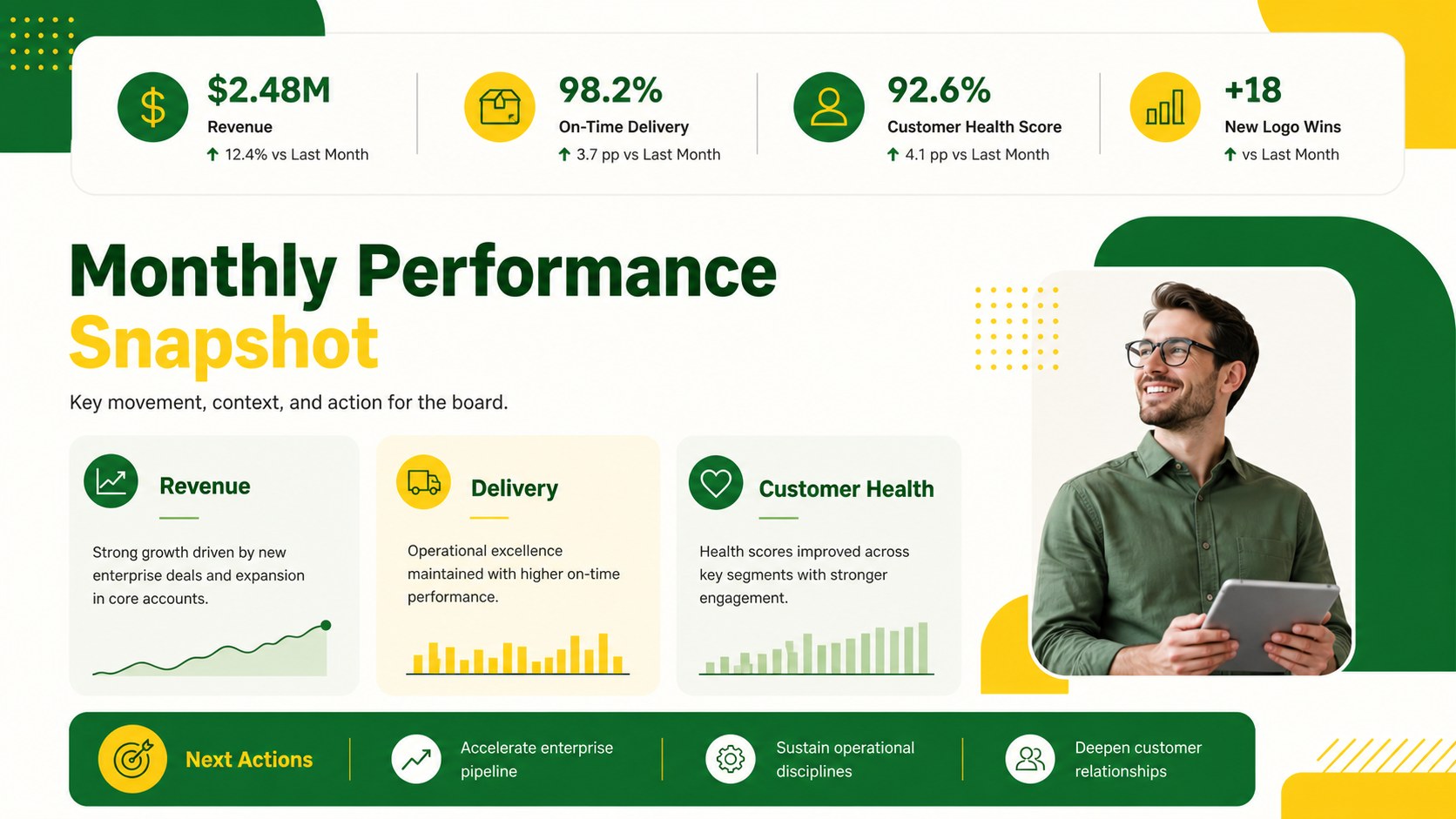
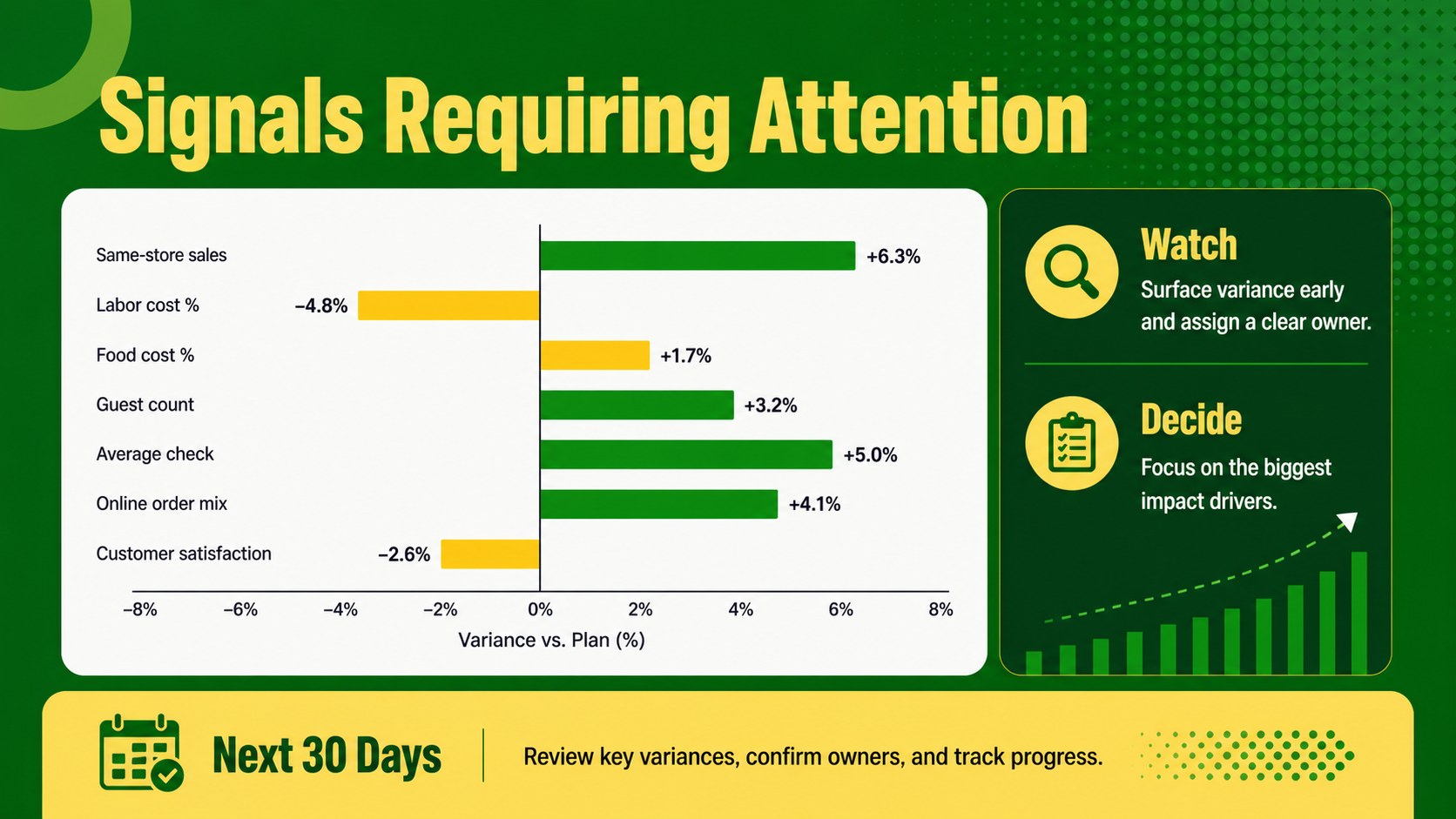
Build a leadership metrics review deck for monthly board meetings with editable PowerPoint and Google Slides layouts, bold green-yellow styling, and clear…

Design notes
A leadership metrics review deck gives executives and reporting teams a clear way to organize monthly performance updates. Its bold green and yellow visual system creates a confident, structured presentation while leaving enough space for concise commentary, charts, and decision points. Use it to turn scattered reporting notes into a briefing that supports productive board-level conversations.
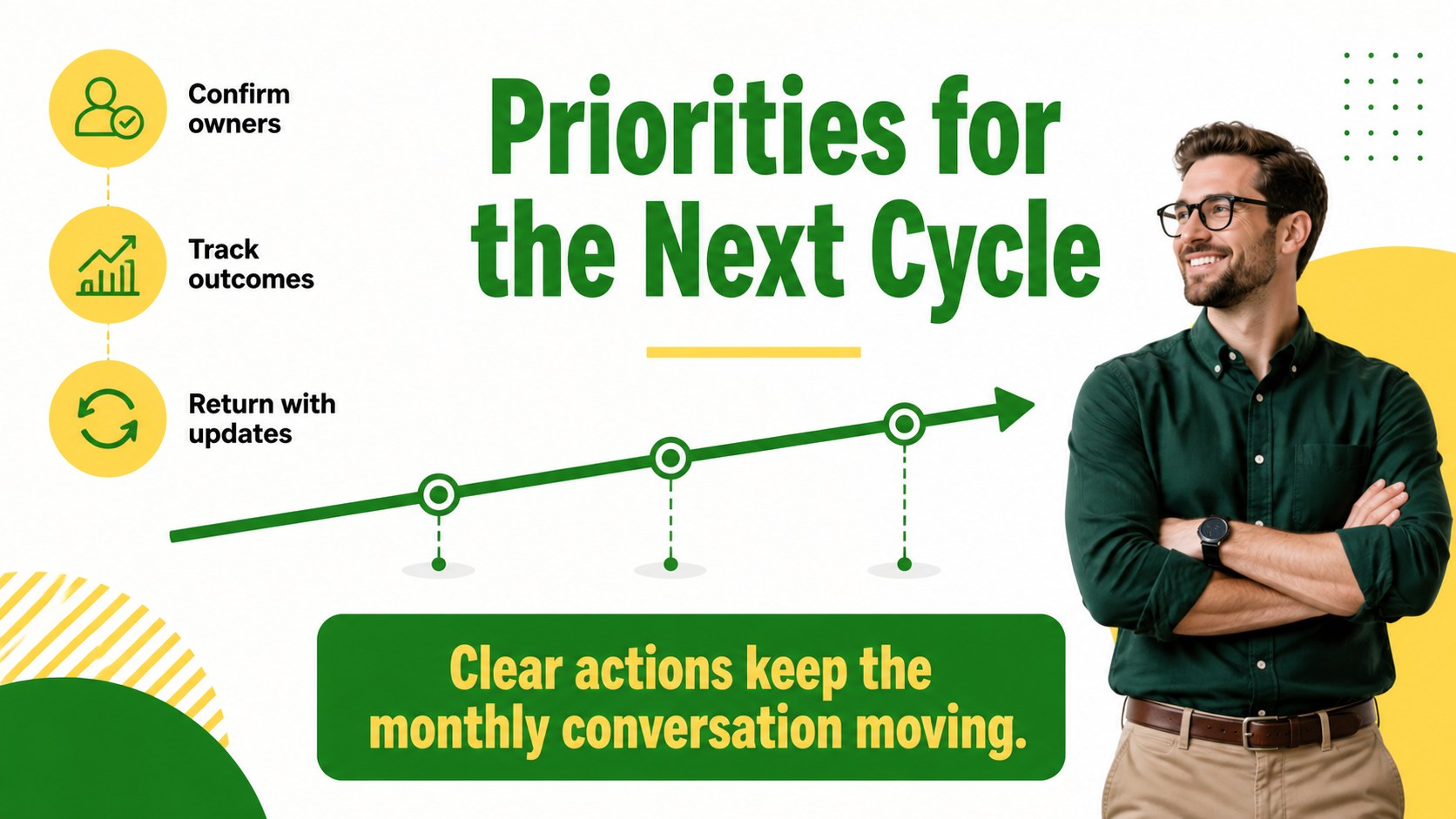
Inside, you’ll find layouts for a cover, reporting overview, KPI highlights, progress summaries, risks, priorities, and upcoming actions. The flexible page structure works well for a monthly executive reporting template, a board meeting metrics slides collection, or a recurring stakeholder update deck. Replace sample text, adjust tables and charts, and add brand assets while keeping the visual hierarchy consistent.
This template is designed for executives, department heads, operations managers, finance teams, and analysts who need to communicate results without overwhelming their audience. Edit it in PowerPoint or Google Slides, customize the green and yellow palette, and adapt the content for leadership reviews, stakeholder meetings, or internal business reporting. The 16:9 format is suitable for both screen sharing and in-person presentations.
Perfect for: monthly board meeting; executive KPI review; department performance update; stakeholder progress briefing; operations reporting session.
Frequently asked questions
Can I edit this leadership metrics review deck in PowerPoint? Yes. The layouts are designed for PowerPoint editing, including text, tables, charts, colors, and visual elements. You can replace the sample content with your own monthly reporting data.
Practical details
Yes. The layouts are designed for PowerPoint editing, including text, tables, charts, colors, and visual elements. You can replace the sample content with your own monthly reporting data.
Yes, you can open and customize the presentation in Google Slides. Review imported fonts, charts, and spacing after conversion to ensure the final deck matches your preferred layout.
Yes. Update the theme colors to match your organization while preserving the deck’s bold reporting style. You can also add logos, icons, charts, and brand-specific typography.
Useful sections include headline KPIs, progress against targets, notable wins, emerging risks, decisions needed, and next-month priorities. Keep each slide focused so board members can scan the update quickly.
Keep exploring
4Document wound findings, treatment decisions, and healing progress with clinical wound evaluation slides for nurses in PowerPoint and Google Slides.
 4
4Turn recurring updates into clear decisions with a weekly operations status briefing for PowerPoint and Google Slides, covering progress, risks, and priorities.
 4
4Turn recurring check-ins into focused decisions with a weekly leadership update deck for KPIs, priorities, blockers, owners, and next actions.
 4
4Use veterinary surgery consent form slides to explain procedures, anesthesia, risks, costs, and emergency decisions clearly before client approval.
 4
4Organize objectives, activities, and daily notes with this weekly classroom planner for teachers, editable in PowerPoint and Google Slides for easy prep.
 4
4Create colorful vocabulary assessment slides for lively word checks, review games, and classroom practice in PowerPoint or Google Slides. Easy to personalize.
 4
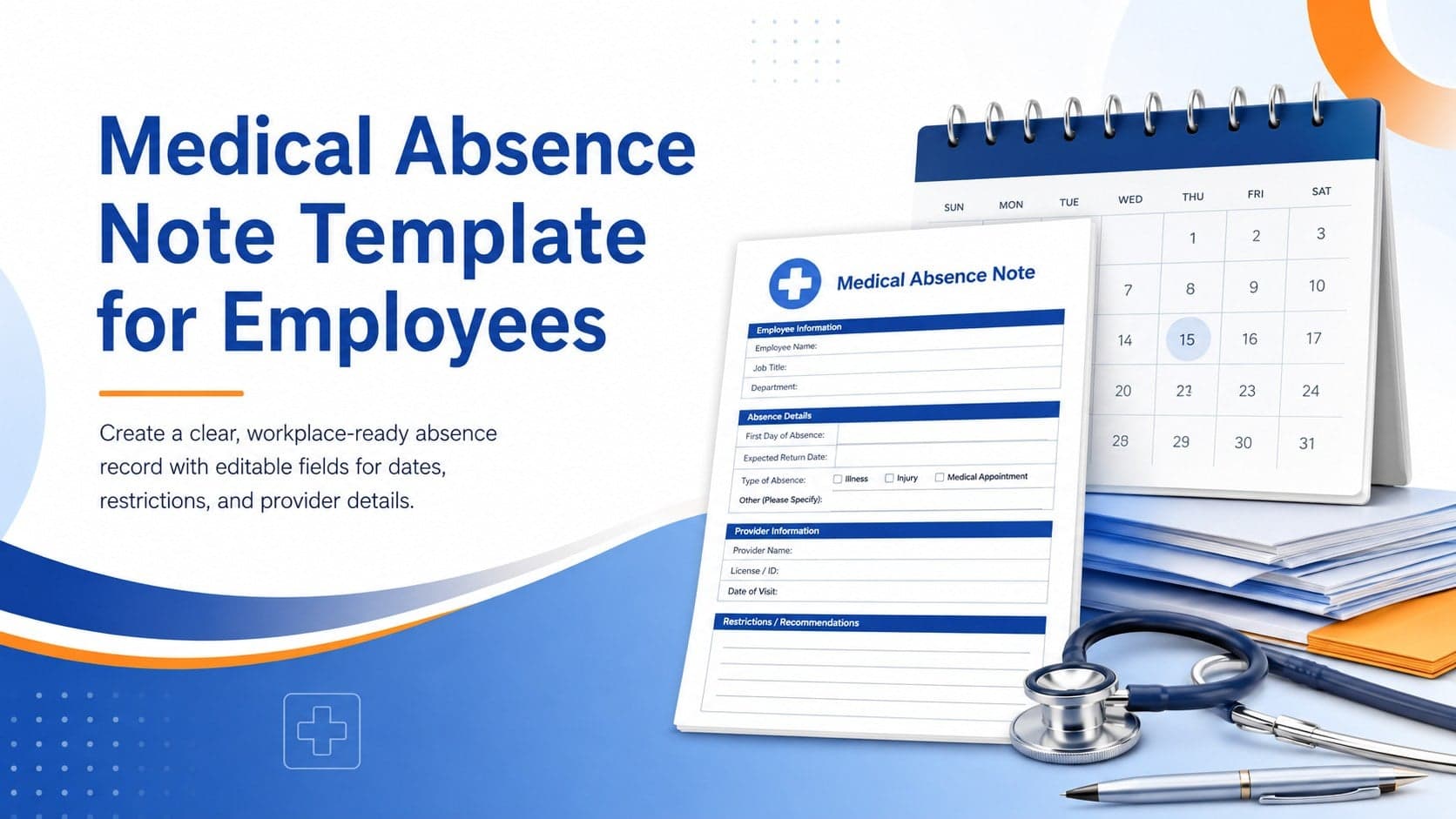
4Prepare a clear medical absence note template for employee records, with editable fields and polished blue-orange slides for PowerPoint and Google Slides.
 4
4Prepare pet owners for treatment with a veterinary procedure authorization form covering risks, medication, contacts, and approval details.