
 15
15presentation
Flying Saucer History Lesson Deck
Build an engaging World UFO Day session with this flying saucer history lesson deck, featuring retro green-and-brown slides for PowerPoint and Google Slides.
Google SlidesPowerPoint
presentation · English
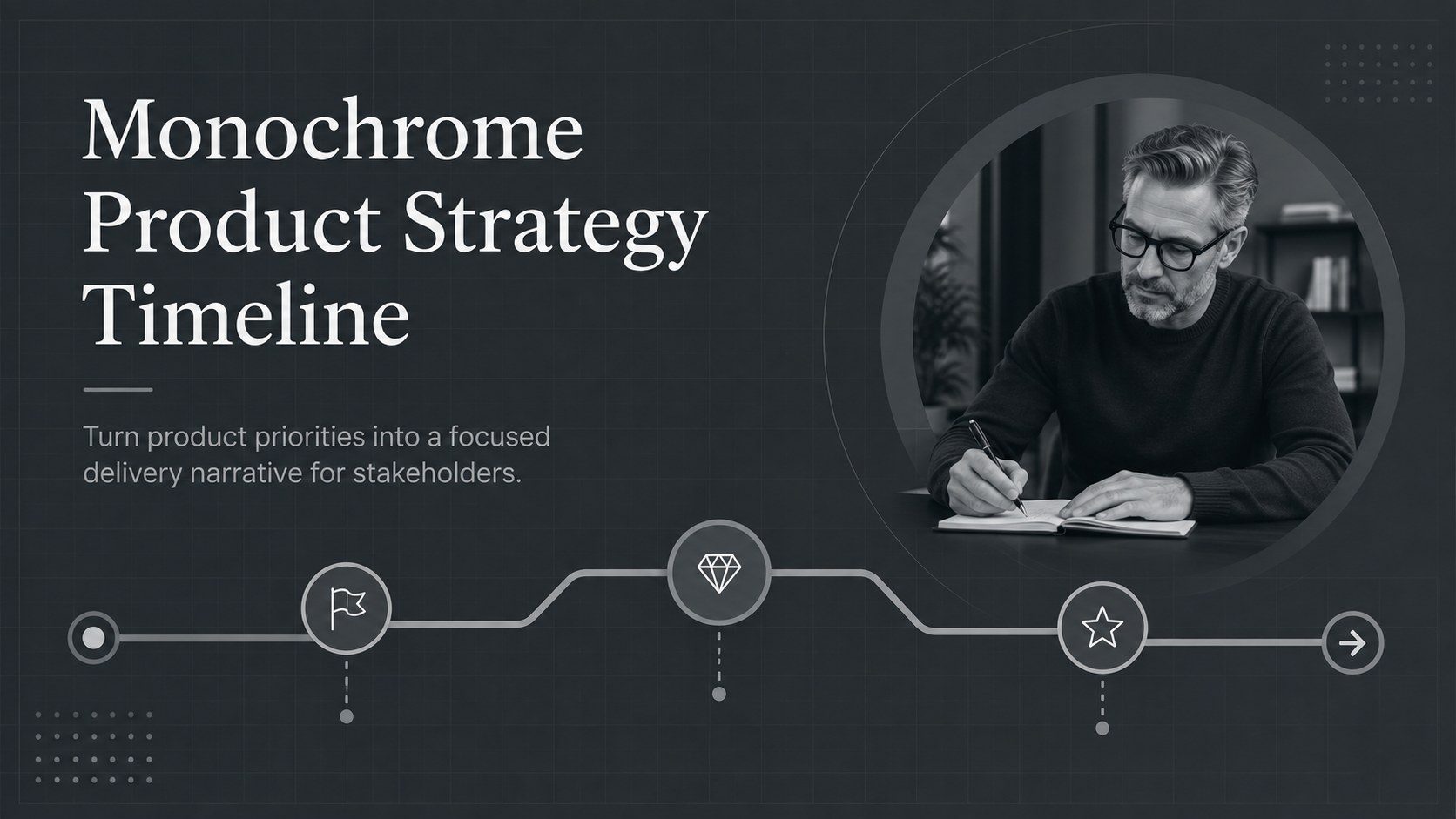
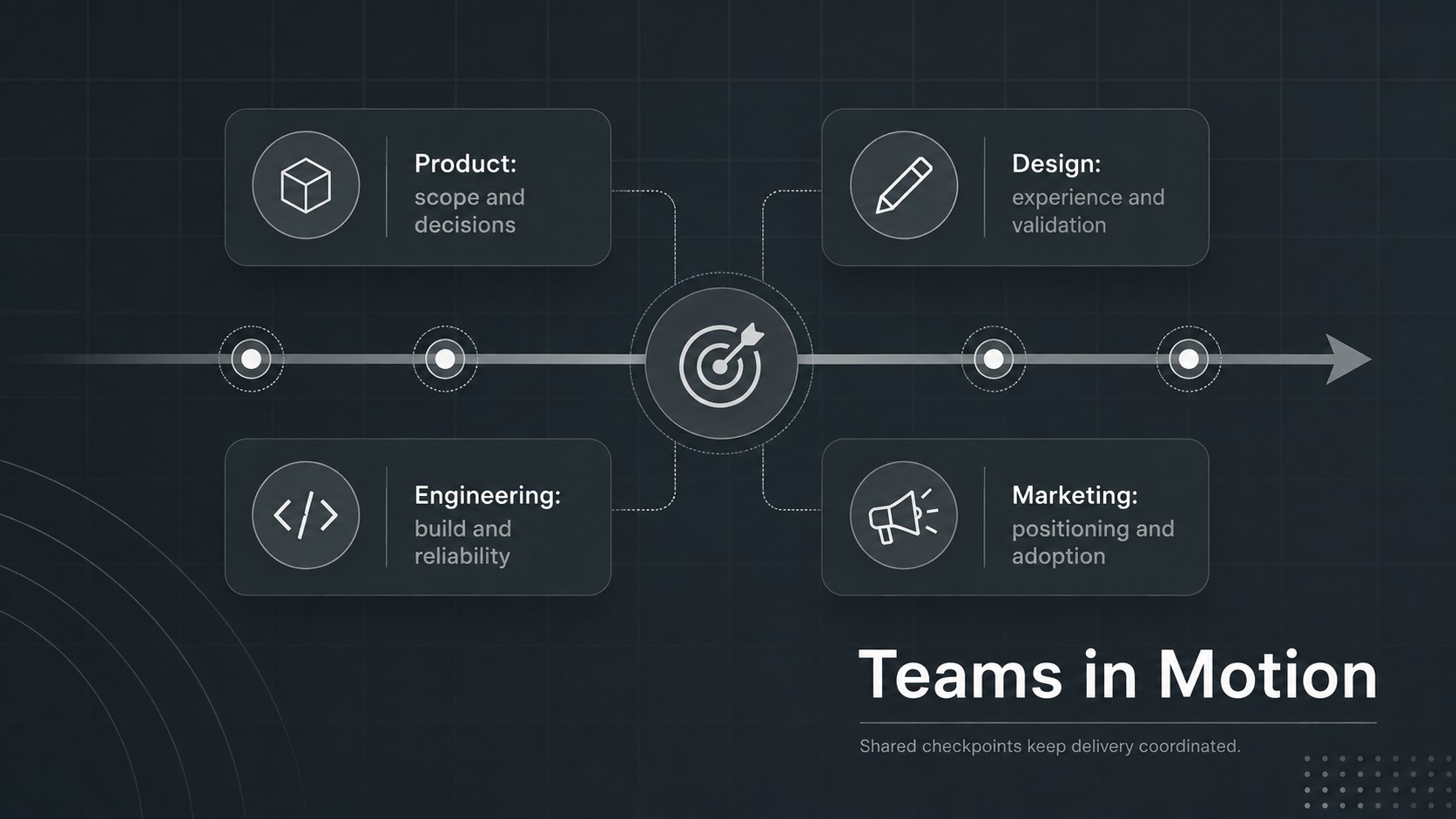
Turn priorities into a clear delivery story with a monochrome product strategy timeline built for planning reviews in PowerPoint and Google Slides.
Design notes
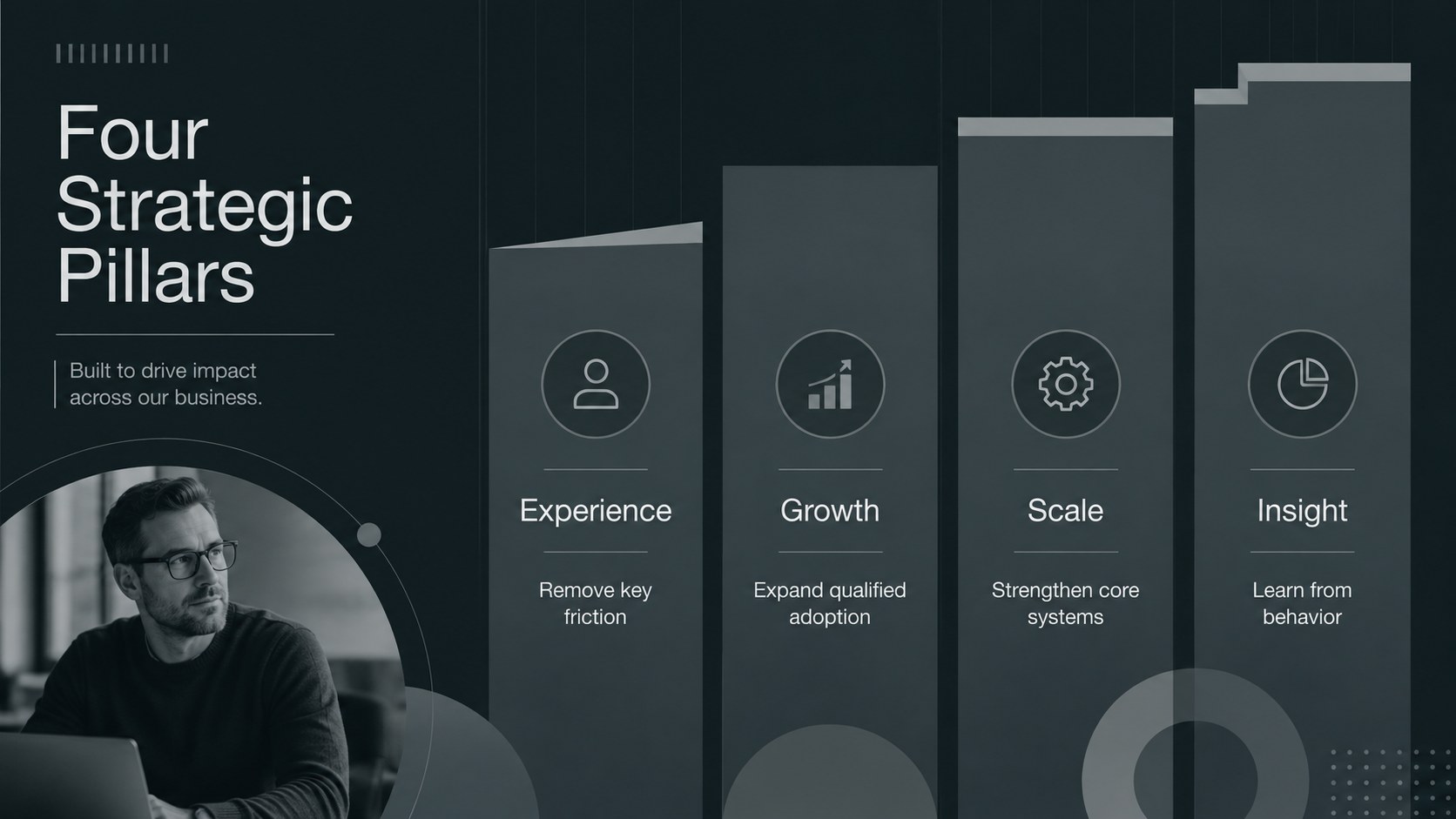
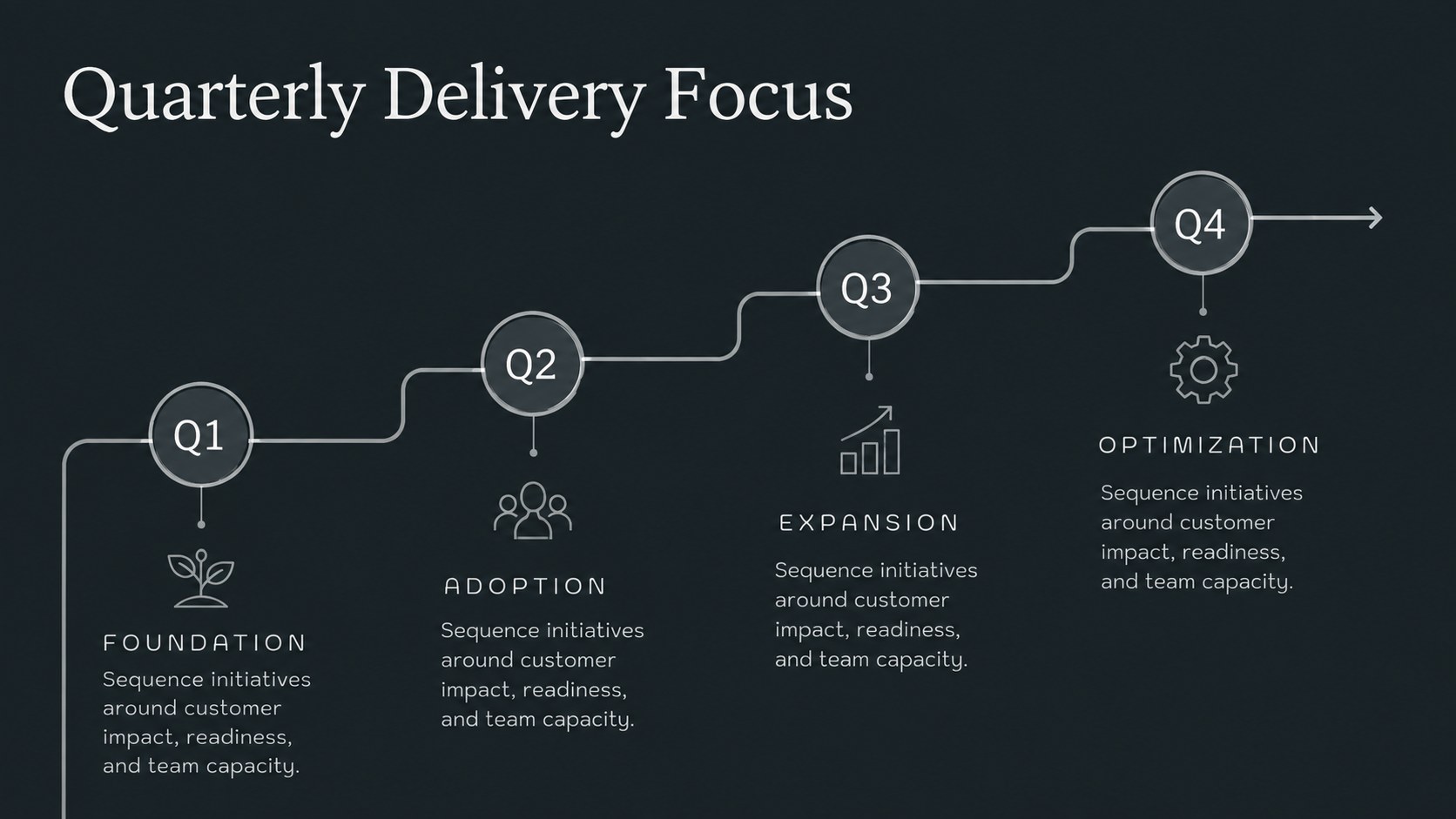
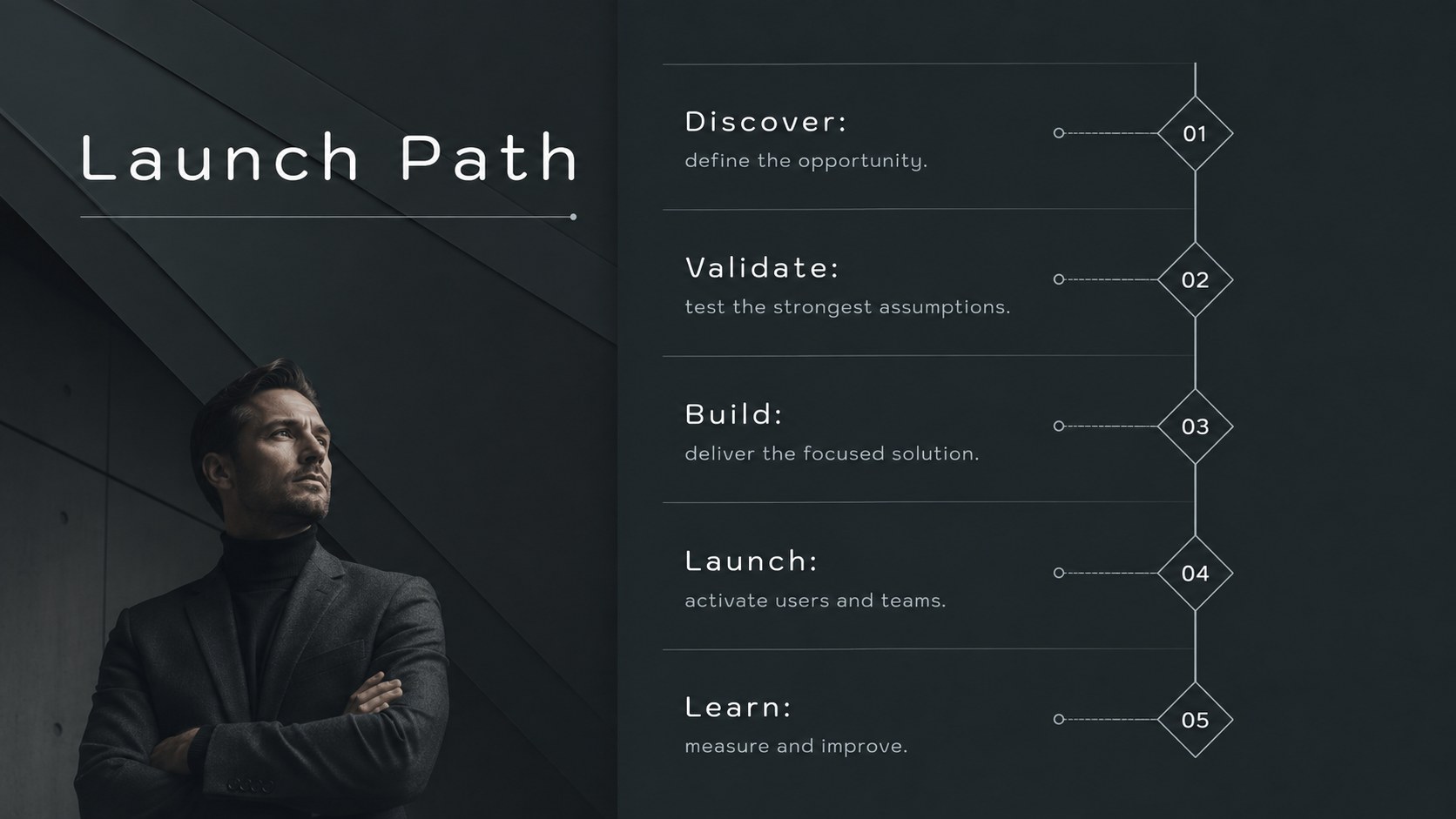
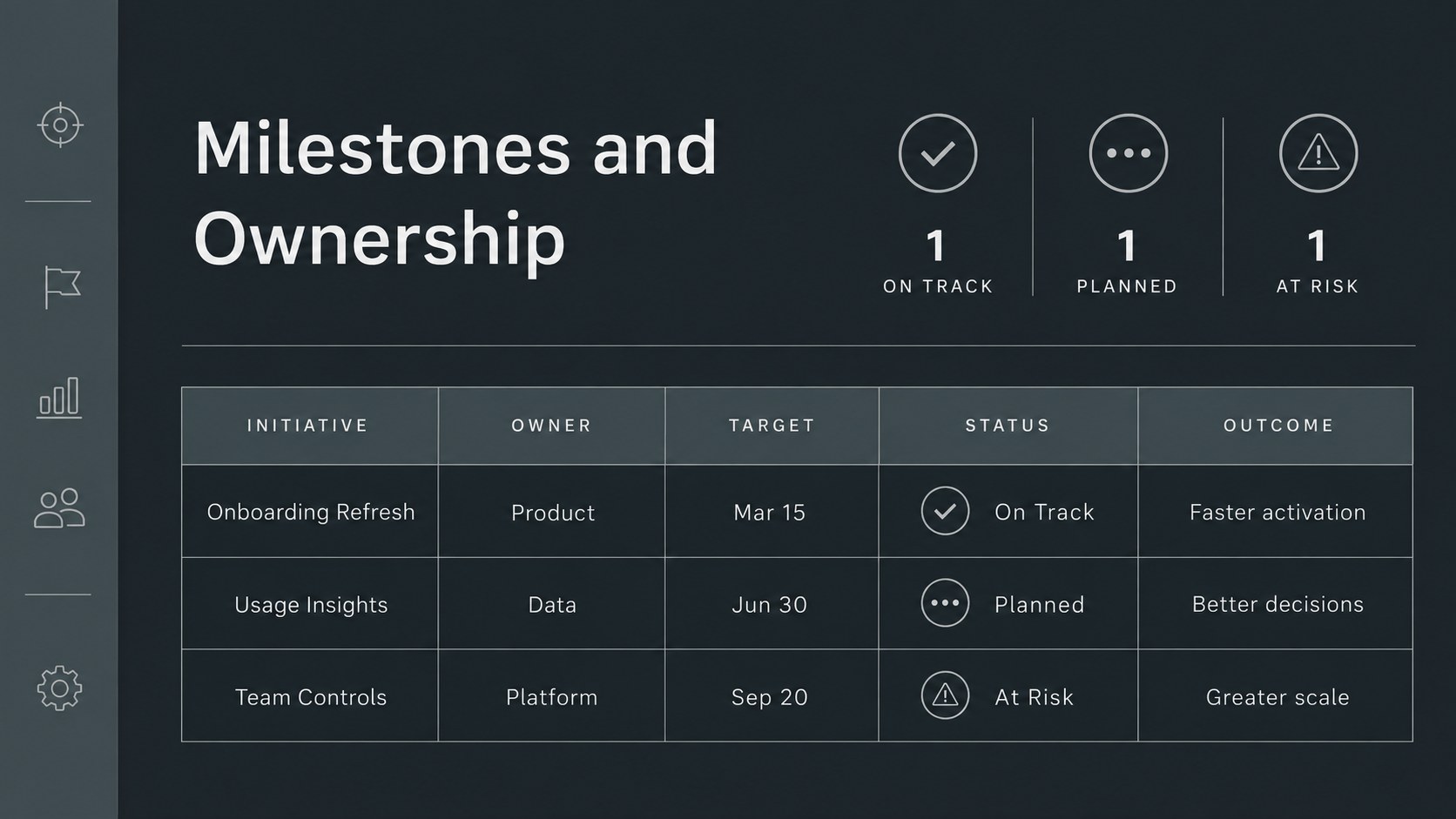
Build alignment around what your team will deliver, why it matters, and when each initiative should move forward. This monochrome product strategy timeline gives product marketers, managers, and cross-functional leaders a polished structure for presenting priorities without distracting visual clutter. Its dark gray palette, strong typography, and restrained line graphics create a confident setting for planning sessions and executive reviews.
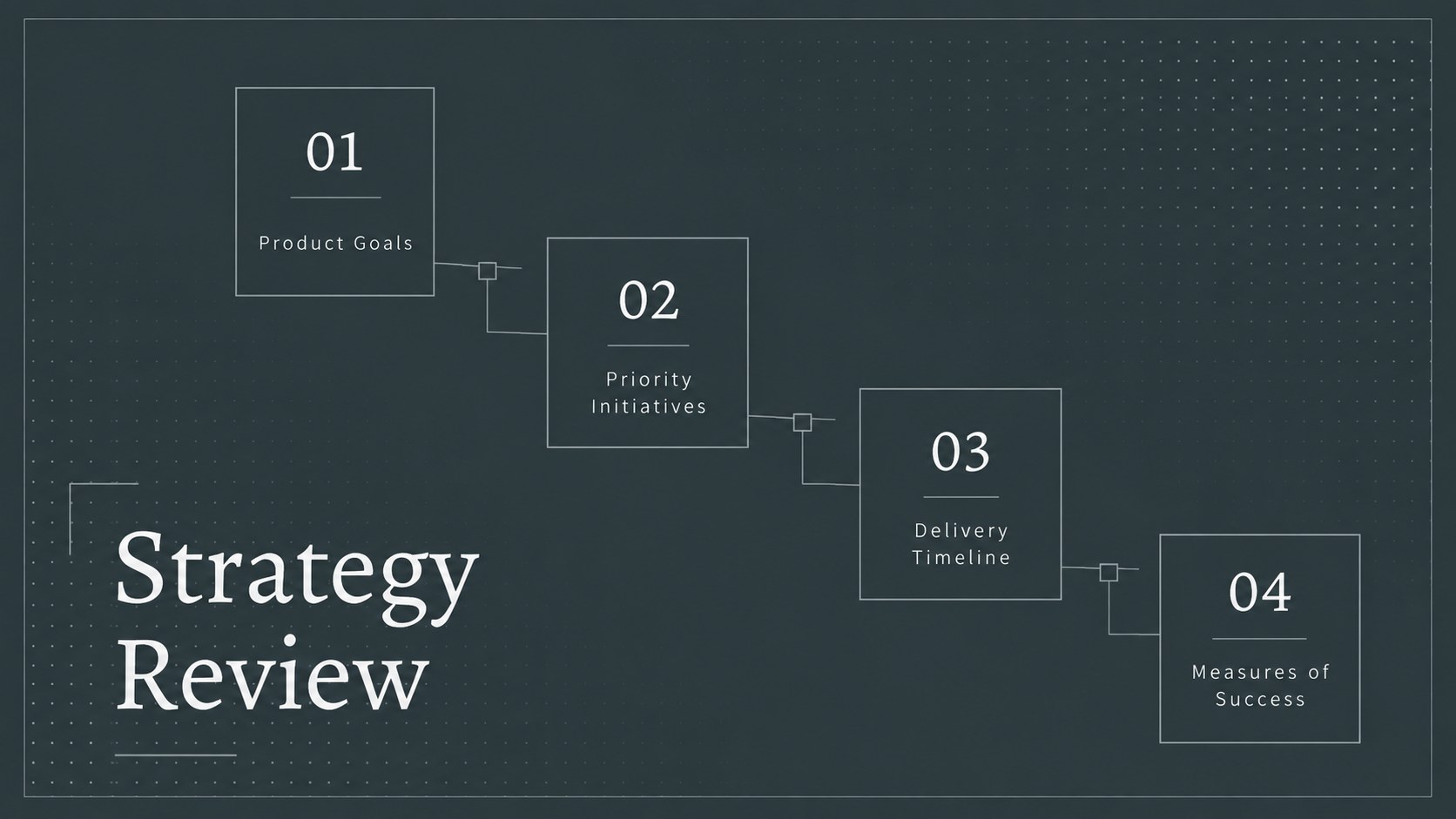
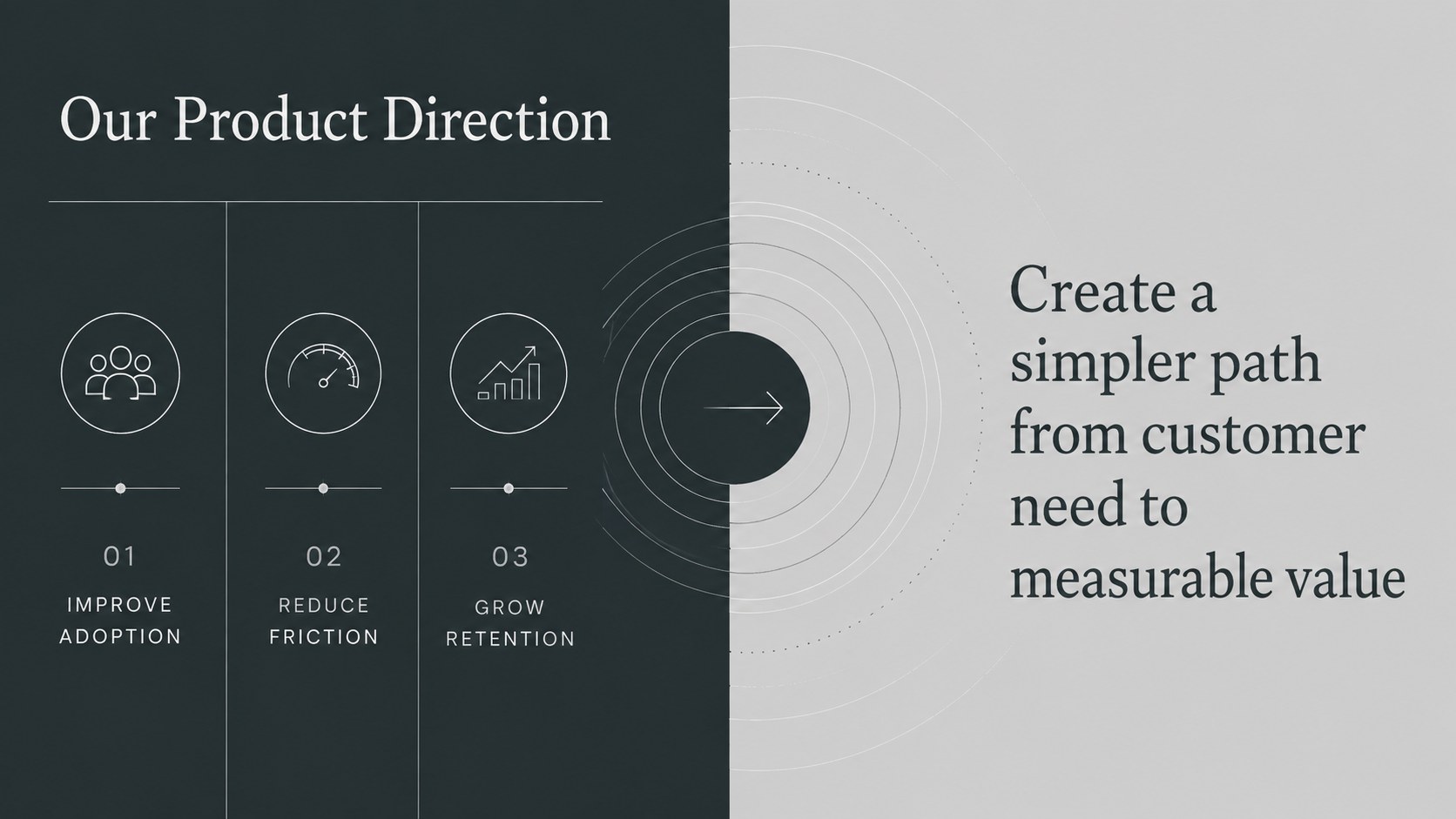
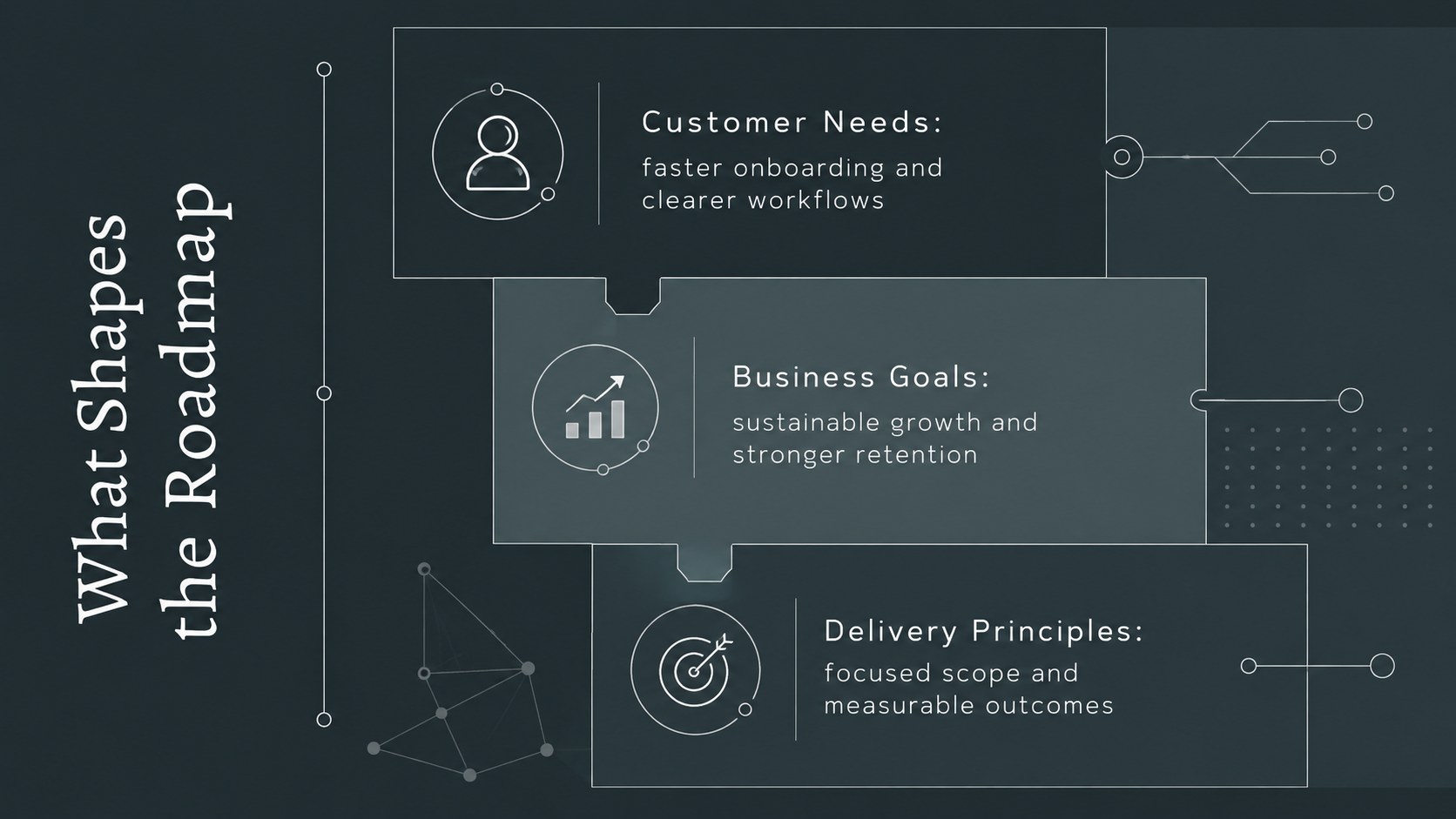
Inside, you will find 20 customizable 16:9 layouts for strategic pillars, customer needs, quarterly initiatives, release phases, milestones, dependencies, KPI tracking, and next steps. Use the product roadmap presentation for stakeholders to connect high-level goals with practical delivery stages. A product launch timeline slide helps teams communicate sequencing, while the quarterly product planning deck layouts make ownership and progress easier to scan. Charts, process diagrams, tables, and visual trackers can be adapted to suit your workflow.
This template is designed for product managers, marketing teams, startup leaders, program owners, and consultants who need a consistent visual system for roadmap discussions. Edit colors, fonts, labels, charts, and timing directly in PowerPoint or Google Slides. Whether you are preparing an internal planning workshop, a leadership briefing, or a cross-team review, the deck helps transform complex product decisions into an organized story that keeps attention on outcomes, responsibilities, and delivery.
Perfect for: quarterly product planning; executive roadmap review; product launch coordination; stakeholder alignment meeting; cross-functional planning workshop.
Frequently asked questions
Can I edit every part of this product strategy timeline? Yes. You can change the text, colors, fonts, milestones, charts, icons, and timing to reflect your product plan. Layout elements can also be moved, duplicated, or removed.
Practical details
Yes. You can change the text, colors, fonts, milestones, charts, icons, and timing to reflect your product plan. Layout elements can also be moved, duplicated, or removed.
The template works with Microsoft PowerPoint and Google Slides. Download it for desktop editing or open it in Google Slides for browser-based collaboration.
Replace the sample phases with your own months, quarters, or release stages, then adjust the milestone markers and ownership labels. Duplicate timeline sections when your plan covers additional workstreams.
Yes. The restrained monochrome design and concise layouts are suited to leadership discussions. Use the summary, KPI, dependency, and decision slides to keep the review focused on outcomes and risks.
Keep exploring
15Build an engaging World UFO Day session with this flying saucer history lesson deck, featuring retro green-and-brown slides for PowerPoint and Google Slides.
 15
15Plan a lively animal-learning journey with this jungle zoo adventure lesson deck, ready to customize in PowerPoint and Google Slides for young learners.
 16
16Turn environmental research into a clear story with a Watercolor Ecology Presentation Theme for PowerPoint and Google Slides in calming green and blue.
 16
16Build focused fashion, literature, and humanities presentations with the Red Triangle Editorial Theme, editable in PowerPoint and Google Slides.
 15
15Turn streaming stats, favorite tracks, and concert highlights into a bold annual listening recap slide deck for PowerPoint and Google Slides.
 15
15Turn highlights, milestones, and favorite moments into a colorful year in review slide deck with bold 3D graphics for PowerPoint and Google Slides.
 3
3Build a credible endorsement with Standout Colleague Recommendation Letter Slides, featuring colorful prompts for skills, achievements, and team impact.
 4
4Build clear beginner sessions with an ice hockey fundamentals training deck for coaches, PE teachers, and clubs, ready for PowerPoint and Google Slides.