
 15
15presentation
Flying Saucer History Lesson Deck
Build an engaging World UFO Day session with this flying saucer history lesson deck, featuring retro green-and-brown slides for PowerPoint and Google Slides.
Google SlidesPowerPoint
presentation · English
Build polished client invoices with the Monochrome Photographer Billing Kit, featuring editable A4 layouts for PowerPoint and Google Slides for studios.
Design notes
The Monochrome Photographer Billing Kit helps independent photographers and creative studios present fees with clarity and confidence. Its crisp black-and-white styling keeps attention on essential client details while giving every document a refined, contemporary appearance. Edit the layouts in PowerPoint or Google Slides to create a consistent billing system without starting from a blank page.
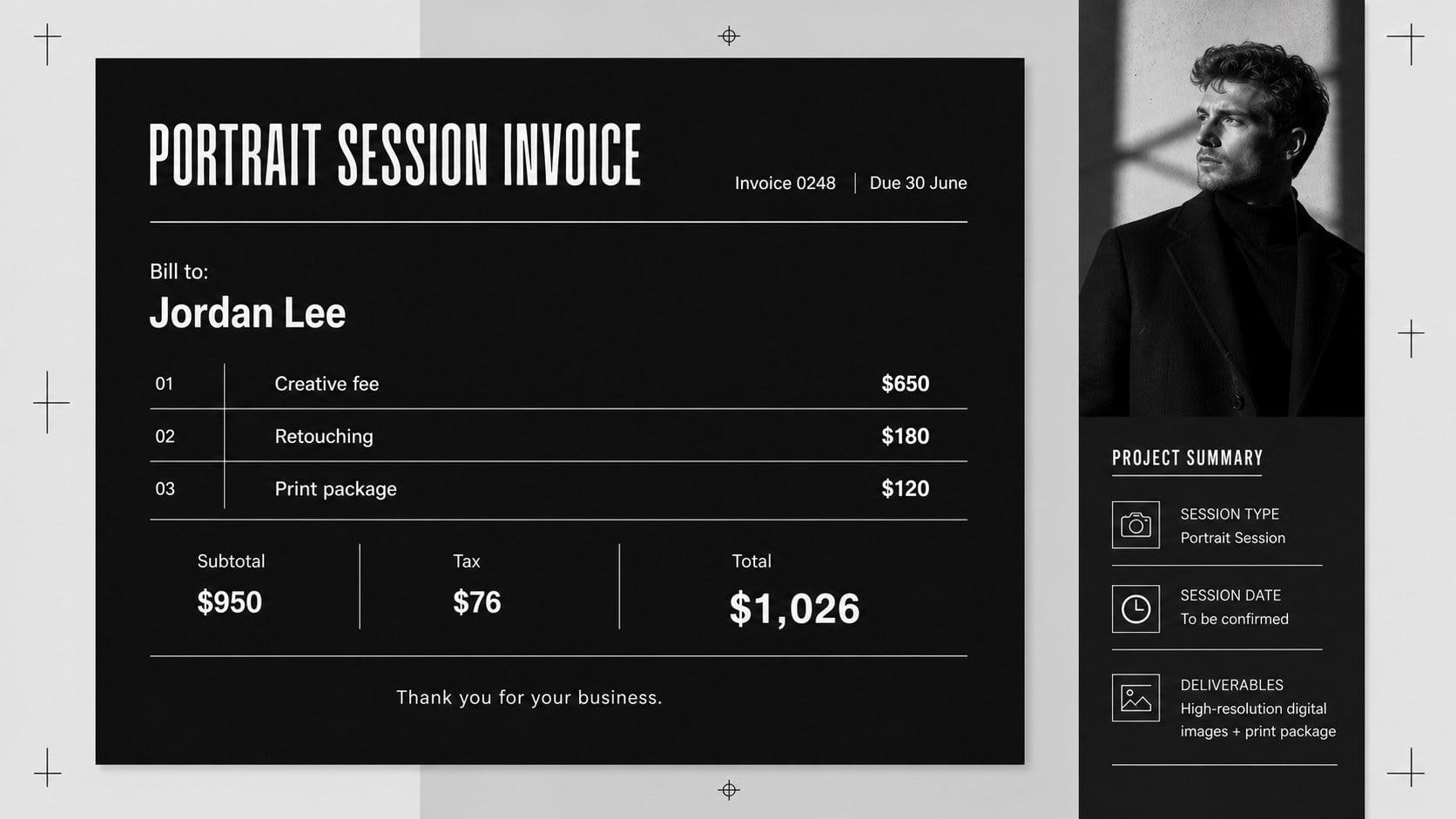
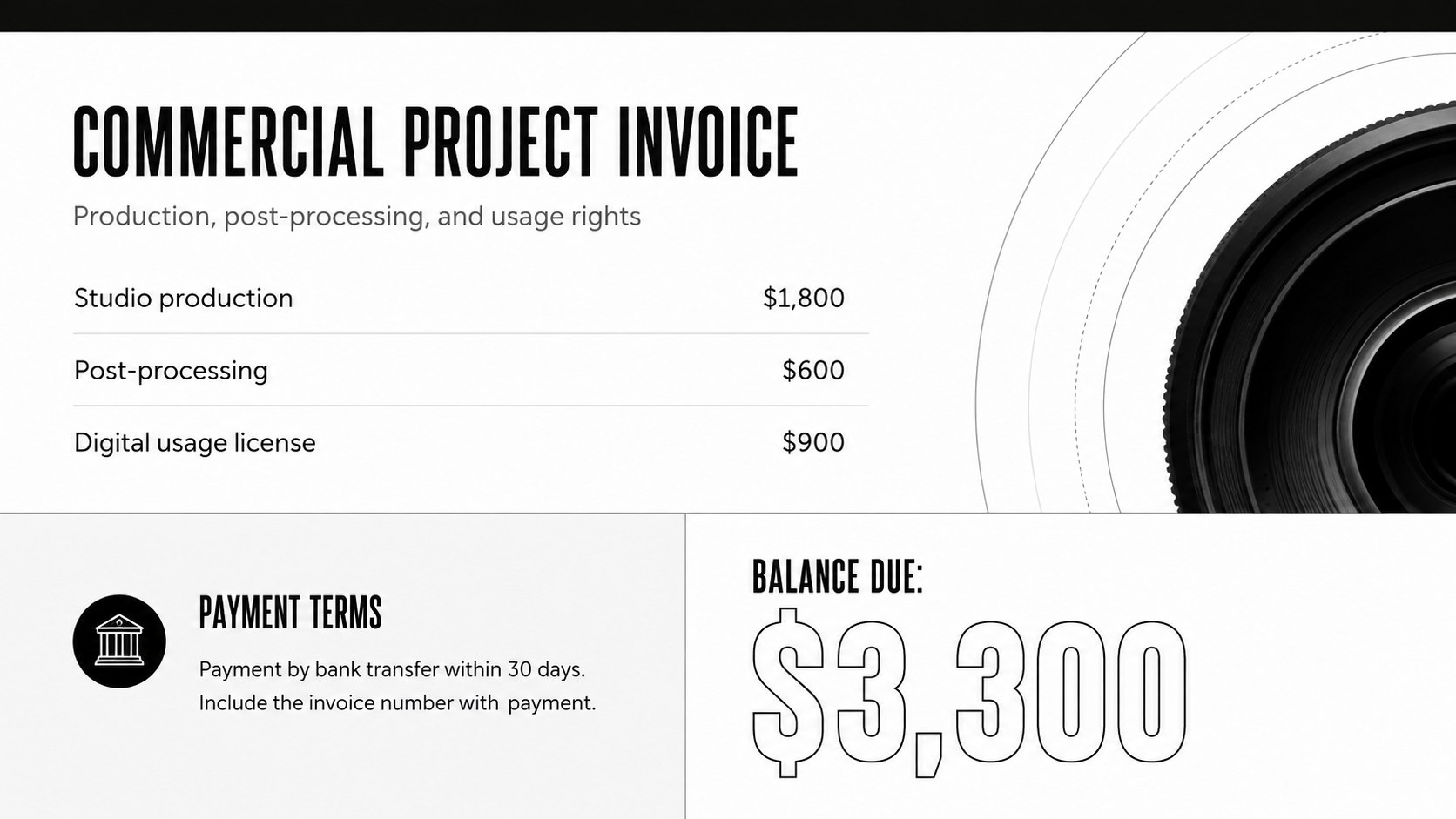
Inside are three ready-to-customize A4 invoice designs with dedicated areas for contact information, invoice numbers, service descriptions, quantities, rates, totals, payment deadlines, and notes. The kit works as a photographer billing template for PowerPoint as well as an editable client payment invoice in Google Slides. Adjust the typography, rearrange sections, insert a studio logo, or introduce a restrained accent color while preserving the minimalist design.
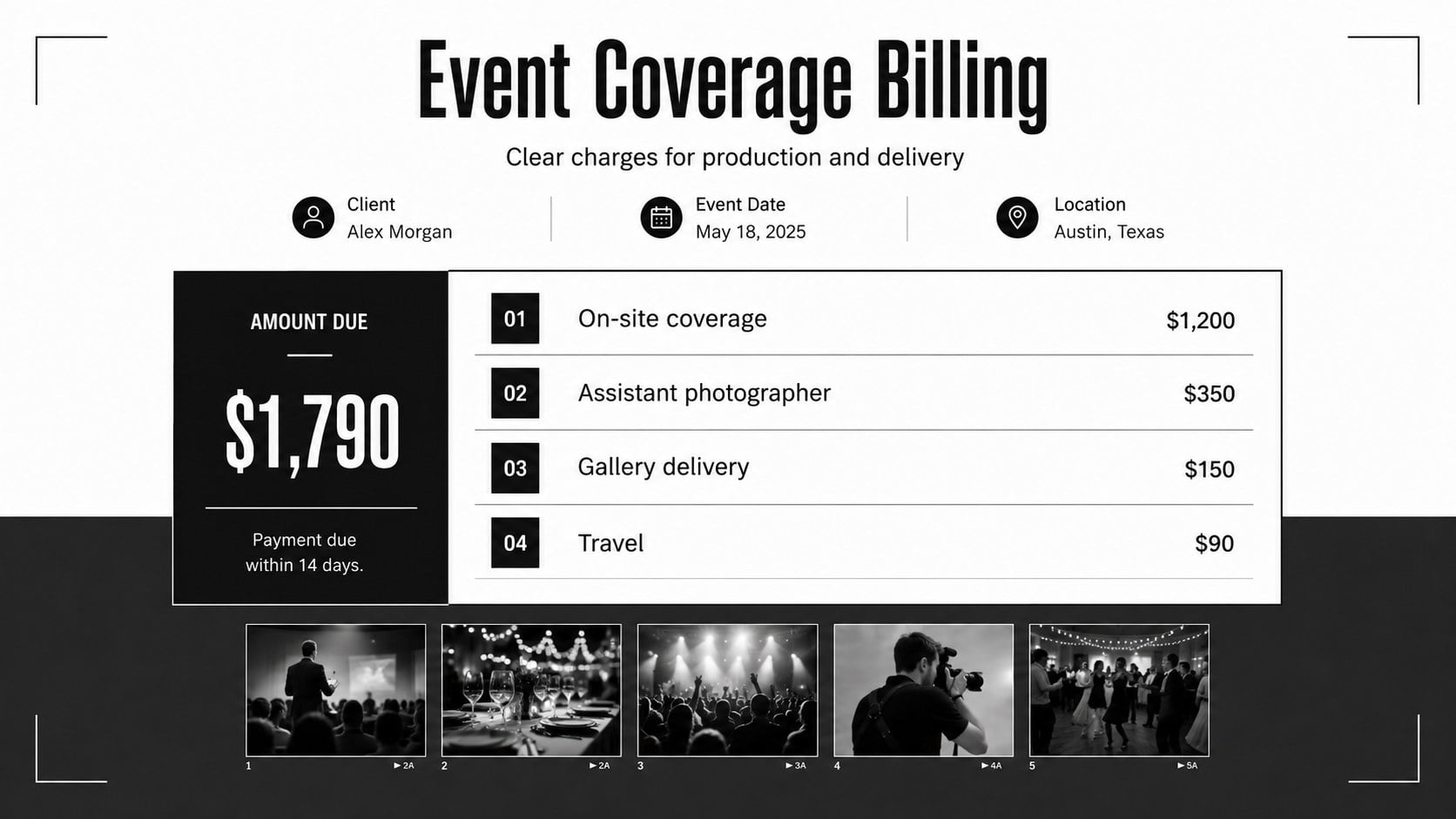
Use this black and white photo studio invoice for portrait sessions, wedding packages, event coverage, product shoots, licensing fees, image retouching, or print orders. It is designed for freelance photographers, studio managers, creative agencies, and photography students building professional business materials. Each layout can be duplicated for new clients, updated with project-specific charges, and exported as a PDF for delivery or recordkeeping. The structured format makes pricing easier to review while leaving enough space for personalized terms, tax details, and payment instructions.
Perfect for: portrait session billing; wedding photography invoicing; commercial shoot payment request; event coverage fee breakdown; photo licensing invoice.
Frequently asked questions
Can I edit the invoice layouts in PowerPoint? Yes. Open the file in PowerPoint to replace the sample text, update prices, move sections, and add your studio details. You can then export the completed invoice as a PDF for your client.
Practical details
Yes. Open the file in PowerPoint to replace the sample text, update prices, move sections, and add your studio details. You can then export the completed invoice as a PDF for your client.
Yes. Upload the presentation to Google Drive and open it with Google Slides for browser-based editing. Review font spacing and page alignment before exporting the final invoice.
Yes. Change fonts, line colors, section labels, and accent elements to match your visual identity. The monochrome foundation also works well with one restrained brand color.
The layouts provide space for client information, services, quantities, rates, taxes, totals, due dates, payment instructions, and project notes. Duplicate or remove rows to fit the scope of each photography assignment.
Keep exploring
15Build an engaging World UFO Day session with this flying saucer history lesson deck, featuring retro green-and-brown slides for PowerPoint and Google Slides.
 15
15Plan a lively animal-learning journey with this jungle zoo adventure lesson deck, ready to customize in PowerPoint and Google Slides for young learners.
 16
16Turn environmental research into a clear story with a Watercolor Ecology Presentation Theme for PowerPoint and Google Slides in calming green and blue.
 16
16Build focused fashion, literature, and humanities presentations with the Red Triangle Editorial Theme, editable in PowerPoint and Google Slides.
 15
15Turn streaming stats, favorite tracks, and concert highlights into a bold annual listening recap slide deck for PowerPoint and Google Slides.
 15
15Turn highlights, milestones, and favorite moments into a colorful year in review slide deck with bold 3D graphics for PowerPoint and Google Slides.
 3
3Build a credible endorsement with Standout Colleague Recommendation Letter Slides, featuring colorful prompts for skills, achievements, and team impact.
 4
4Build clear beginner sessions with an ice hockey fundamentals training deck for coaches, PE teachers, and clubs, ready for PowerPoint and Google Slides.