
 15
15presentation
Flying Saucer History Lesson Deck
Build an engaging World UFO Day session with this flying saucer history lesson deck, featuring retro green-and-brown slides for PowerPoint and Google Slides.
Google SlidesPowerPoint
presentation · English
Build a decisive election narrative with this monochrome campaign strategy deck, featuring editable PowerPoint and Google Slides layouts for civic teams.
Design notes
The Monochrome Campaign Strategy Deck gives election teams a focused visual framework for turning complex plans into a clear, persuasive narrative. Its bold black-and-white styling, geometric accents, and generous spacing create a confident professional tone without distracting from policies, data, or key messages. Every layout can be edited in PowerPoint or Google Slides to reflect a candidate, organization, or nonpartisan civic initiative.
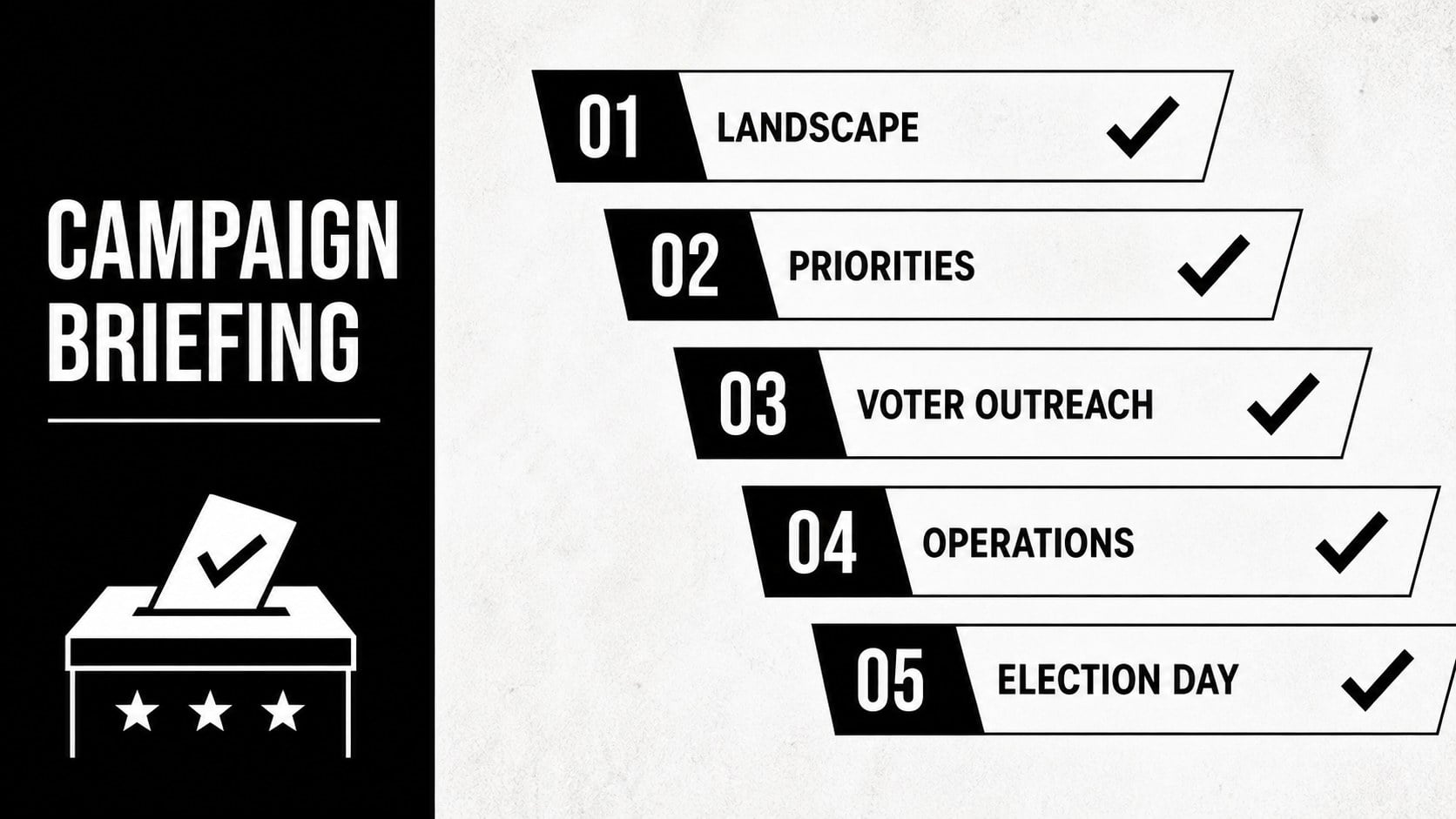
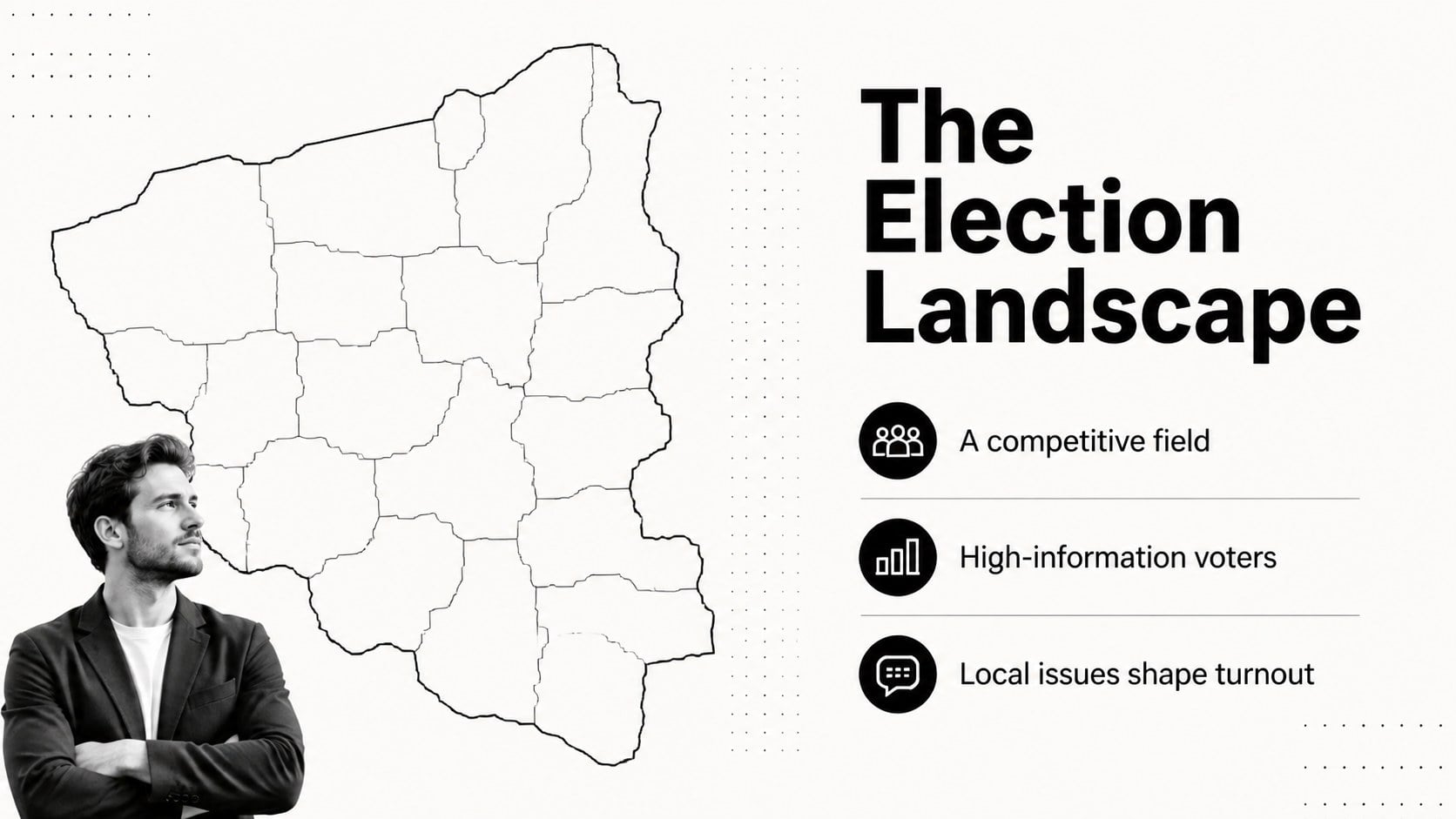
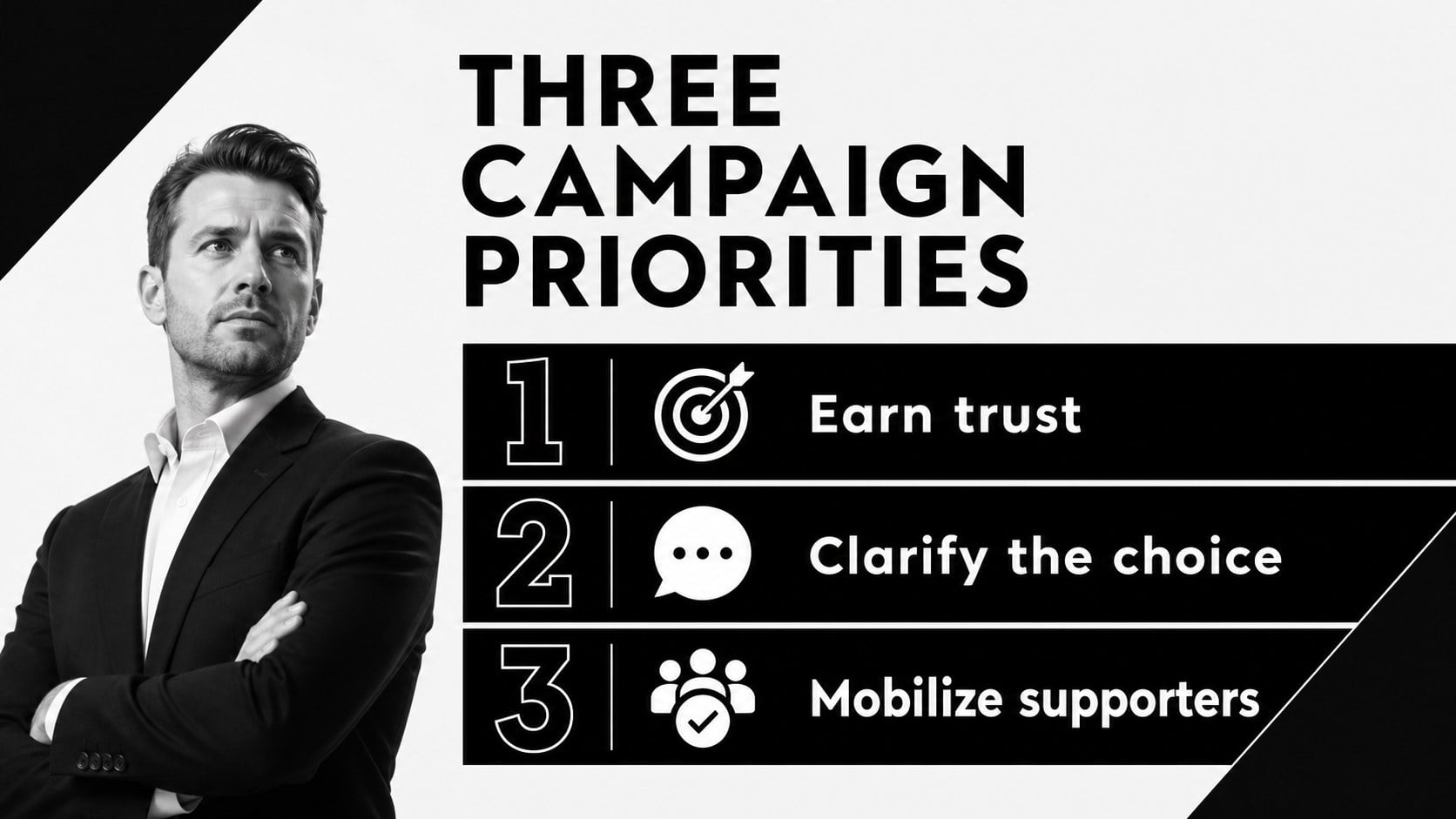
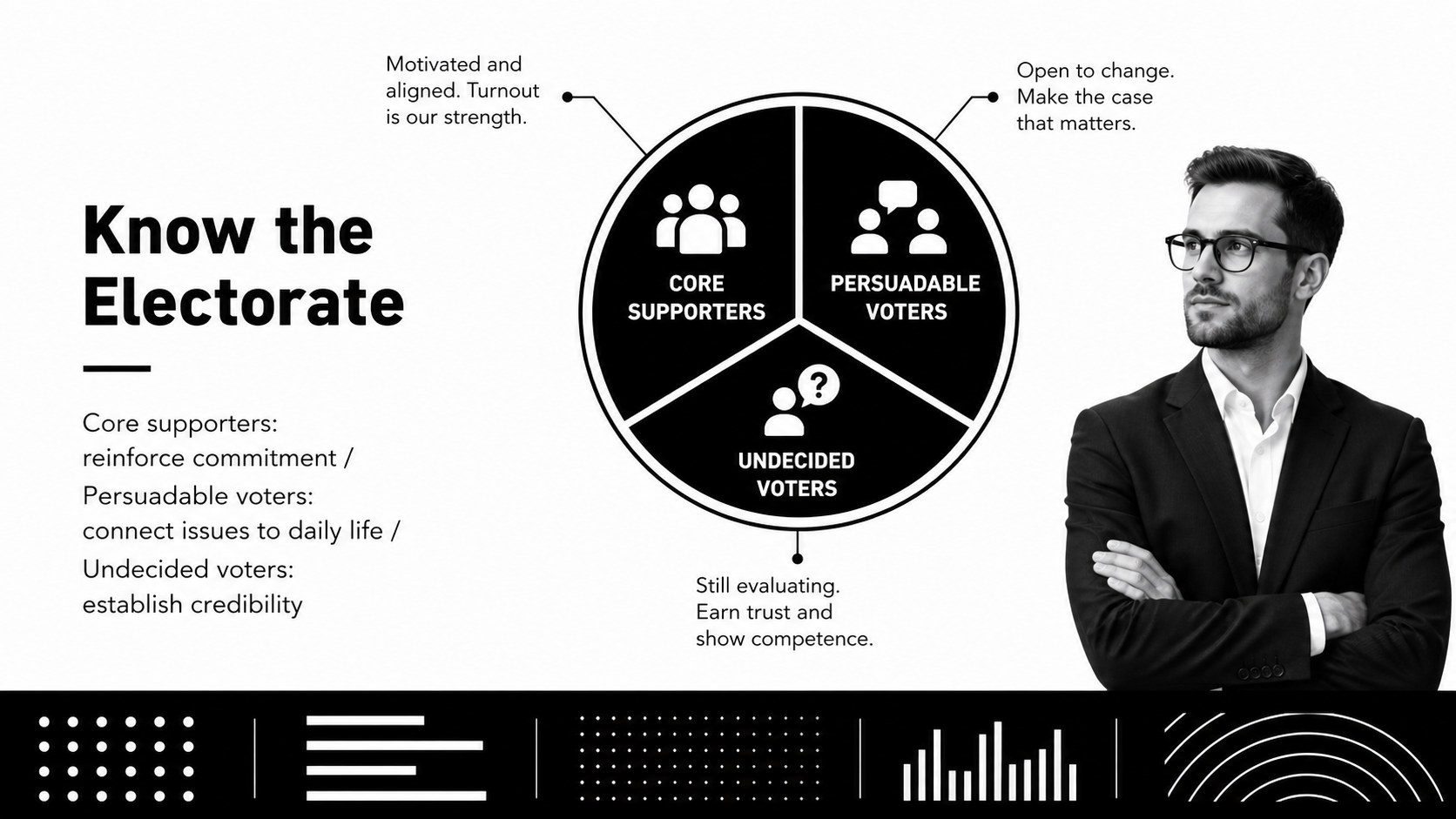
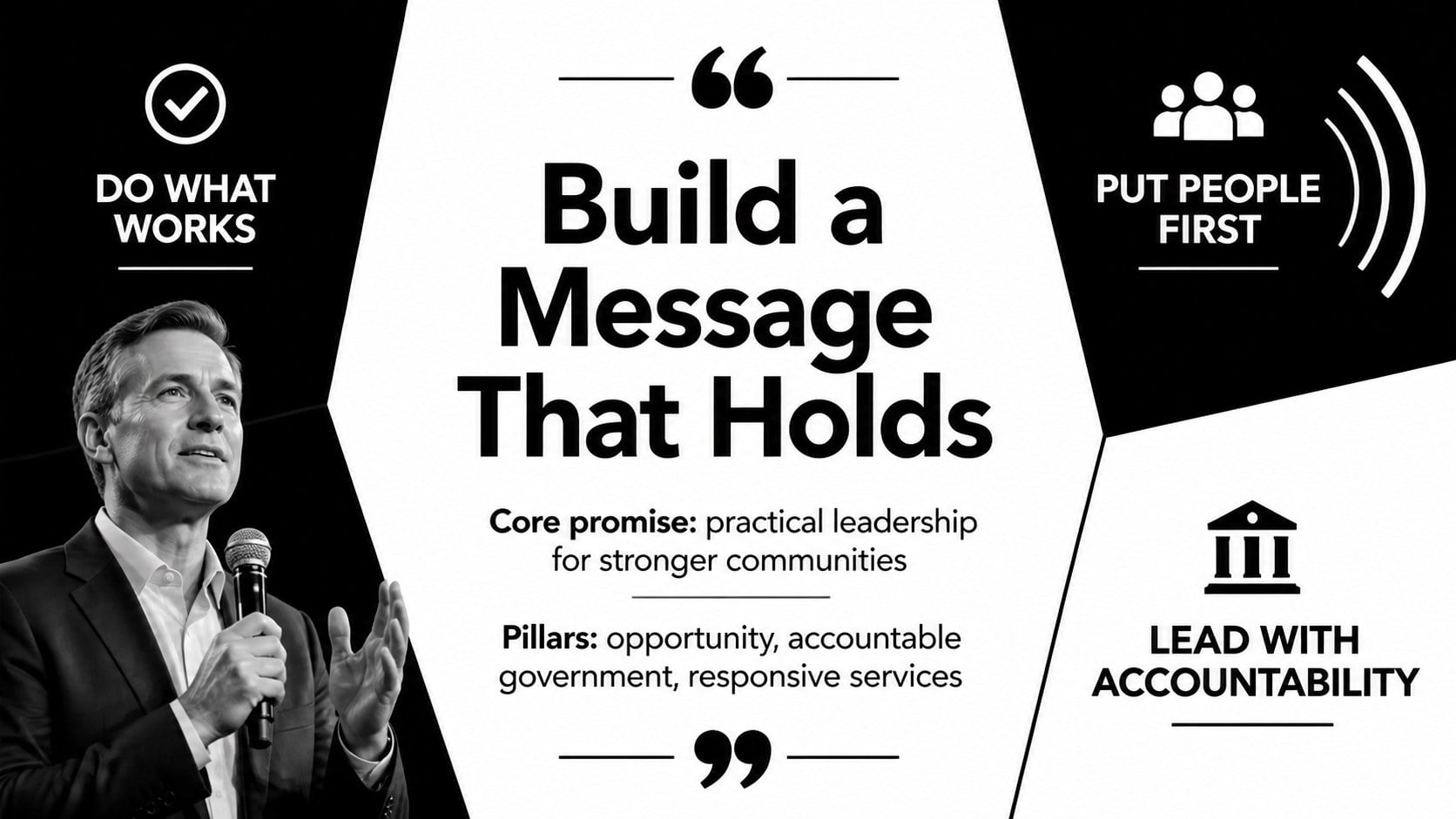
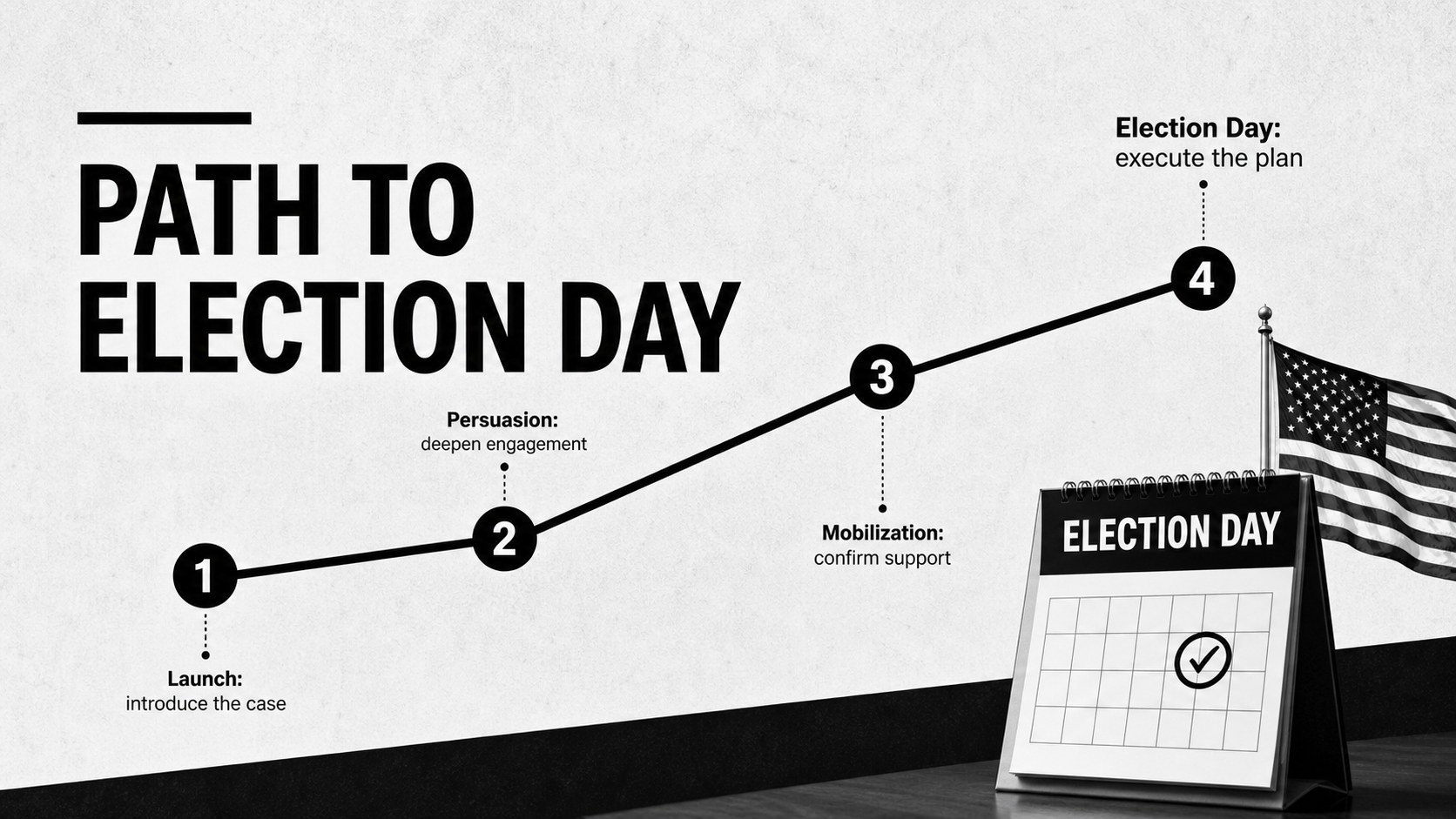
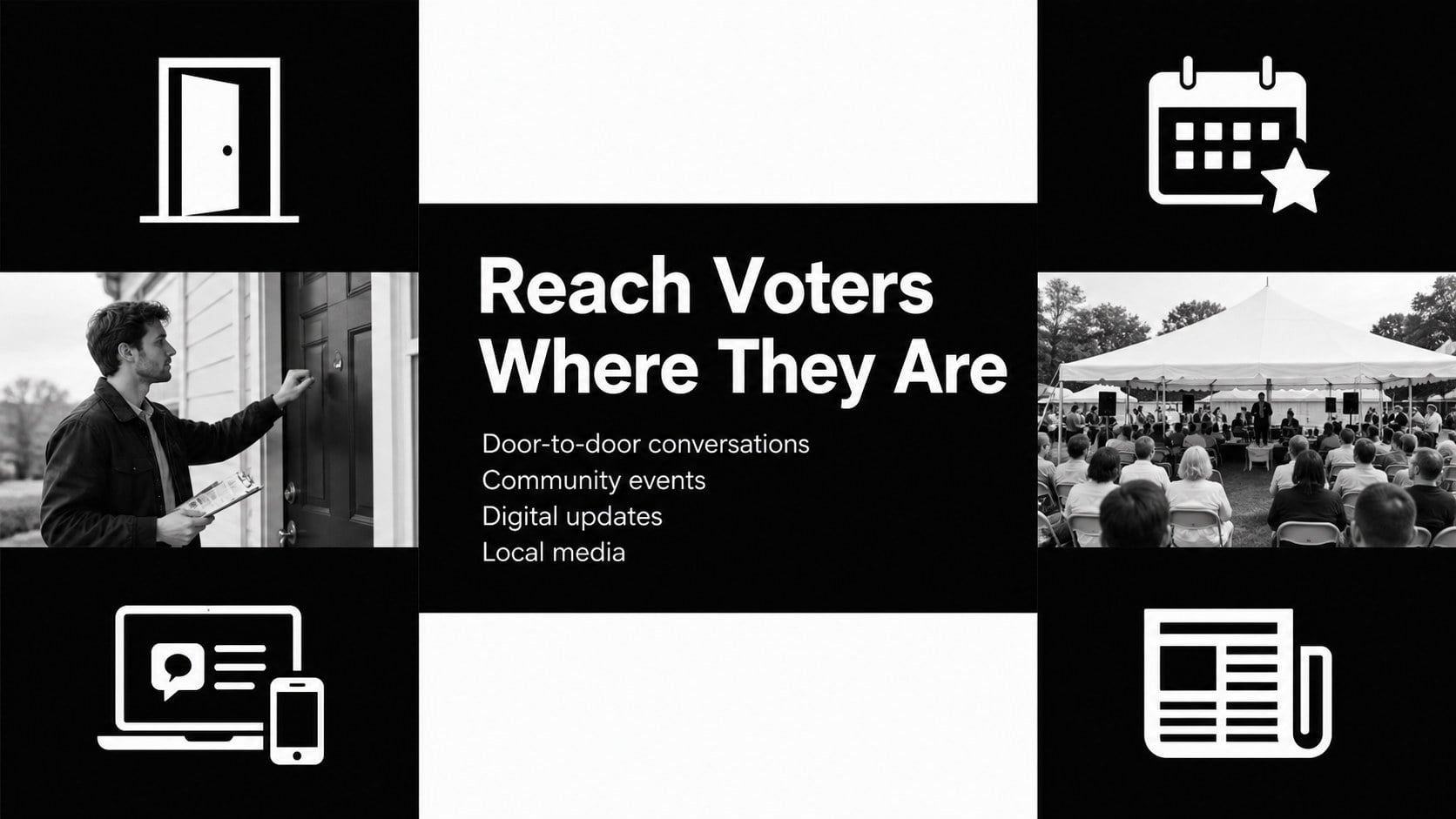
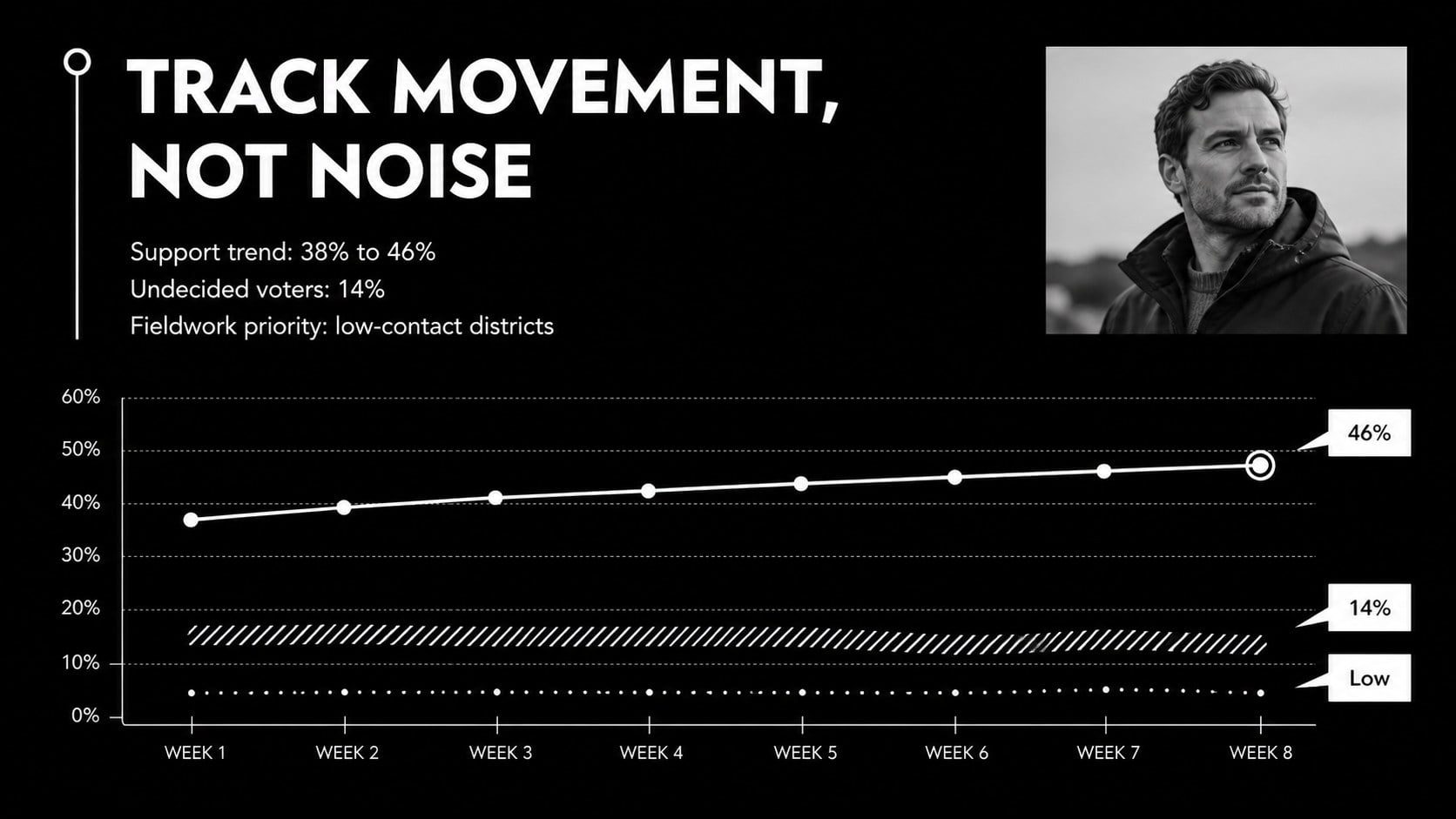
Inside, you will find 15 coordinated slides covering campaign objectives, audience segments, message pillars, timelines, communication channels, field operations, polling trends, budget priorities, risks, and election-day actions. Use the election campaign planning slides to organize internal strategy, or adapt the political campaign presentation template for stakeholder updates and volunteer briefings. Charts, concise text structures, and high-contrast section dividers make detailed information easier to scan and discuss.
This black and white election deck is designed for campaign managers, communications teams, political consultants, advocacy groups, civic organizations, and students examining election strategy. Replace the sample wording, adjust charts, add approved photography, and introduce an accent color when needed. The minimalist system also works well for local races, issue campaigns, mock elections, candidate workshops, and public affairs presentations where clarity and visual authority matter.
Perfect for: candidate strategy meeting; voter outreach briefing; campaign message workshop; election day operations plan; political science class; civic advocacy presentation.
Frequently asked questions
Can I edit this campaign deck in PowerPoint and Google Slides? Yes. All text, shapes, charts, and layout elements are designed for editing in PowerPoint and Google Slides. Font availability and spacing may vary slightly between the two platforms.
Practical details
Yes. All text, shapes, charts, and layout elements are designed for editing in PowerPoint and Google Slides. Font availability and spacing may vary slightly between the two platforms.
Replace the sample copy, update the charts, and apply your campaign's approved typefaces or accent color. Keep strong contrast between backgrounds and text so data and policy messages remain easy to read.
Yes. The sample structure uses neutral language and can support voter education, civic workshops, mock elections, or political science lessons. Remove campaign-specific sections that are not relevant to your audience.
Gather campaign objectives, audience profiles, message pillars, key dates, channel plans, polling data, budget figures, and operational responsibilities. Verified information will make it easier to replace the sample content consistently.
Keep exploring
15Build an engaging World UFO Day session with this flying saucer history lesson deck, featuring retro green-and-brown slides for PowerPoint and Google Slides.
 15
15Plan a lively animal-learning journey with this jungle zoo adventure lesson deck, ready to customize in PowerPoint and Google Slides for young learners.
 16
16Turn environmental research into a clear story with a Watercolor Ecology Presentation Theme for PowerPoint and Google Slides in calming green and blue.
 16
16Build focused fashion, literature, and humanities presentations with the Red Triangle Editorial Theme, editable in PowerPoint and Google Slides.
 15
15Turn streaming stats, favorite tracks, and concert highlights into a bold annual listening recap slide deck for PowerPoint and Google Slides.
 15
15Turn highlights, milestones, and favorite moments into a colorful year in review slide deck with bold 3D graphics for PowerPoint and Google Slides.
 3
3Build a credible endorsement with Standout Colleague Recommendation Letter Slides, featuring colorful prompts for skills, achievements, and team impact.
 4
4Build clear beginner sessions with an ice hockey fundamentals training deck for coaches, PE teachers, and clubs, ready for PowerPoint and Google Slides.