
 15
15presentation
Flying Saucer History Lesson Deck
Build an engaging World UFO Day session with this flying saucer history lesson deck, featuring retro green-and-brown slides for PowerPoint and Google Slides.
Google SlidesPowerPoint
presentation · English
Build clear editorial updates with a modern news briefing slides deck for PowerPoint and Google Slides, featuring flexible layouts, charts, and timelines.


Design notes
Turn complex developments into a focused narrative with the Modern News Briefing Slides Deck. Its crisp blue and white gradients, restrained grey surfaces, and purposeful red accents create an authoritative editorial look without distracting from the facts. Use the flexible layouts to present breaking developments, organizational announcements, market shifts, research findings, or media analysis in a format designed for quick scanning.
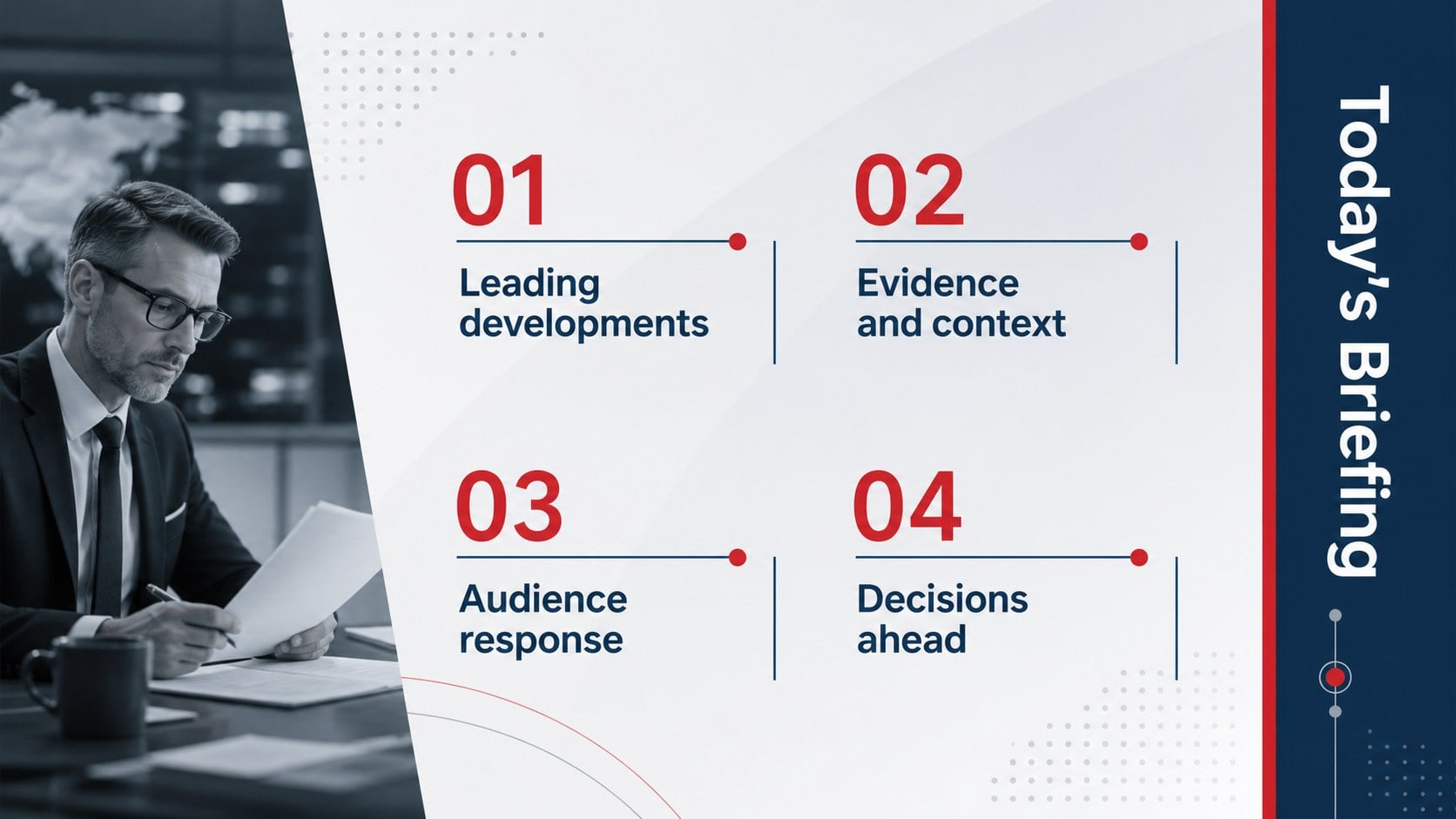
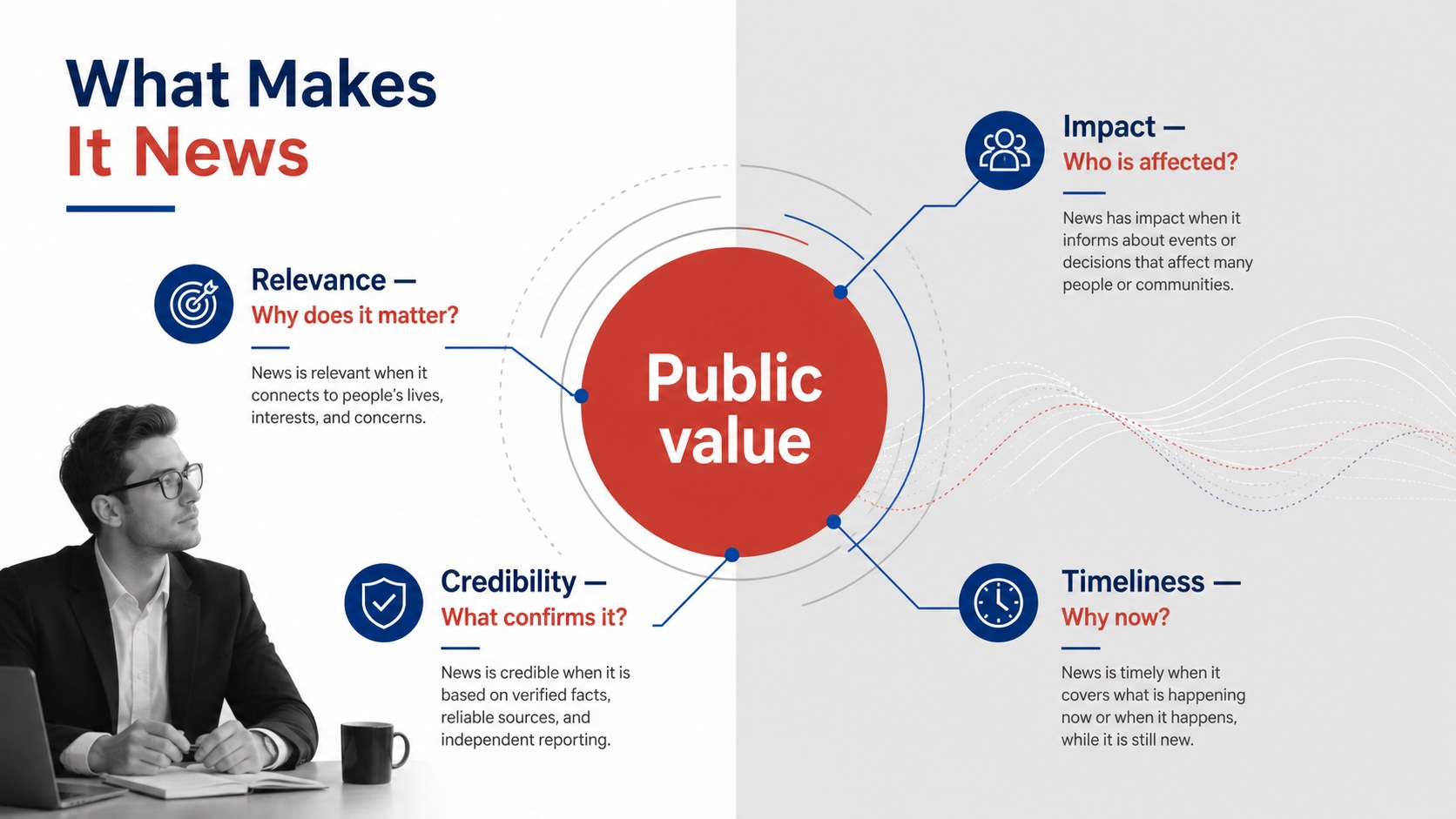
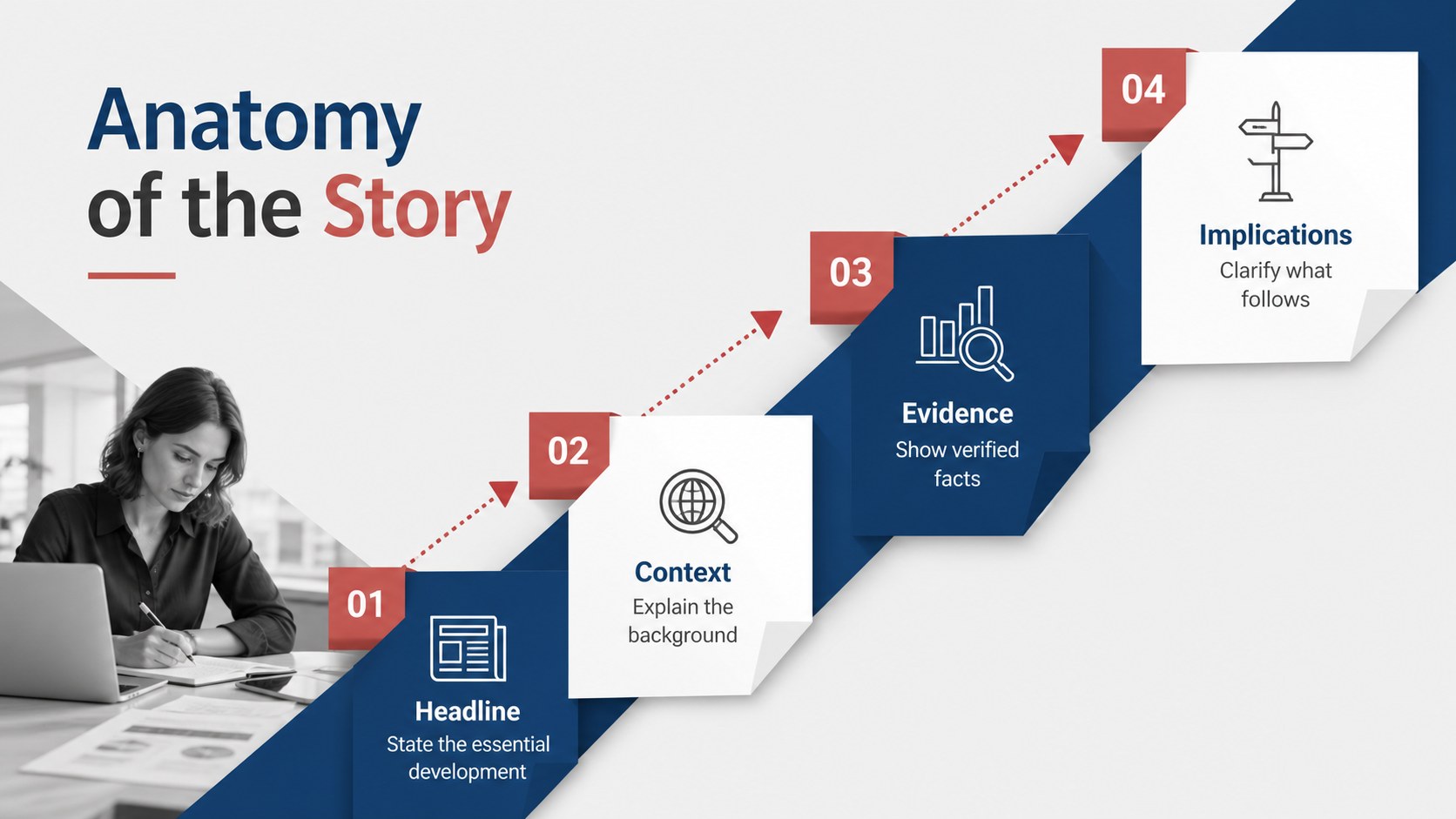
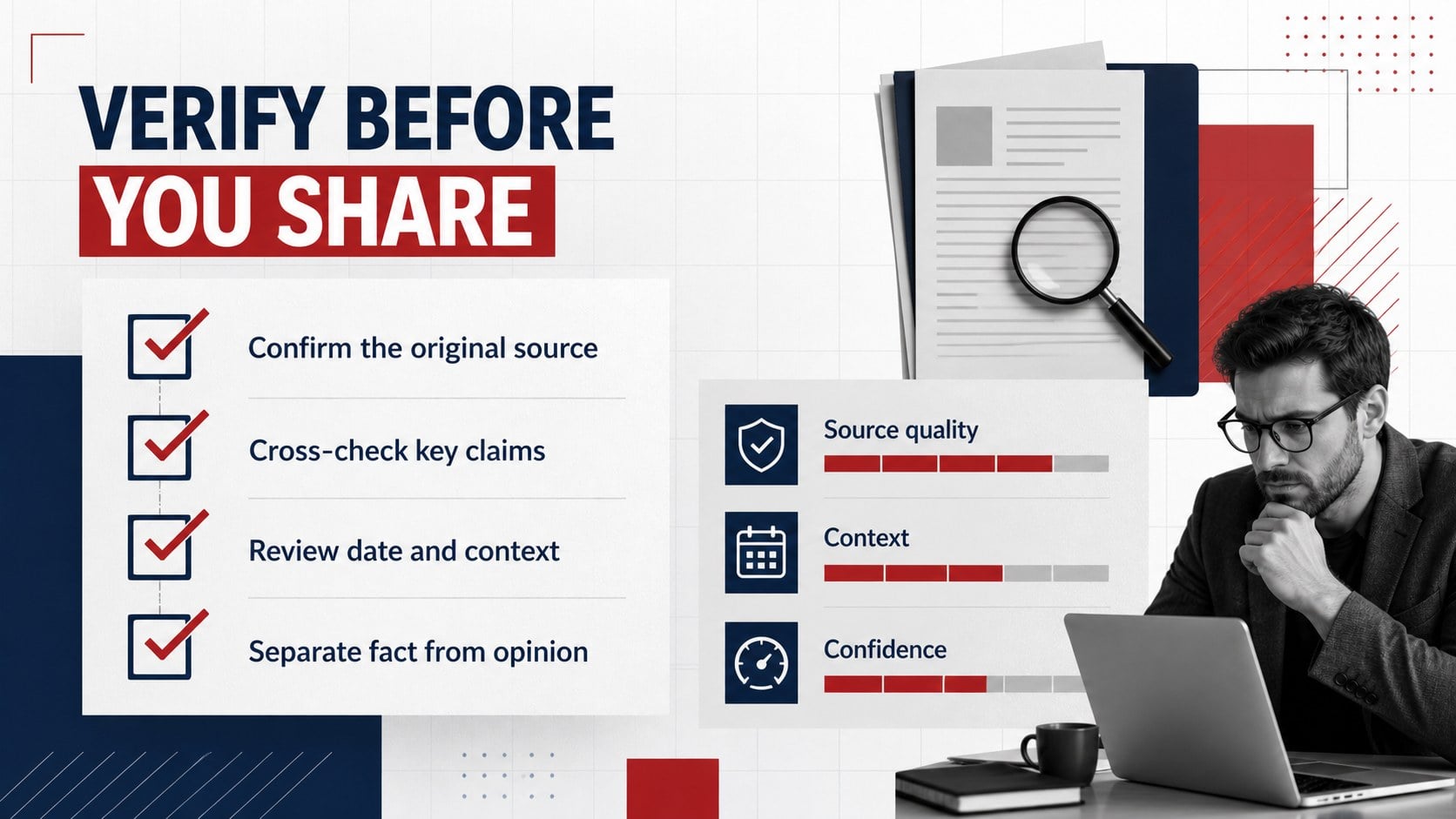
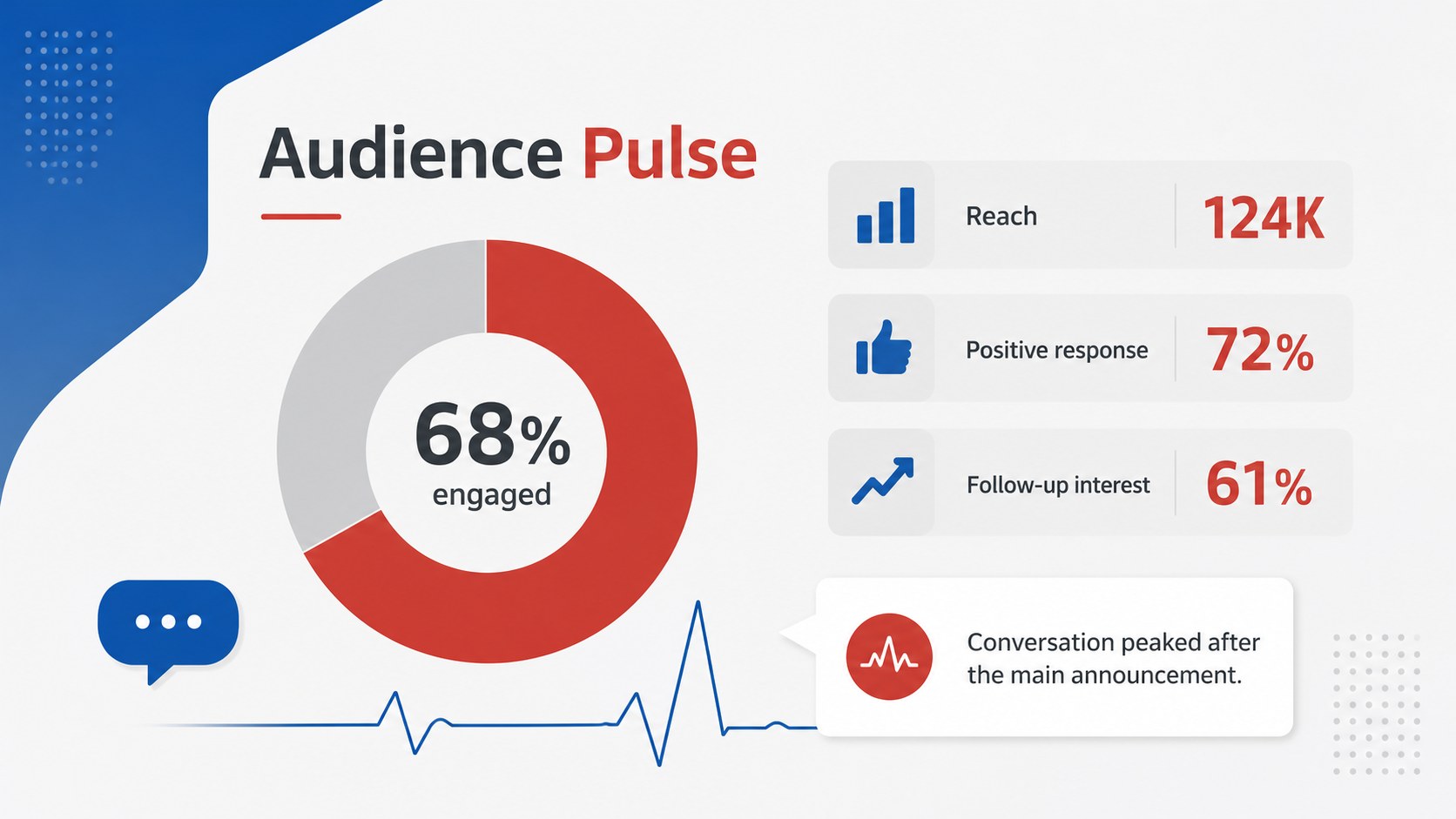
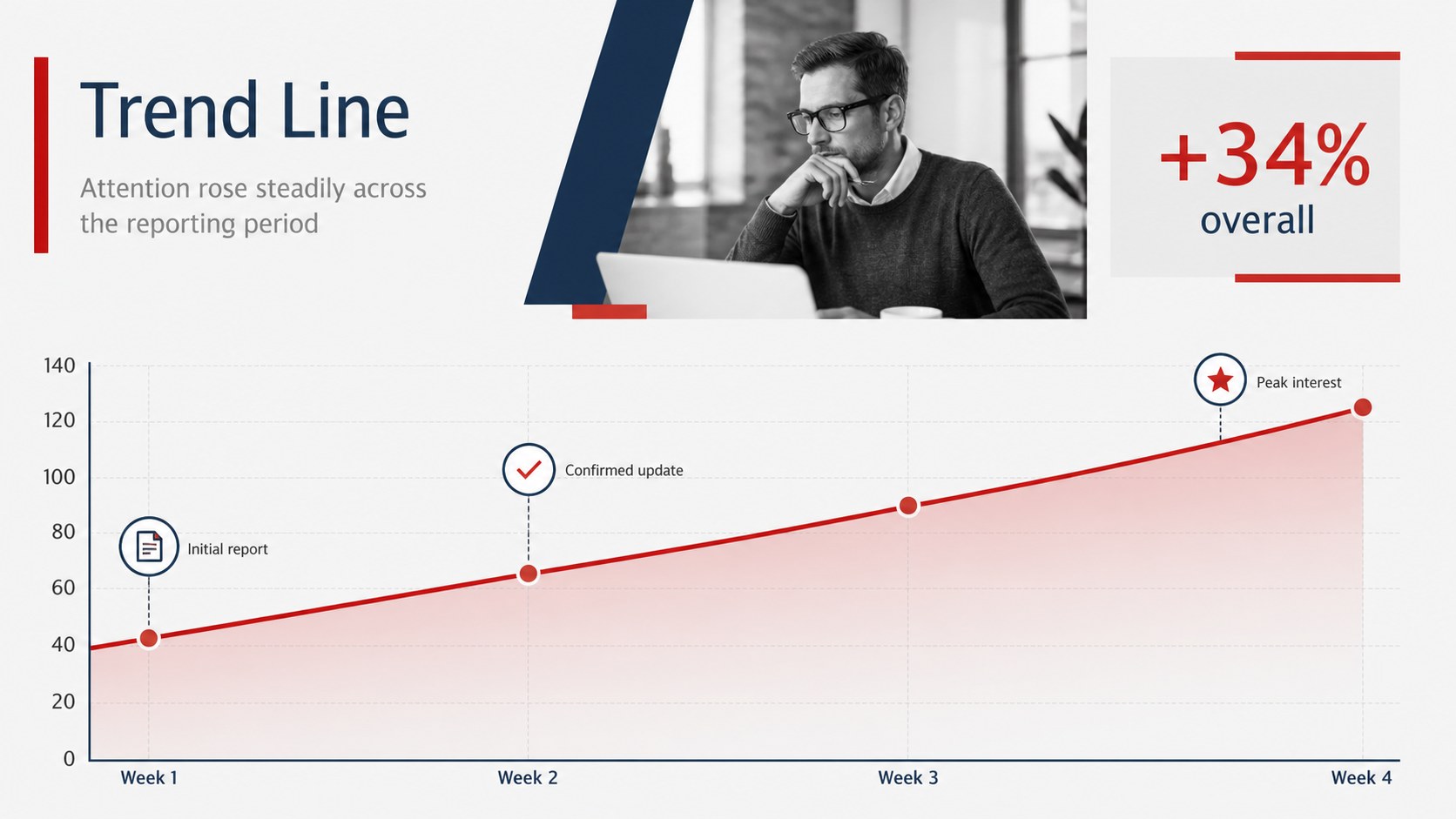
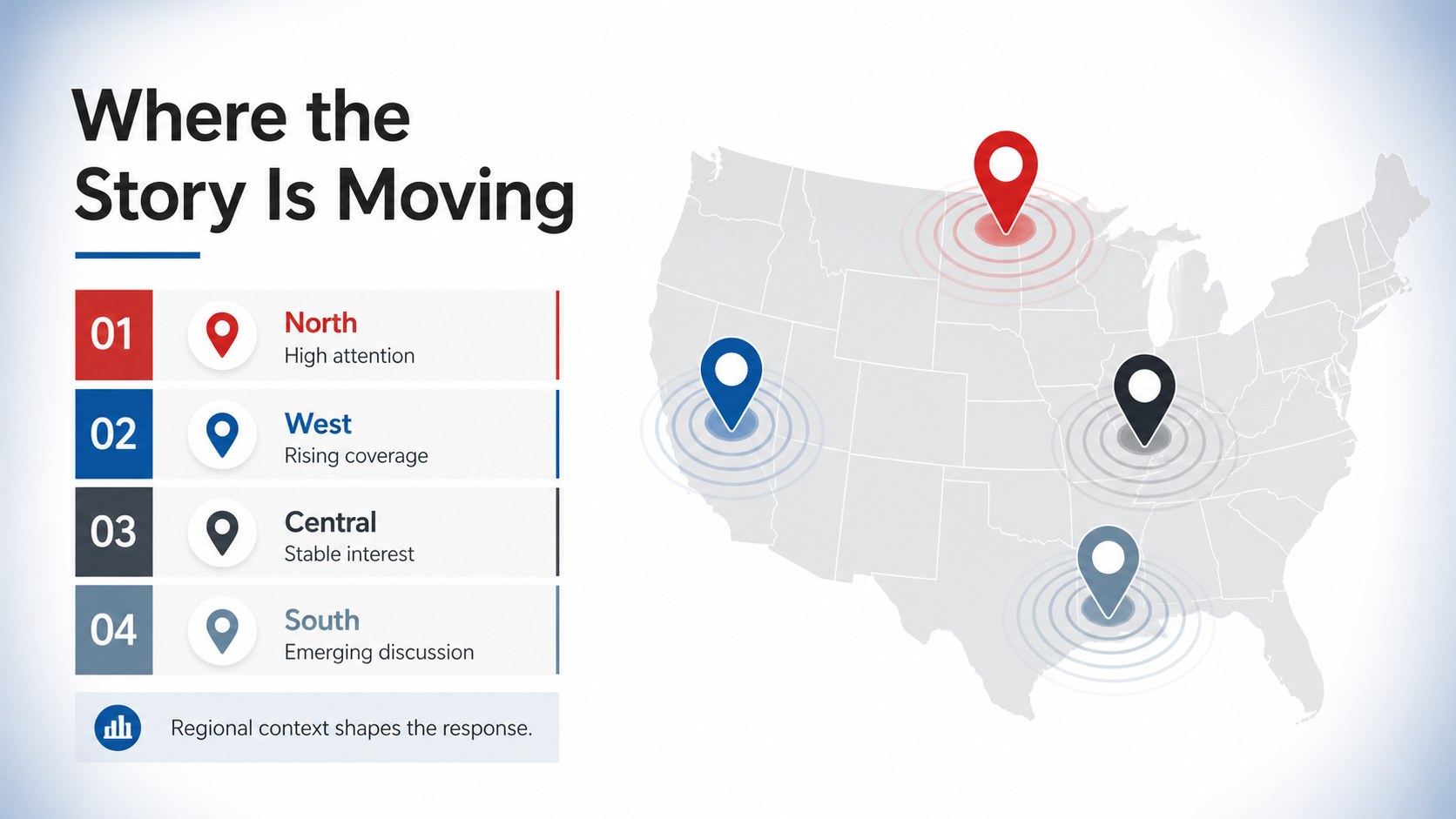
The deck includes 14 customizable 16:9 slides covering an opening headline, briefing agenda, top stories, newsworthiness criteria, story structure, source verification, audience response, trend data, regional coverage, event chronology, key figures, a featured quotation, action items, and a closing summary. This business news update presentation combines visual hierarchy with practical chart, timeline, map, and text layouts. Fonts, colors, images, labels, and data can be adjusted directly in PowerPoint or Google Slides.
Designed for communications teams, journalists, educators, analysts, executives, and conference speakers, this editorial news presentation template supports both scheduled reports and time-sensitive briefings. It also works as a corporate media briefing slide deck when leaders need to explain what happened, why it matters, and what comes next. Replace the sample copy with your own reporting, apply organizational colors if needed, and adapt individual slides for internal meetings, public presentations, classroom discussions, or stakeholder updates.
Perfect for: weekly newsroom briefing; corporate communications update; current events classroom lesson; market trends report; conference news analysis; stakeholder media briefing.
Frequently asked questions
Can I edit every part of the news briefing deck? Yes. Headlines, body copy, colors, fonts, images, charts, and timeline labels can all be customized to match your subject and visual identity.
Practical details
Yes. Headlines, body copy, colors, fonts, images, charts, and timeline labels can all be customized to match your subject and visual identity.
The template is designed for Microsoft PowerPoint and Google Slides. Some font spacing or transitions may vary slightly when moving between the two platforms.
Yes. Replace the editorial examples with company announcements, performance figures, project milestones, media coverage, or leadership messages while retaining the structured briefing format.
Enter your verified figures and revise the labels to reflect the reporting period. Keep the red accent for priority data or change it to an organizational highlight color for consistent emphasis.
Keep exploring
15Build an engaging World UFO Day session with this flying saucer history lesson deck, featuring retro green-and-brown slides for PowerPoint and Google Slides.
 15
15Plan a lively animal-learning journey with this jungle zoo adventure lesson deck, ready to customize in PowerPoint and Google Slides for young learners.
 16
16Turn environmental research into a clear story with a Watercolor Ecology Presentation Theme for PowerPoint and Google Slides in calming green and blue.
 16
16Build focused fashion, literature, and humanities presentations with the Red Triangle Editorial Theme, editable in PowerPoint and Google Slides.
 15
15Turn streaming stats, favorite tracks, and concert highlights into a bold annual listening recap slide deck for PowerPoint and Google Slides.
 15
15Turn highlights, milestones, and favorite moments into a colorful year in review slide deck with bold 3D graphics for PowerPoint and Google Slides.
 3
3Build a credible endorsement with Standout Colleague Recommendation Letter Slides, featuring colorful prompts for skills, achievements, and team impact.
 4
4Build clear beginner sessions with an ice hockey fundamentals training deck for coaches, PE teachers, and clubs, ready for PowerPoint and Google Slides.