
 15
15presentation
Flying Saucer History Lesson Deck
Build an engaging World UFO Day session with this flying saucer history lesson deck, featuring retro green-and-brown slides for PowerPoint and Google Slides.
Google SlidesPowerPoint
presentation · English
Plan hands-on lessons with a Modern Flower Styling Workshop Deck featuring abstract blue, brown, and red visuals for PowerPoint and Google Slides.
Design notes
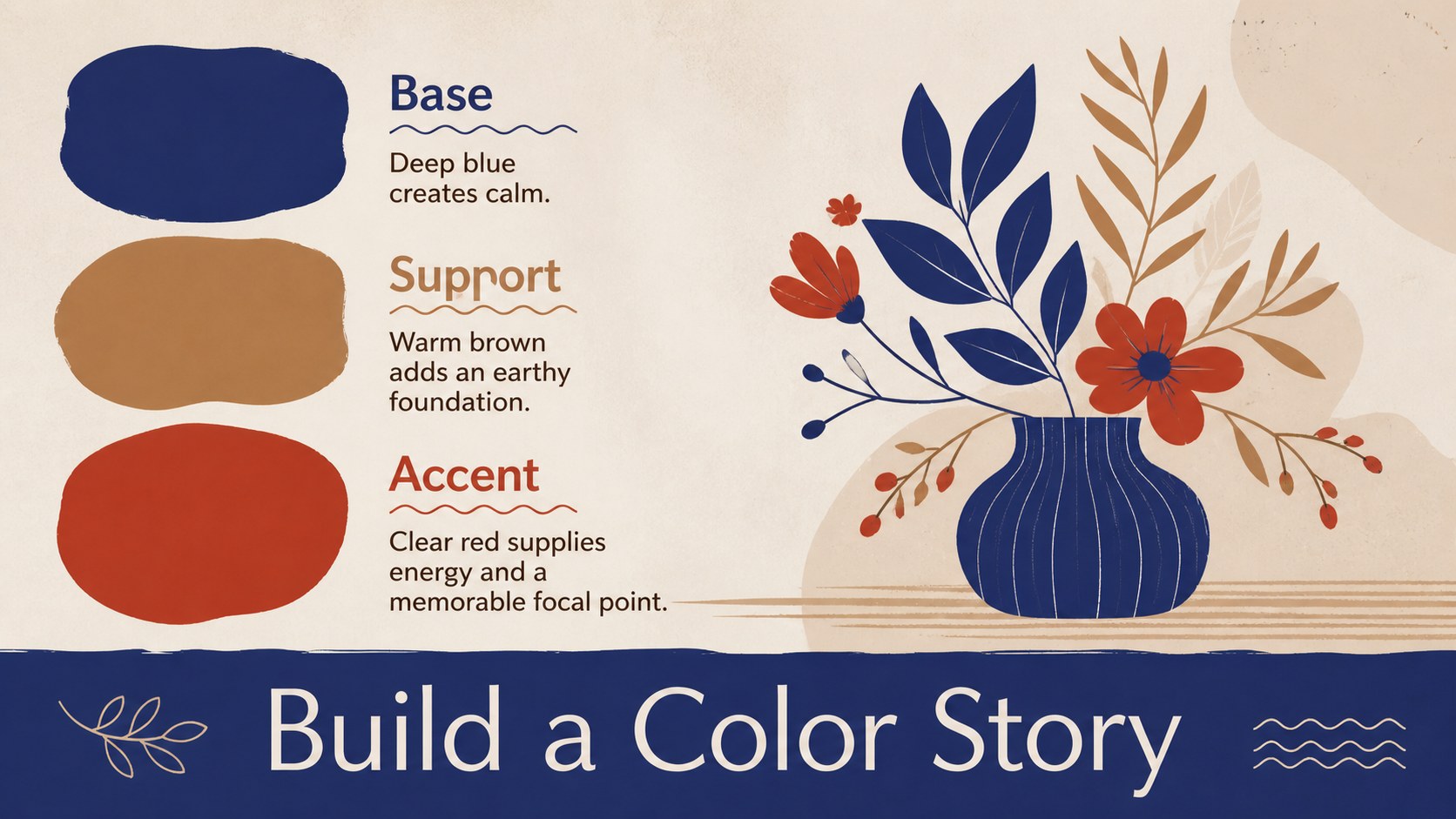
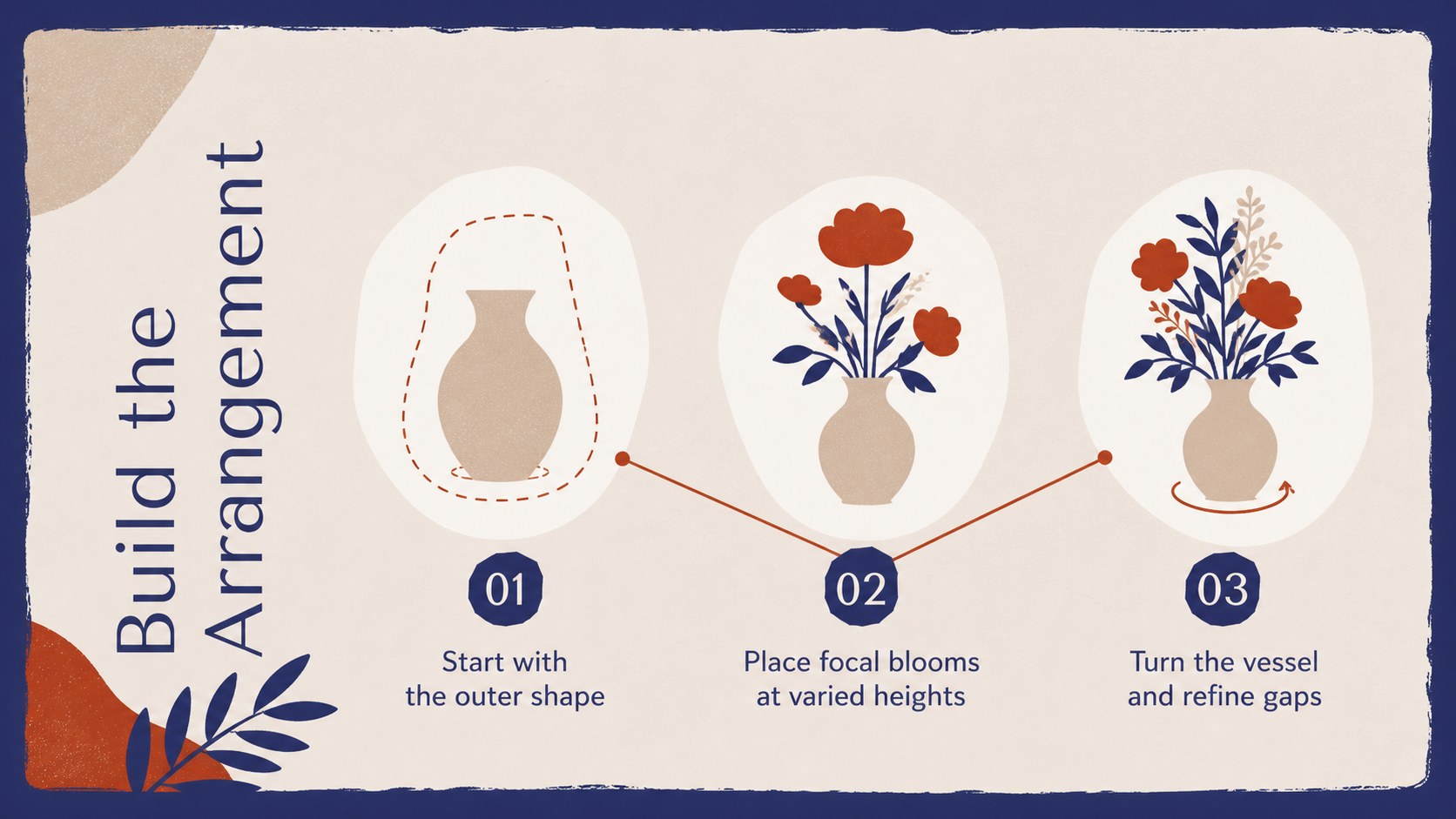
The modern flower styling workshop deck gives instructors a polished visual framework for teaching floral composition from first idea to final display. Its expressive cut-paper botanicals, organic shapes, and balanced blue, brown, and red palette create an artistic atmosphere without distracting from practical instruction. Use it as a flower arranging workshop presentation for a classroom lesson, community event, studio demonstration, or creative team activity.
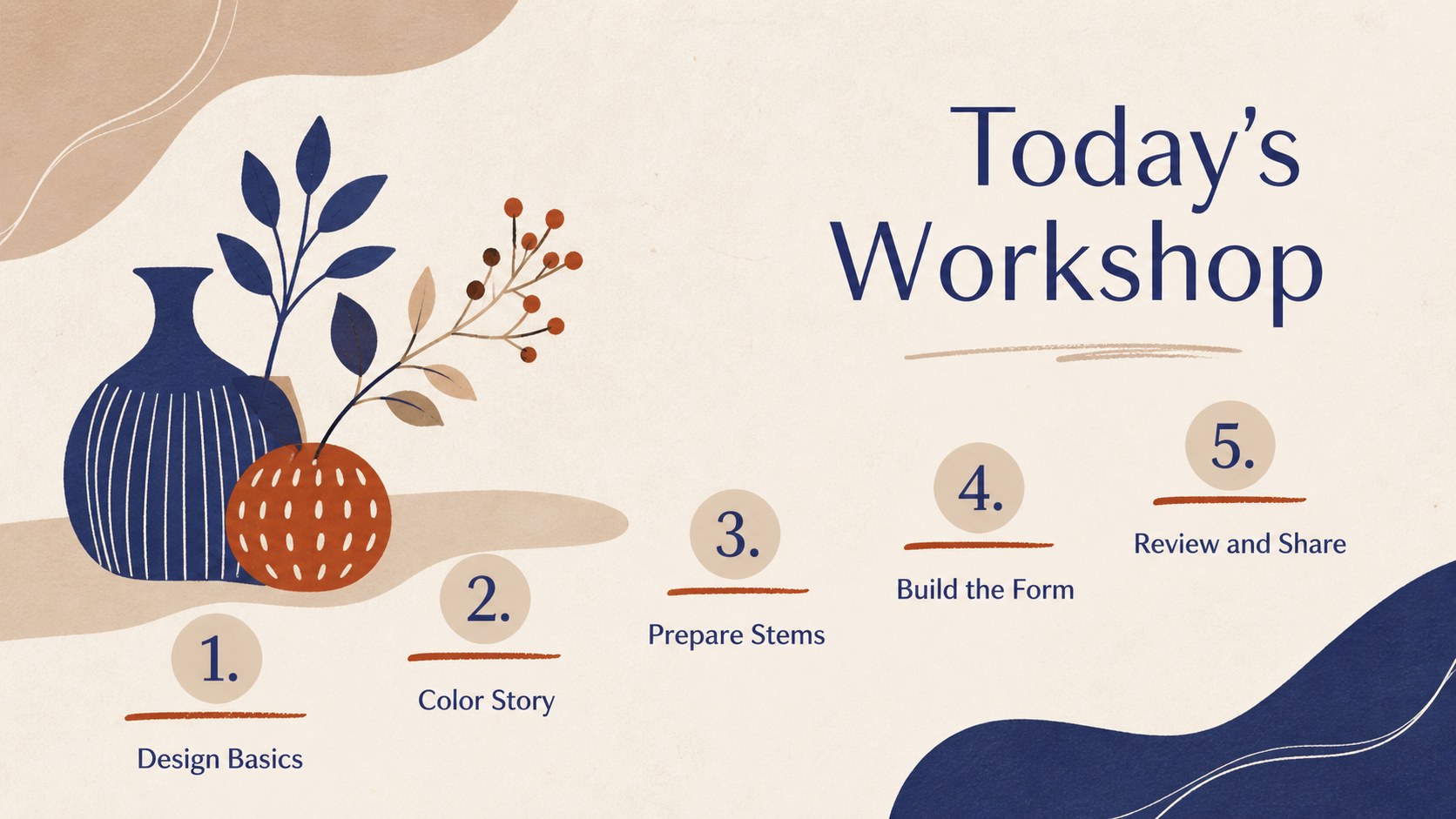
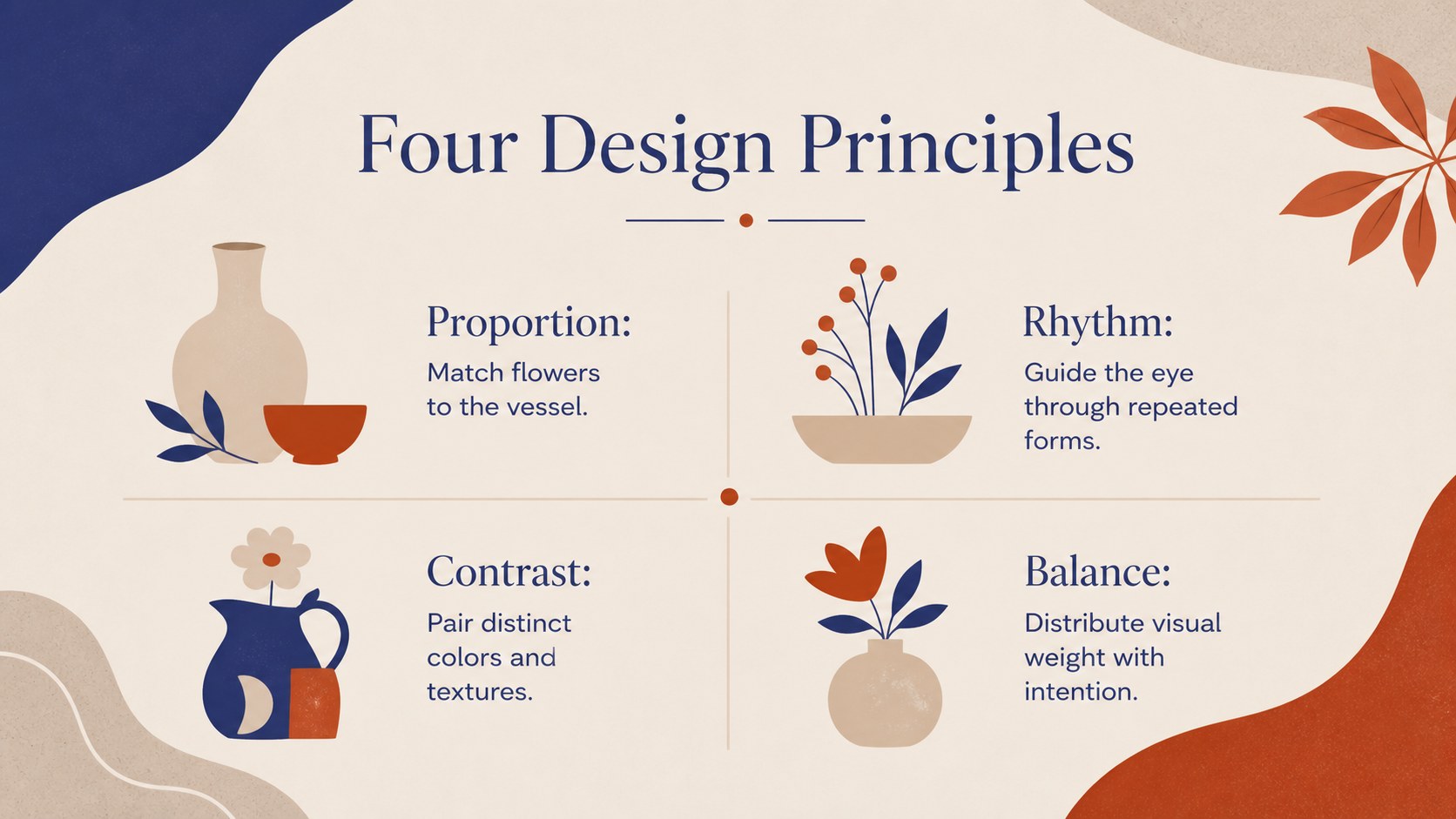
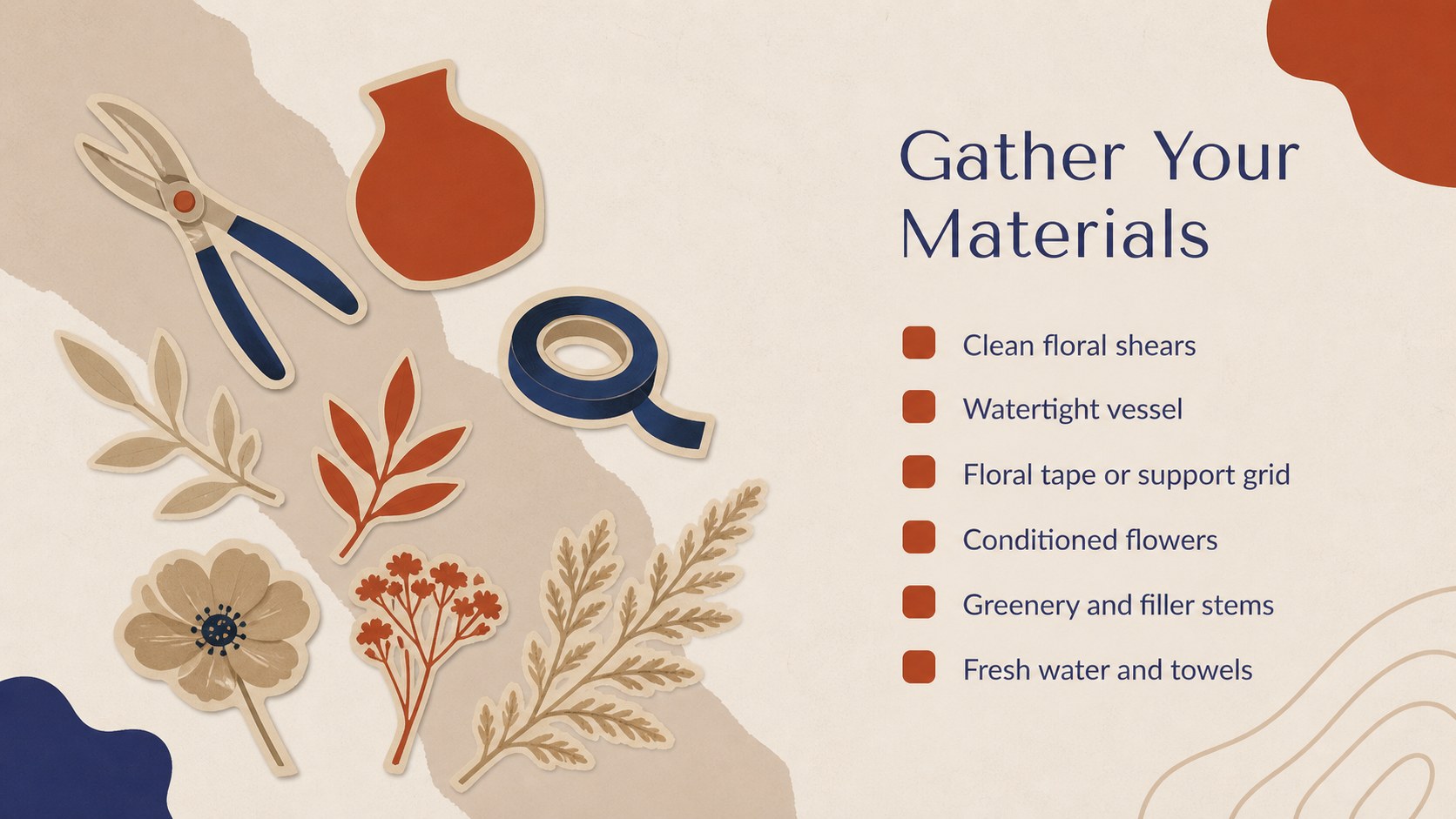
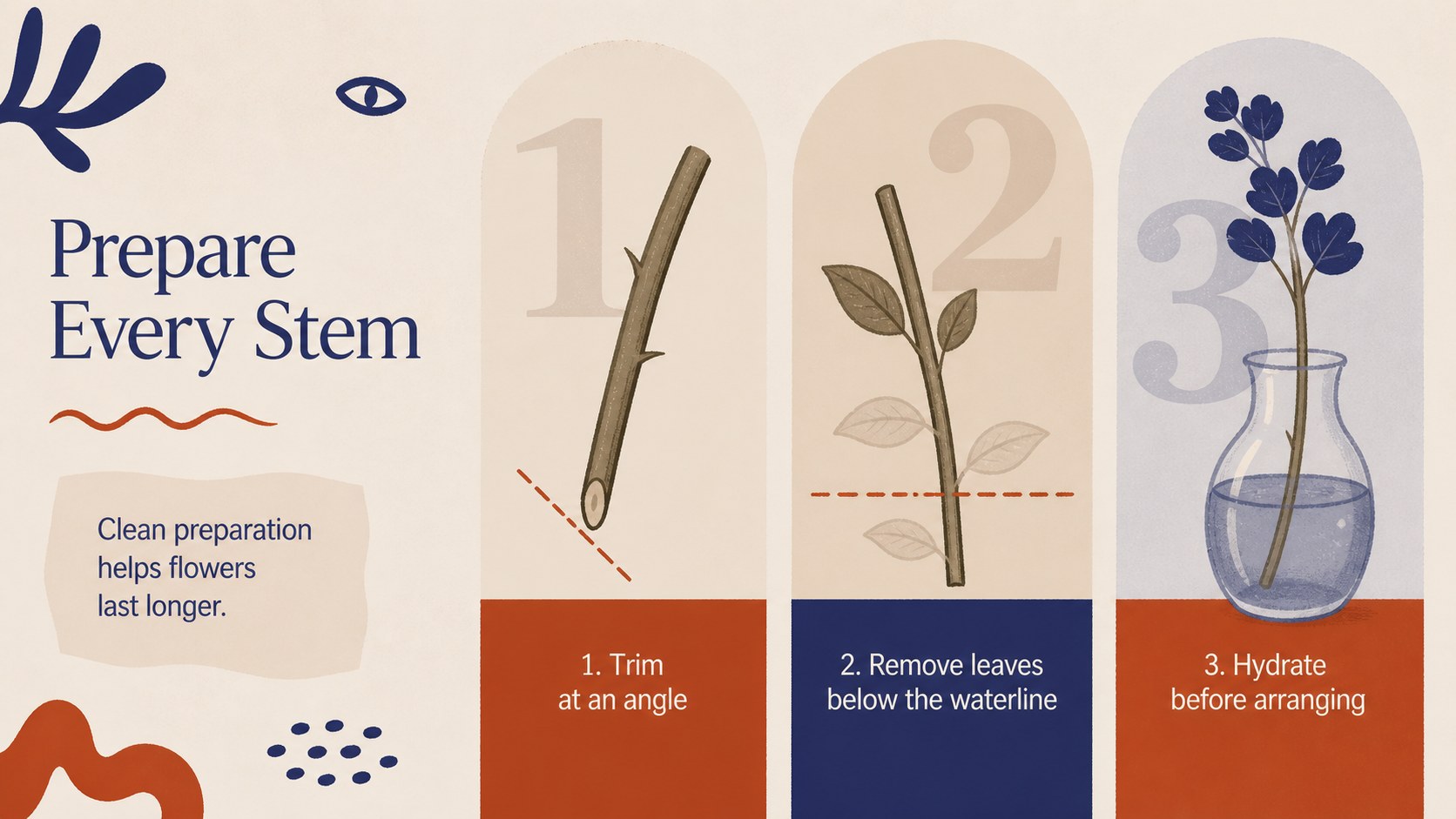
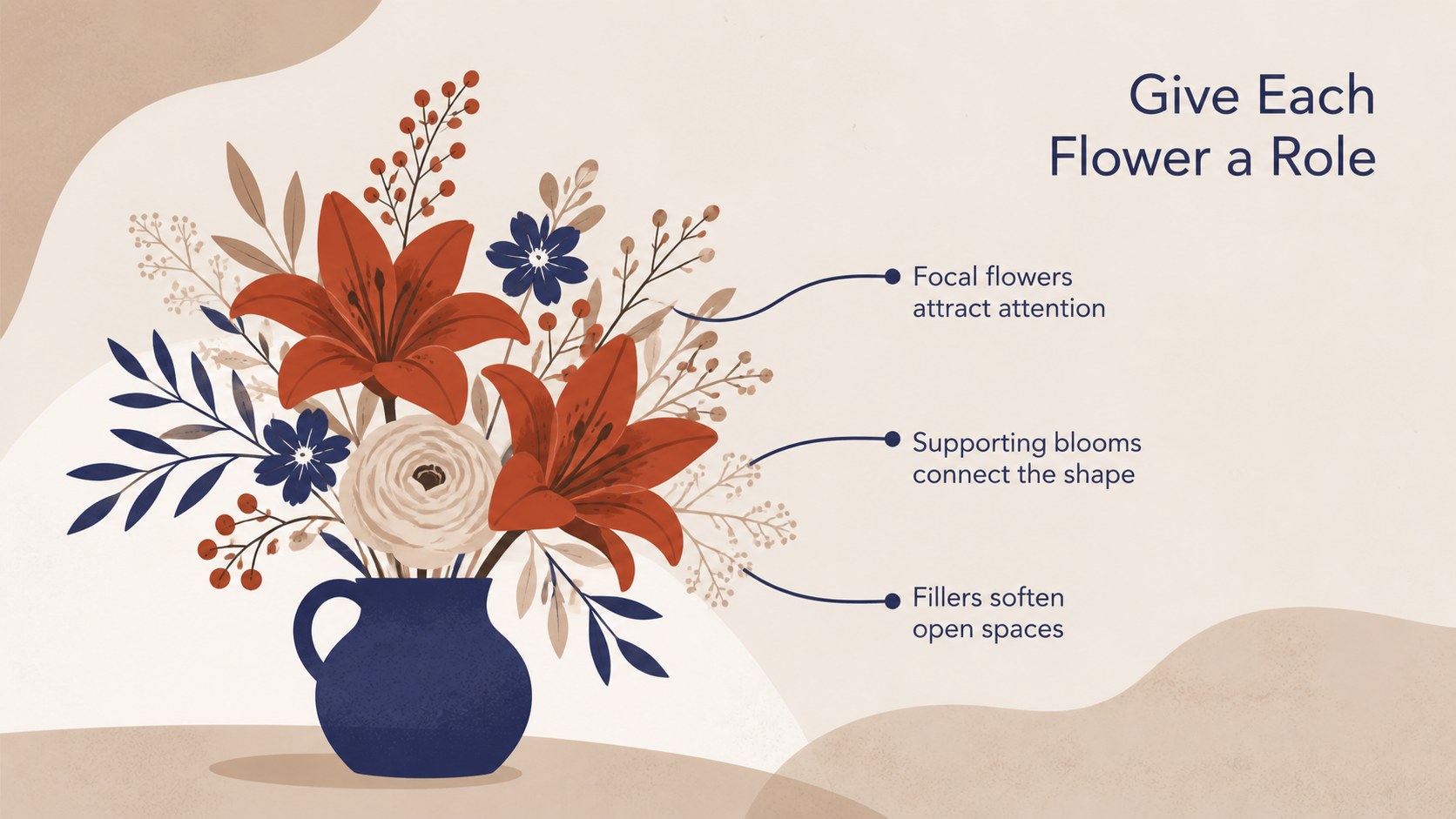
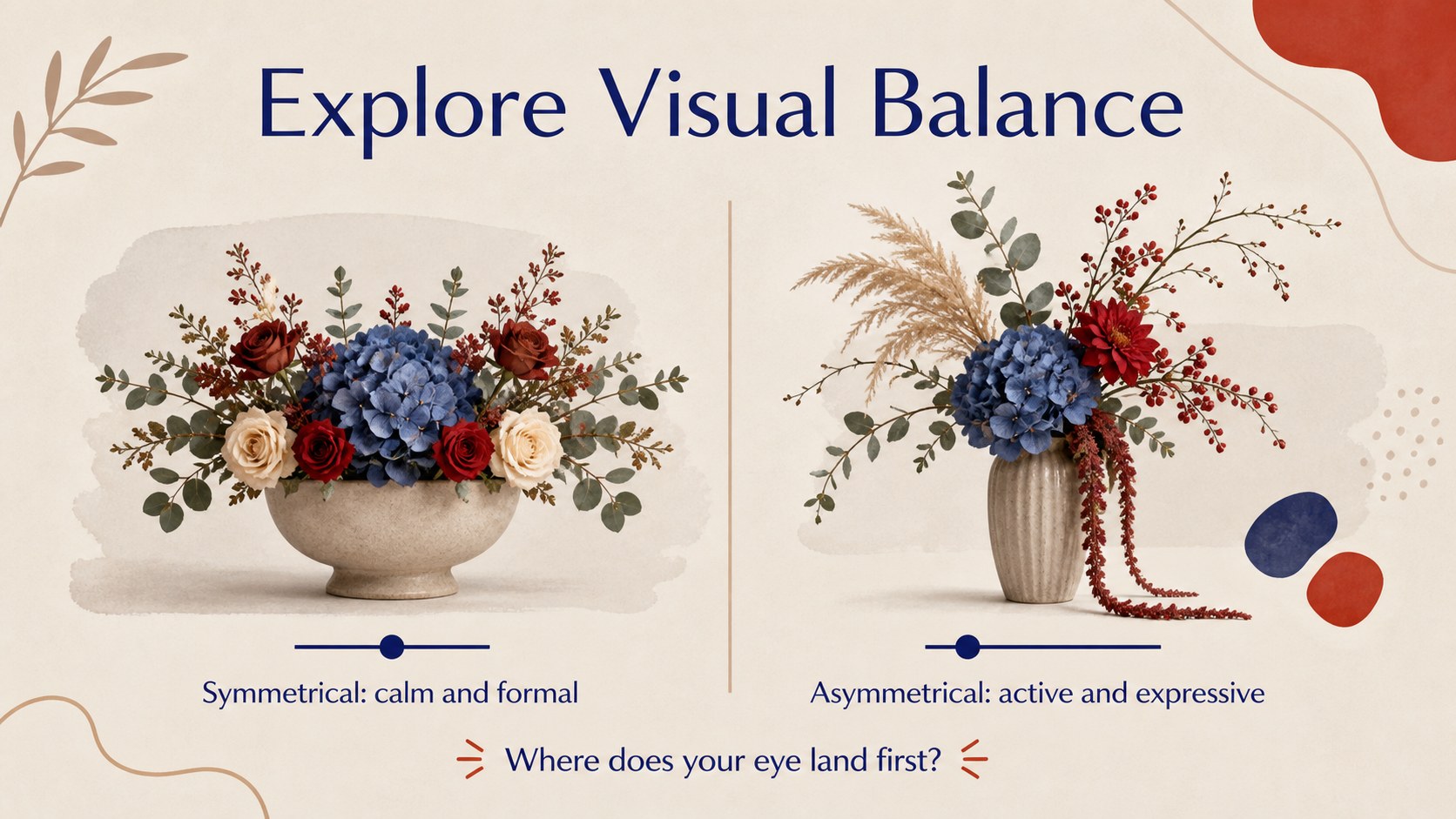
The deck includes layouts for workshop goals, design principles, color planning, materials, stem preparation, focal-flower placement, balance, guided practice, critique, and final showcases. Timelines, checklists, image spaces, and concise teaching prompts help you organize a complete session. Every slide can be edited in PowerPoint or Google Slides, allowing you to change wording, rearrange sections, insert photographs, and adapt the palette to seasonal flowers.
Designed as a creative floristry class template, this presentation works for art teachers, florists, event hosts, garden clubs, and adult education leaders. The blue brown floral slides are equally useful for promoting a workshop, presenting a live demonstration, or sharing participant projects afterward. Customize the activities for beginners or experienced learners while retaining the deck's warm, modern, and approachable character.
Perfect for: beginner floristry class; flower shop workshop; garden club demonstration; community art lesson; event styling training; student arrangement showcase.
Frequently asked questions
Can I edit this flower styling workshop deck? Yes. You can replace the lesson text, move design elements, add flower photographs, and adjust colors to match your workshop or seasonal theme.
Practical details
Yes. You can replace the lesson text, move design elements, add flower photographs, and adjust colors to match your workshop or seasonal theme.
The template is designed for PowerPoint and Google Slides. Import or open the file in your preferred platform, then customize the layouts with its standard editing tools.
Yes. The sequence covers foundational topics such as color, proportion, stem preparation, focal placement, and balance. You can simplify the exercises or add advanced techniques based on learner experience.
Yes. Replace the sample image areas with photographs of flowers, materials, demonstrations, or participant work. Crop each image to fit the layout and add brief captions where context is useful.
Keep exploring
15Build an engaging World UFO Day session with this flying saucer history lesson deck, featuring retro green-and-brown slides for PowerPoint and Google Slides.
 15
15Plan a lively animal-learning journey with this jungle zoo adventure lesson deck, ready to customize in PowerPoint and Google Slides for young learners.
 16
16Turn environmental research into a clear story with a Watercolor Ecology Presentation Theme for PowerPoint and Google Slides in calming green and blue.
 16
16Build focused fashion, literature, and humanities presentations with the Red Triangle Editorial Theme, editable in PowerPoint and Google Slides.
 15
15Turn streaming stats, favorite tracks, and concert highlights into a bold annual listening recap slide deck for PowerPoint and Google Slides.
 15
15Turn highlights, milestones, and favorite moments into a colorful year in review slide deck with bold 3D graphics for PowerPoint and Google Slides.
 3
3Build a credible endorsement with Standout Colleague Recommendation Letter Slides, featuring colorful prompts for skills, achievements, and team impact.
 4
4Build clear beginner sessions with an ice hockey fundamentals training deck for coaches, PE teachers, and clubs, ready for PowerPoint and Google Slides.