
 15
15presentation
Flying Saucer History Lesson Deck
Build an engaging World UFO Day session with this flying saucer history lesson deck, featuring retro green-and-brown slides for PowerPoint and Google Slides.
Google SlidesPowerPoint
presentation · English
Create polished recognition materials with Modern Course Completion Award Slides, featuring editable orange and violet layouts for training teams and…



Design notes
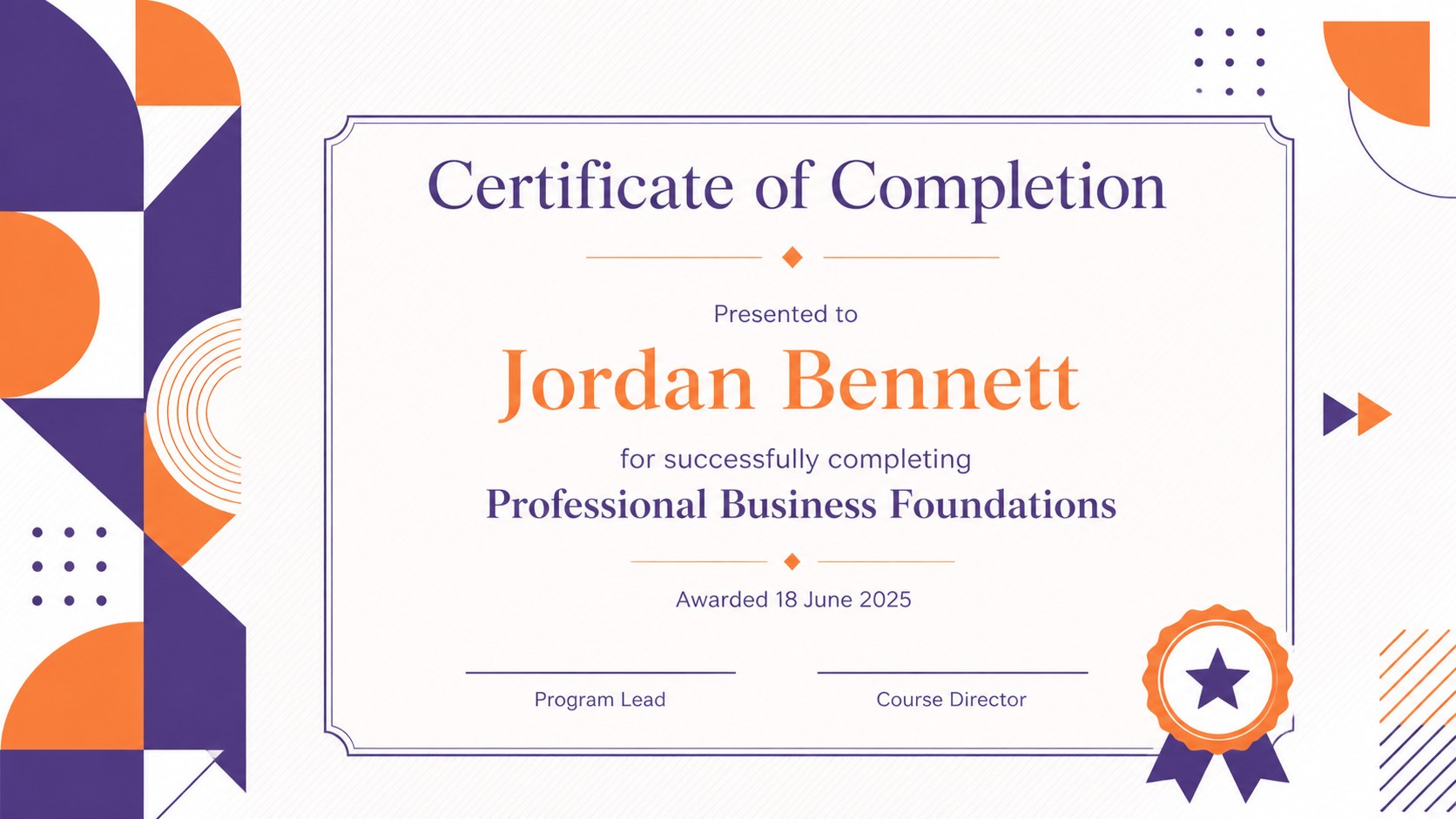
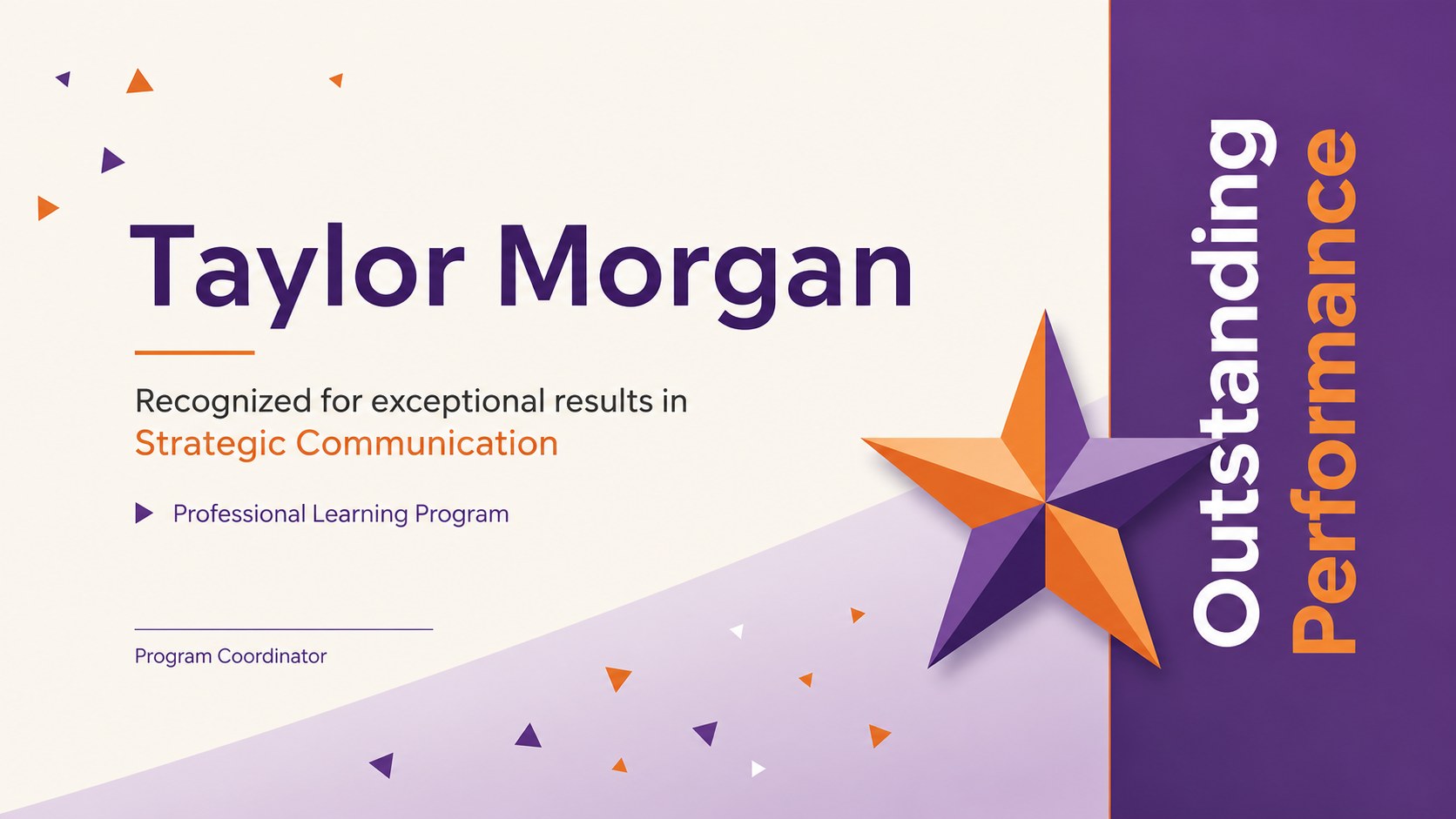
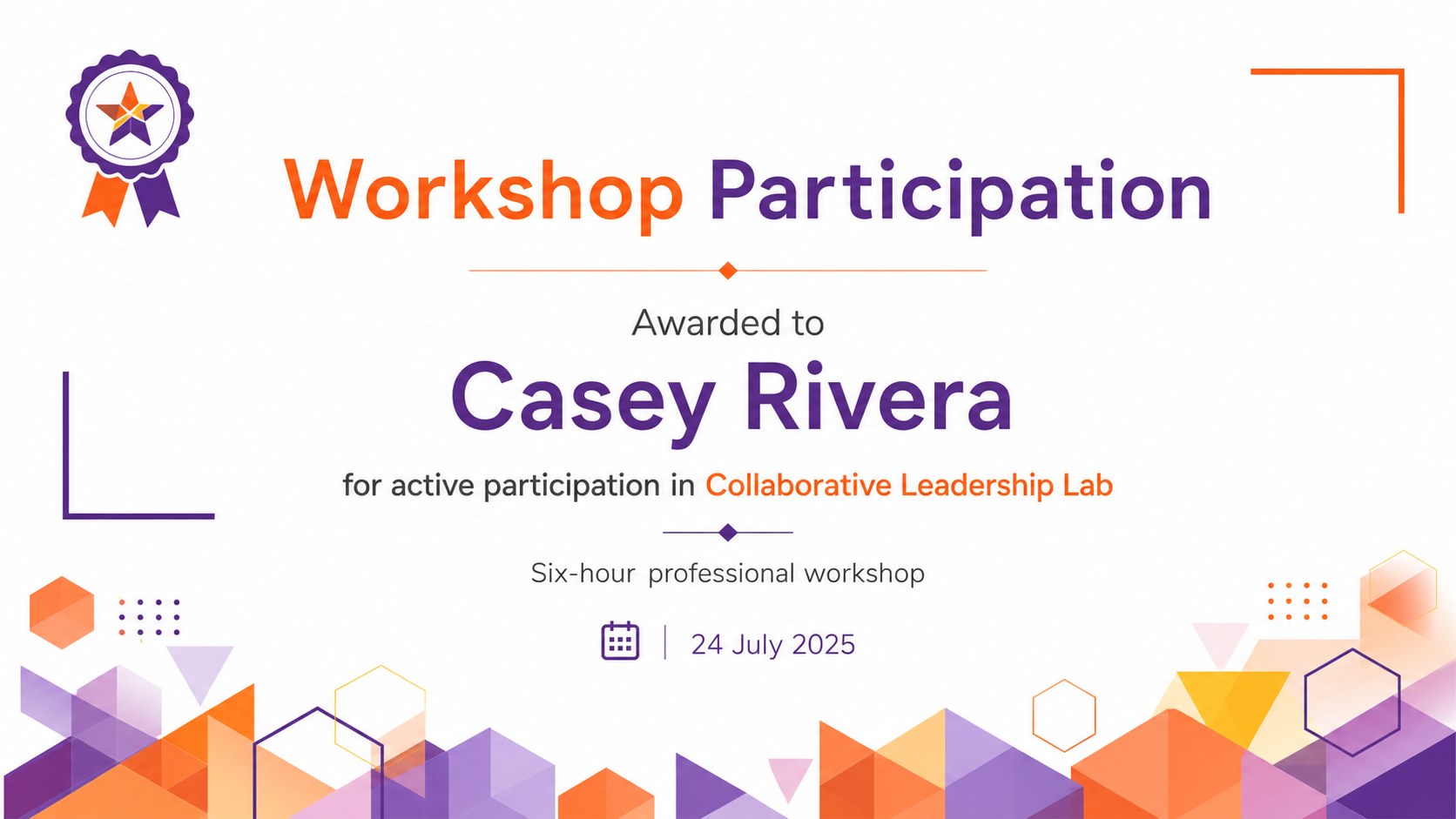
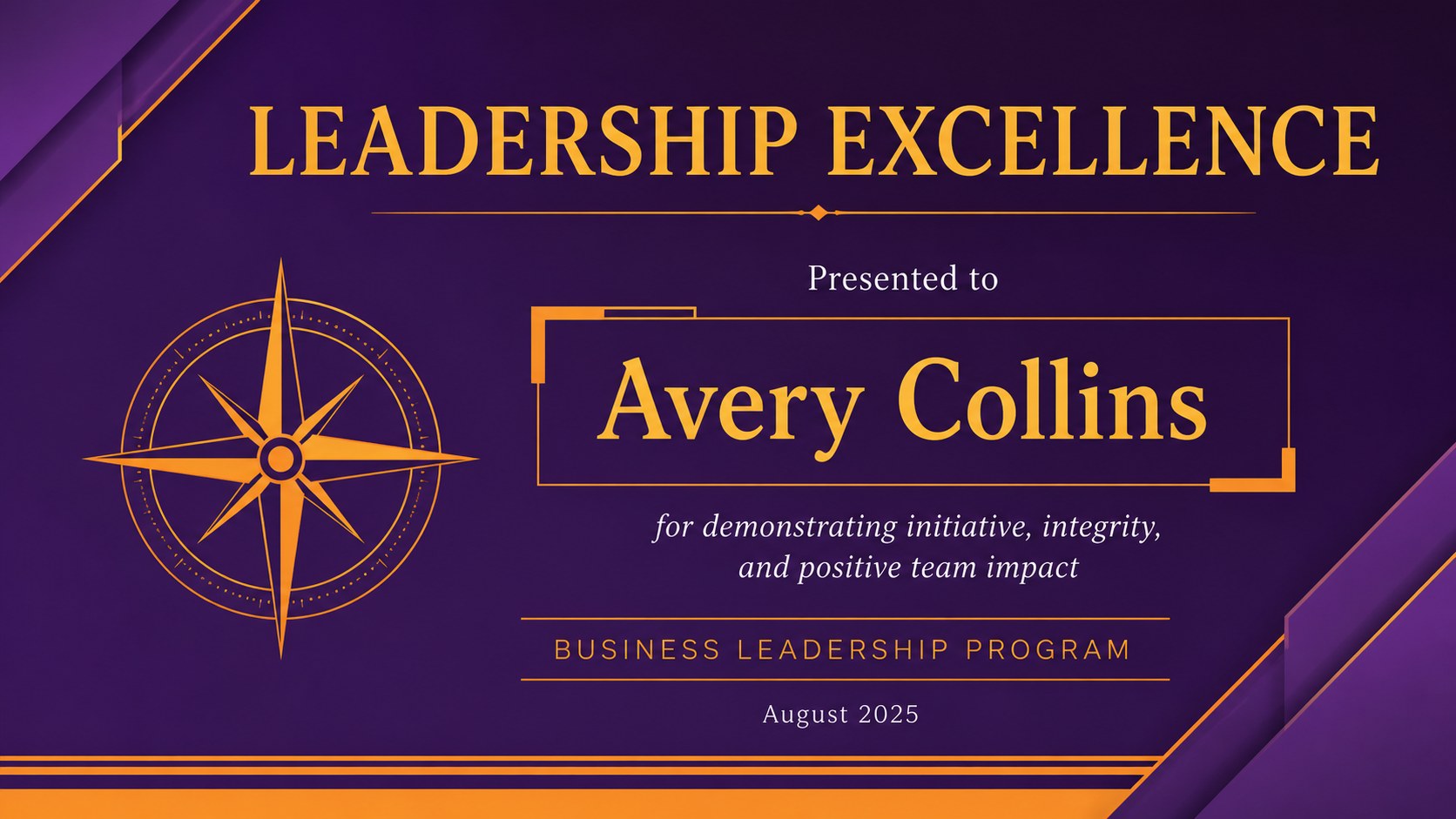
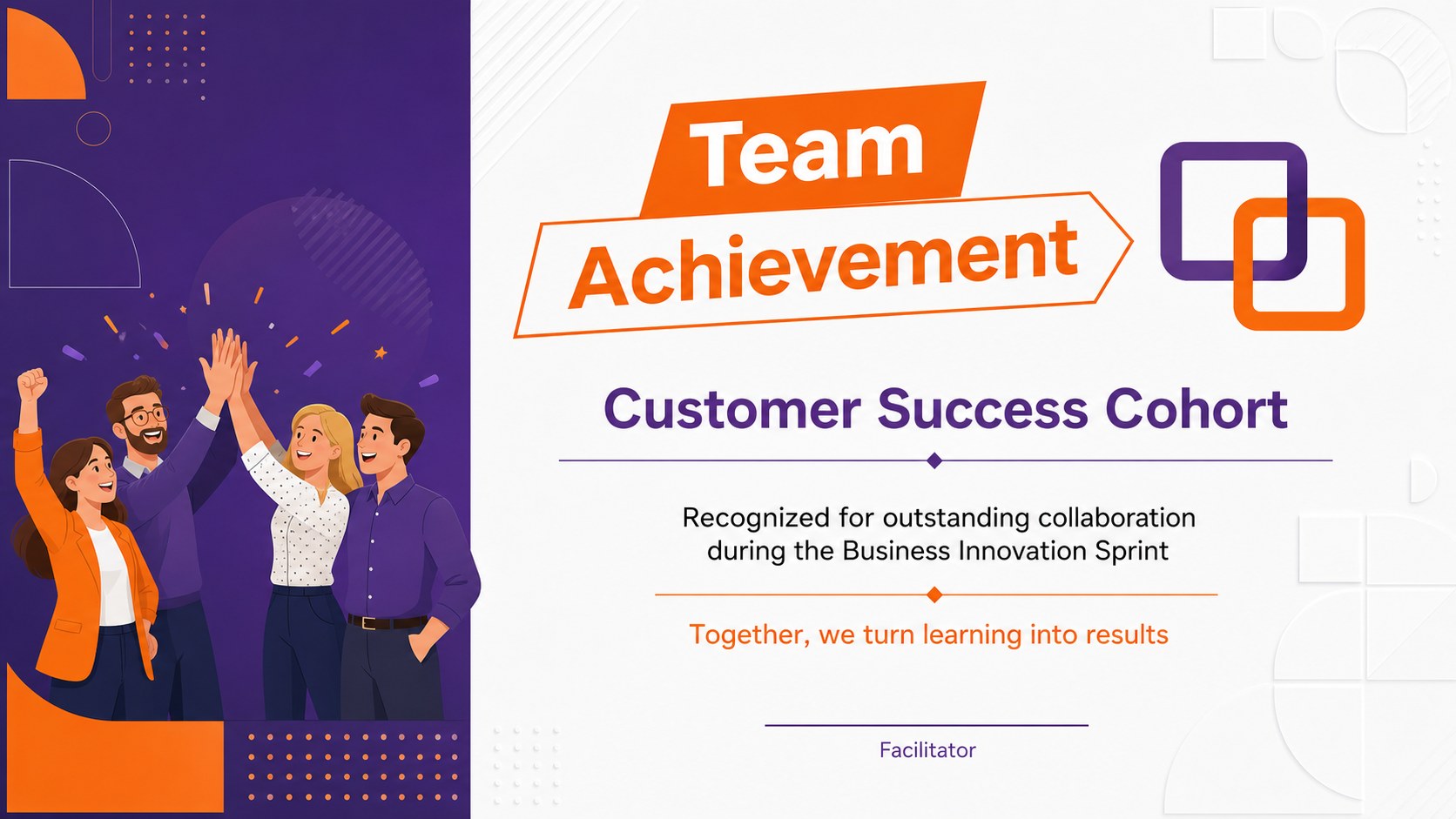
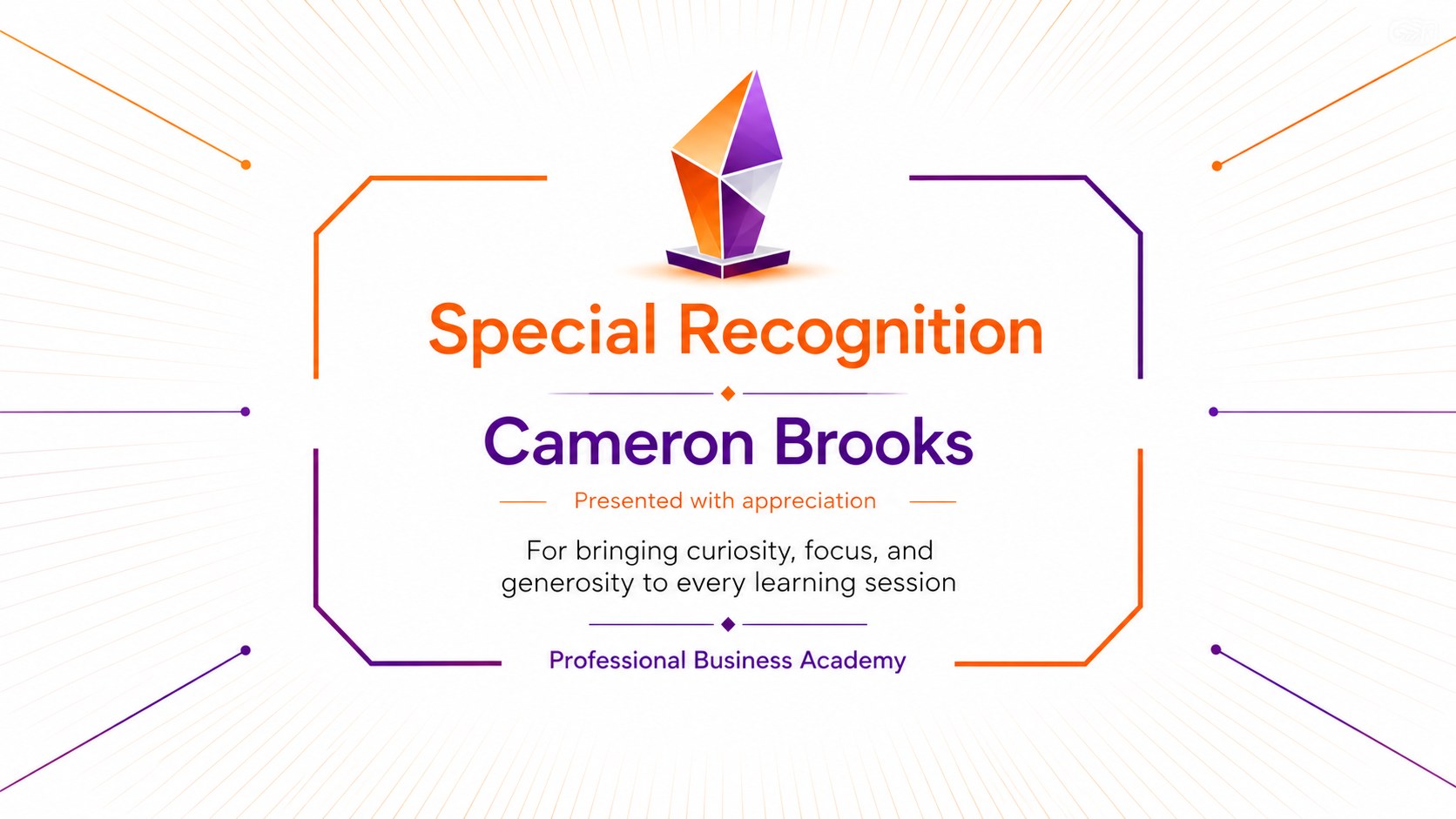
Modern Course Completion Award Slides give educators, trainers, and program coordinators a polished way to celebrate learning milestones. The vibrant orange and violet palette combines with crisp geometric forms to create professional recognition materials that feel energetic without losing their business-ready character.
Inside, you will find adaptable certificate layouts for course completion, outstanding performance, workshop participation, leadership, team achievement, and special recognition. Supporting slides cover recipient details, achievement summaries, cohort celebrations, award categories, and closing congratulations. Use the business training certificate slides for corporate academies, professional development programs, onboarding courses, or continuing education events. The collection also works as a geometric employee recognition deck when teams need a consistent visual system for internal awards.
Every layout can be personalized with a recipient name, course title, completion date, presenter details, signatures, and organization information. Edit the deck in PowerPoint or Google Slides, adjust the orange and violet accents, and choose the certificate pages that match your event. The modern workshop completion certificate options are suitable for virtual ceremonies, classroom presentations, printed awards, and post-course email attachments. Whether you are recognizing one participant or an entire graduating cohort, this flexible deck keeps the process organized while giving each accomplishment a confident, contemporary finish.
Perfect for: corporate training graduation; professional development awards; workshop completion ceremony; employee learning recognition; online course certification; business academy celebration.
Frequently asked questions
Can I edit the recipient and course information? Yes. Replace the sample names, course titles, dates, achievement details, presenter information, and signature lines directly in the slide editor. Duplicate any certificate layout when you need awards for multiple recipients.
Practical details
Yes. Replace the sample names, course titles, dates, achievement details, presenter information, and signature lines directly in the slide editor. Duplicate any certificate layout when you need awards for multiple recipients.
The template is designed for PowerPoint and Google Slides. Font spacing or transitions may vary slightly between platforms, so review the finished deck before presenting or printing.
Yes. Change the accent colors, typefaces, geometric decorations, and background tones to match your organization or training program. Keep strong contrast between names, award titles, and decorative shapes for clear reading.
Yes. Export individual certificate slides as PDF files for printing or as image files for email and digital distribution. Use a high-quality export setting when certificates will be printed.
Keep exploring
15Build an engaging World UFO Day session with this flying saucer history lesson deck, featuring retro green-and-brown slides for PowerPoint and Google Slides.
 15
15Plan a lively animal-learning journey with this jungle zoo adventure lesson deck, ready to customize in PowerPoint and Google Slides for young learners.
 16
16Turn environmental research into a clear story with a Watercolor Ecology Presentation Theme for PowerPoint and Google Slides in calming green and blue.
 16
16Build focused fashion, literature, and humanities presentations with the Red Triangle Editorial Theme, editable in PowerPoint and Google Slides.
 15
15Turn streaming stats, favorite tracks, and concert highlights into a bold annual listening recap slide deck for PowerPoint and Google Slides.
 15
15Turn highlights, milestones, and favorite moments into a colorful year in review slide deck with bold 3D graphics for PowerPoint and Google Slides.
 3
3Build a credible endorsement with Standout Colleague Recommendation Letter Slides, featuring colorful prompts for skills, achievements, and team impact.
 4
4Build clear beginner sessions with an ice hockey fundamentals training deck for coaches, PE teachers, and clubs, ready for PowerPoint and Google Slides.