
 4
4document
Clinical Wound Evaluation Slides for Nurses
Document wound findings, treatment decisions, and healing progress with clinical wound evaluation slides for nurses in PowerPoint and Google Slides.
Google Docs
document · English
Keep decisions, tasks, and ministry updates easy to follow with the Ministry Meeting Notes Presentation Theme, built for PowerPoint and Google Slides.

Design notes
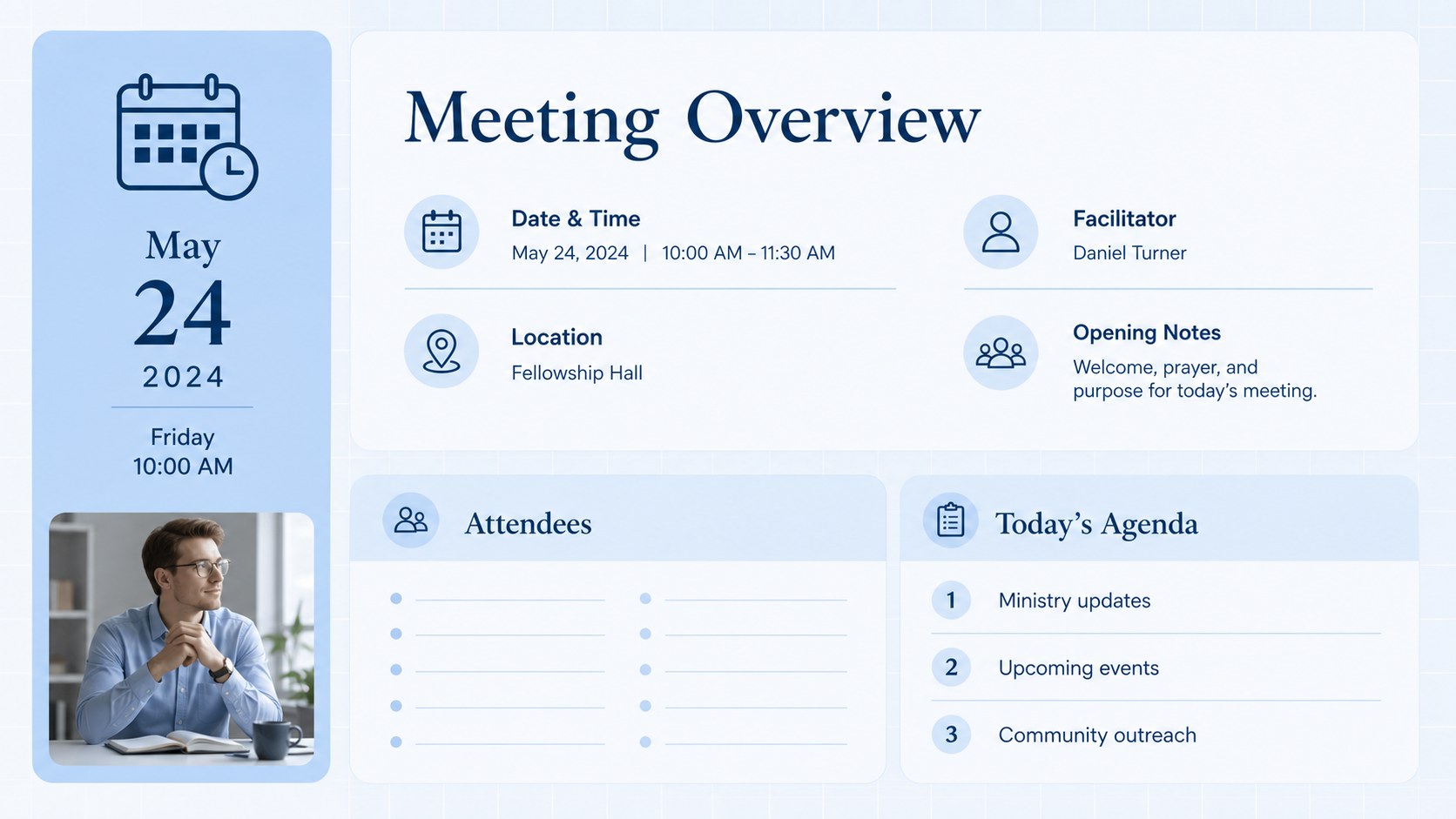
The Ministry Meeting Notes Presentation Theme gives church administrators and volunteer leaders a clear way to capture discussions without losing sight of decisions. Its simple blue design keeps information readable while maintaining a calm, welcoming tone suitable for congregation and leadership settings. Use it as a church leadership meeting record for weekly gatherings, committee sessions, ministry reviews, or parish council discussions.
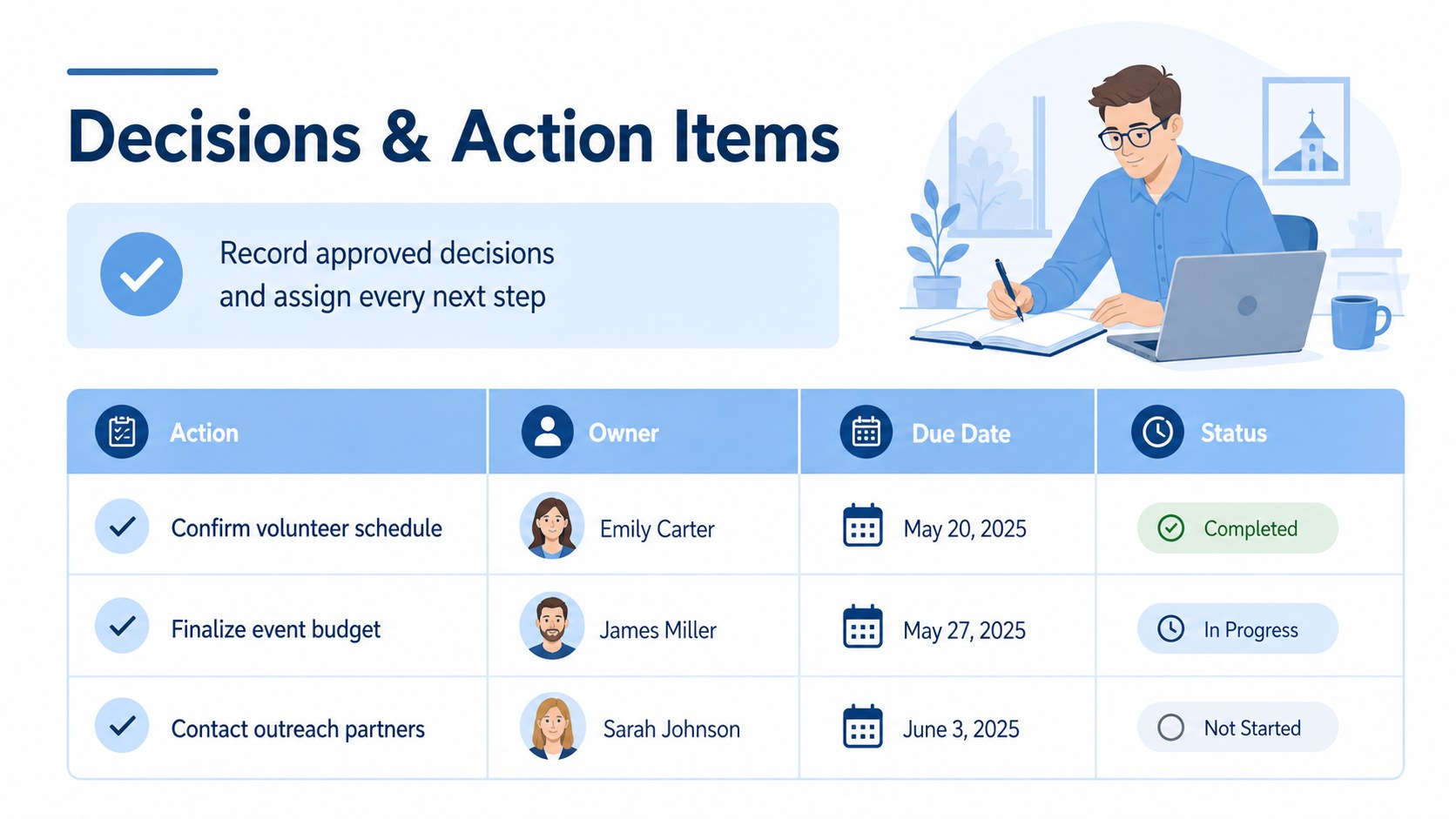
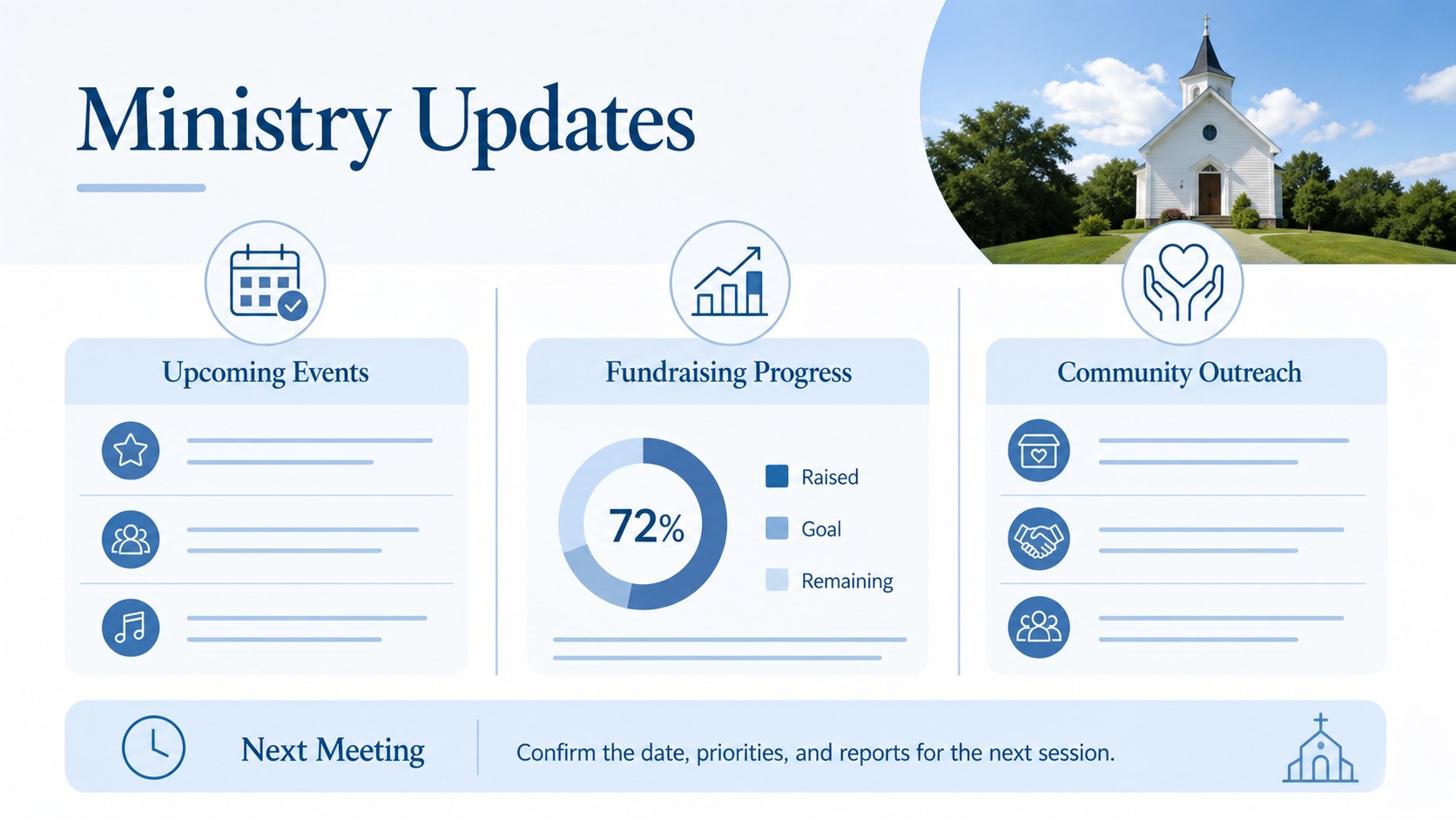
The four-slide structure includes a title page, meeting overview, decisions and action items, and ministry updates. Dedicated spaces help presenters record the date, location, attendees, agenda topics, assigned responsibilities, and target dates. The ministry action item template also makes follow-up easier by placing each task beside its owner and deadline. Event planning, fundraising progress, worship preparation, and community outreach updates can all be summarized within the same consistent visual system.
Designed for pastors, church secretaries, ministry coordinators, council members, and administrative volunteers, this parish council minutes presentation can be adapted for congregations of different sizes. Edit the wording, colors, fonts, and layout in PowerPoint or Google Slides, then present the notes during a meeting or export them for circulation afterward. The uncluttered format supports quick scanning, accurate recordkeeping, and more accountable communication across ministry teams.
Perfect for: weekly ministry team meeting; church board decision review; parish council session; fundraising progress update; community outreach planning.
Frequently asked questions
Can I edit these ministry meeting notes in PowerPoint? Yes. You can change all headings, names, dates, agenda items, colors, and task details in PowerPoint. Duplicate or remove slides to match the length of your meeting.
Practical details
Yes. You can change all headings, names, dates, agenda items, colors, and task details in PowerPoint. Duplicate or remove slides to match the length of your meeting.
Yes. Upload the presentation to Google Slides and edit it directly in your browser. Team members can also collaborate on notes and review action items together.
Replace the sample wording with your church name, ministry areas, meeting agenda, and assigned responsibilities. You can also adjust the blue palette and typography while preserving the clean administrative layout.
Yes. Present the slides during the session, share an editable link with authorized leaders, or export the completed record as a PDF. Review sensitive information before distributing it to a wider audience.
Keep exploring
4Document wound findings, treatment decisions, and healing progress with clinical wound evaluation slides for nurses in PowerPoint and Google Slides.
 4
4Turn recurring updates into clear decisions with a weekly operations status briefing for PowerPoint and Google Slides, covering progress, risks, and priorities.
 4
4Turn recurring check-ins into focused decisions with a weekly leadership update deck for KPIs, priorities, blockers, owners, and next actions.
 4
4Use veterinary surgery consent form slides to explain procedures, anesthesia, risks, costs, and emergency decisions clearly before client approval.
 4
4Organize objectives, activities, and daily notes with this weekly classroom planner for teachers, editable in PowerPoint and Google Slides for easy prep.
 4
4Create colorful vocabulary assessment slides for lively word checks, review games, and classroom practice in PowerPoint or Google Slides. Easy to personalize.
 4
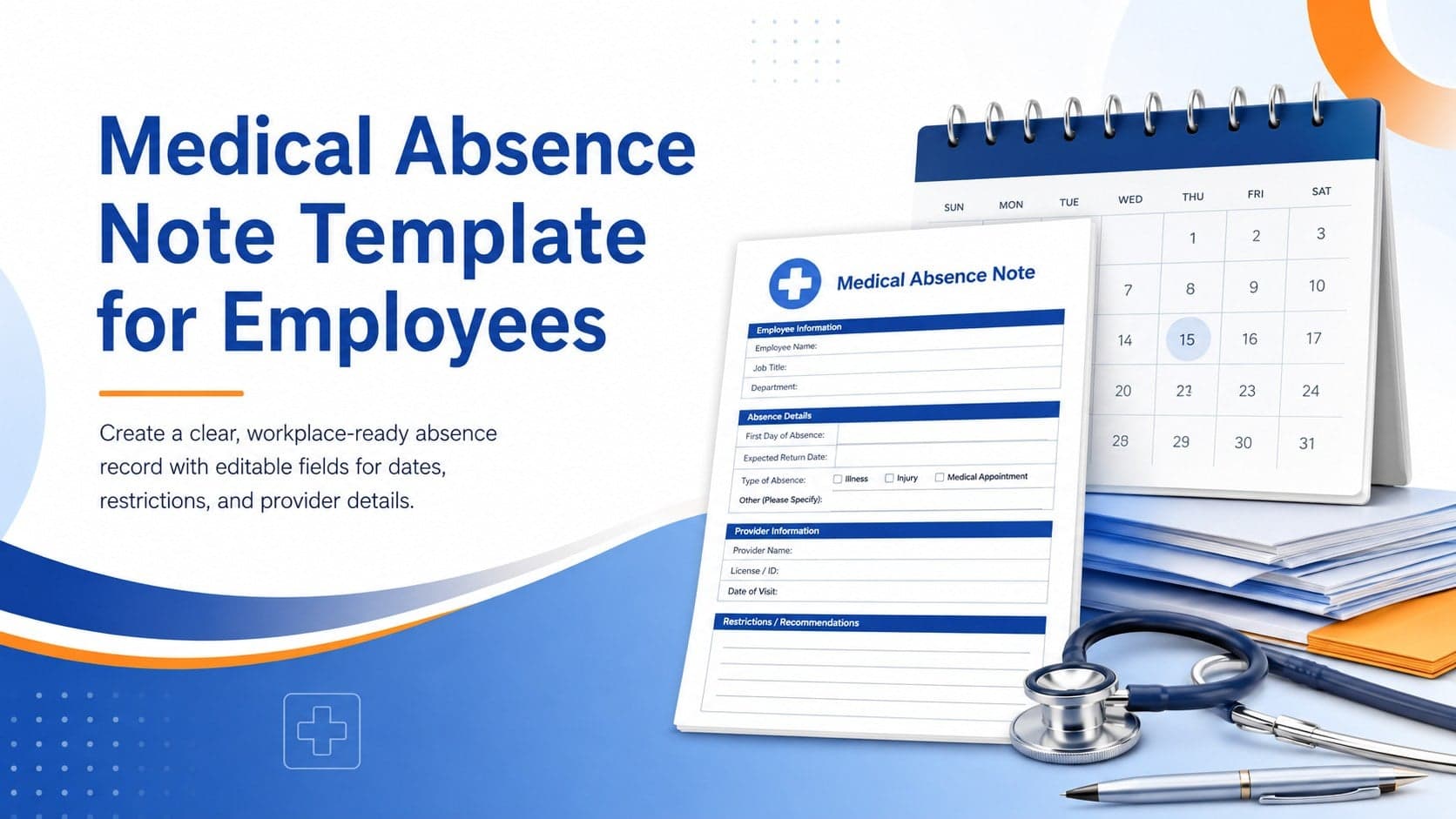
4Prepare a clear medical absence note template for employee records, with editable fields and polished blue-orange slides for PowerPoint and Google Slides.
 4
4Prepare pet owners for treatment with a veterinary procedure authorization form covering risks, medication, contacts, and approval details.