
 15
15presentation
Flying Saucer History Lesson Deck
Build an engaging World UFO Day session with this flying saucer history lesson deck, featuring retro green-and-brown slides for PowerPoint and Google Slides.
Google SlidesPowerPoint
presentation · English
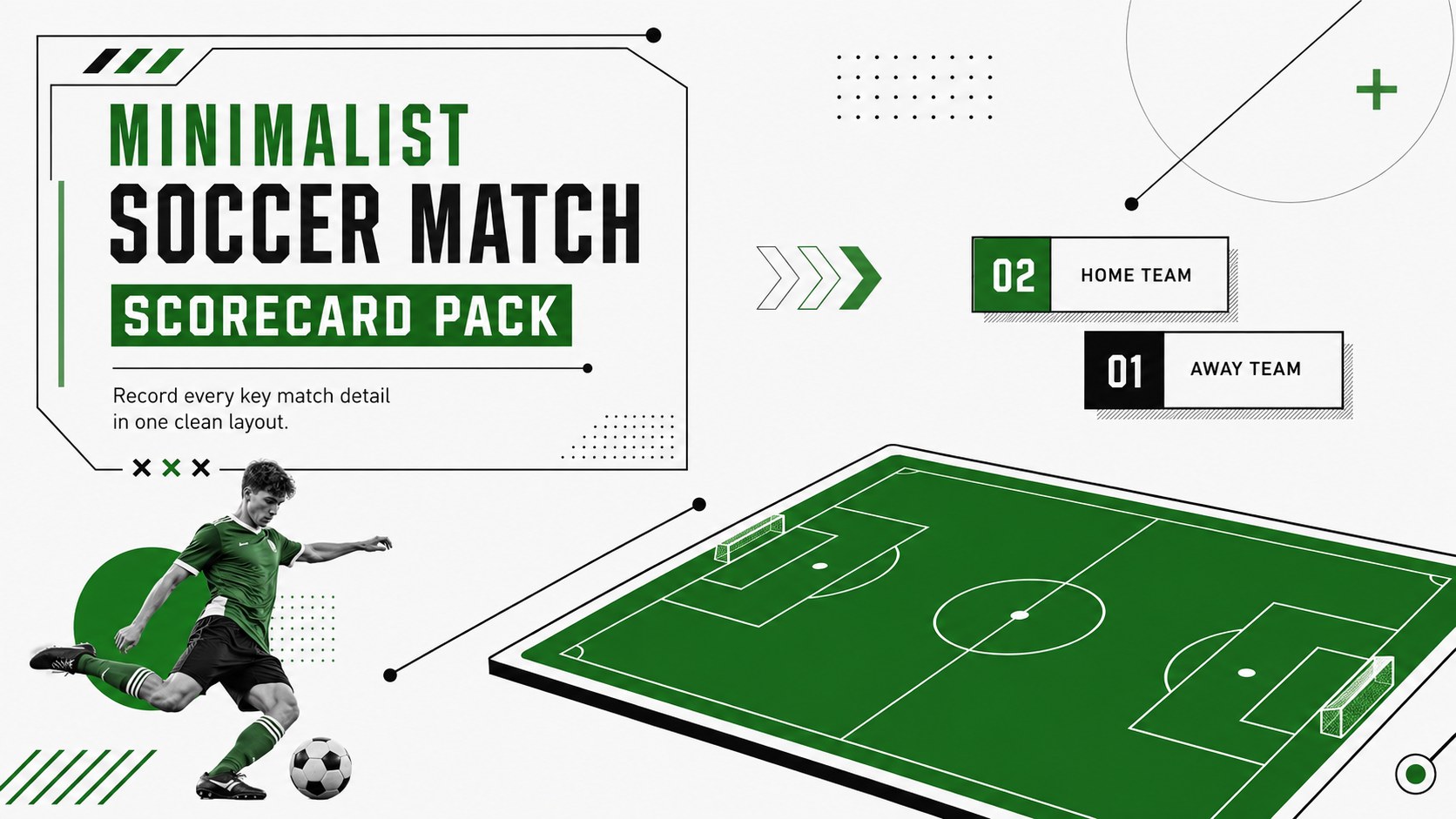
Track goals, fouls, and results with a minimalist soccer match scorecard for PowerPoint and Google Slides, built for clear matchday records.
Design notes
Keep match information accurate and presentation-ready with the Minimalist Soccer Match Scorecard Pack. Designed in a crisp green, black, and white palette, these layouts give coaches, officials, analysts, and tournament organizers a practical way to document results without visual clutter. Use the slides during post-match reviews, team briefings, classroom activities, or local league reporting.
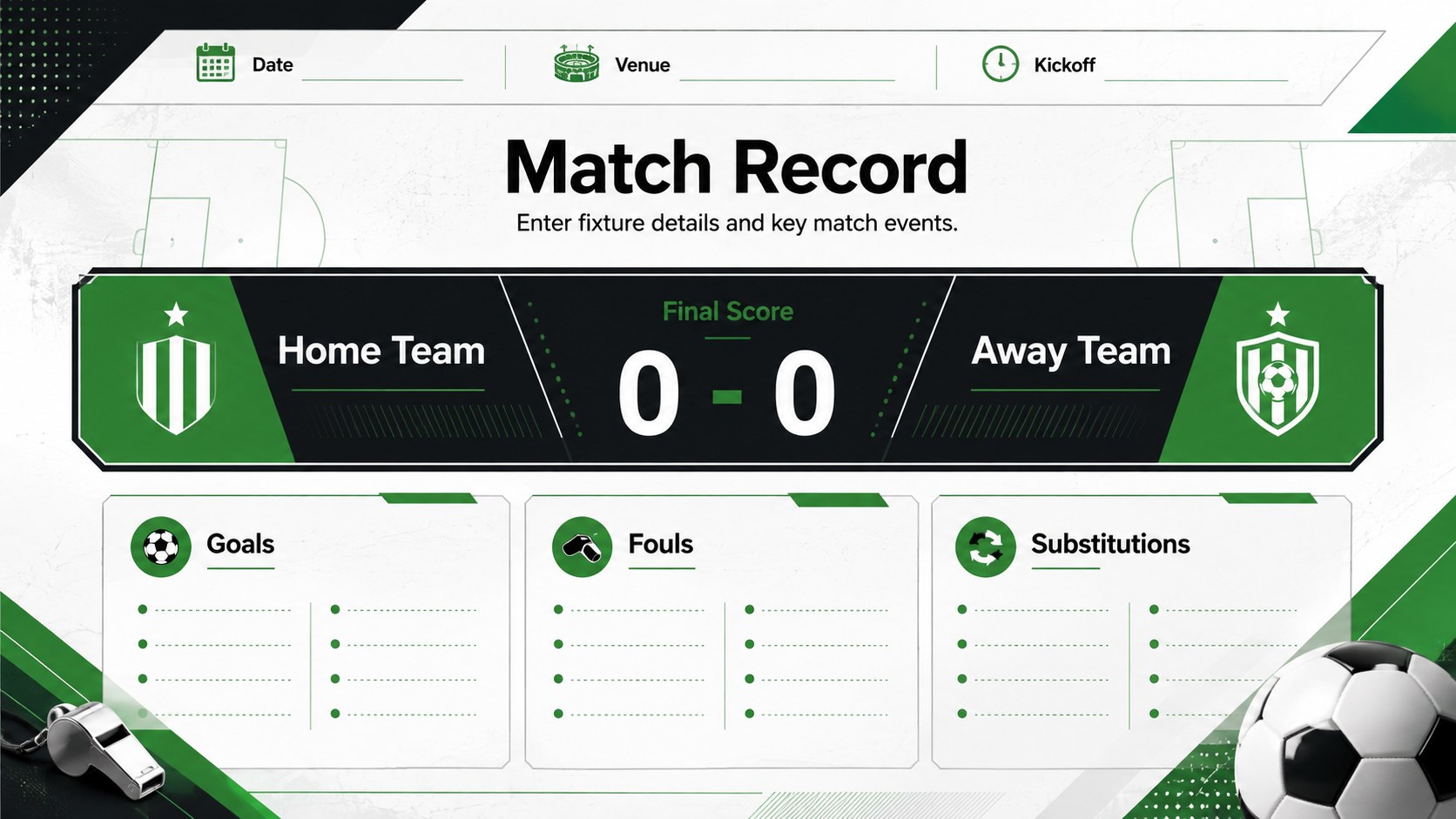
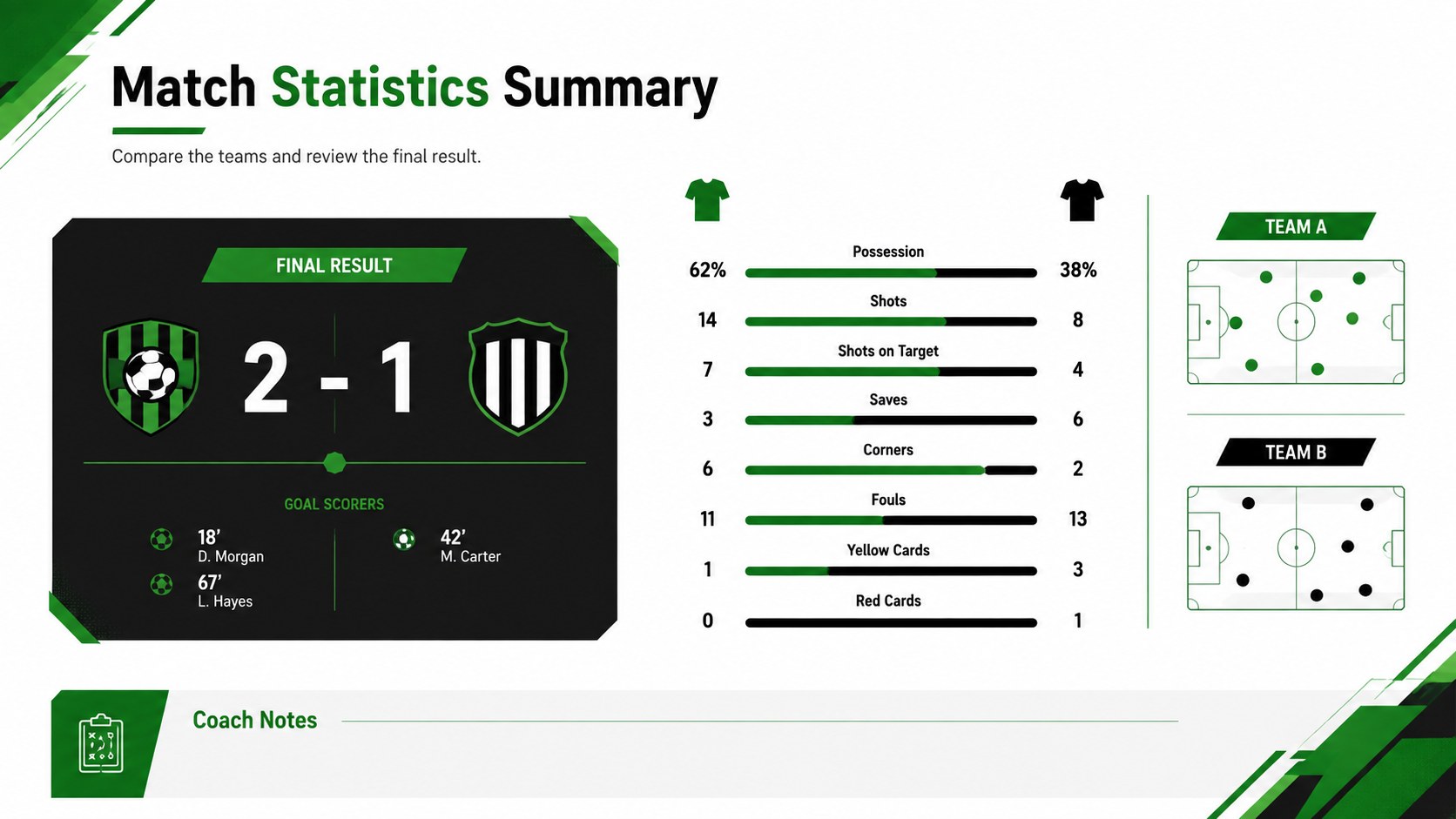
The pack includes three coordinated layouts for introducing a fixture, recording the score, and summarizing key performance details. Clearly structured areas make room for team names, kickoff information, goals, fouls, substitutions, possession, and final results. The editable football score tracking slides can be adapted to suit youth matches, amateur leagues, school competitions, or club tournaments. They also work as a printable soccer match record template when a paper copy is more convenient on the touchline.
Every element can be customized in PowerPoint or Google Slides. Update labels, adjust scoring fields, recolor shapes, replace team details, or expand the statistics to match your competition format. The soccer referee scorecard layout offers an efficient starting point for officials who need straightforward documentation, while coaches can turn the summary page into a youth soccer game statistics sheet for player development discussions. Consistent typography and restrained field-inspired graphics help the information remain legible on screen and in print.
Perfect for: youth league match reporting; post-match team review; soccer tournament recordkeeping; referee score documentation; school sports statistics lesson.
Frequently asked questions
Can I edit the scorecard fields? Yes. Team names, scores, match details, statistics, labels, colors, and shapes can all be edited to fit your competition format.
Practical details
Yes. Team names, scores, match details, statistics, labels, colors, and shapes can all be edited to fit your competition format.
The pack is designed for Microsoft PowerPoint and Google Slides. You can present it digitally or export completed scorecards for printing.
Yes. The fields can be simplified for younger age groups or expanded with tournament-specific details such as group, round, venue, and match number.
Replace the team labels, apply club colors, and add your own approved crest or competition details. Keep the strong contrast between the background and data fields so results remain easy to scan.
Keep exploring
15Build an engaging World UFO Day session with this flying saucer history lesson deck, featuring retro green-and-brown slides for PowerPoint and Google Slides.
 15
15Plan a lively animal-learning journey with this jungle zoo adventure lesson deck, ready to customize in PowerPoint and Google Slides for young learners.
 16
16Turn environmental research into a clear story with a Watercolor Ecology Presentation Theme for PowerPoint and Google Slides in calming green and blue.
 16
16Build focused fashion, literature, and humanities presentations with the Red Triangle Editorial Theme, editable in PowerPoint and Google Slides.
 15
15Turn streaming stats, favorite tracks, and concert highlights into a bold annual listening recap slide deck for PowerPoint and Google Slides.
 15
15Turn highlights, milestones, and favorite moments into a colorful year in review slide deck with bold 3D graphics for PowerPoint and Google Slides.
 3
3Build a credible endorsement with Standout Colleague Recommendation Letter Slides, featuring colorful prompts for skills, achievements, and team impact.
 4
4Build clear beginner sessions with an ice hockey fundamentals training deck for coaches, PE teachers, and clubs, ready for PowerPoint and Google Slides.