
 15
15presentation
Flying Saucer History Lesson Deck
Build an engaging World UFO Day session with this flying saucer history lesson deck, featuring retro green-and-brown slides for PowerPoint and Google Slides.
Google SlidesPowerPoint
presentation · English
Build a polished job application with a minimalist resume presentation deck for PowerPoint and Google Slides, featuring clean grey and purple layouts.
Design notes
Make a focused first impression with this minimalist resume presentation deck, designed for professionals who want to communicate their value without visual clutter. Its restrained grey and purple palette, crisp typography, and balanced layouts give your career story a polished, contemporary frame in PowerPoint or Google Slides.
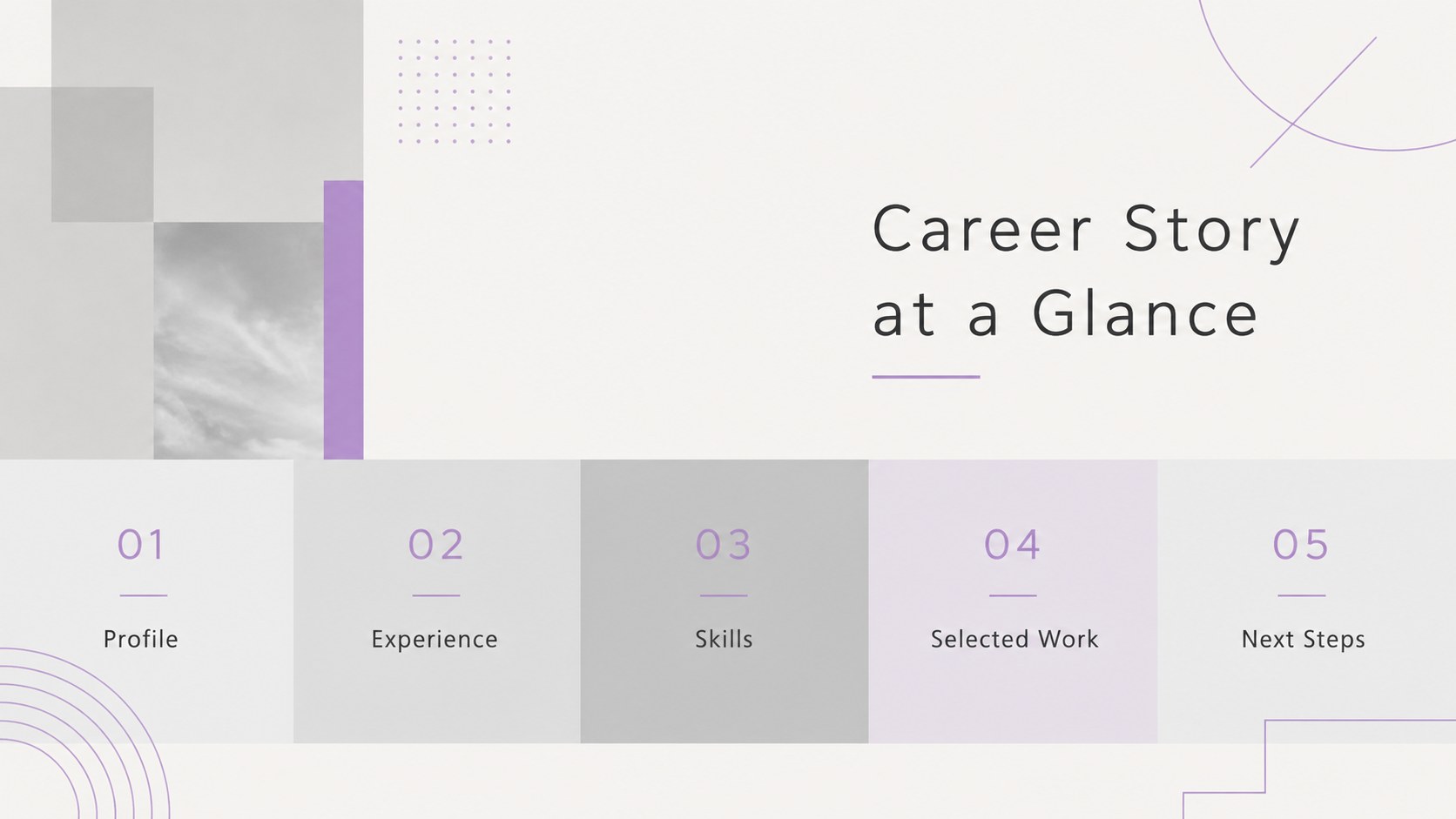
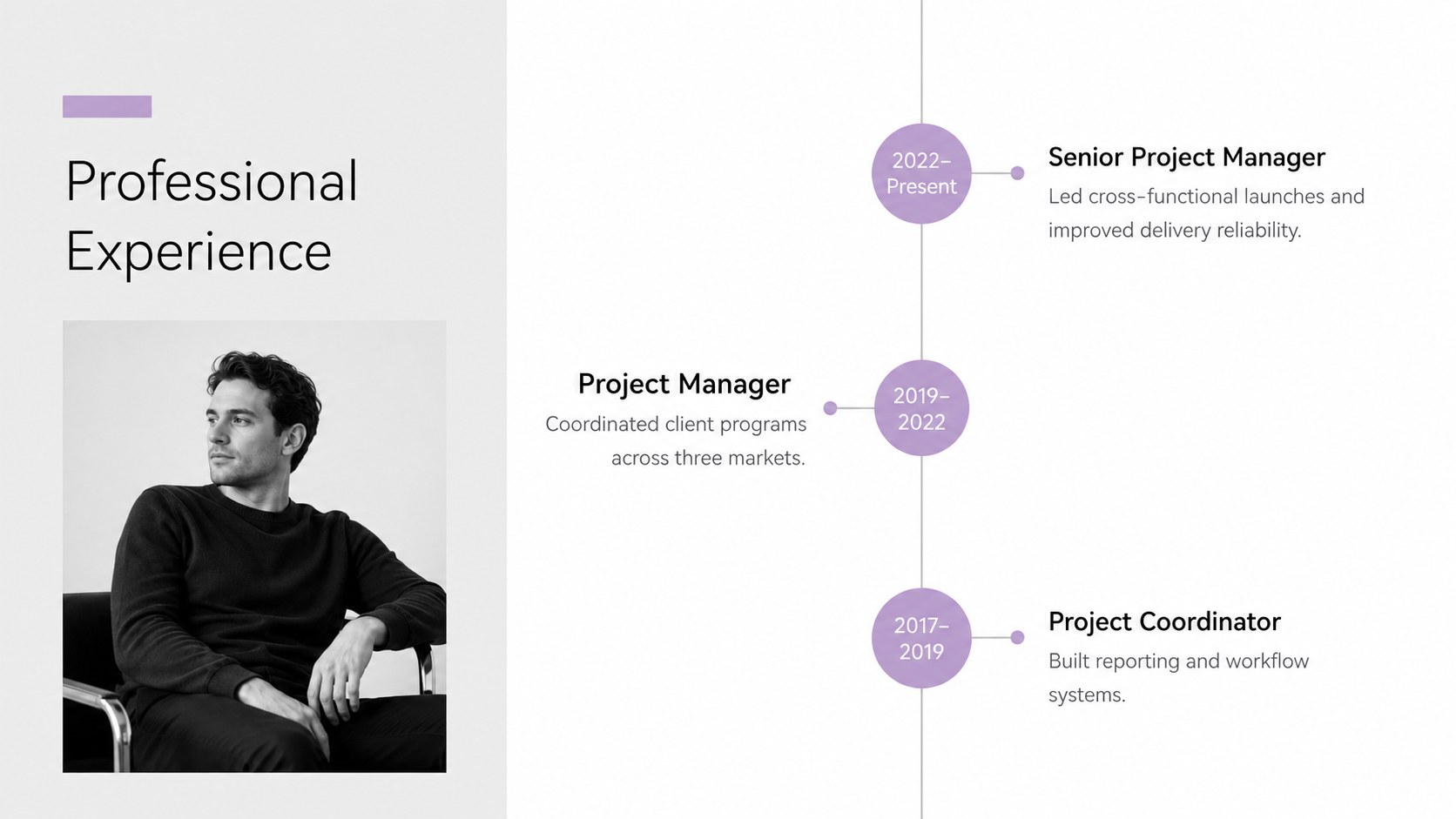
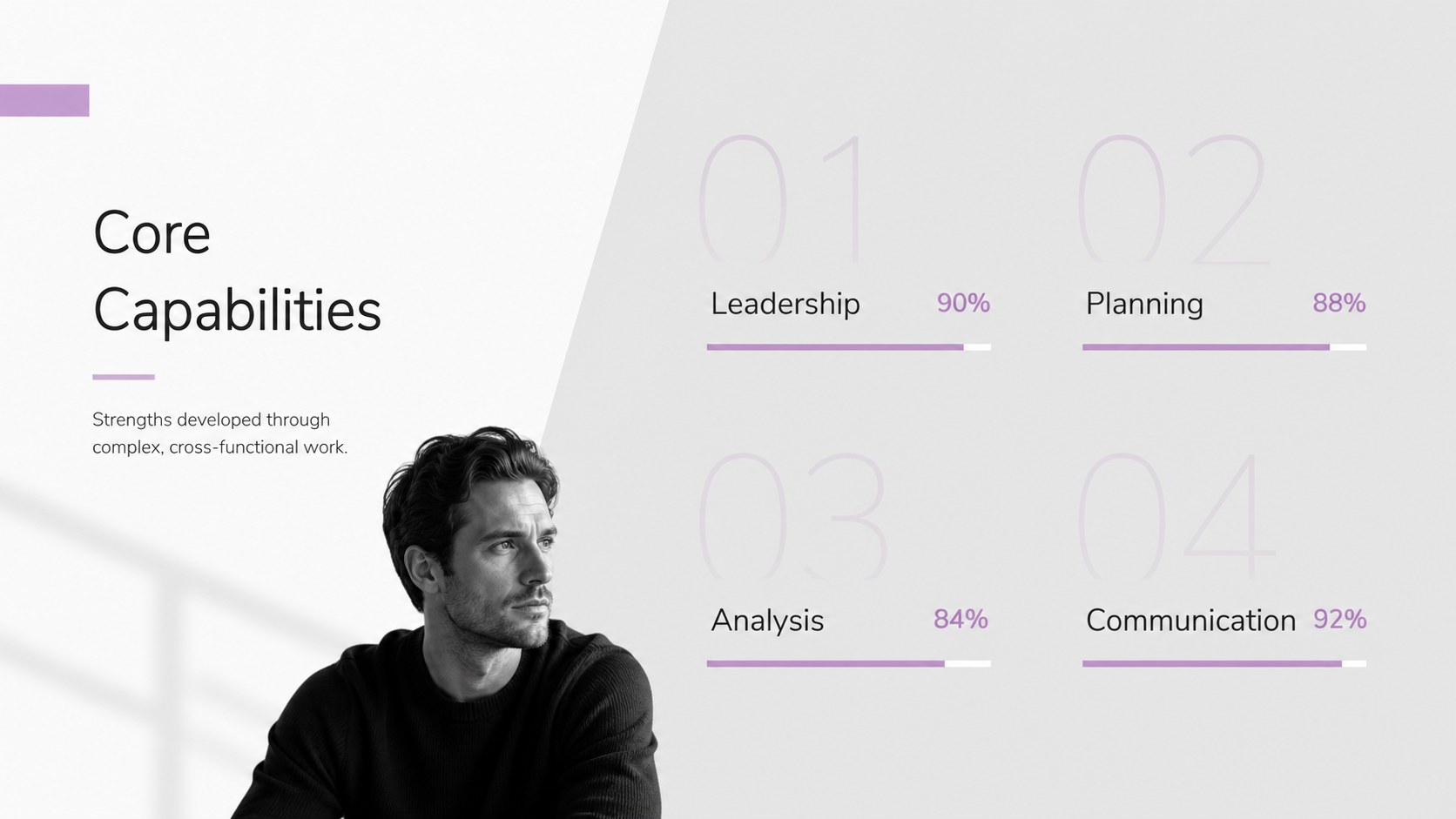
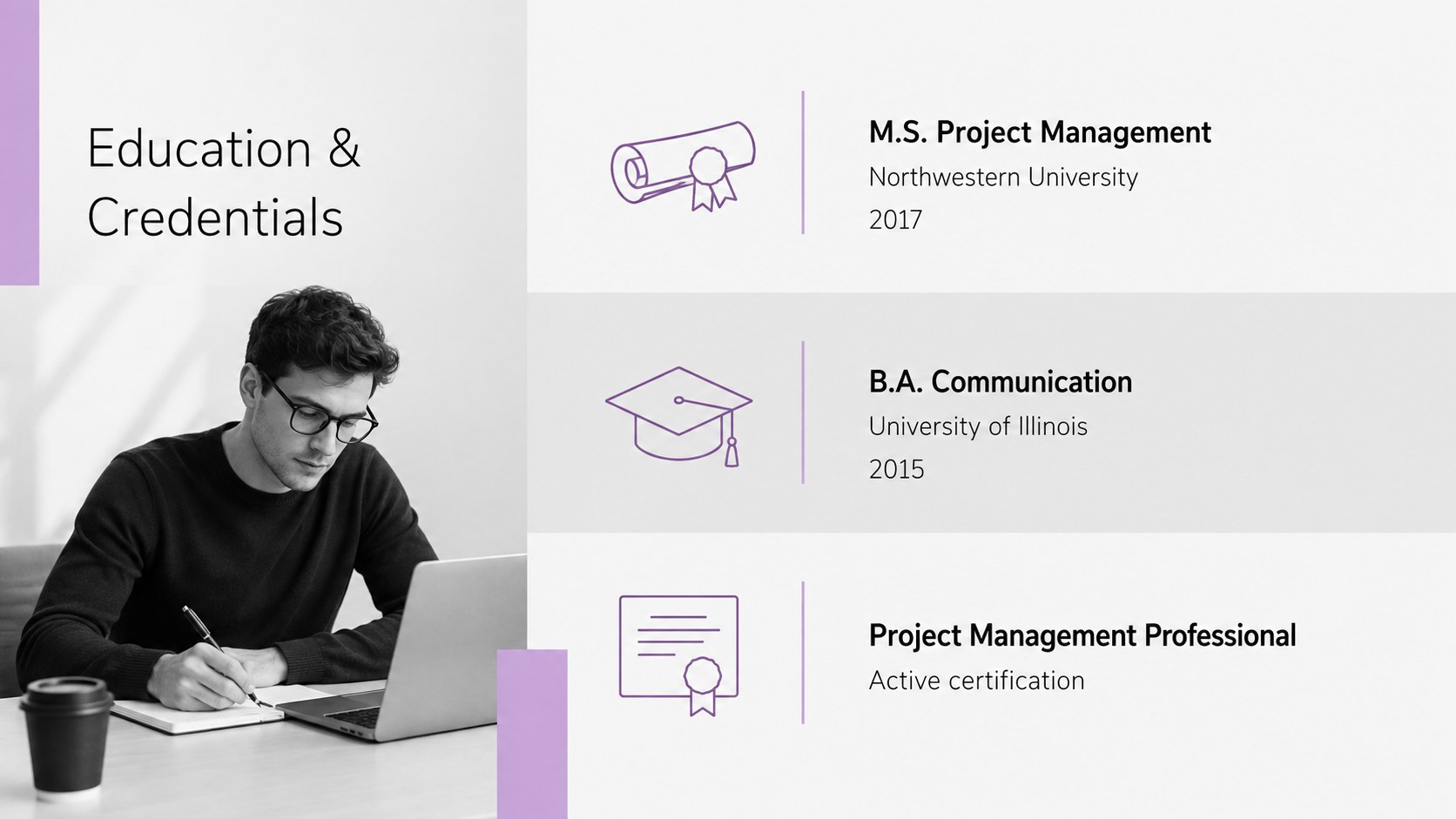
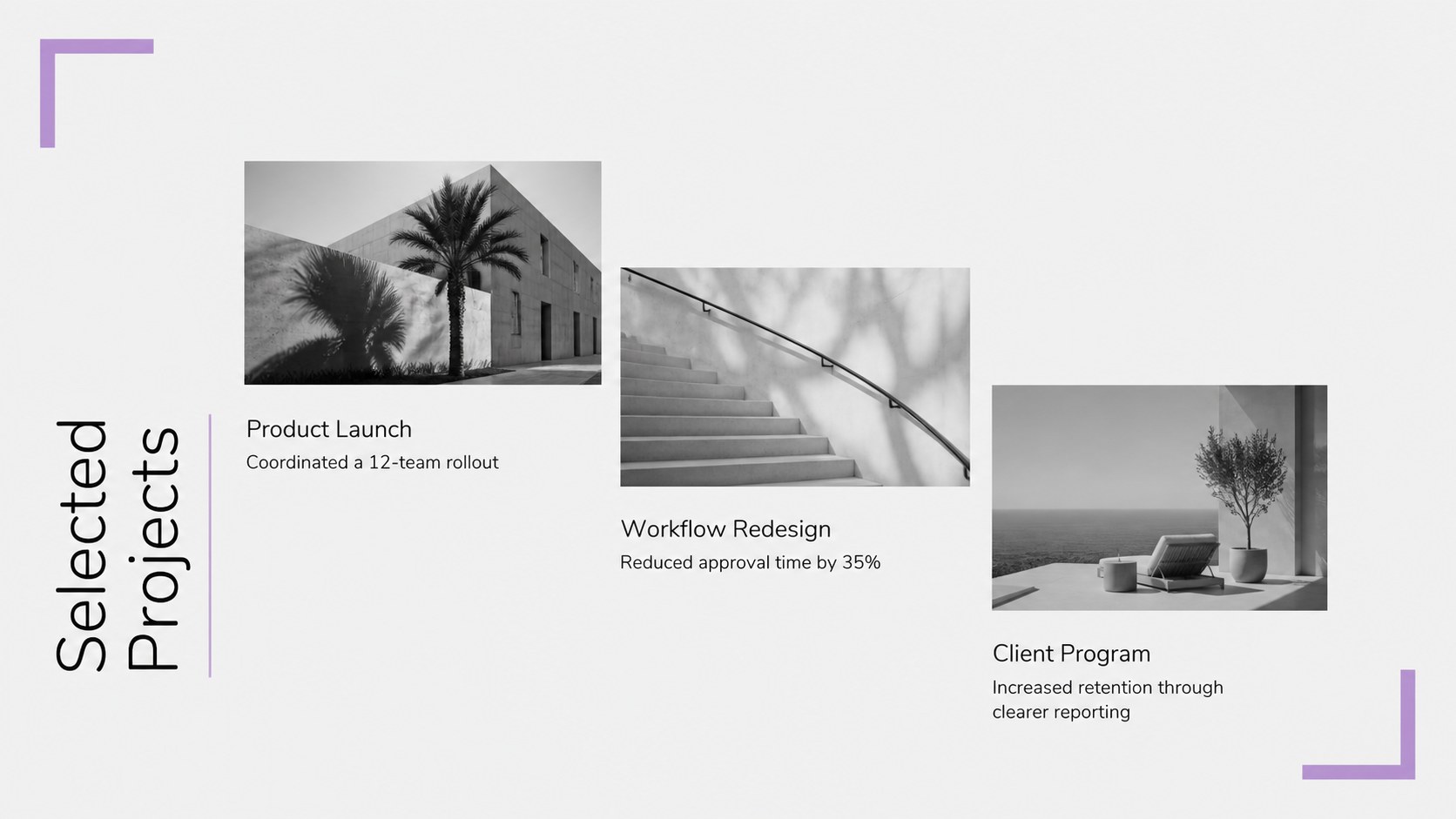
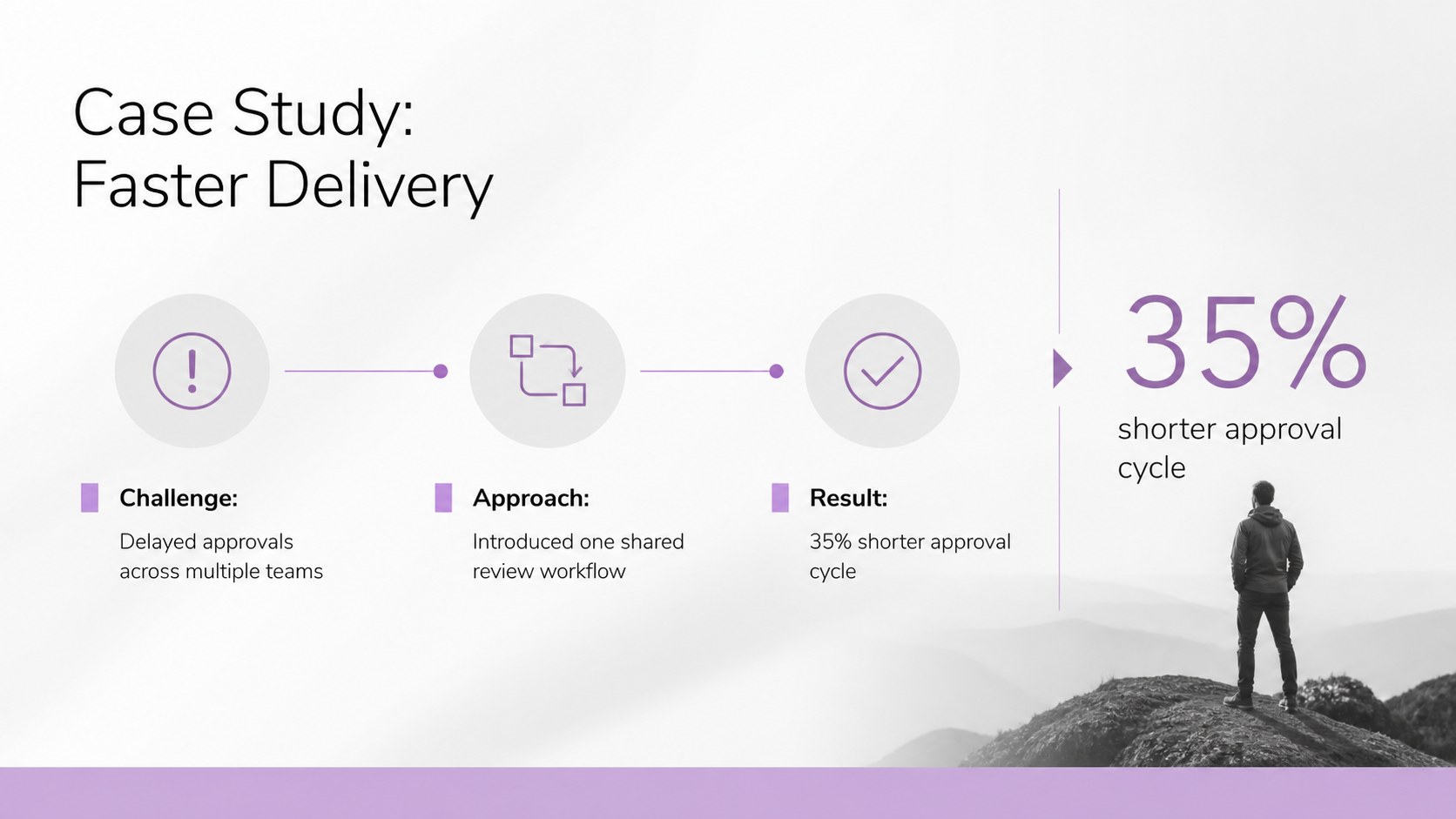
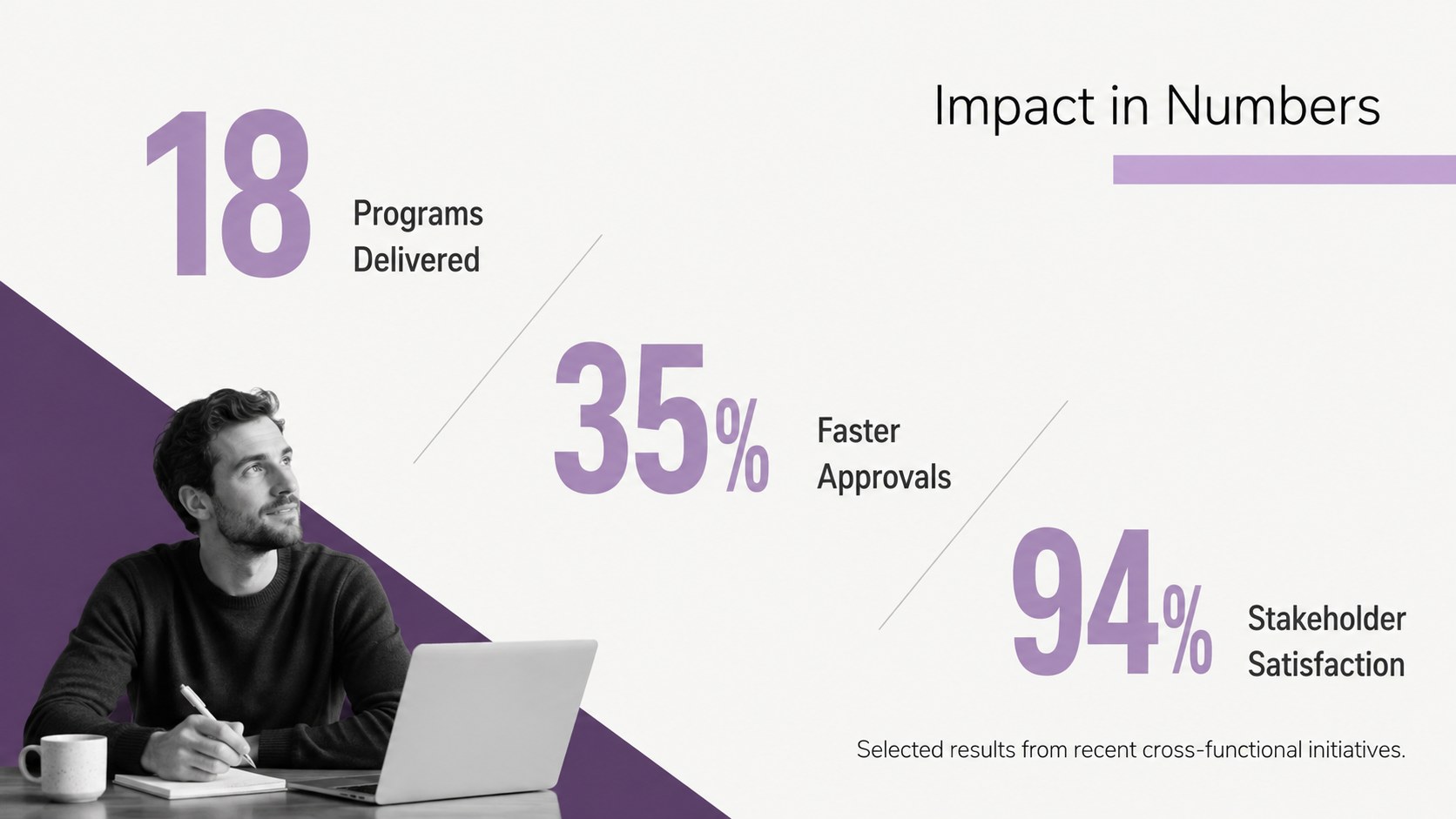
The deck includes adaptable pages for a personal introduction, professional summary, work history, education, core skills, selected projects, measurable achievements, career goals, references, and contact details. Use the visual resume slides for job interviews to guide a concise conversation, or develop a clean portfolio presentation for professionals who need to show creative, technical, or strategic work. Timelines, charts, icon areas, image placeholders, and structured text sections make complex experience easier to scan.
This modern CV presentation template suits designers, consultants, marketers, graduates, project managers, and career changers. Adjust the fonts, replace the sample wording, insert your own photography, and recolor individual accents while preserving the understated design system. The layouts also work well as a professional biography, internal promotion profile, fellowship application, networking introduction, or personal portfolio deck. Every page is built for straightforward editing, so you can tailor the presentation to a role, employer, or industry while keeping your message consistent.
Perfect for: job interview presentation; career portfolio showcase; graduate recruitment profile; internal promotion application; professional networking introduction.
Frequently asked questions
Can I edit this resume deck in PowerPoint and Google Slides? Yes. Every slide can be edited in PowerPoint or Google Slides, including text, colors, images, charts, and layout elements. Font availability may vary slightly between platforms.
Practical details
Yes. Every slide can be edited in PowerPoint or Google Slides, including text, colors, images, charts, and layout elements. Font availability may vary slightly between platforms.
Prioritize experience and achievements that match the role, then update the summary and skills pages with language relevant to the employer. Remove any sections that do not strengthen your application.
Yes. Replace the sample image areas with screenshots, photography, mockups, or other work samples. Keep captions concise and include measurable outcomes where possible.
Yes. Graduates can emphasize education, internships, coursework, volunteer experience, and transferable skills instead of a long employment history. The modular layouts make sections easy to reorder.
Keep exploring
15Build an engaging World UFO Day session with this flying saucer history lesson deck, featuring retro green-and-brown slides for PowerPoint and Google Slides.
 15
15Plan a lively animal-learning journey with this jungle zoo adventure lesson deck, ready to customize in PowerPoint and Google Slides for young learners.
 16
16Turn environmental research into a clear story with a Watercolor Ecology Presentation Theme for PowerPoint and Google Slides in calming green and blue.
 16
16Build focused fashion, literature, and humanities presentations with the Red Triangle Editorial Theme, editable in PowerPoint and Google Slides.
 15
15Turn streaming stats, favorite tracks, and concert highlights into a bold annual listening recap slide deck for PowerPoint and Google Slides.
 15
15Turn highlights, milestones, and favorite moments into a colorful year in review slide deck with bold 3D graphics for PowerPoint and Google Slides.
 3
3Build a credible endorsement with Standout Colleague Recommendation Letter Slides, featuring colorful prompts for skills, achievements, and team impact.
 4
4Build clear beginner sessions with an ice hockey fundamentals training deck for coaches, PE teachers, and clubs, ready for PowerPoint and Google Slides.