
 15
15presentation
Flying Saucer History Lesson Deck
Build an engaging World UFO Day session with this flying saucer history lesson deck, featuring retro green-and-brown slides for PowerPoint and Google Slides.
Google SlidesPowerPoint
presentation · English
Build a polished career story with Minimalist Designer CV Slides, featuring blue and beige geometric layouts for easy editing in PowerPoint and Google Slides.

Design notes
Minimalist Designer CV Slides turn a standard resume into a concise visual story that feels professional, creative, and easy to scan. Calm blue and beige tones combine with clean geometric details, balanced typography, and generous spacing to keep attention on your experience. Edit the complete deck in PowerPoint or Google Slides for interviews, networking conversations, portfolio reviews, or client introductions.
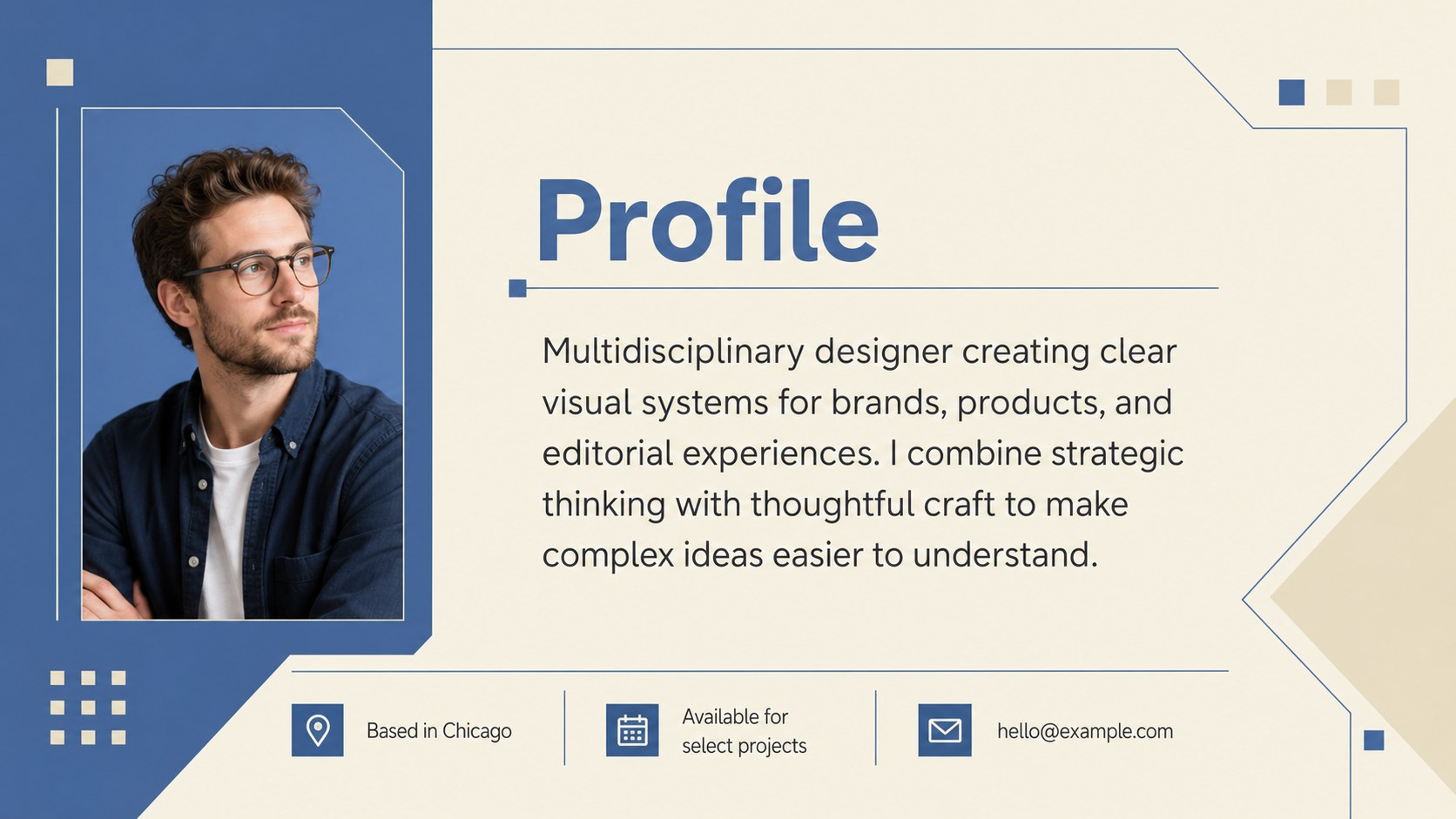
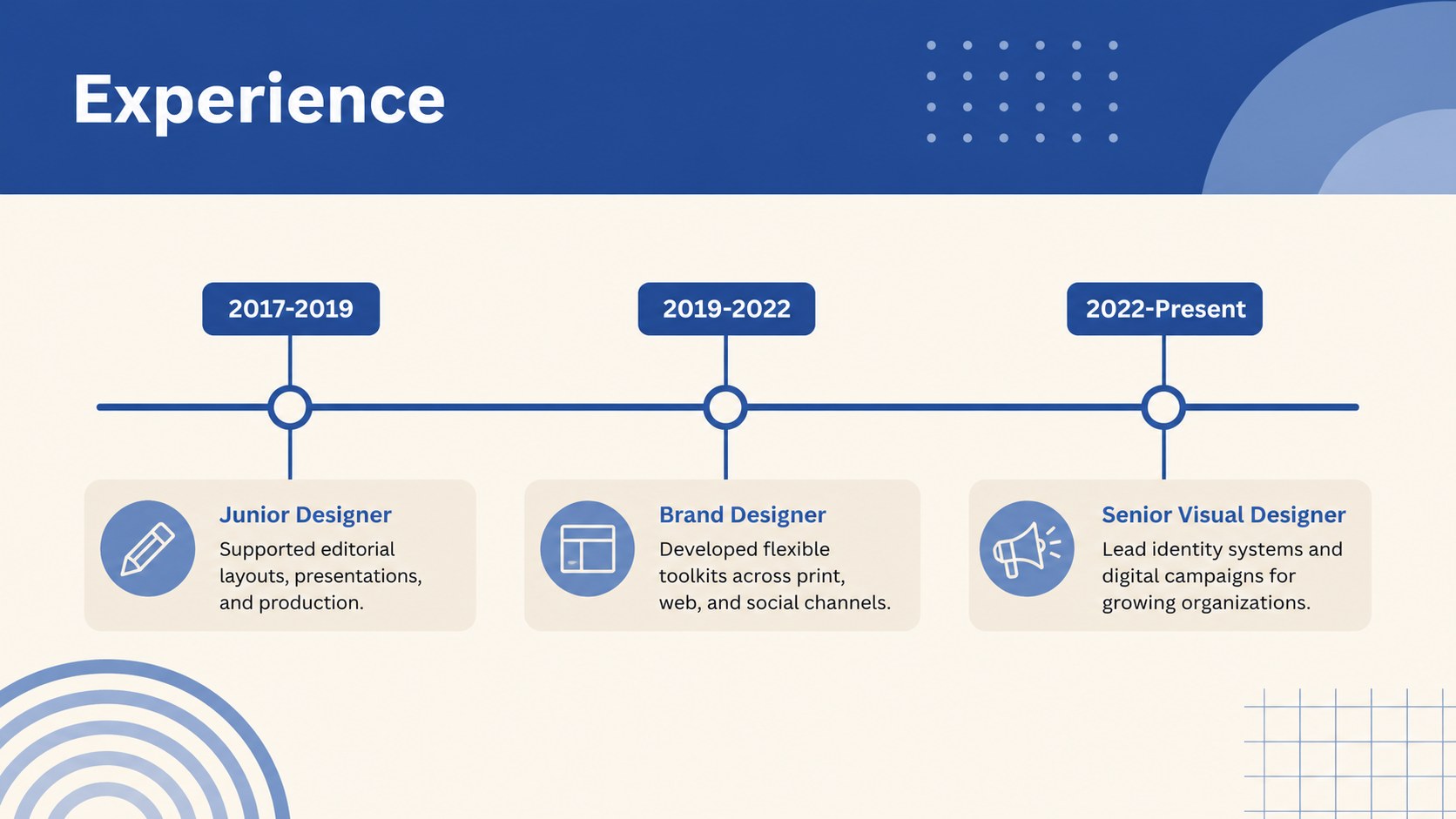
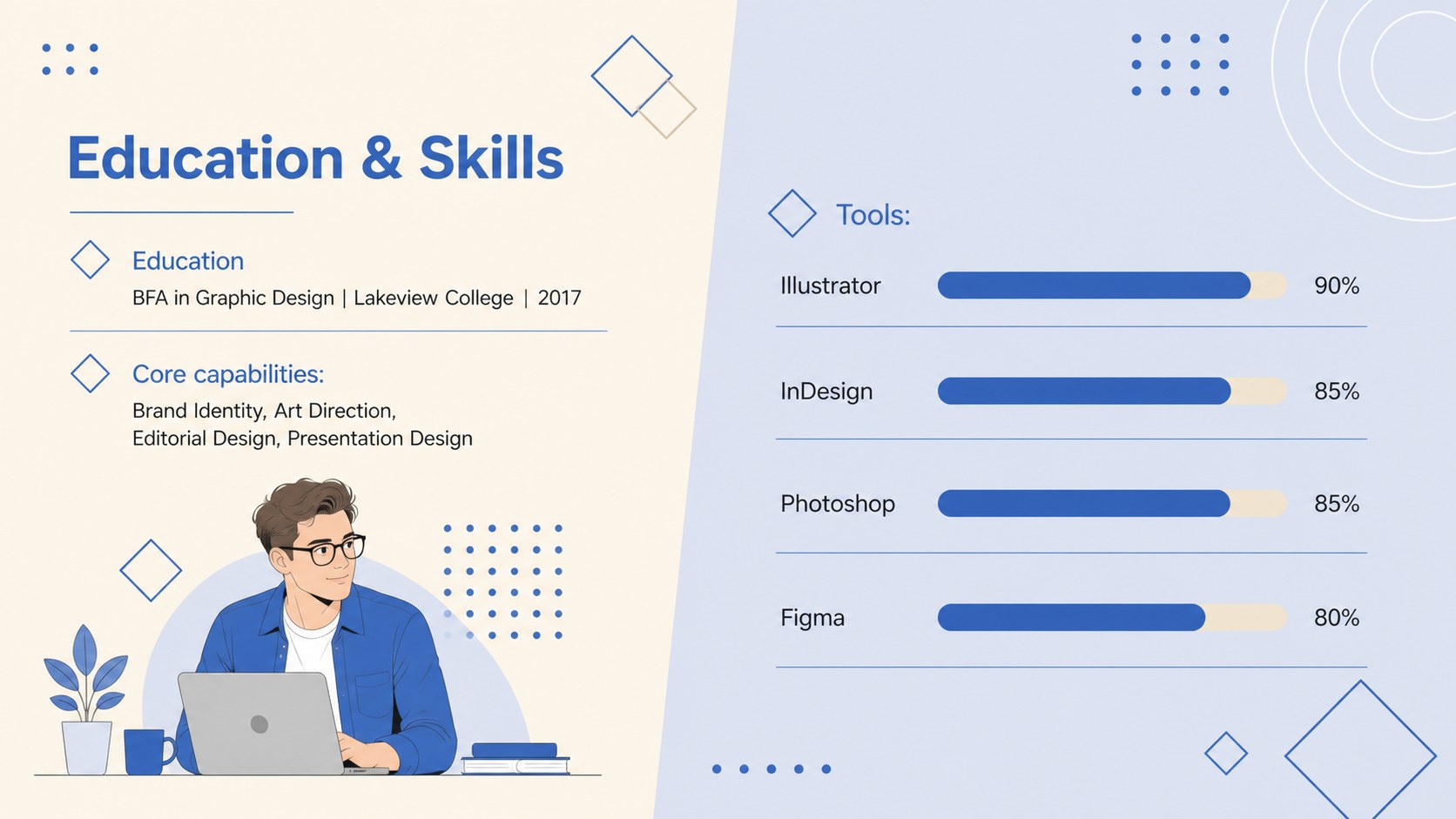
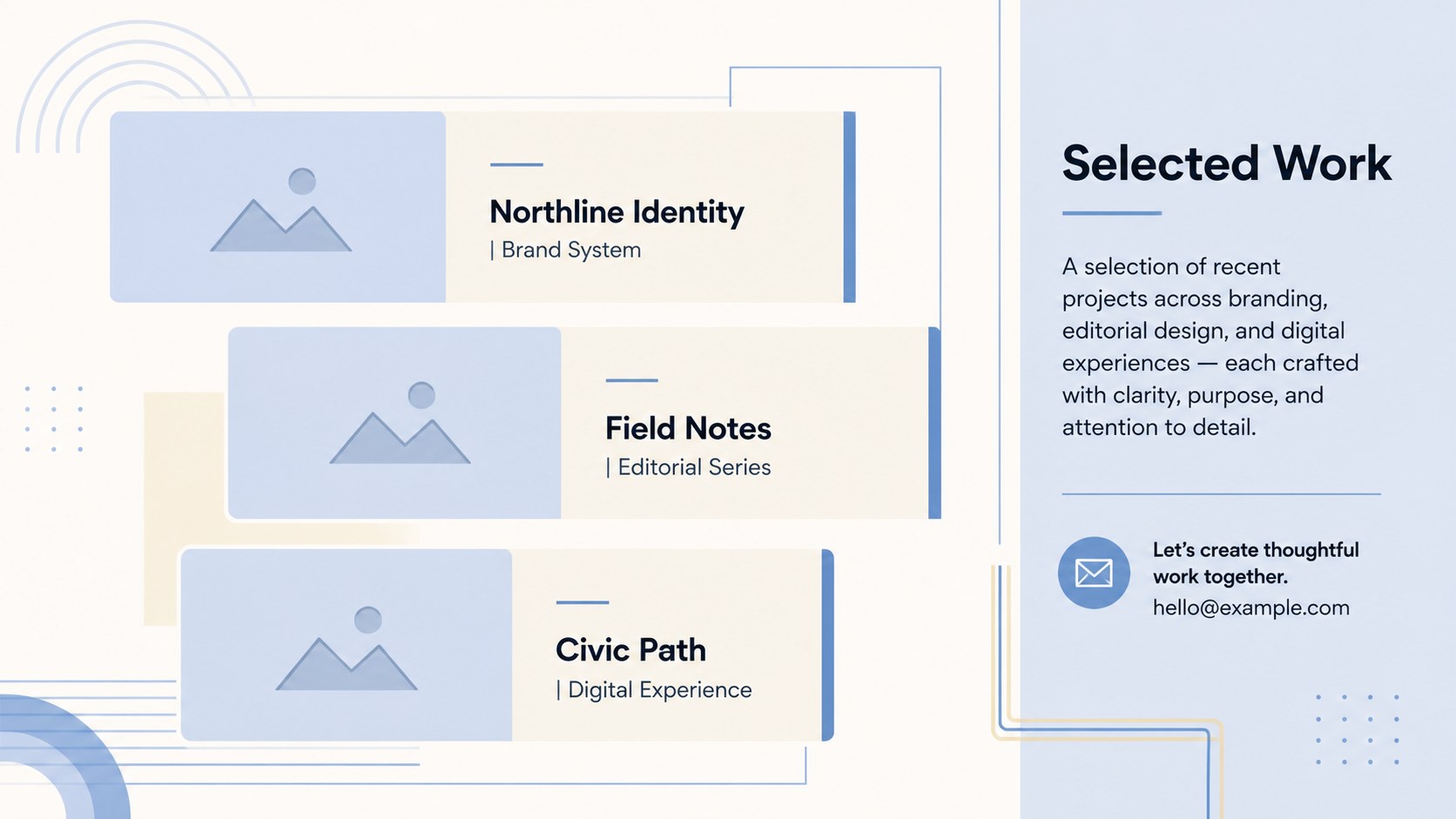
The five-slide layout includes a personal profile, professional experience, education and software skills, selected project highlights, and contact details. Each section is structured to help you communicate key information without overcrowding the page. Replace the sample wording, adjust colors and type, add project imagery, or reorganize sections to create an A4 designer resume slides set that reflects your individual practice.
This creative portfolio resume presentation suits graphic designers, art directors, illustrators, brand specialists, UI designers, and recent design graduates. It also works as a visual designer career profile for freelancers introducing their services to prospective clients. Whether presented on screen or adapted for PDF distribution, the geometric system keeps the full career narrative consistent. Minimalist Designer CV Slides provide a practical foundation for showing both professional qualifications and creative judgment in one cohesive presentation.
Perfect for: design job interview; creative portfolio review; freelance client introduction; graduate career presentation; professional networking meeting.
Frequently asked questions
Can I edit these CV slides in PowerPoint and Google Slides? Yes. All text, colors, shapes, and image placeholders can be edited in PowerPoint or Google Slides. Font appearance may vary slightly depending on which fonts are installed or available in your account.
Practical details
Yes. All text, colors, shapes, and image placeholders can be edited in PowerPoint or Google Slides. Font appearance may vary slightly depending on which fonts are installed or available in your account.
Replace the sample biography, experience, skills, and project details with your own information. You can also insert portfolio images, adjust the blue and beige palette, and reorder sections to emphasize branding, digital, editorial, or UI work.
Yes. After editing, use the PDF export option in PowerPoint or Google Slides to create a shareable document. Review image resolution, spacing, and font substitutions before sending or printing the final file.
Focus on a short profile, relevant experience, education, technical skills, selected projects, and clear contact information. Keep descriptions concise and use only a few strong portfolio examples that support the role or client opportunity.
Keep exploring
15Build an engaging World UFO Day session with this flying saucer history lesson deck, featuring retro green-and-brown slides for PowerPoint and Google Slides.
 15
15Plan a lively animal-learning journey with this jungle zoo adventure lesson deck, ready to customize in PowerPoint and Google Slides for young learners.
 16
16Turn environmental research into a clear story with a Watercolor Ecology Presentation Theme for PowerPoint and Google Slides in calming green and blue.
 16
16Build focused fashion, literature, and humanities presentations with the Red Triangle Editorial Theme, editable in PowerPoint and Google Slides.
 15
15Turn streaming stats, favorite tracks, and concert highlights into a bold annual listening recap slide deck for PowerPoint and Google Slides.
 15
15Turn highlights, milestones, and favorite moments into a colorful year in review slide deck with bold 3D graphics for PowerPoint and Google Slides.
 3
3Build a credible endorsement with Standout Colleague Recommendation Letter Slides, featuring colorful prompts for skills, achievements, and team impact.
 4
4Build clear beginner sessions with an ice hockey fundamentals training deck for coaches, PE teachers, and clubs, ready for PowerPoint and Google Slides.