
 15
15presentation
Flying Saucer History Lesson Deck
Build an engaging World UFO Day session with this flying saucer history lesson deck, featuring retro green-and-brown slides for PowerPoint and Google Slides.
Google SlidesPowerPoint
presentation · English
Send clear, polished bills with Minimal Business Invoice Slides, featuring neutral brown layouts for services, totals, payment terms, and client details.
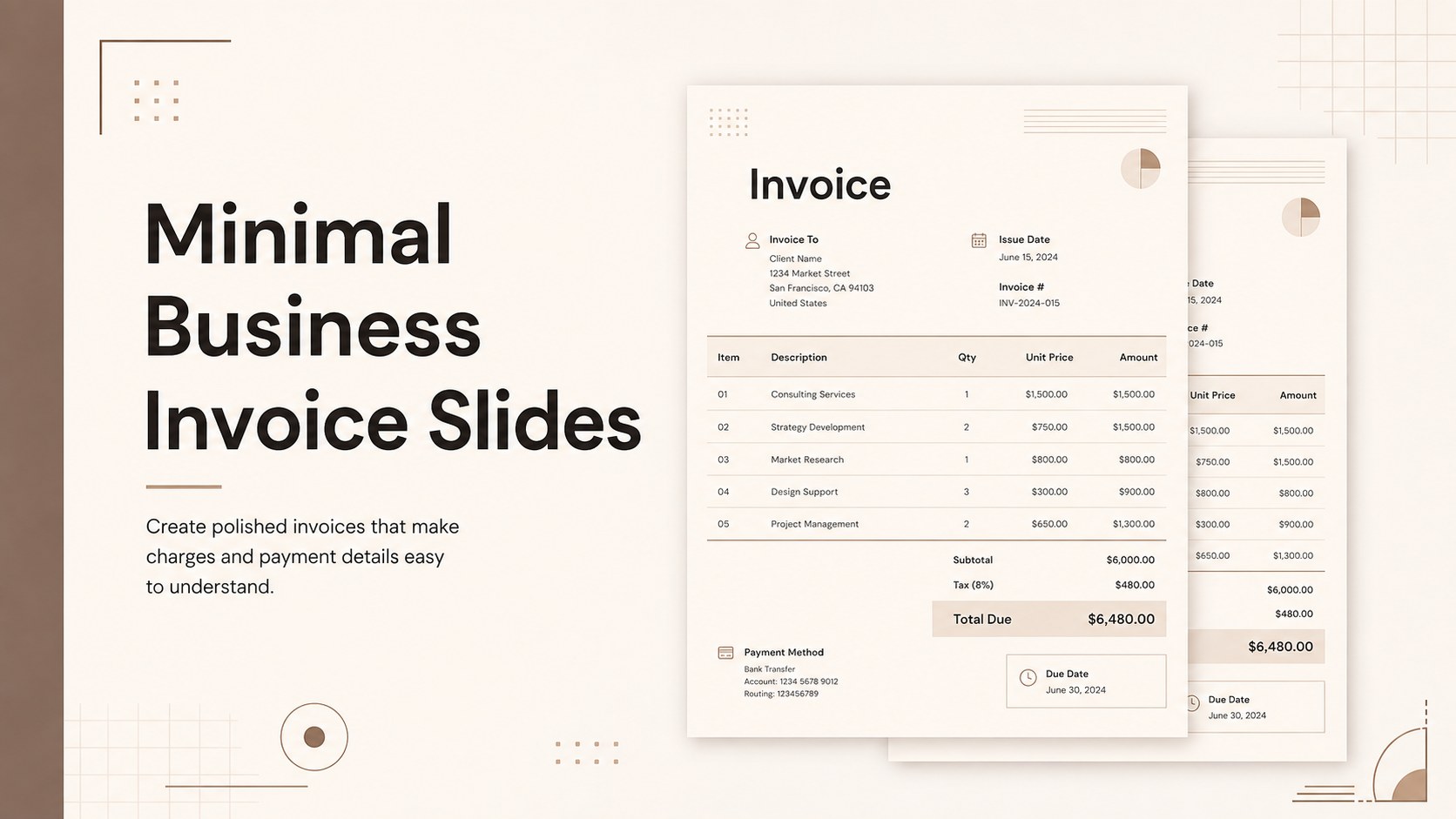
Design notes
Minimal Business Invoice Slides give consultants, freelancers, agencies, and small companies a refined way to prepare client-facing billing documents. The restrained brown palette, clean typography, and structured spacing create a professional appearance while keeping amounts, dates, and payment instructions easy to scan. Use the slides in PowerPoint or Google Slides whenever you need an editable client billing template that can be adapted without specialized design software.
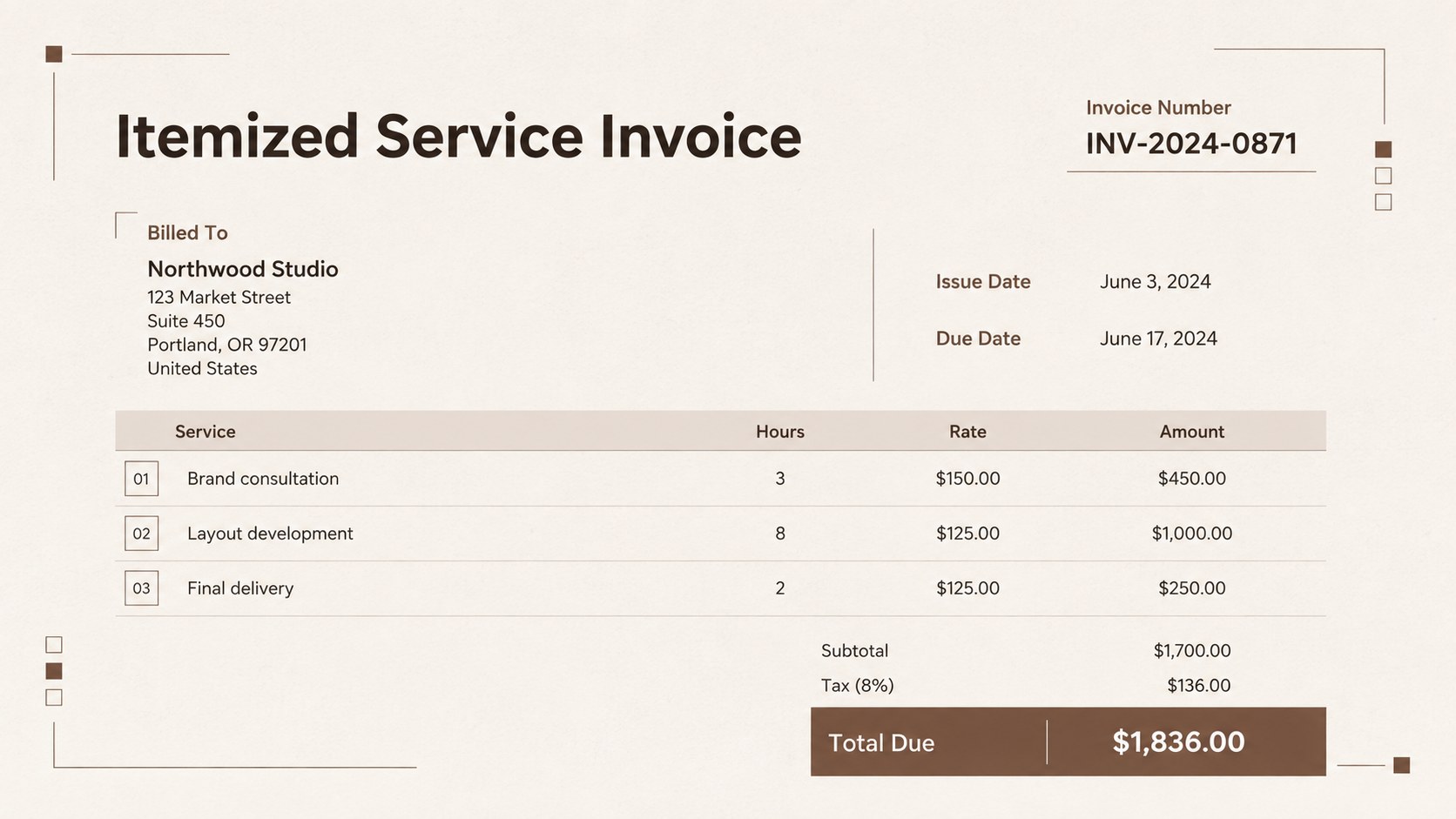
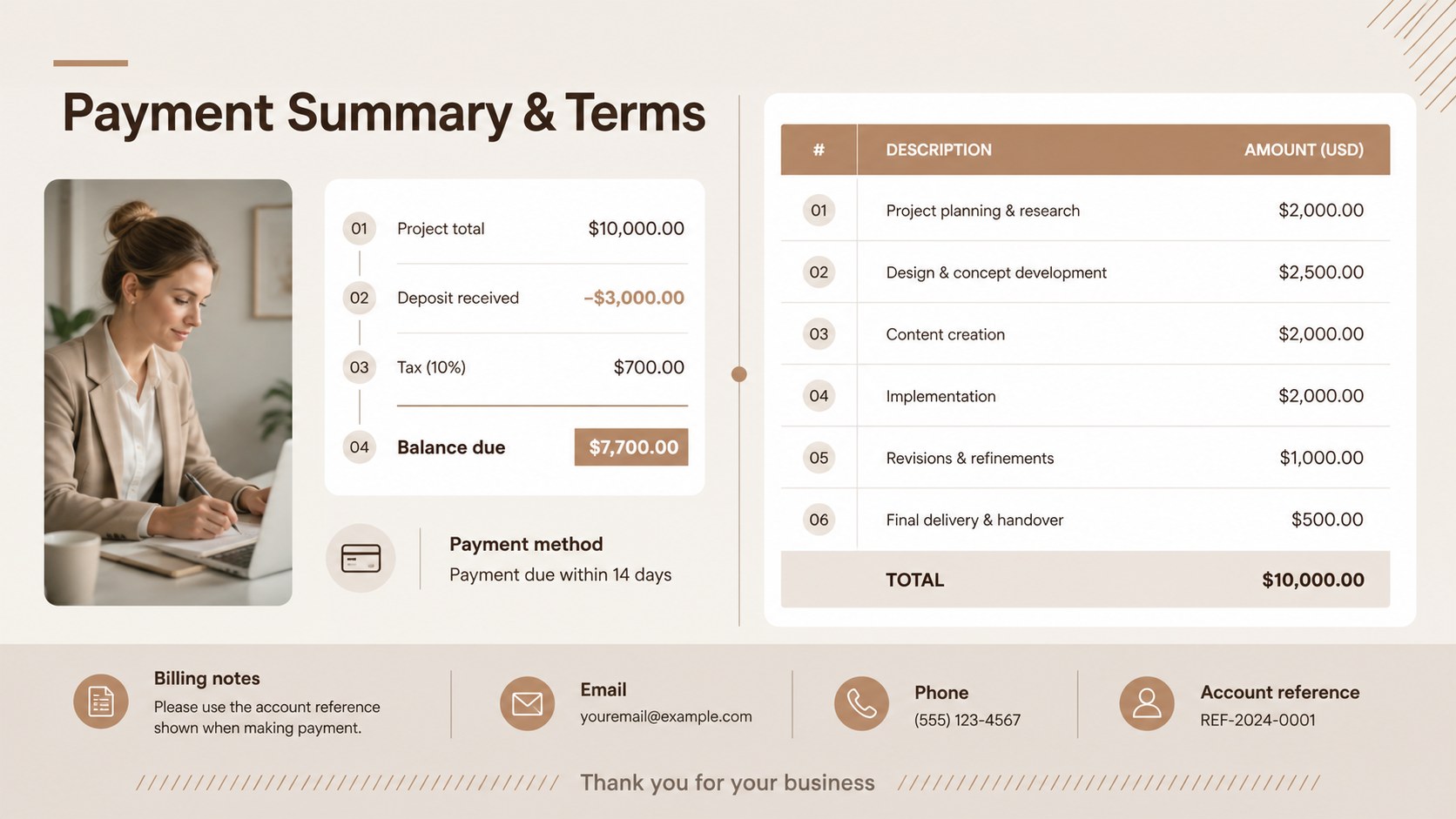
The collection includes three ready-to-use invoice layouts with areas for business information, client details, invoice numbers, issue and due dates, itemized services, taxes, discounts, totals, and payment terms. Each minimalist brown invoice layout can be customized with your logo, preferred typeface, contact information, currency, and brand colors. Tables, lines, text blocks, and geometric accents remain fully editable, making it straightforward to adjust the design for short projects or detailed service breakdowns.
These slides are especially useful for independent professionals issuing monthly bills, creative studios charging by project, and operations teams standardizing documents across departments. They also work as a freelance service invoice PowerPoint resource for proposals, financial presentations, and downloadable billing records. Export the completed design as a PDF for delivery, retain an editable master for recurring clients, or duplicate a layout to create a consistent invoice series.
Perfect for: freelance project billing; consulting service invoices; agency client statements; small business monthly billing; contractor payment requests.
Frequently asked questions
Can I edit every part of the invoice? Yes. You can change the text, tables, line items, colors, fonts, totals, and payment instructions to match your business and billing process.
Practical details
Yes. You can change the text, tables, line items, colors, fonts, totals, and payment instructions to match your business and billing process.
The layouts are designed for PowerPoint and Google Slides. Completed invoices can also be exported as PDF files for sending, printing, or archiving.
Yes. Replace the sample identity with your logo, company name, contact details, brand colors, and preferred typography while retaining the organized invoice structure.
Yes. Keep a customized master version, duplicate it for each billing period, and update the invoice number, dates, services, and totals for every new statement.
Keep exploring
15Build an engaging World UFO Day session with this flying saucer history lesson deck, featuring retro green-and-brown slides for PowerPoint and Google Slides.
 15
15Plan a lively animal-learning journey with this jungle zoo adventure lesson deck, ready to customize in PowerPoint and Google Slides for young learners.
 16
16Turn environmental research into a clear story with a Watercolor Ecology Presentation Theme for PowerPoint and Google Slides in calming green and blue.
 16
16Build focused fashion, literature, and humanities presentations with the Red Triangle Editorial Theme, editable in PowerPoint and Google Slides.
 15
15Turn streaming stats, favorite tracks, and concert highlights into a bold annual listening recap slide deck for PowerPoint and Google Slides.
 15
15Turn highlights, milestones, and favorite moments into a colorful year in review slide deck with bold 3D graphics for PowerPoint and Google Slides.
 3
3Build a credible endorsement with Standout Colleague Recommendation Letter Slides, featuring colorful prompts for skills, achievements, and team impact.
 4
4Build clear beginner sessions with an ice hockey fundamentals training deck for coaches, PE teachers, and clubs, ready for PowerPoint and Google Slides.