
 15
15presentation
Flying Saucer History Lesson Deck
Build an engaging World UFO Day session with this flying saucer history lesson deck, featuring retro green-and-brown slides for PowerPoint and Google Slides.
Google SlidesPowerPoint
presentation · English
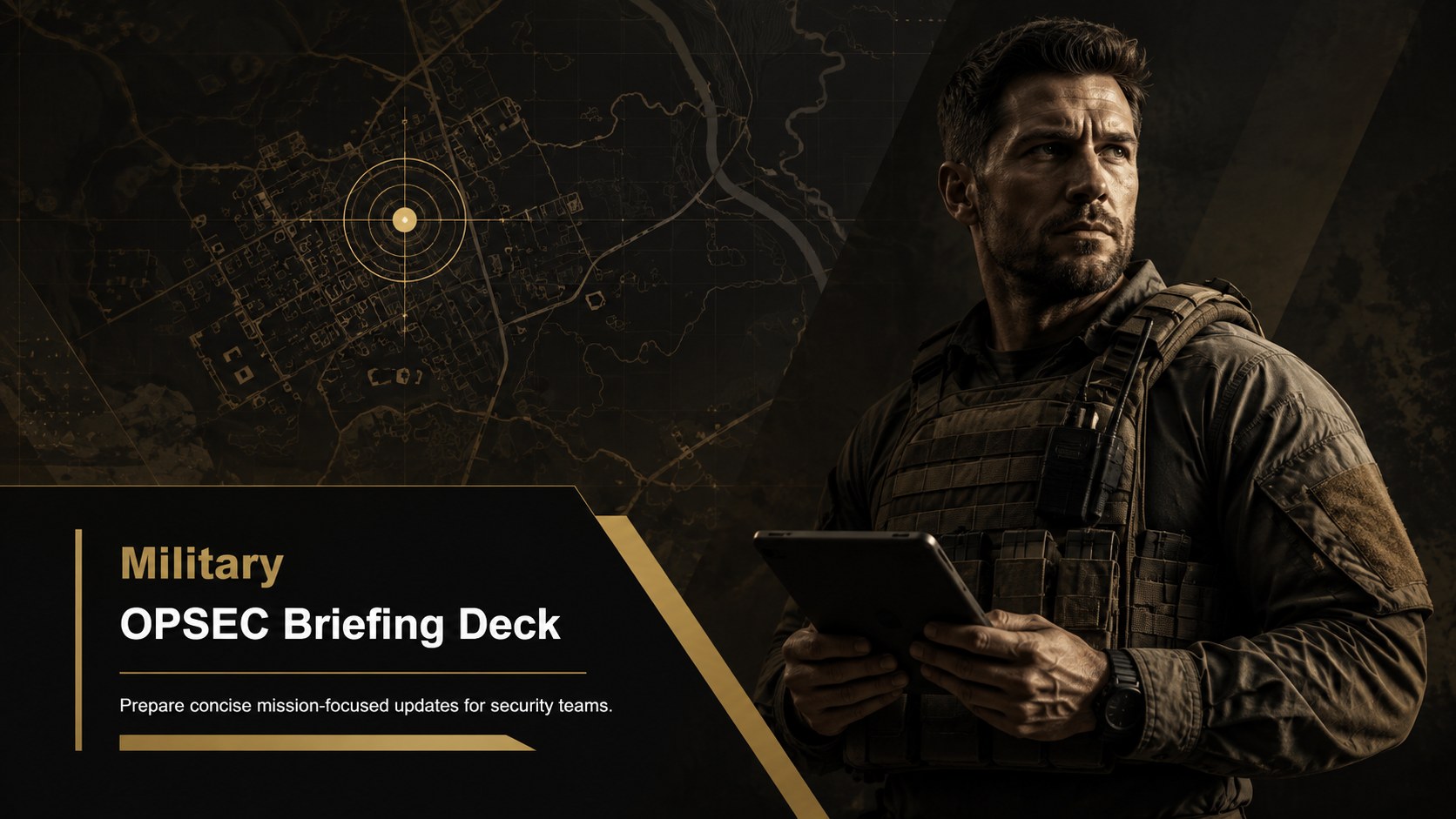
Lead focused threat-awareness sessions with a military OPSEC briefing deck in black, brown, and gold, editable in PowerPoint and Google Slides.
Design notes
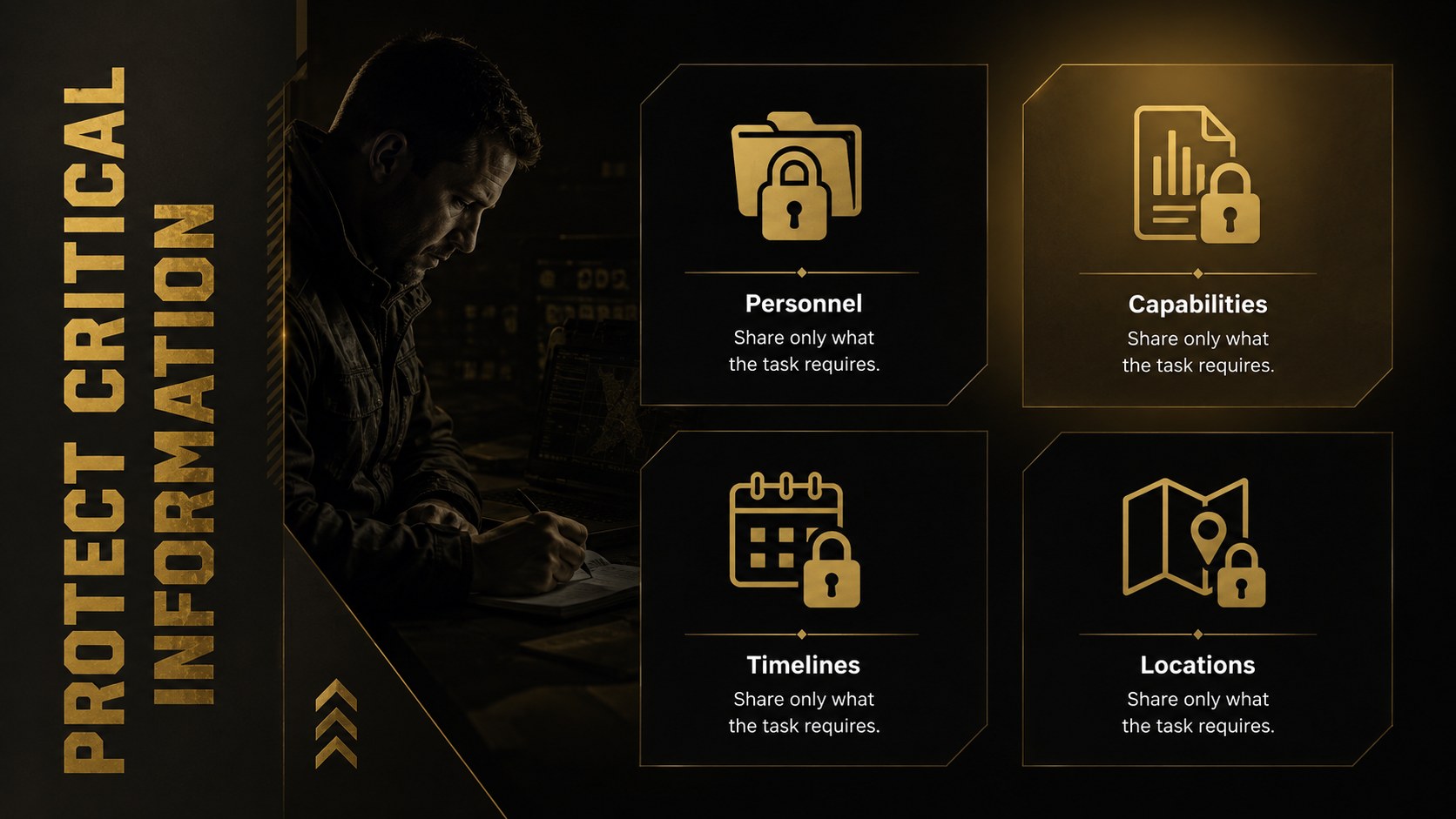
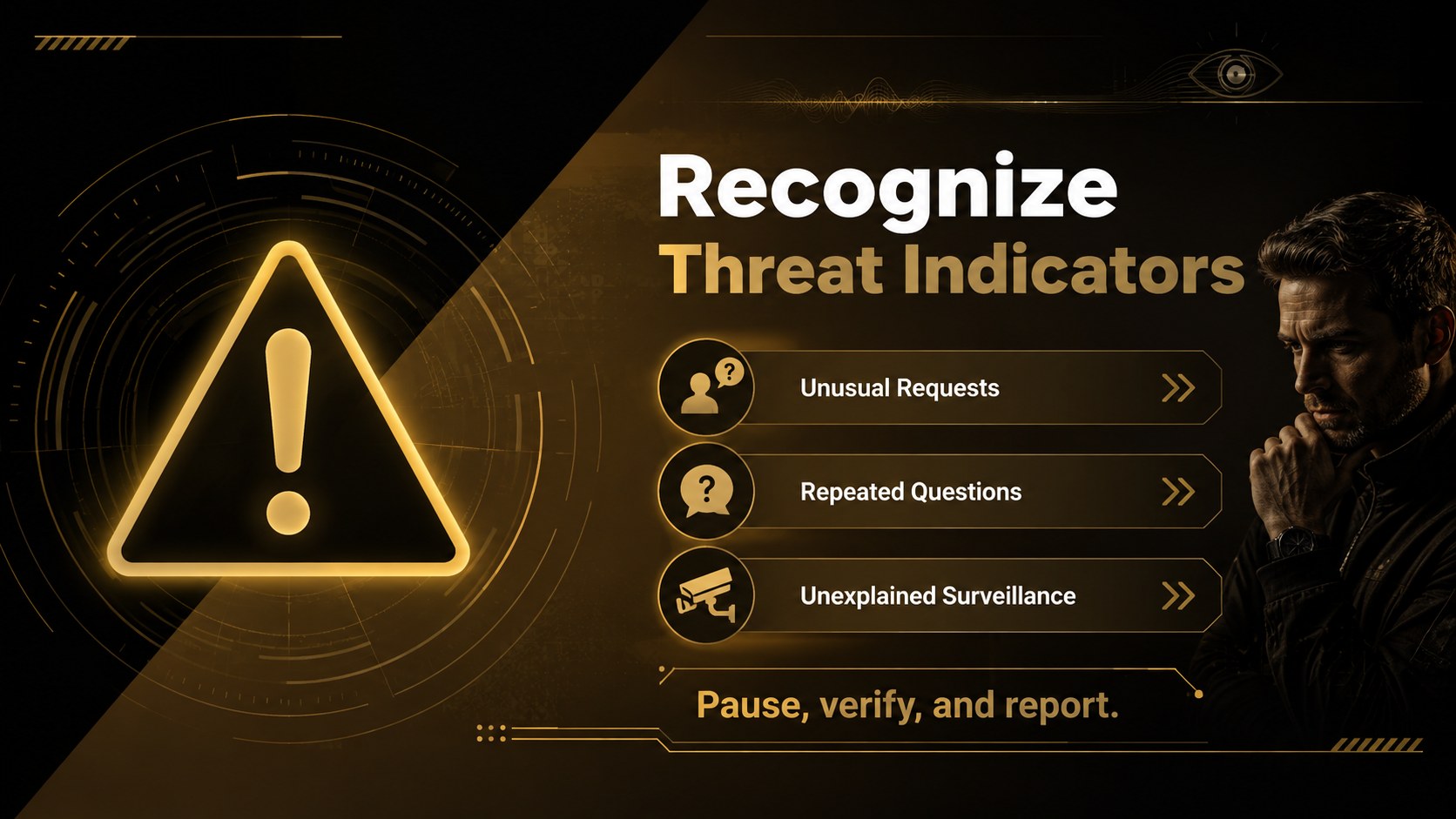
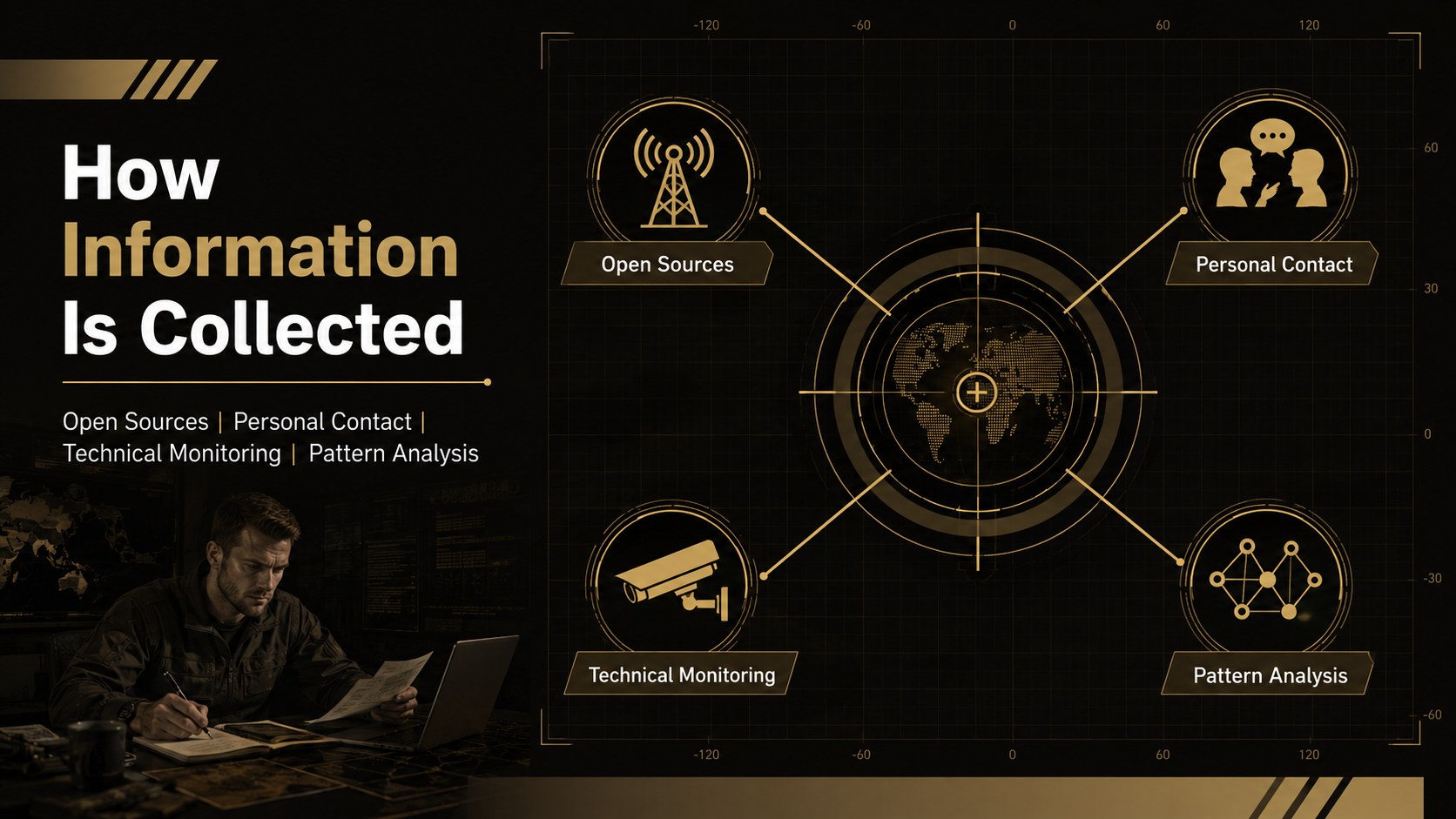
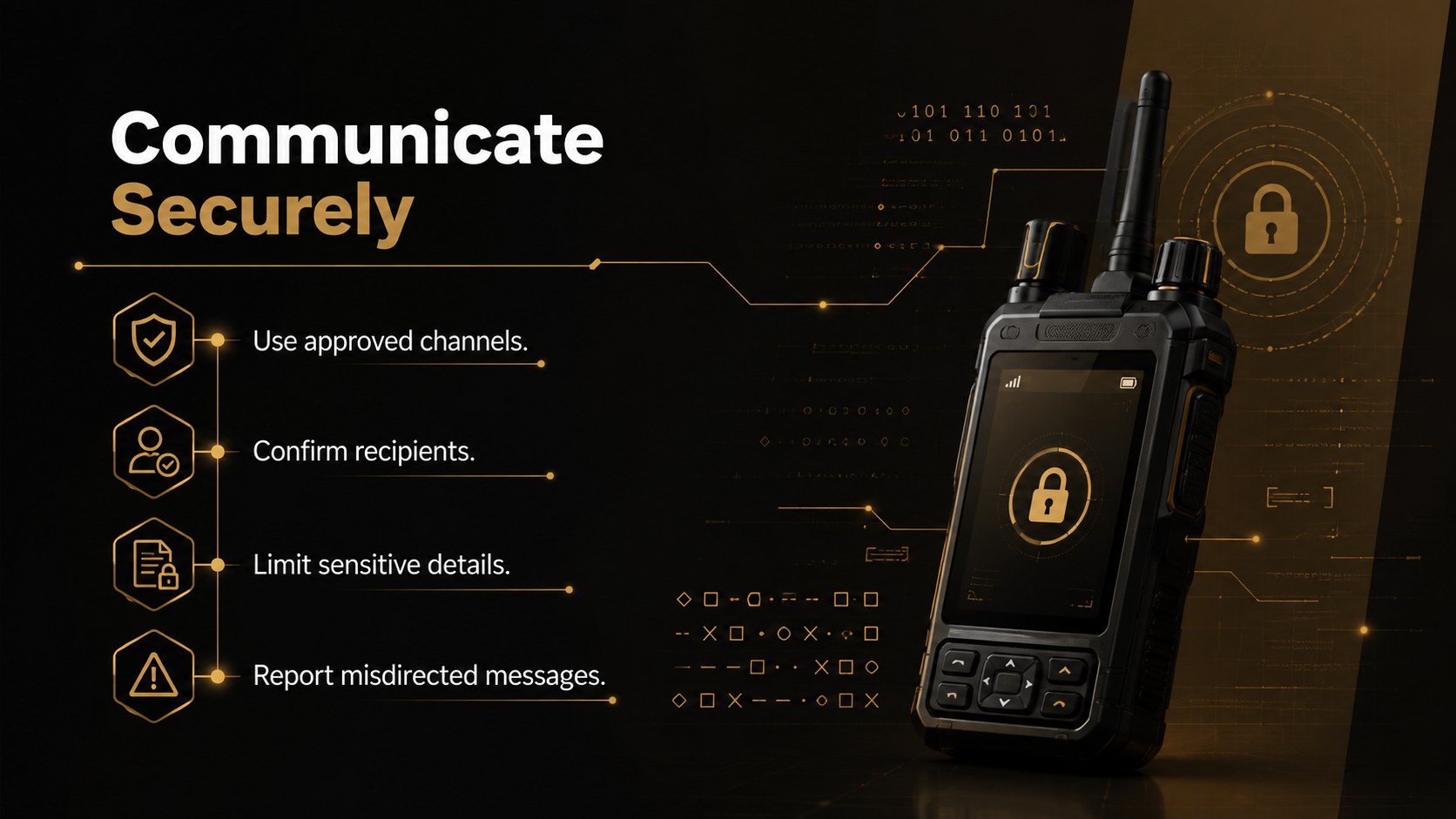
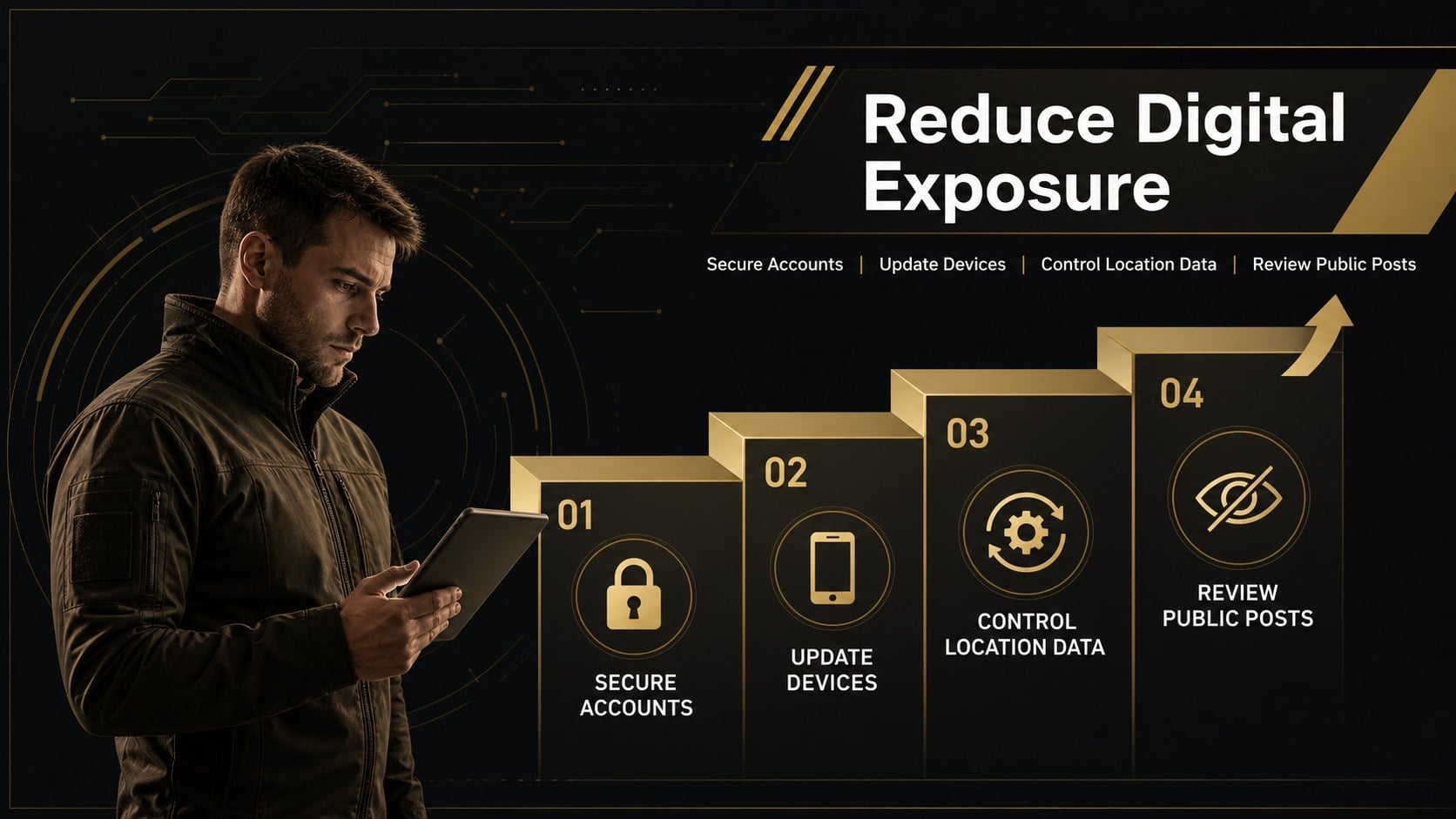
Turn sensitive security guidance into a focused, credible presentation with this military OPSEC briefing deck. Its modern black, brown, and gold design creates a disciplined visual hierarchy for explaining threats, safeguarding critical information, and reinforcing mission-aware behavior. Every layout can be adapted in PowerPoint or Google Slides for internal briefings, classroom instruction, or contractor meetings.
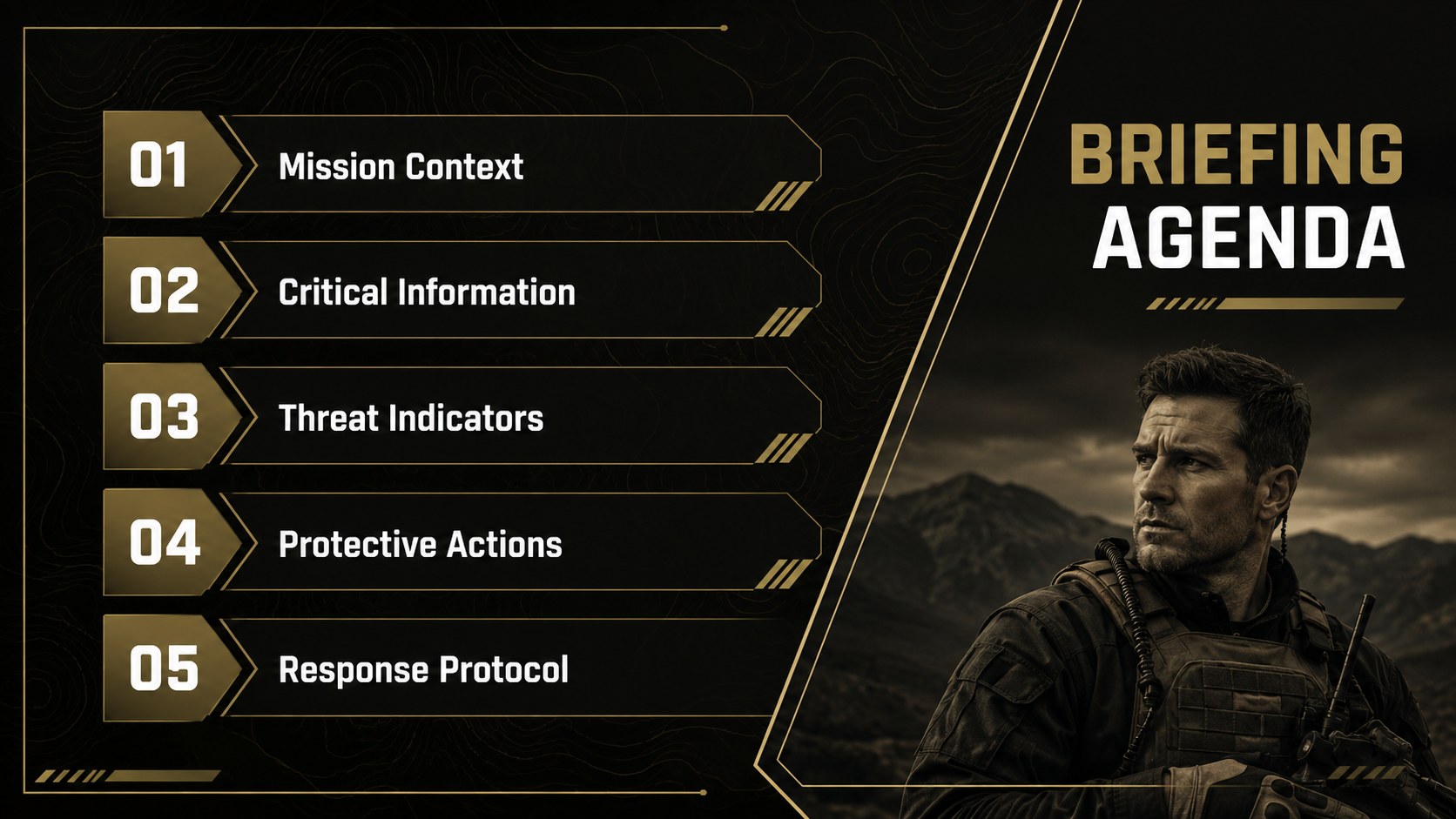
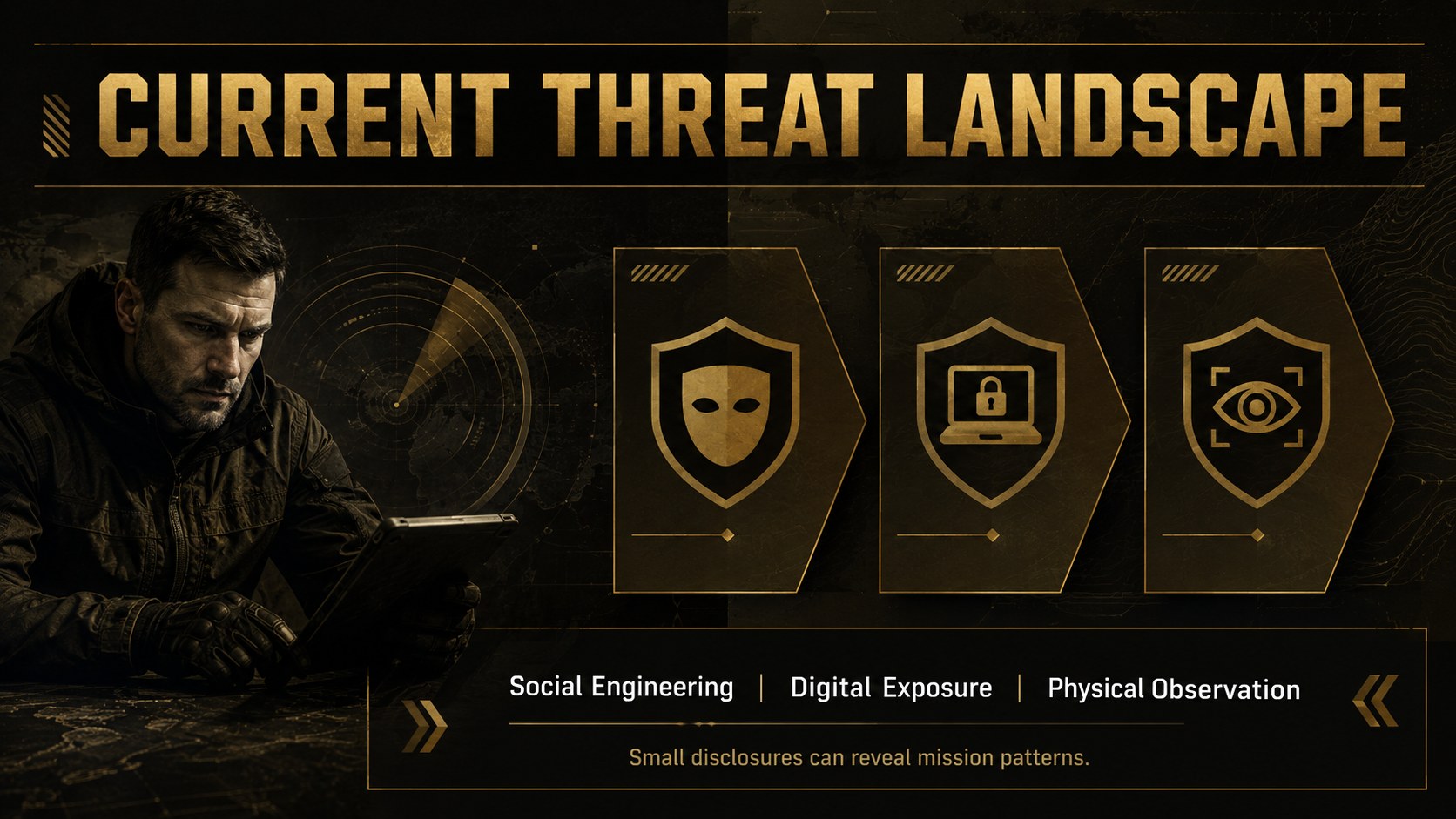
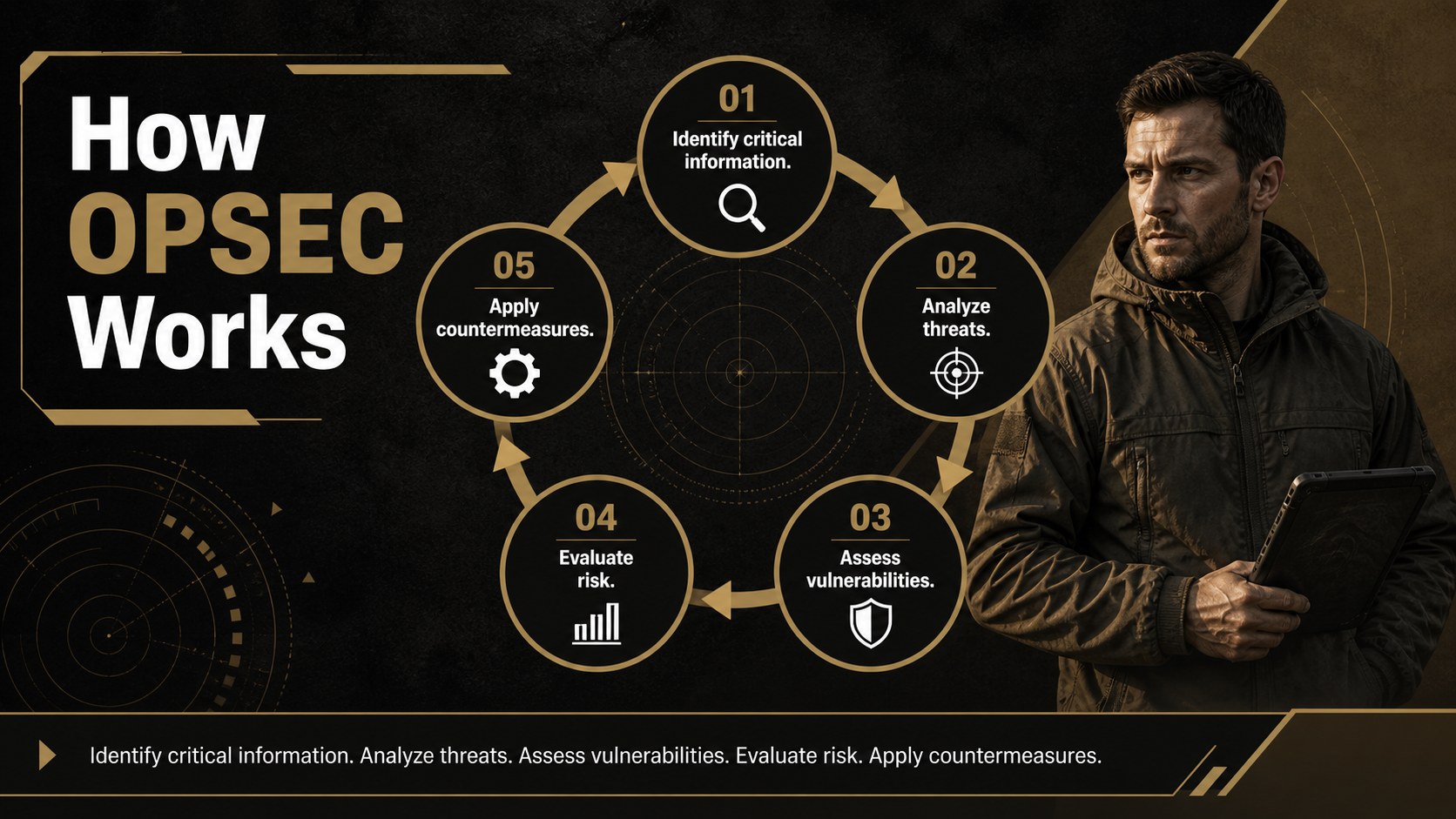
The deck includes formats for an opening overview, briefing objectives, critical information categories, threat indicators, adversary collection methods, secure communication practices, digital hygiene, physical safeguards, incident reporting, and response priorities. A risk matrix, process timeline, scenario layout, and final readiness checklist help presenters move from awareness to practical action. Charts, text areas, image frames, icons, and section dividers can be edited to match unit procedures or organizational policies.
Use it as an operational security awareness PowerPoint, a set of defense contractor security briefing slides, or an OPSEC risk assessment slide template. It is designed for military personnel, security officers, defense contractors, risk managers, training coordinators, and project leaders who need to communicate protective measures without overcrowding the screen. Replace sample wording, adjust colors within the established palette, add approved imagery, and tailor each section to the audience's clearance level and responsibilities.
Perfect for: unit OPSEC awareness training; defense contractor security briefing; pre-mission risk review; critical information workshop; incident response orientation.
Frequently asked questions
Can I edit every part of the briefing deck? Yes. Text, colors, charts, icons, image areas, and section layouts can be customized to reflect your procedures and terminology.
Practical details
Yes. Text, colors, charts, icons, image areas, and section layouts can be customized to reflect your procedures and terminology.
The template is designed for Microsoft PowerPoint and Google Slides. Some fonts or transitions may display slightly differently after importing between platforms.
Yes. Replace the sample content with approved public or internal guidance and remove any fields your audience does not need. Always follow your organization's information-handling policy.
Keep the black, brown, and gold palette while changing accent intensity, photography, and icons. Reuse the provided title hierarchy and spacing across new slides for a consistent briefing.
Keep exploring
15Build an engaging World UFO Day session with this flying saucer history lesson deck, featuring retro green-and-brown slides for PowerPoint and Google Slides.
 15
15Plan a lively animal-learning journey with this jungle zoo adventure lesson deck, ready to customize in PowerPoint and Google Slides for young learners.
 16
16Turn environmental research into a clear story with a Watercolor Ecology Presentation Theme for PowerPoint and Google Slides in calming green and blue.
 16
16Build focused fashion, literature, and humanities presentations with the Red Triangle Editorial Theme, editable in PowerPoint and Google Slides.
 15
15Turn streaming stats, favorite tracks, and concert highlights into a bold annual listening recap slide deck for PowerPoint and Google Slides.
 15
15Turn highlights, milestones, and favorite moments into a colorful year in review slide deck with bold 3D graphics for PowerPoint and Google Slides.
 3
3Build a credible endorsement with Standout Colleague Recommendation Letter Slides, featuring colorful prompts for skills, achievements, and team impact.
 4
4Build clear beginner sessions with an ice hockey fundamentals training deck for coaches, PE teachers, and clubs, ready for PowerPoint and Google Slides.