
 15
15presentation
Flying Saucer History Lesson Deck
Build an engaging World UFO Day session with this flying saucer history lesson deck, featuring retro green-and-brown slides for PowerPoint and Google Slides.
Google SlidesPowerPoint
presentation · English
Map achievements, turning points, and next steps with milestone progress roadmap slides for polished PowerPoint and Google Slides presentations.

Design notes
Turn a collection of achievements into a clear visual path forward with Milestone Progress Roadmap Slides. This editable presentation is designed for teams, students, professionals, and individuals who need to explain how a project, career, campaign, or personal goal has developed over time. Bright pastel accents, clean white space, and lively geometric details keep the story approachable while making important moments easy to scan.
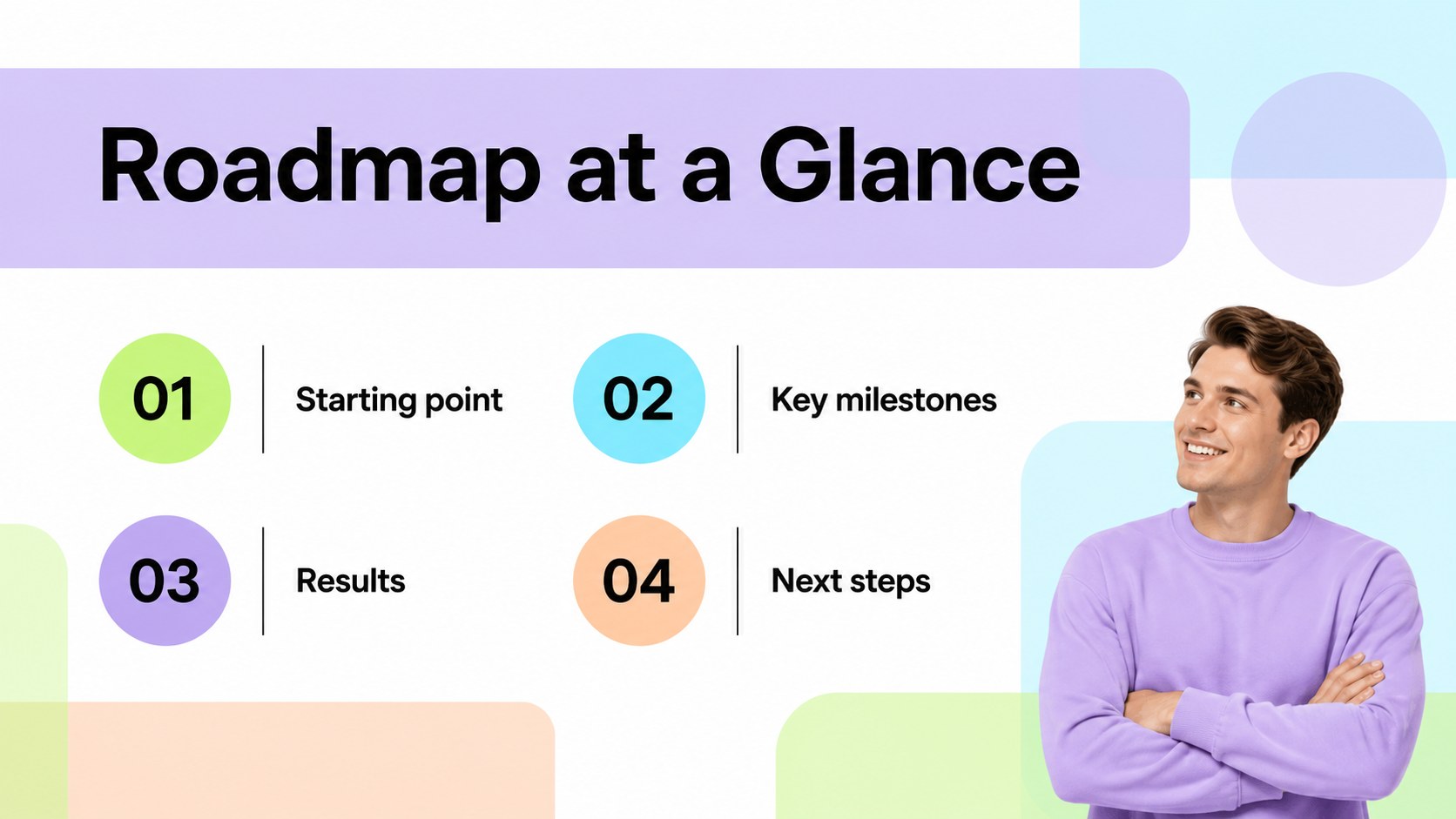
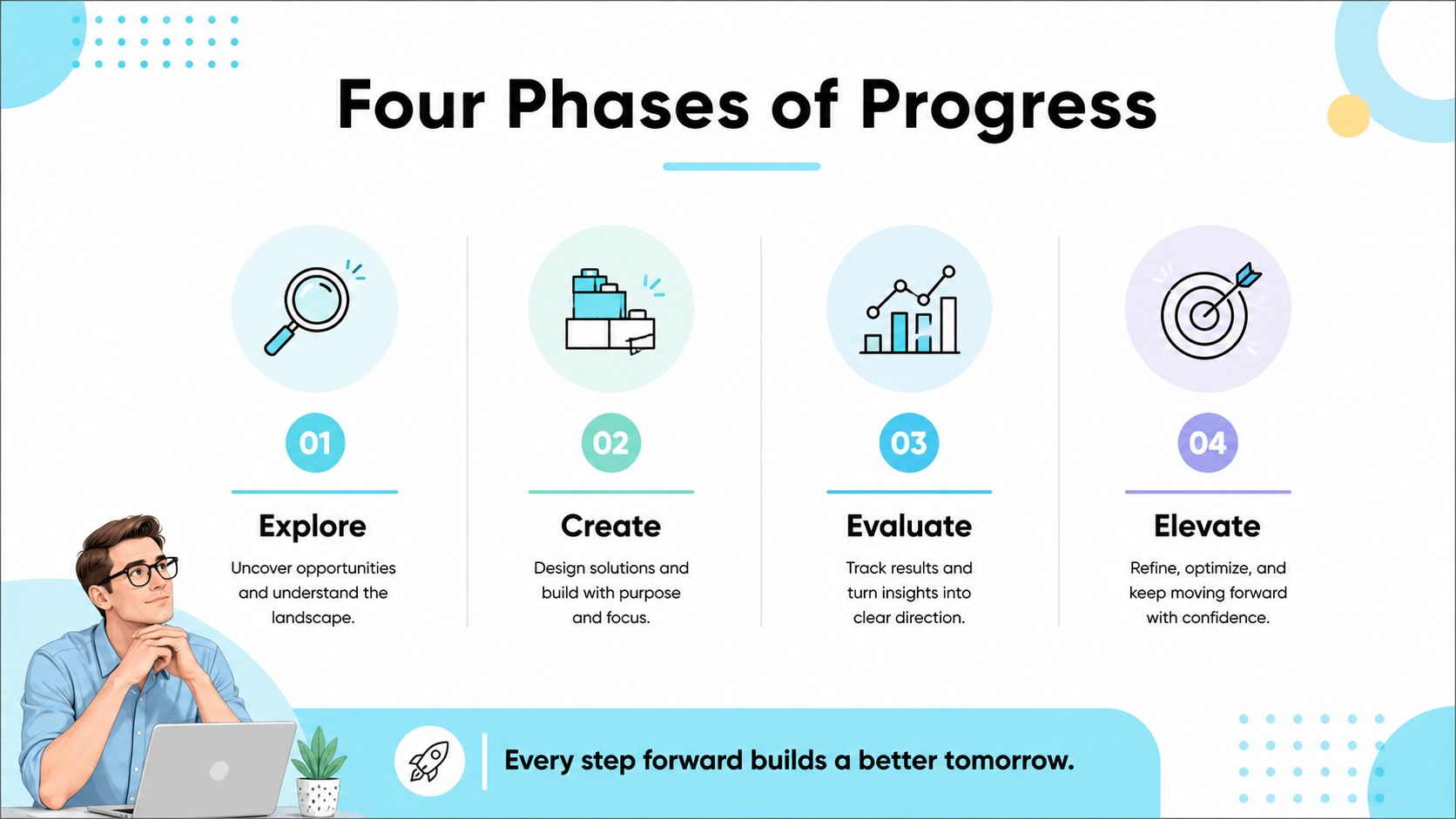
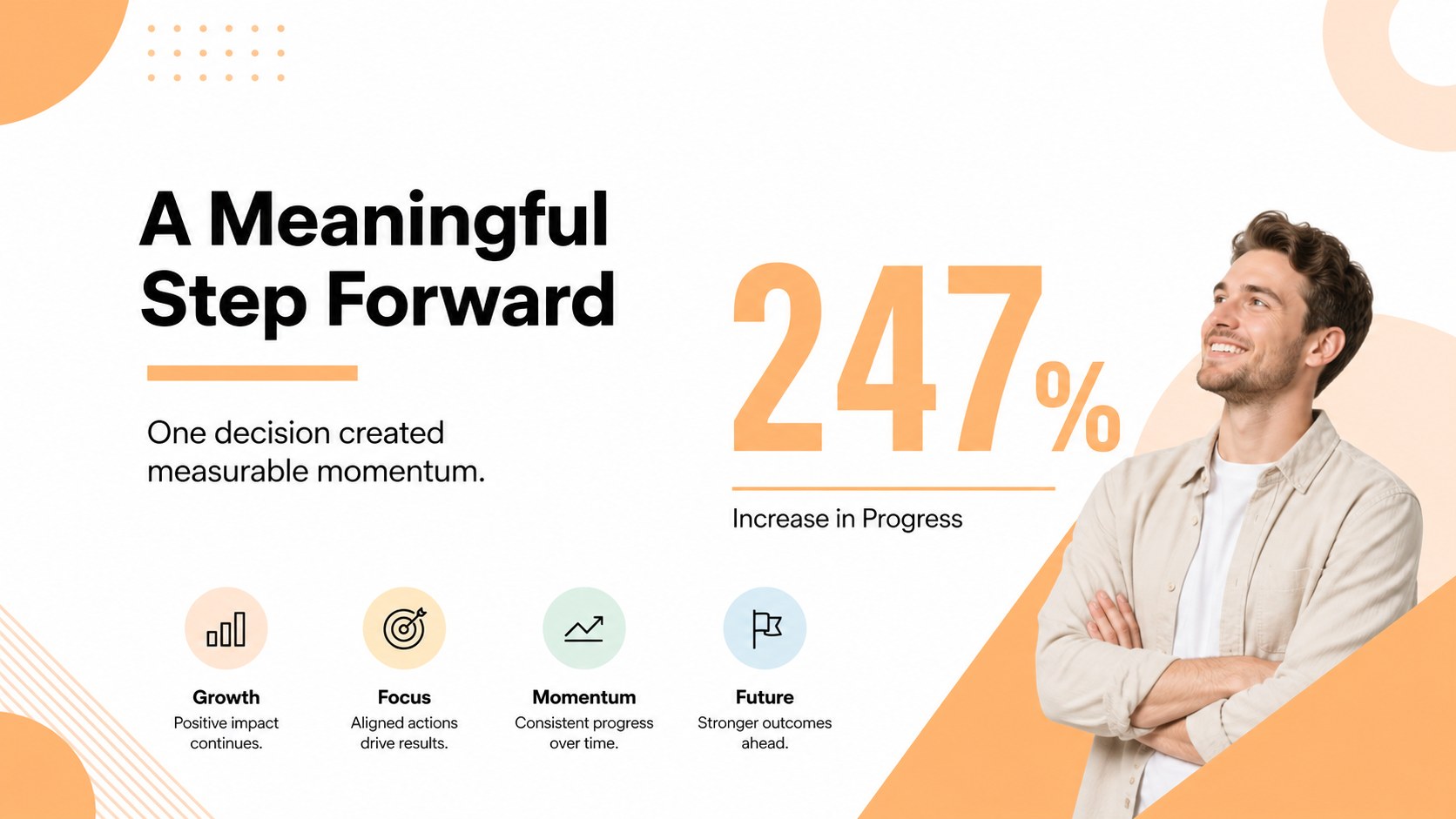
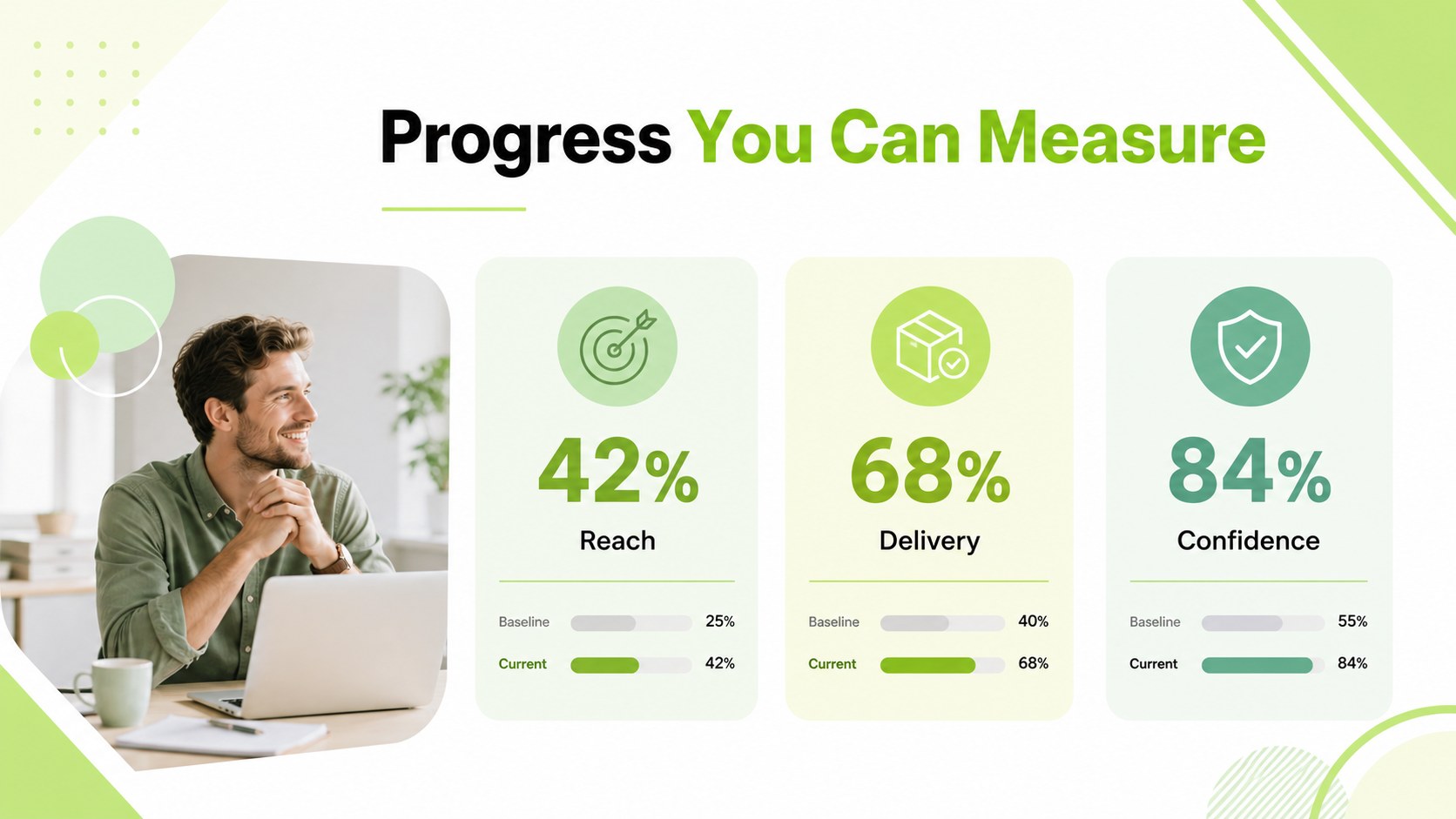
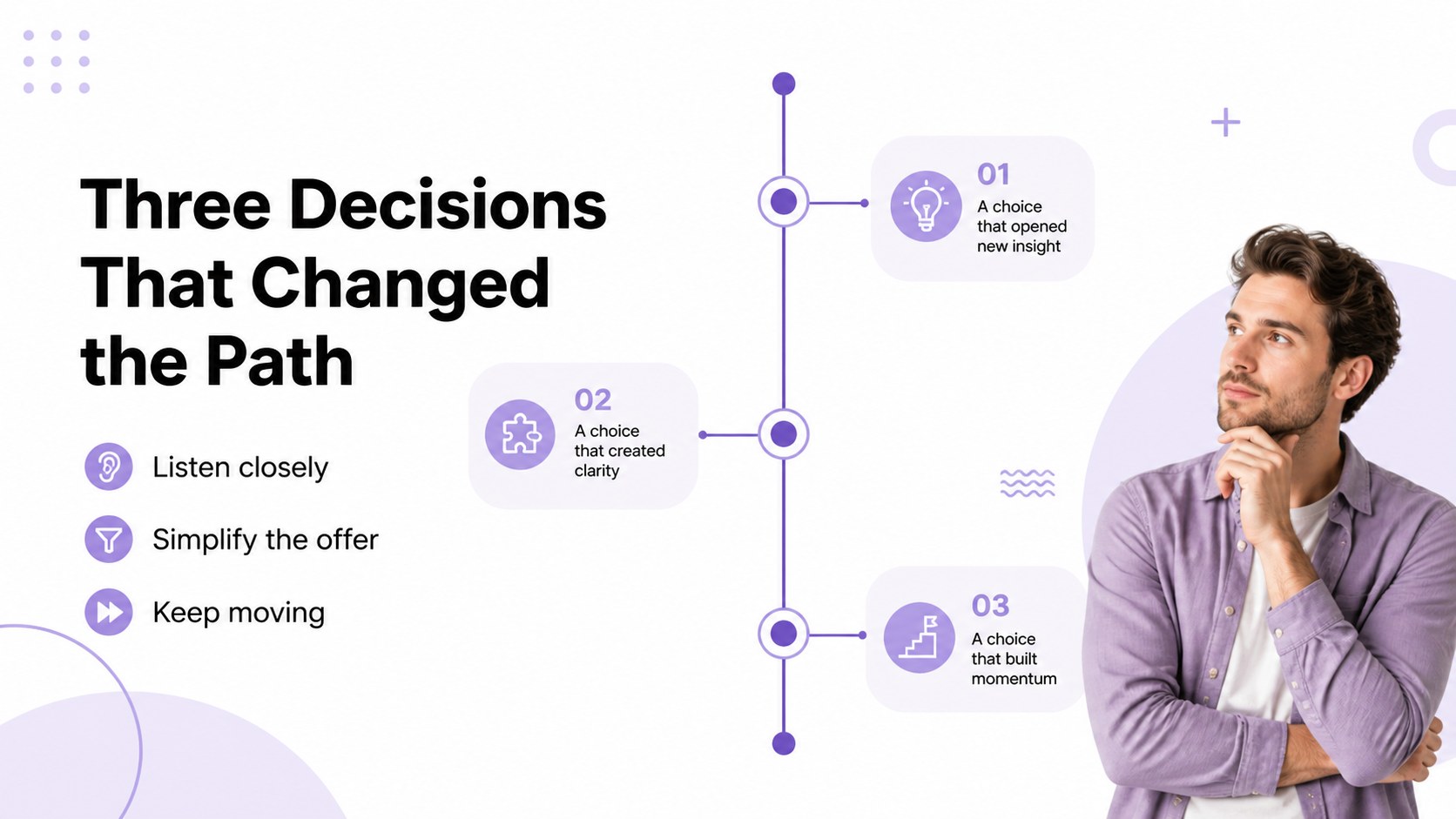
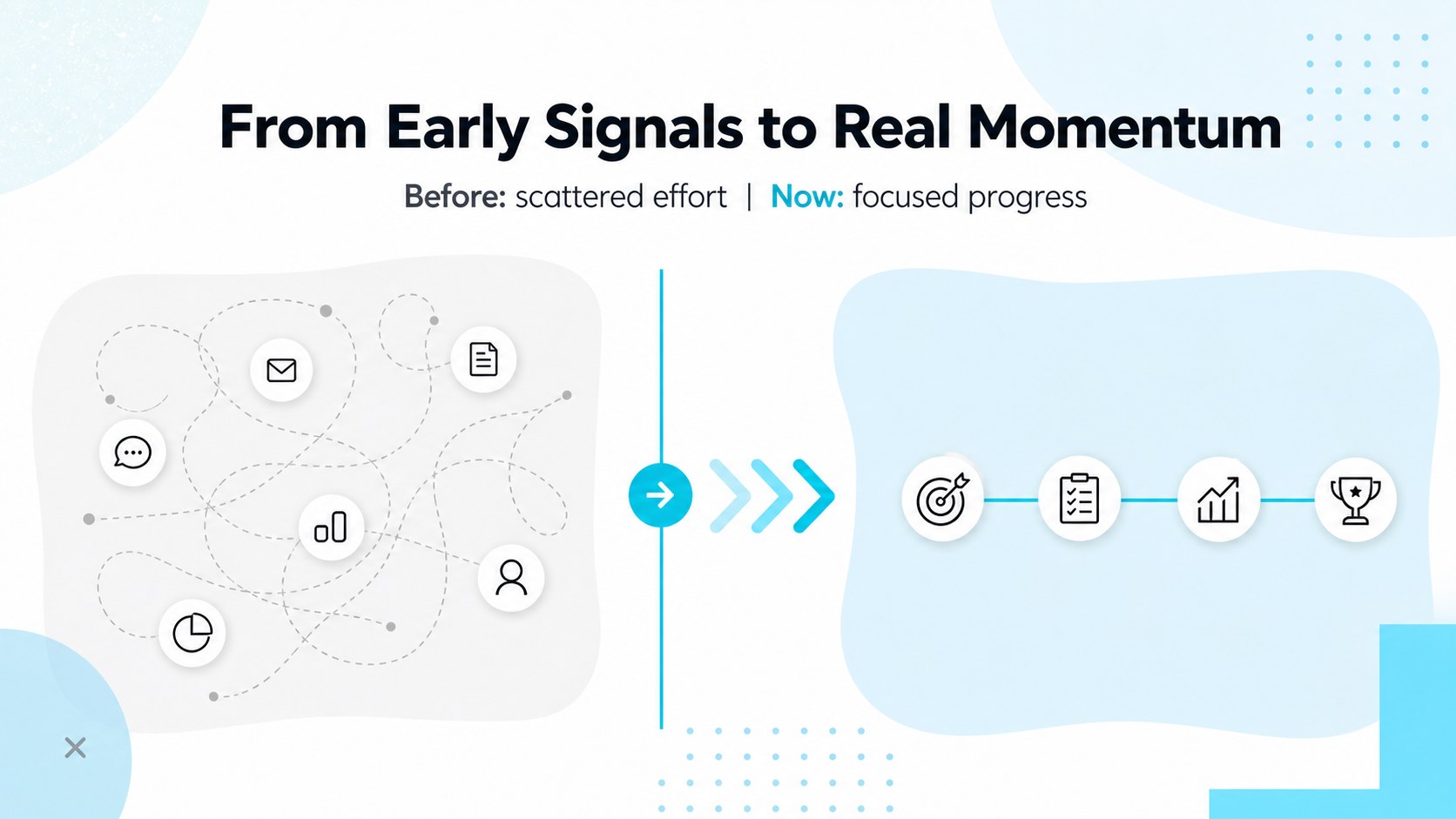
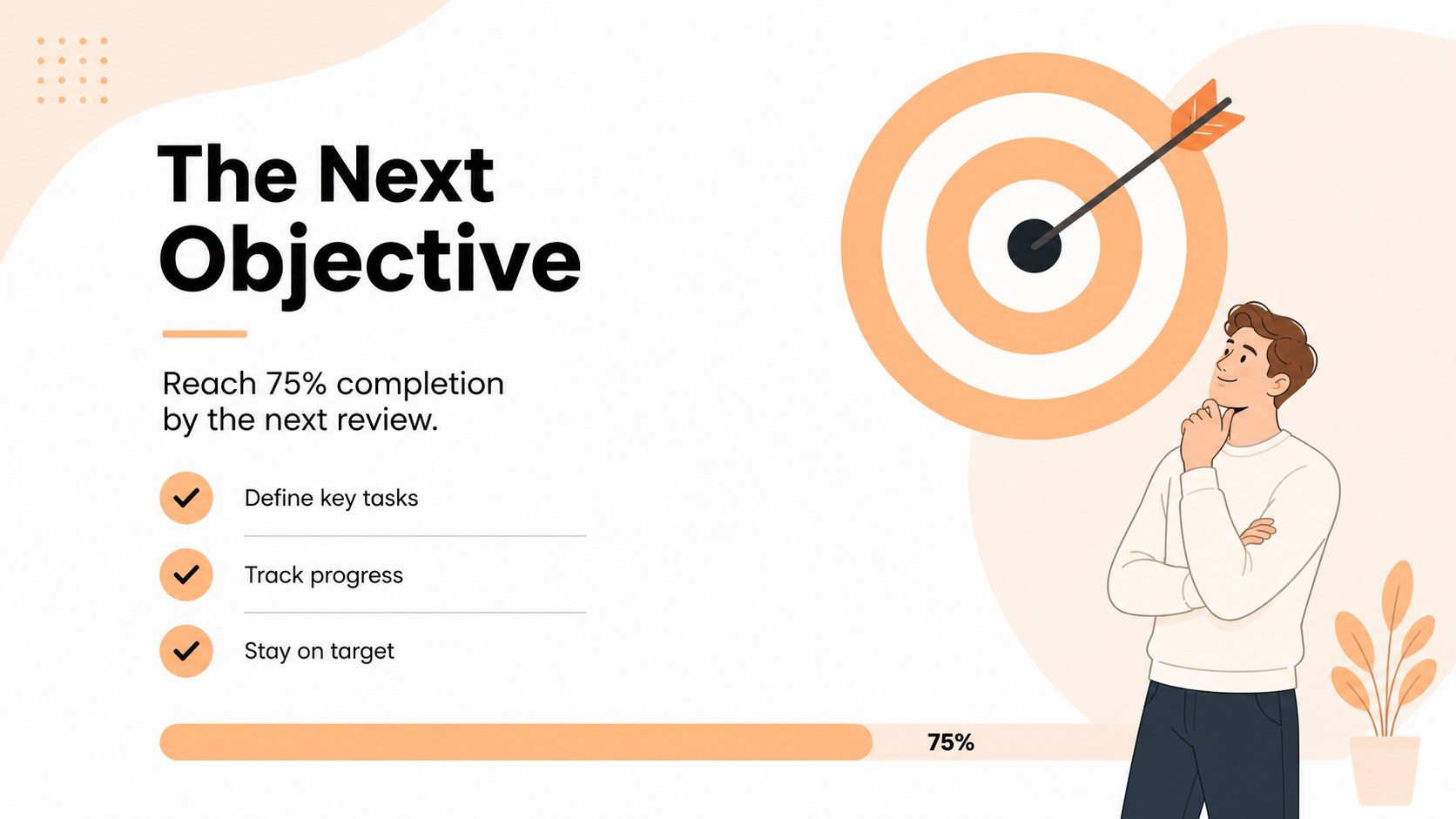
Inside, you’ll find layouts for project phases, achievement highlights, progress snapshots, priority setting, data comparisons, and upcoming objectives. Use the milestone roadmap presentation to connect dates with outcomes, or adapt the career progress presentation slides for promotions, portfolios, and annual reviews. The deck also works well as a project achievement slide deck for status meetings, stakeholder updates, and planning sessions. Replace the sample text, adjust colors and typography, add photographs or icons, and tailor each visual to your story in PowerPoint or Google Slides.
The 16-slide structure includes a cover, agenda, roadmap views, metric displays, comparison layouts, reflection pages, and a closing action slide. It gives presenters a flexible foundation for showing momentum without overwhelming the audience. Download the files, update the editable elements, and build a confident narrative around where you started, what changed, and what comes next.
Perfect for: startup progress update; career advancement review; project achievement report; student portfolio presentation; campaign performance recap.
Frequently asked questions
Can I edit these slides in PowerPoint? Yes. The presentation is designed for editing in PowerPoint, including text, colors, shapes, charts, and image placeholders. Replace the sample milestones with your own dates and outcomes.
Practical details
Yes. The presentation is designed for editing in PowerPoint, including text, colors, shapes, charts, and image placeholders. Replace the sample milestones with your own dates and outcomes.
Yes, you can open and customize the presentation in Google Slides. Review imported fonts and spacing after upload, then adjust any elements that need platform-specific formatting.
Yes. The roadmap layouts can organize promotions, skills, projects, certifications, and future goals. Add personal photographs or icons while keeping the pastel geometric system consistent.
Use the layouts for milestones, project phases, metrics, accomplishments, lessons learned, and next steps. The flexible structure supports both narrative updates and more data-focused reviews.
Keep exploring
15Build an engaging World UFO Day session with this flying saucer history lesson deck, featuring retro green-and-brown slides for PowerPoint and Google Slides.
 15
15Plan a lively animal-learning journey with this jungle zoo adventure lesson deck, ready to customize in PowerPoint and Google Slides for young learners.
 16
16Turn environmental research into a clear story with a Watercolor Ecology Presentation Theme for PowerPoint and Google Slides in calming green and blue.
 16
16Build focused fashion, literature, and humanities presentations with the Red Triangle Editorial Theme, editable in PowerPoint and Google Slides.
 15
15Turn streaming stats, favorite tracks, and concert highlights into a bold annual listening recap slide deck for PowerPoint and Google Slides.
 15
15Turn highlights, milestones, and favorite moments into a colorful year in review slide deck with bold 3D graphics for PowerPoint and Google Slides.
 3
3Build a credible endorsement with Standout Colleague Recommendation Letter Slides, featuring colorful prompts for skills, achievements, and team impact.
 4
4Build clear beginner sessions with an ice hockey fundamentals training deck for coaches, PE teachers, and clubs, ready for PowerPoint and Google Slides.