
 15
15presentation
Flying Saucer History Lesson Deck
Build an engaging World UFO Day session with this flying saucer history lesson deck, featuring retro green-and-brown slides for PowerPoint and Google Slides.
Google SlidesPowerPoint
presentation · English
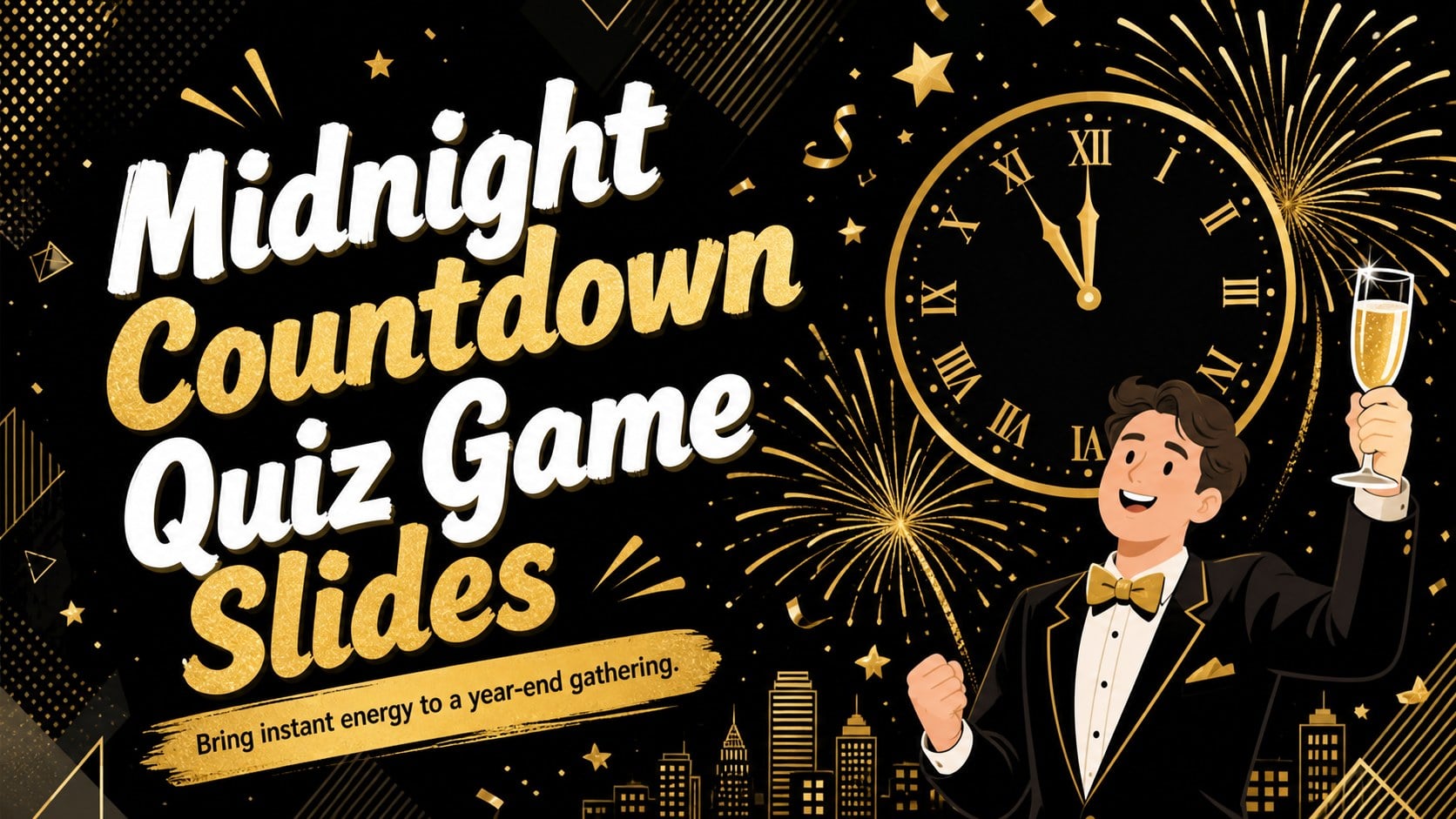
Host a lively year-end challenge with Midnight Countdown Quiz Game Slides, featuring editable questions, score rounds, and festive gold-and-black artwork.
Design notes
Turn the final gathering of the year into a spirited competition with Midnight Countdown Quiz Game Slides. The playful illustrated design combines rich black backgrounds, bright gold accents, and celebratory details inspired by confetti, clocks, fireworks, and party decorations. Clear layouts keep questions easy to read while giving every round a polished game-night atmosphere.
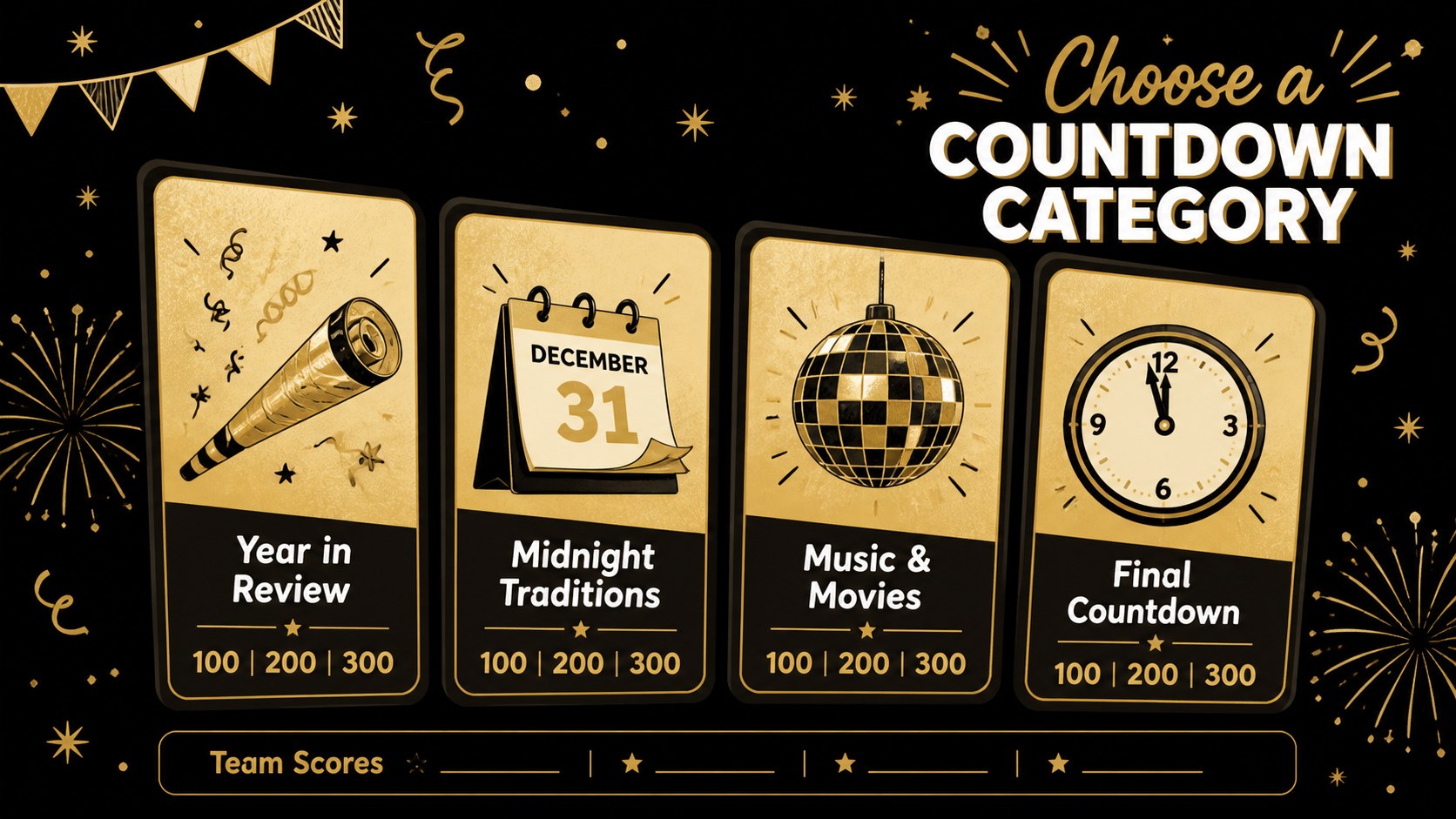
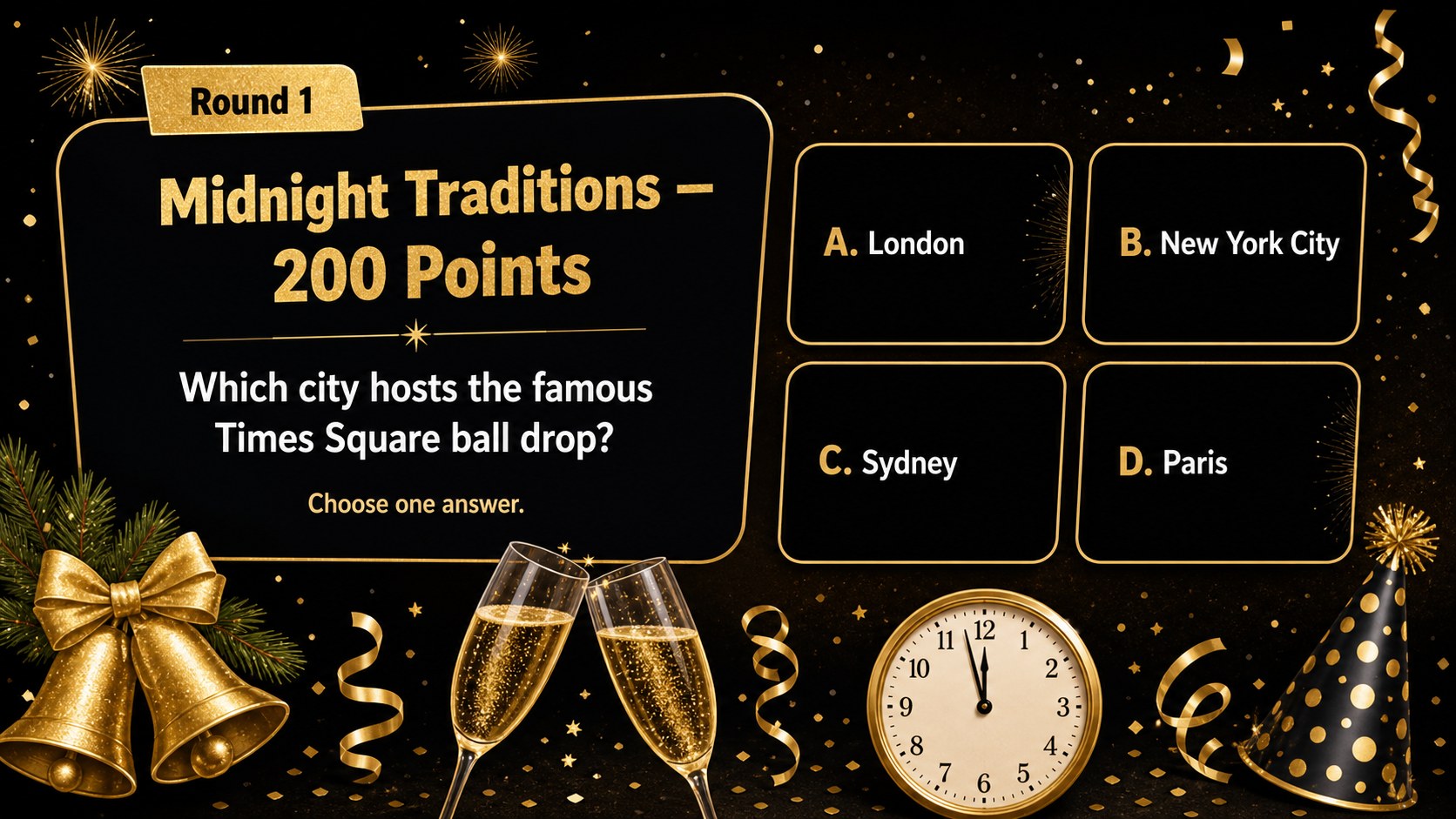
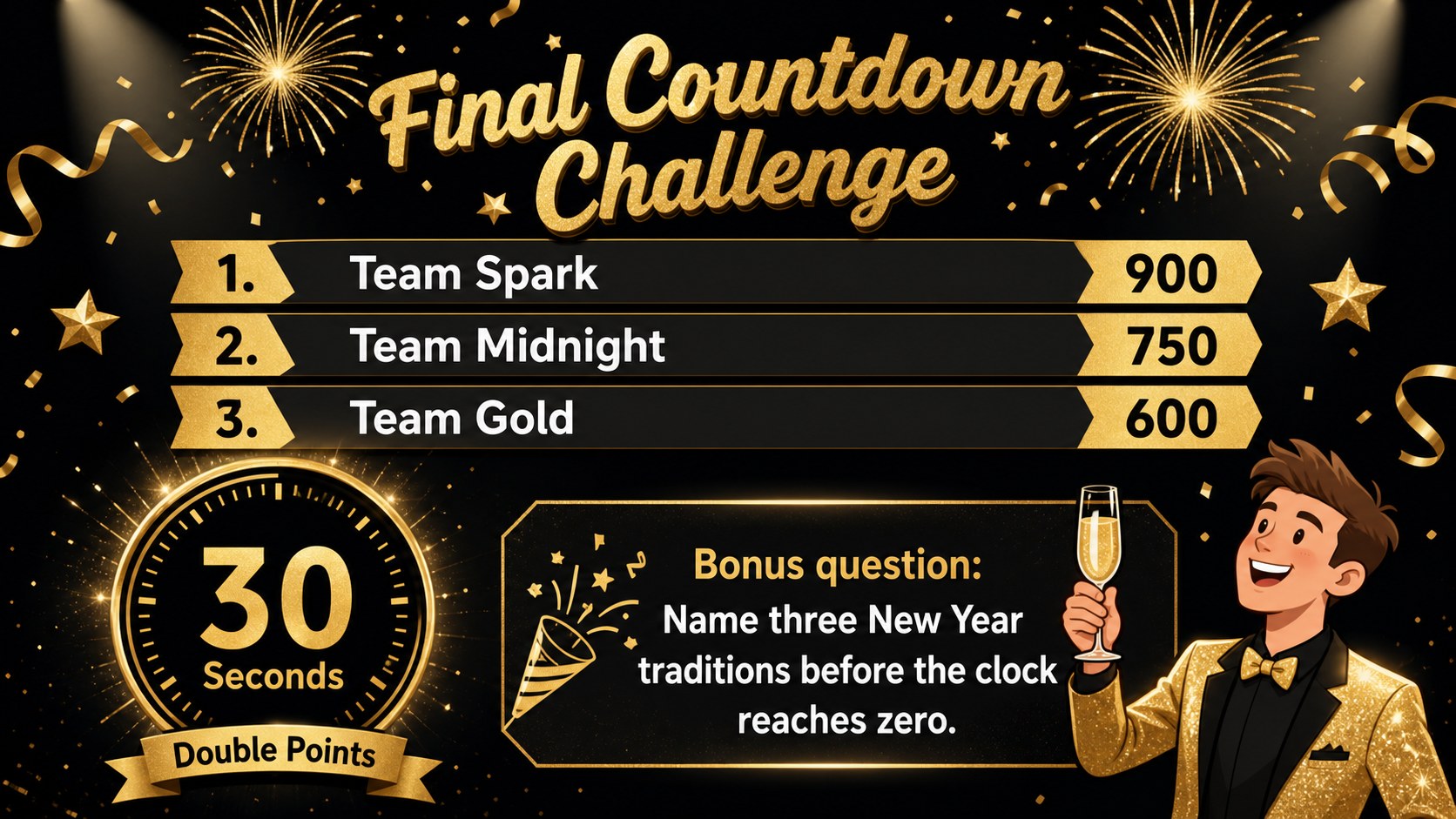
Inside, you will find a cover, category selection screens, question and answer layouts, scoreboards, bonus rounds, tie-breaker prompts, and a winner announcement. Use the deck as a New Year's Eve trivia PowerPoint, or adapt it into a countdown party quiz for Google Slides. Questions, rules, team names, point values, images, and colors can all be changed. Add a company logo, classroom topic, event photos, or prize details without disrupting the visual system.
This editable year-end quiz presentation works well for teachers planning a classroom celebration, HR teams organizing an office icebreaker, families hosting a holiday party, community groups running game night, and marketers creating an audience activation. Present it on a shared screen, lead the quiz virtually, or let teams submit answers on paper. The flexible format supports quick casual play as well as a structured tournament with multiple rounds and a final countdown challenge.
Perfect for: New Year's Eve house party; office year-end icebreaker; classroom countdown celebration; community trivia night; virtual team quiz; holiday campaign event.
Frequently asked questions
Can I replace the trivia questions and answers? Yes. Every question, answer, category, point value, and instruction can be edited to match your audience and event. You can also duplicate question layouts when you need additional rounds.
Practical details
Yes. Every question, answer, category, point value, and instruction can be edited to match your audience and event. You can also duplicate question layouts when you need additional rounds.
Yes. The presentation is designed for editing and presenting in both PowerPoint and Google Slides. Review fonts, animations, and transitions after importing so they display as intended on your chosen platform.
Add team names to the scoreboard and assign your own scoring rules for standard, bonus, or tie-breaker questions. Colors, logos, photos, prizes, and category labels can also be adjusted for a school, workplace, or private party.
Yes. Share the presentation through your preferred meeting platform and advance each question while participants respond in chat, on paper, or through a separate answer form. The large text and distinct round layouts are suitable for screen sharing.
Keep exploring
15Build an engaging World UFO Day session with this flying saucer history lesson deck, featuring retro green-and-brown slides for PowerPoint and Google Slides.
 15
15Plan a lively animal-learning journey with this jungle zoo adventure lesson deck, ready to customize in PowerPoint and Google Slides for young learners.
 16
16Turn environmental research into a clear story with a Watercolor Ecology Presentation Theme for PowerPoint and Google Slides in calming green and blue.
 16
16Build focused fashion, literature, and humanities presentations with the Red Triangle Editorial Theme, editable in PowerPoint and Google Slides.
 15
15Turn streaming stats, favorite tracks, and concert highlights into a bold annual listening recap slide deck for PowerPoint and Google Slides.
 15
15Turn highlights, milestones, and favorite moments into a colorful year in review slide deck with bold 3D graphics for PowerPoint and Google Slides.
 3
3Build a credible endorsement with Standout Colleague Recommendation Letter Slides, featuring colorful prompts for skills, achievements, and team impact.
 4
4Build clear beginner sessions with an ice hockey fundamentals training deck for coaches, PE teachers, and clubs, ready for PowerPoint and Google Slides.