
 15
15presentation
Flying Saucer History Lesson Deck
Build an engaging World UFO Day session with this flying saucer history lesson deck, featuring retro green-and-brown slides for PowerPoint and Google Slides.
Google SlidesPowerPoint
presentation · English
Bring Mexico history to life with a friendly classroom deck for young learners, featuring editable green-gray slides for PowerPoint and Google Slides.
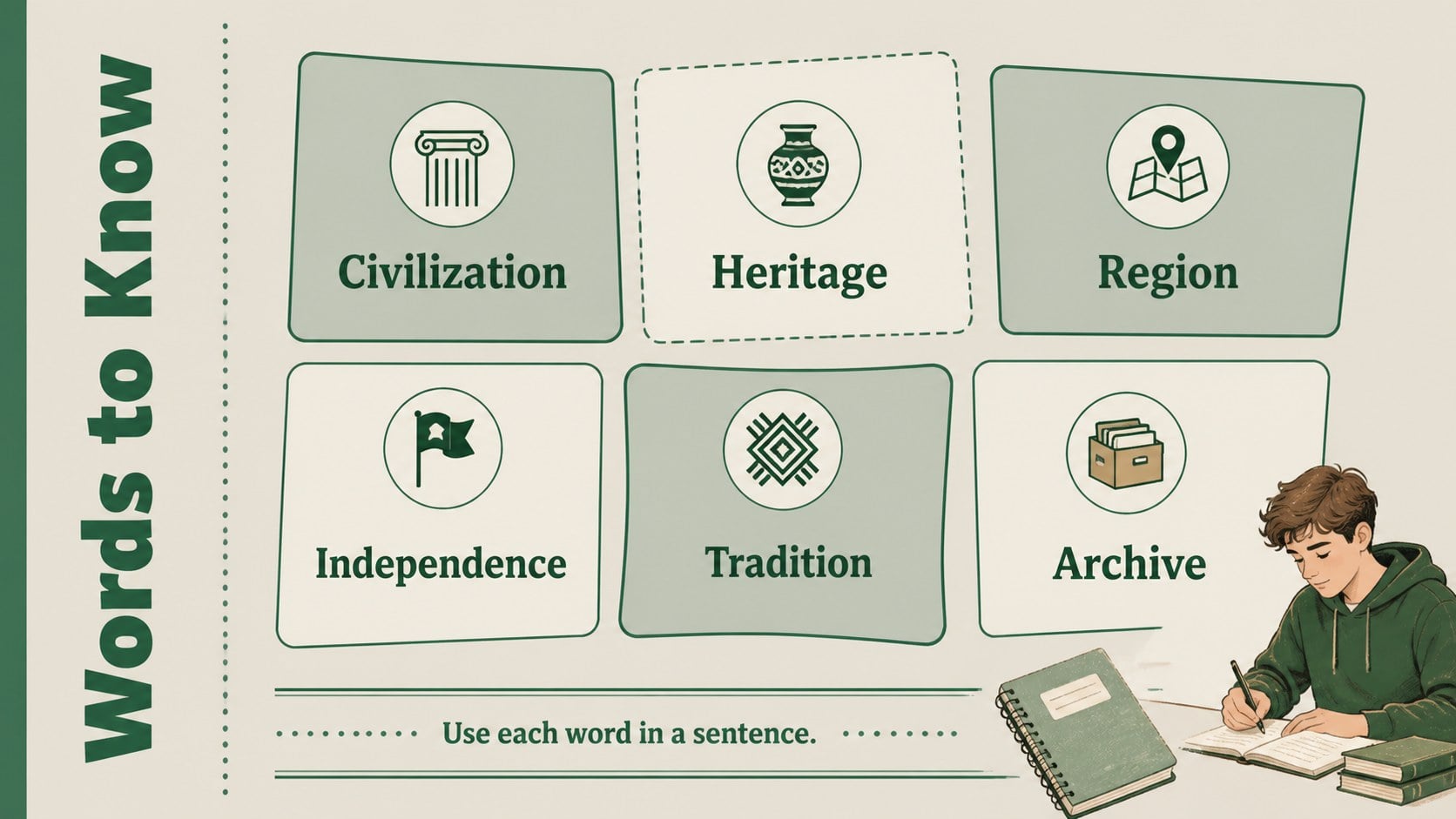
Design notes
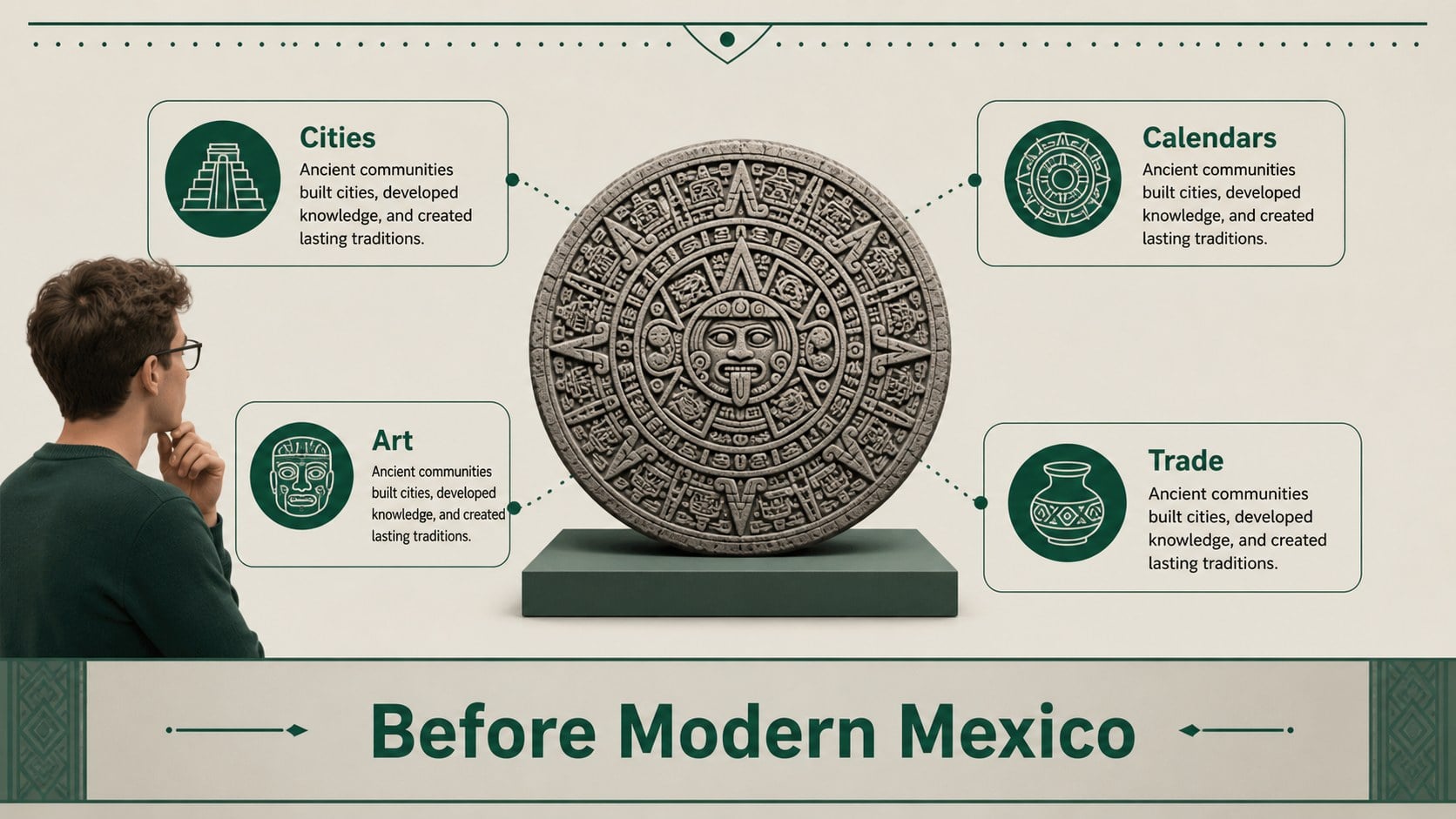
Mexico history classroom deck for young learners makes cultural learning easier to organize and more engaging to present. Designed for elementary educators, this illustrated teaching resource uses a calm grey and green palette, approachable visuals, and clear slide structures to help students follow key moments, places, and ideas from Mexico's past. Use it for a social studies unit, a heritage month activity, or an introductory cultural presentation.
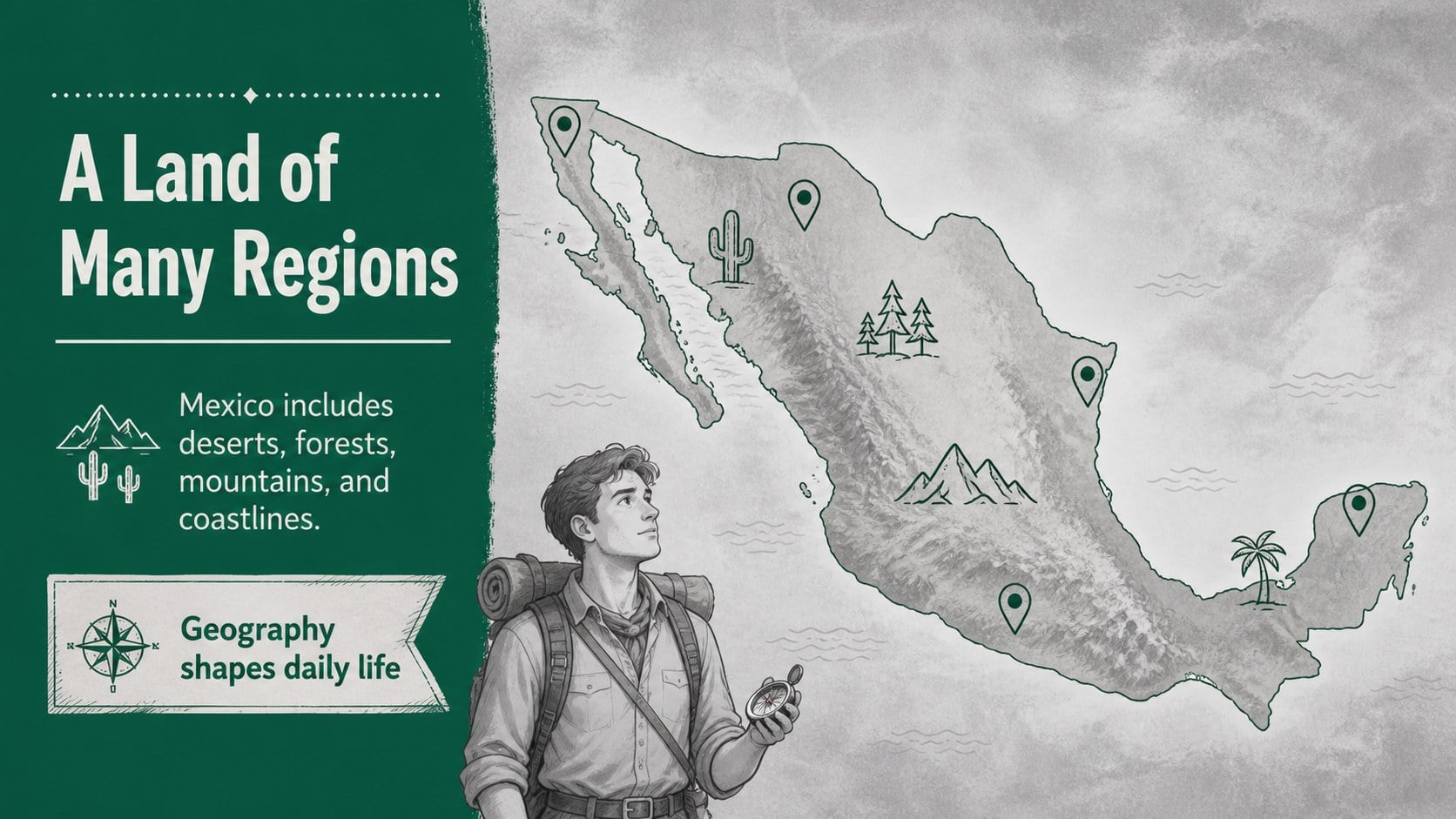
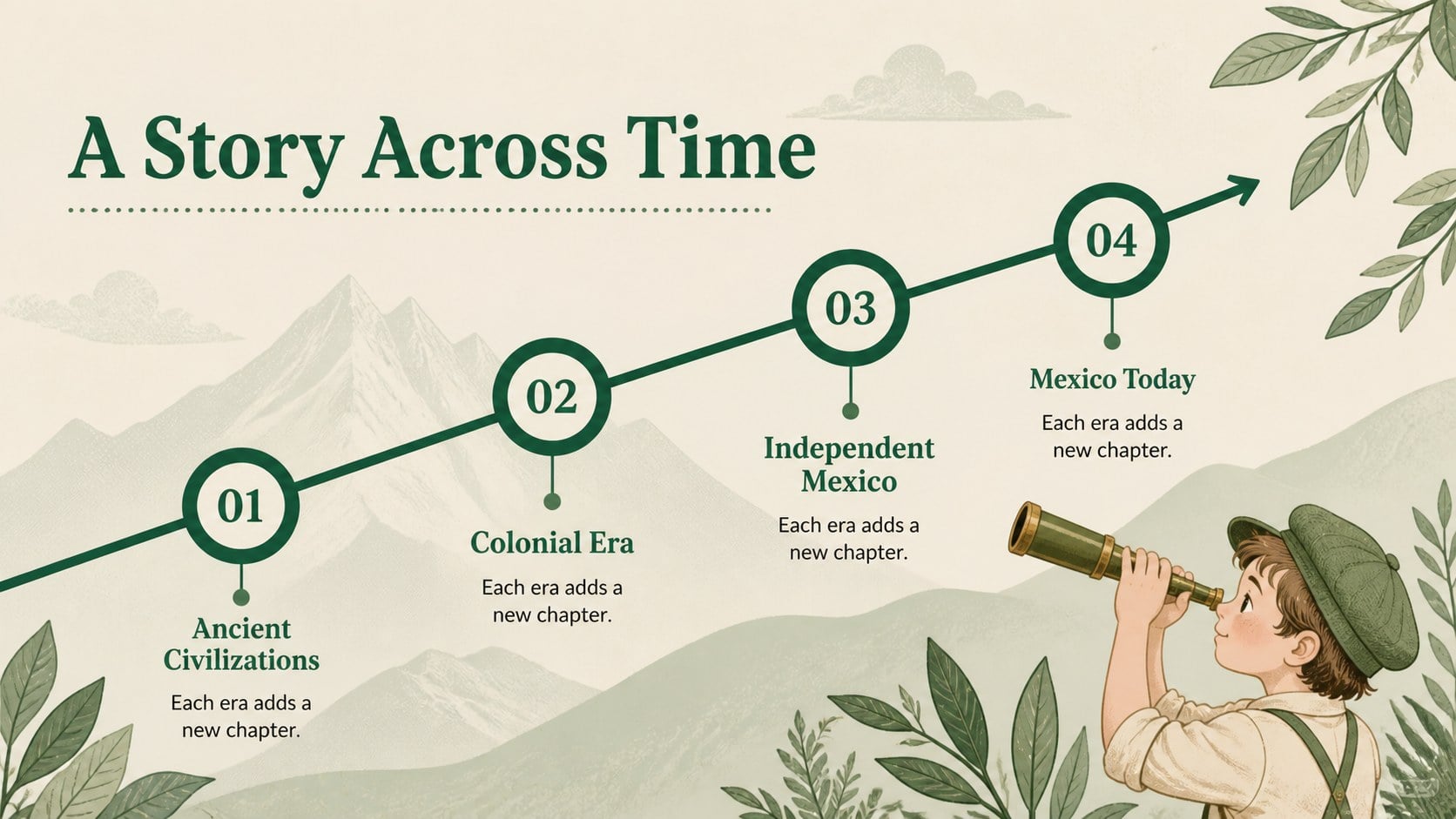
Inside, you will find 19 editable 16:9 layouts that can support an opening lesson, historical overview, timeline, comparison, map-based discussion, image-led explanation, review activity, and closing reflection. The design works well for a Mexico history lesson presentation, a classroom culture project, or a student-friendly history slideshow. PowerPoint and Google Slides users can adjust the wording, colors, charts, illustrations, and layout elements to match their curriculum and grade level.
Teachers can add discussion questions, vocabulary, dates, maps, and source notes without rebuilding the visual system. The simple illustrated style keeps information approachable while leaving enough room for meaningful content. It is also useful for team teaching, substitute lesson plans, family learning events, and independent student reports.
Perfect for: elementary social studies lesson; Mexican heritage month activity; student culture research project; family learning presentation; teacher-led history review.
Frequently asked questions
Can I edit this deck in PowerPoint and Google Slides? Yes. The template is designed for both PowerPoint and Google Slides. You can revise text, reposition objects, replace illustrations, and update the visual content in either platform.
Practical details
Yes. The template is designed for both PowerPoint and Google Slides. You can revise text, reposition objects, replace illustrations, and update the visual content in either platform.
Yes. The layouts use clear hierarchy, friendly illustrations, and room for short explanations suitable for younger learners. Teachers can simplify or expand the material for different reading levels.
You can change the palette, typography, images, and decorative elements to fit your lesson or school identity. The original grey and green styling can also be preserved for a consistent classroom look.
The layouts can hold timelines, maps, vocabulary, historical figures, source notes, comparison tables, discussion prompts, and review questions. They also work for student presentations and small-group projects.
Keep exploring
15Build an engaging World UFO Day session with this flying saucer history lesson deck, featuring retro green-and-brown slides for PowerPoint and Google Slides.
 15
15Plan a lively animal-learning journey with this jungle zoo adventure lesson deck, ready to customize in PowerPoint and Google Slides for young learners.
 16
16Turn environmental research into a clear story with a Watercolor Ecology Presentation Theme for PowerPoint and Google Slides in calming green and blue.
 16
16Build focused fashion, literature, and humanities presentations with the Red Triangle Editorial Theme, editable in PowerPoint and Google Slides.
 15
15Turn streaming stats, favorite tracks, and concert highlights into a bold annual listening recap slide deck for PowerPoint and Google Slides.
 15
15Turn highlights, milestones, and favorite moments into a colorful year in review slide deck with bold 3D graphics for PowerPoint and Google Slides.
 3
3Build a credible endorsement with Standout Colleague Recommendation Letter Slides, featuring colorful prompts for skills, achievements, and team impact.
 4
4Build clear beginner sessions with an ice hockey fundamentals training deck for coaches, PE teachers, and clubs, ready for PowerPoint and Google Slides.