
 15
15presentation
Flying Saucer History Lesson Deck
Build an engaging World UFO Day session with this flying saucer history lesson deck, featuring retro green-and-brown slides for PowerPoint and Google Slides.
Google SlidesPowerPoint
presentation · English
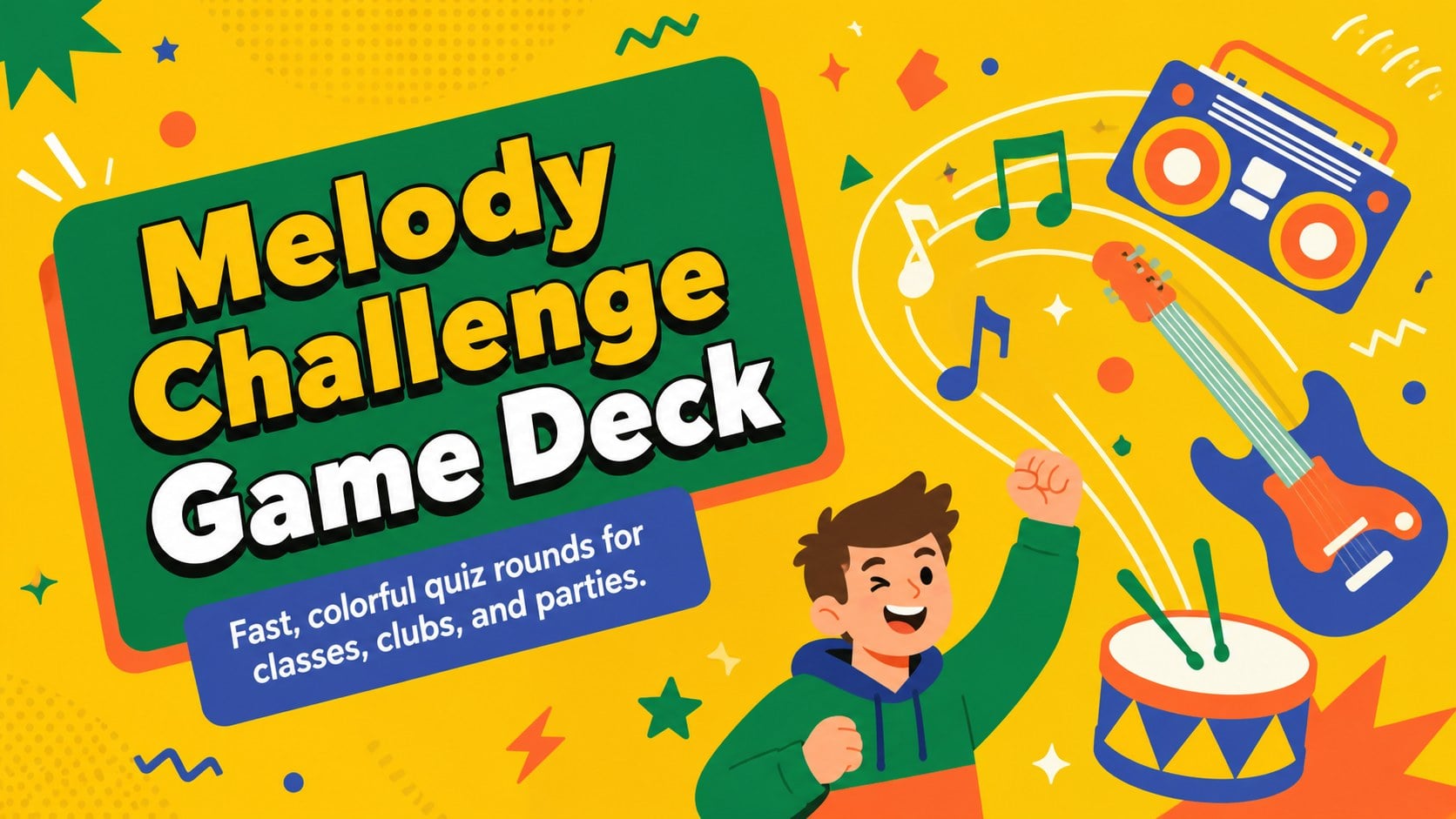
Bring instant energy to lessons or parties with this Melody Challenge Game Deck, packed with vivid illustrated rounds for PowerPoint and Google Slides.
Design notes
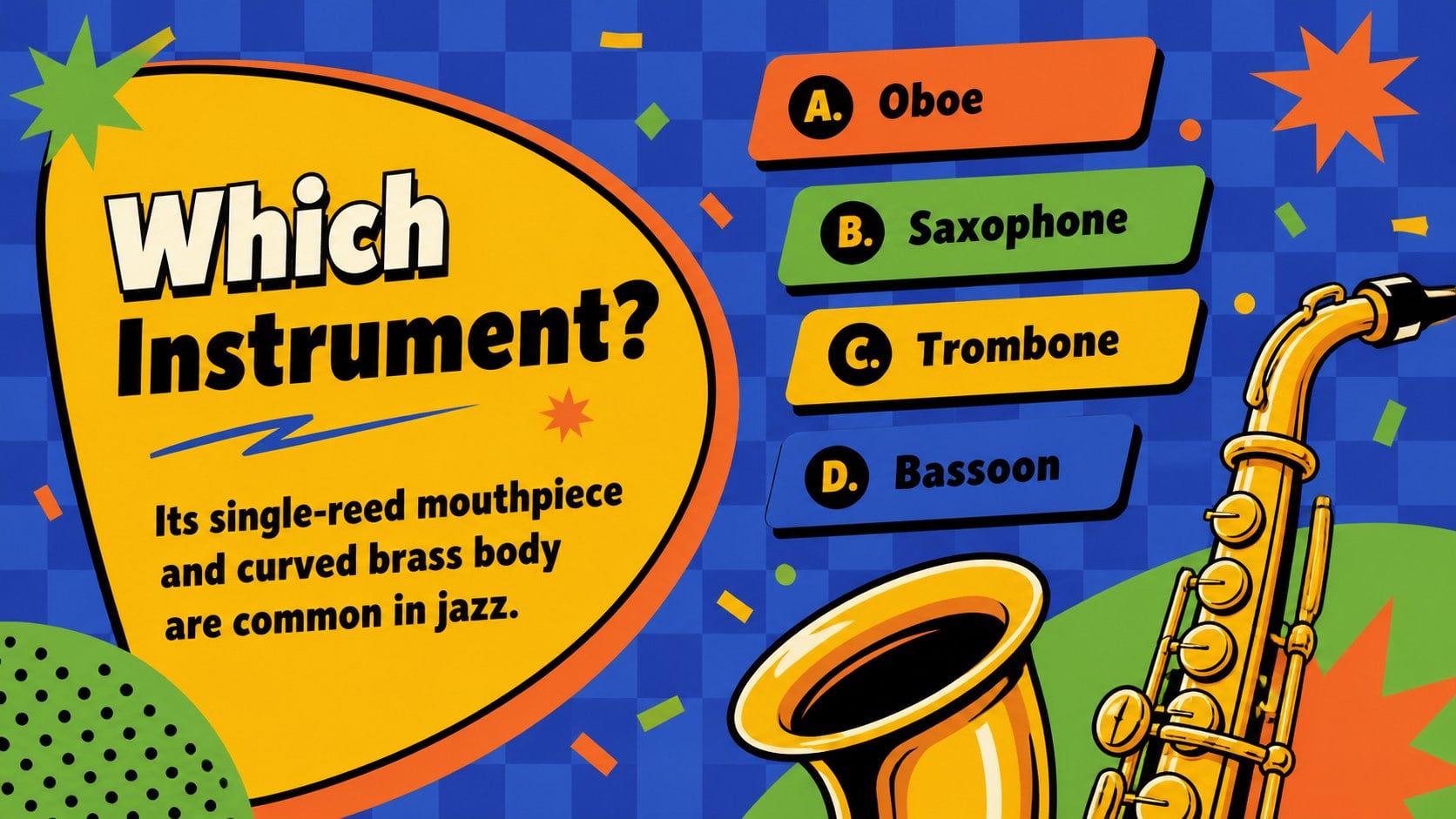
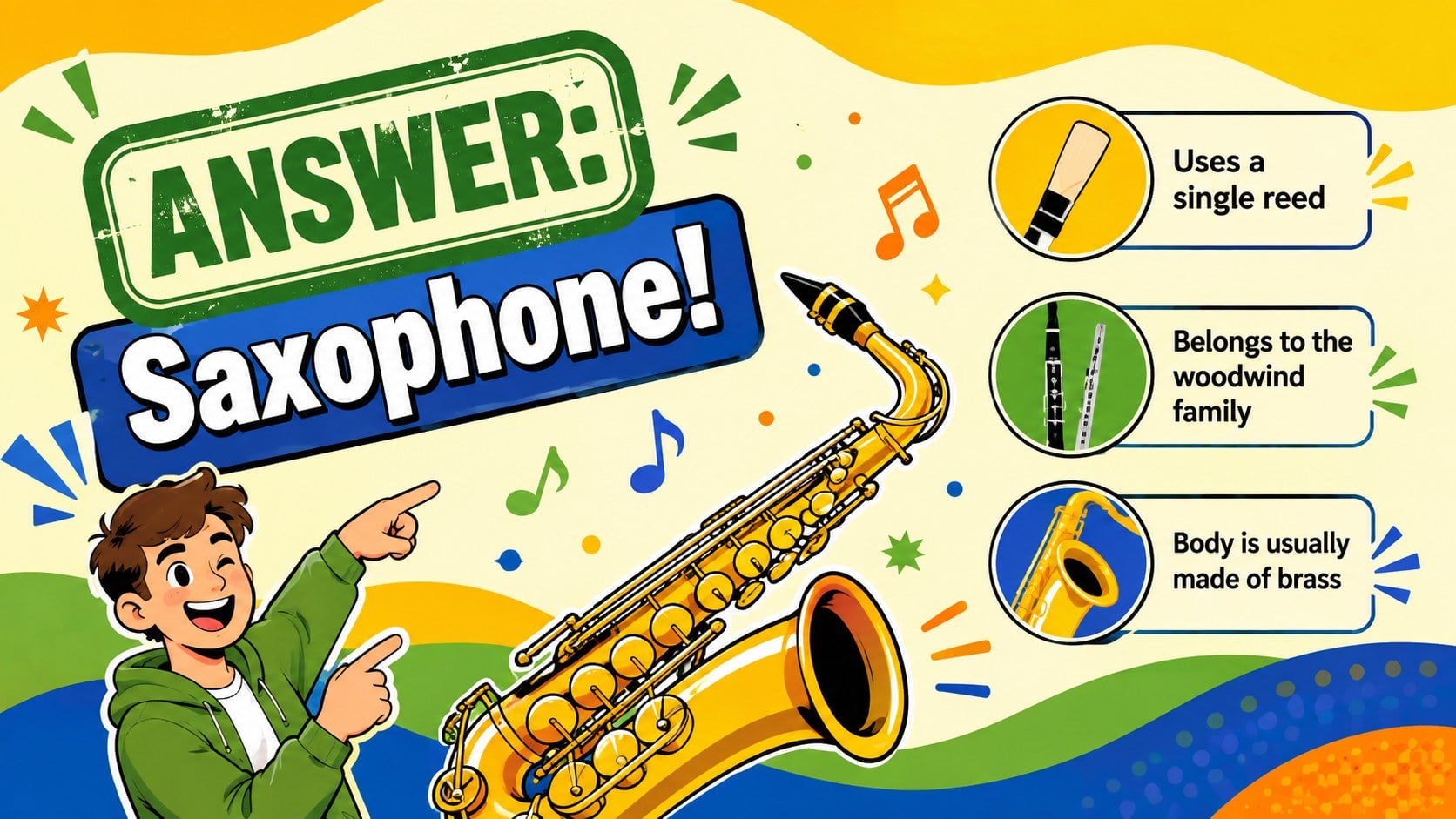
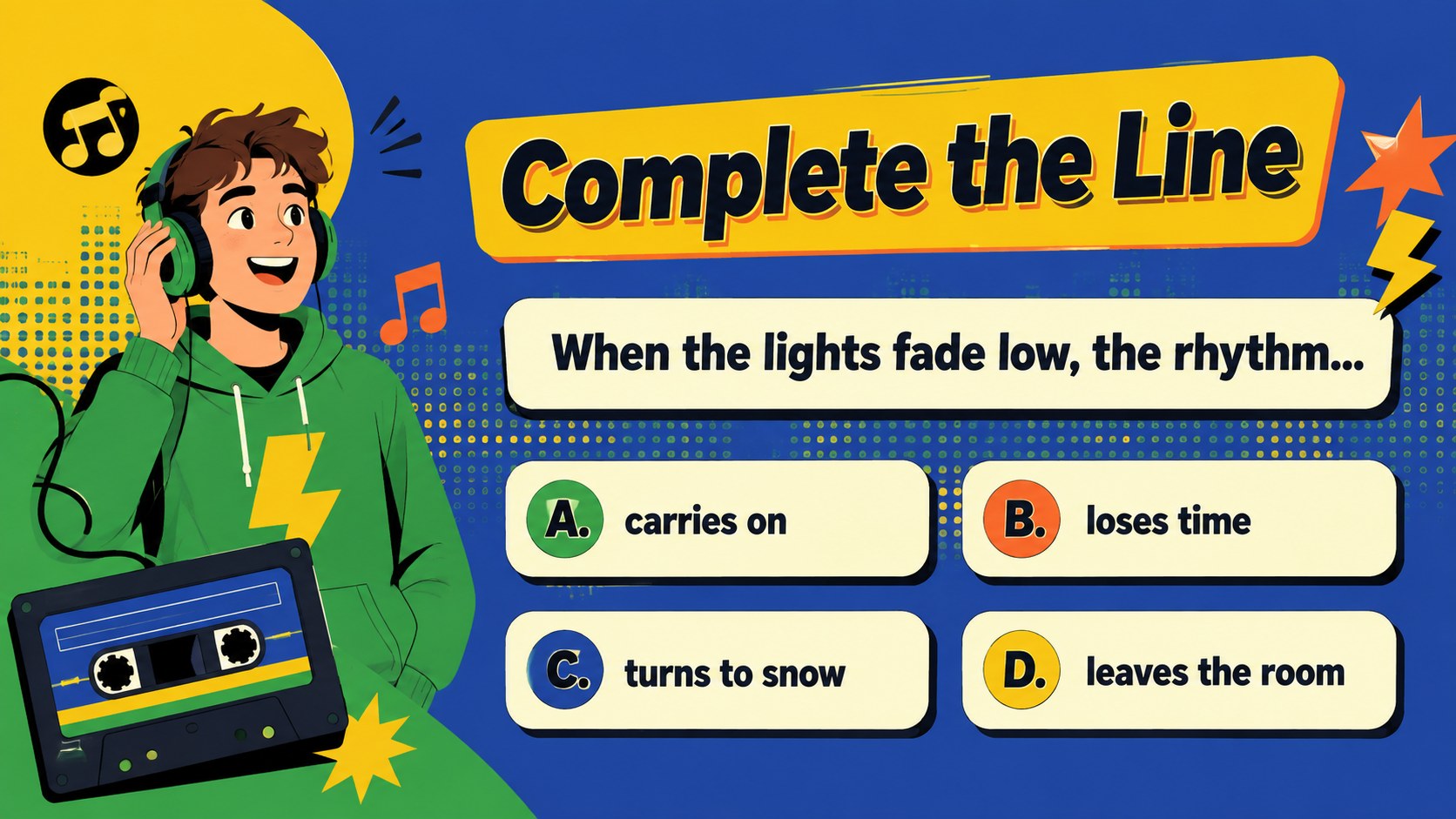
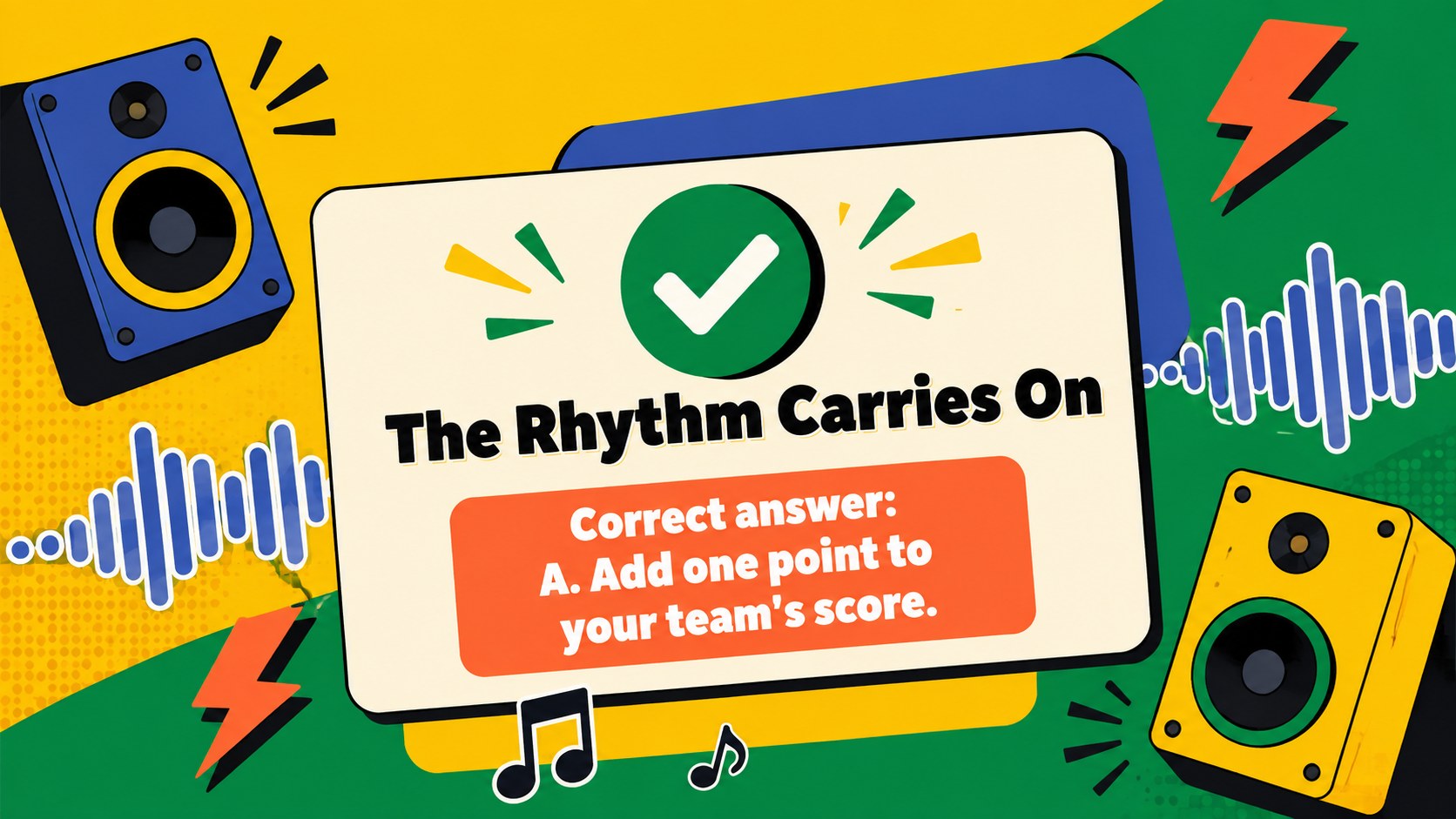
The Melody Challenge Game Deck turns music knowledge into a fast-paced activity filled with bold illustrations, animated energy, and vivid yellow, green, blue, and orange accents. Use it to build an interactive melody trivia presentation that keeps players focused while giving every round a lively game-show atmosphere.
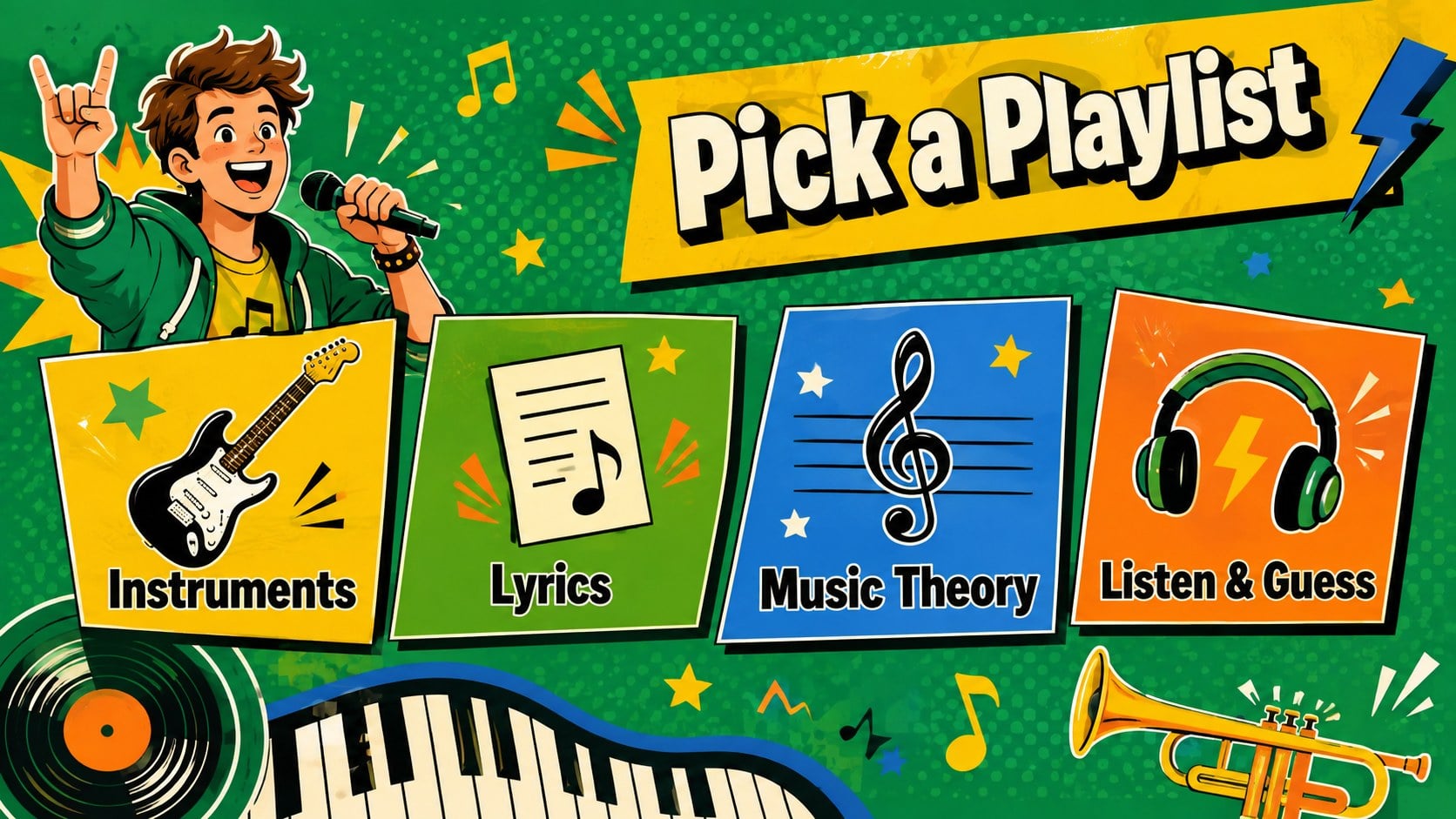
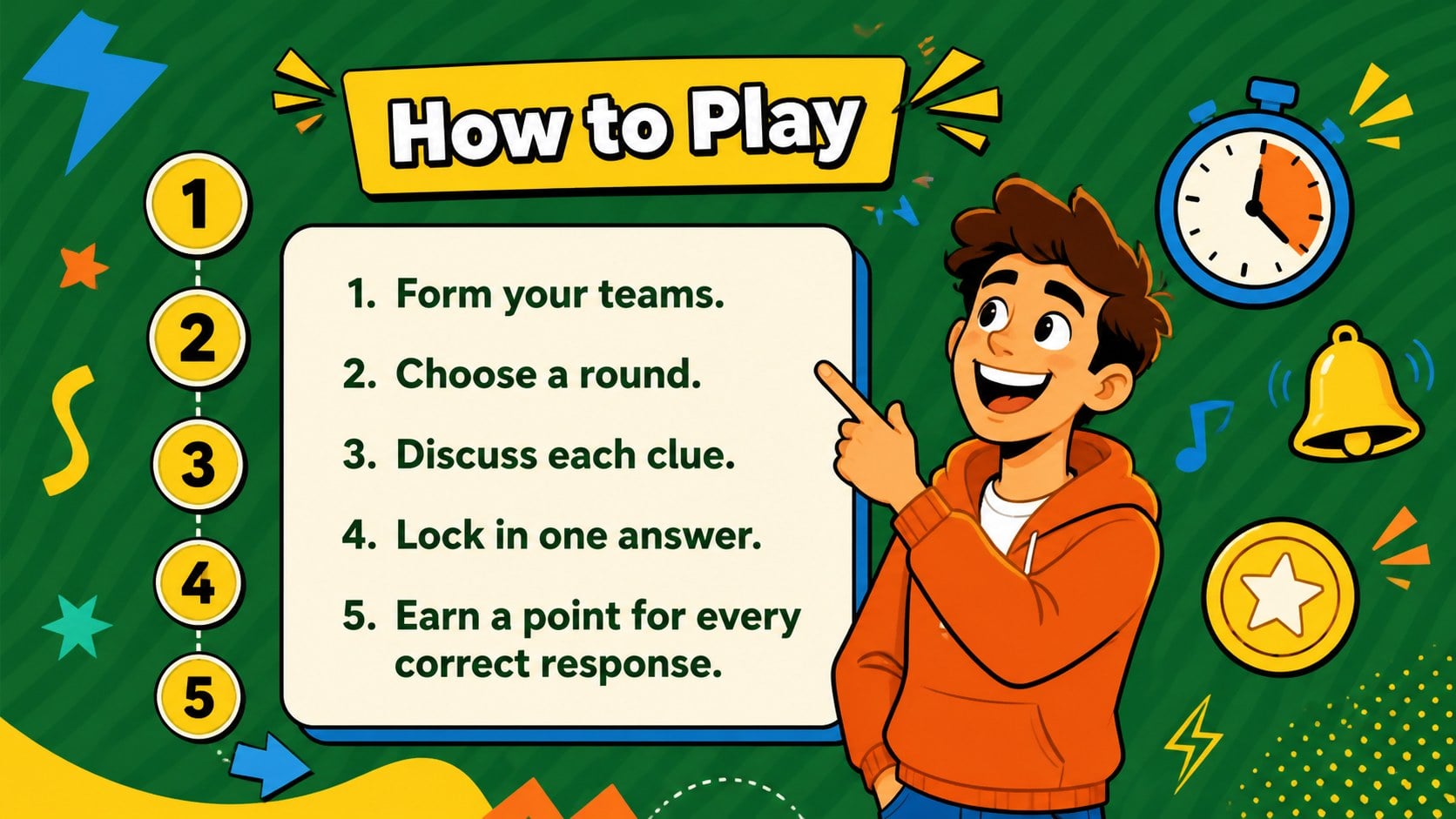
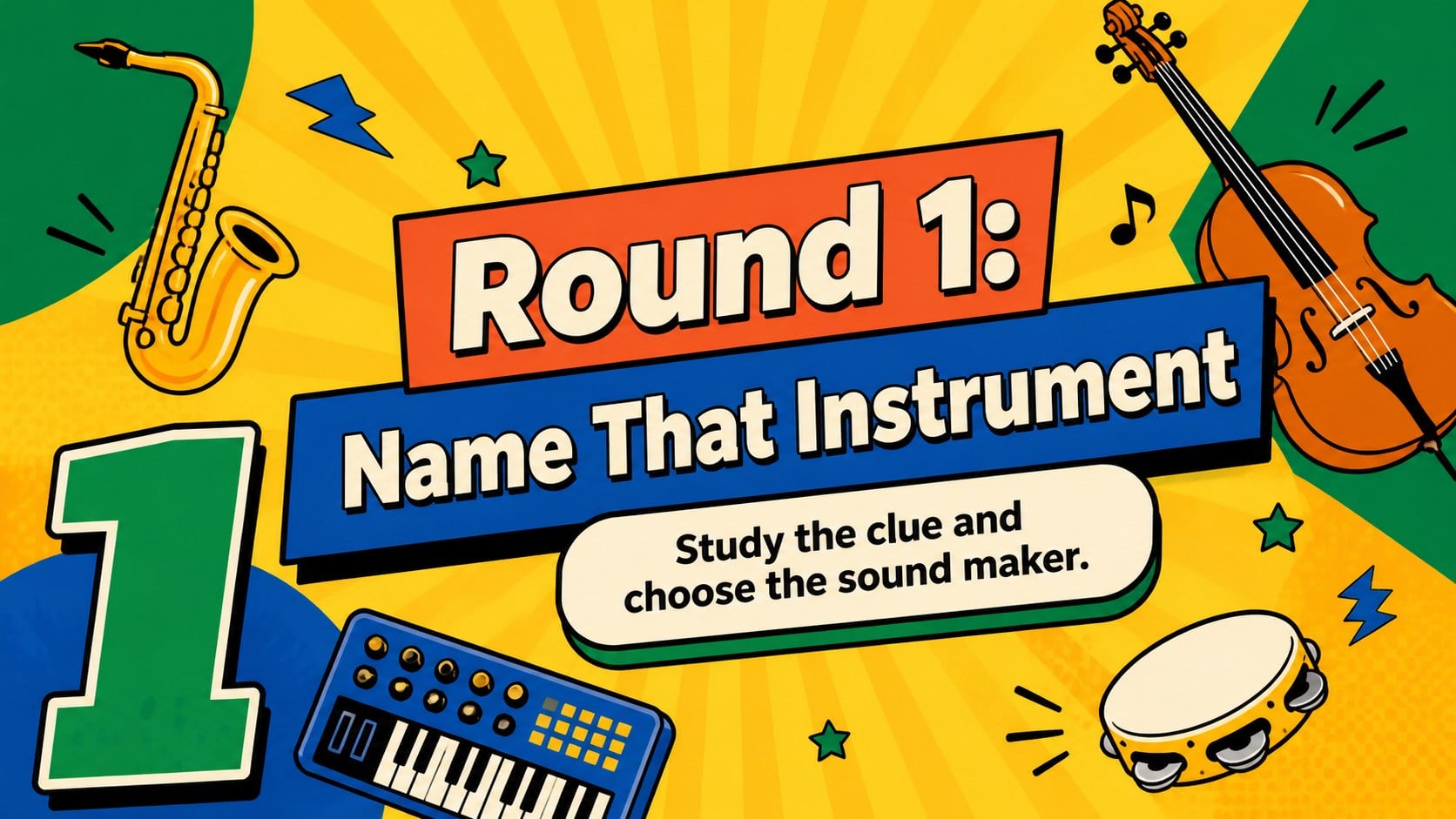
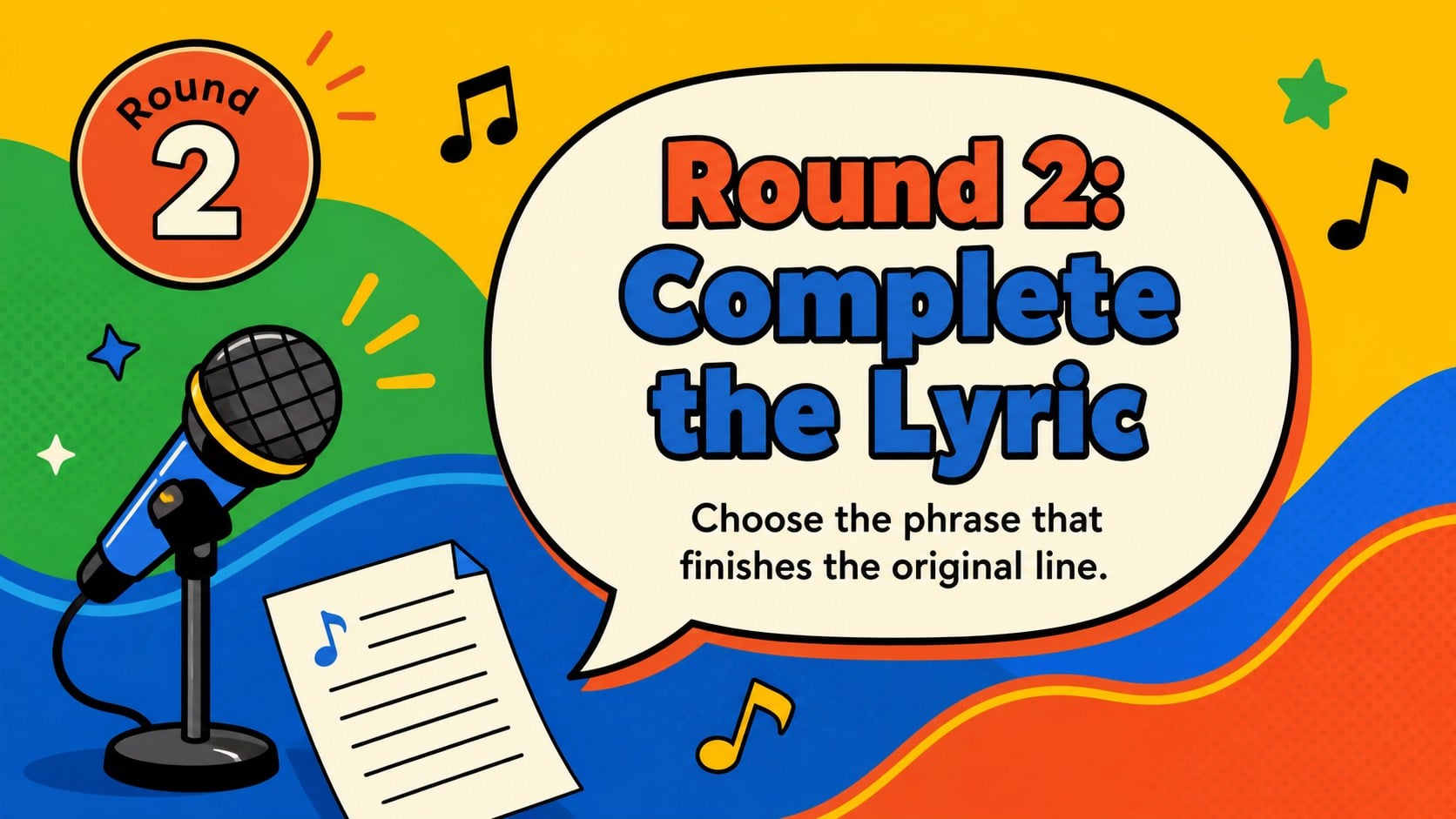
Inside, you will find layouts for instructions, category selection, instrument identification, lyric completion, music theory questions, answer reveals, scoring, and a tie-breaker. The varied formats make it easy to create a classroom song guessing game or adapt the deck into a music theory quiz slide deck. Replace the sample wording, adjust the difficulty, add audio clues, and personalize the colors or illustrations without losing the playful visual rhythm.
Designed for teachers, students, club leaders, event hosts, and music fans, this template works for high school lessons, college activities, team socials, family gatherings, and party competitions. Present it in PowerPoint or Google Slides, divide participants into teams, and update the scoreboard after each round. The clear question-and-answer structure supports quick hosting, while the energetic graphics help maintain attention from the opening challenge through the final reveal.
Perfect for: classroom music review; school club competition; party trivia game; college music icebreaker; team social activity.
Frequently asked questions
Can I edit every question and answer? Yes. All question prompts, answer choices, category labels, and score fields can be replaced with your own content in PowerPoint or Google Slides.
Practical details
Yes. All question prompts, answer choices, category labels, and score fields can be replaced with your own content in PowerPoint or Google Slides.
You can insert supported audio files or linked clips to create listening rounds. Test playback before presenting because audio controls and sharing permissions can differ between PowerPoint and Google Slides.
Change the colors, fonts, illustrations, and decorative shapes using the standard editing tools in either supported platform. You can also duplicate round layouts to keep new questions visually consistent.
Yes. Use the question layouts for individual responses or divide participants into teams and record points on the included scoreboard slide.
Keep exploring
15Build an engaging World UFO Day session with this flying saucer history lesson deck, featuring retro green-and-brown slides for PowerPoint and Google Slides.
 15
15Plan a lively animal-learning journey with this jungle zoo adventure lesson deck, ready to customize in PowerPoint and Google Slides for young learners.
 16
16Turn environmental research into a clear story with a Watercolor Ecology Presentation Theme for PowerPoint and Google Slides in calming green and blue.
 16
16Build focused fashion, literature, and humanities presentations with the Red Triangle Editorial Theme, editable in PowerPoint and Google Slides.
 15
15Turn streaming stats, favorite tracks, and concert highlights into a bold annual listening recap slide deck for PowerPoint and Google Slides.
 15
15Turn highlights, milestones, and favorite moments into a colorful year in review slide deck with bold 3D graphics for PowerPoint and Google Slides.
 3
3Build a credible endorsement with Standout Colleague Recommendation Letter Slides, featuring colorful prompts for skills, achievements, and team impact.
 4
4Build clear beginner sessions with an ice hockey fundamentals training deck for coaches, PE teachers, and clubs, ready for PowerPoint and Google Slides.