
 15
15presentation
Flying Saucer History Lesson Deck
Build an engaging World UFO Day session with this flying saucer history lesson deck, featuring retro green-and-brown slides for PowerPoint and Google Slides.
Google SlidesPowerPoint
presentation · English
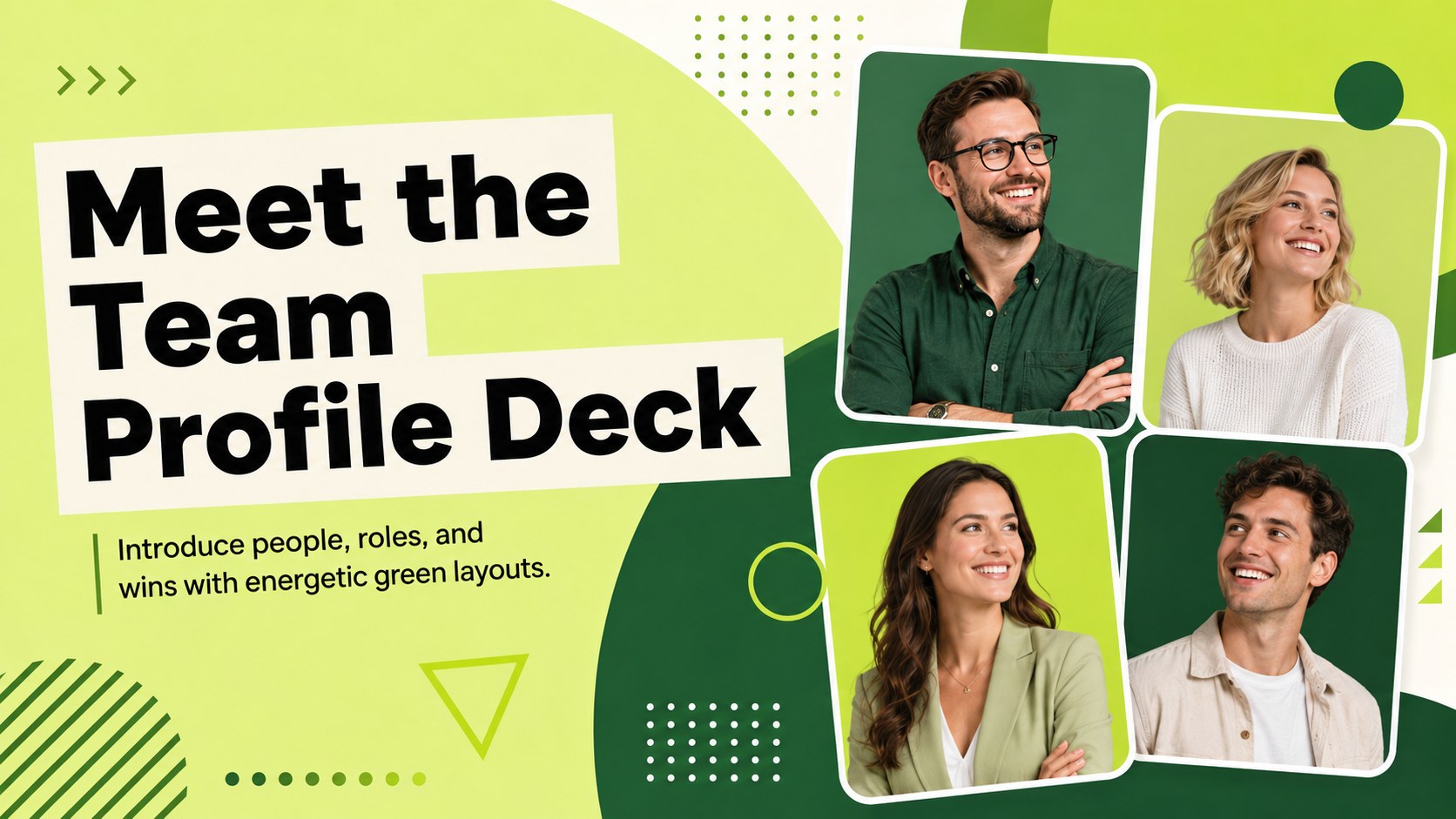
Introduce colleagues clearly with a vibrant Meet the Team Profile Deck, built for role overviews, onboarding, project kickoffs, and company updates.

Design notes
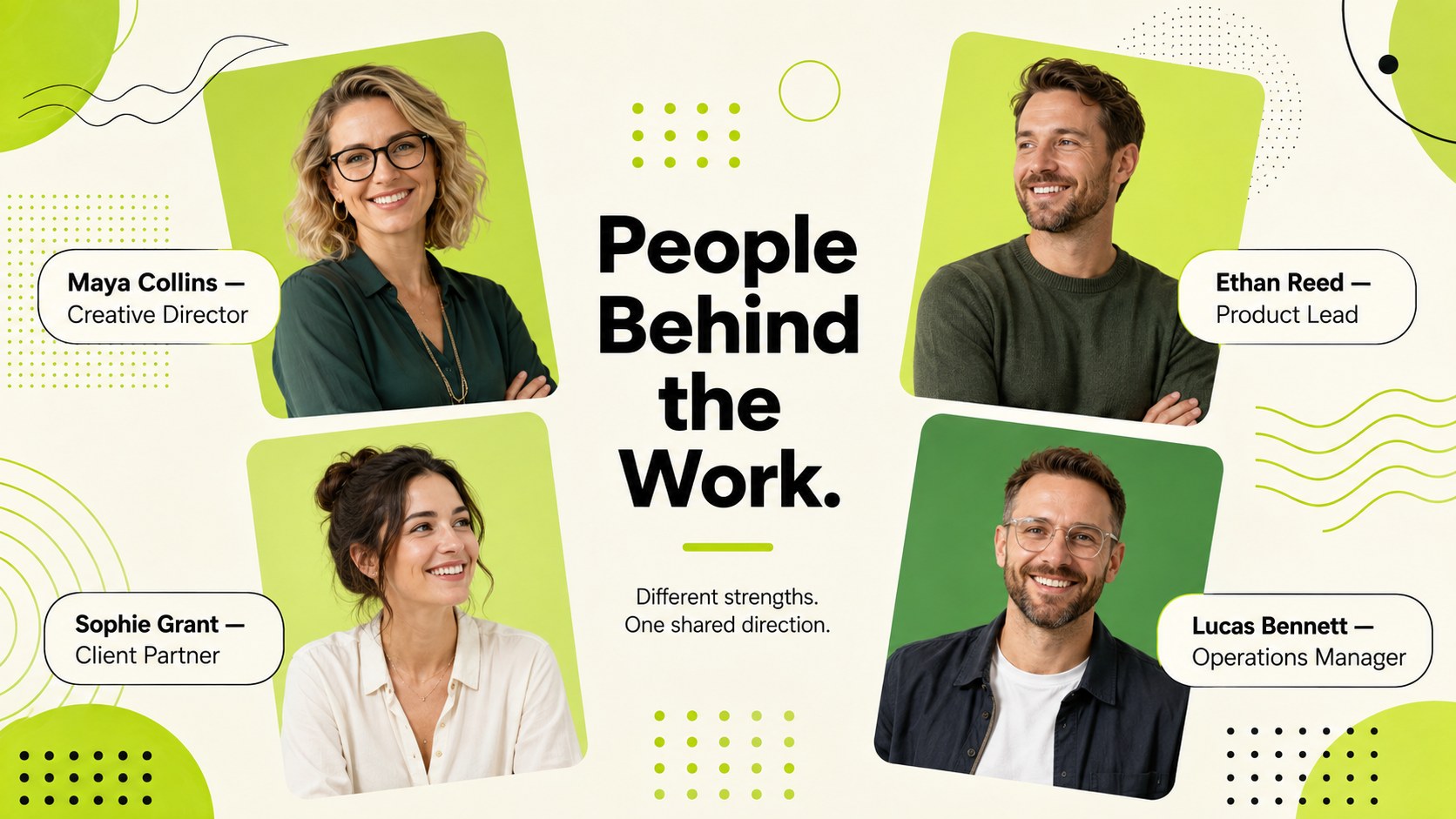
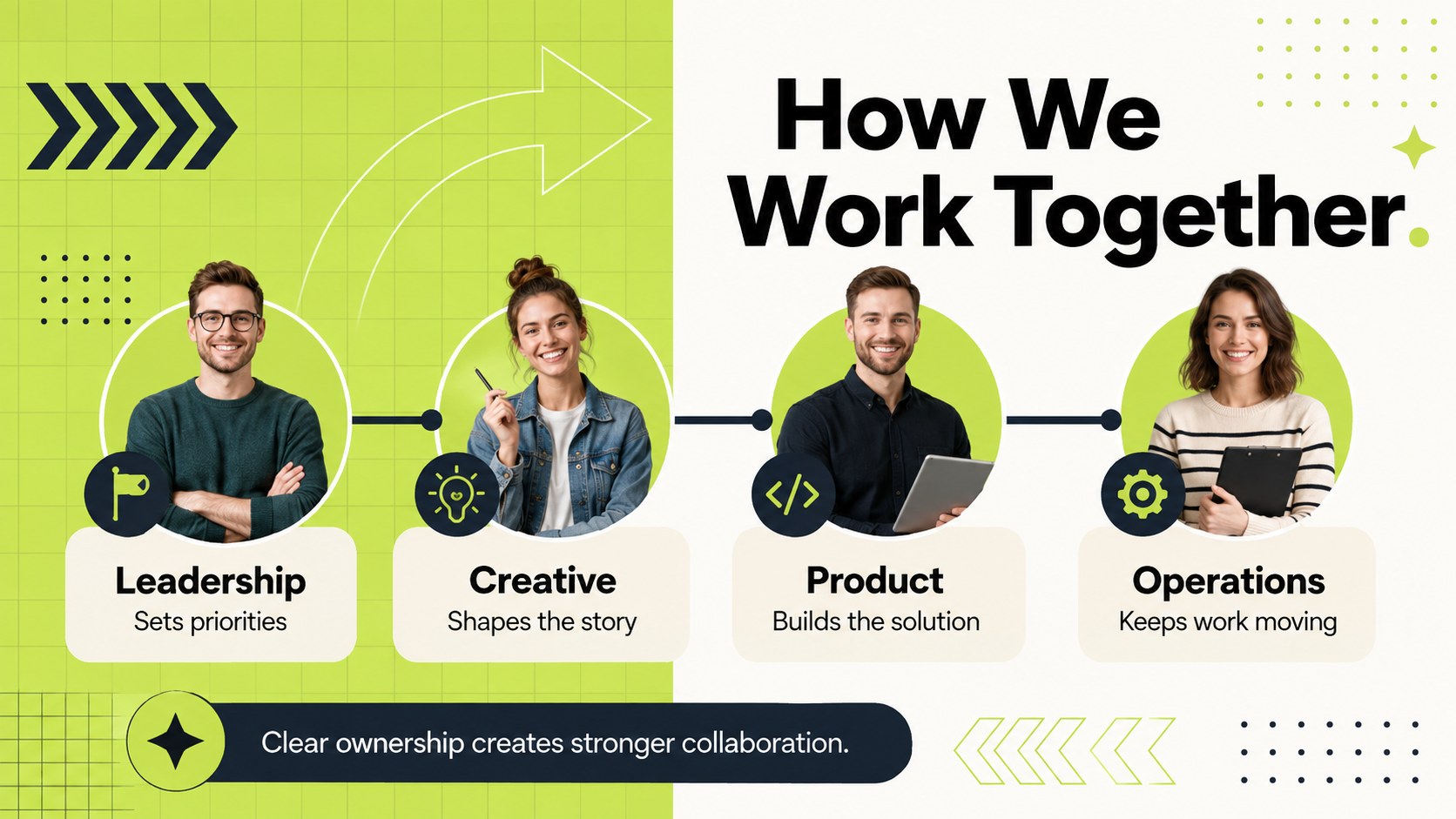
The Meet the Team Profile Deck turns staff introductions into a clear, lively story rather than a row of disconnected bios. Its vibrant green palette, playful geometric accents, and modern profile layouts give every person space to feel visible while keeping roles and reporting lines easy to scan. Use it as a green employee profile presentation for company meetings, client introductions, or new-hire welcome sessions.
Inside are 17 editable 16:9 slides for a cover, individual profiles, team grids, role summaries, leadership highlights, shared goals, milestone celebrations, and a closing thank-you. Photo frames, charts, icons, shapes, and text areas can be adjusted to match your organization. Subtle animation and transition options help the creative team introduction slides move smoothly without distracting from names, responsibilities, or results.
Designed for startups, agencies, departments, and cross-functional project groups, the deck works equally well for onboarding, pitches, quarterly reviews, and internal events. Customize names, portraits, titles, colors, and achievements in PowerPoint or Google Slides. You can also reorder sections to create an organizational team overview deck that reflects how your people actually collaborate. No advanced design experience is required.
Perfect for: new employee onboarding; client team introduction; project kickoff meeting; quarterly staff recognition; leadership overview; agency capability pitch.
Frequently asked questions
Can I edit every team profile? Yes. Names, job titles, portraits, biographies, colors, icons, and achievements can all be replaced with your own content.
Practical details
Yes. Names, job titles, portraits, biographies, colors, icons, and achievements can all be replaced with your own content.
The deck is designed for PowerPoint and Google Slides. Some animations, fonts, or transitions may vary slightly between the two platforms.
Yes. Duplicate the profile and team-grid layouts to add more employees, then reorganize sections by department, location, or project group.
Replace the green accents with your approved colors and apply your preferred fonts, portraits, and icons. Keep the established spacing and hierarchy for a consistent result.
Keep exploring
15Build an engaging World UFO Day session with this flying saucer history lesson deck, featuring retro green-and-brown slides for PowerPoint and Google Slides.
 15
15Plan a lively animal-learning journey with this jungle zoo adventure lesson deck, ready to customize in PowerPoint and Google Slides for young learners.
 16
16Turn environmental research into a clear story with a Watercolor Ecology Presentation Theme for PowerPoint and Google Slides in calming green and blue.
 16
16Build focused fashion, literature, and humanities presentations with the Red Triangle Editorial Theme, editable in PowerPoint and Google Slides.
 15
15Turn streaming stats, favorite tracks, and concert highlights into a bold annual listening recap slide deck for PowerPoint and Google Slides.
 15
15Turn highlights, milestones, and favorite moments into a colorful year in review slide deck with bold 3D graphics for PowerPoint and Google Slides.
 3
3Build a credible endorsement with Standout Colleague Recommendation Letter Slides, featuring colorful prompts for skills, achievements, and team impact.
 4
4Build clear beginner sessions with an ice hockey fundamentals training deck for coaches, PE teachers, and clubs, ready for PowerPoint and Google Slides.