
 15
15presentation
Flying Saucer History Lesson Deck
Build an engaging World UFO Day session with this flying saucer history lesson deck, featuring retro green-and-brown slides for PowerPoint and Google Slides.
Google SlidesPowerPoint
presentation · English
Build sharper team briefings with a Matchday Soccer Strategy Deck featuring bold field photography and editable PowerPoint and Google Slides layouts.

Design notes
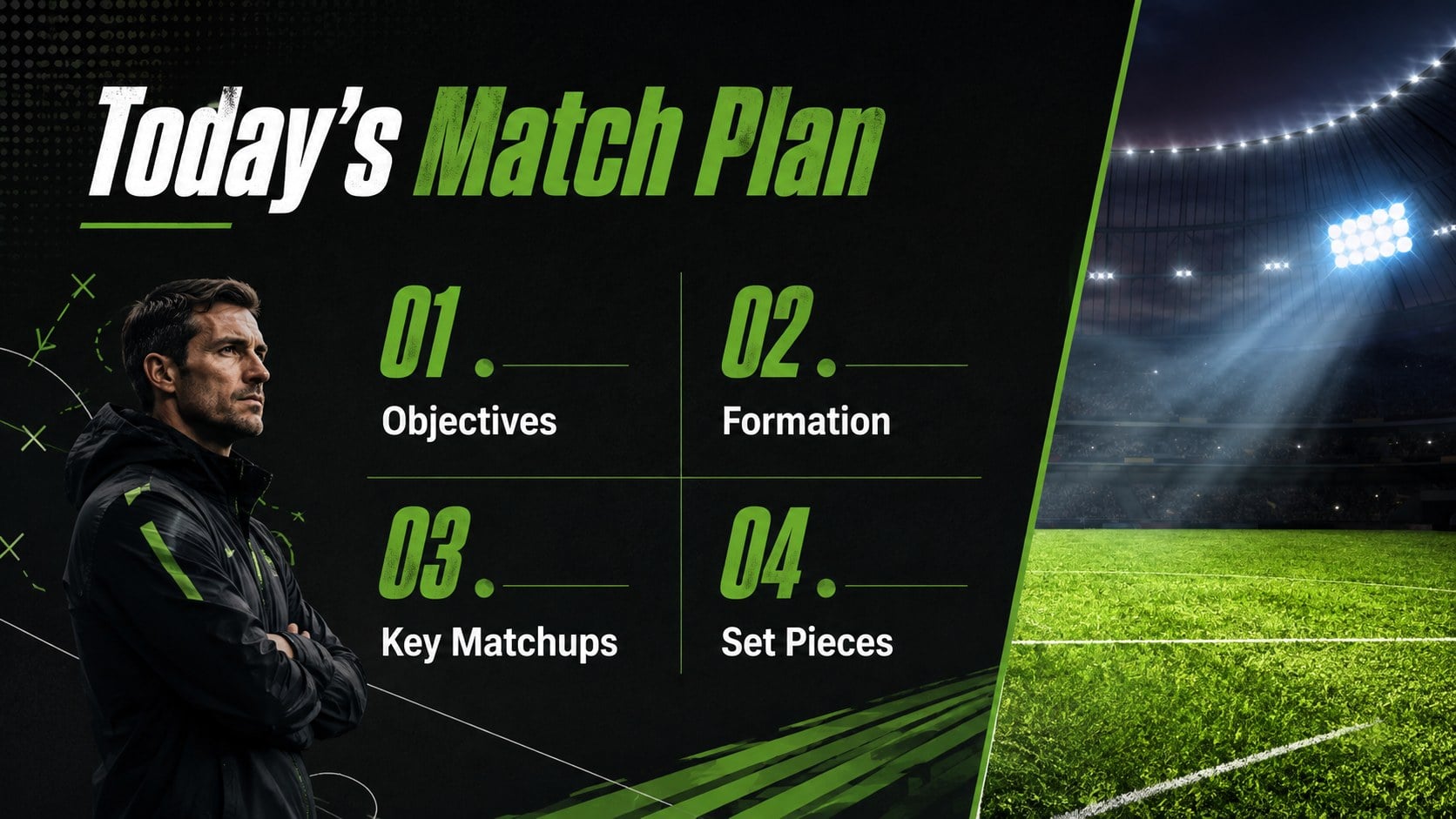
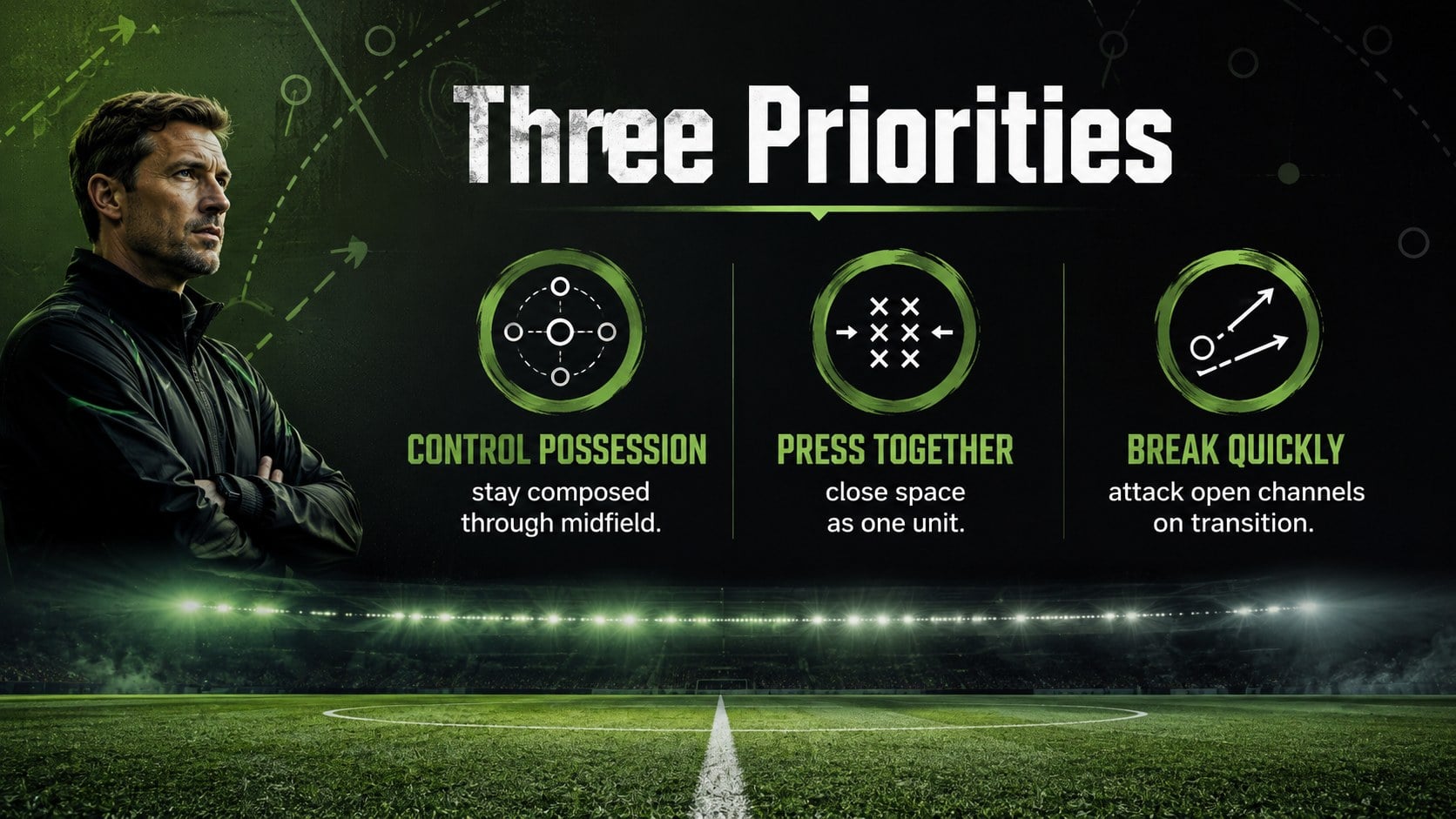
The Matchday Soccer Strategy Deck turns tactical ideas, performance notes, and team objectives into a focused visual briefing. Designed around a striking green, black, and white palette, it combines soccer field photography with clean typography and energetic graphic accents. Use this editable soccer coaching presentation template to communicate plans clearly before training sessions, fixtures, or classroom discussions.
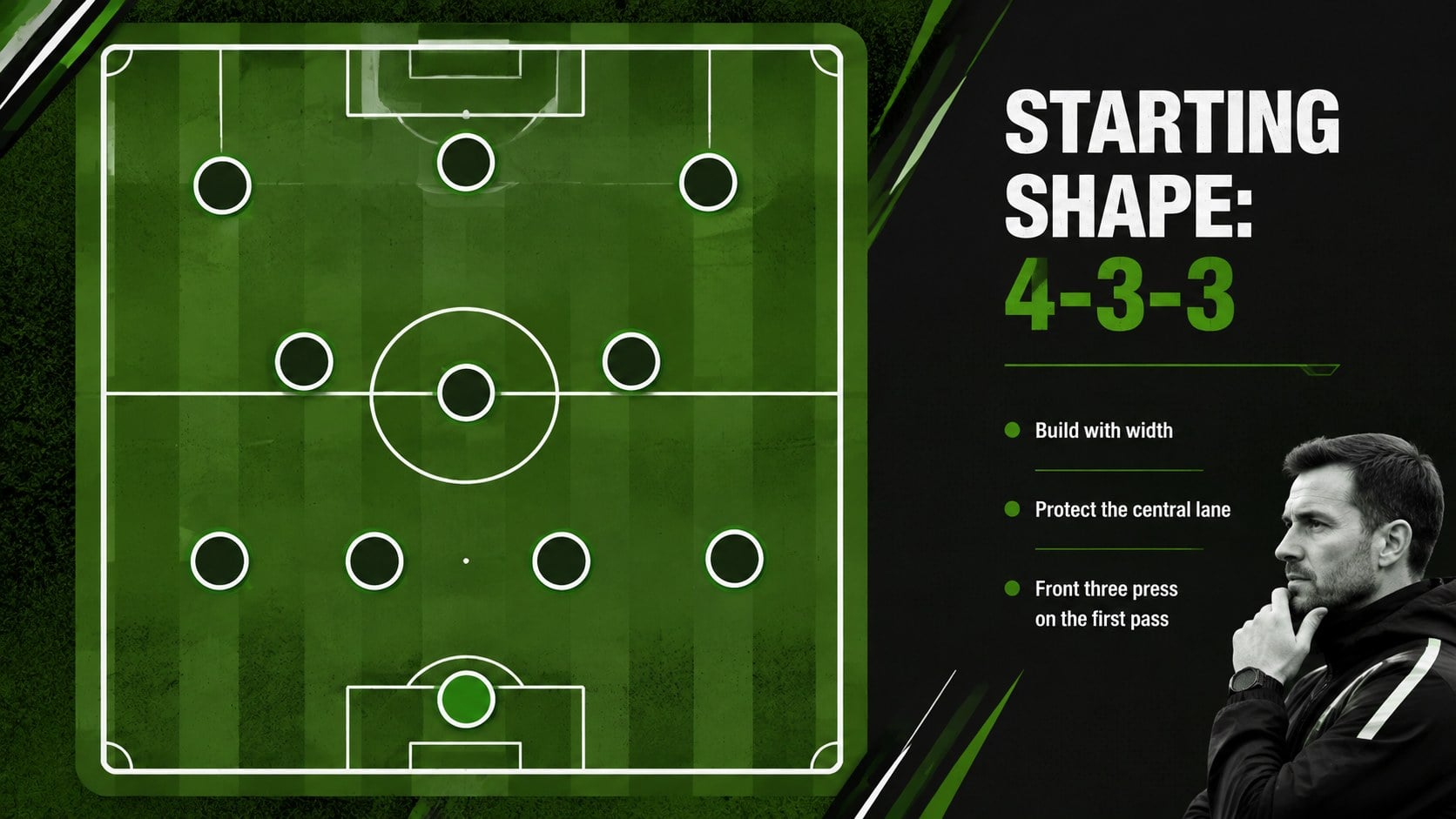
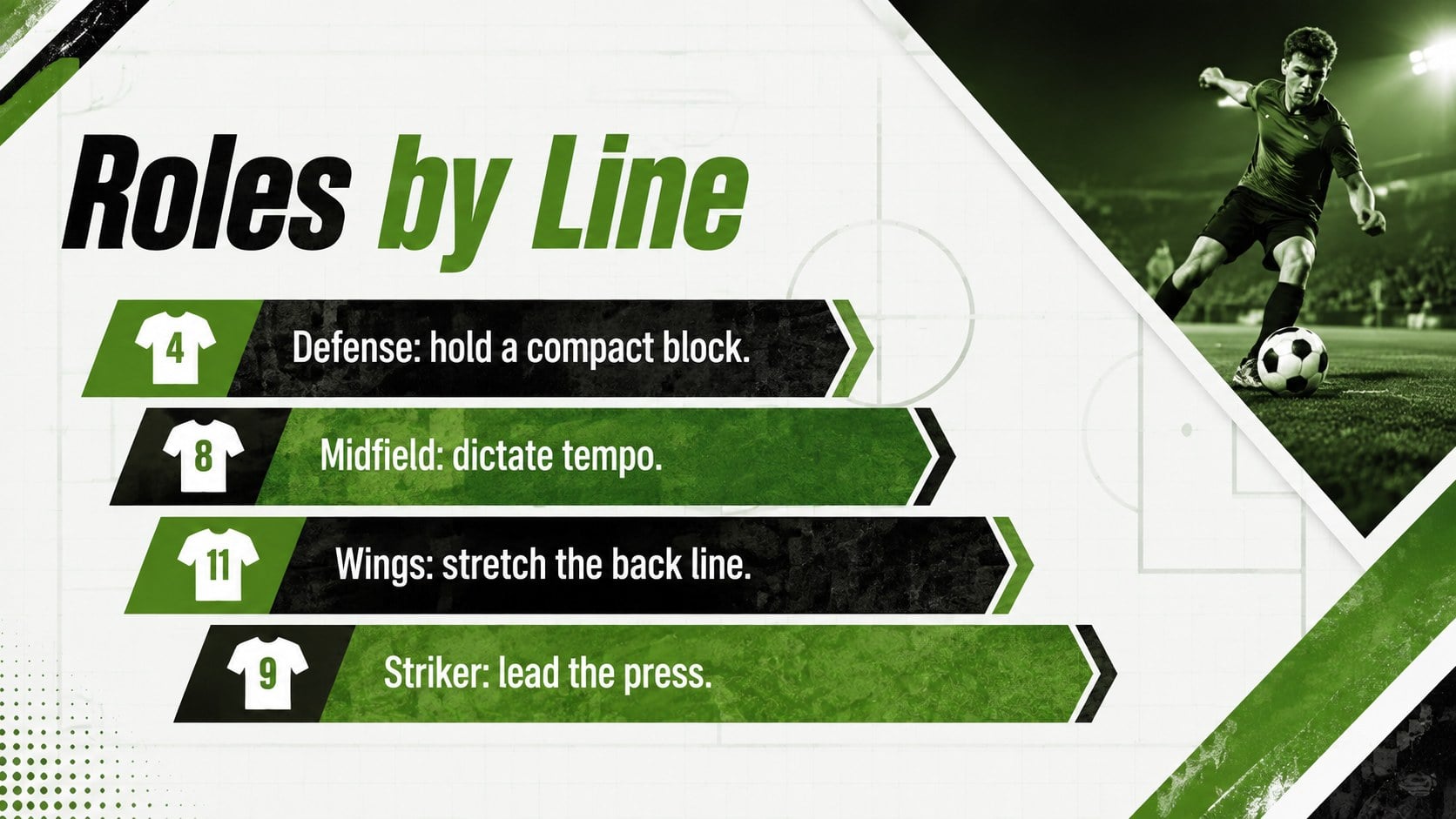
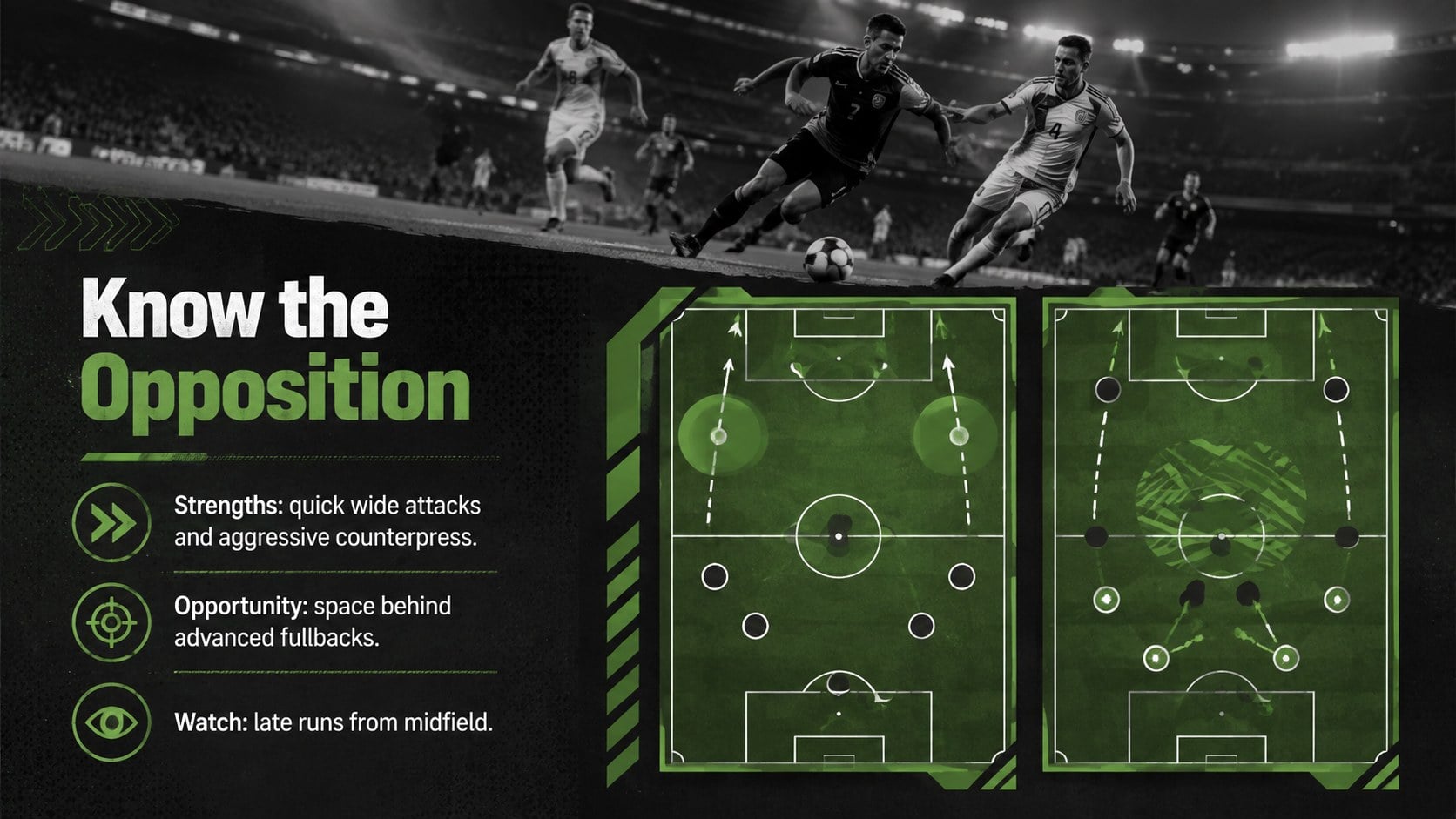
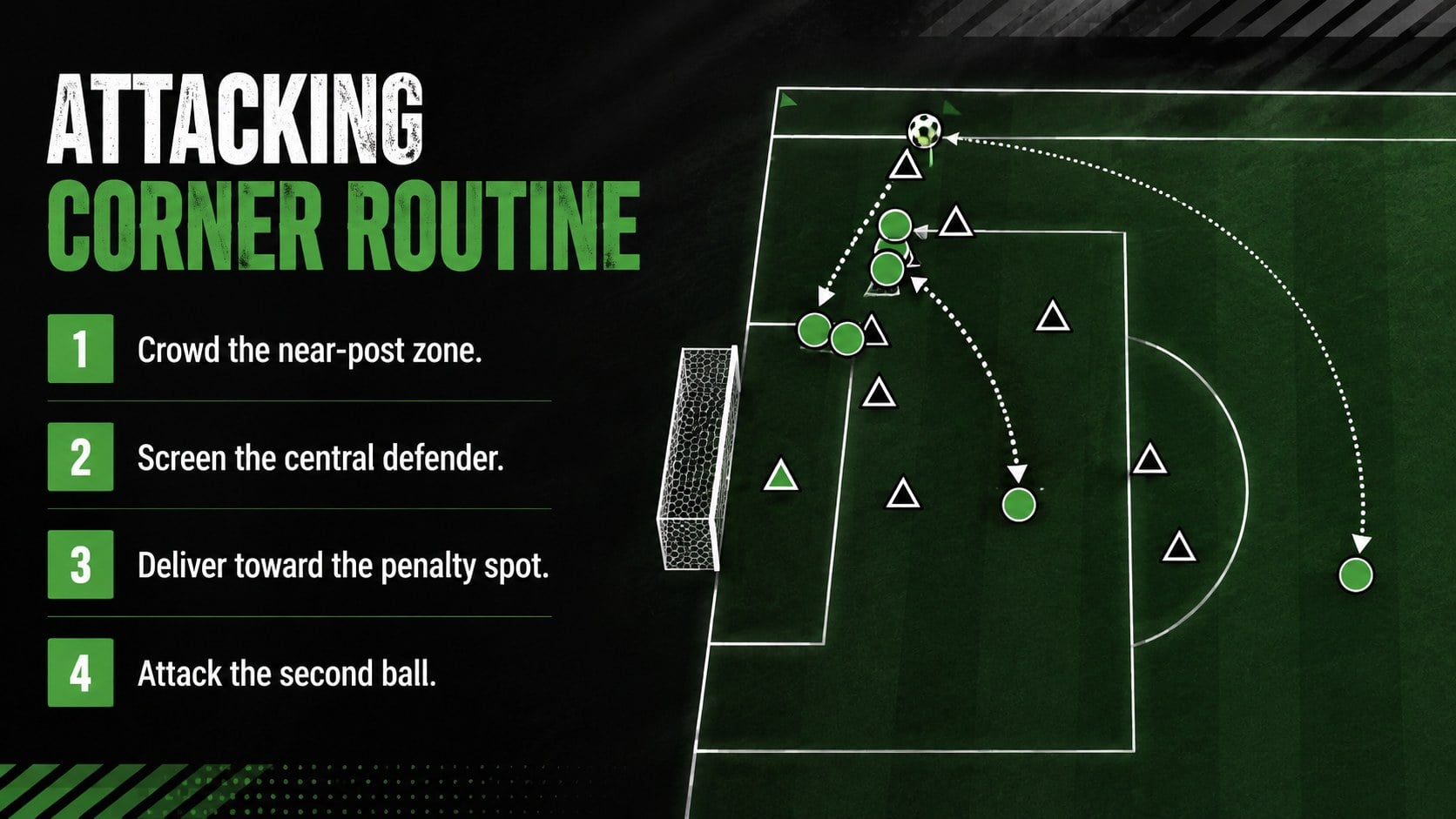
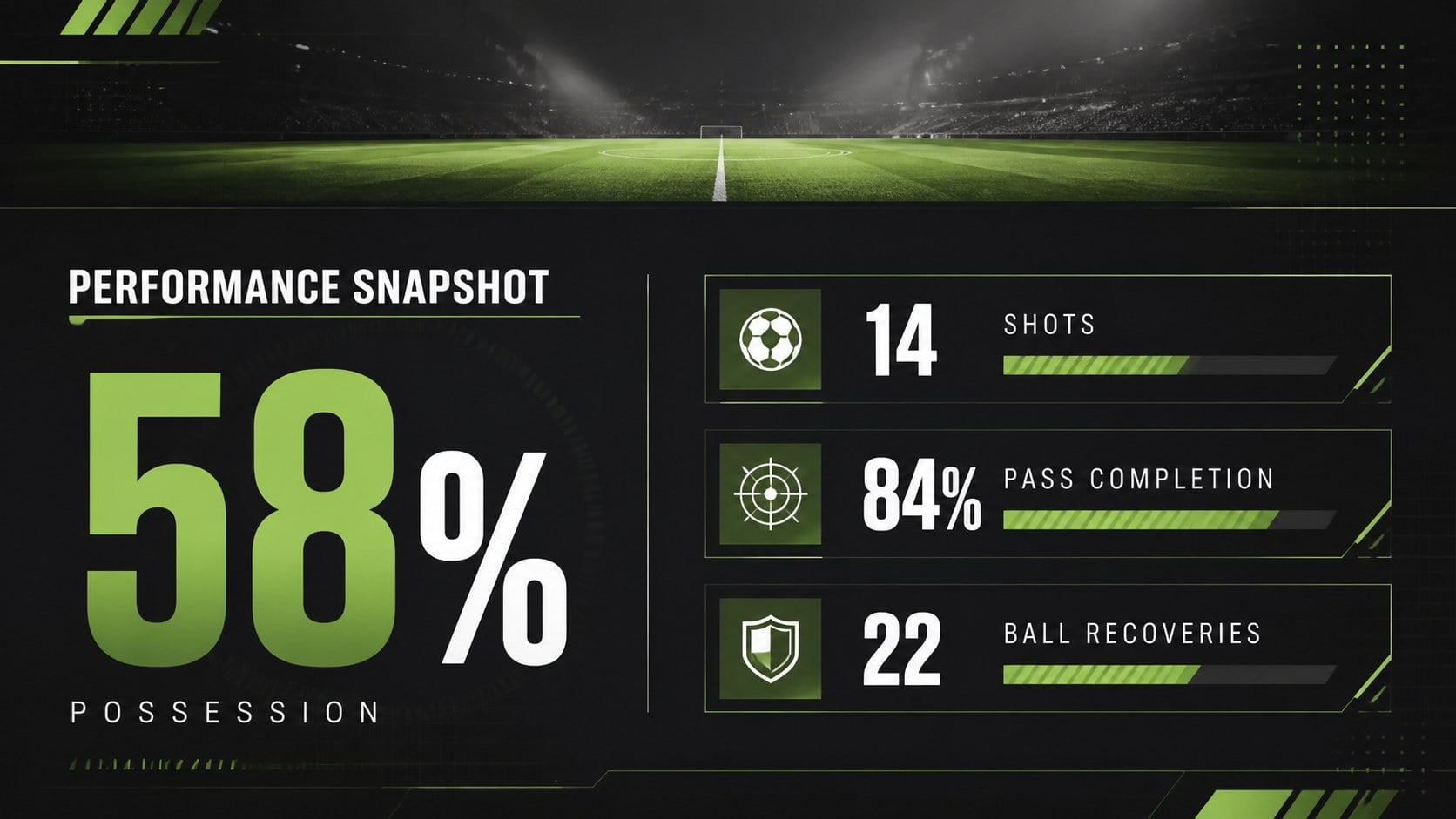
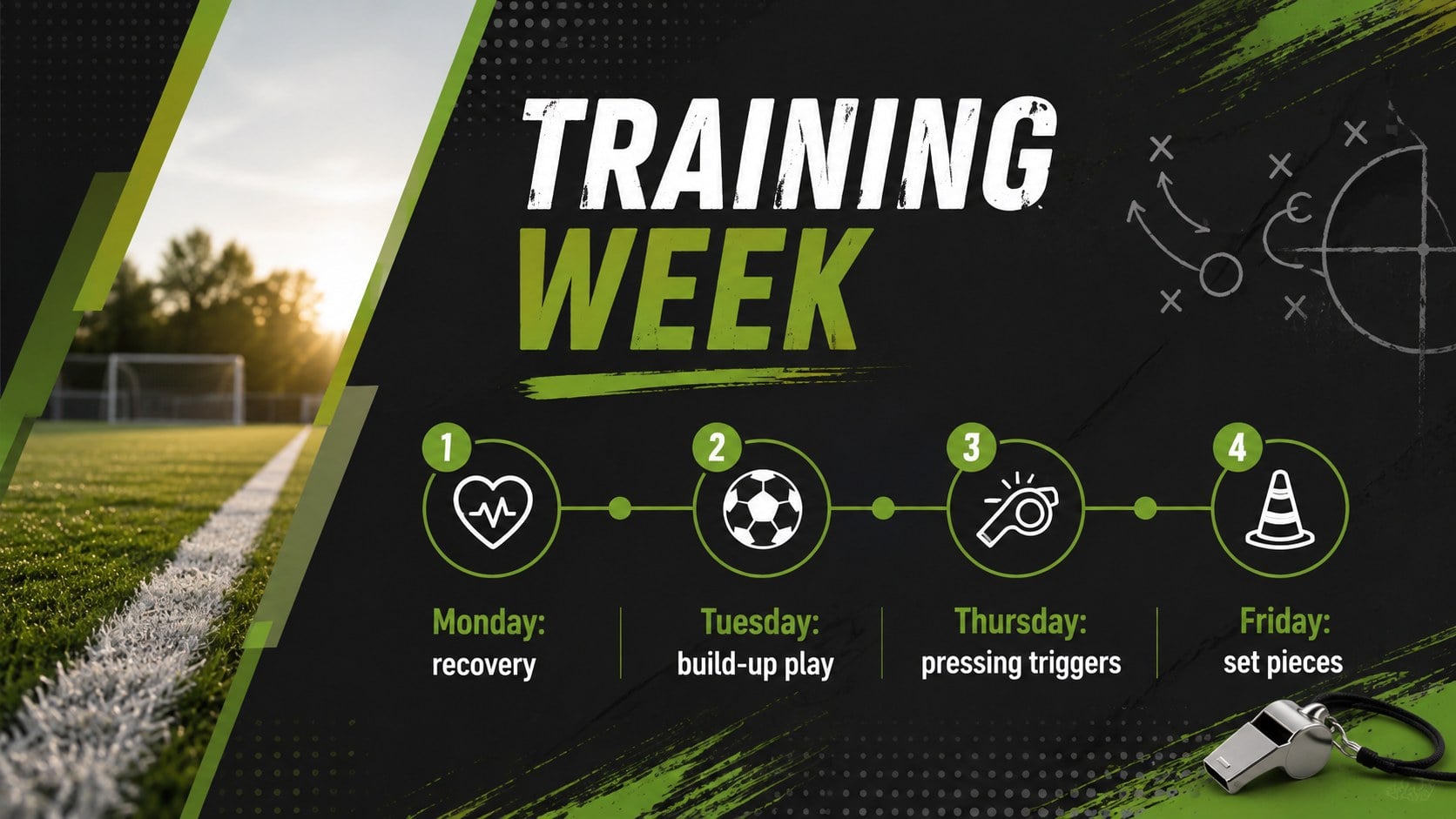
Inside are 15 widescreen layouts covering the match agenda, formation overview, player roles, opposition analysis, set pieces, performance statistics, training priorities, and post-match review. Photo-led dividers, field-inspired diagrams, comparison layouts, timelines, and score summaries give you flexible ways to organize information without losing the deck's consistent matchday look. Every element can be adapted in PowerPoint or Google Slides, including text, colors, images, charts, and tactical markers.
These football tactics slides for coaches are useful for club managers, coaching staff, physical education teachers, sports analysts, academy leaders, and student teams. They also work as a green sports team presentation for season planning, tournament preparation, player development meetings, and scouting reports. Replace the sample content with your formation, roster, statistics, or training schedule, then present on screen or share the finished file with your squad.
Perfect for: pre-match team briefing; soccer tactics review; opposition scouting report; player development meeting; training session planning; post-match performance analysis.
Frequently asked questions
Can I edit this deck in PowerPoint and Google Slides? Yes. The layouts are designed for editing in both PowerPoint and Google Slides, where you can update text, images, colors, charts, and tactical details.
Practical details
Yes. The layouts are designed for editing in both PowerPoint and Google Slides, where you can update text, images, colors, charts, and tactical details.
Yes. Replace the sample team names, player roles, photographs, statistics, and match information with your own content. You can also adjust the green, black, and white palette to match your team colors.
Yes. The slide set includes formation planning, player assignments, opposition analysis, set-piece notes, performance metrics, training priorities, and a post-match review.
The deck uses a widescreen 16:9 format suitable for projectors, meeting displays, laptops, and online presentations. Check any replacement photography at full-screen size before presenting.
Keep exploring
15Build an engaging World UFO Day session with this flying saucer history lesson deck, featuring retro green-and-brown slides for PowerPoint and Google Slides.
 15
15Plan a lively animal-learning journey with this jungle zoo adventure lesson deck, ready to customize in PowerPoint and Google Slides for young learners.
 16
16Turn environmental research into a clear story with a Watercolor Ecology Presentation Theme for PowerPoint and Google Slides in calming green and blue.
 16
16Build focused fashion, literature, and humanities presentations with the Red Triangle Editorial Theme, editable in PowerPoint and Google Slides.
 15
15Turn streaming stats, favorite tracks, and concert highlights into a bold annual listening recap slide deck for PowerPoint and Google Slides.
 15
15Turn highlights, milestones, and favorite moments into a colorful year in review slide deck with bold 3D graphics for PowerPoint and Google Slides.
 3
3Build a credible endorsement with Standout Colleague Recommendation Letter Slides, featuring colorful prompts for skills, achievements, and team impact.
 4
4Build clear beginner sessions with an ice hockey fundamentals training deck for coaches, PE teachers, and clubs, ready for PowerPoint and Google Slides.