
 15
15presentation
Flying Saucer History Lesson Deck
Build an engaging World UFO Day session with this flying saucer history lesson deck, featuring retro green-and-brown slides for PowerPoint and Google Slides.
Google SlidesPowerPoint
presentation · English
Build a clear mass media pros and cons slide deck with bold black gradients, geometric layouts, and editable slides for reports, classes, and workshops.



Design notes
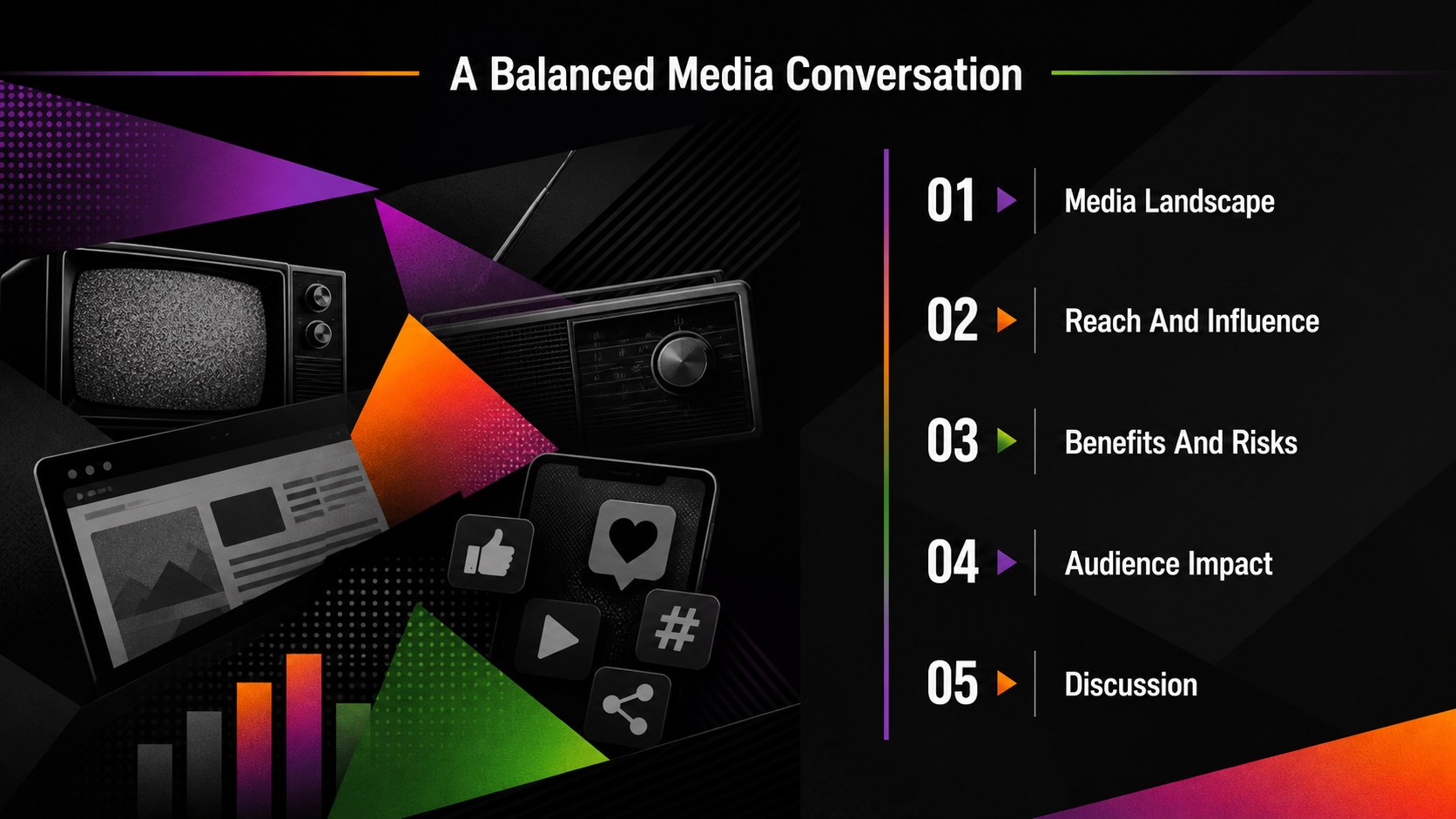
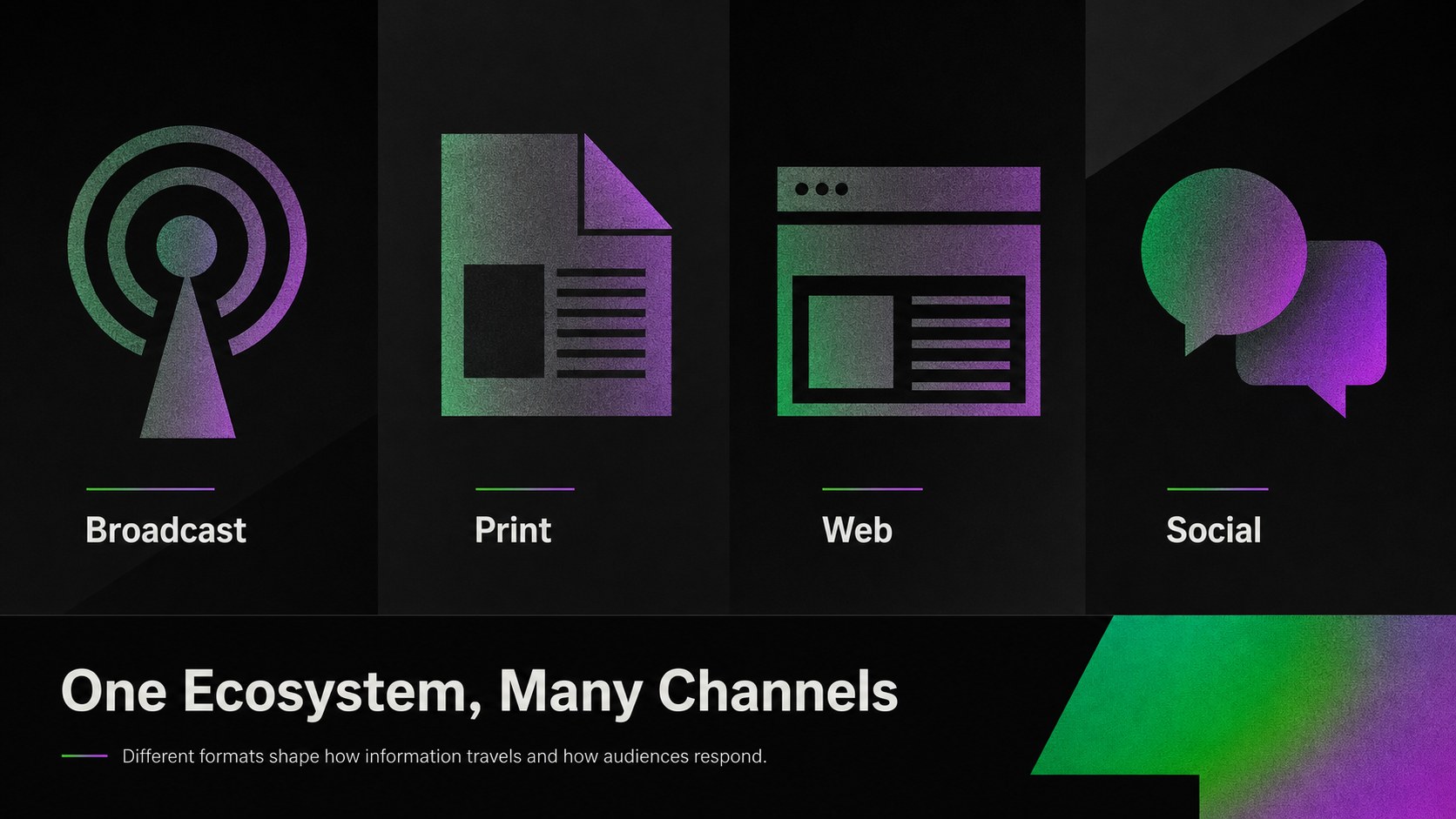
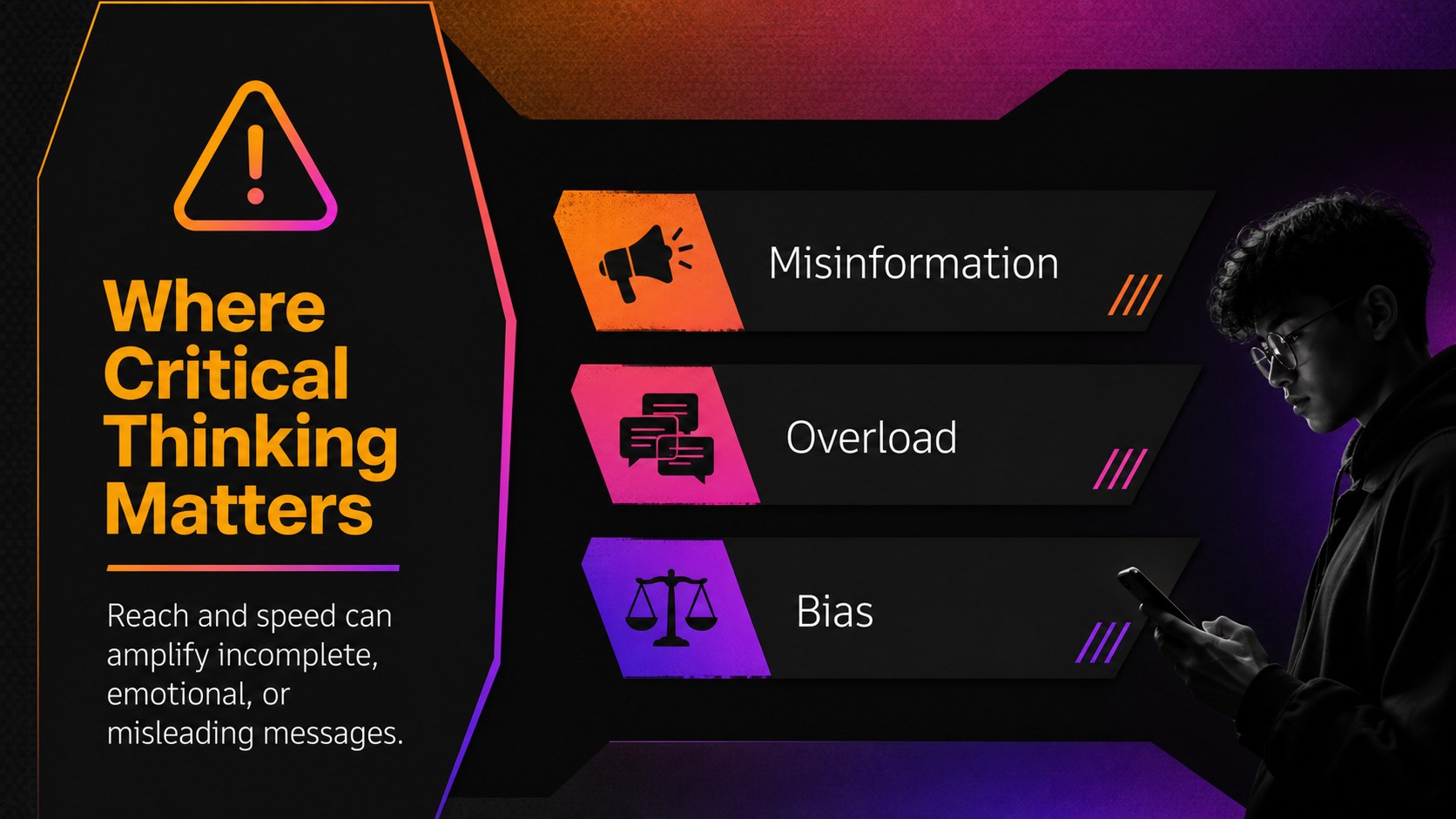
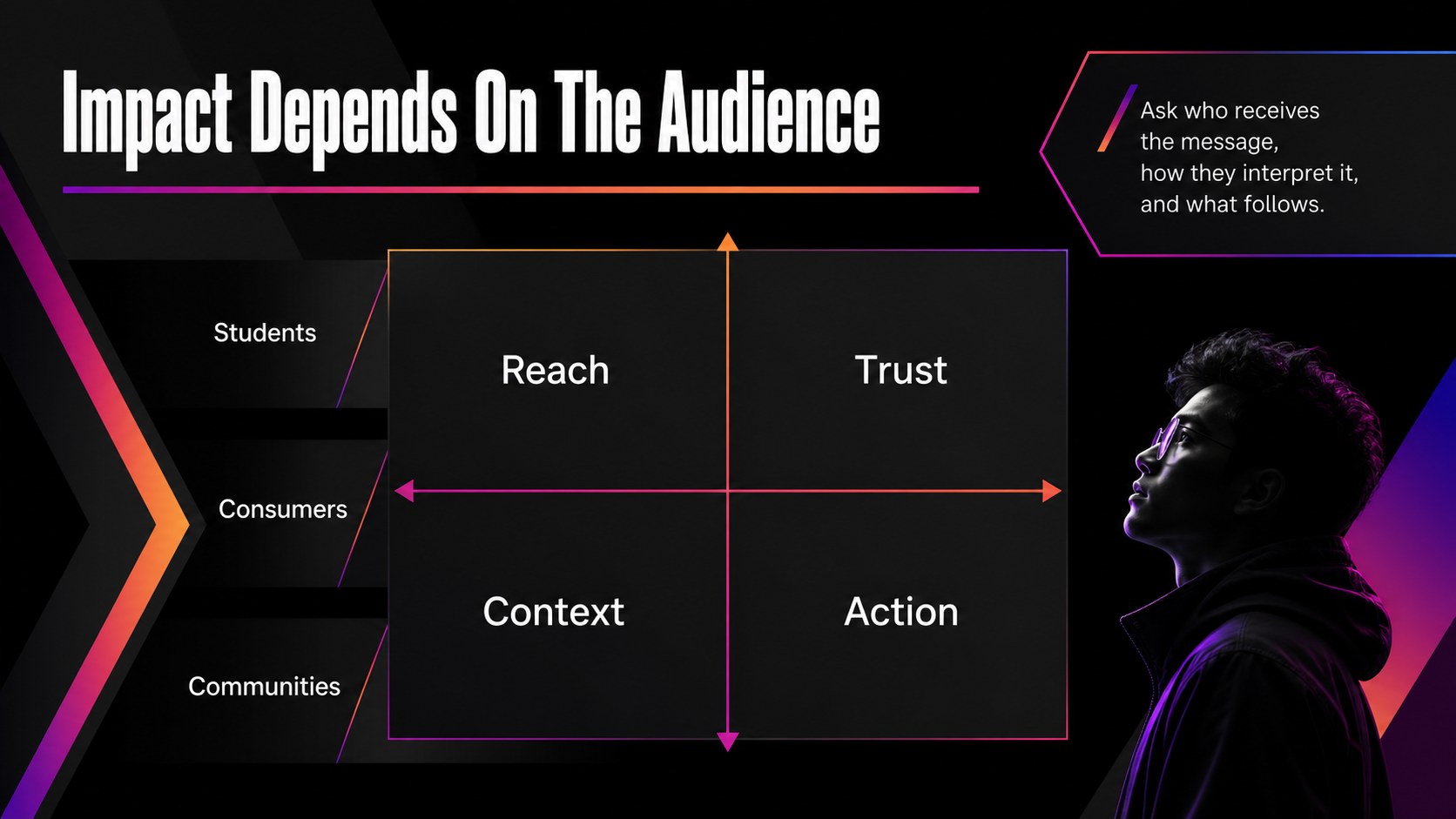
Mass media pros and cons slide deck for presenting how television, news, websites, radio, and social platforms shape public attention and everyday decisions. The bold black design, vivid gradient accents, and angular geometric details create a modern setting for balanced analysis without making the subject feel dry or overly academic.
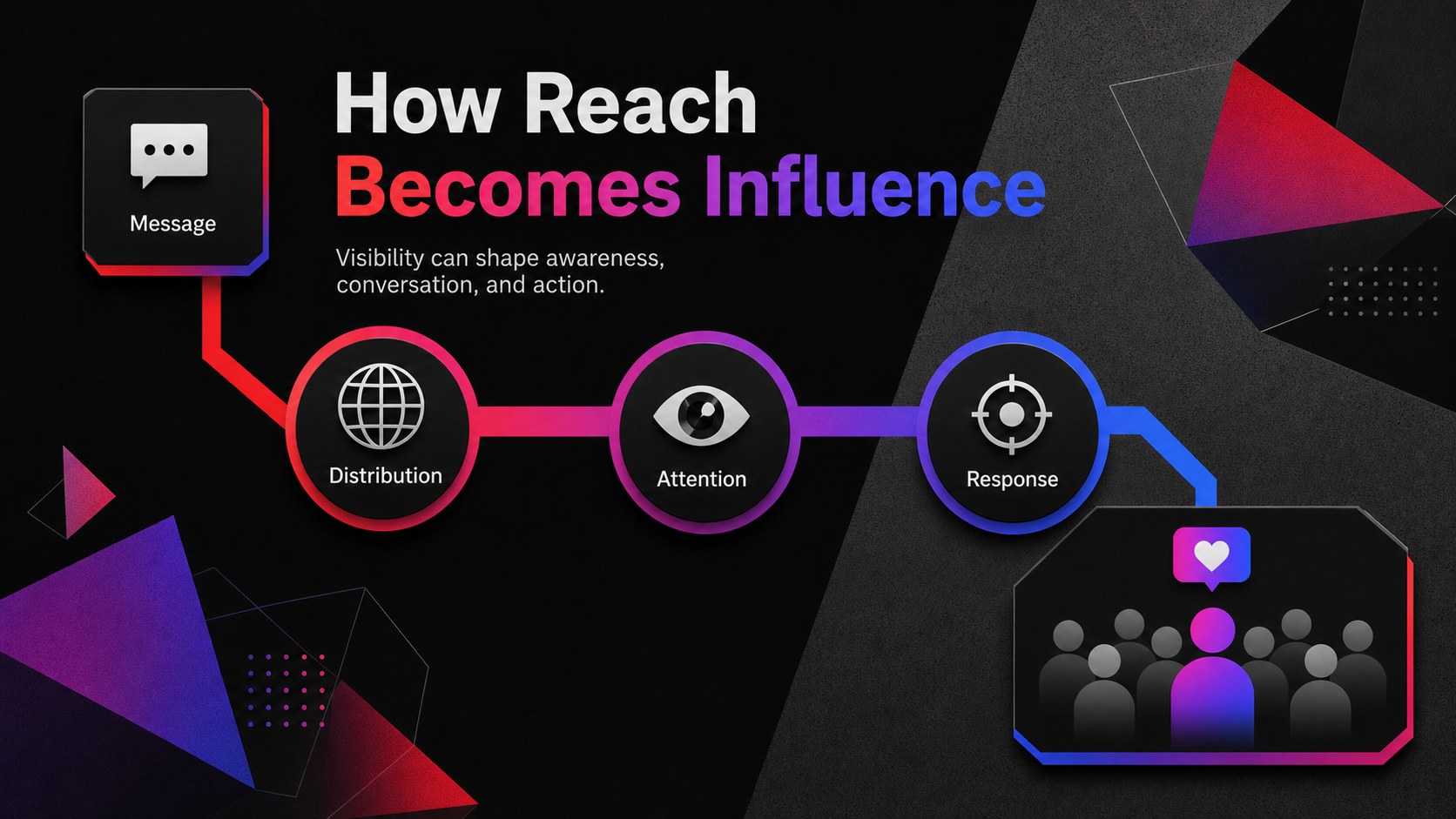
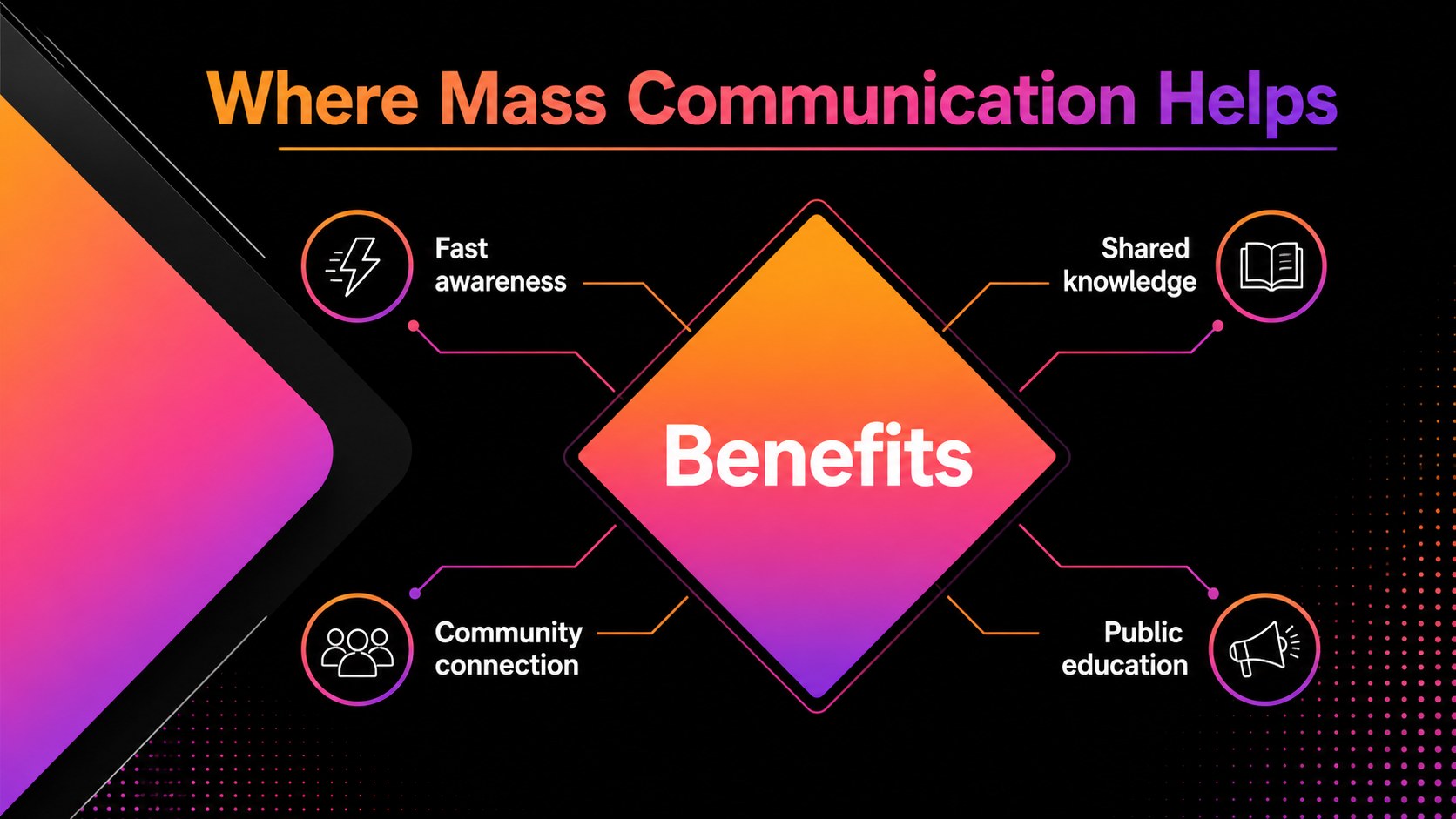
Inside, you’ll find a cover, discussion agenda, media landscape overview, reach and influence framework, benefits comparison, risks comparison, audience impact matrix, practical case-study layout, summary slide, and closing discussion prompt. Use the layouts to build a media influence analysis, compare traditional and digital channels, or explain how information travels across communities. Charts, text areas, visual markers, and editable shapes make it simple to adapt the structure to your evidence.
This template suits business professionals, educators, students, communications teams, researchers, and workshop facilitators. It works well for a media literacy presentation, classroom debate, marketing review, communications report, or conference session. Edit the deck in Google Slides or PowerPoint, then update the examples, statistics, colors, and talking points to match your audience.
Perfect for: media literacy classroom debate; communications team workshop; digital marketing channel review; news influence research report; conference discussion session.
Frequently asked questions
Can I edit this deck in Google Slides? Yes. The layouts are designed for Google Slides and can be customized with your own text, images, charts, and examples. You can also export the finished presentation to common file formats.
Practical details
Yes. The layouts are designed for Google Slides and can be customized with your own text, images, charts, and examples. You can also export the finished presentation to common file formats.
Yes, the template supports PowerPoint as well as Google Slides. Some fonts or animation effects may require small adjustments after importing between platforms.
Yes. Replace the accent colors, adjust background fills, and edit the geometric shapes to align the deck with your organization or course branding. The layouts remain usable after the palette is changed.
The deck works for balanced comparisons of television, radio, print, websites, social media, and other communication channels. Add statistics, case studies, audience segments, risks, and discussion questions to create a focused analysis.
Keep exploring
15Build an engaging World UFO Day session with this flying saucer history lesson deck, featuring retro green-and-brown slides for PowerPoint and Google Slides.
 15
15Plan a lively animal-learning journey with this jungle zoo adventure lesson deck, ready to customize in PowerPoint and Google Slides for young learners.
 16
16Turn environmental research into a clear story with a Watercolor Ecology Presentation Theme for PowerPoint and Google Slides in calming green and blue.
 16
16Build focused fashion, literature, and humanities presentations with the Red Triangle Editorial Theme, editable in PowerPoint and Google Slides.
 15
15Turn streaming stats, favorite tracks, and concert highlights into a bold annual listening recap slide deck for PowerPoint and Google Slides.
 15
15Turn highlights, milestones, and favorite moments into a colorful year in review slide deck with bold 3D graphics for PowerPoint and Google Slides.
 3
3Build a credible endorsement with Standout Colleague Recommendation Letter Slides, featuring colorful prompts for skills, achievements, and team impact.
 4
4Build clear beginner sessions with an ice hockey fundamentals training deck for coaches, PE teachers, and clubs, ready for PowerPoint and Google Slides.