
 15
15presentation
Flying Saucer History Lesson Deck
Build an engaging World UFO Day session with this flying saucer history lesson deck, featuring retro green-and-brown slides for PowerPoint and Google Slides.
Google SlidesPowerPoint
presentation · English
Turn competitor research into decisions with the Market Rival Benchmarking Toolkit, a bold red-and-yellow deck for PowerPoint and Google Slides.


Design notes
The Market Rival Benchmarking Toolkit helps teams transform scattered research into a focused view of the competitive landscape. Its energetic red-and-yellow design combines simple illustrations with structured layouts, giving you a confident way to explain where rivals lead, where they fall short, and where your organization can stand apart.
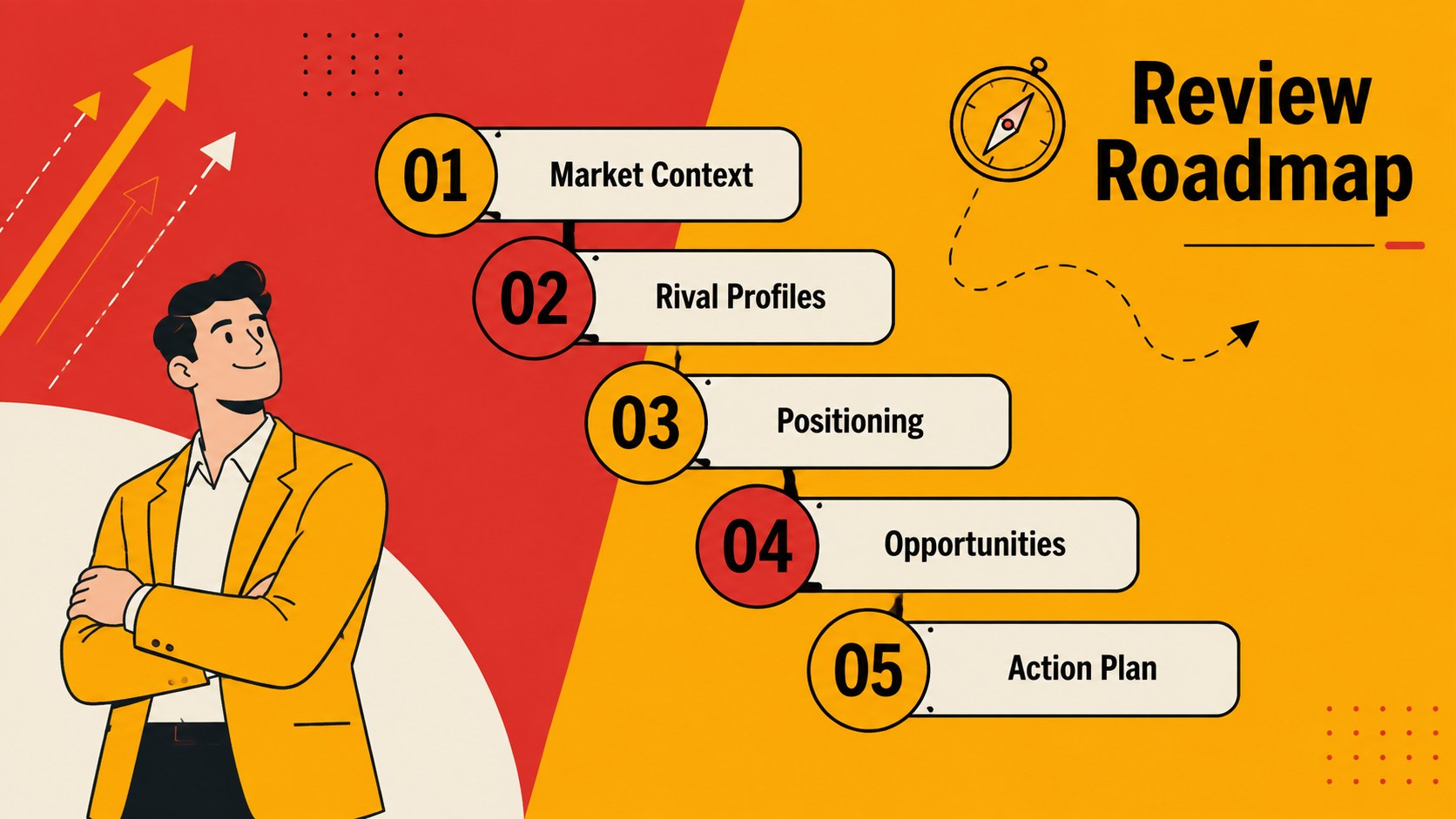
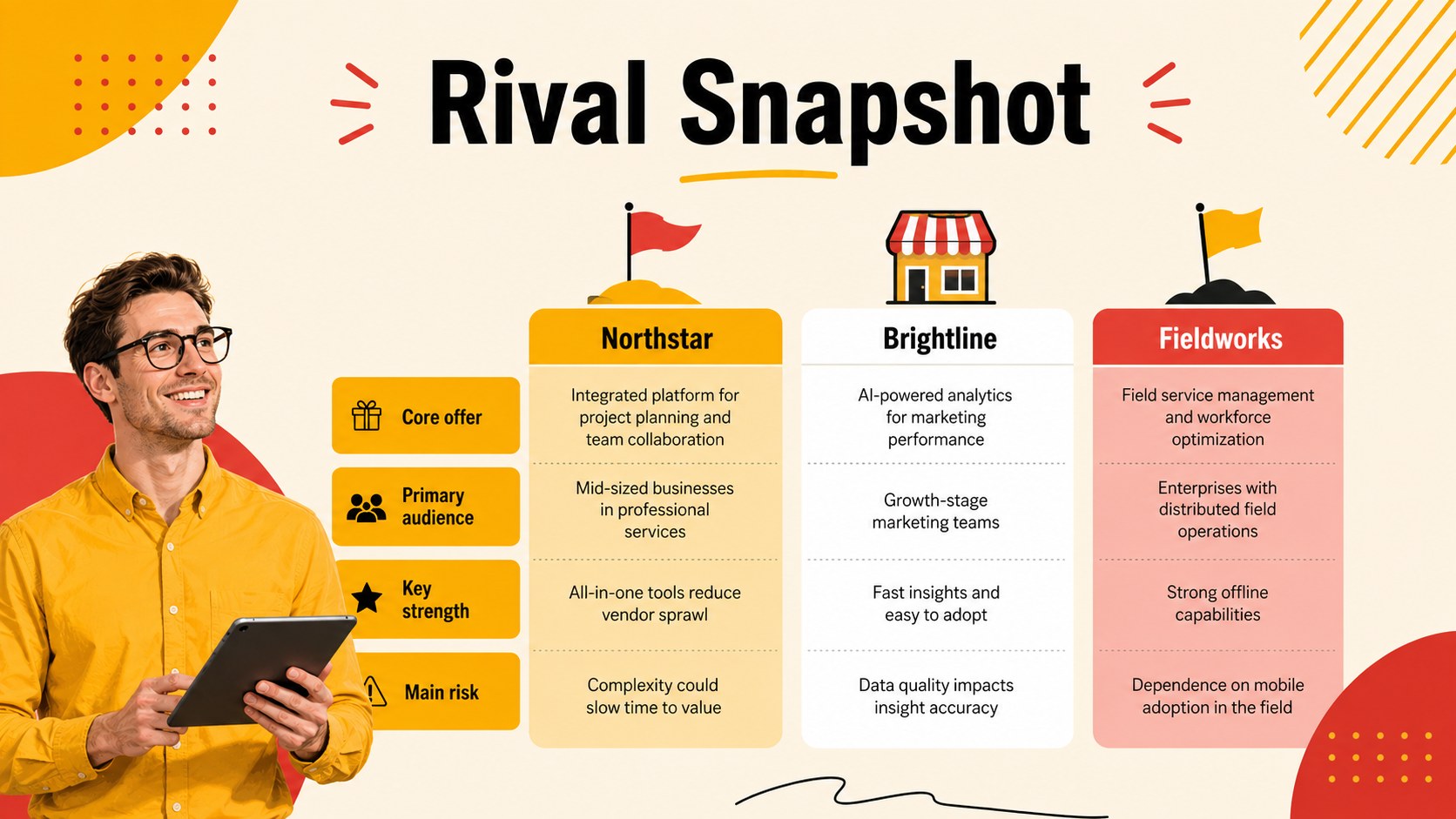
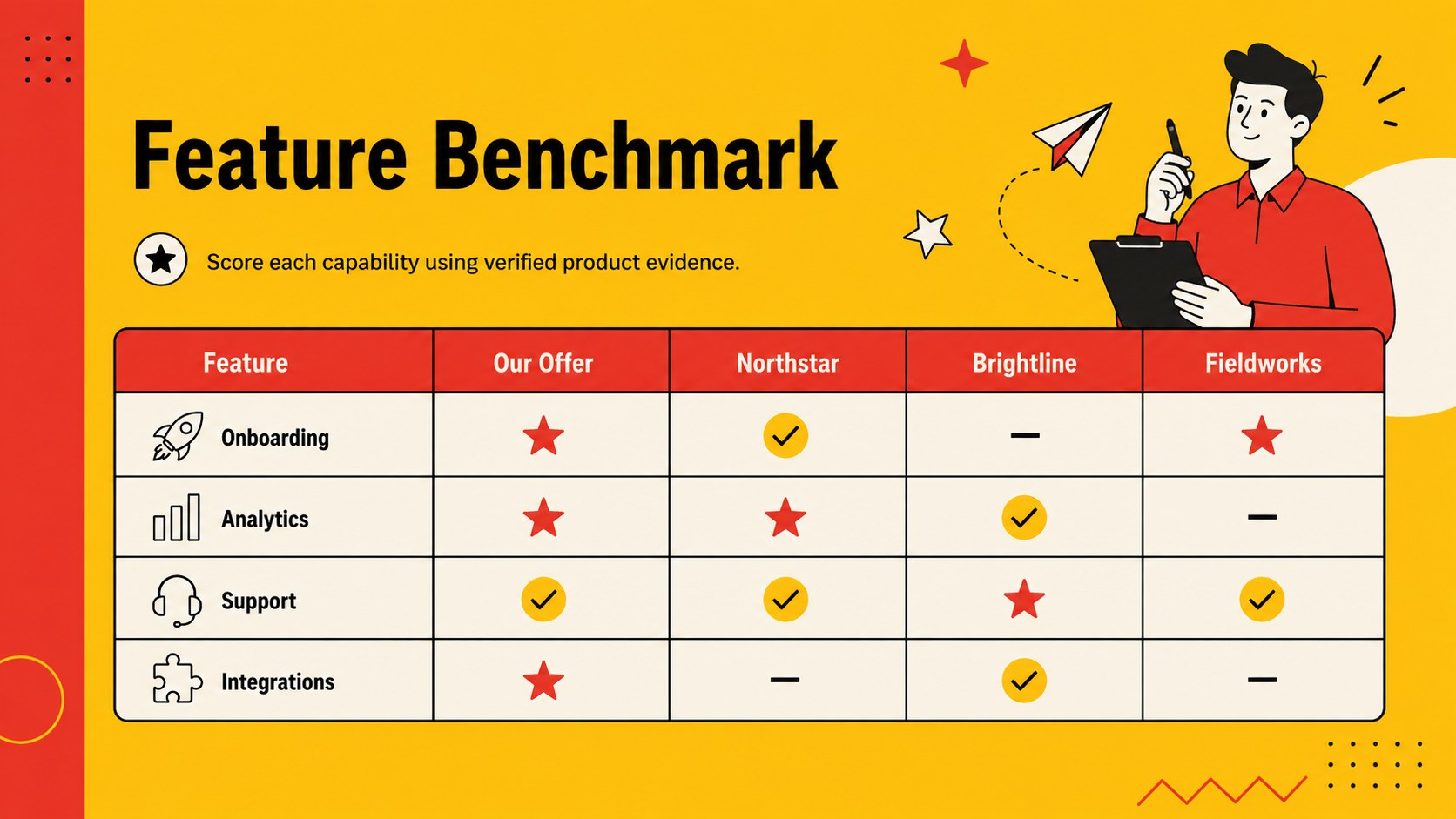
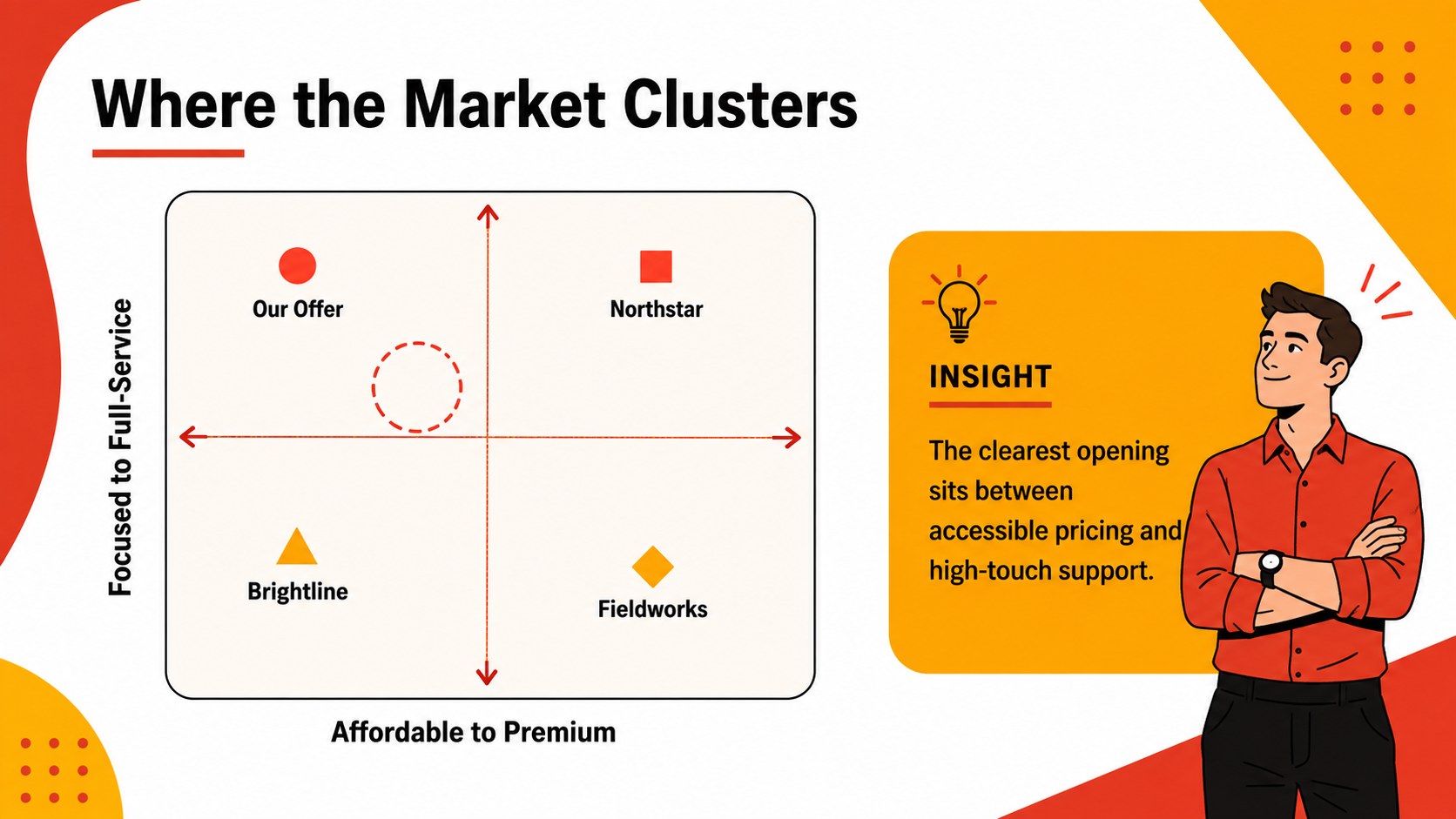
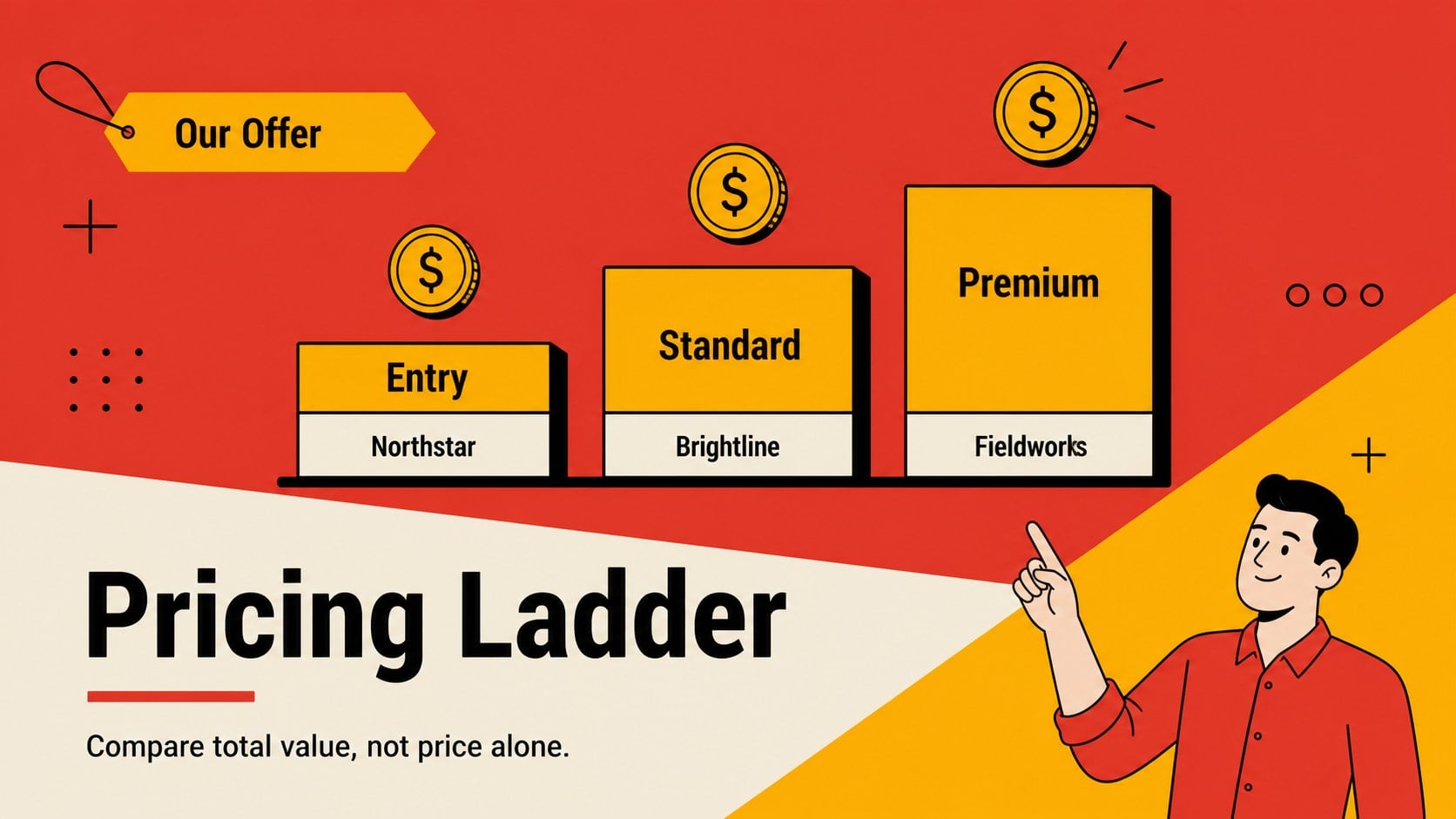
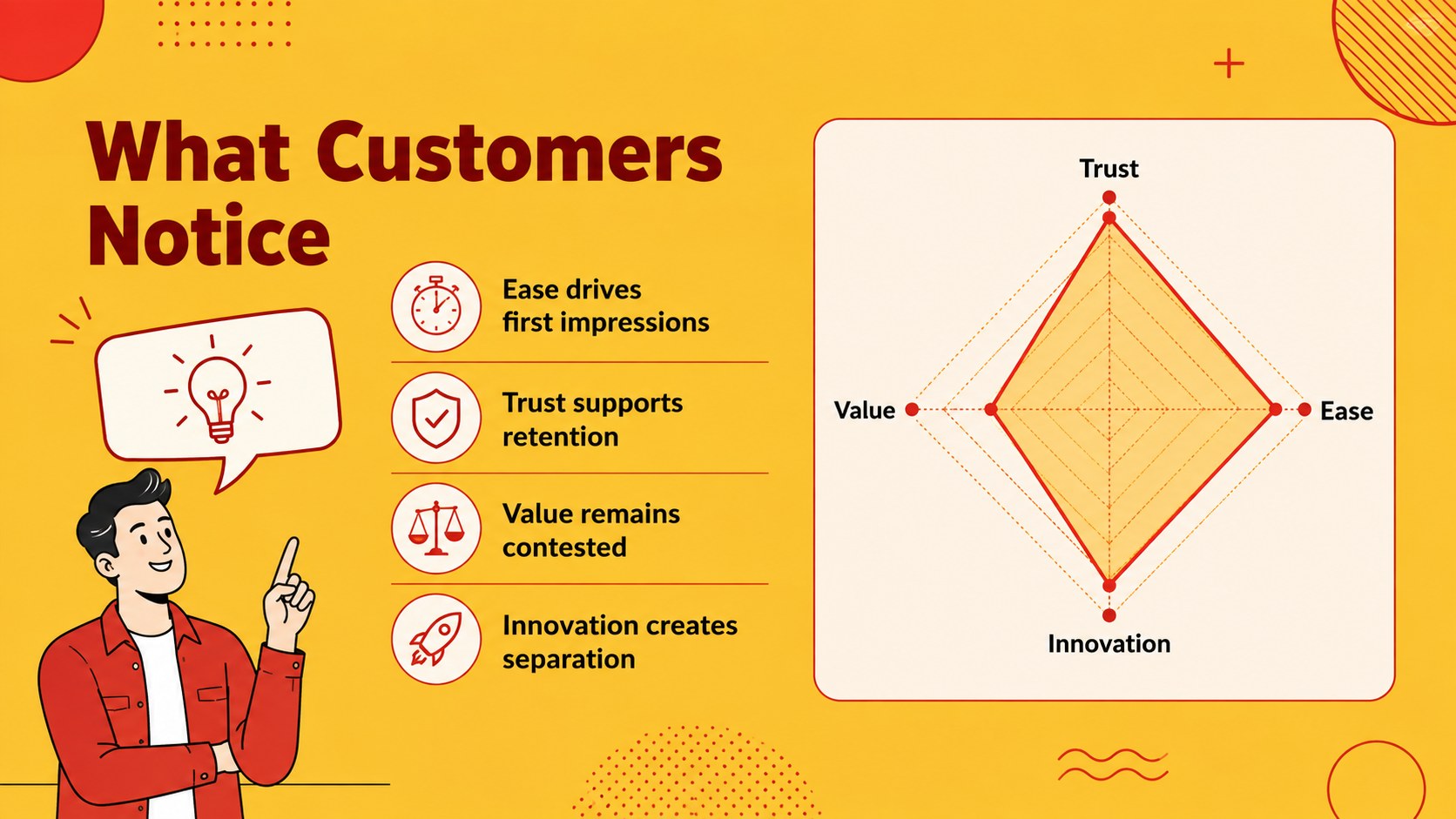
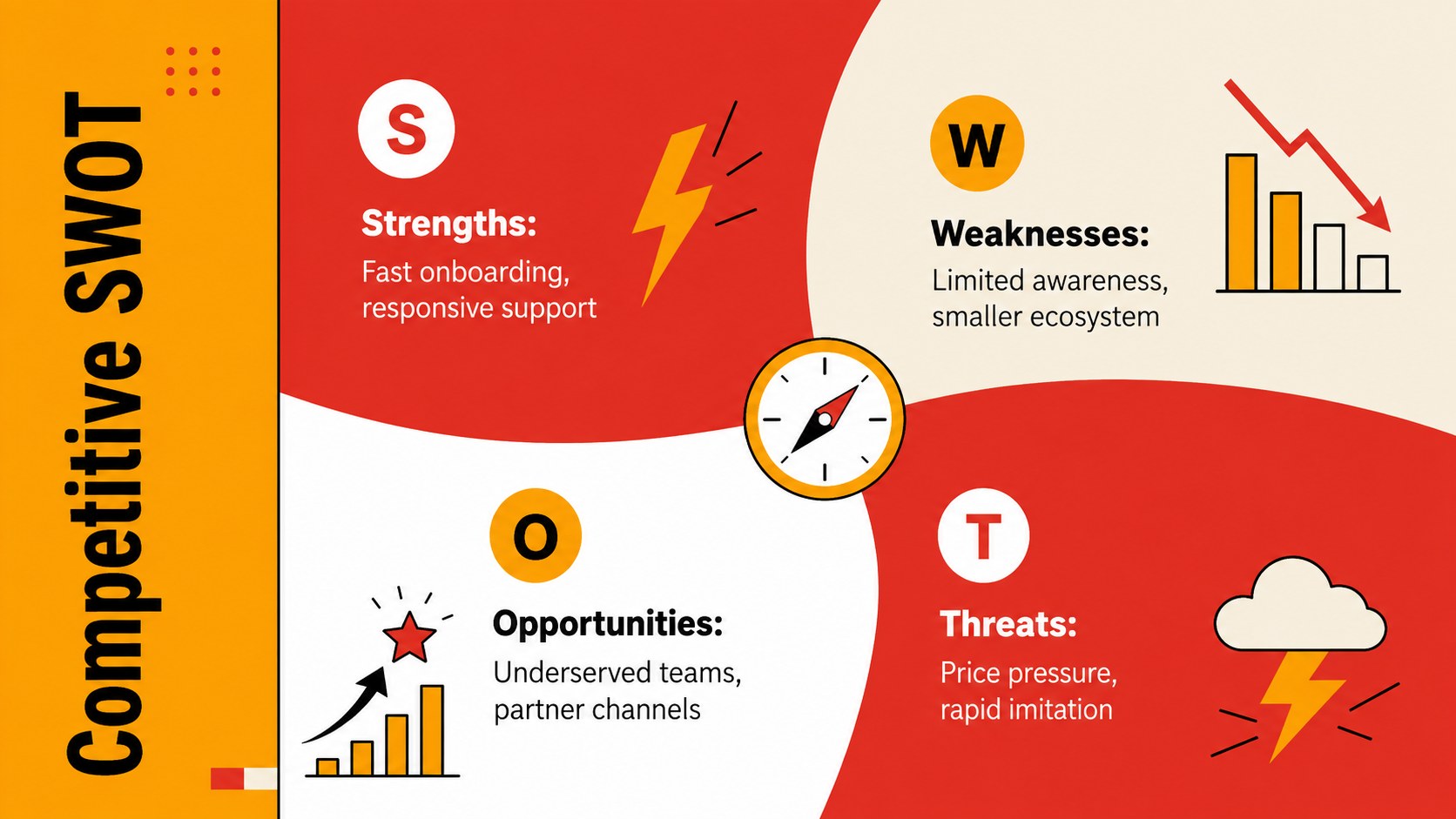
Inside, you will find 15 editable slides for company profiles, feature comparisons, market positioning, SWOT findings, pricing benchmarks, customer perceptions, strategic opportunities, and recommended actions. Use the competitor comparison presentation template to organize evidence side by side, or adapt the market positioning analysis slides to map brands across the factors that matter most to your audience. Charts, matrices, scorecards, timelines, and summary layouts help turn detailed observations into a clear narrative.
This competitive landscape review deck is designed for marketing teams, product managers, founders, consultants, sales leaders, and business students. It works equally well for quarterly planning, client workshops, product launches, pitch preparation, and internal strategy meetings. Every slide can be customized in PowerPoint or Google Slides, including colors, typography, labels, charts, and illustrations. Replace the sample content with your research, apply your own scoring criteria, and rearrange sections to match the depth of your analysis.
Perfect for: quarterly competitor review; product positioning workshop; client strategy presentation; startup market assessment; sales battlecard briefing; new product launch planning.
Frequently asked questions
Can I edit every element in this toolkit? Yes. Text, colors, shapes, charts, tables, and illustrations can be adjusted to match your research and visual identity. You can also duplicate, remove, or reorder slides without disrupting the overall design.
Practical details
Yes. Text, colors, shapes, charts, tables, and illustrations can be adjusted to match your research and visual identity. You can also duplicate, remove, or reorder slides without disrupting the overall design.
The deck is designed for PowerPoint and Google Slides. Minor spacing or font adjustments may be needed when moving between platforms, depending on the fonts installed on your device.
Replace the sample criteria with factors that influence purchasing decisions in your market, such as price, service, integrations, or reach. Use one consistent scoring scale and cite the source or date of each assessment.
Yes. Swap the accent colors for your organization’s brand palette while preserving strong contrast between data series and comparison groups. Check text legibility after changing any background or chart colors.
Keep exploring
15Build an engaging World UFO Day session with this flying saucer history lesson deck, featuring retro green-and-brown slides for PowerPoint and Google Slides.
 15
15Plan a lively animal-learning journey with this jungle zoo adventure lesson deck, ready to customize in PowerPoint and Google Slides for young learners.
 16
16Turn environmental research into a clear story with a Watercolor Ecology Presentation Theme for PowerPoint and Google Slides in calming green and blue.
 16
16Build focused fashion, literature, and humanities presentations with the Red Triangle Editorial Theme, editable in PowerPoint and Google Slides.
 15
15Turn streaming stats, favorite tracks, and concert highlights into a bold annual listening recap slide deck for PowerPoint and Google Slides.
 15
15Turn highlights, milestones, and favorite moments into a colorful year in review slide deck with bold 3D graphics for PowerPoint and Google Slides.
 3
3Build a credible endorsement with Standout Colleague Recommendation Letter Slides, featuring colorful prompts for skills, achievements, and team impact.
 4
4Build clear beginner sessions with an ice hockey fundamentals training deck for coaches, PE teachers, and clubs, ready for PowerPoint and Google Slides.