
 15
15presentation
Flying Saucer History Lesson Deck
Build an engaging World UFO Day session with this flying saucer history lesson deck, featuring retro green-and-brown slides for PowerPoint and Google Slides.
Google SlidesPowerPoint
presentation · English
Build a focused market launch planning deck with beige and brown slides for positioning, audience research, pricing, channels, and growth goals.

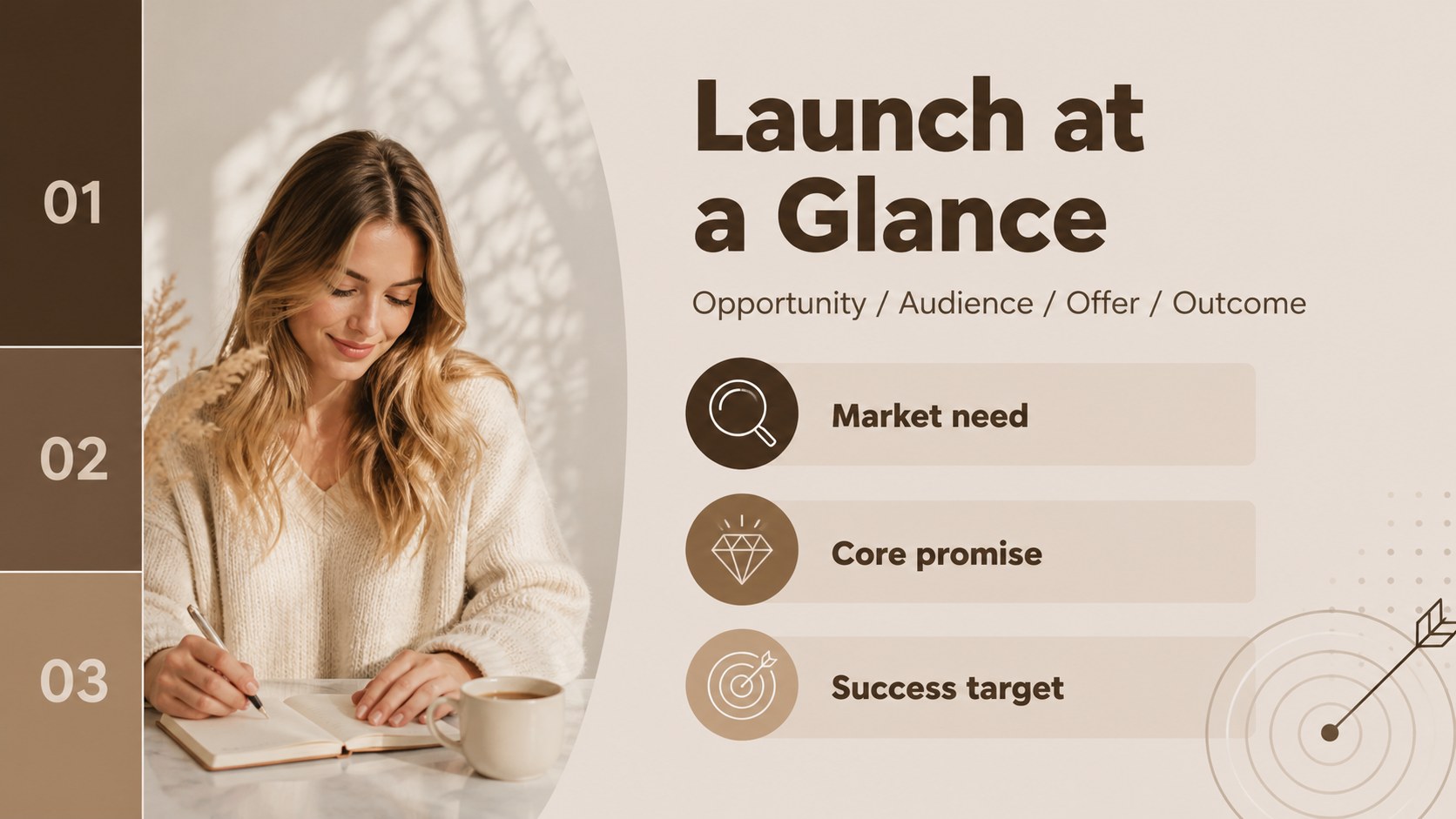
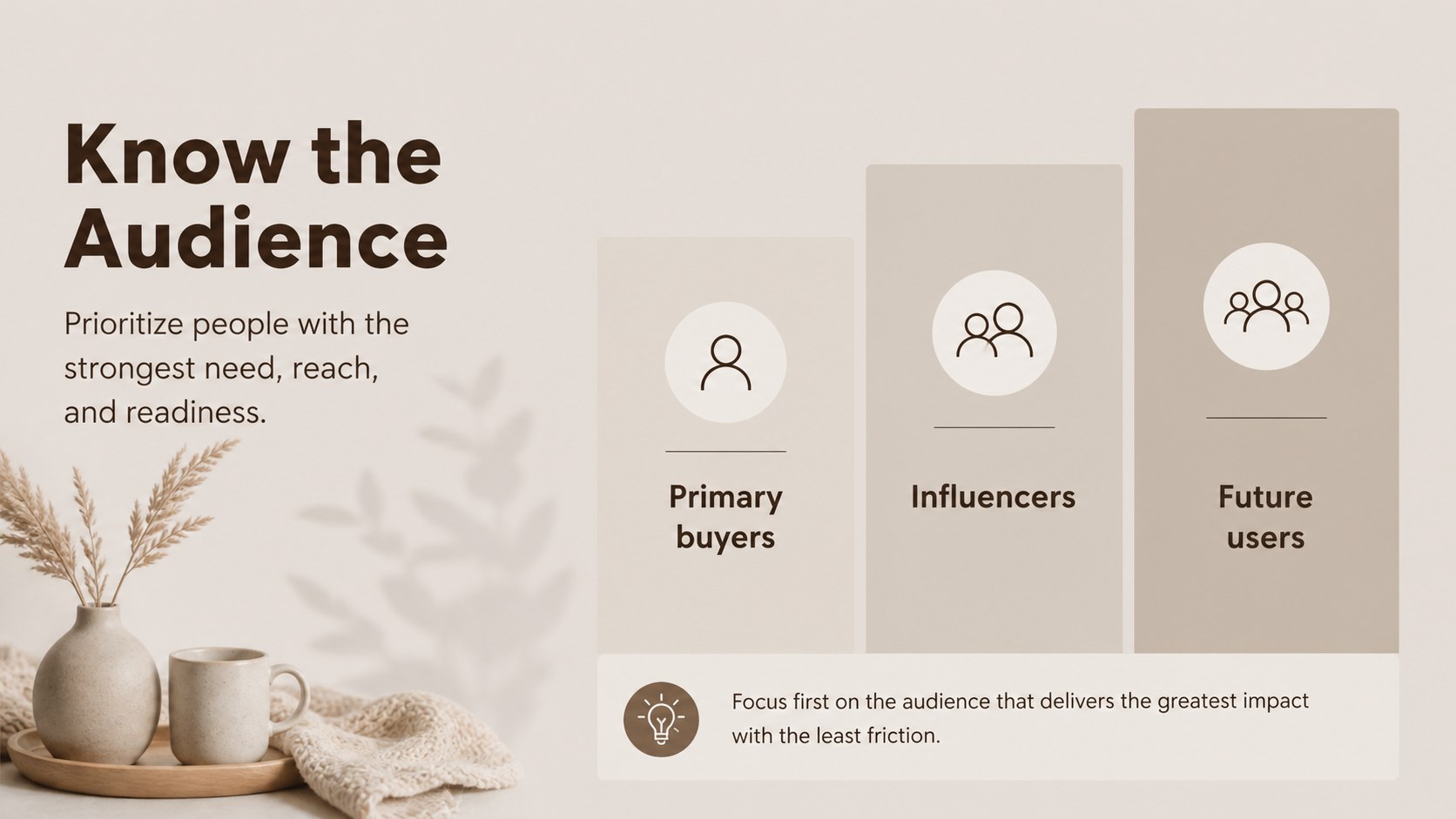

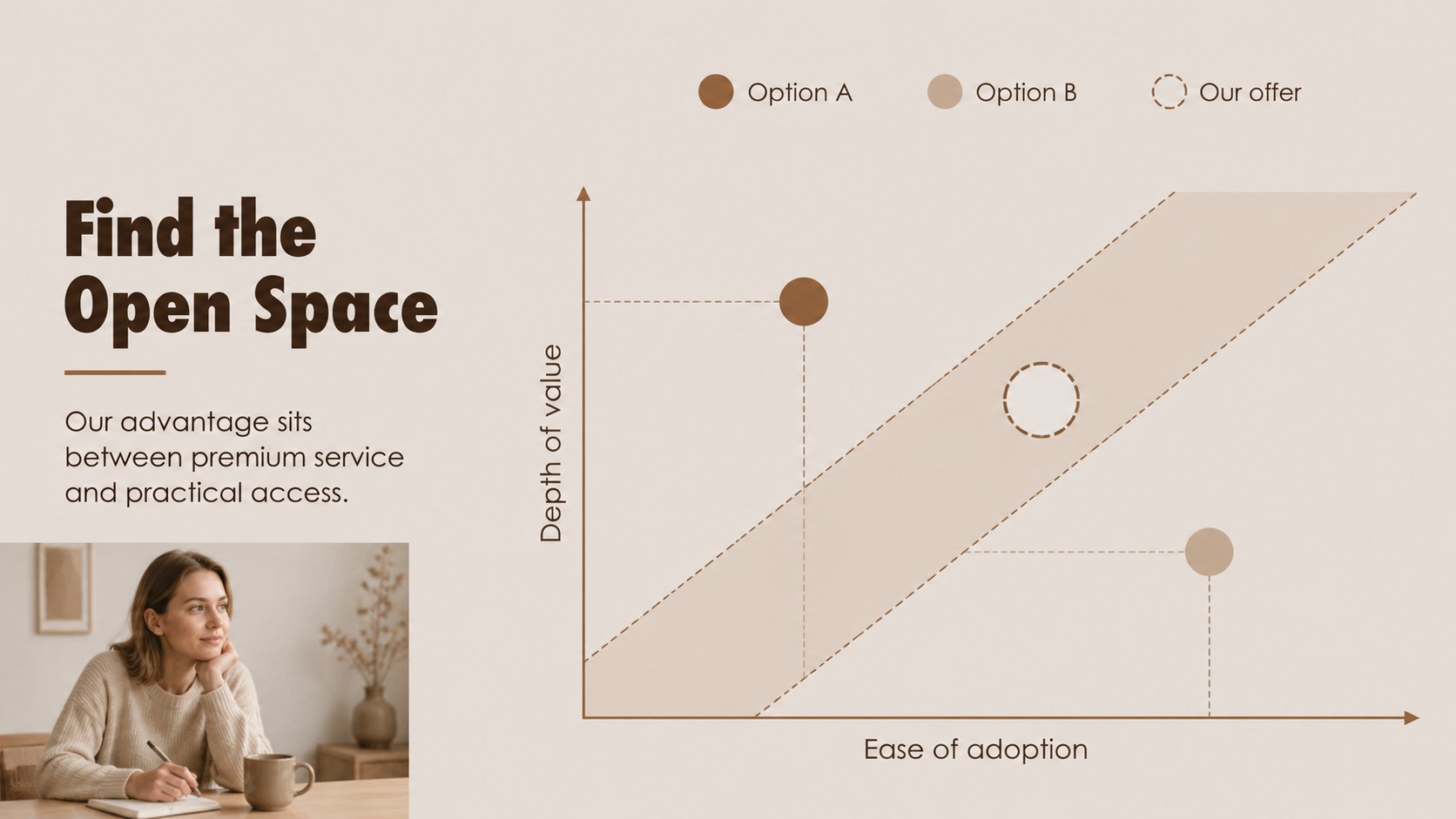
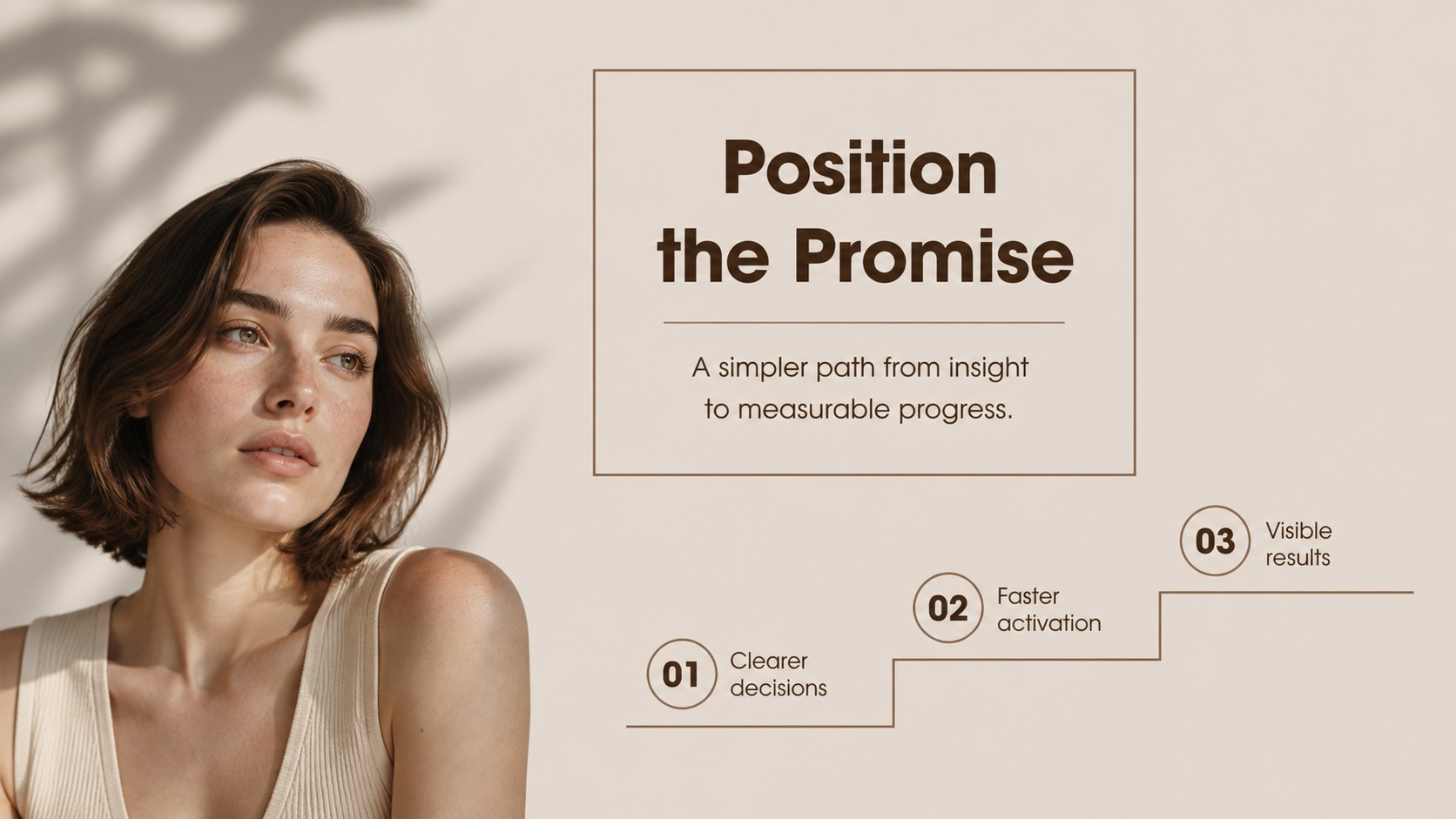
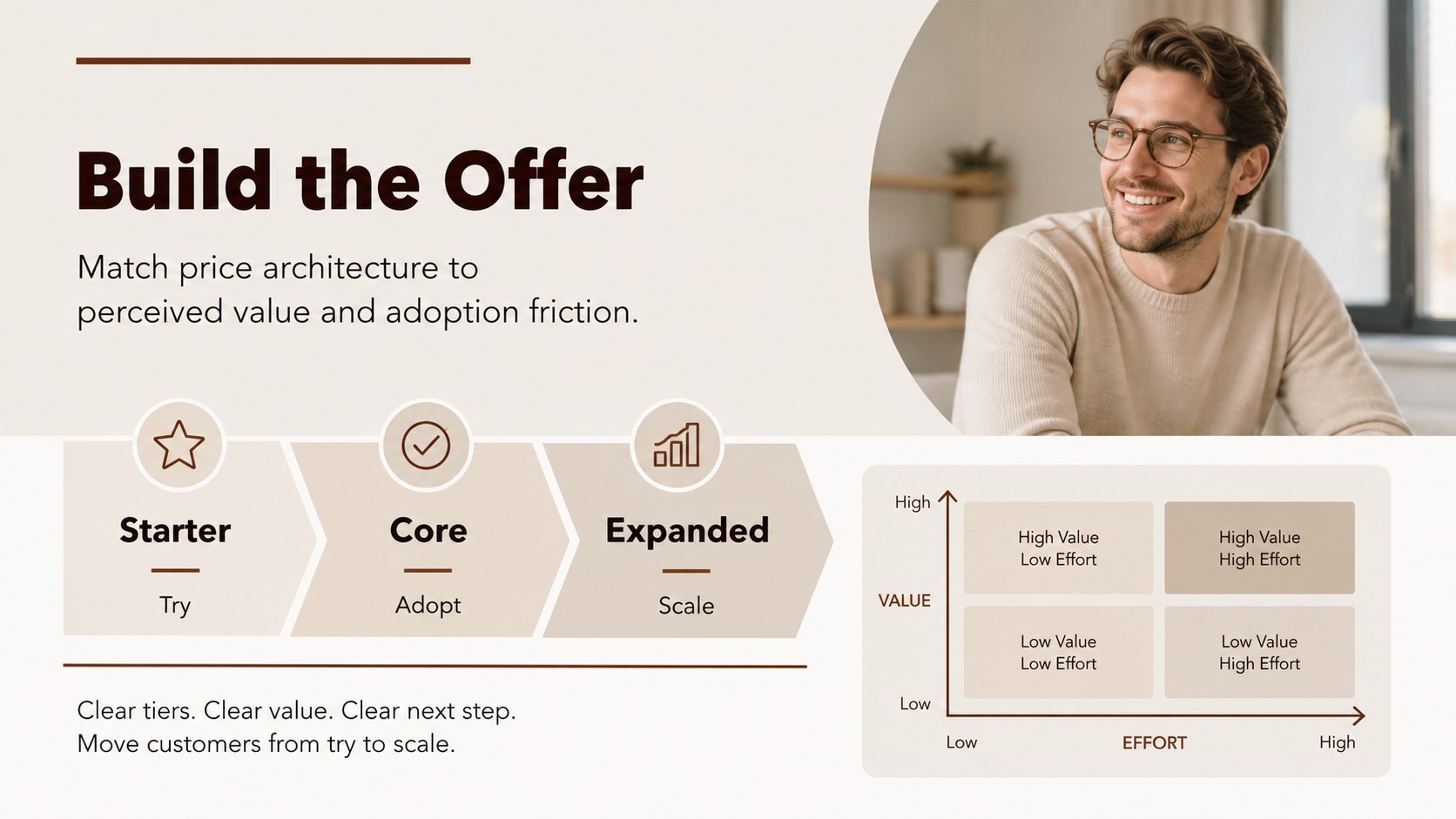
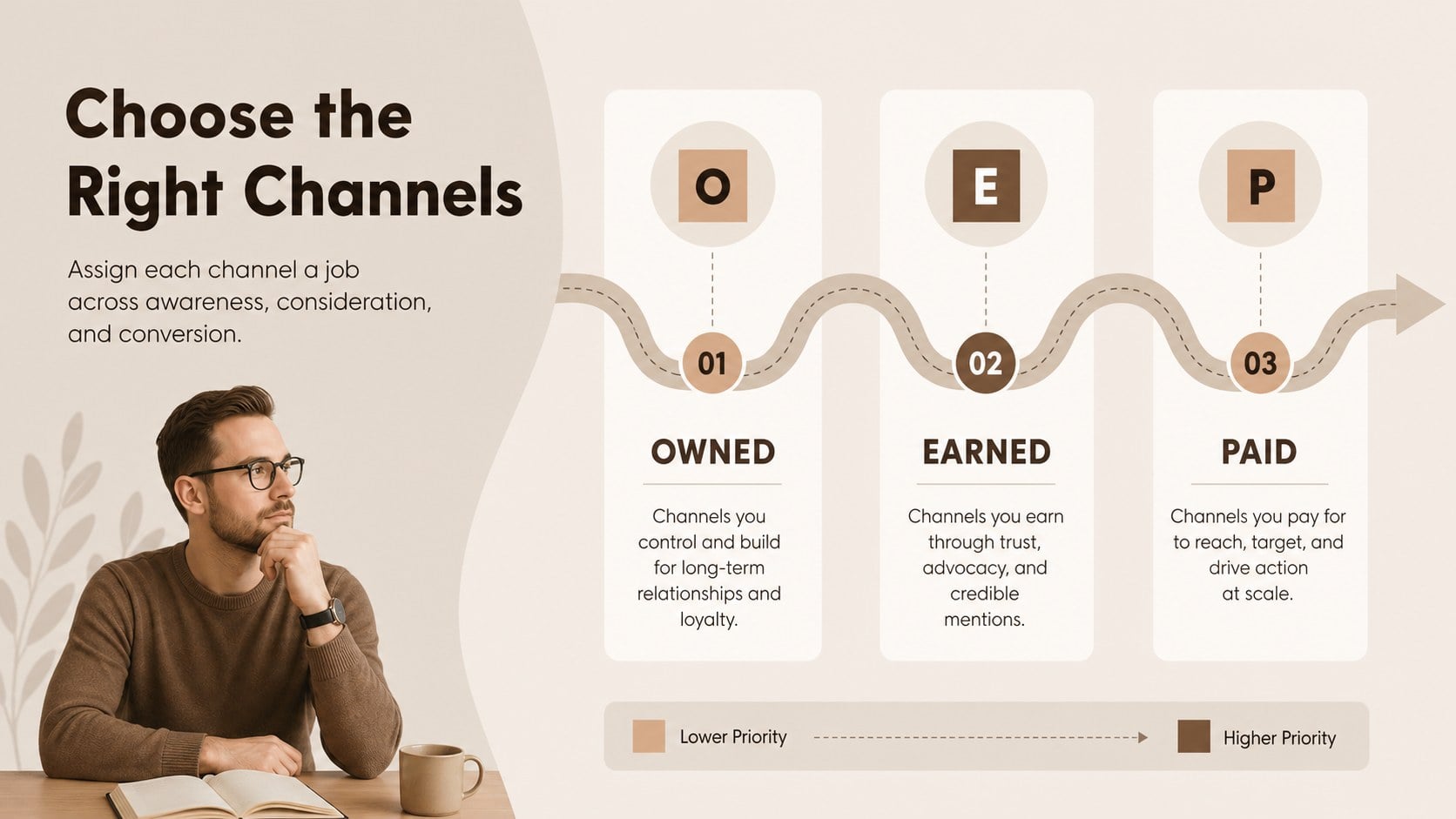
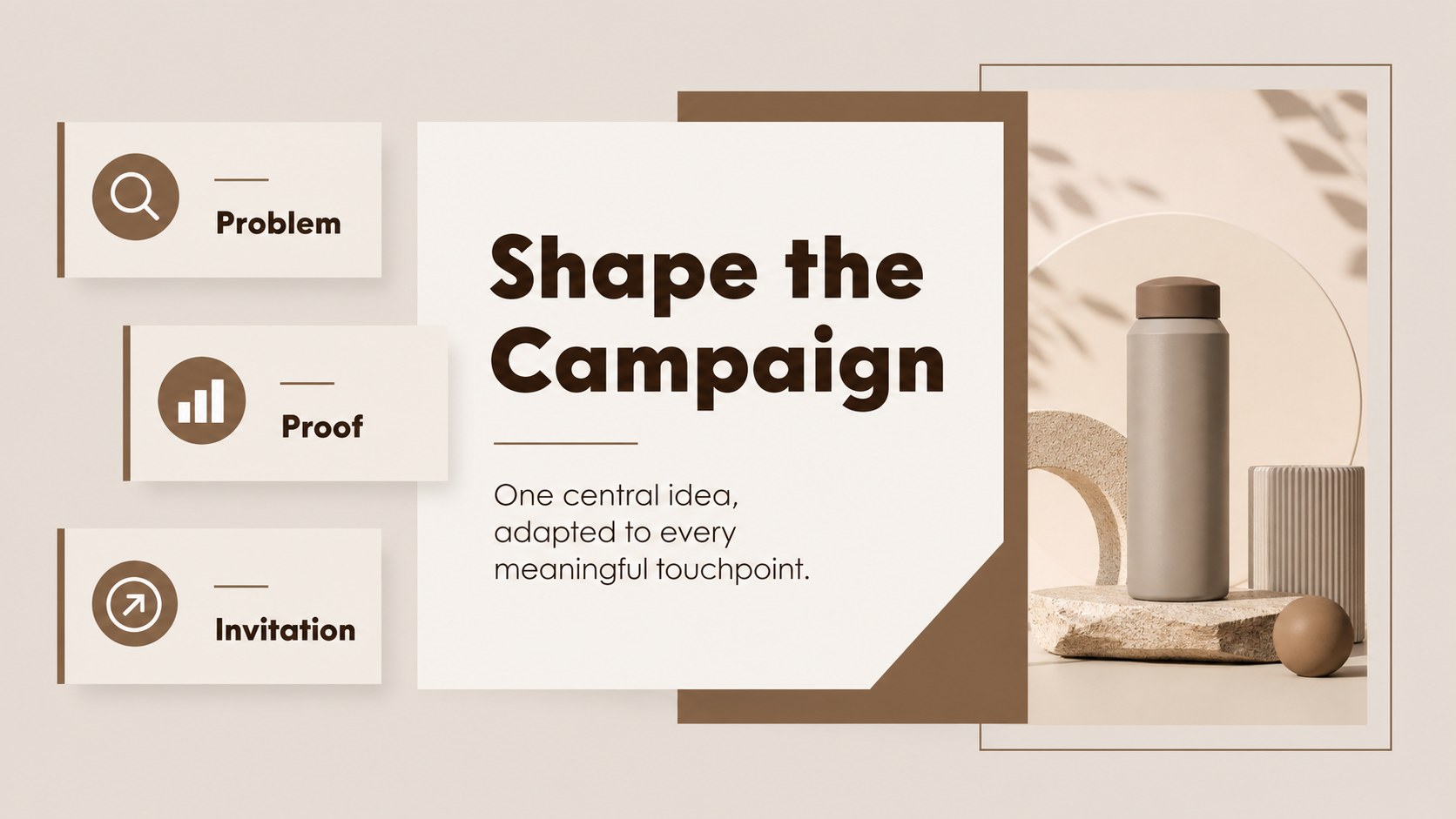
Design notes
Market Launch Planning Deck is a refined presentation kit for turning commercial research into a practical launch story. Its beige and brown palette, restrained typography, and clean editorial layouts give strategic recommendations a confident, polished feel without visual clutter.
Inside, you’ll find layouts for executive summaries, customer segments, market insights, competitive context, positioning, pricing, channel selection, launch milestones, budget allocation, risk planning, and performance tracking. Editable charts, tables, diagrams, timelines, and comparison frames help teams explain decisions with precision. The widescreen format is designed for clear presenting in meeting rooms, remote calls, and investor sessions.
This market launch planning deck suits product managers, marketing teams, consultants, founders, and business students preparing a go-to-market proposal or launch review. Use it for a startup launch plan, a new product briefing, a regional expansion strategy, or an internal alignment meeting. Every element can be adjusted in PowerPoint or Google Slides, including text, colors, charts, icons, and layout details. The presentation works well for both concise leadership updates and fuller strategic workshops, giving you a consistent visual language from the opening opportunity statement to the final measurement framework.
Perfect for: startup product launch plan; new market entry briefing; marketing channel workshop; executive launch review; consultant strategy presentation.
Frequently asked questions
Can I edit this deck in PowerPoint? Yes. The slides are designed for PowerPoint and can be edited with standard text, shape, chart, and image tools. You can replace the sample content while preserving the layout system.
Practical details
Yes. The slides are designed for PowerPoint and can be edited with standard text, shape, chart, and image tools. You can replace the sample content while preserving the layout system.
Yes, you can use the presentation in Google Slides and customize its text, colors, diagrams, and charts. Review imported fonts and spacing after uploading to ensure the layout matches your preferred presentation setup.
The layouts support customer segments, market findings, competitor comparisons, positioning statements, pricing, channel choices, milestones, budgets, risks, and performance indicators. This makes the deck useful for both planning and leadership communication.
Yes. The palette can be adapted to your brand colors while retaining the template’s minimal editorial style. Update accent colors consistently across charts, headings, diagrams, and highlights for a unified result.
Keep exploring
15Build an engaging World UFO Day session with this flying saucer history lesson deck, featuring retro green-and-brown slides for PowerPoint and Google Slides.
 15
15Plan a lively animal-learning journey with this jungle zoo adventure lesson deck, ready to customize in PowerPoint and Google Slides for young learners.
 16
16Turn environmental research into a clear story with a Watercolor Ecology Presentation Theme for PowerPoint and Google Slides in calming green and blue.
 16
16Build focused fashion, literature, and humanities presentations with the Red Triangle Editorial Theme, editable in PowerPoint and Google Slides.
 15
15Turn streaming stats, favorite tracks, and concert highlights into a bold annual listening recap slide deck for PowerPoint and Google Slides.
 15
15Turn highlights, milestones, and favorite moments into a colorful year in review slide deck with bold 3D graphics for PowerPoint and Google Slides.
 3
3Build a credible endorsement with Standout Colleague Recommendation Letter Slides, featuring colorful prompts for skills, achievements, and team impact.
 4
4Build clear beginner sessions with an ice hockey fundamentals training deck for coaches, PE teachers, and clubs, ready for PowerPoint and Google Slides.