
 15
15presentation
Flying Saucer History Lesson Deck
Build an engaging World UFO Day session with this flying saucer history lesson deck, featuring retro green-and-brown slides for PowerPoint and Google Slides.
Google SlidesPowerPoint
presentation · English
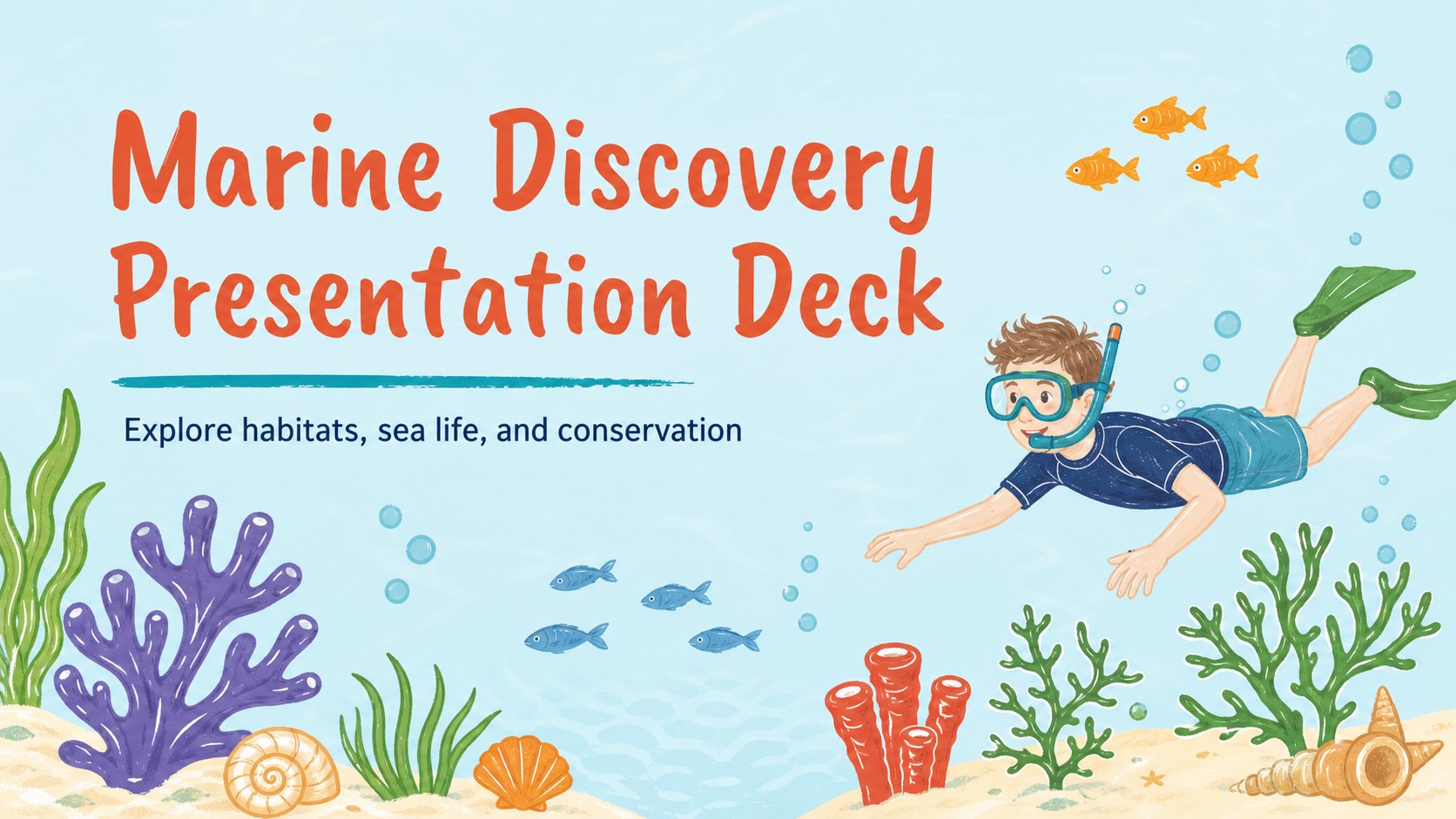
Build a marine discovery presentation deck for ocean lessons and field trips, with pastel blue illustrations, editable layouts, and ready-to-use classroom…
Design notes
Make ocean learning more memorable with a marine discovery presentation deck designed for teachers, students, and environmental education teams. Soft blue tones, playful underwater illustrations, and an approachable classroom mood create a welcoming setting for explaining marine habitats and field-trip observations.
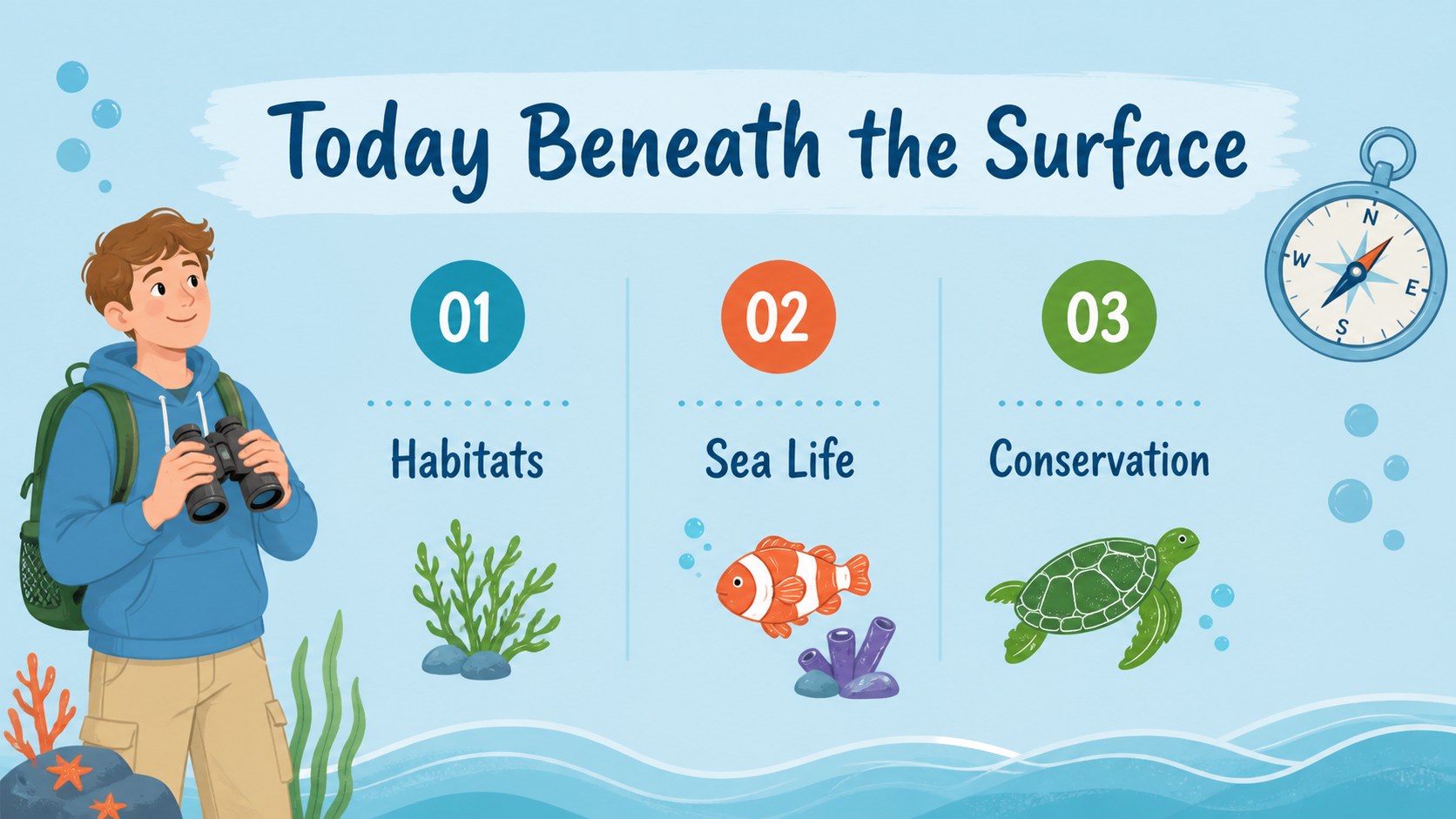
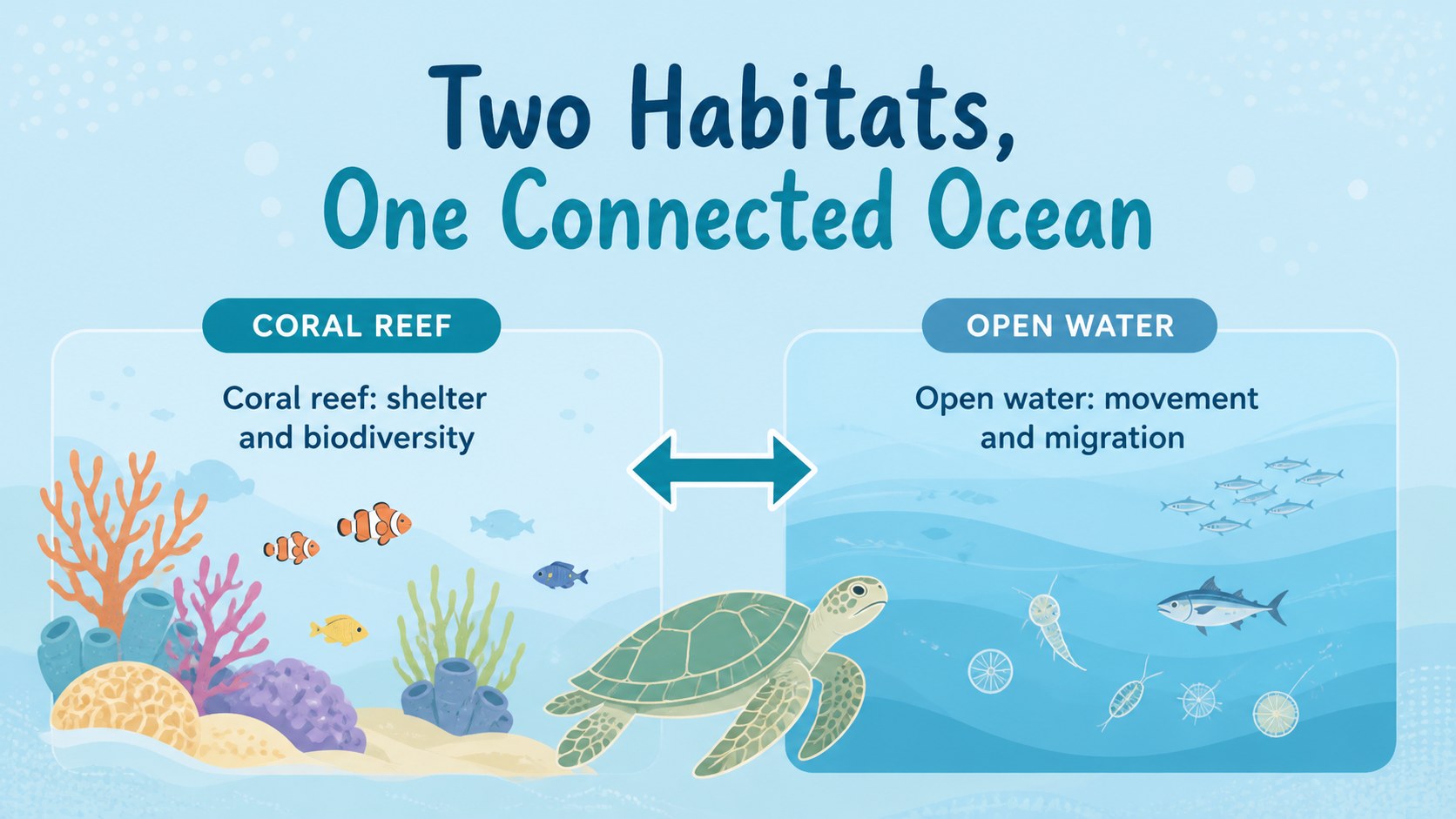
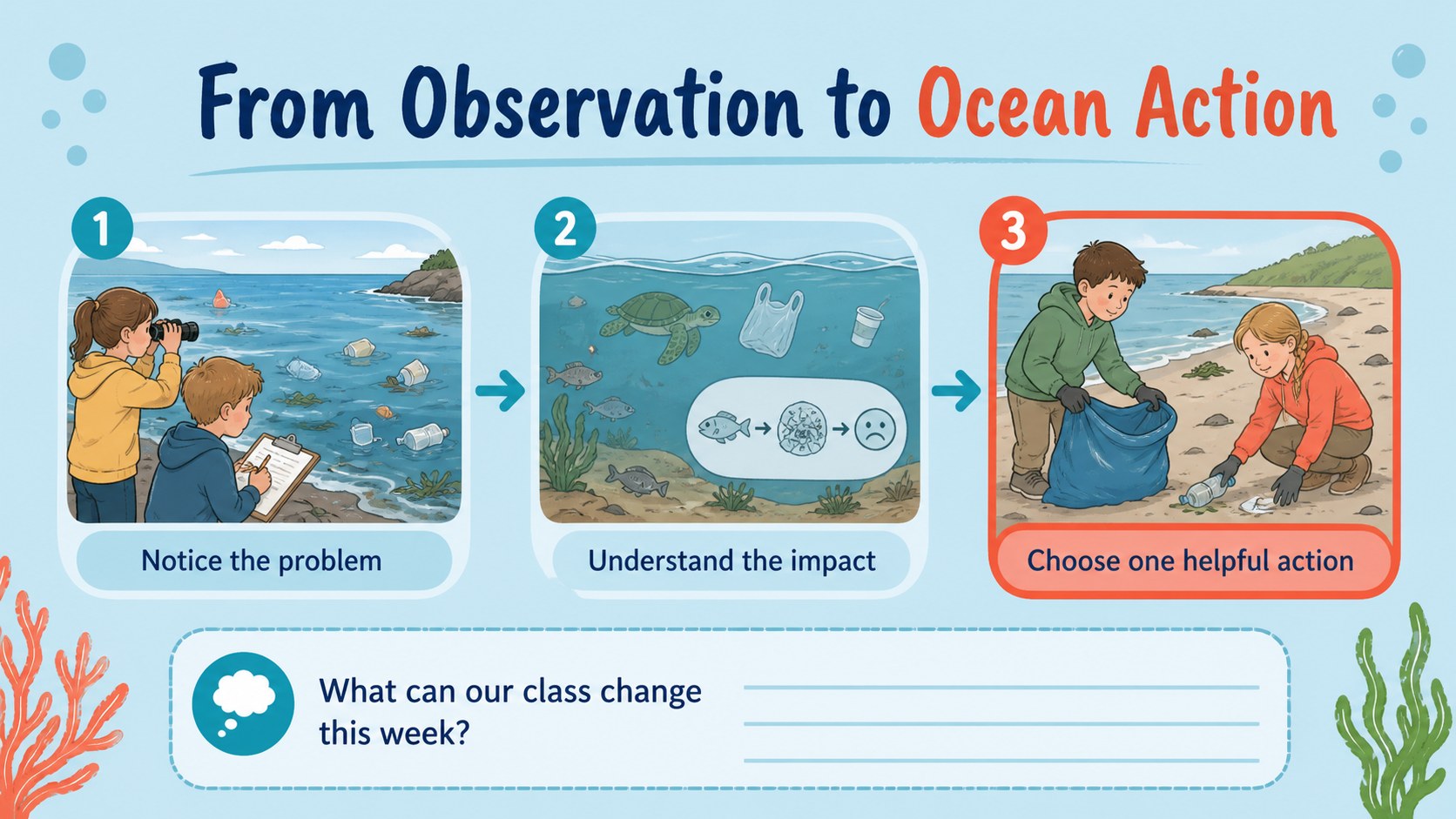
The deck includes a cover, learning objectives, agenda, marine species profiles, habitat comparison layouts, conservation campaign pages, photo and illustration frames, quiz prompts, data visuals, and a closing reflection slide. Use the layouts for an ocean ecology lesson, a coastal exploration report, or a student-led presentation about protecting sea life. The visual system supports clear storytelling while leaving room for maps, facts, diagrams, and original photos.
Edit the text, colors, icons, charts, and images in PowerPoint or Google Slides. The design works well for elementary through high school classrooms, science clubs, museum workshops, and group projects. It also adapts easily to a marine biology classroom slideshow, an ocean conservation lesson deck, or a coastal field study presentation. Download the editable slides, add your own observations, and create a polished educational presentation without rebuilding the structure from scratch.
Perfect for: marine biology classroom lesson; coastal field trip briefing; student sea life project; ocean conservation campaign; science club workshop.
Frequently asked questions
Which presentation platforms support this template? The template is designed for PowerPoint and Google Slides. You can edit text, layouts, colors, diagrams, and images in either platform.
Practical details
The template is designed for PowerPoint and Google Slides. You can edit text, layouts, colors, diagrams, and images in either platform.
Yes. Replace the sample wording and visuals, adjust the blue palette, and add your own field-trip photos or research data. The layouts are flexible enough for both short lessons and detailed student reports.
The friendly illustration style works especially well for elementary and middle school audiences. Teachers can also use the charts, comparison pages, and conservation sections for high school science activities.
Add species profiles, habitat diagrams, observation notes, pollution statistics, conservation actions, quizzes, and group-project findings. The included slide types support both instructional storytelling and student presentations.
Keep exploring
15Build an engaging World UFO Day session with this flying saucer history lesson deck, featuring retro green-and-brown slides for PowerPoint and Google Slides.
 15
15Plan a lively animal-learning journey with this jungle zoo adventure lesson deck, ready to customize in PowerPoint and Google Slides for young learners.
 16
16Turn environmental research into a clear story with a Watercolor Ecology Presentation Theme for PowerPoint and Google Slides in calming green and blue.
 16
16Build focused fashion, literature, and humanities presentations with the Red Triangle Editorial Theme, editable in PowerPoint and Google Slides.
 15
15Turn streaming stats, favorite tracks, and concert highlights into a bold annual listening recap slide deck for PowerPoint and Google Slides.
 15
15Turn highlights, milestones, and favorite moments into a colorful year in review slide deck with bold 3D graphics for PowerPoint and Google Slides.
 3
3Build a credible endorsement with Standout Colleague Recommendation Letter Slides, featuring colorful prompts for skills, achievements, and team impact.
 4
4Build clear beginner sessions with an ice hockey fundamentals training deck for coaches, PE teachers, and clubs, ready for PowerPoint and Google Slides.