
 15
15presentation
Flying Saucer History Lesson Deck
Build an engaging World UFO Day session with this flying saucer history lesson deck, featuring retro green-and-brown slides for PowerPoint and Google Slides.
Google SlidesPowerPoint
presentation · English
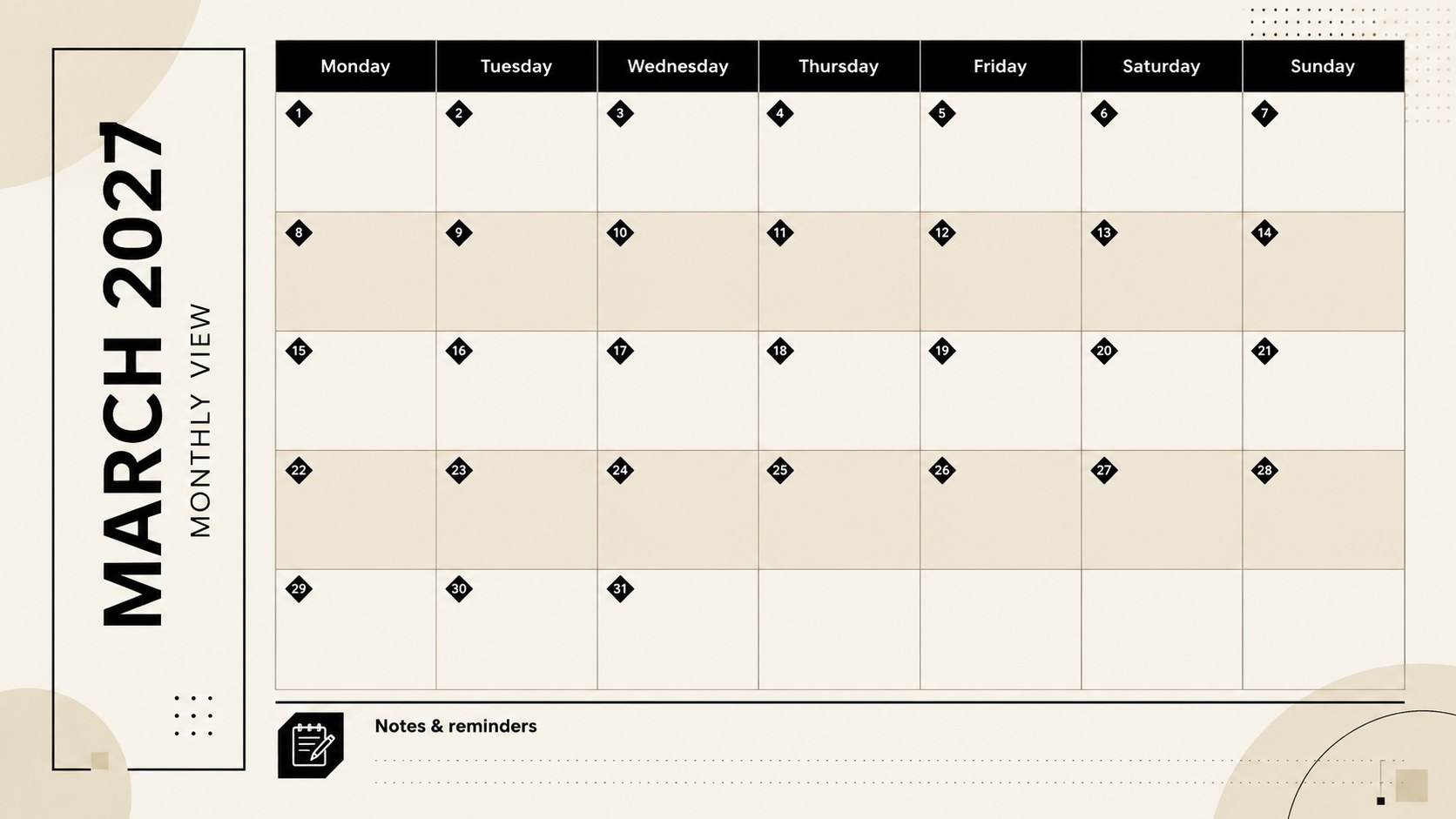
Plan the month at a glance with the March 2027 agenda grid, an editable beige-and-black calendar for classes, households, projects, and appointments.
Design notes
The March 2027 agenda grid gives you a calm, practical view of the entire month. Its minimalist beige-and-black design keeps attention on appointments, milestones, and everyday responsibilities without visual clutter. Use this editable March 2027 calendar in slides to organize a busy household, coordinate coursework, or keep a team aligned around upcoming deadlines.
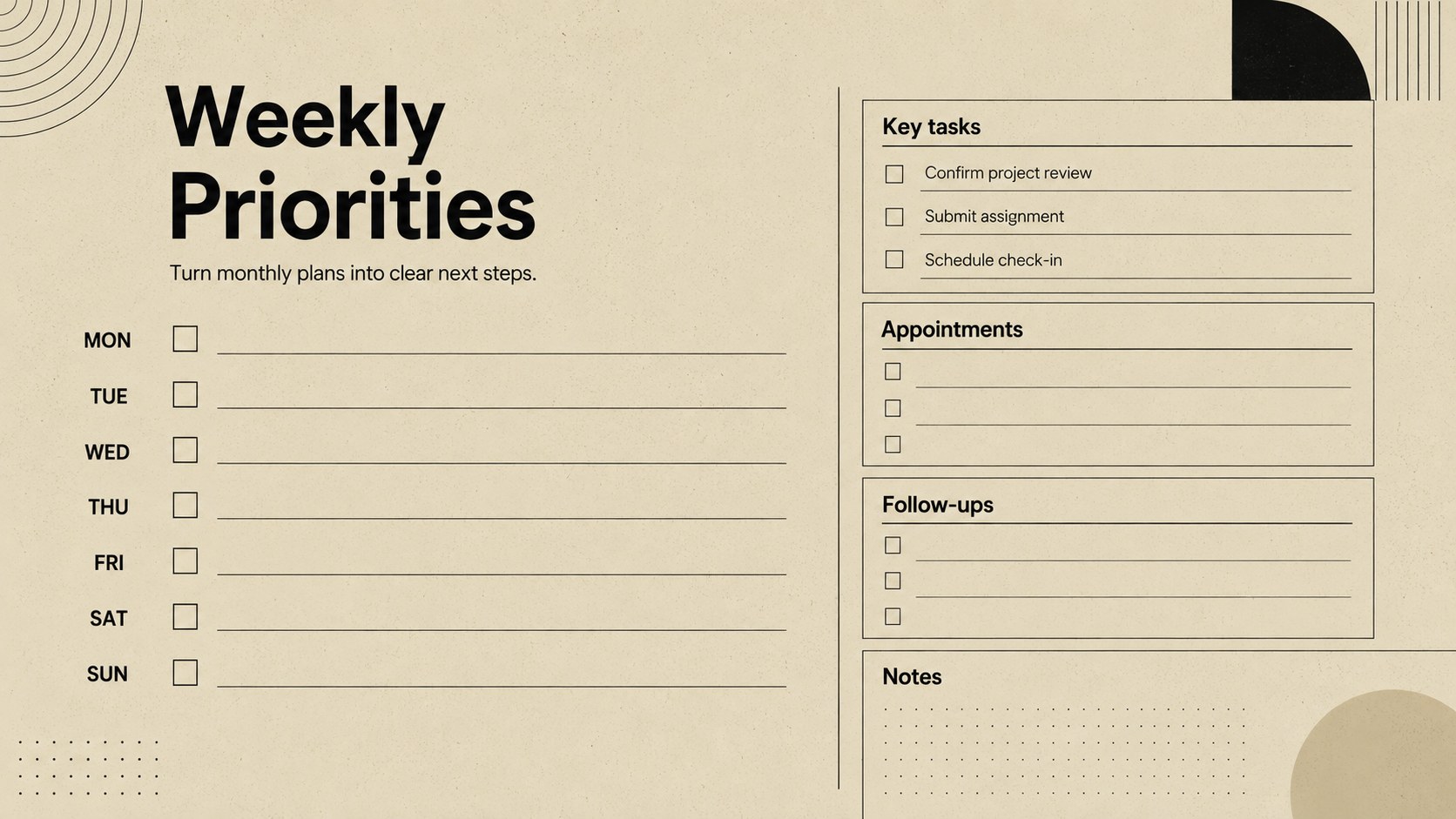
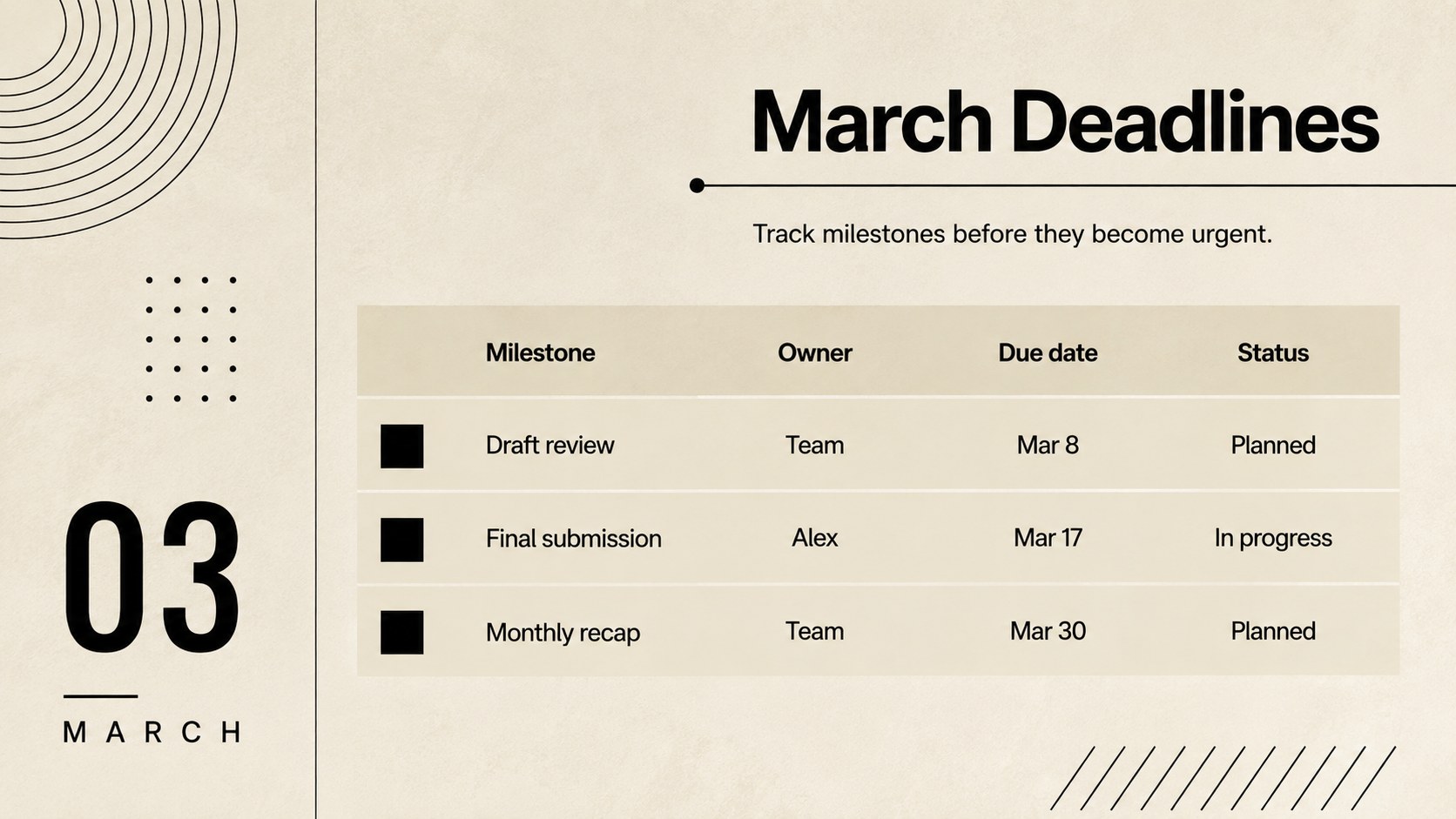
Inside, you will find a spacious monthly calendar, a weekly priorities layout, and dedicated areas for deadlines, reminders, and notes. The landscape format provides enough room for short entries while remaining easy to scan during meetings or planning sessions. Clear typography, restrained lines, and generous spacing make this a useful beige and black monthly calendar template for both digital updates and printed reference copies.
The deck is designed for PowerPoint and Google Slides, allowing you to change text, typefaces, colors, and labels to match your routine. Students can turn it into a student assignment calendar for March 2027, families can track activities and appointments, and professionals can map deliverables or campaign dates. Whether you need a shared monthly schedule or a personal planning dashboard, each slide can be adapted without disturbing the clean visual system.
Perfect for: family activity scheduling; student assignment tracking; project deadline planning; team meeting coordination; personal appointment management.
Frequently asked questions
Can I edit the calendar dates and labels? Yes. The dates, headings, notes, and category labels can be edited in PowerPoint or Google Slides. You can also adjust the fonts and colors while keeping the original grid structure.
Practical details
Yes. The dates, headings, notes, and category labels can be edited in PowerPoint or Google Slides. You can also adjust the fonts and colors while keeping the original grid structure.
The template is designed for Microsoft PowerPoint and Google Slides. Upload the file to Google Slides for browser-based editing or open it directly in PowerPoint.
Yes. Replace the sample labels with assignment names, project milestones, meetings, or household activities. The supporting priority and deadline slides can be tailored to the same workflow.
Yes. The landscape layouts can be printed using your presentation application's fit-to-page settings. Check the print preview first to confirm margins for your chosen paper size.
Keep exploring
15Build an engaging World UFO Day session with this flying saucer history lesson deck, featuring retro green-and-brown slides for PowerPoint and Google Slides.
 15
15Plan a lively animal-learning journey with this jungle zoo adventure lesson deck, ready to customize in PowerPoint and Google Slides for young learners.
 16
16Turn environmental research into a clear story with a Watercolor Ecology Presentation Theme for PowerPoint and Google Slides in calming green and blue.
 16
16Build focused fashion, literature, and humanities presentations with the Red Triangle Editorial Theme, editable in PowerPoint and Google Slides.
 15
15Turn streaming stats, favorite tracks, and concert highlights into a bold annual listening recap slide deck for PowerPoint and Google Slides.
 15
15Turn highlights, milestones, and favorite moments into a colorful year in review slide deck with bold 3D graphics for PowerPoint and Google Slides.
 3
3Build a credible endorsement with Standout Colleague Recommendation Letter Slides, featuring colorful prompts for skills, achievements, and team impact.
 4
4Build clear beginner sessions with an ice hockey fundamentals training deck for coaches, PE teachers, and clubs, ready for PowerPoint and Google Slides.