
 15
15presentation
Flying Saucer History Lesson Deck
Build an engaging World UFO Day session with this flying saucer history lesson deck, featuring retro green-and-brown slides for PowerPoint and Google Slides.
Google SlidesPowerPoint
presentation · English
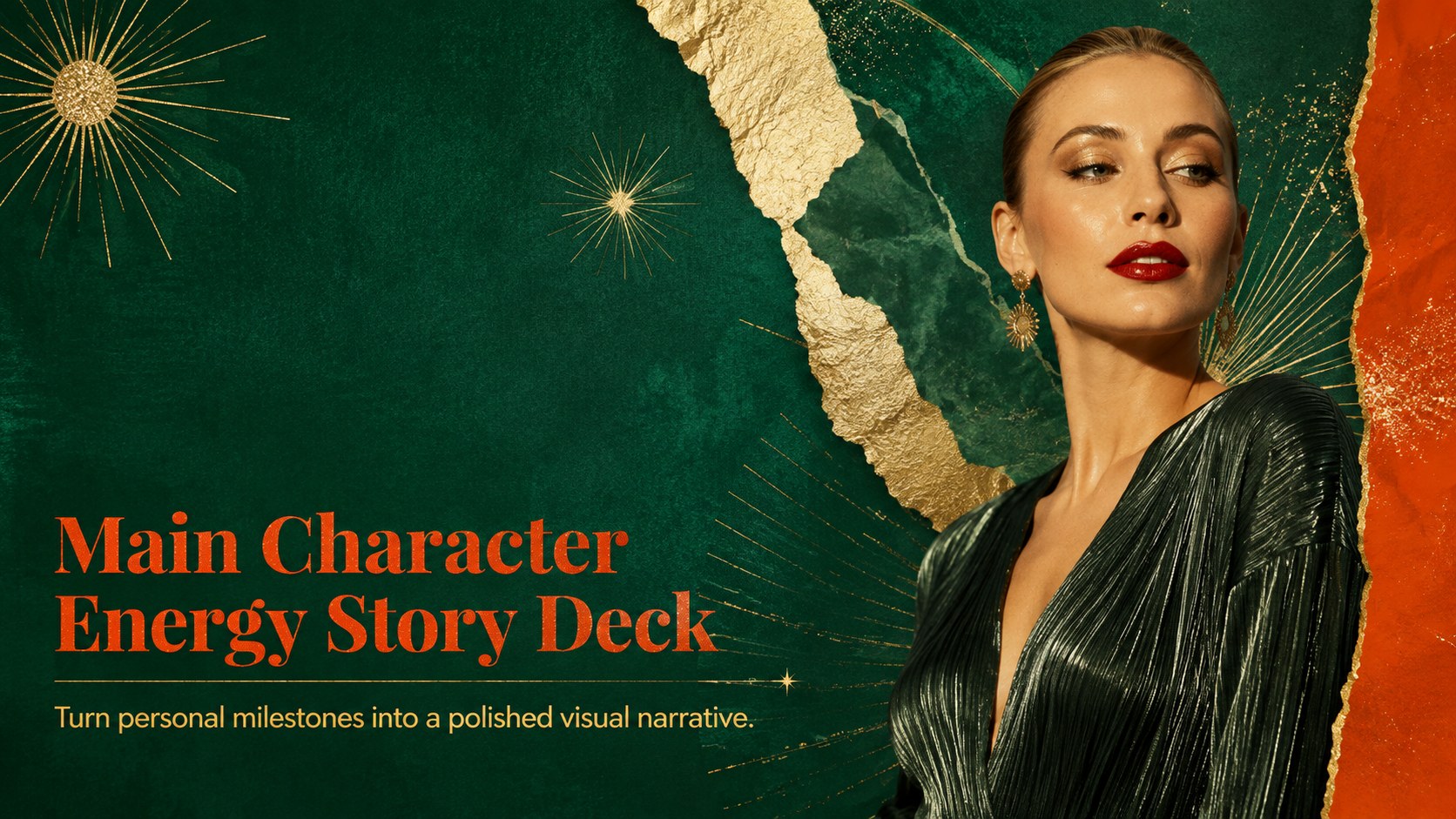
Shape personal stories with an editable Main Character Energy Story Deck in emerald, orange, and gold, made for PowerPoint and Google Slides.
Design notes
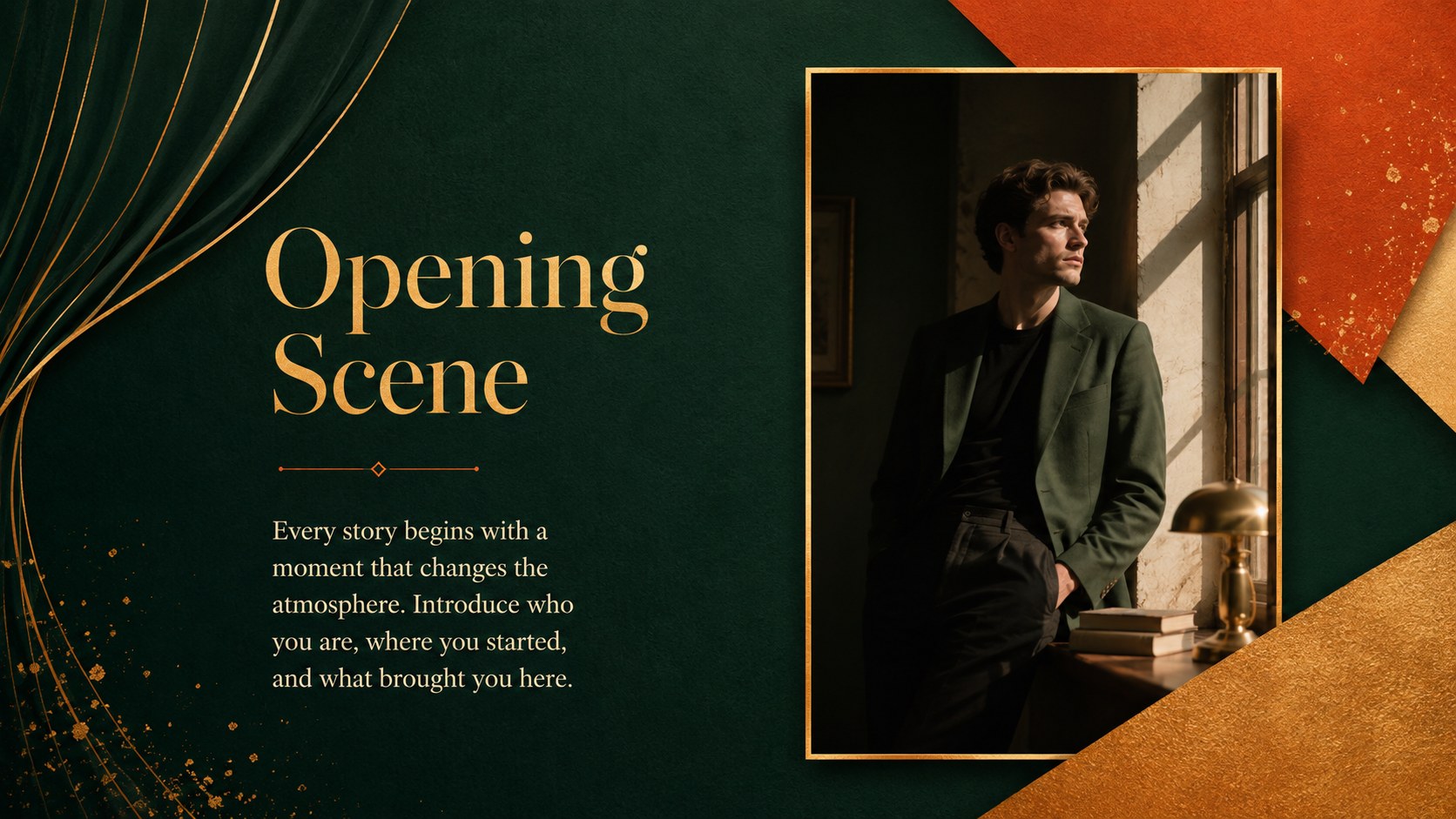
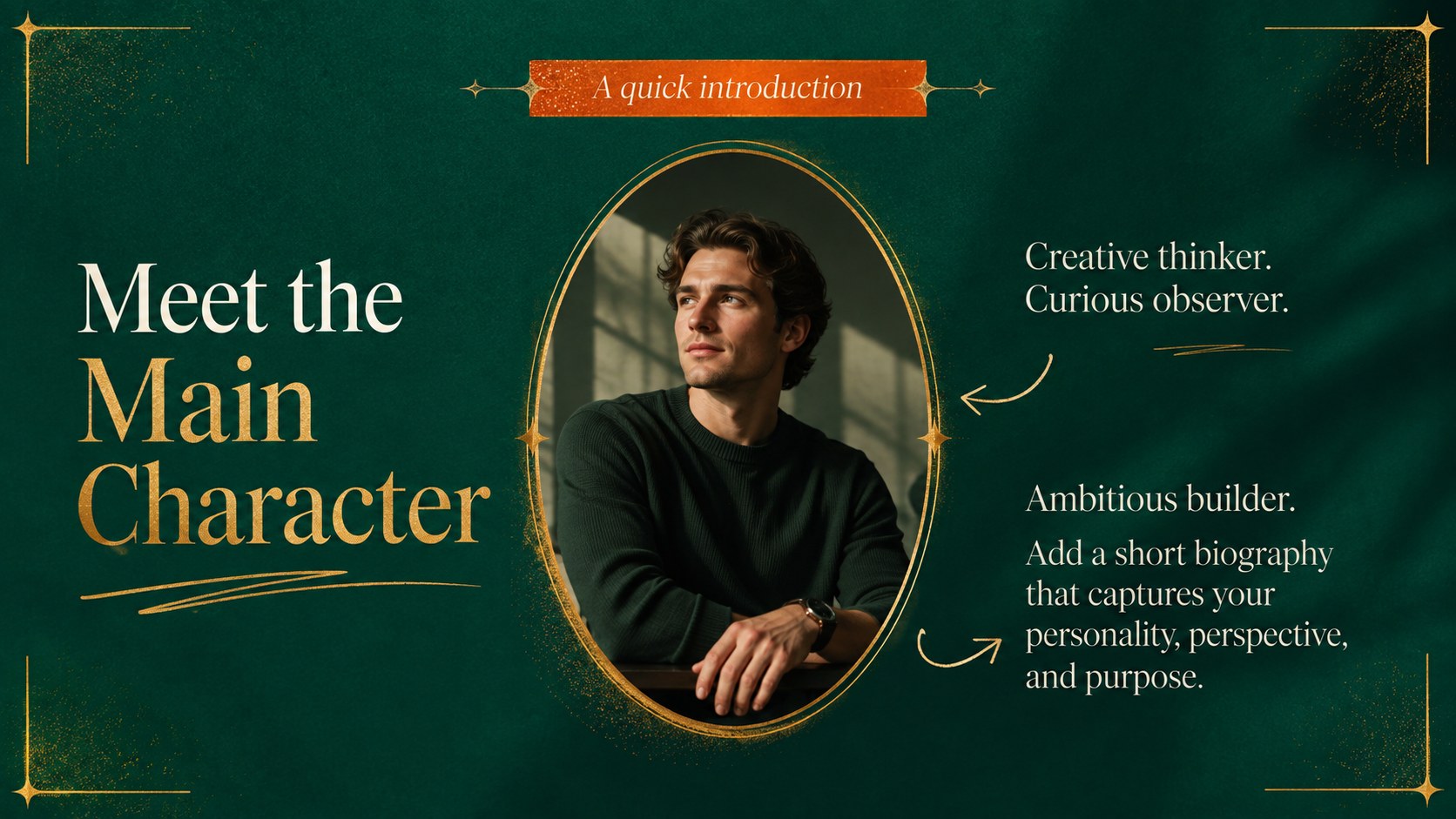
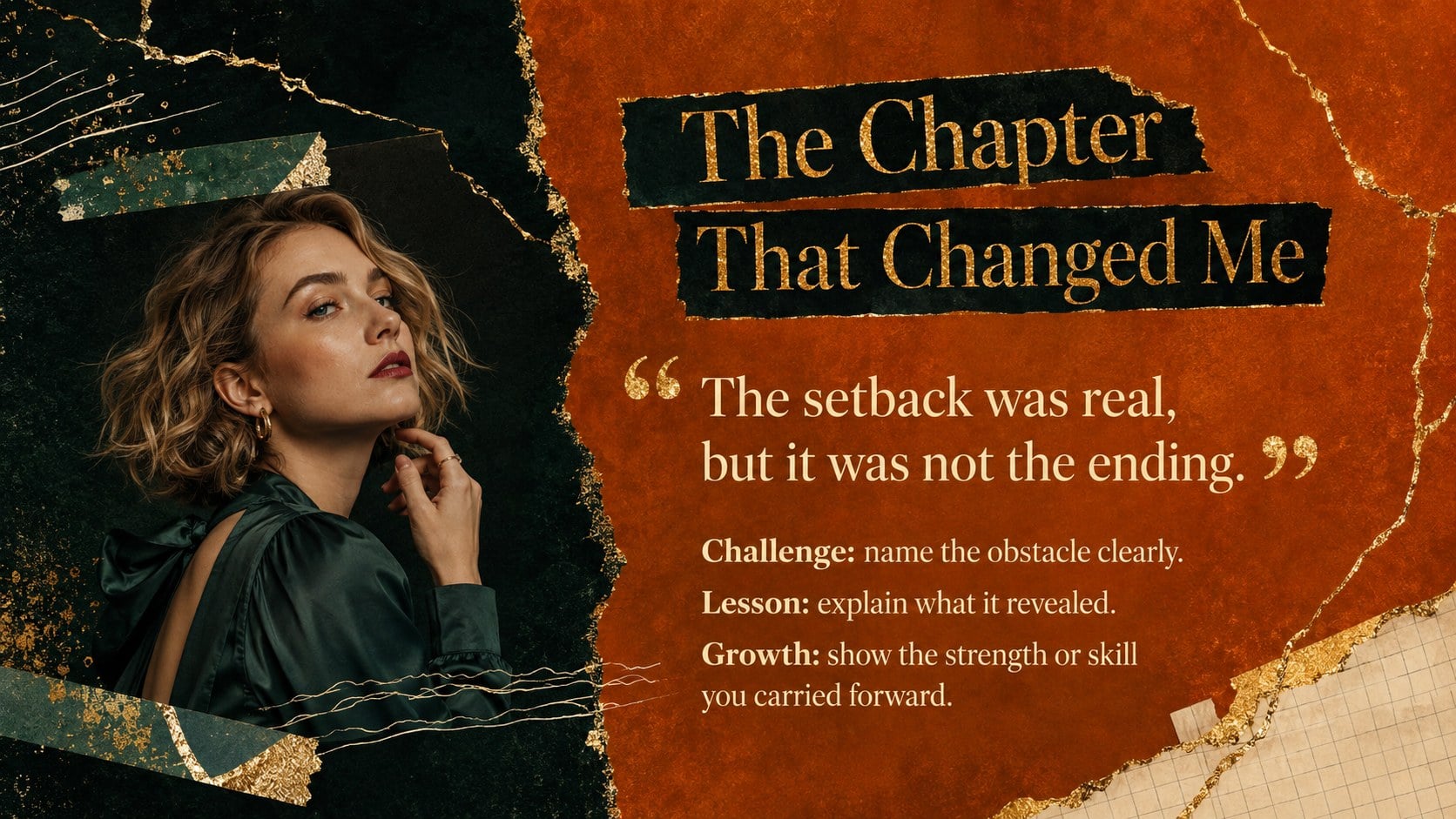
Every personal journey deserves a strong narrative arc. The Main Character Energy Story Deck turns introductions, milestones, ambitions, and defining moments into an elegant visual experience. Deep emerald backgrounds, glowing orange accents, gold glitter details, refined serif type, and tactile paper textures create a confident editorial mood without overwhelming your message.
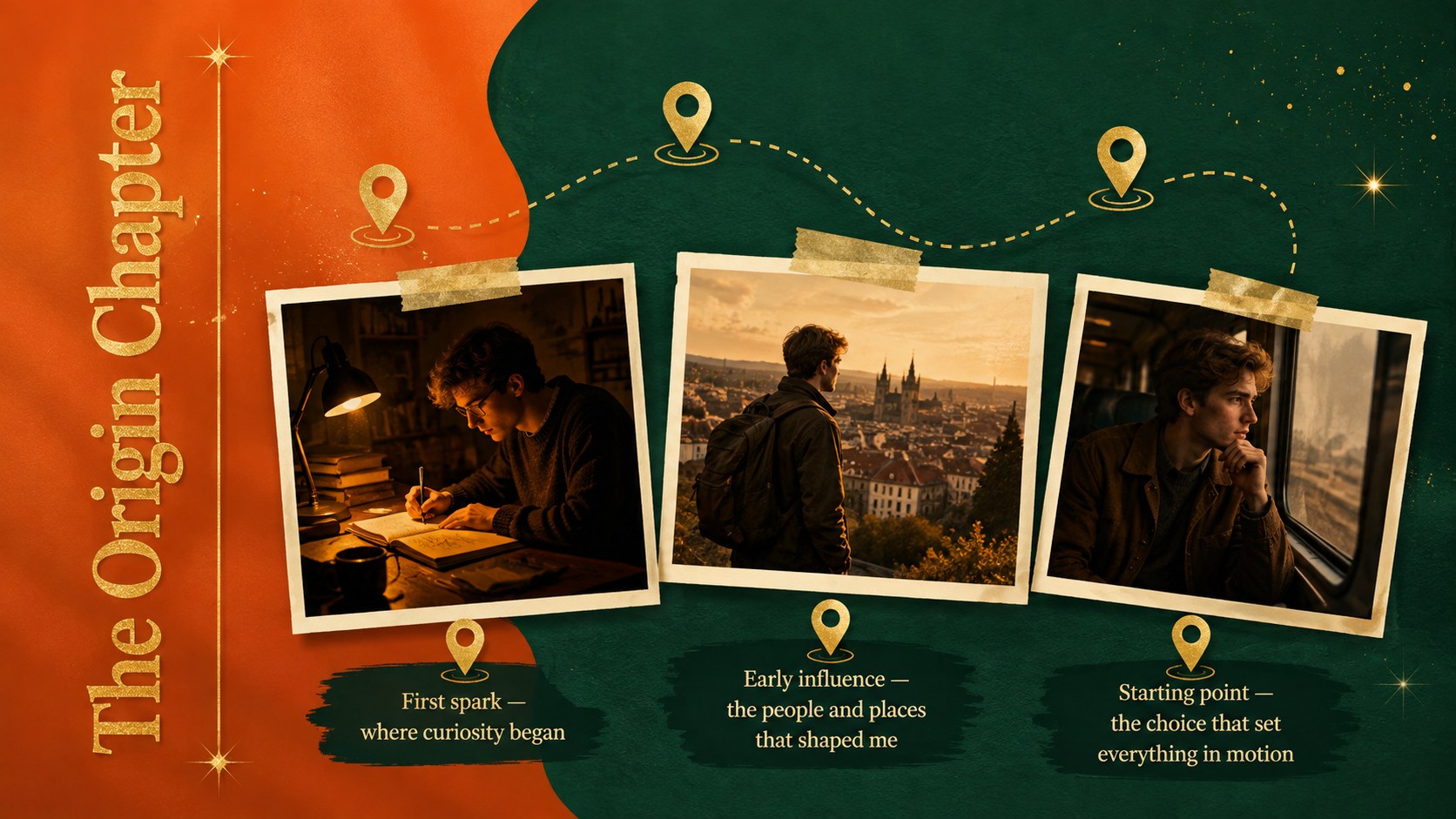
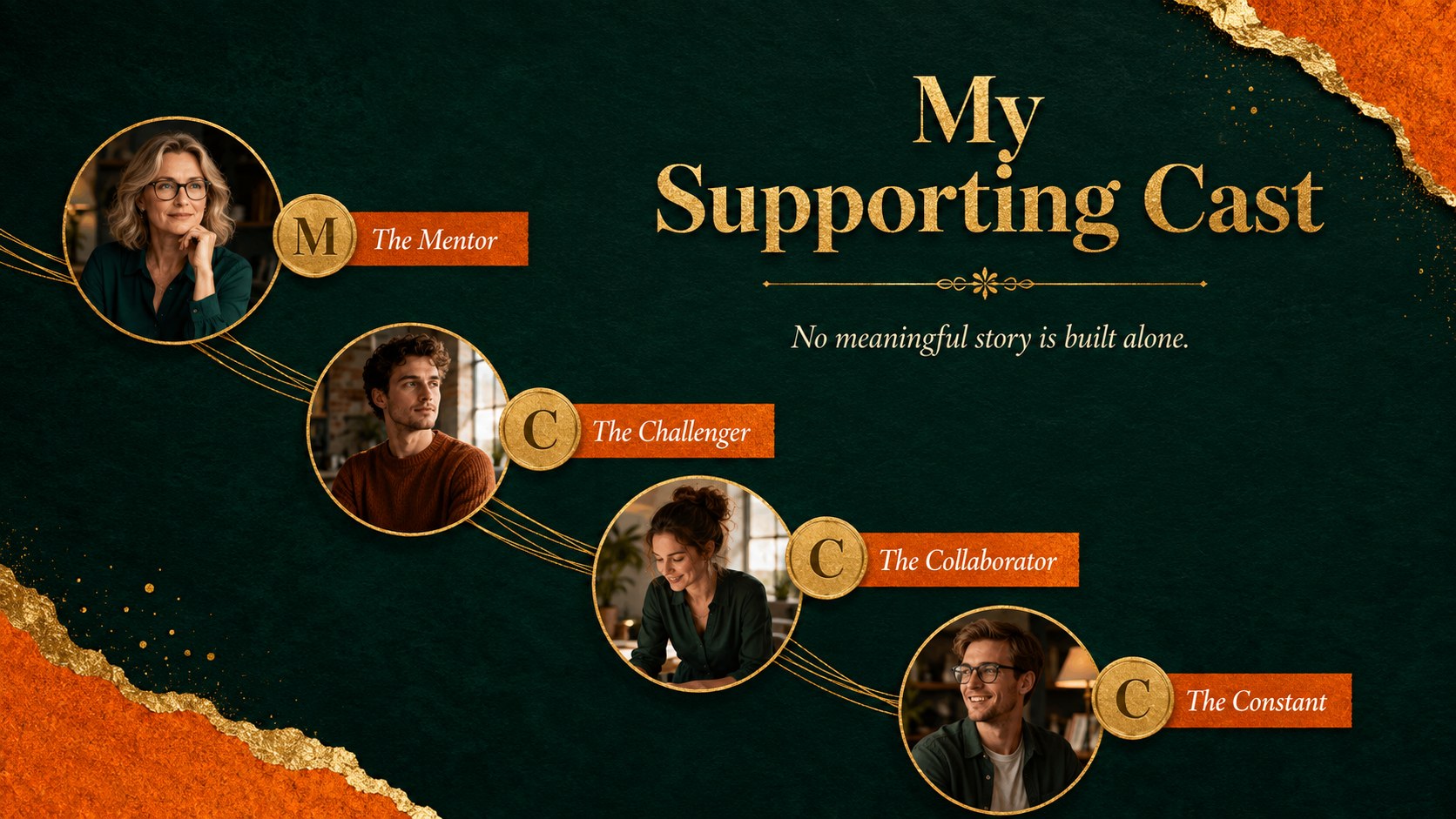
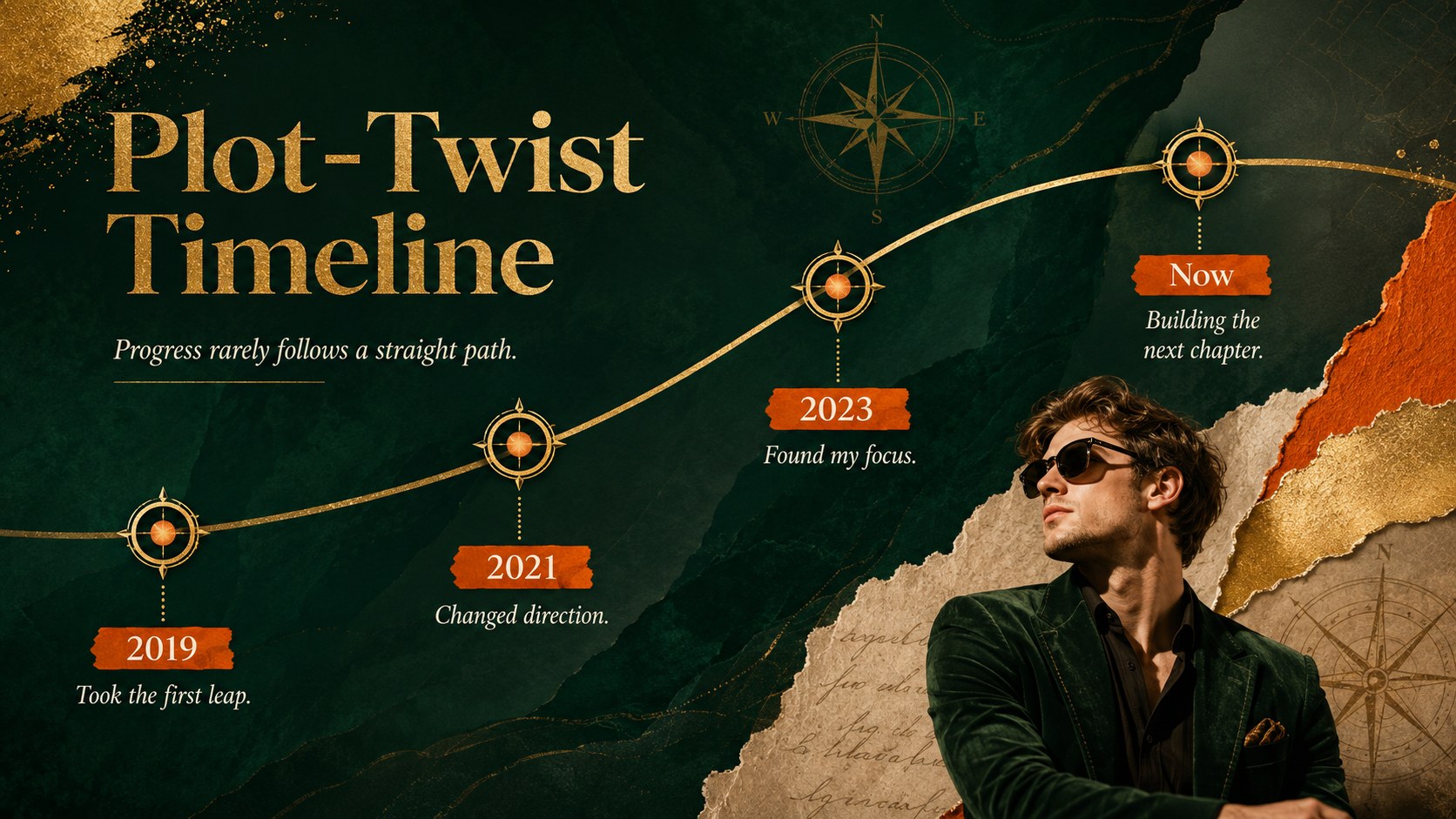
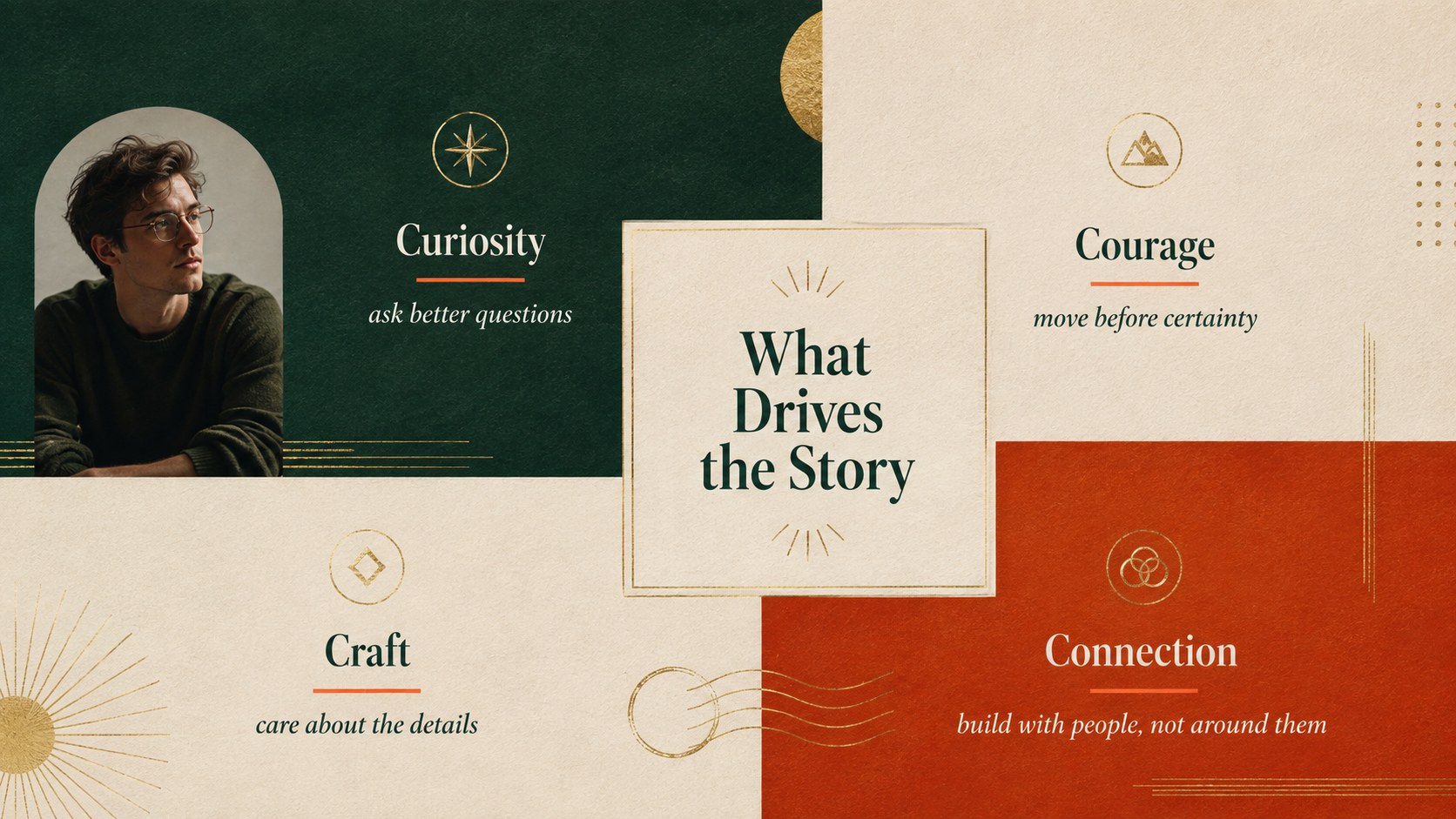
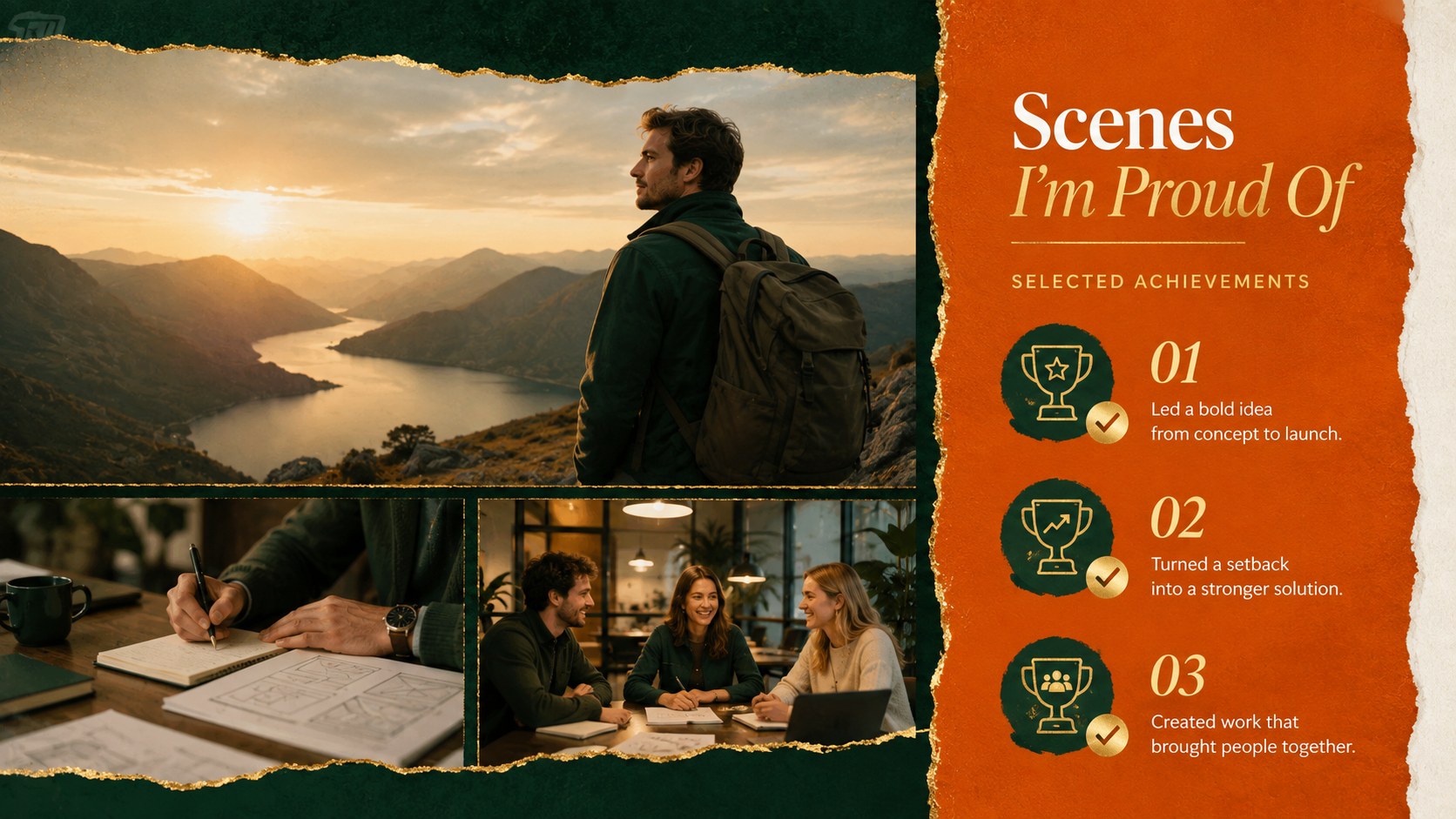
This personal storytelling presentation template includes 12 coordinated layouts for an opening statement, origin story, supporting cast, turning points, personal values, achievements, lessons learned, future goals, and a memorable closing. Flexible text areas, image frames, timelines, quote treatments, and chapter dividers make it easy to build a cinematic self introduction or a creative portfolio narrative deck. Every slide uses a spacious 16:9 format and can be adapted with your own photographs, colors, fonts, and wording.
Designed for creatives, students, speakers, marketers, and anyone presenting a personal or professional journey, the deck works well for portfolio reviews, class introductions, personal branding talks, event keynotes, and reflective projects. Edit it directly in PowerPoint or Google Slides, then present online or export it for sharing. The coordinated emerald, orange, and gold palette gives each chapter a polished sense of drama while keeping the story clear, approachable, and distinctly yours.
Perfect for: personal branding presentation; creative portfolio review; student self introduction; life milestone recap; speaker biography deck; reflective storytelling project.
Frequently asked questions
Can I edit this deck in PowerPoint and Google Slides? Yes. The layouts are designed for editing in both PowerPoint and Google Slides, including text, colors, images, and basic graphic elements.
Practical details
Yes. The layouts are designed for editing in both PowerPoint and Google Slides, including text, colors, images, and basic graphic elements.
Replace the sample images and text with your own story, then adjust the emerald, orange, and gold palette as needed. You can also change the fonts while preserving the contrast between expressive headings and readable body copy.
Yes. Several layouts provide flexible image areas for portraits, project samples, event photography, or personal milestones, making the deck suitable for biographies and creative portfolios.
The template uses a widescreen 16:9 format. This ratio is suitable for modern displays, classroom projectors, video calls, and exported presentation files.
Keep exploring
15Build an engaging World UFO Day session with this flying saucer history lesson deck, featuring retro green-and-brown slides for PowerPoint and Google Slides.
 15
15Plan a lively animal-learning journey with this jungle zoo adventure lesson deck, ready to customize in PowerPoint and Google Slides for young learners.
 16
16Turn environmental research into a clear story with a Watercolor Ecology Presentation Theme for PowerPoint and Google Slides in calming green and blue.
 16
16Build focused fashion, literature, and humanities presentations with the Red Triangle Editorial Theme, editable in PowerPoint and Google Slides.
 15
15Turn streaming stats, favorite tracks, and concert highlights into a bold annual listening recap slide deck for PowerPoint and Google Slides.
 15
15Turn highlights, milestones, and favorite moments into a colorful year in review slide deck with bold 3D graphics for PowerPoint and Google Slides.
 3
3Build a credible endorsement with Standout Colleague Recommendation Letter Slides, featuring colorful prompts for skills, achievements, and team impact.
 4
4Build clear beginner sessions with an ice hockey fundamentals training deck for coaches, PE teachers, and clubs, ready for PowerPoint and Google Slides.