
 15
15presentation
Flying Saucer History Lesson Deck
Build an engaging World UFO Day session with this flying saucer history lesson deck, featuring retro green-and-brown slides for PowerPoint and Google Slides.
Google SlidesPowerPoint
presentation · English
Make magnetic forces easy to explain with a colorful Magnetic Forces Doodle Lesson Deck for elementary classes, ready for PowerPoint and Google Slides.
Design notes
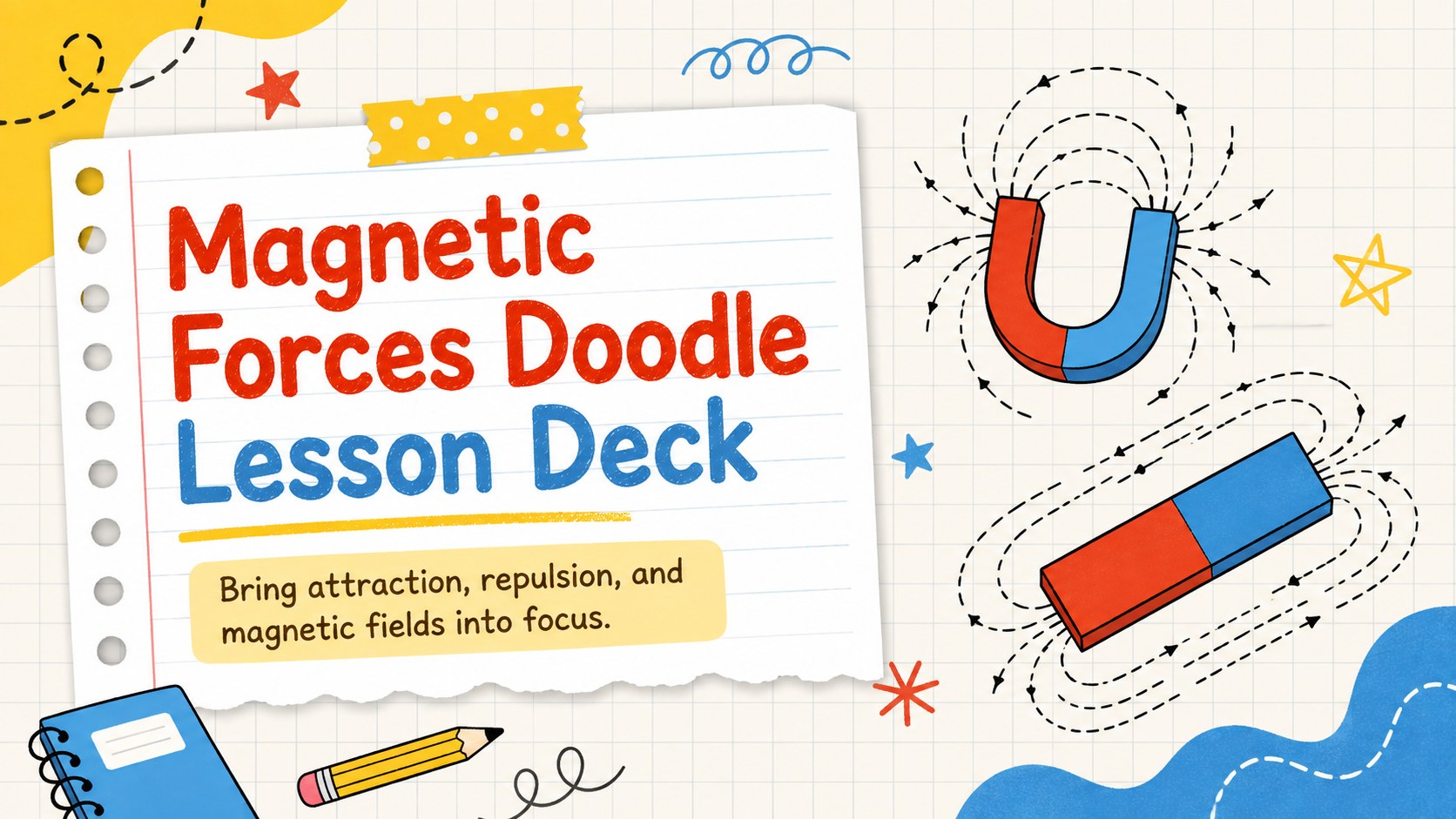
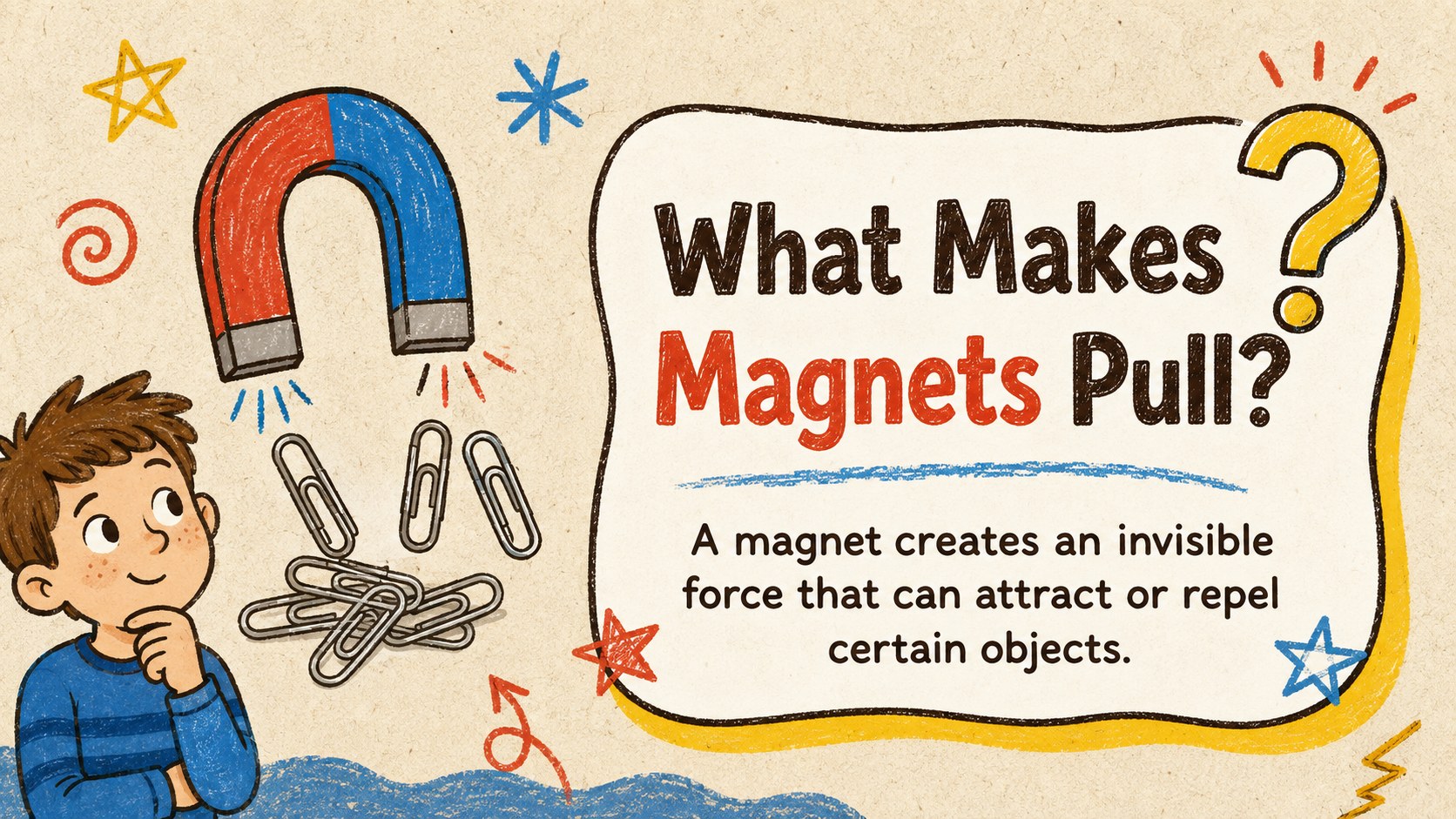
Turn an invisible scientific force into a lesson children can see, discuss, and test. The Magnetic Forces Doodle Lesson Deck uses playful notebook-inspired illustrations, bold labels, and a lively yellow, brown, blue, and red palette to keep elementary learners focused. It works as an elementary magnetism lesson slides resource for introducing key concepts without overwhelming young students.
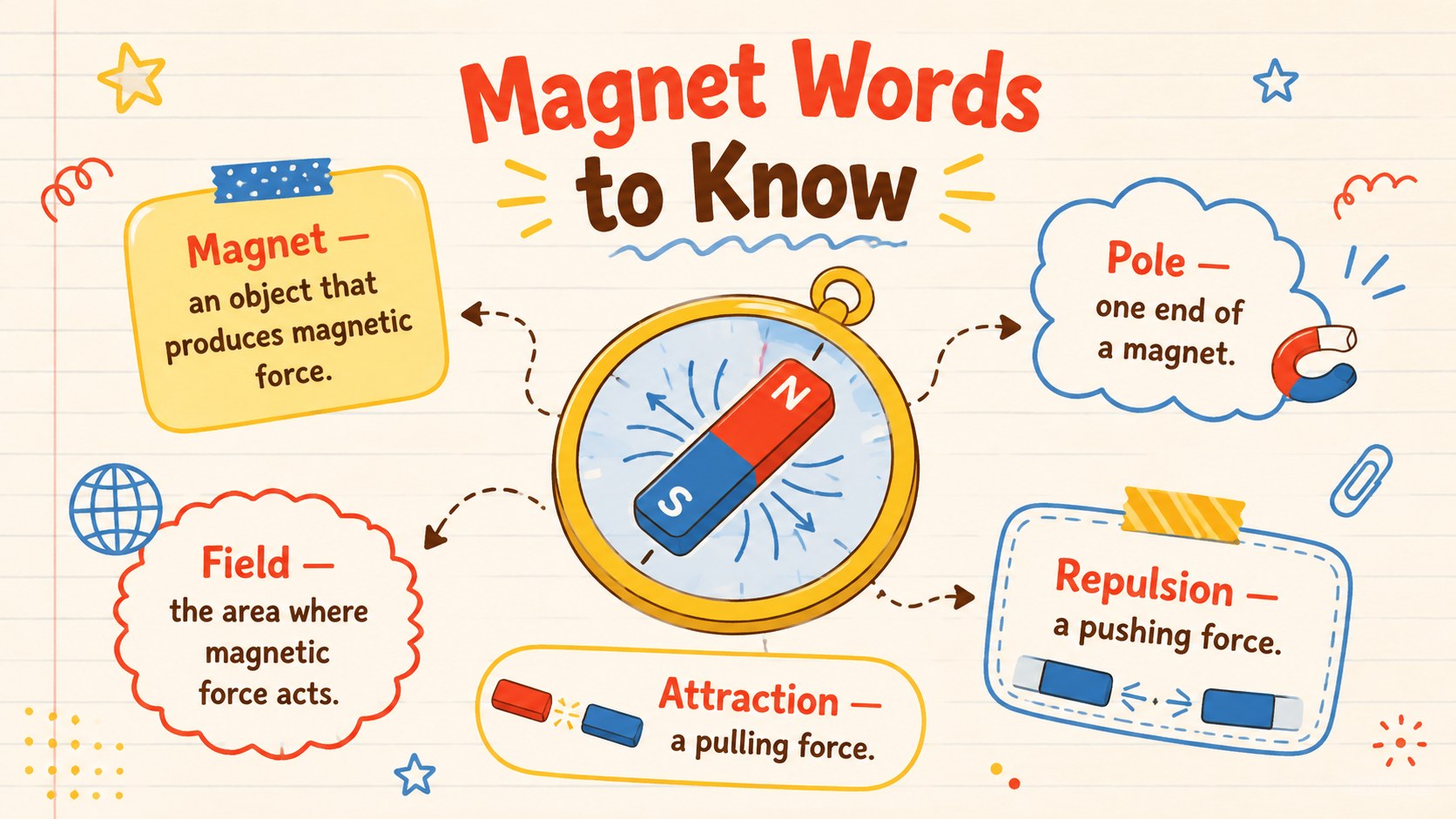
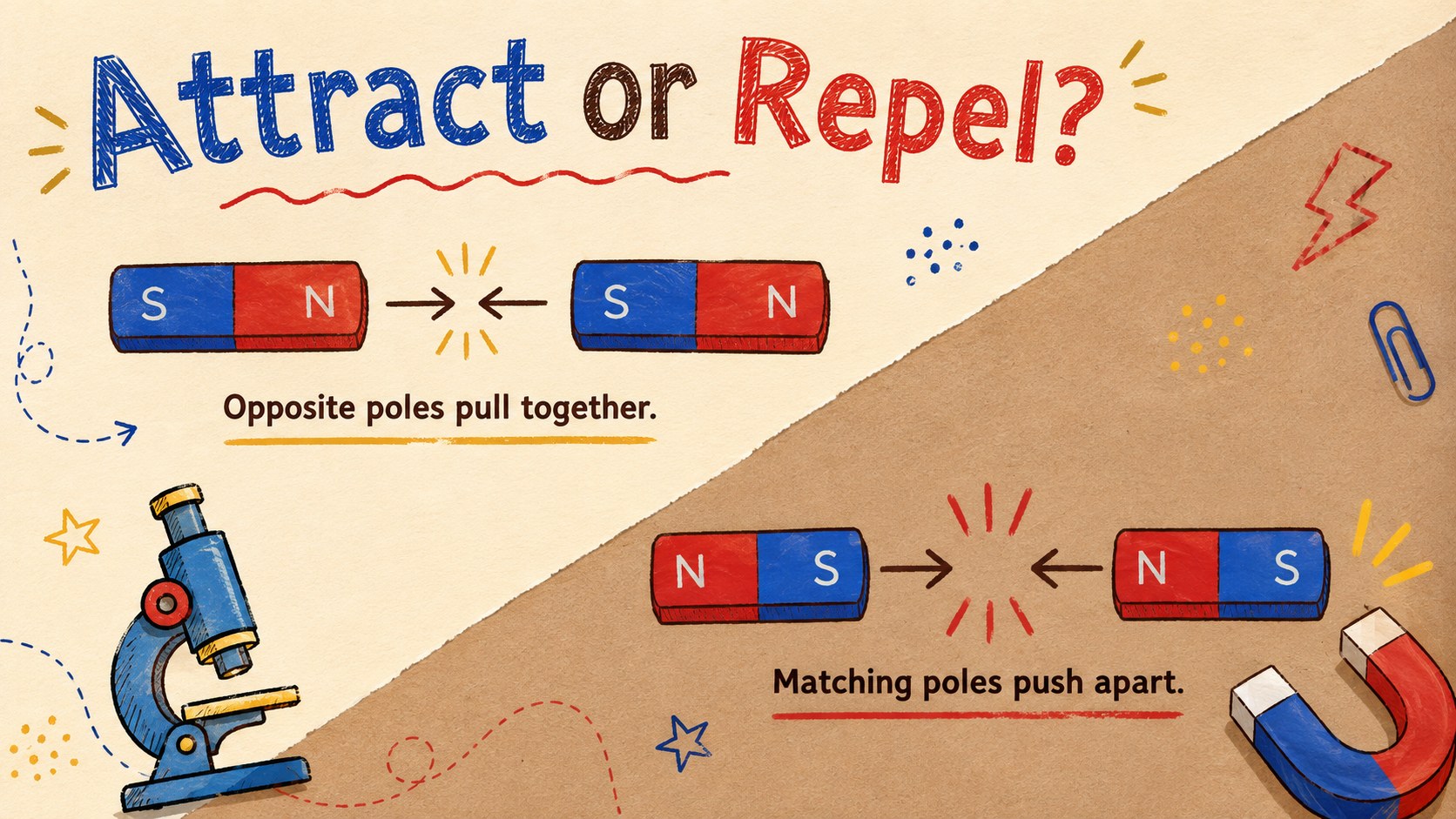
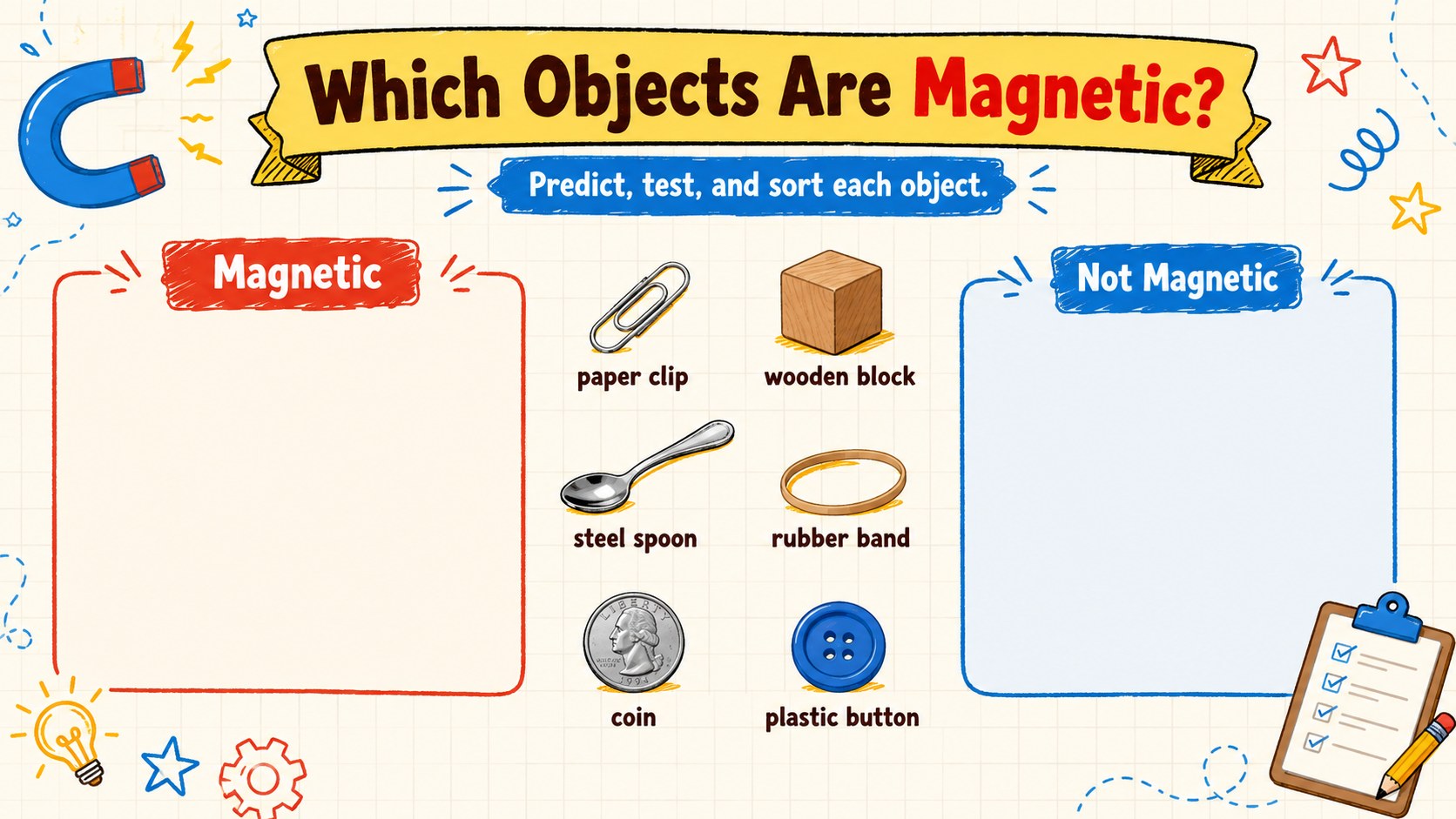
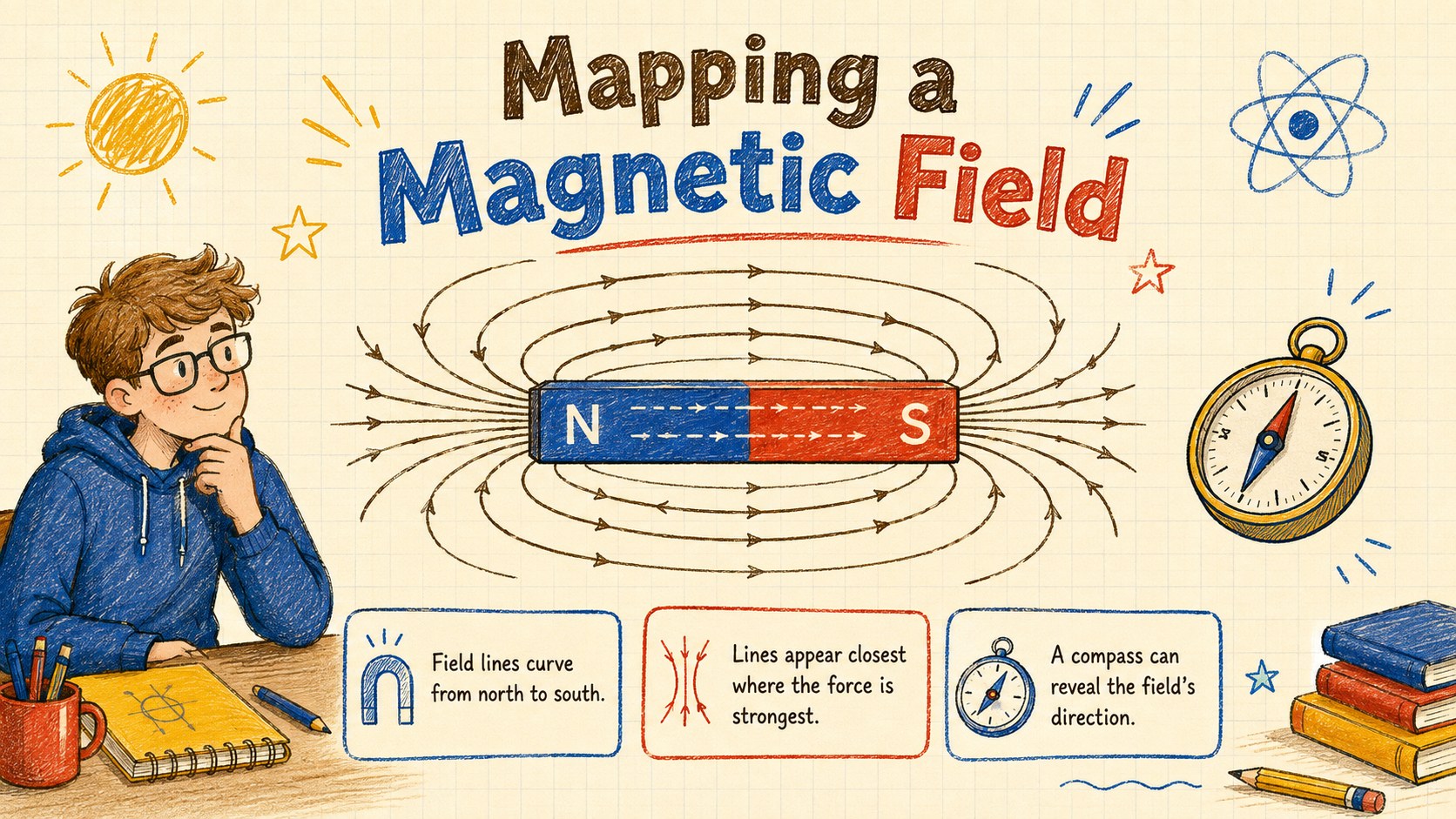
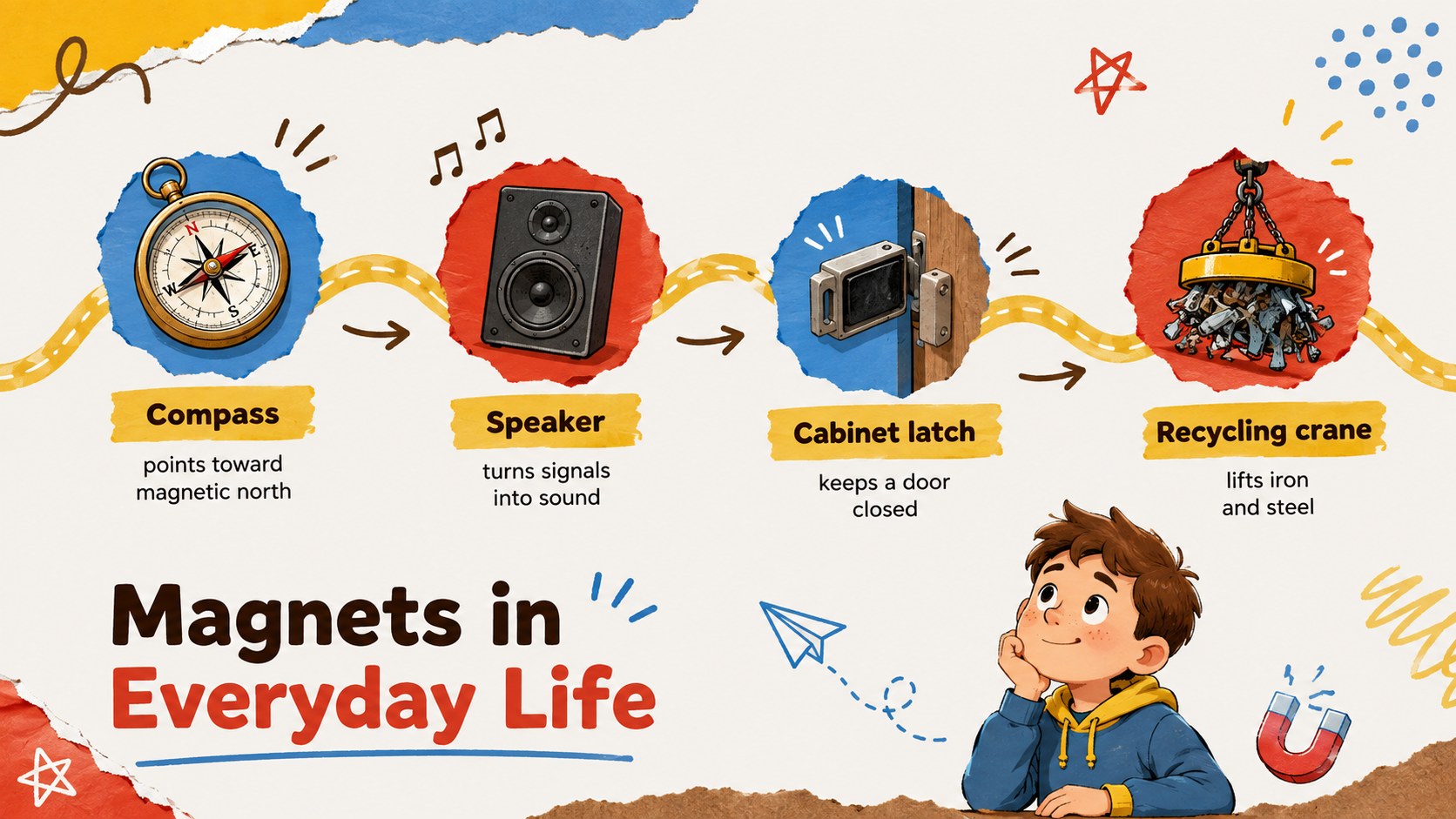
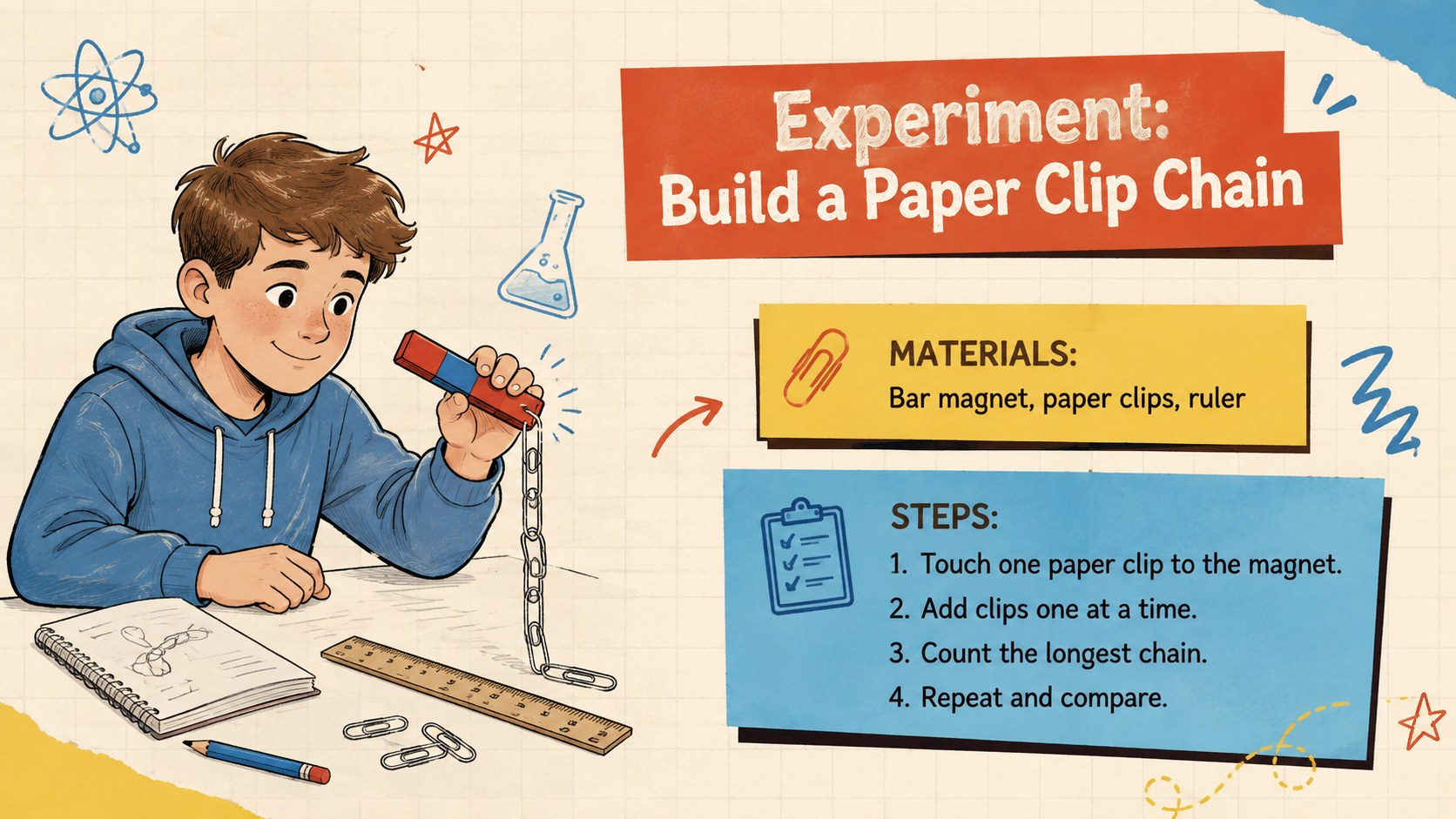
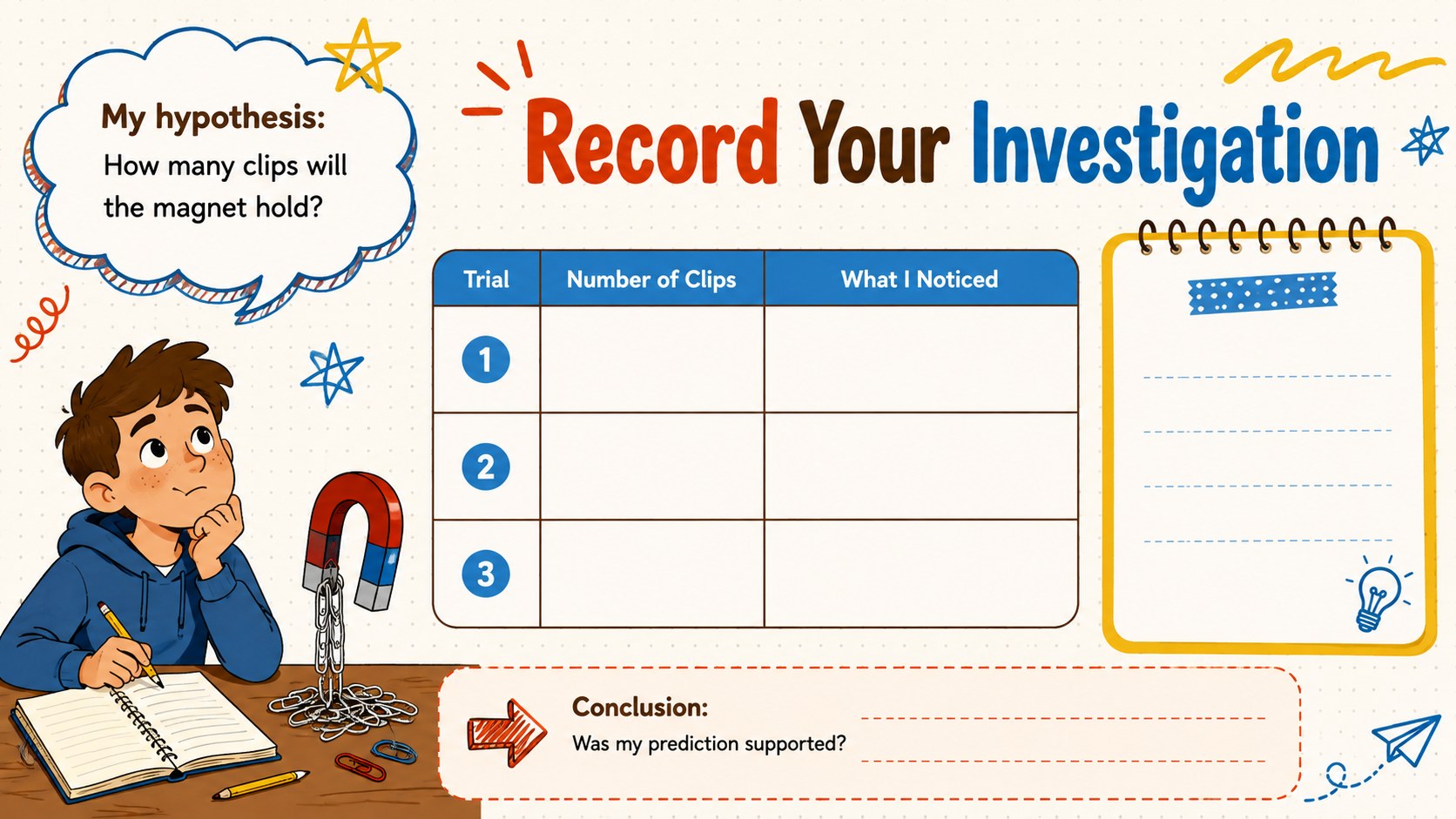
Inside the deck, teachers can present magnetic poles, attraction and repulsion, field lines, magnetic materials, and practical uses of magnets. Ready-made layouts include a vocabulary page, prediction activity, object-sorting challenge, classroom experiment, observation table, comparison chart, quiz, and exit ticket. The magnetic attraction and repulsion lesson sections pair short explanations with clear diagrams, while the magnet experiment classroom deck pages help students record hypotheses and results.
Use these slides for whole-class teaching, small-group investigations, science stations, review sessions, or independent learning. Every layout can be edited in PowerPoint or Google Slides, allowing educators to replace examples, adjust colors, add questions, and adapt the difficulty for their class. The friendly doodle style suits elementary teachers, homeschool families, tutors, and science club leaders who want an approachable visual resource for exploring how magnets affect everyday objects.
Perfect for: elementary magnetism lesson; classroom magnet experiment; science station activity; homeschool physics unit; magnetism review quiz.
Frequently asked questions
Can I edit the lesson for a specific grade level? Yes. You can simplify definitions for younger learners or add more detailed explanations and data tasks for upper elementary classes.
Practical details
Yes. You can simplify definitions for younger learners or add more detailed explanations and data tasks for upper elementary classes.
The deck is designed for PowerPoint and Google Slides. Text, colors, diagrams, and activity instructions can be edited on either platform.
Yes. Swap in your own materials, procedures, safety notes, and observation questions while keeping the existing experiment and results layouts.
Yes. It provides prediction prompts, a magnetic-material sorting task, an experiment record, a knowledge check, and an exit ticket.
Keep exploring
15Build an engaging World UFO Day session with this flying saucer history lesson deck, featuring retro green-and-brown slides for PowerPoint and Google Slides.
 15
15Plan a lively animal-learning journey with this jungle zoo adventure lesson deck, ready to customize in PowerPoint and Google Slides for young learners.
 16
16Turn environmental research into a clear story with a Watercolor Ecology Presentation Theme for PowerPoint and Google Slides in calming green and blue.
 16
16Build focused fashion, literature, and humanities presentations with the Red Triangle Editorial Theme, editable in PowerPoint and Google Slides.
 15
15Turn streaming stats, favorite tracks, and concert highlights into a bold annual listening recap slide deck for PowerPoint and Google Slides.
 15
15Turn highlights, milestones, and favorite moments into a colorful year in review slide deck with bold 3D graphics for PowerPoint and Google Slides.
 3
3Build a credible endorsement with Standout Colleague Recommendation Letter Slides, featuring colorful prompts for skills, achievements, and team impact.
 4
4Build clear beginner sessions with an ice hockey fundamentals training deck for coaches, PE teachers, and clubs, ready for PowerPoint and Google Slides.