
 15
15presentation
Flying Saucer History Lesson Deck
Build an engaging World UFO Day session with this flying saucer history lesson deck, featuring retro green-and-brown slides for PowerPoint and Google Slides.
Google SlidesPowerPoint
presentation · English
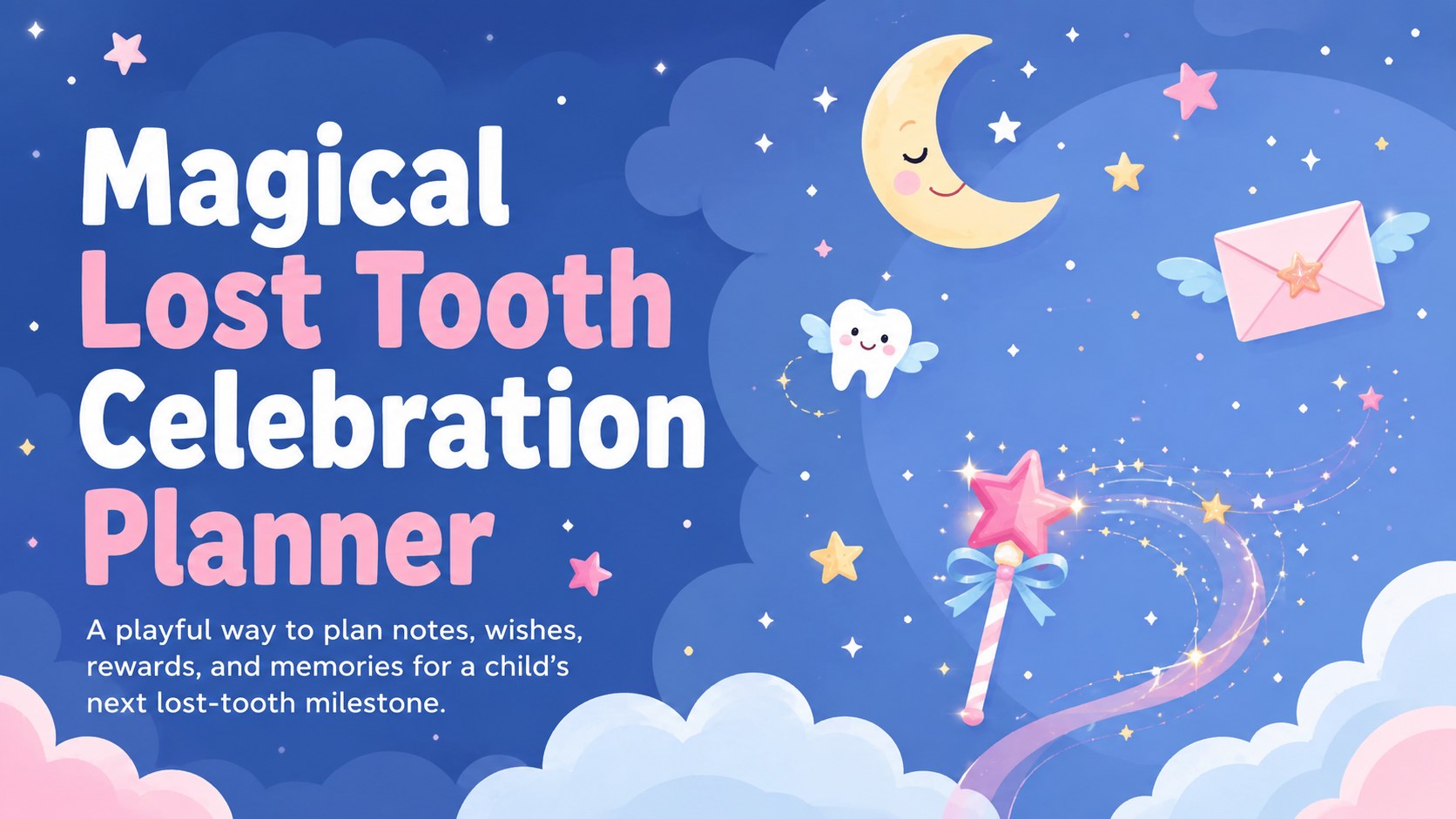
Make lost-tooth moments easy to organize with the Magical Lost Tooth Celebration Planner, a playful deck for families using PowerPoint or Google Slides.
Design notes
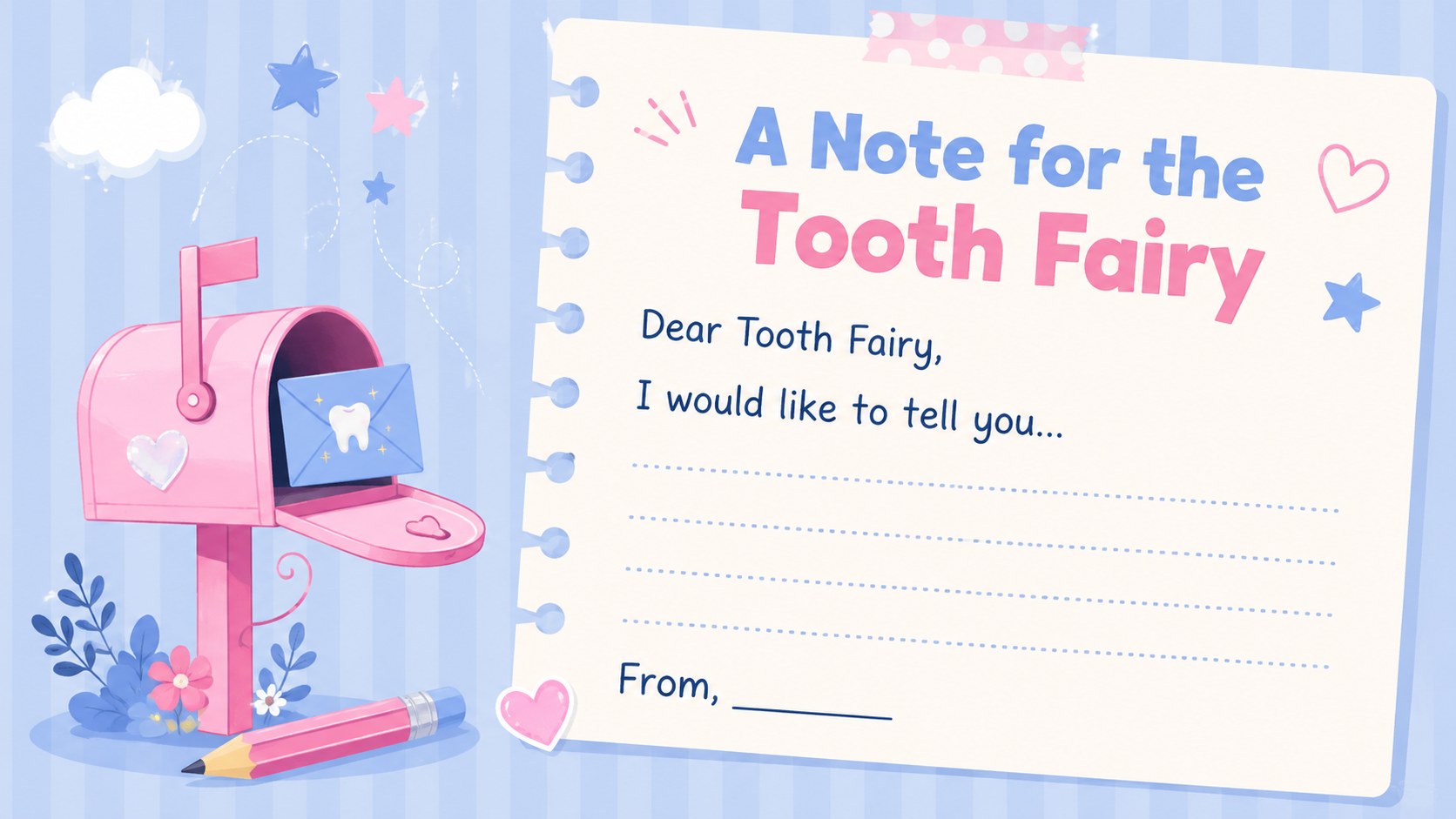
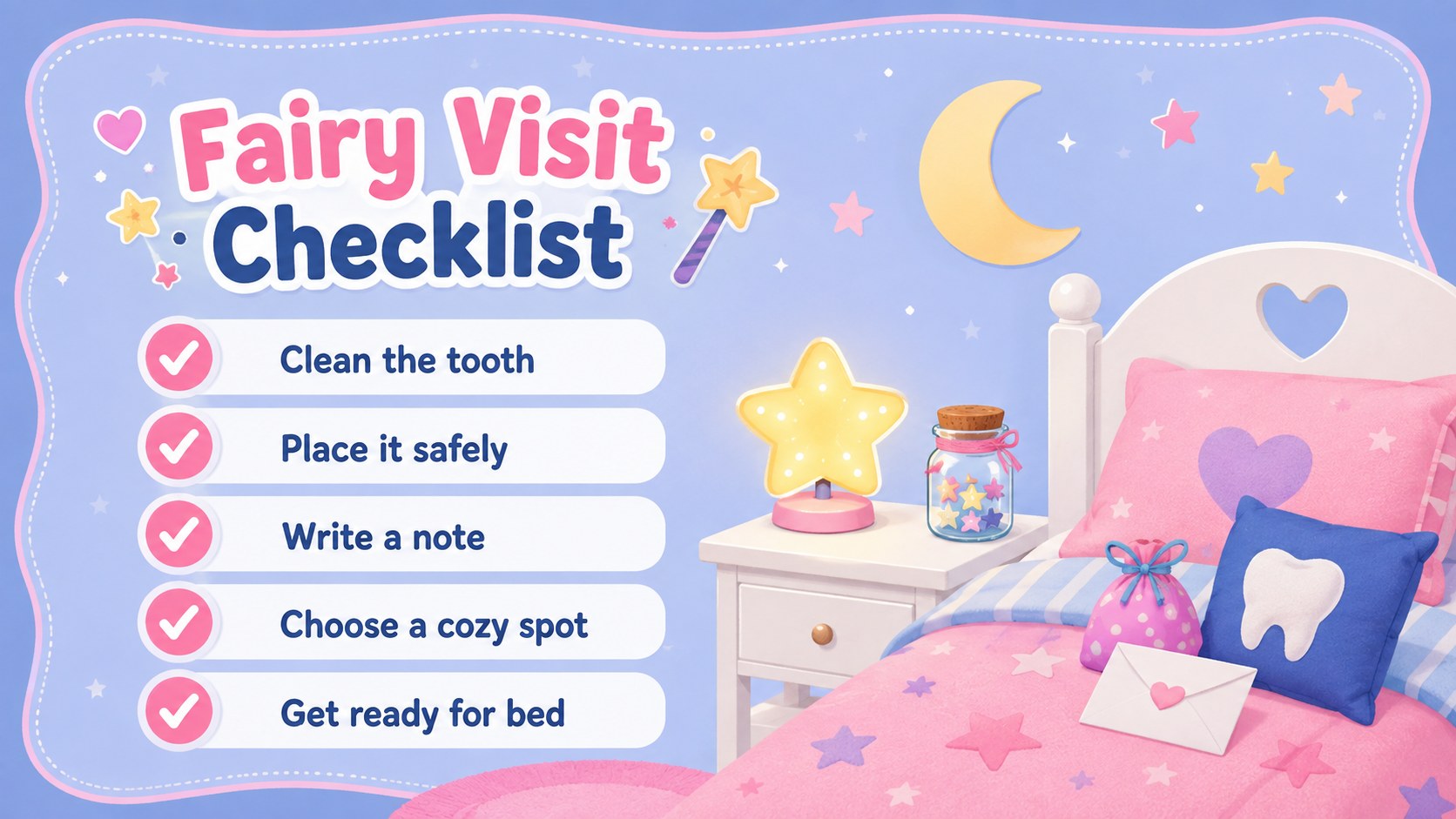
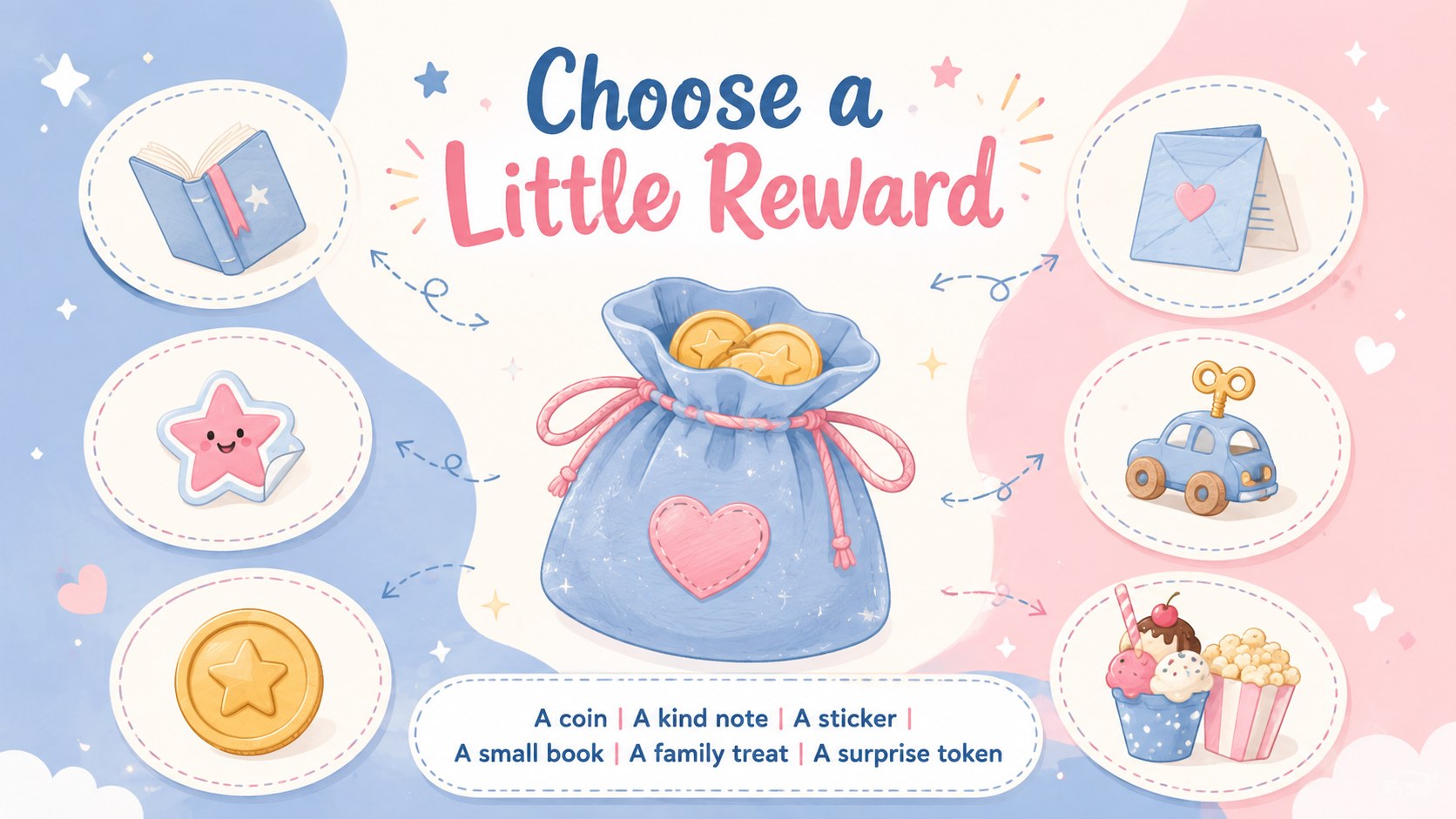
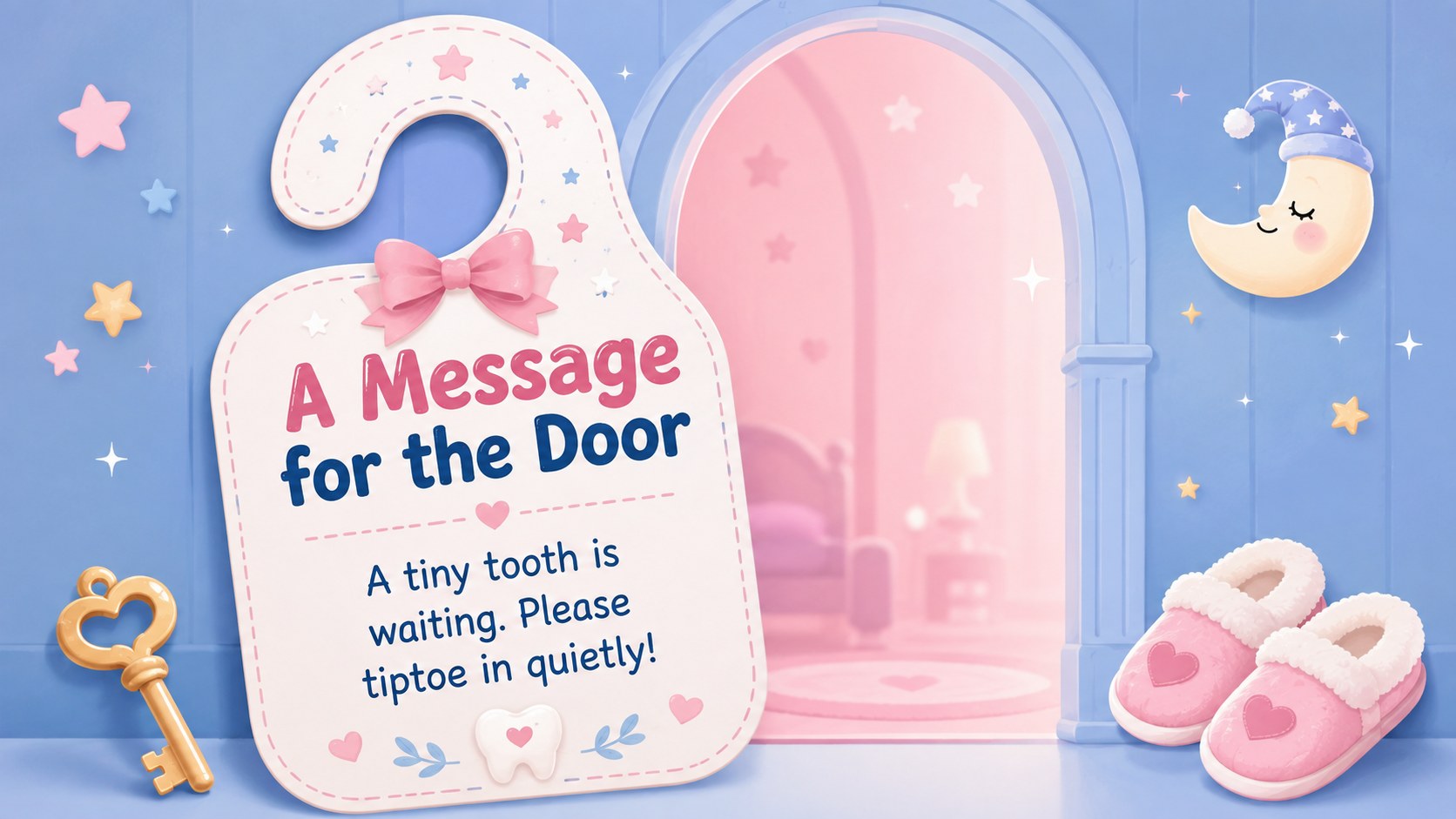
Turn a childhood milestone into a memorable evening with the Magical Lost Tooth Celebration Planner. Designed in soft blue and pink with cheerful, storybook-style illustrations, this deck helps families prepare a thoughtful celebration without making the process complicated. Use it to capture the story behind a lost tooth, write a special message, choose a small reward, and build excitement for the morning surprise.
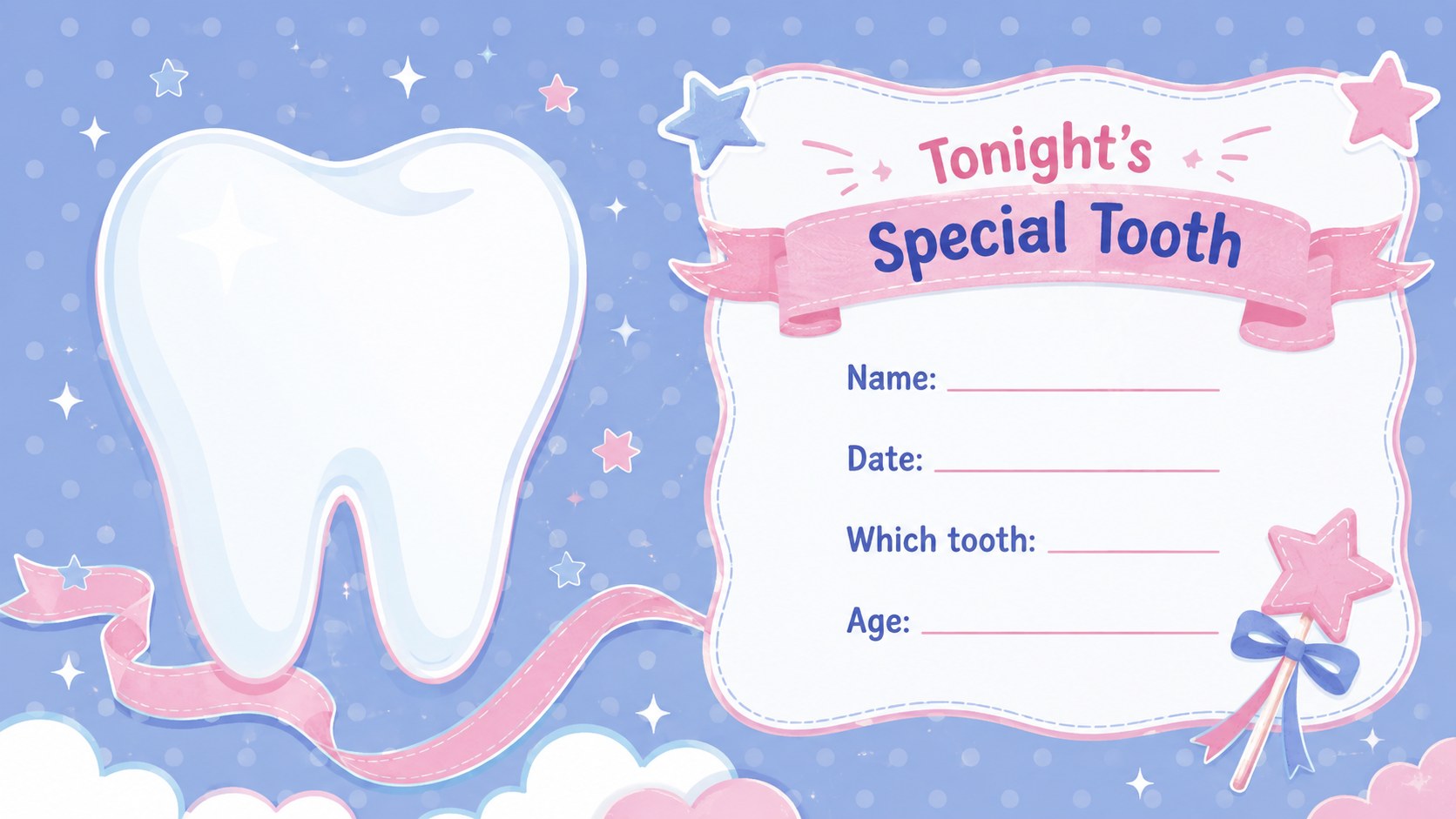
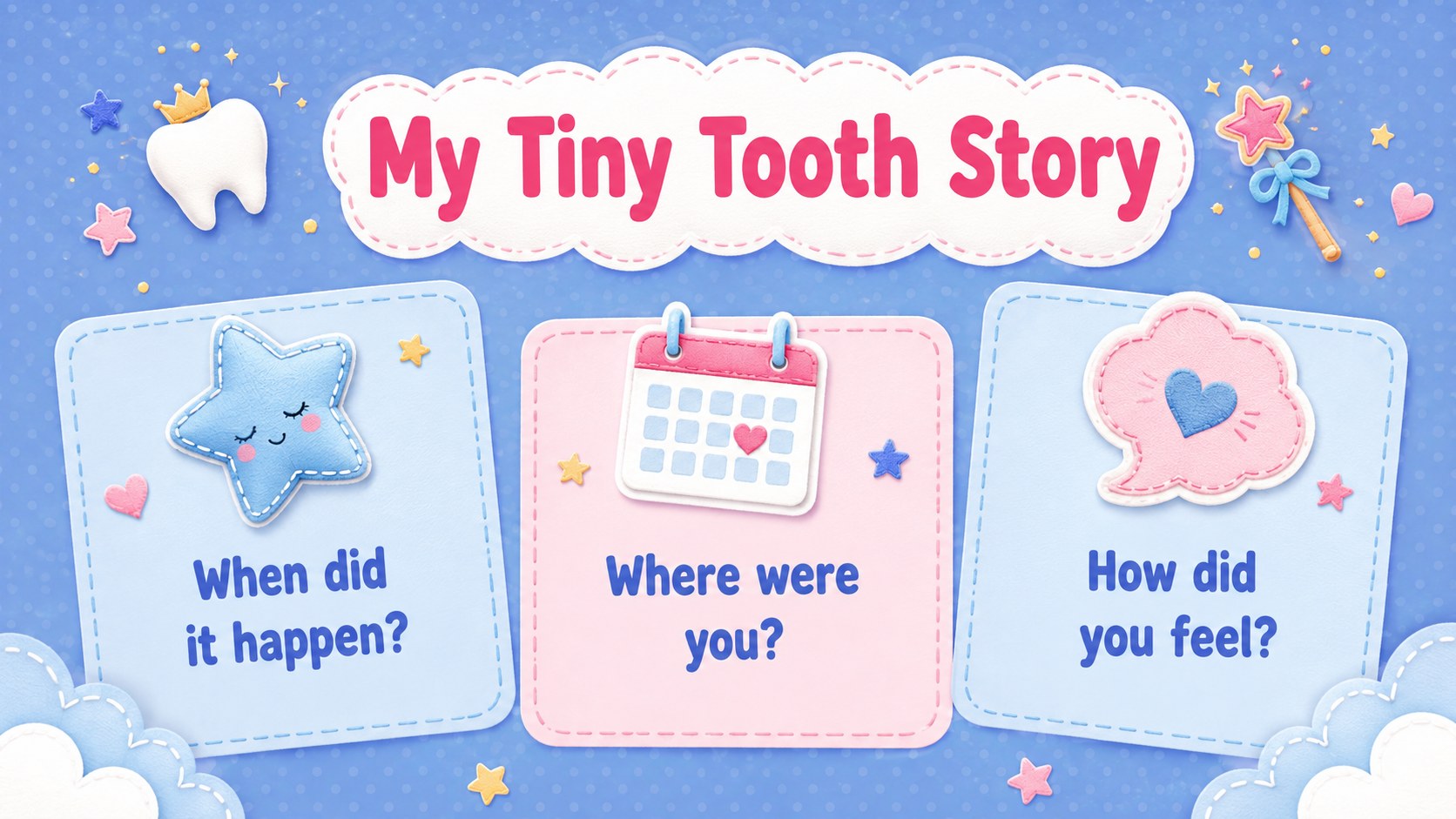
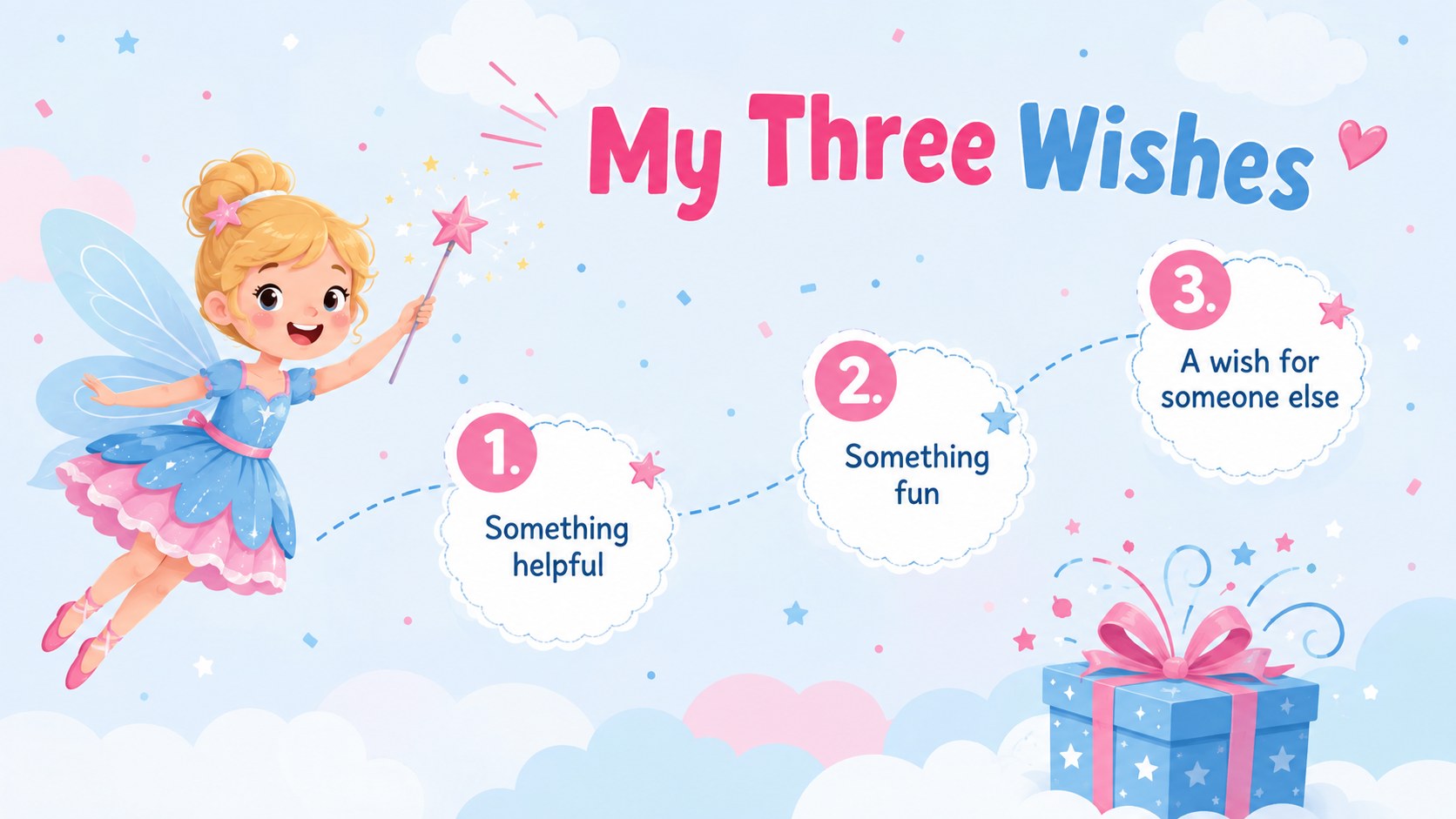
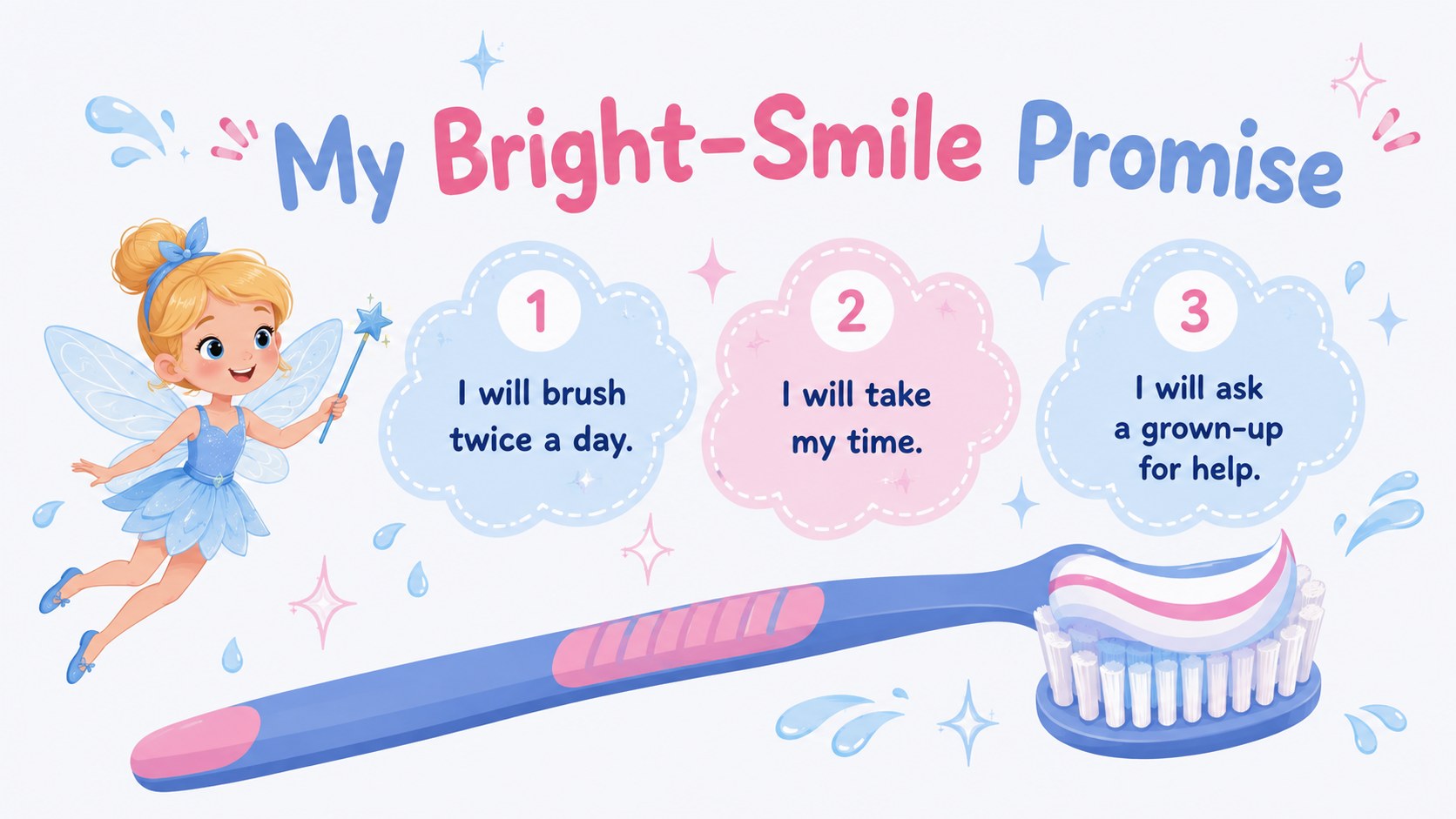
The 13-slide layout includes a cover, tooth profile, mini story page, wish list, note-writing prompt, visit checklist, reward ideas, door hanger, brushing promise, tooth tracker, grown-up preparation list, morning reveal, and keepsake page. These tooth fairy note ideas for children can be personalized with names, dates, favorite colors, family traditions, and age-appropriate rewards. The lost tooth memory keepsake slides also provide space for a photo and a few details worth remembering.
Parents and caregivers can use the presentation at home, while teachers, pediatric dental teams, and childcare professionals can adapt it for gentle dental-health conversations. Every slide is formatted in widescreen 16:9 and can be edited in PowerPoint or Google Slides. Change the wording, rearrange sections, adjust the pastel palette, or replace illustrations to create a celebration that feels personal to each child.
Perfect for: first lost tooth celebration; family bedtime activity; tooth fairy note writing; dental milestone keepsake; classroom dental health discussion.
Frequently asked questions
Can I personalize the planner for one child? Yes. Edit the child's name, tooth date, wishes, reward choices, messages, and memory details directly in PowerPoint or Google Slides.
Practical details
Yes. Edit the child's name, tooth date, wishes, reward choices, messages, and memory details directly in PowerPoint or Google Slides.
The deck is designed for PowerPoint and Google Slides. Its 16:9 layout works for screen viewing, presenting, or exporting selected pages for printing.
Yes. Replace the artwork and adjust the blue and pink palette to suit your family's preferences while keeping the existing slide structure.
Yes. Educators and pediatric dental teams can adapt the prompts for a friendly discussion about losing baby teeth, brushing habits, and dental milestones.
Keep exploring
15Build an engaging World UFO Day session with this flying saucer history lesson deck, featuring retro green-and-brown slides for PowerPoint and Google Slides.
 15
15Plan a lively animal-learning journey with this jungle zoo adventure lesson deck, ready to customize in PowerPoint and Google Slides for young learners.
 16
16Turn environmental research into a clear story with a Watercolor Ecology Presentation Theme for PowerPoint and Google Slides in calming green and blue.
 16
16Build focused fashion, literature, and humanities presentations with the Red Triangle Editorial Theme, editable in PowerPoint and Google Slides.
 15
15Turn streaming stats, favorite tracks, and concert highlights into a bold annual listening recap slide deck for PowerPoint and Google Slides.
 15
15Turn highlights, milestones, and favorite moments into a colorful year in review slide deck with bold 3D graphics for PowerPoint and Google Slides.
 3
3Build a credible endorsement with Standout Colleague Recommendation Letter Slides, featuring colorful prompts for skills, achievements, and team impact.
 4
4Build clear beginner sessions with an ice hockey fundamentals training deck for coaches, PE teachers, and clubs, ready for PowerPoint and Google Slides.